Guides to the iPhone and Mac clipboard: clipboard history, copy and paste, sync between devices, privacy, and the shortcuts that save you retyping.
Where the iPhone clipboard lives, why it keeps one item, what iOS 27 changed, and how to see, search, recover and back up what you copy.
27 guidesSelect text, copy links and whole pages, paste without formatting, copy several things at once, and paste images on iPhone and iPad.
26 guidesUniversal Clipboard, AirDrop, iCloud clipboard sync, and what works today for getting copied text from iPhone to Windows and Android.
8 guidesPaste permission, apps that read your clipboard, clearing copied passwords, and what a clipboard manager stores. Practical privacy for iPhone.
17 guidesText Replacement, text expander apps and saved clips: how to stop retyping addresses, replies, codes and templates on iPhone.
7 guidesLive Text, document scanning and on-device text recognition: get the words out of photos, screenshots, PDFs and paper on iPhone.
5 guidesClipboard shortcuts, the Action Button, Back Tap, Siri and verification-code autofill: automate the copying you do every day on iPhone.
11 guidesClipboard history on macOS 26, pasting several items, plain-text paste and keeping your Mac and iPhone clipboards in step.
12 guidesApple Intelligence rewrites, AI sorting of copied text, ChatGPT prompt libraries and what on-device AI means for clipboard privacy.
7 guidesFree and paid clipboard managers for iPhone and Mac compared on price, history limits, keyboard, sync and privacy, with dated prices.
14 guidesHow people in healthcare, accounting, law and other fields use saved clips, templates and history to stop retyping the same things.
5 guidesiPhone productivity guides and app roundups: browsers, calendars, note apps, widgets, Focus modes and settings worth changing.
51 guides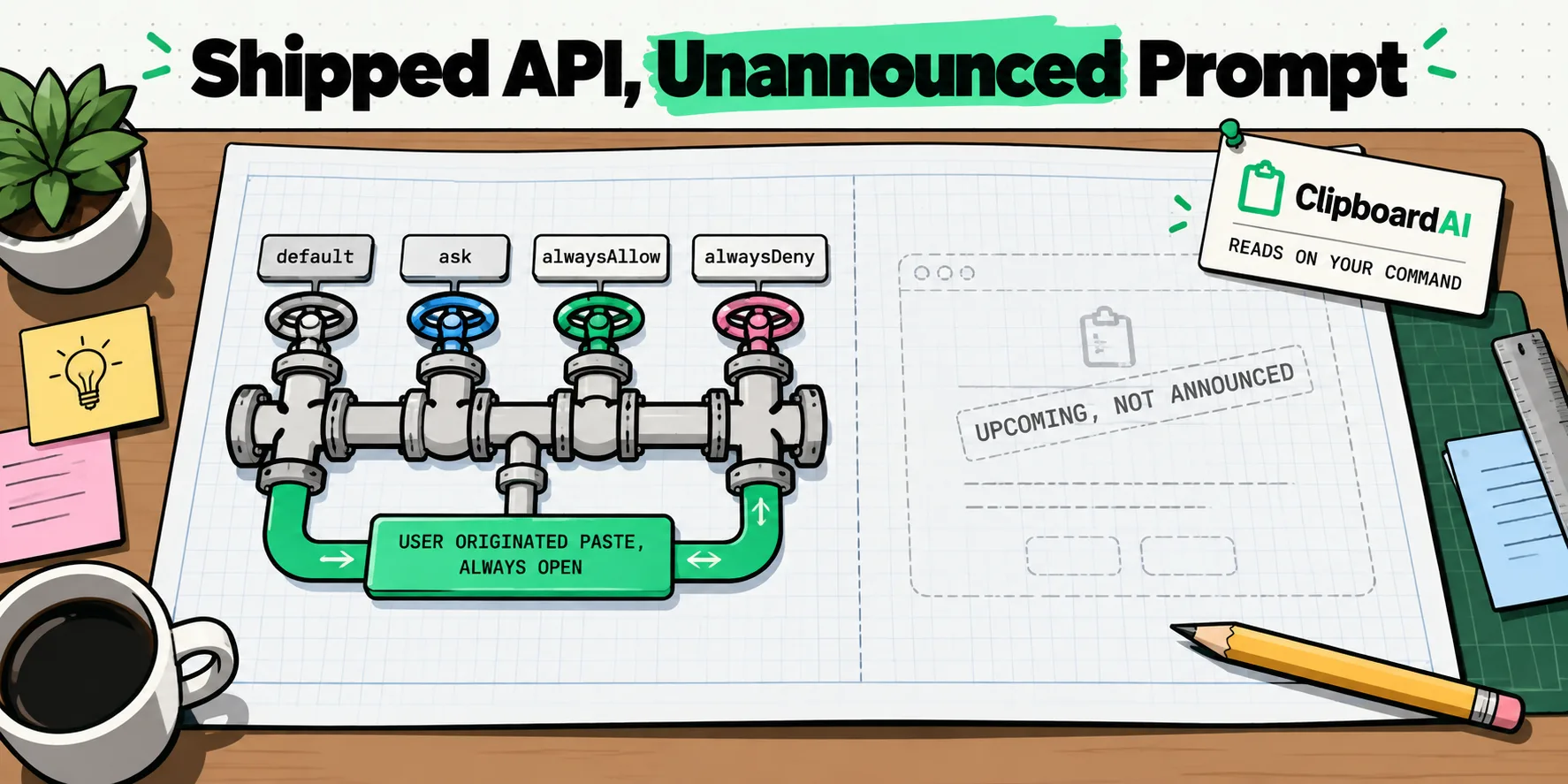
macOS has a shipped pasteboard privacy API and an alert Apple still calls upcoming. What NSPasteboard accessBehavior does, and what has not been announced.
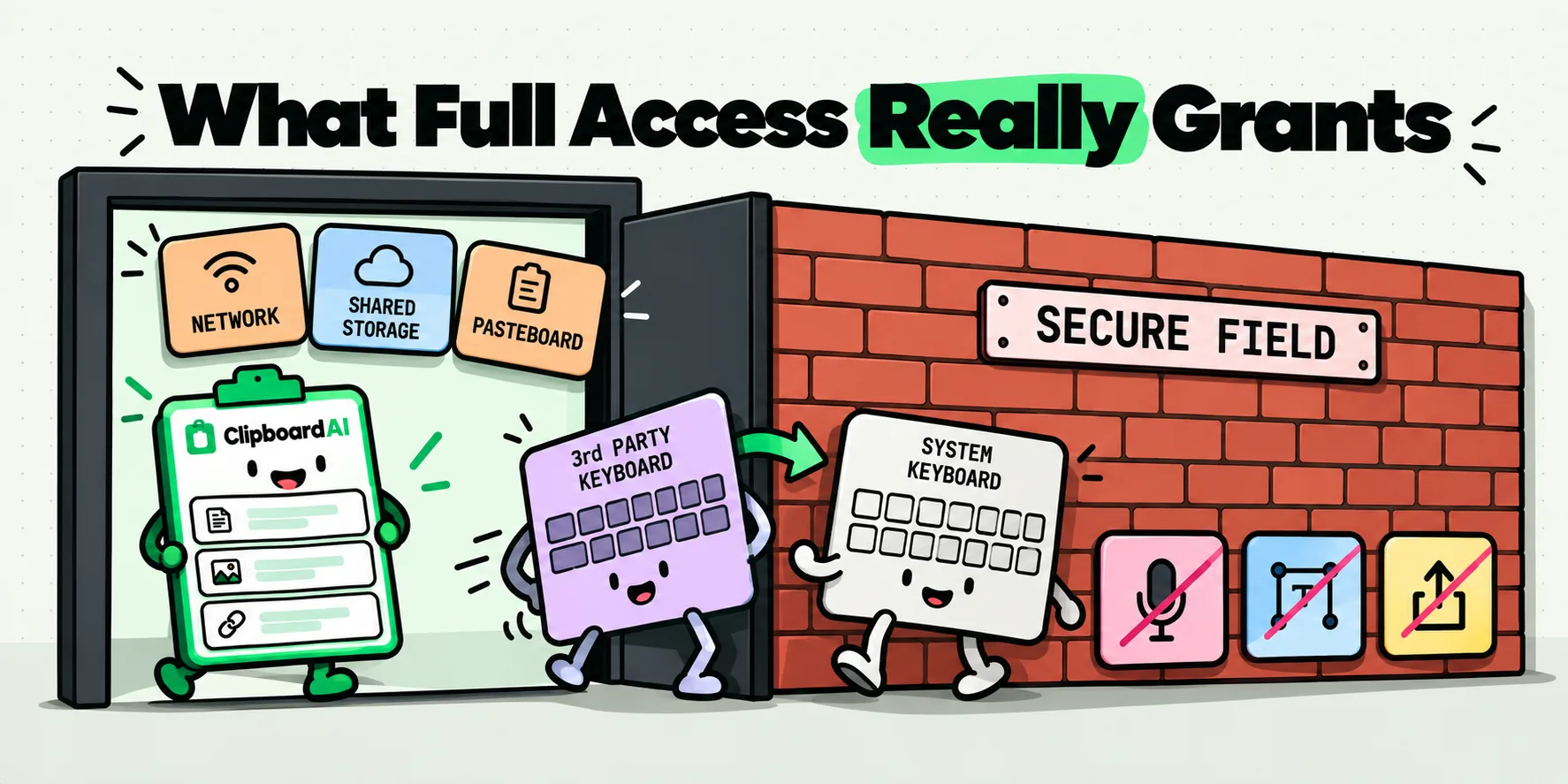
Allow Full Access lets a keyboard use the network and share storage. It still cannot see your password field. The exact capability list, and where iOS says no.
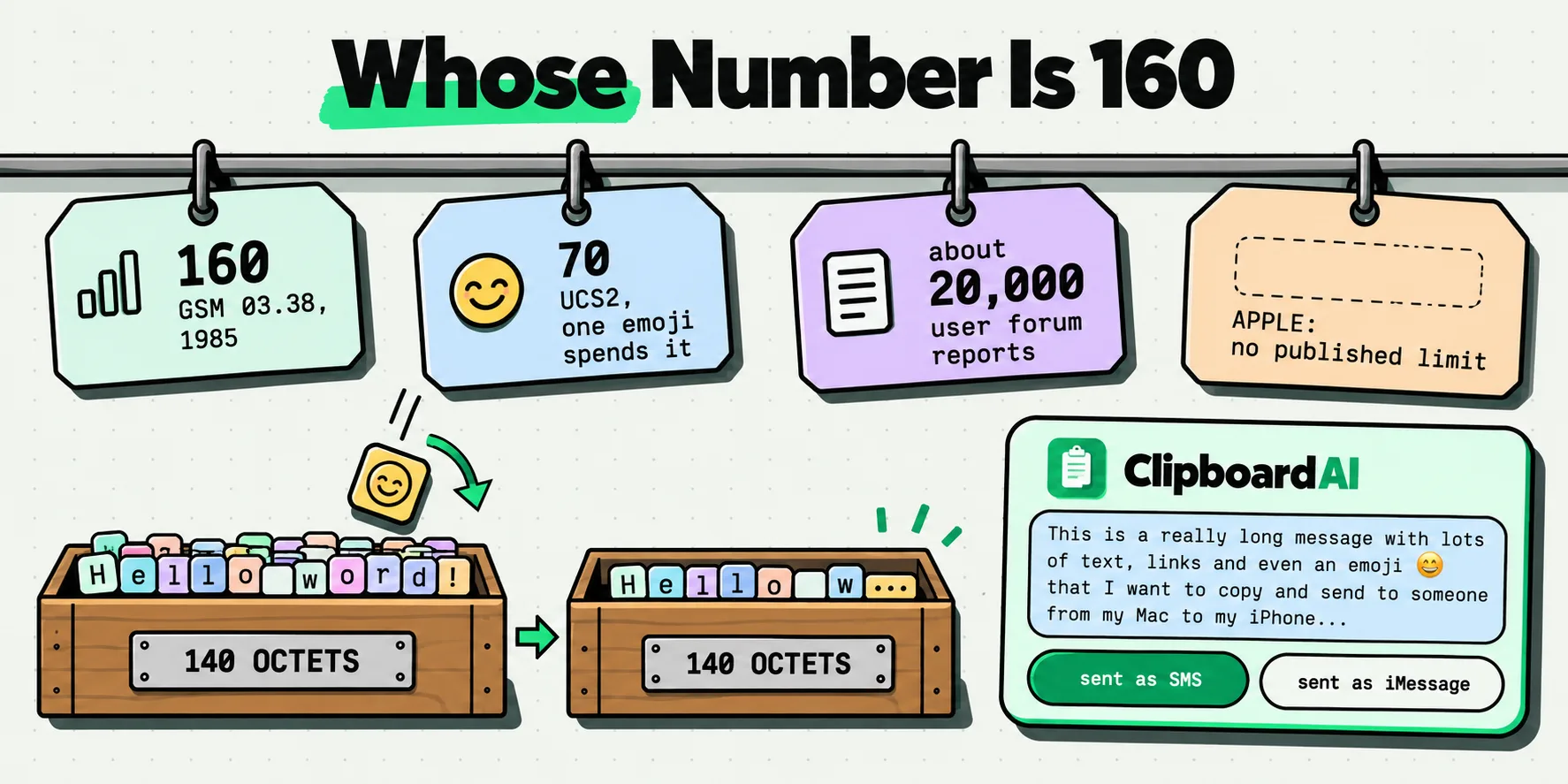
The iMessage character limit Apple never published, why 160 belongs to the GSM SMS standard instead, and what really happens when a long message fails.
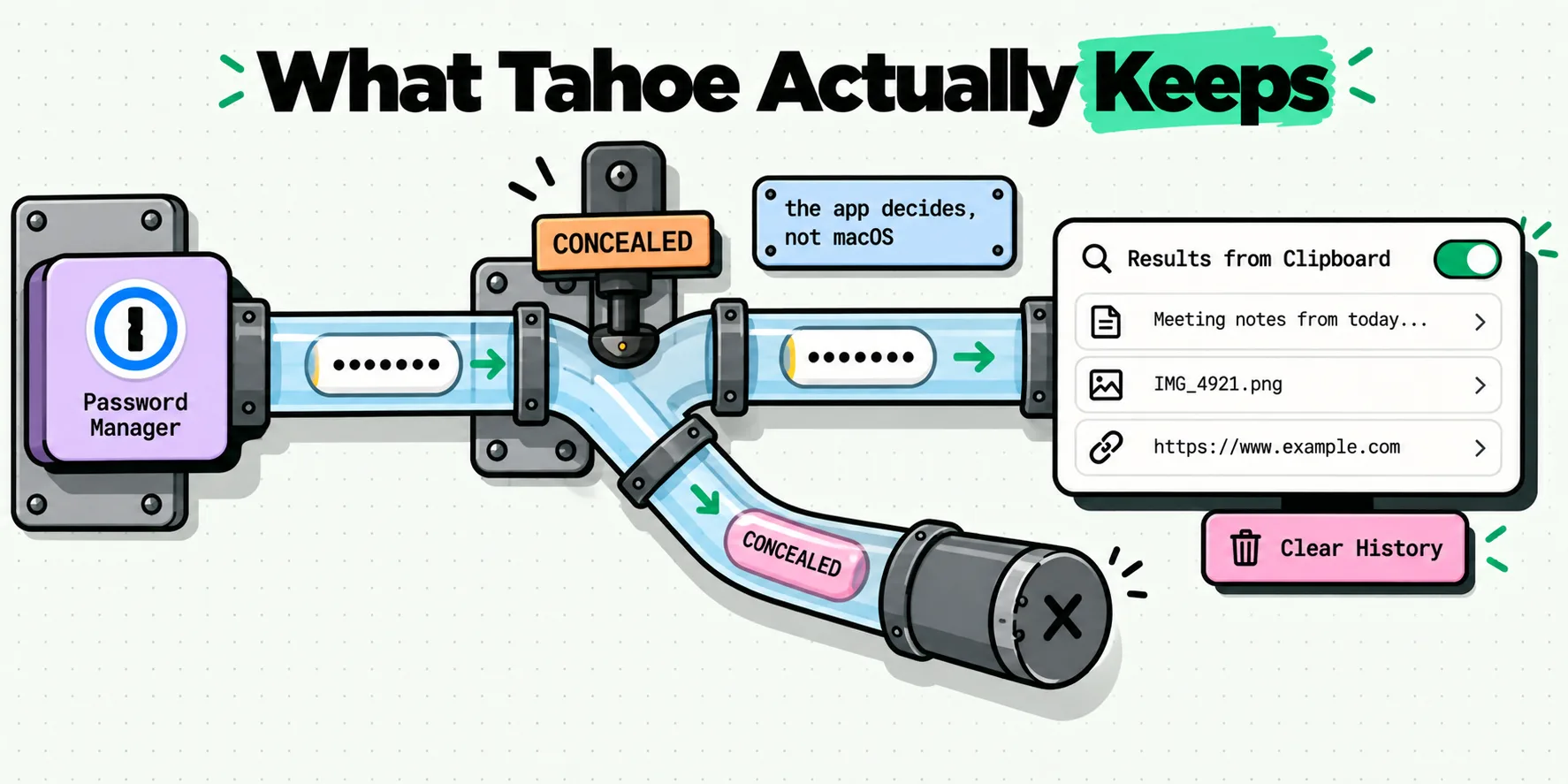
What Spotlight's clipboard history in macOS Tahoe keeps when you copy a password, what Apple actually documents, and the three settings that decide it.
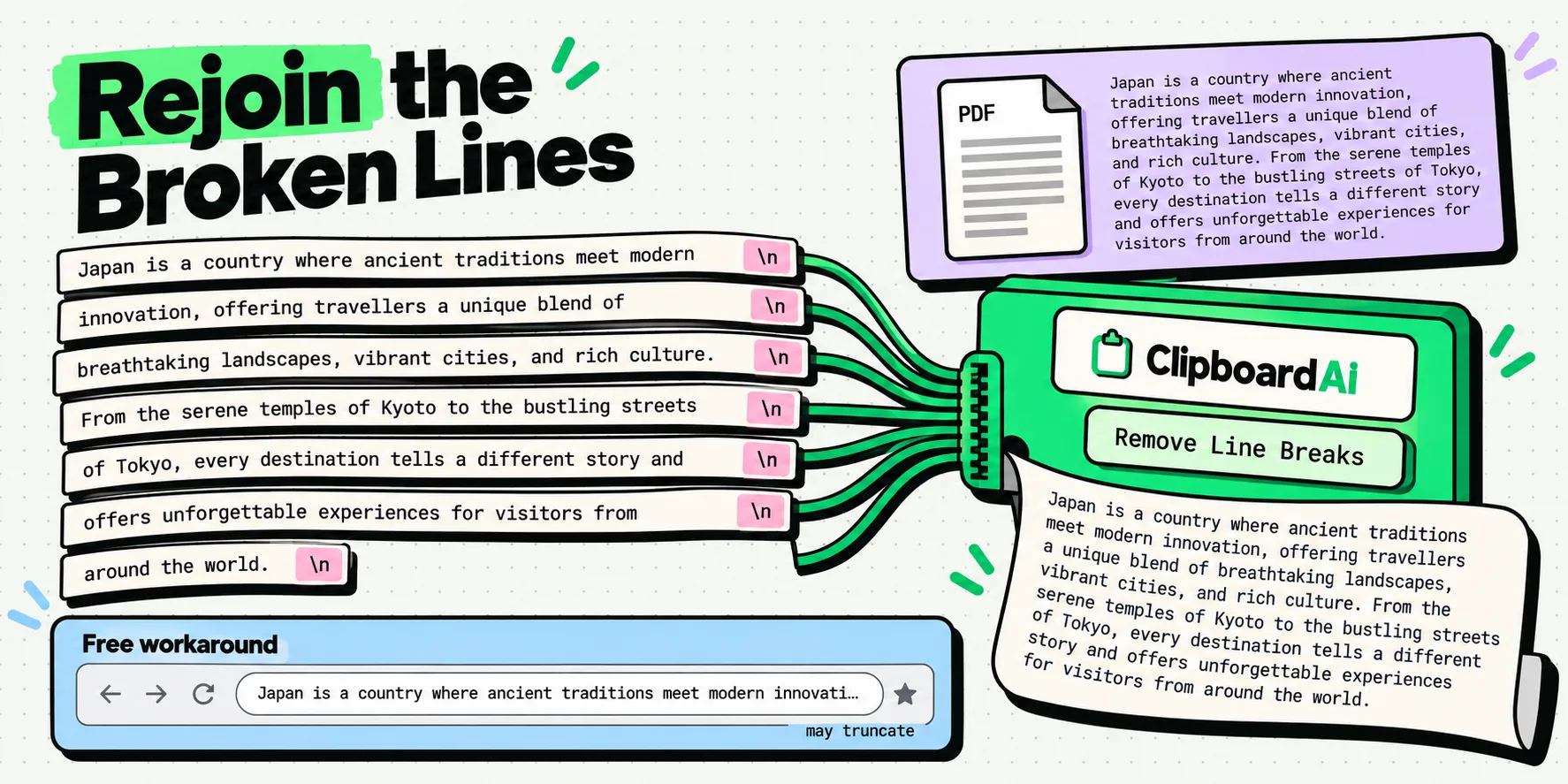
Copy text from a PDF without line breaks. Why every line snaps, a free 15-second fix that works on iPhone, and the one-tap route that keeps it clean.
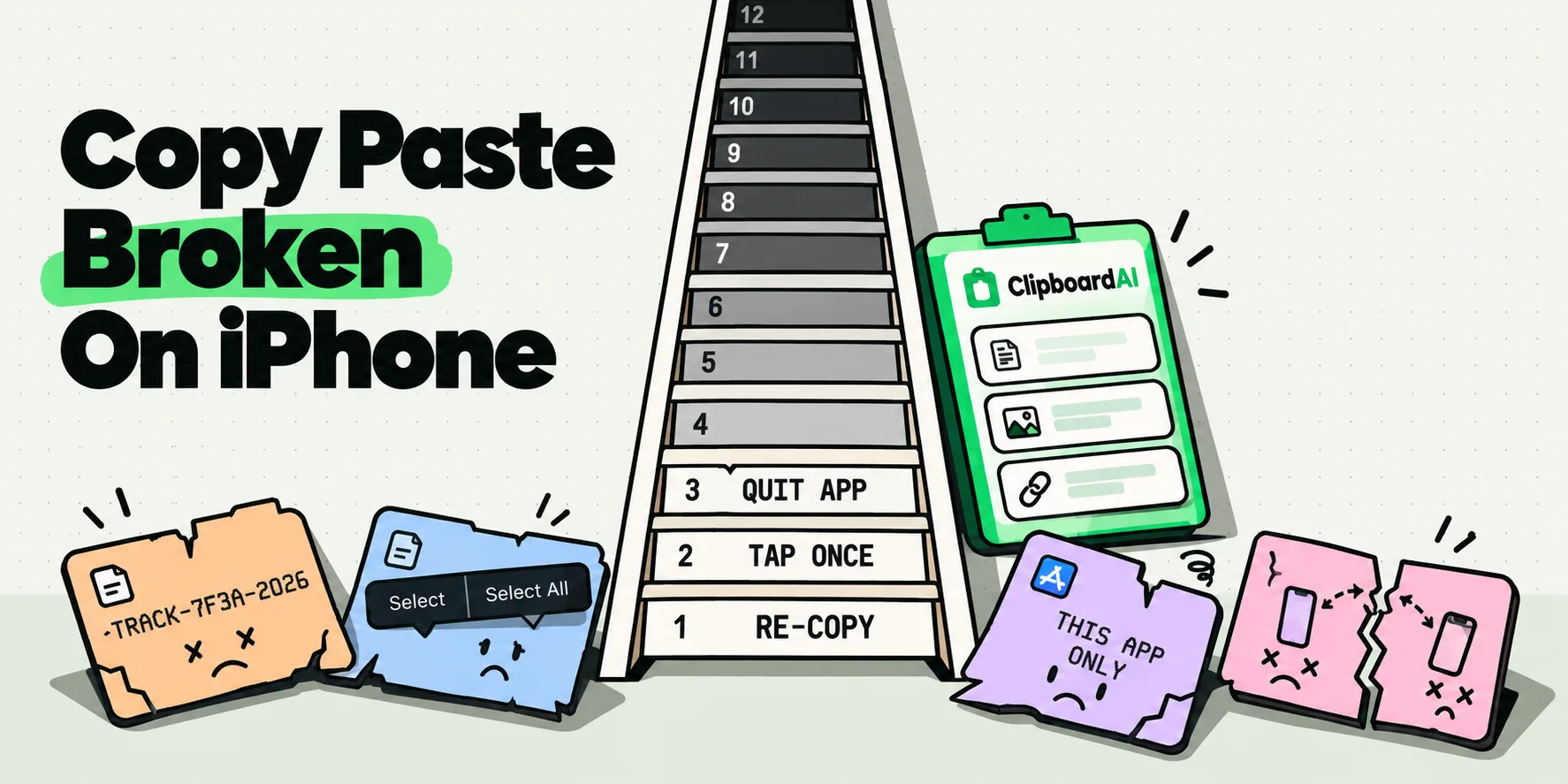
Copy and paste not working on iPhone? Match your symptom in a cause-and-fix table, then work the 12-step ladder in the order that solves it fastest.
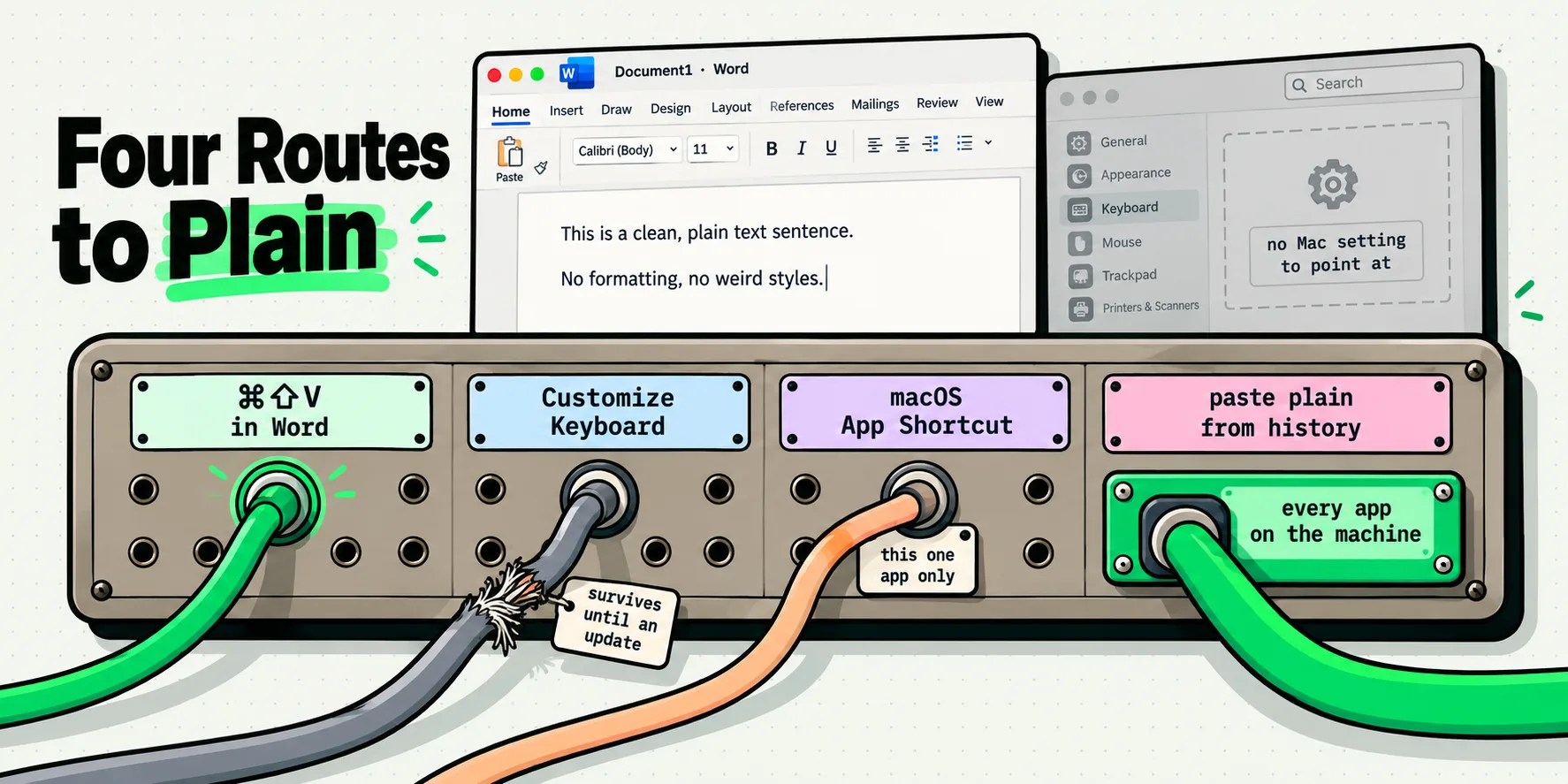
Word for Mac has no default paste plain text setting. Here are the four routes that do work, including the shortcut Microsoft quietly added in 2024.
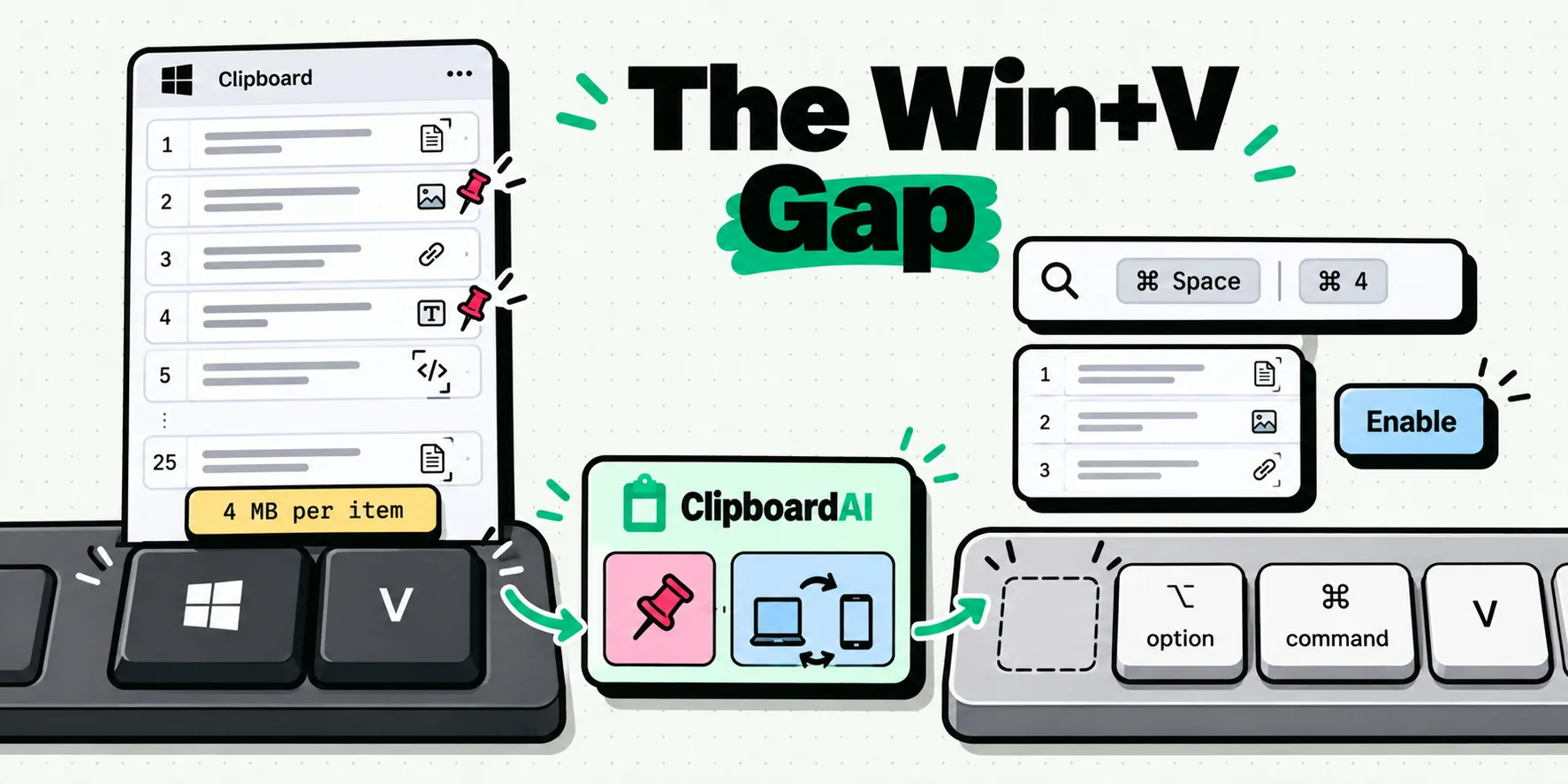
Win+V does nothing on a Mac. The closest thing macOS 26 ships is Command-Space, Command-4, and it starts switched off. Here is the check, the gaps and the fix.
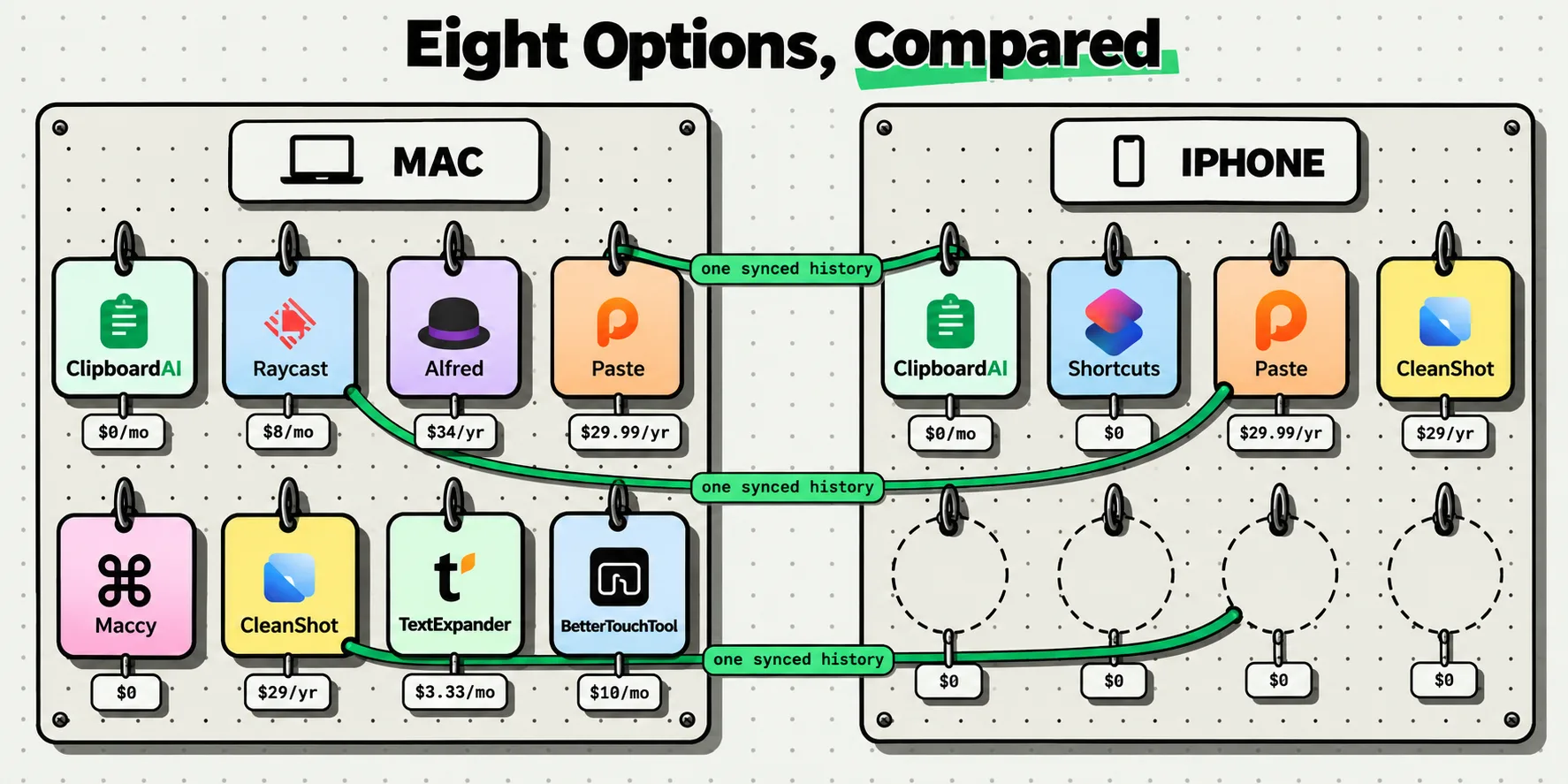
Eight Paste alternatives compared on platforms, price and sync, every figure checked October 5, 2026. Paste is a good app. Here is when another fits better.
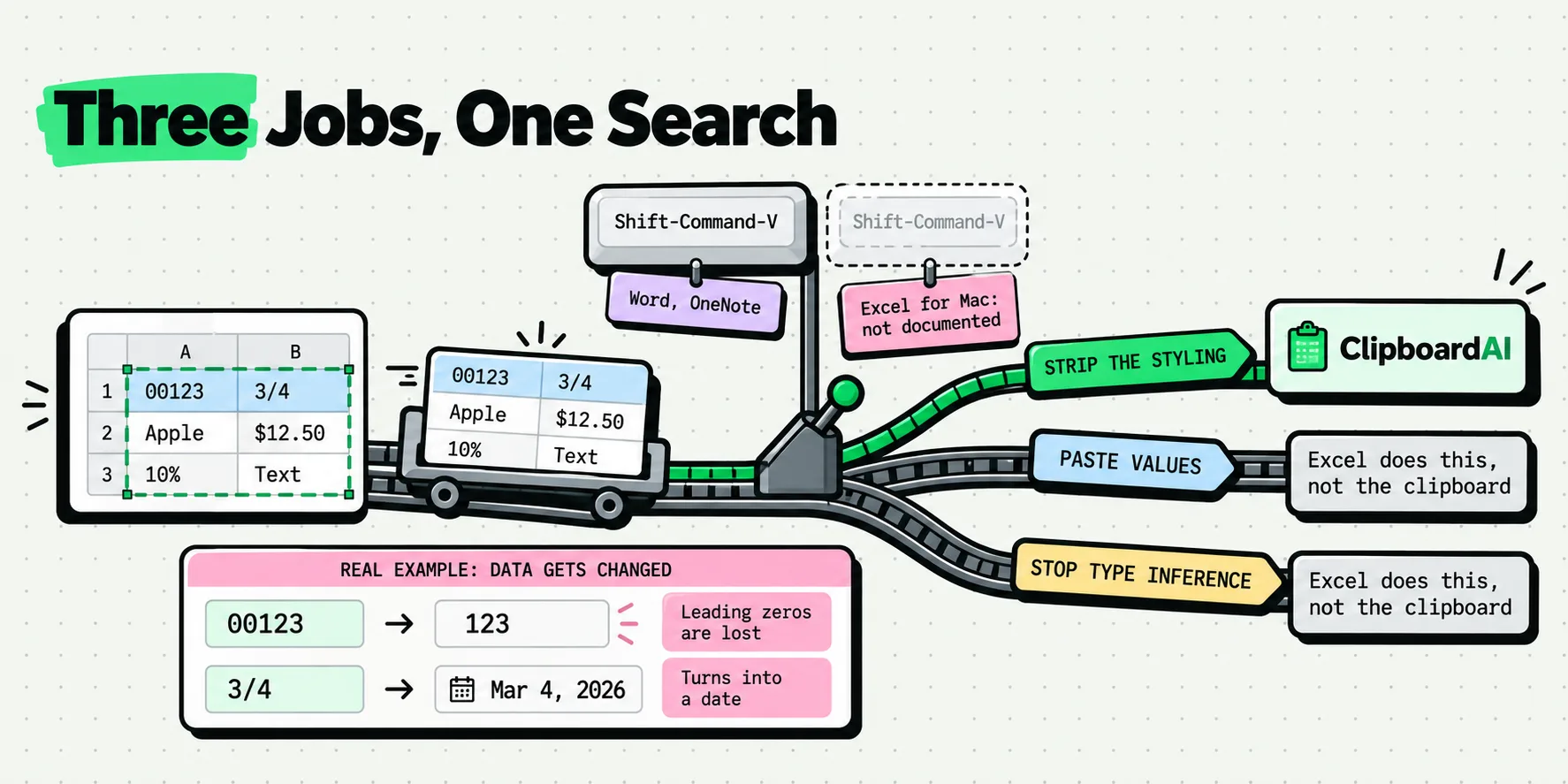
Excel for Mac paste without formatting: no documented keystroke exists. Twelve routes scored, plus the three different jobs everyone confuses for one.
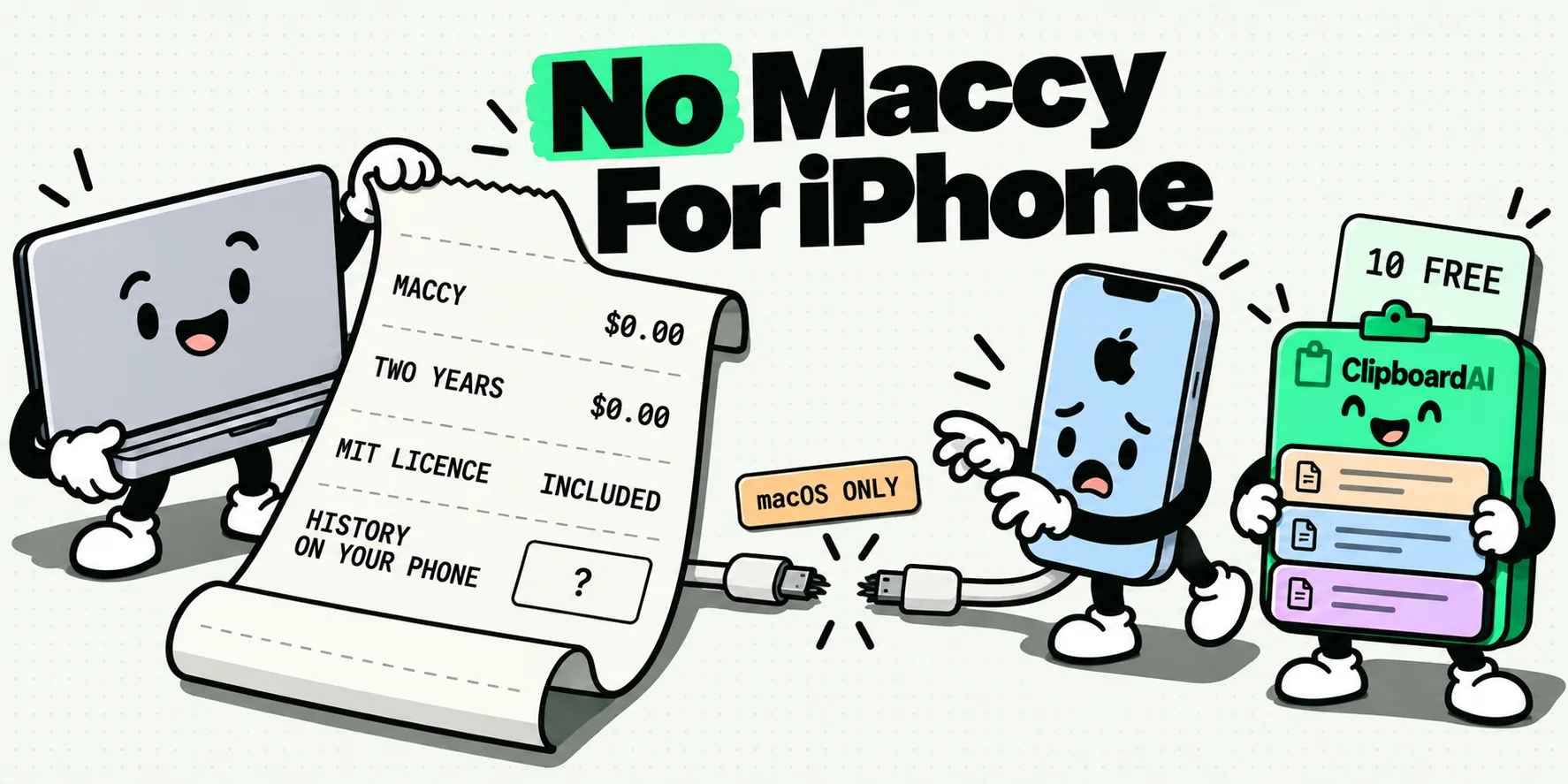
Maccy is Mac only, so there is no iPhone version. We compare five iOS clipboard managers and show why ClipboardAI is the best Maccy alternative.
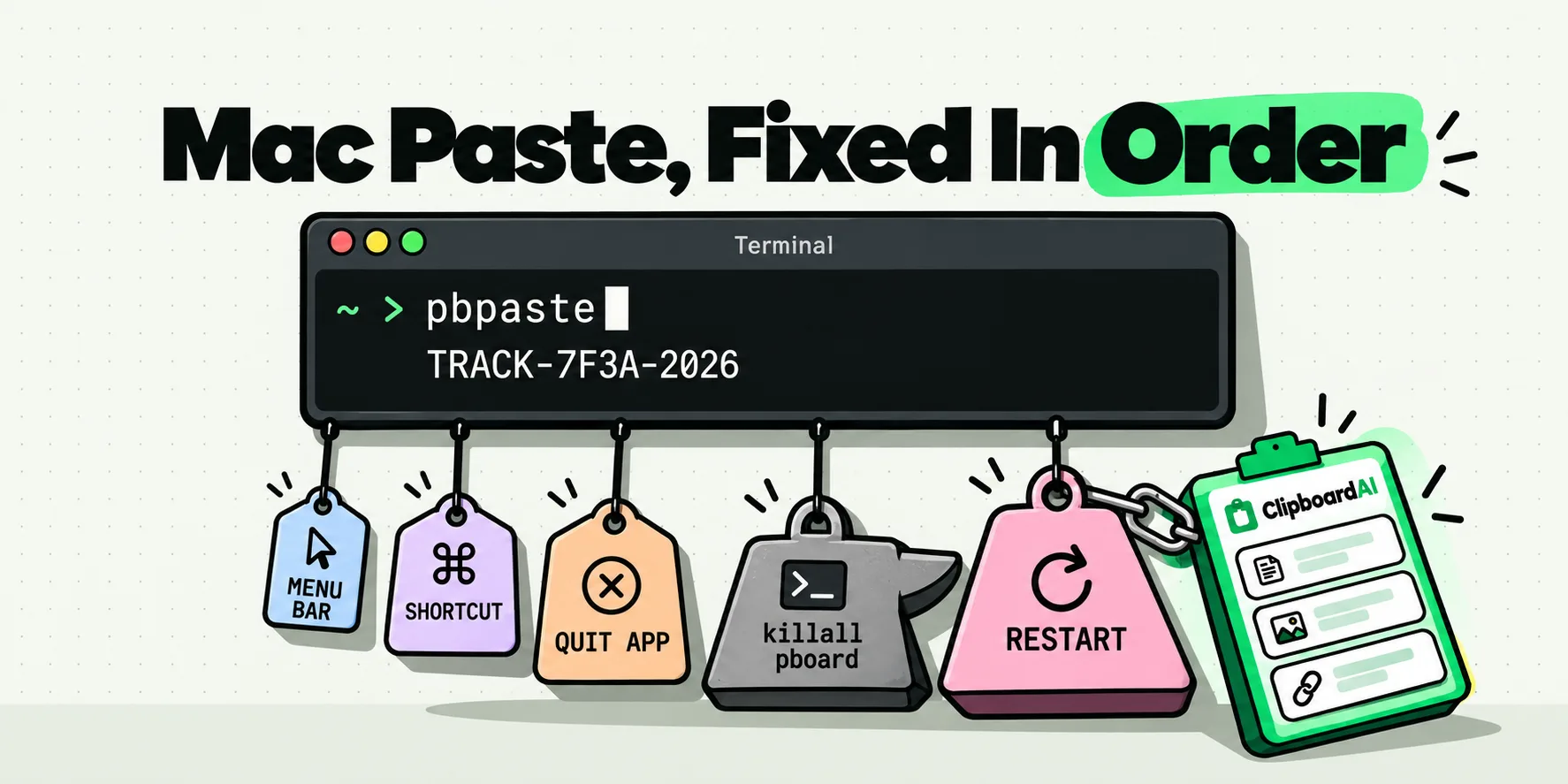
Copy and paste not working on Mac? Run pbpaste for a ten-second diagnosis, then climb a fix ladder ordered by cost, killall pboard included.
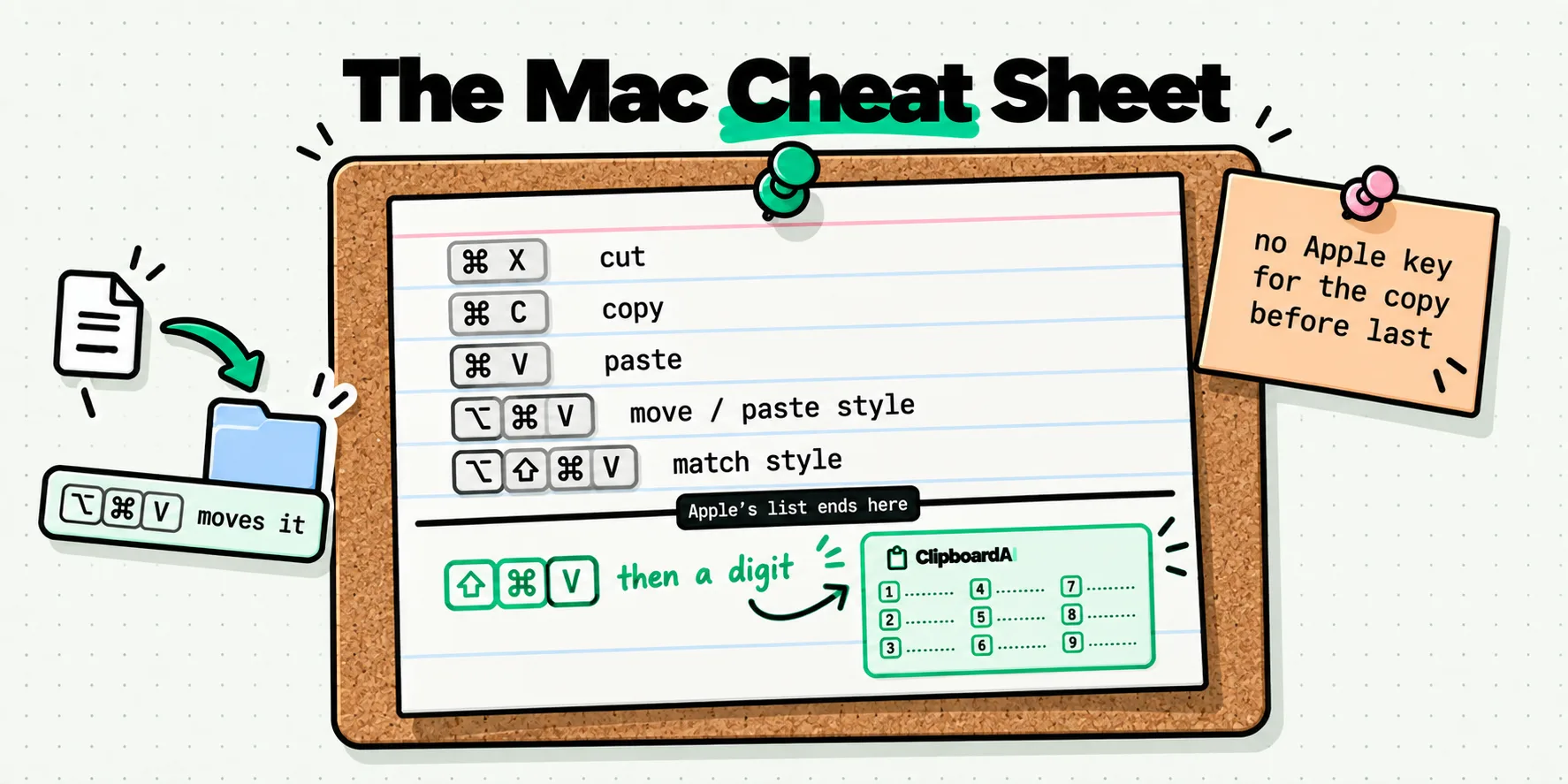
Every Mac clipboard keyboard shortcut Apple documents, the four it never gave you, and a one-hotkey layer that keeps your hands off the mouse.
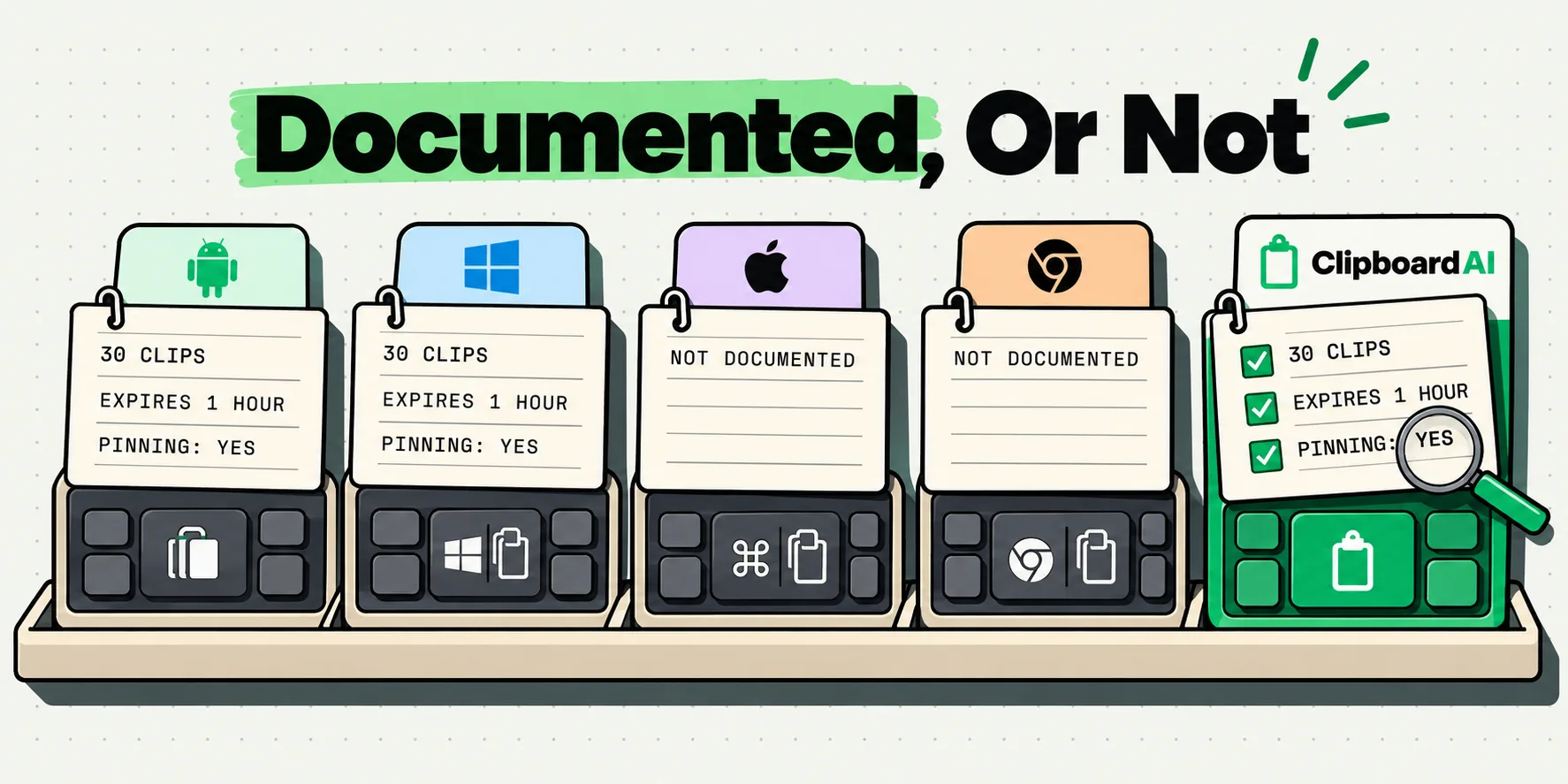
Google documents no Gboard clipboard on iOS, but Microsoft publishes SwiftKey's exact limits. Here is what each vendor actually says, sourced and dated.
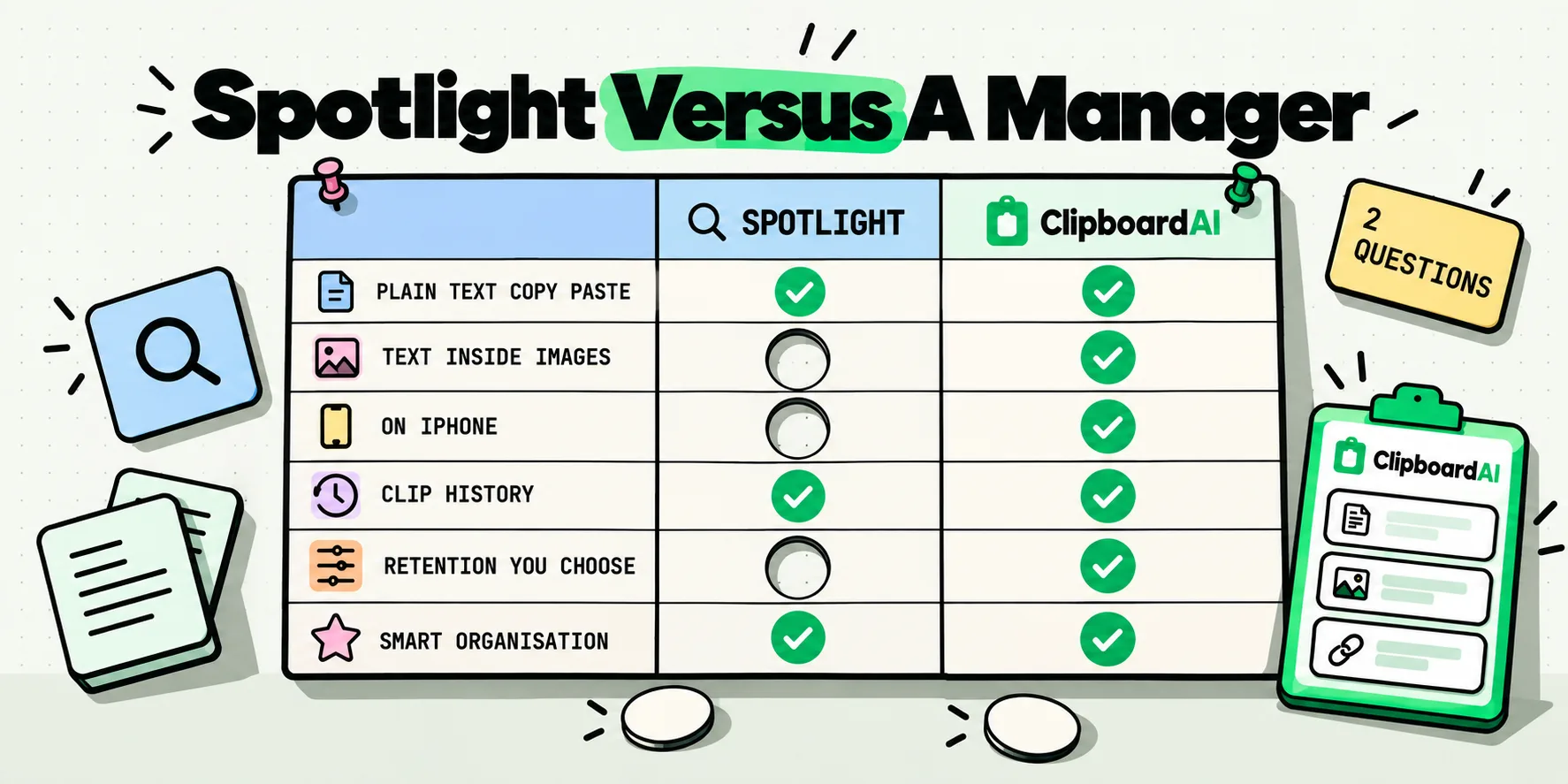
Spotlight clipboard history is free and built into macOS 26. A two-question test for whether it covers you, and exactly where a clipboard manager still wins.
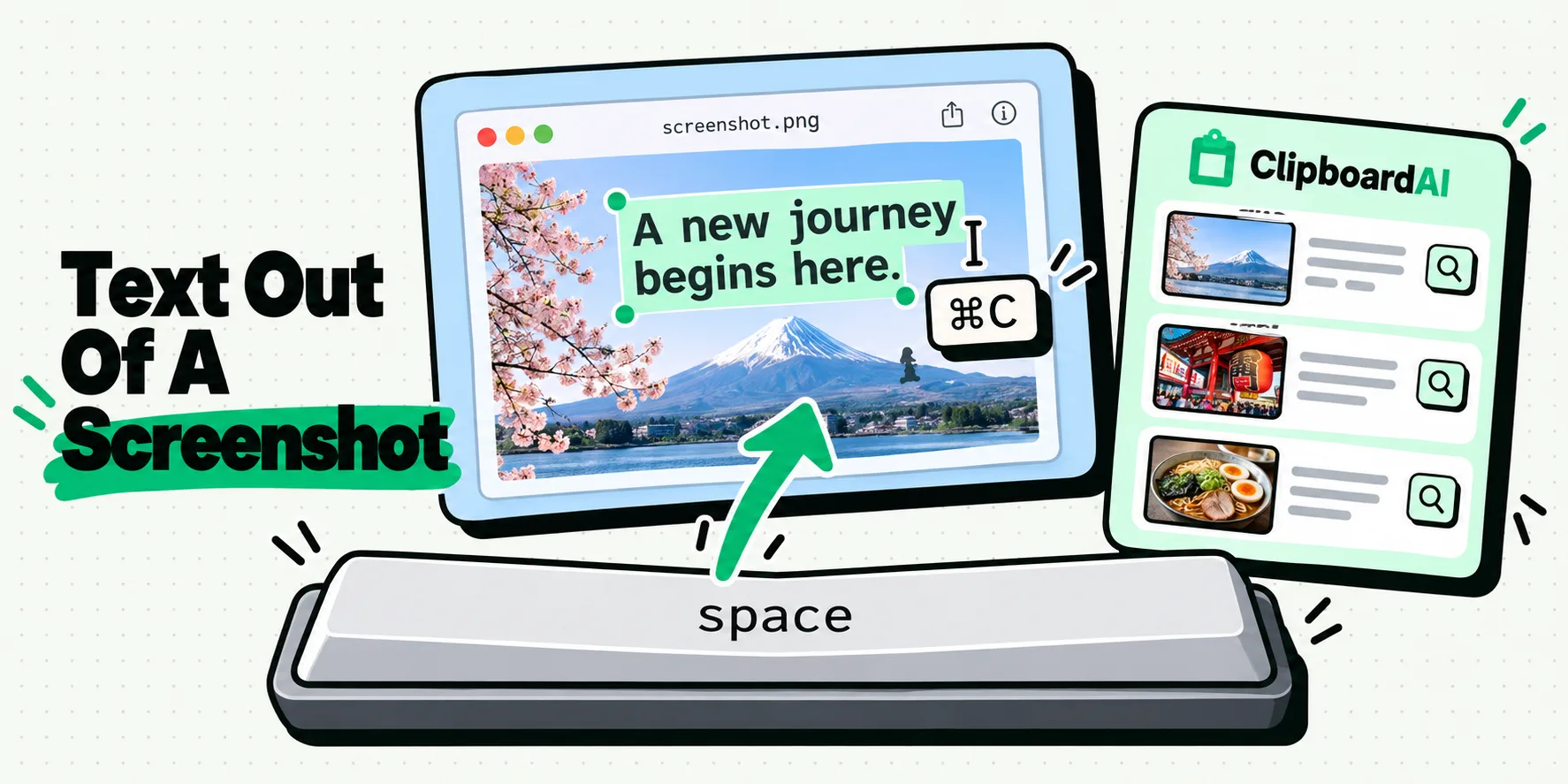
Copy text from a screenshot on Mac in ten seconds with Quick Look, plus where Live Text works, and what Apple actually documents when it will not cooperate.
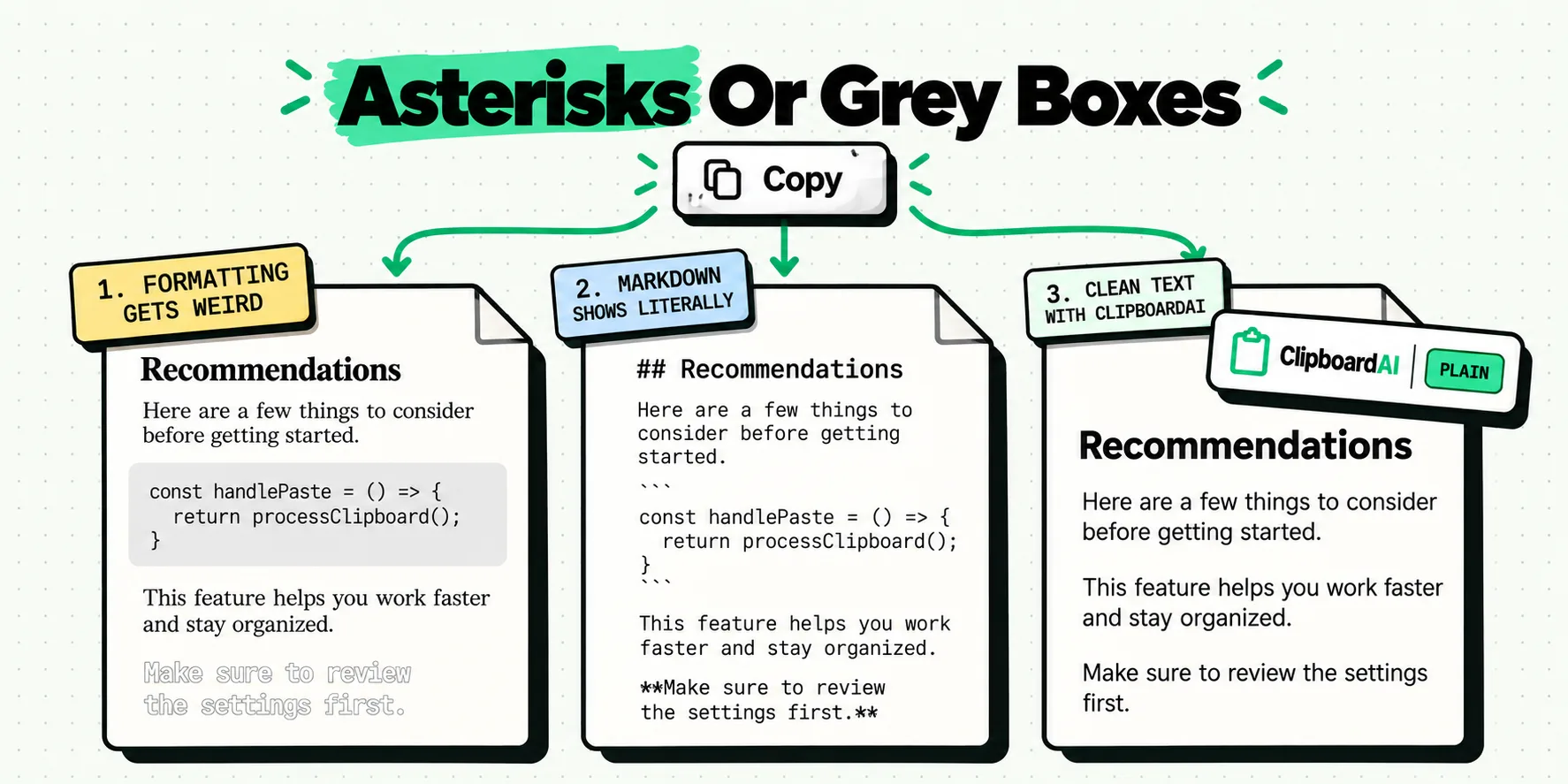
Paste ChatGPT and Claude answers without gray code boxes, wrong fonts or literal asterisks. A decision tree plus the paste-plain shortcut for each app.
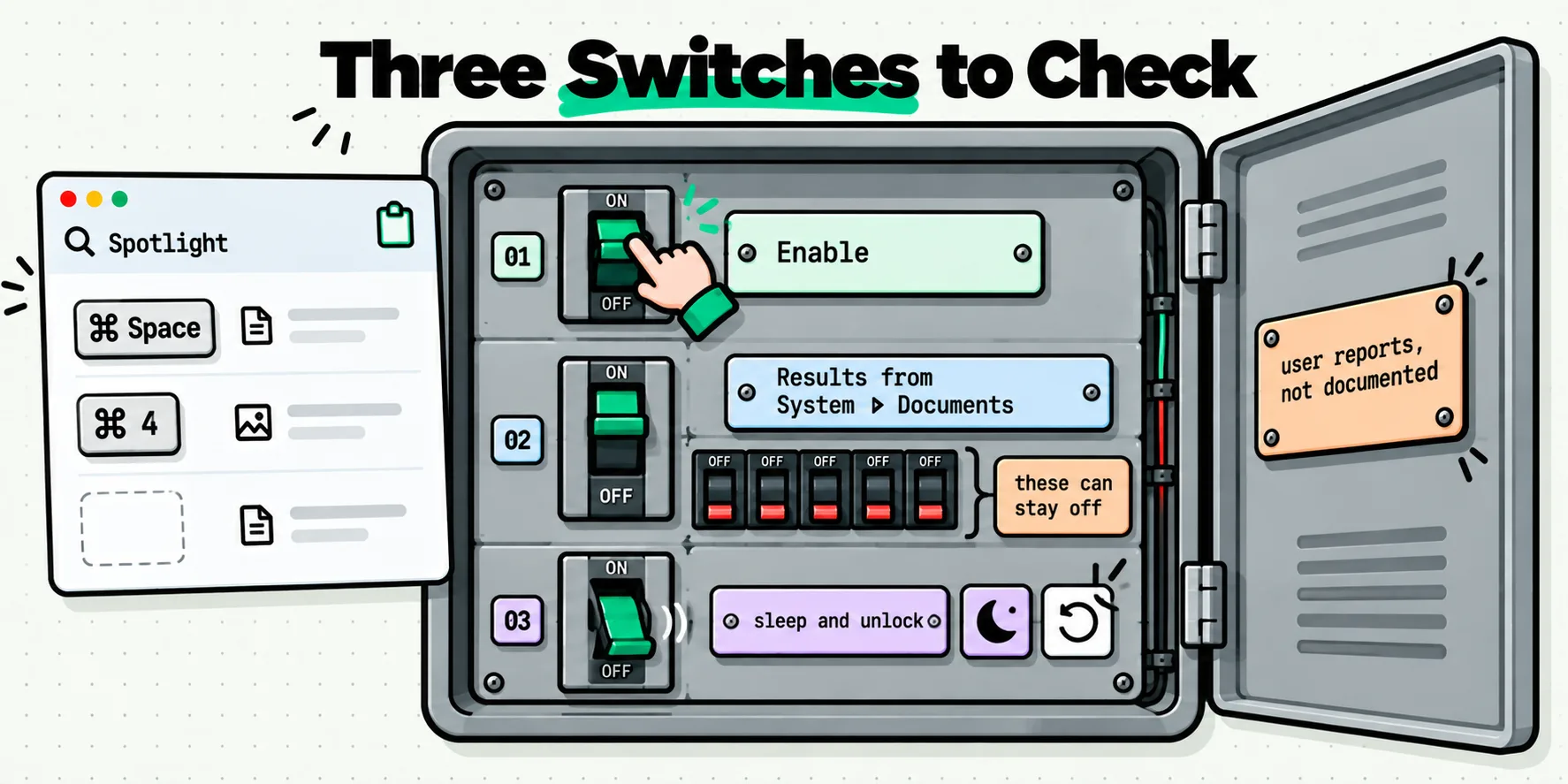
Spotlight clipboard history empty or dead after a sleep? Work through the reported causes in order, with what Apple documents and what it does not.
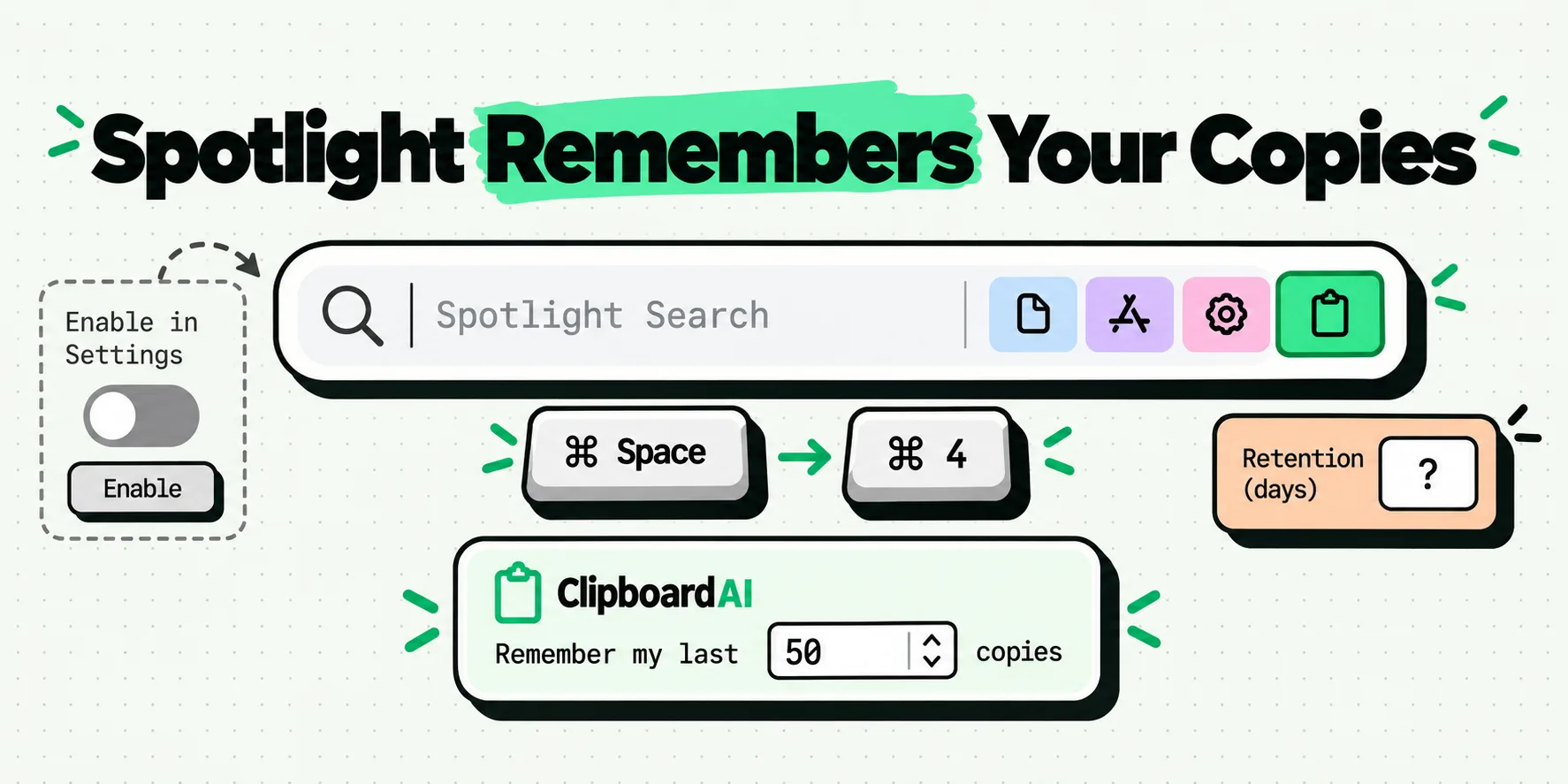
macOS clipboard history lives in Spotlight and starts switched off. Turn it on, open it with Command-4, clear it, and see what Apple never published.
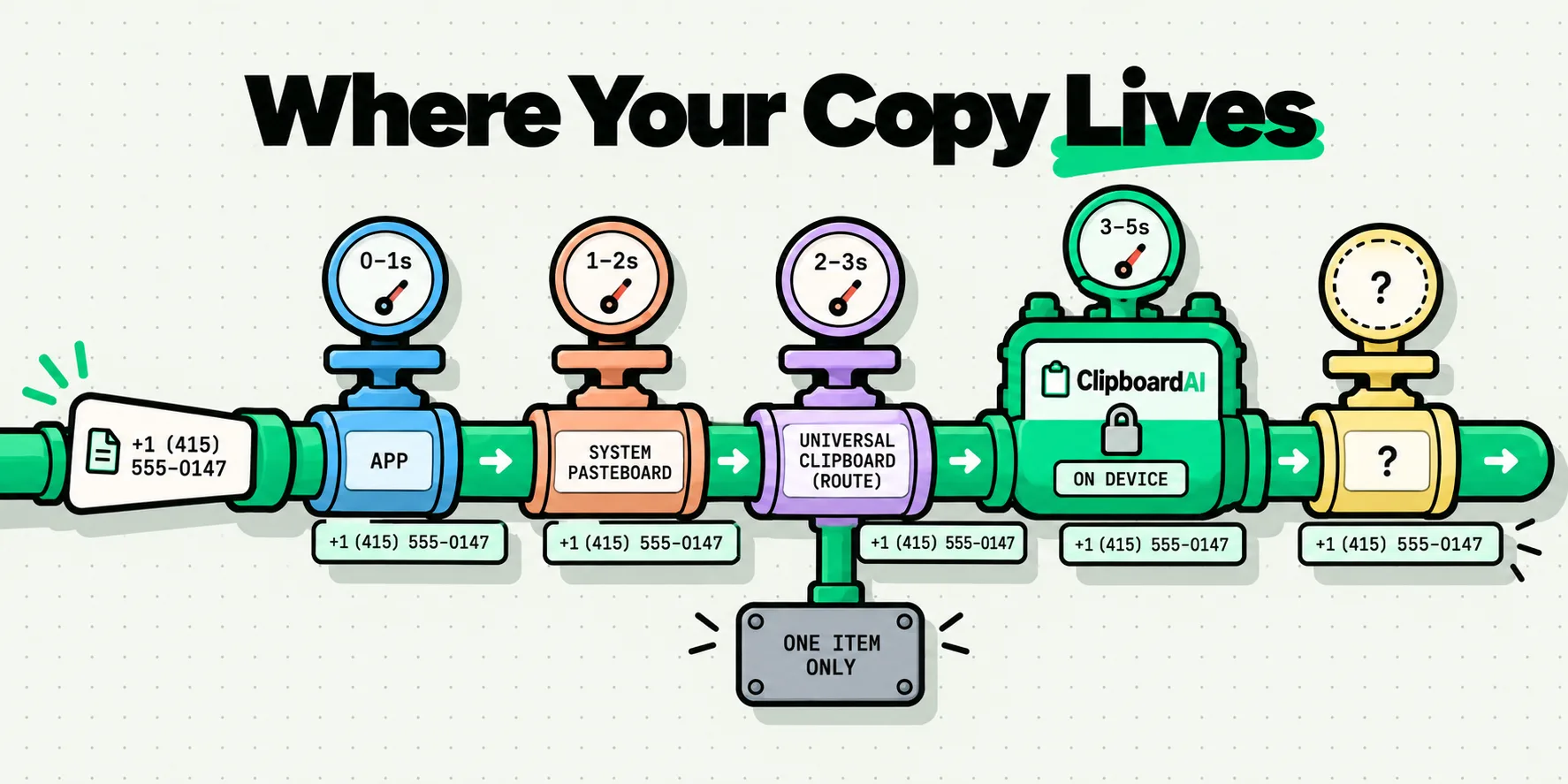
Where the clipboard is stored on iPhone, how long a copy really lasts, and every layer your copied text can pass through. Mapped, with Apple's own wording.
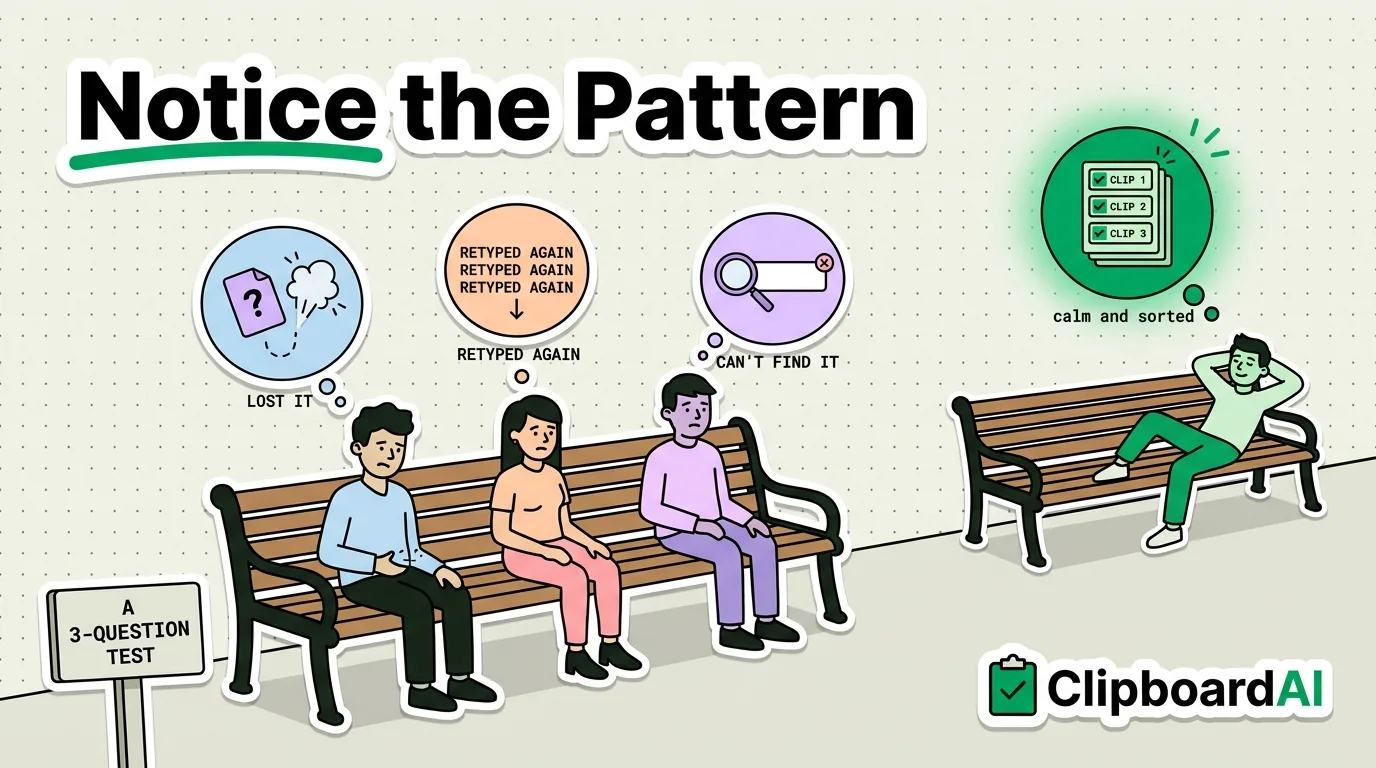
Does your iPhone need a clipboard manager in 2026? A 3-question test, what one fixes, what iOS 27 now does on its own, and when to skip it.
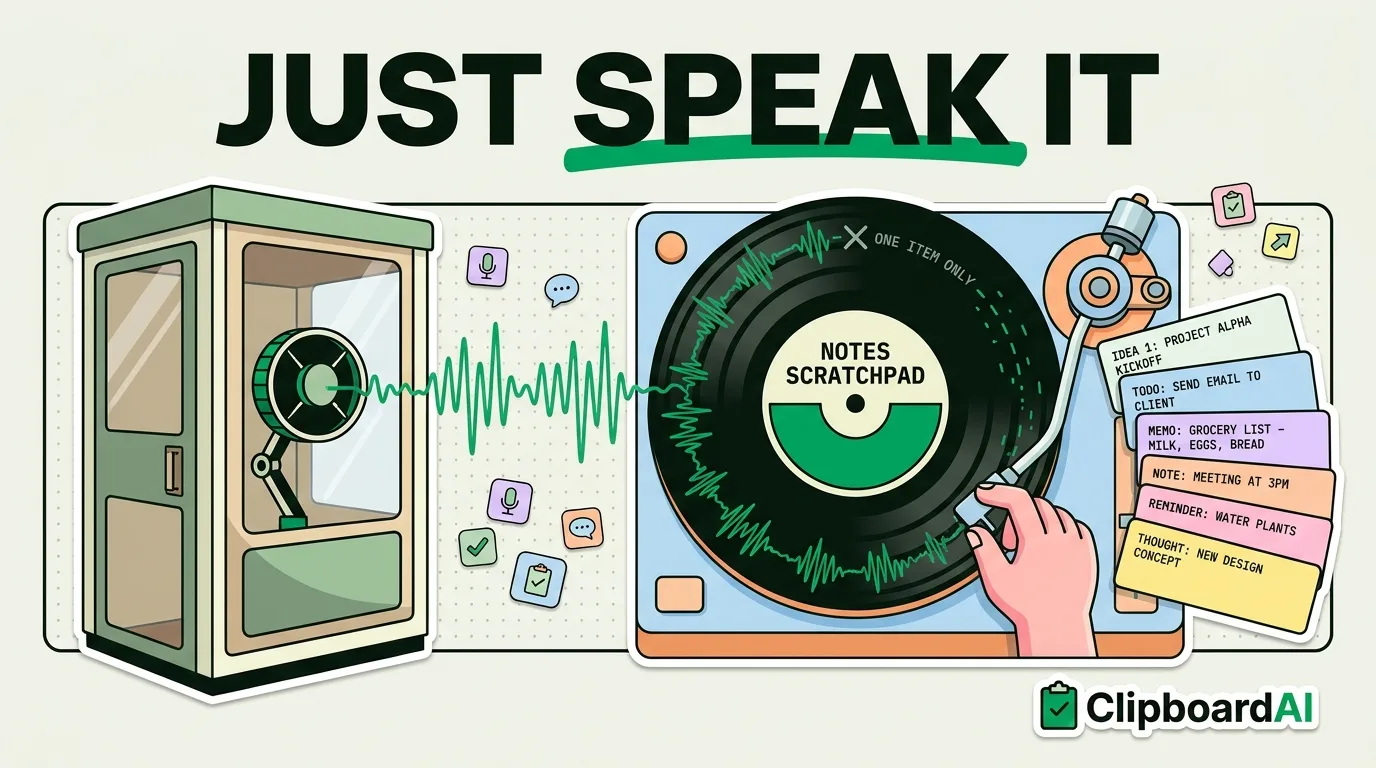
Speak, copy, paste. Use Siri and dictation to capture text to your clipboard without typing a single letter.
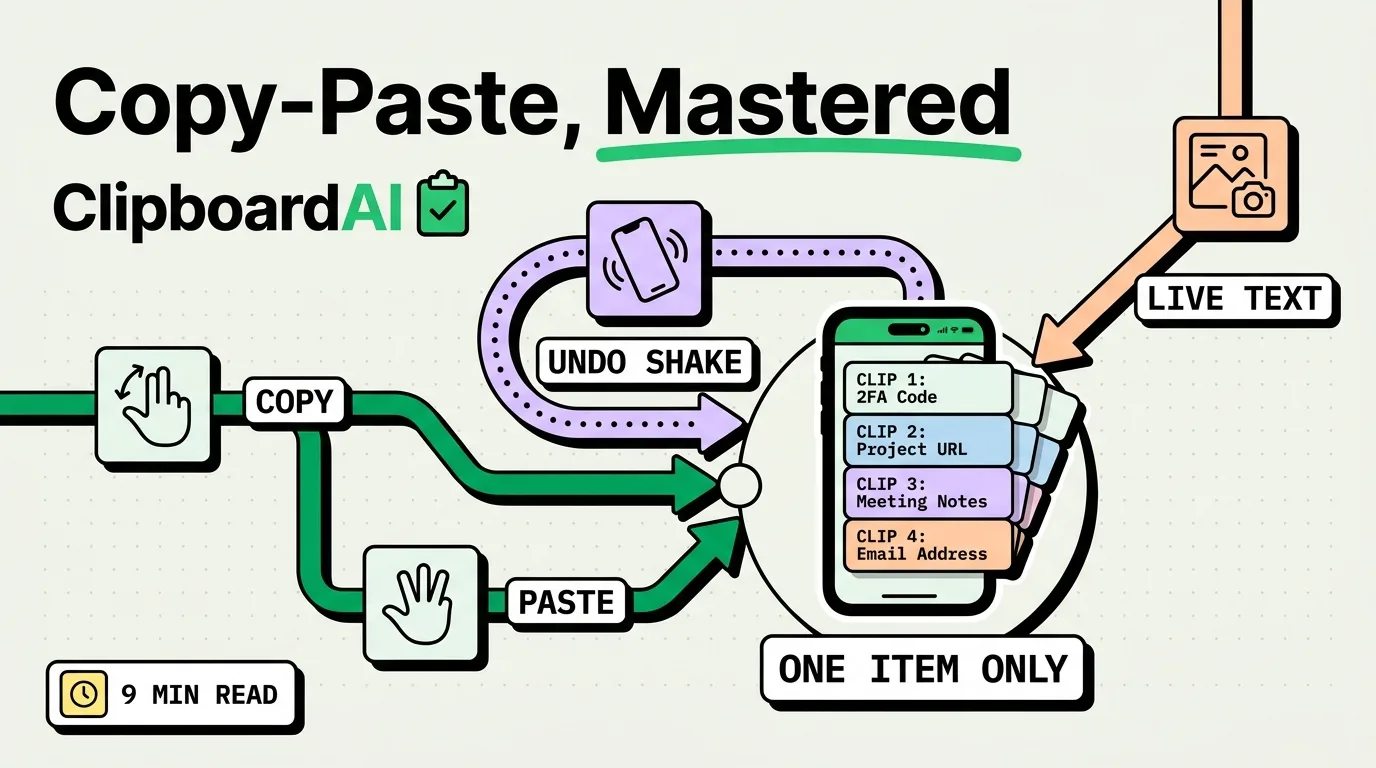
The definitive guide to copy and paste on iPhone. From basic gestures to advanced clipboard management techniques.
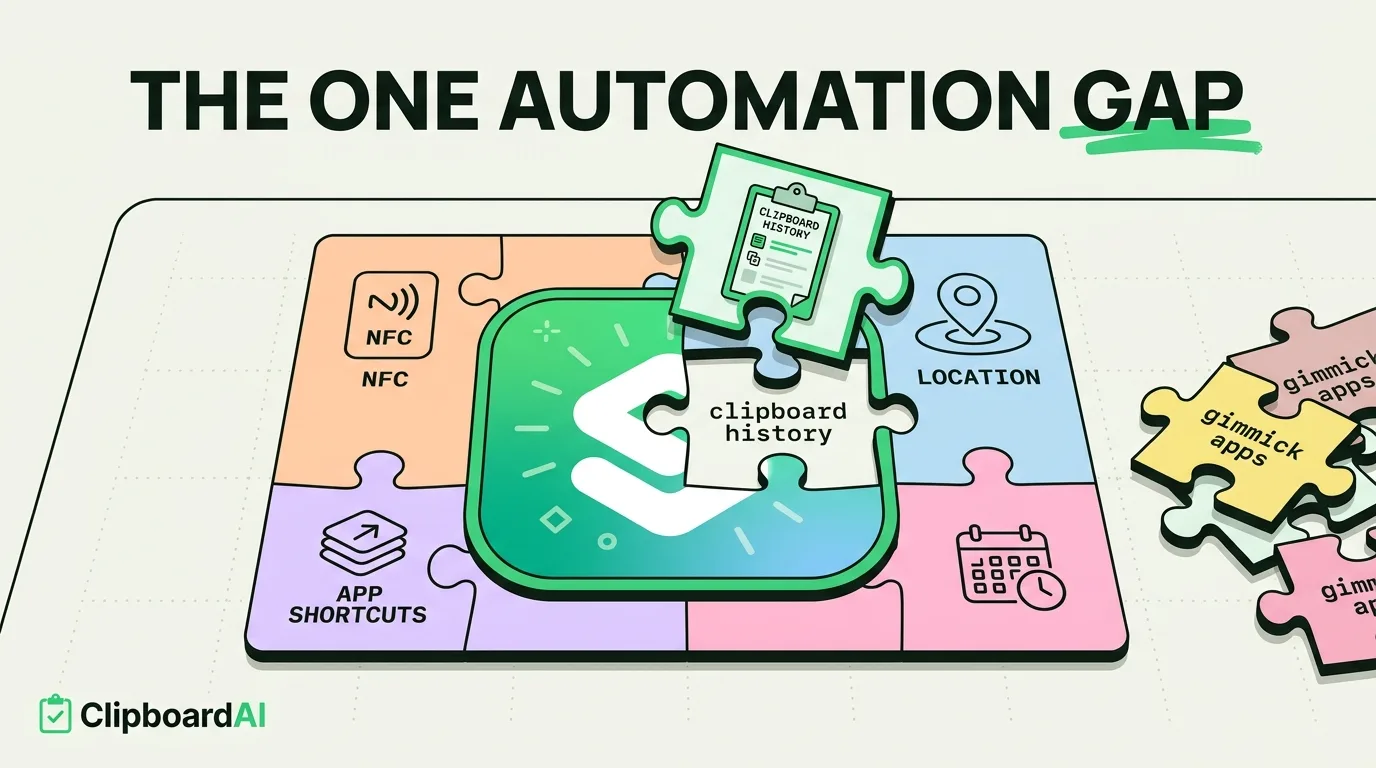
Ten iPhone automation apps that actually save time, what each one is for, and where Shortcuts already does the job.
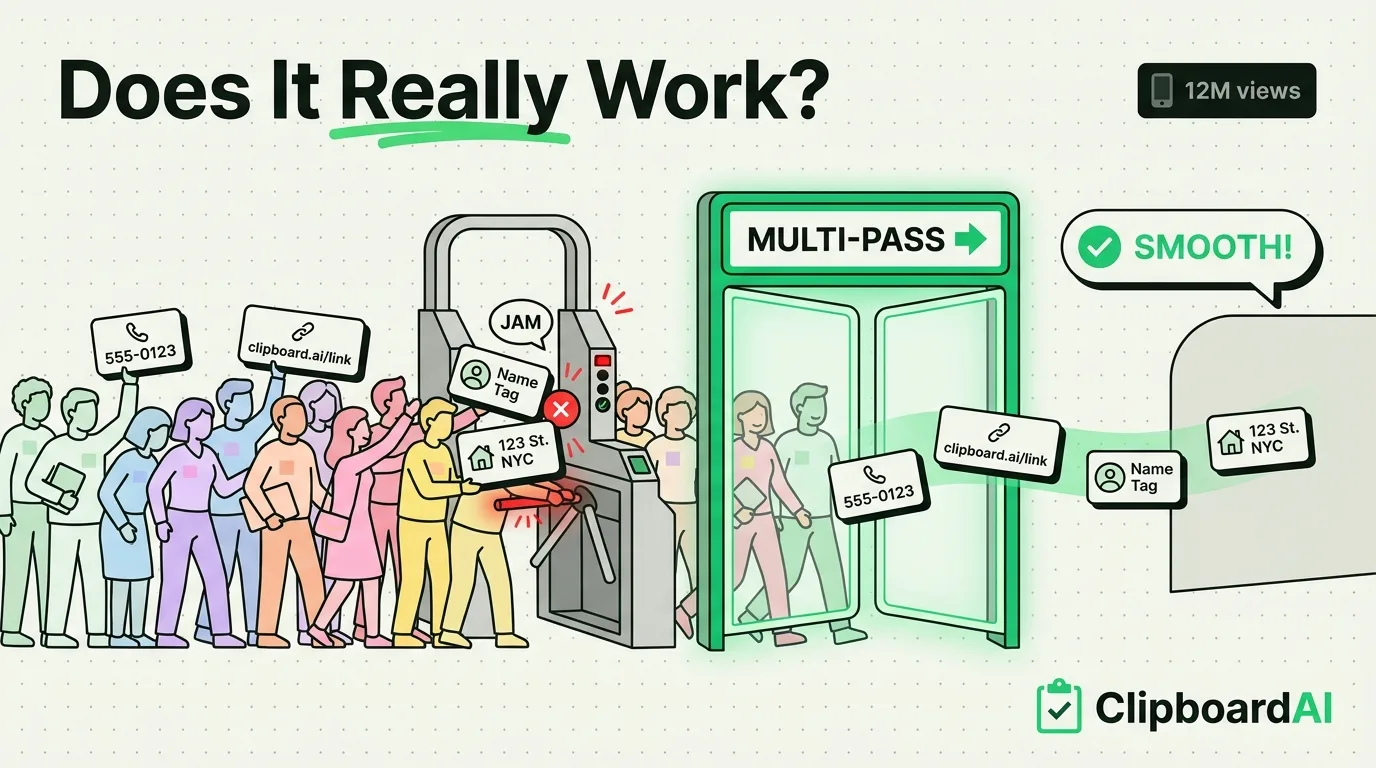
iPhone has no hidden clipboard history. See how the TikTok copy-paste trick really works with a keyboard app, and which built-in gestures are real.
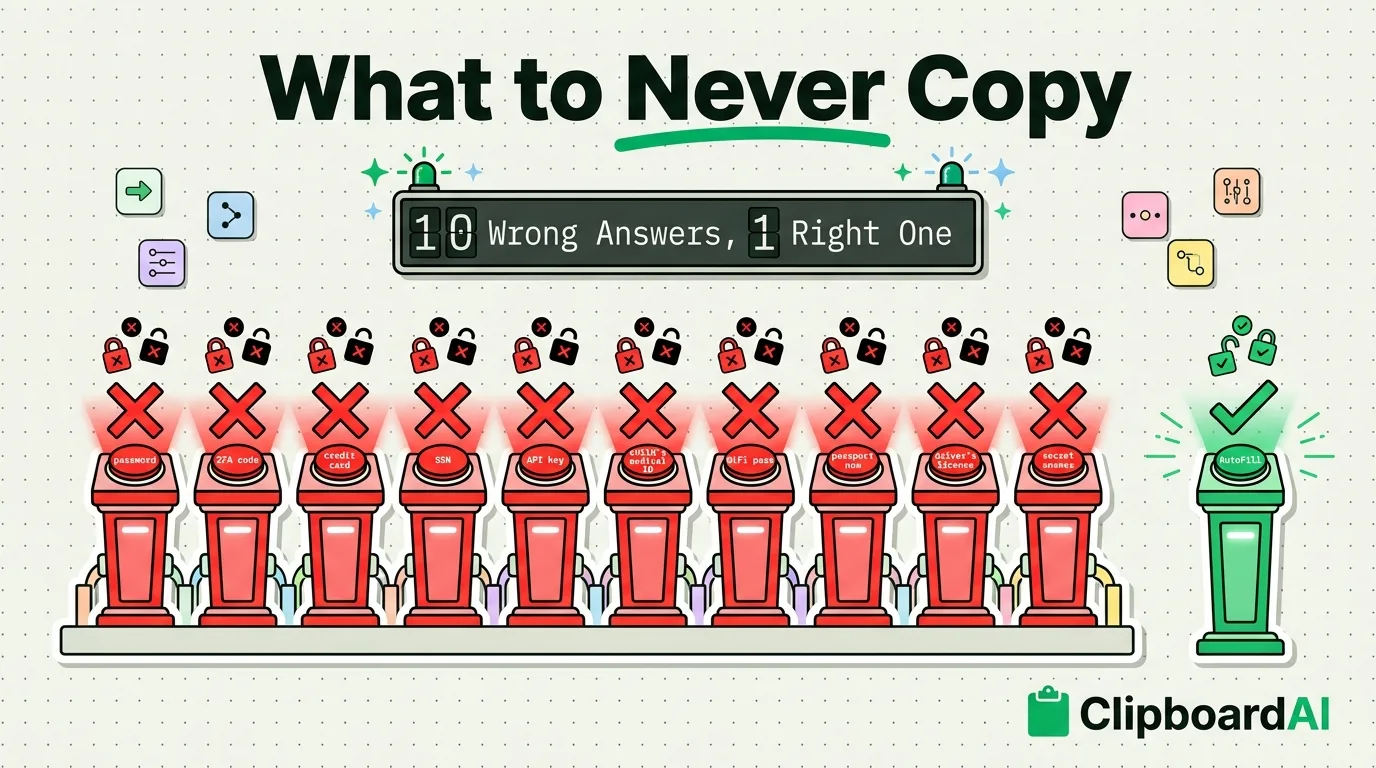
Some data is too sensitive for your clipboard. Here are 10 types of information you should handle differently.
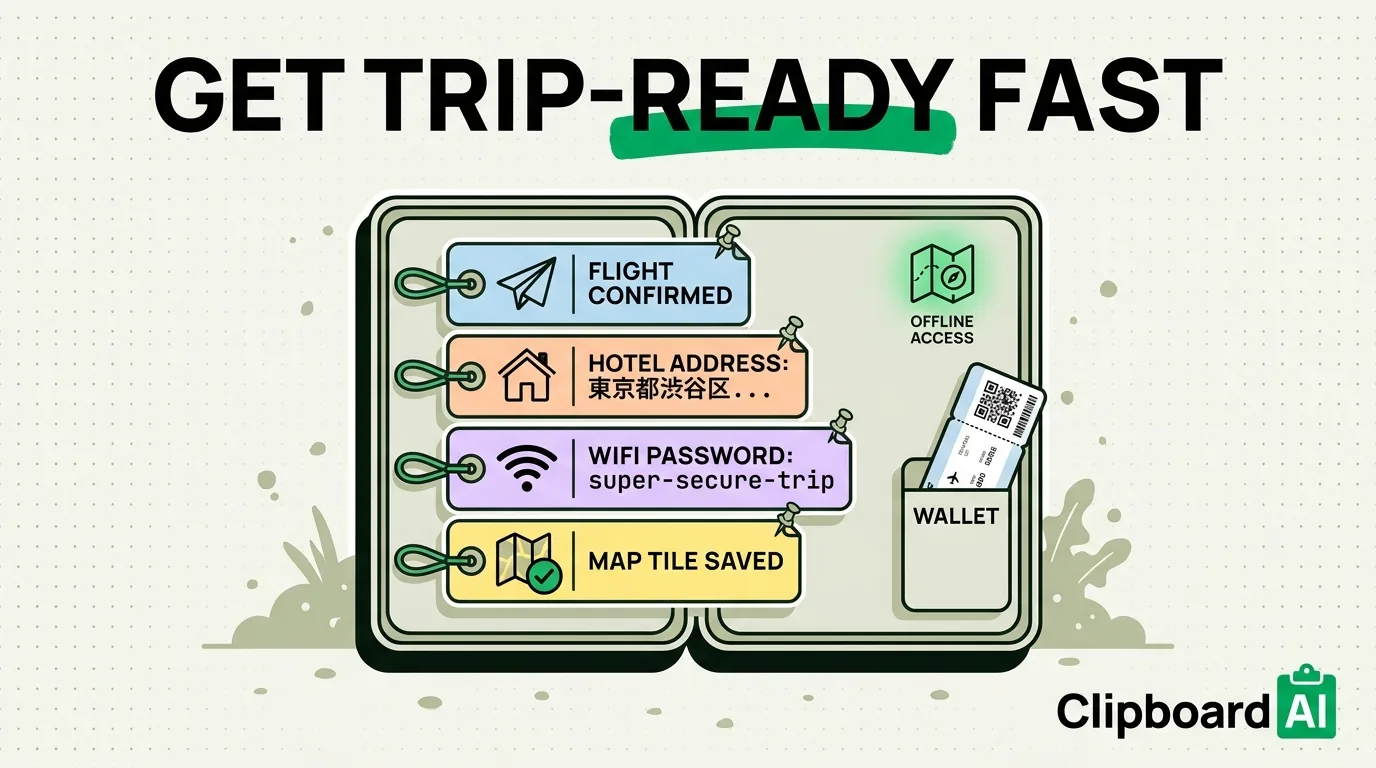
Prepare your iPhone for travel. Offline maps, translation, clipboard tricks for boarding passes, and hotel info.
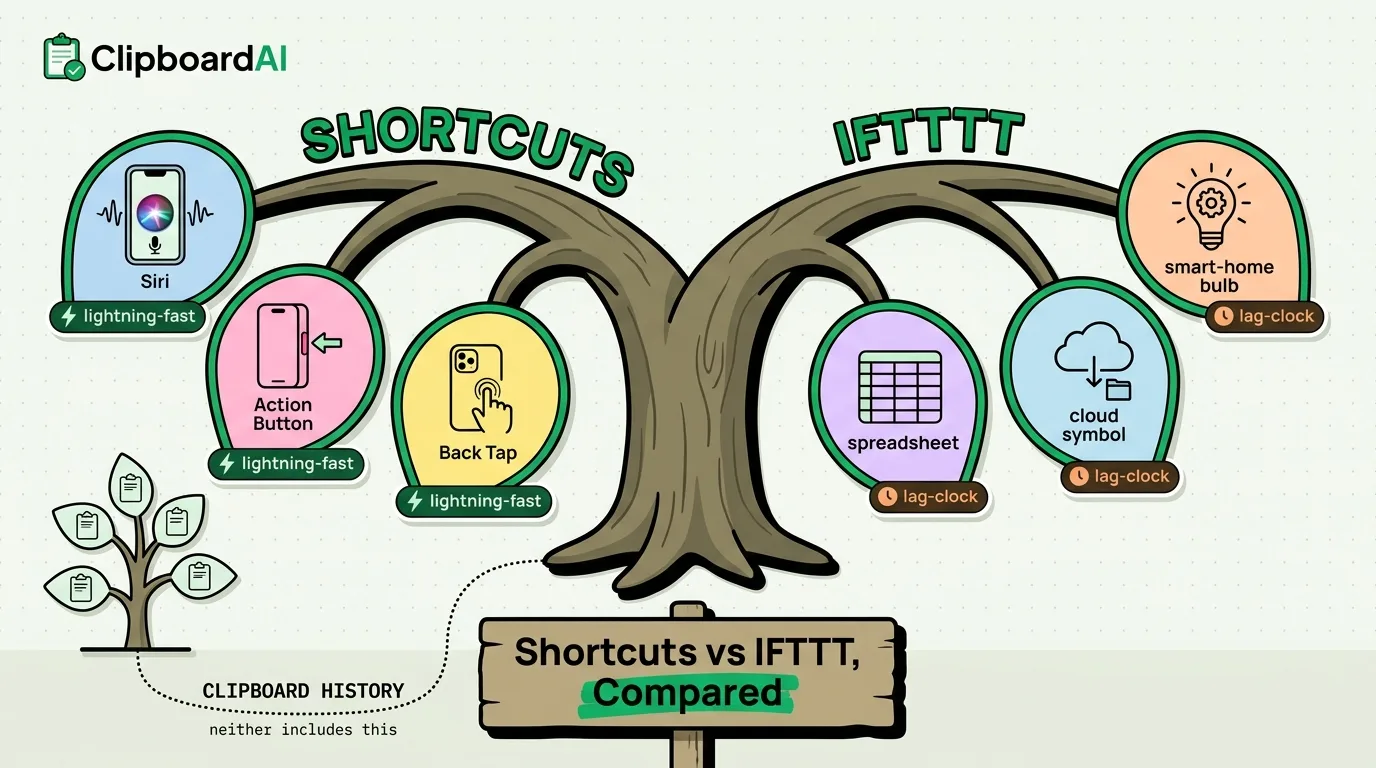
Apple Shortcuts and IFTTT both automate tasks. We compare capabilities, ease of use, and clipboard integration.
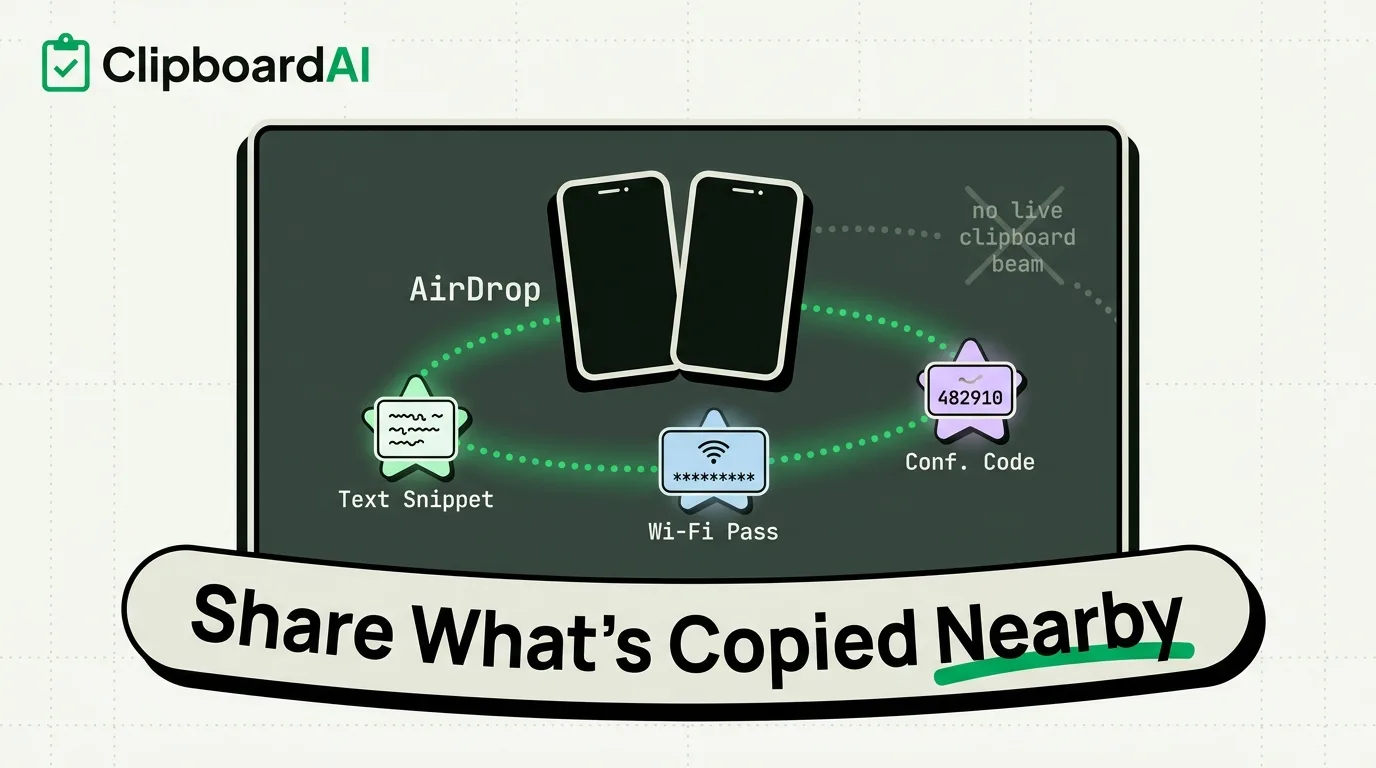
The fastest ways to share clipboard content with people nearby: AirDrop, QR codes, and tap-to-share methods.
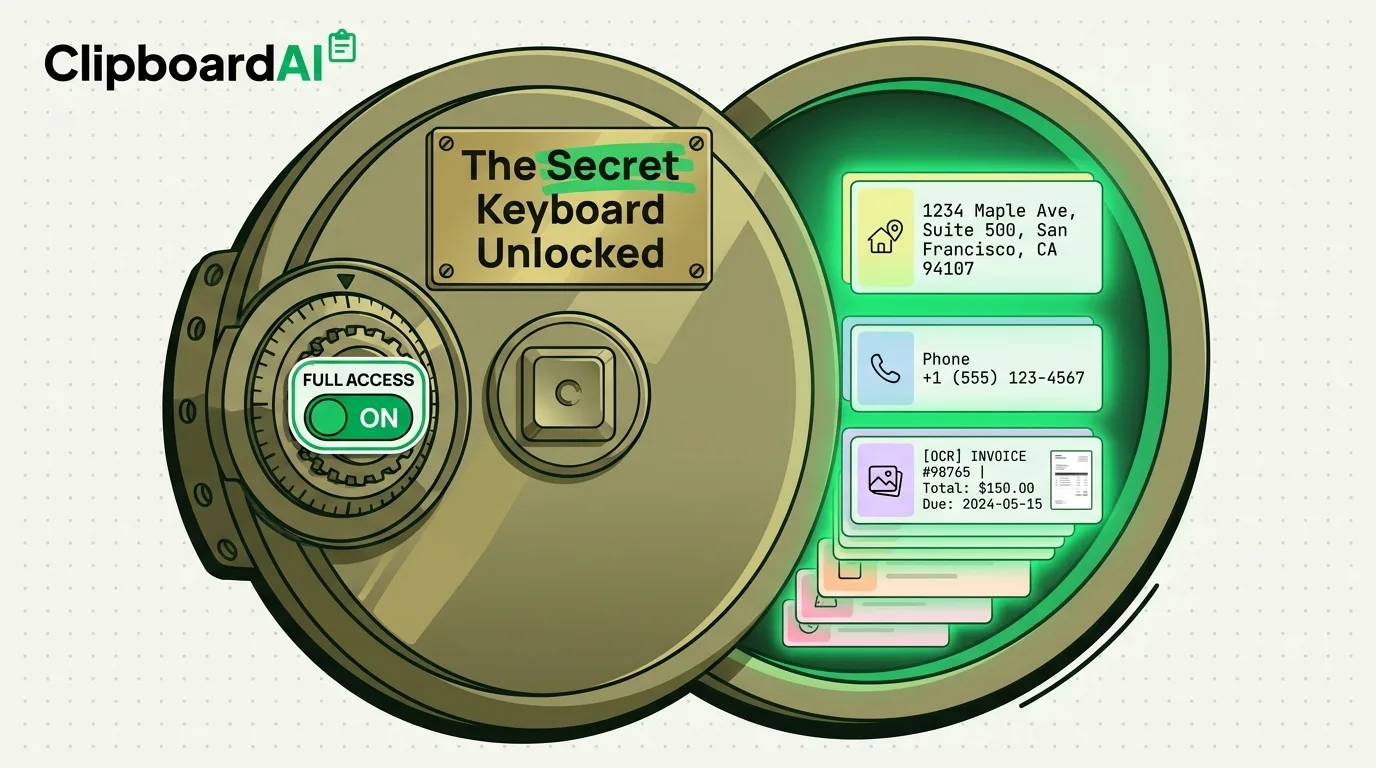
One keyboard setting transforms your iPhone typing experience. Most people don't know it exists. Here's how to enable it.
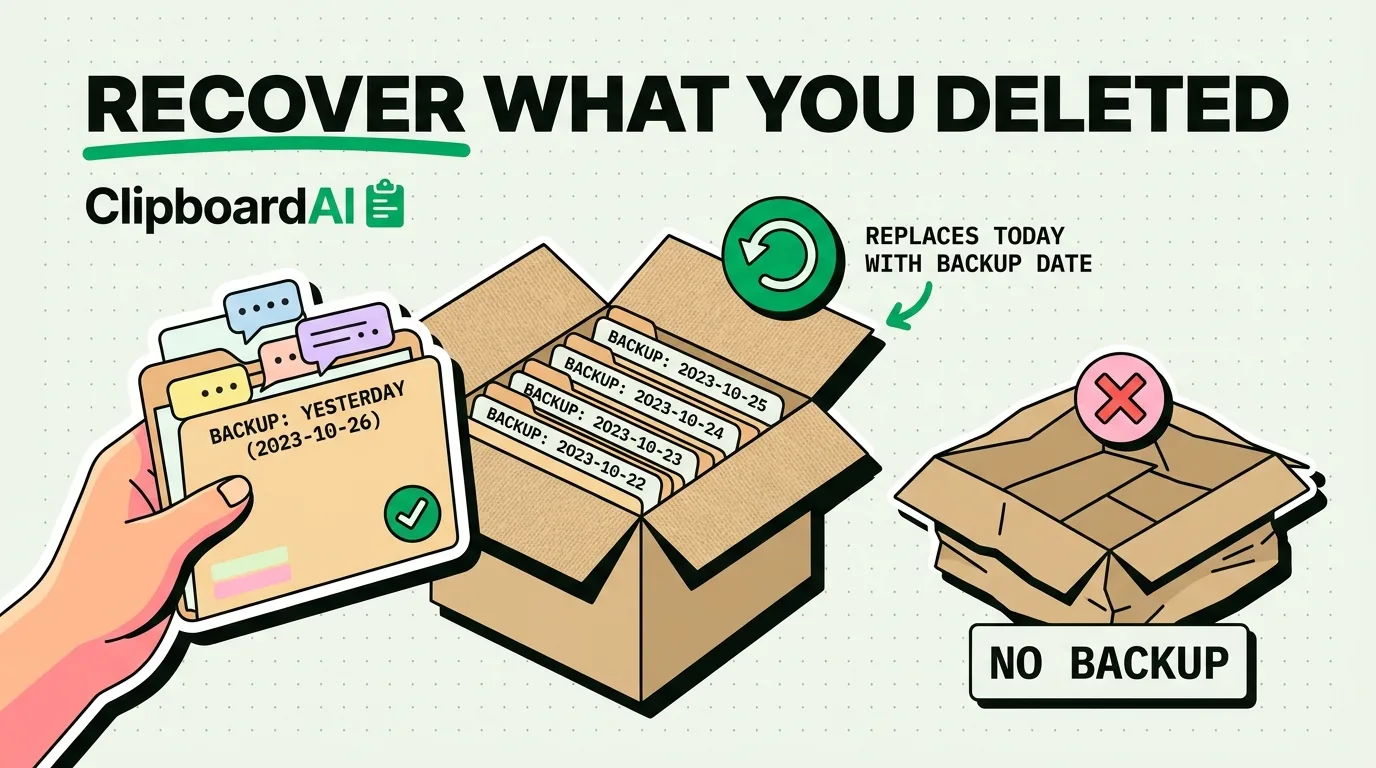
Lost important text messages? Here are 5 proven methods to recover deleted texts on iPhone, from iCloud backup to third-party tools.
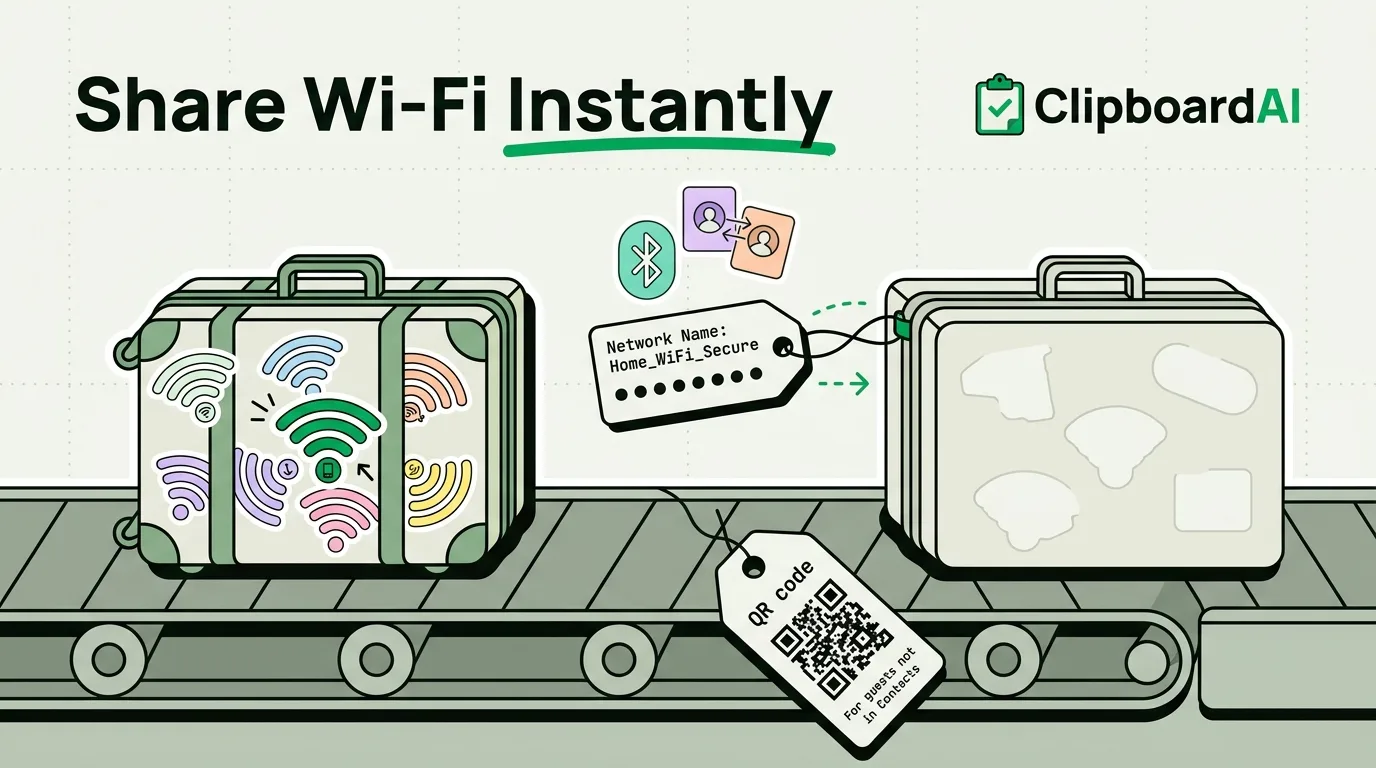
Three ways to copy and share your WiFi password from iPhone. No more squinting at router labels.
The psychology behind why we compulsively copy text, save links we'll never read, and hoard digital information.
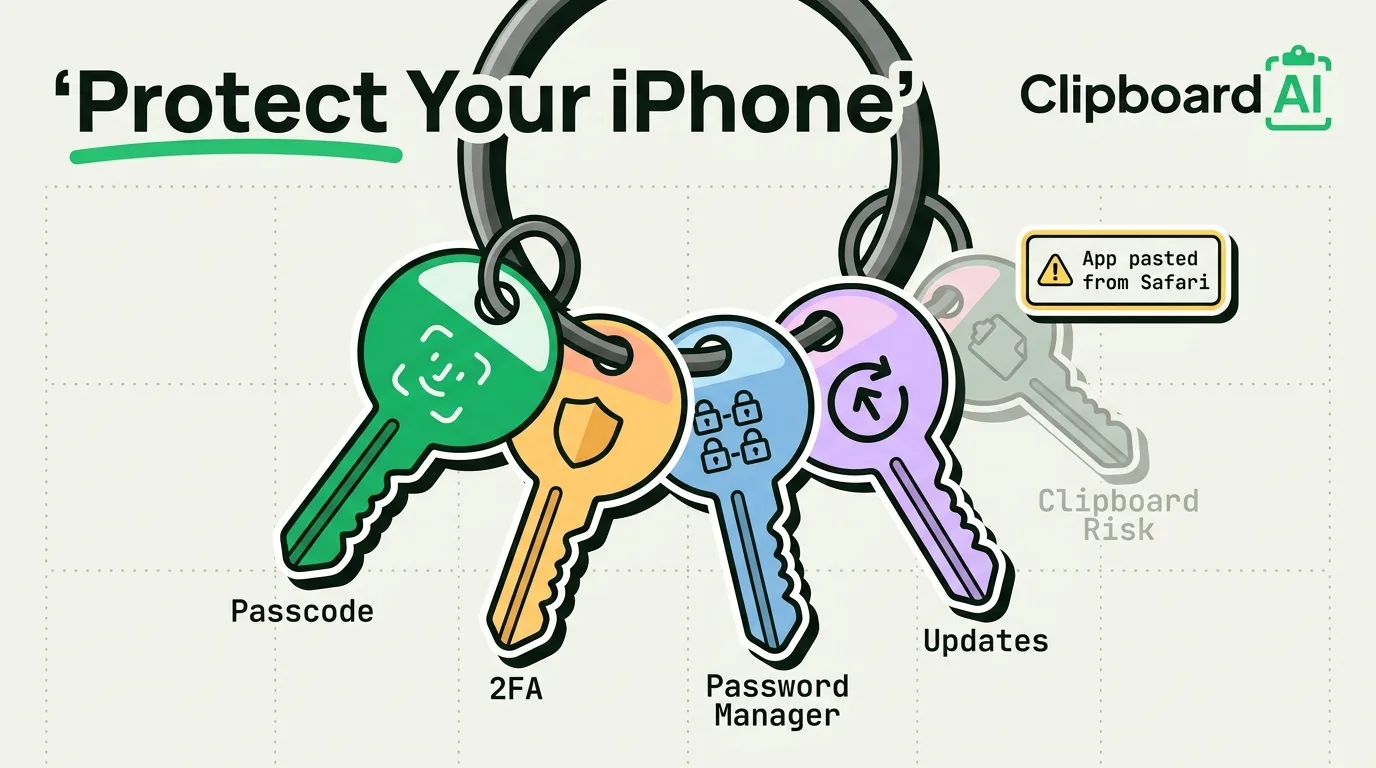
Comprehensive iPhone security guide. Protect against phishing, clipboard attacks, network snooping, and theft.
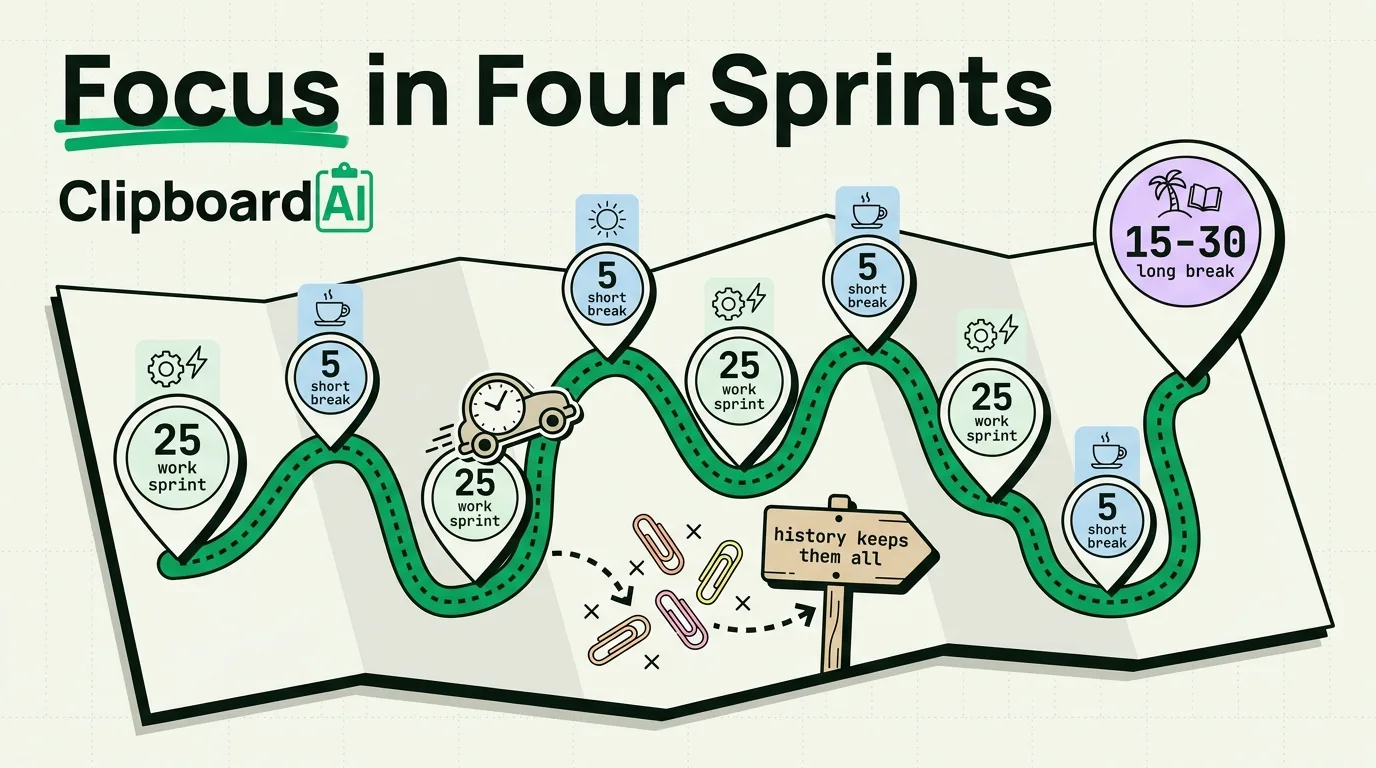
Set up the Pomodoro Technique on iPhone. Timer apps, Focus Modes, and productivity data tracking.
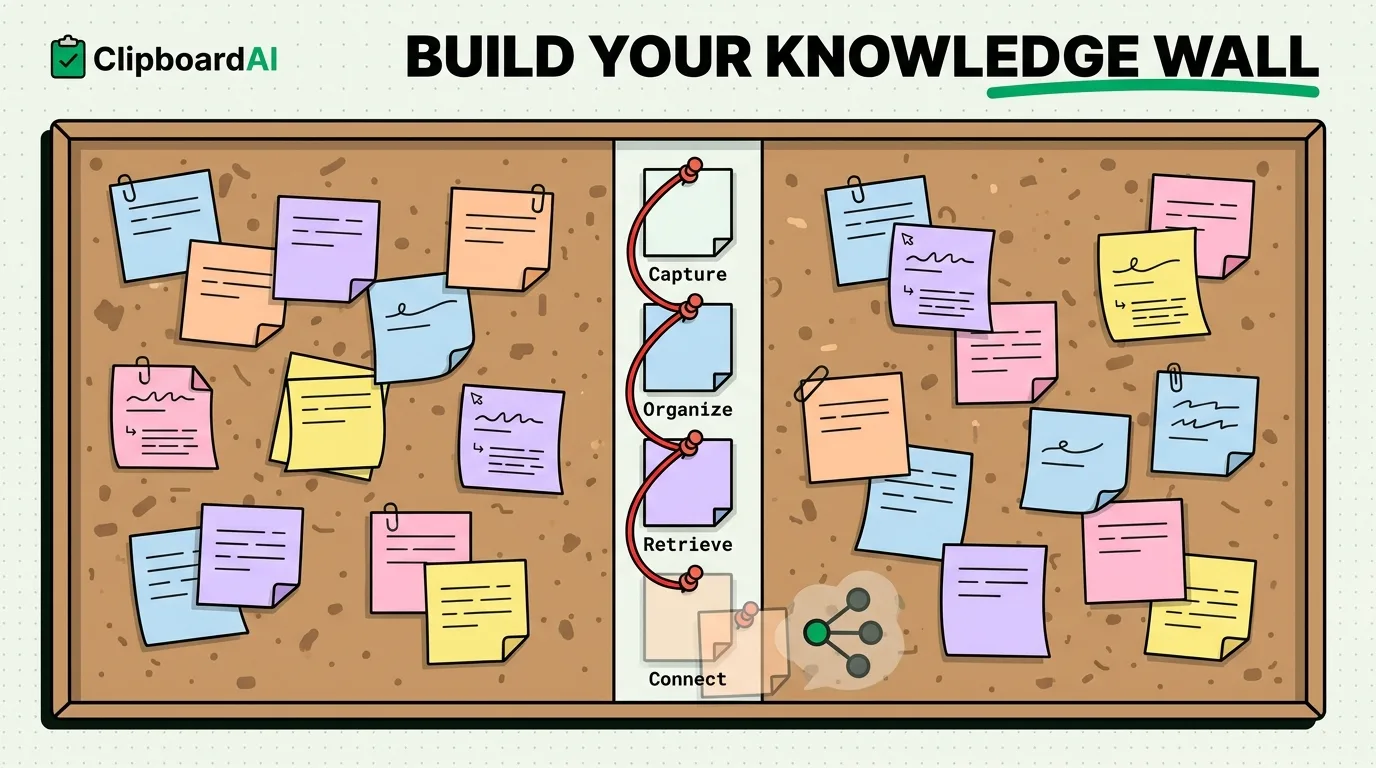
Set up personal knowledge management on iPhone: Apple Notes for what you write, Clipboard AI to capture, sort and search what you copy. Four steps.
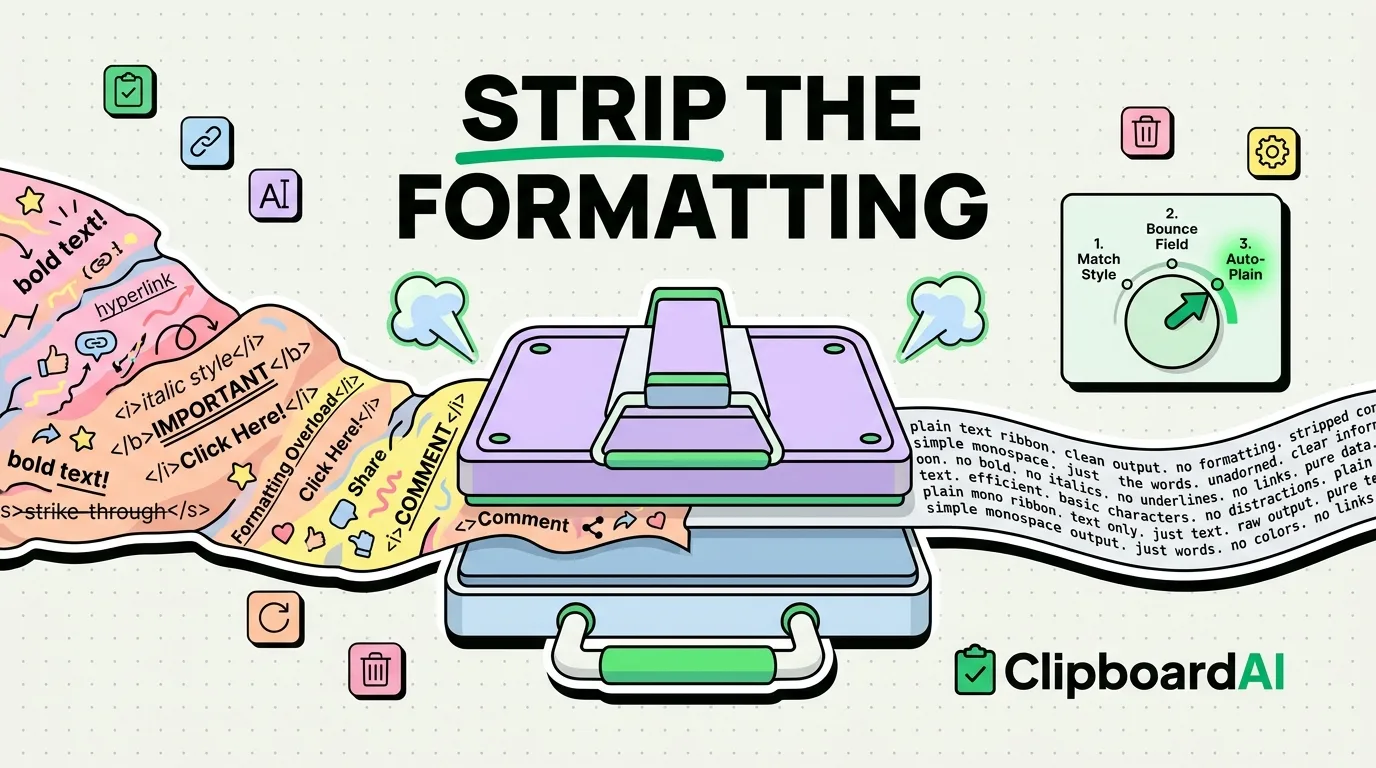
iOS has no Paste and Match Style in its edit menu. Strip formatting on iPhone and iPad with a Spotlight bounce, a three-action Shortcut or a keyboard.
Comprehensive parental controls setup for iPhone. Screen Time, content restrictions, and family sharing explained.
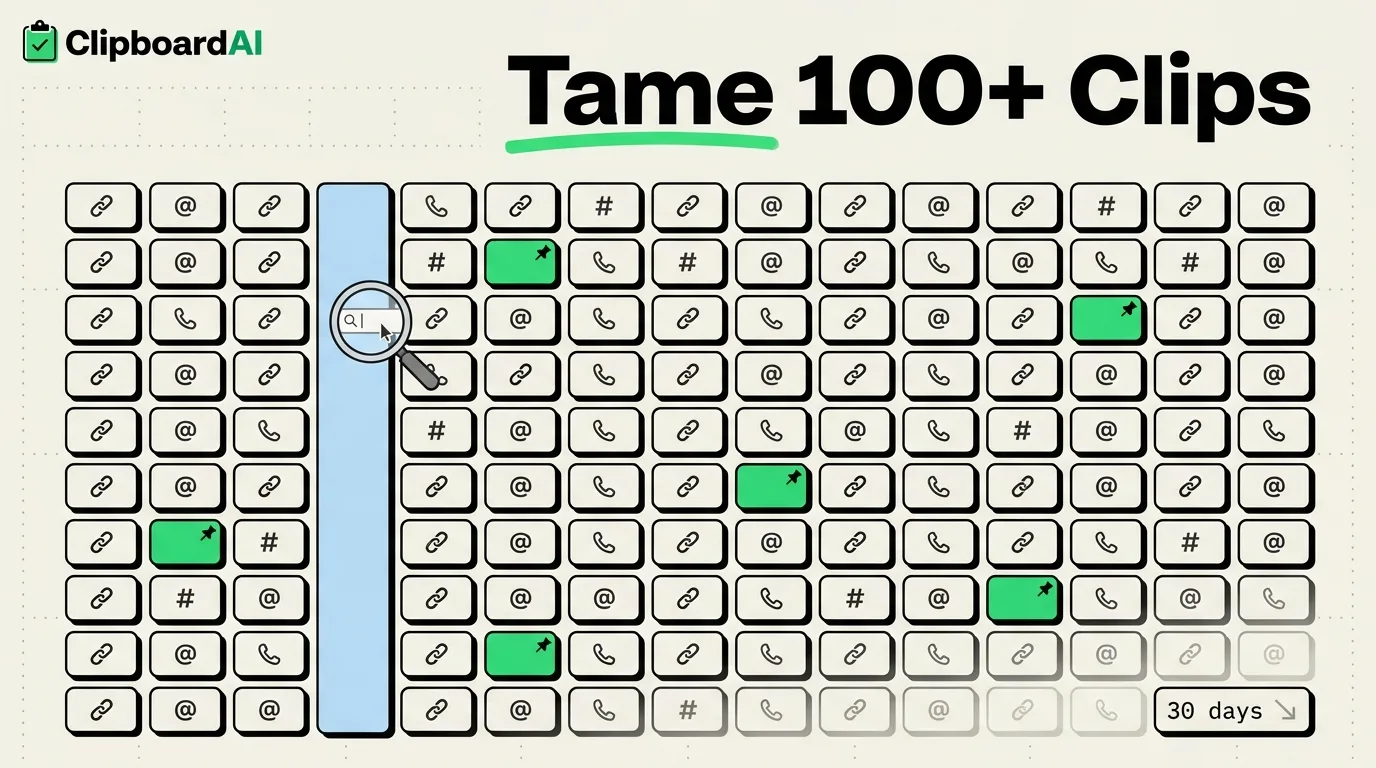
Your clipboard history is overflowing. Here's how to organize, search, pin, and manage hundreds of saved clips.
Notion is powerful but complex. Apple Notes is simple but limited. Which is better for iPhone-first users?
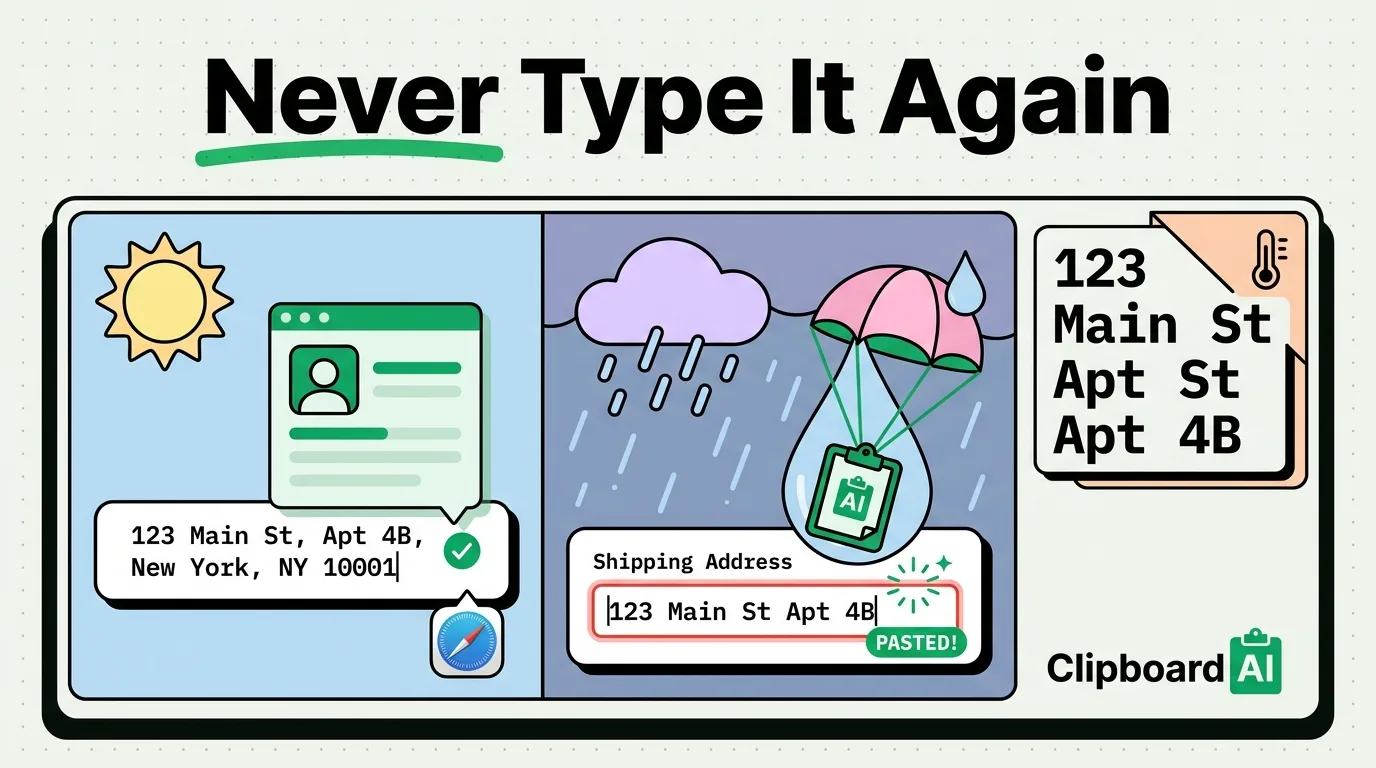
Set up autofill, clipboard pins, and shortcuts so you never manually type your address again. Works everywhere.
Science shows that offloading information to external tools frees your brain for creative thinking. The clipboard is key.
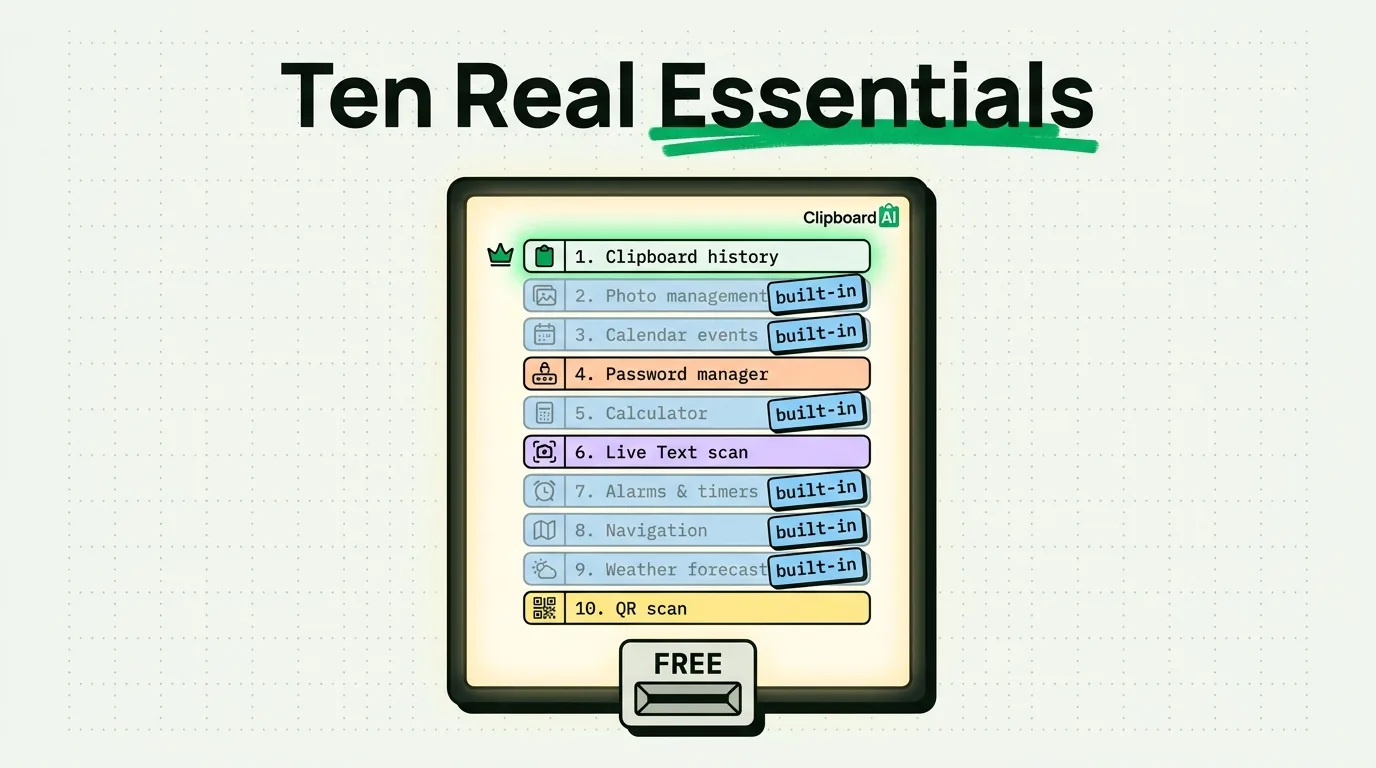
The 10 utility apps that belong on every iPhone. From clipboard management to file compression, these apps earn their storage.
Strip your iPhone down to essentials. The minimalist setup that reduces screen time and increases productivity.
Most iPhones can last 5+ years with proper care. Battery health, storage management, and software tips.
Automate workflows between iPhone apps using Shortcuts, clipboard, and focus modes. Zero coding required.
Your iPhone camera is better than any webcam. Here's how to use it as your Mac webcam with Continuity Camera.
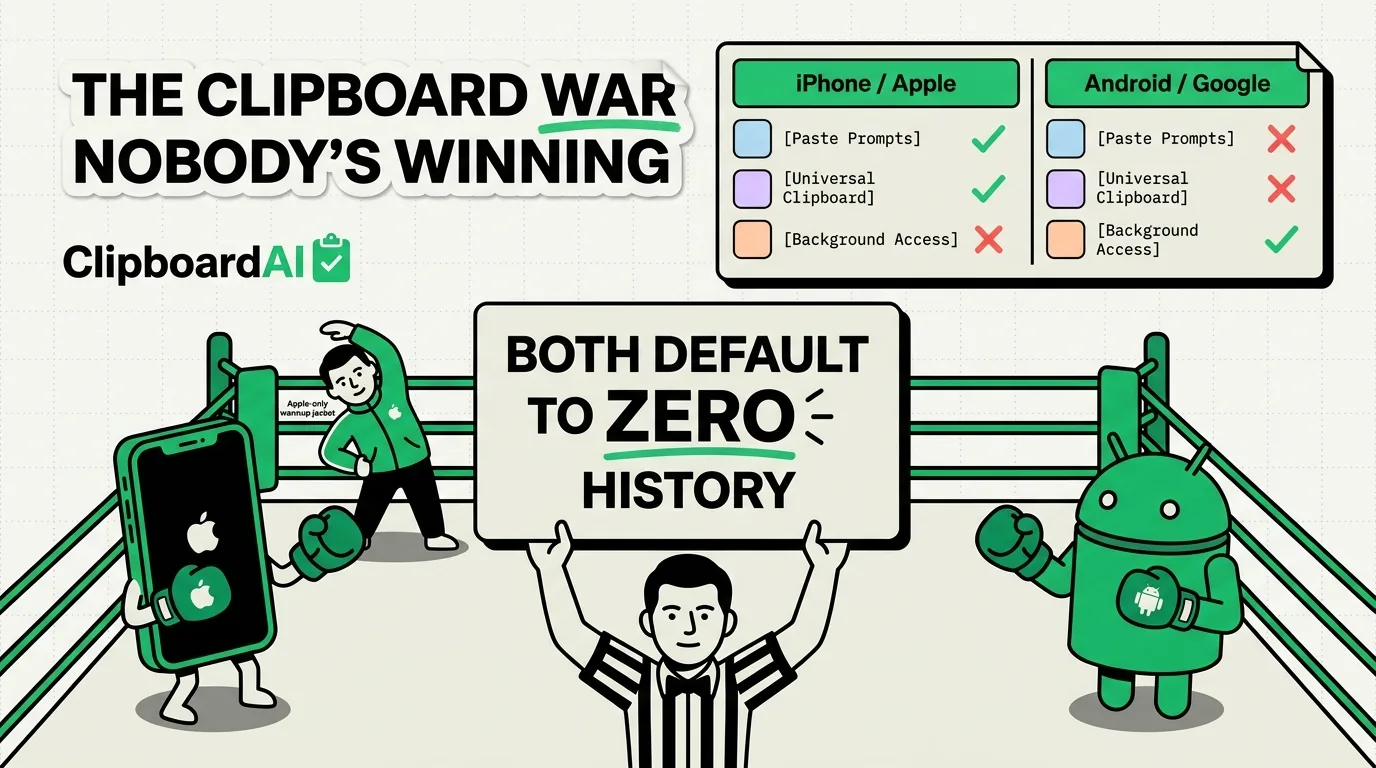
Android has had clipboard history for years. iPhone is catching up. Here's the full comparison of clipboard features.
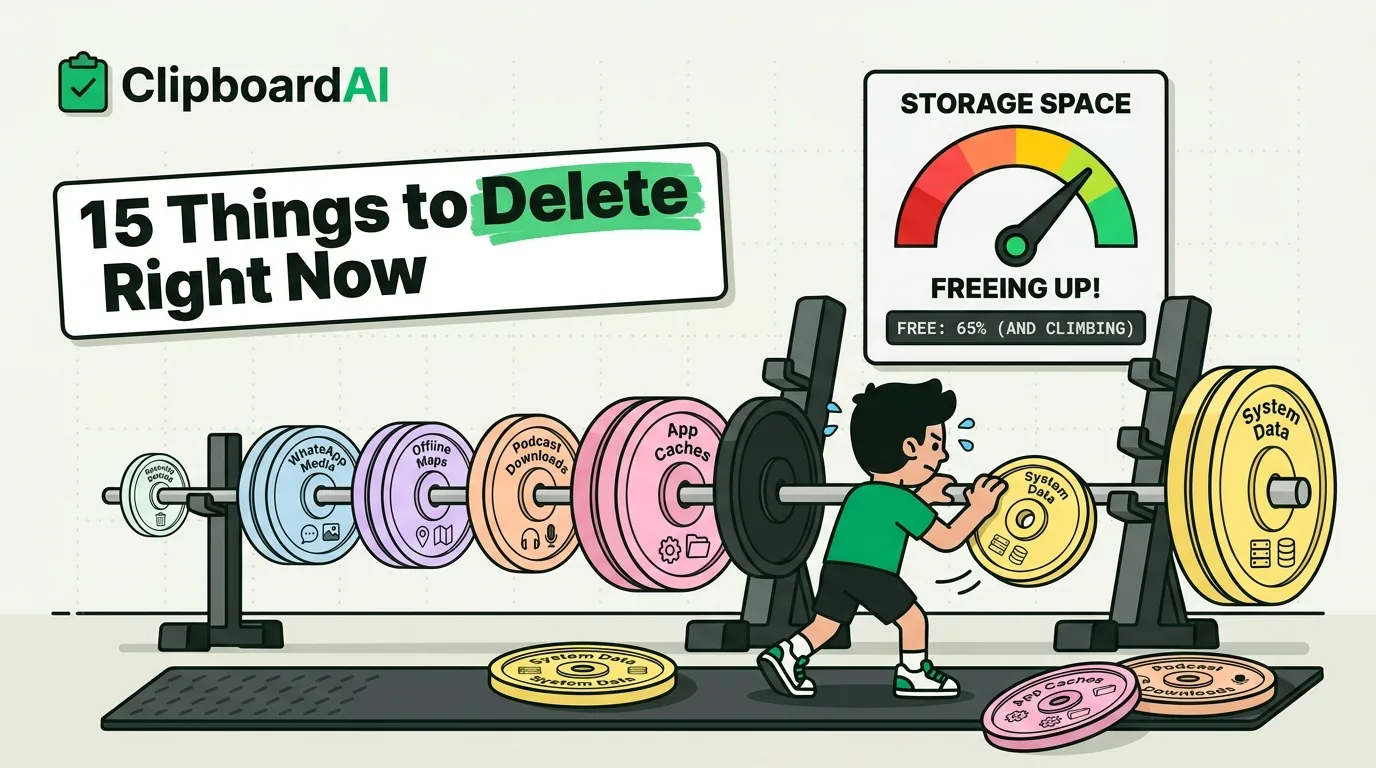
Your iPhone storage is full but you don't want to delete photos. Here are 15 other things eating your storage.
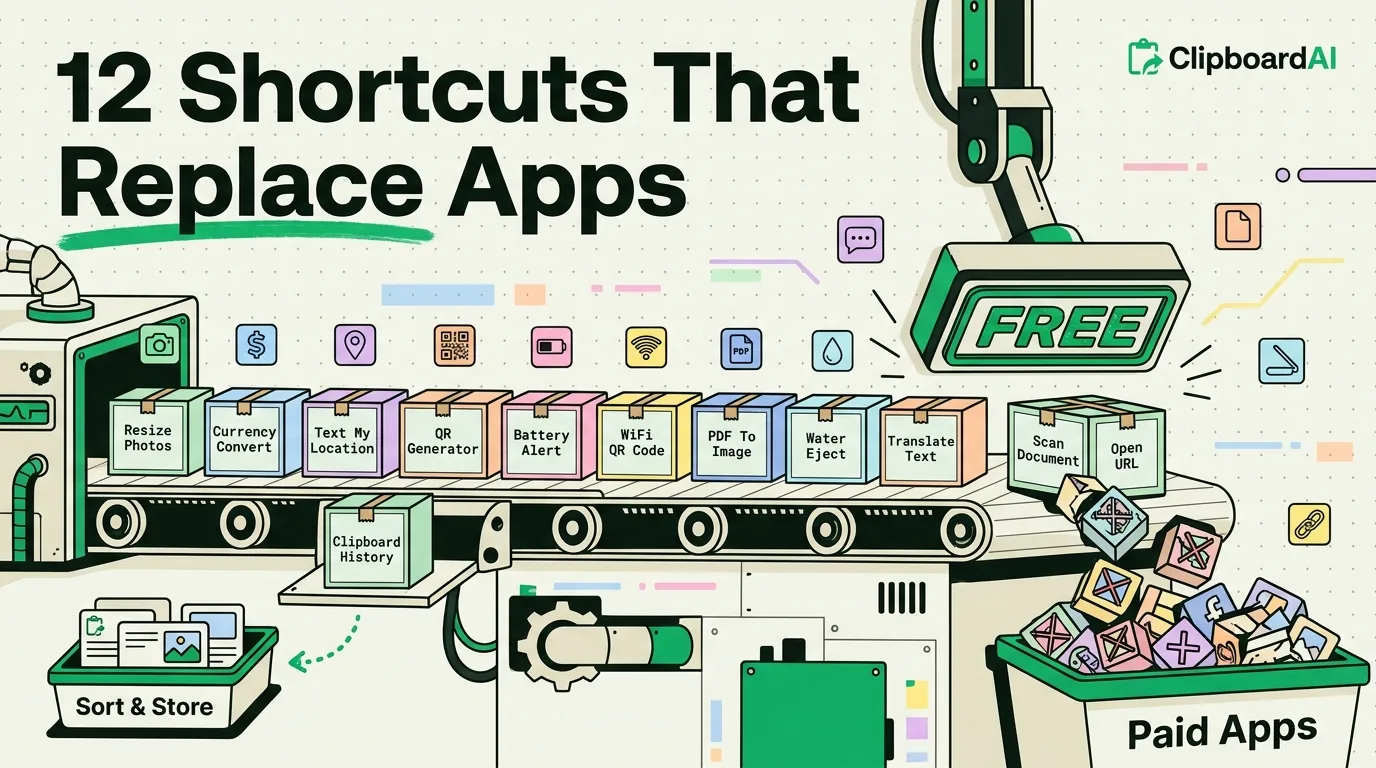
These Siri Shortcuts do what paid apps do - for free. Replace utility apps with built-in automation.
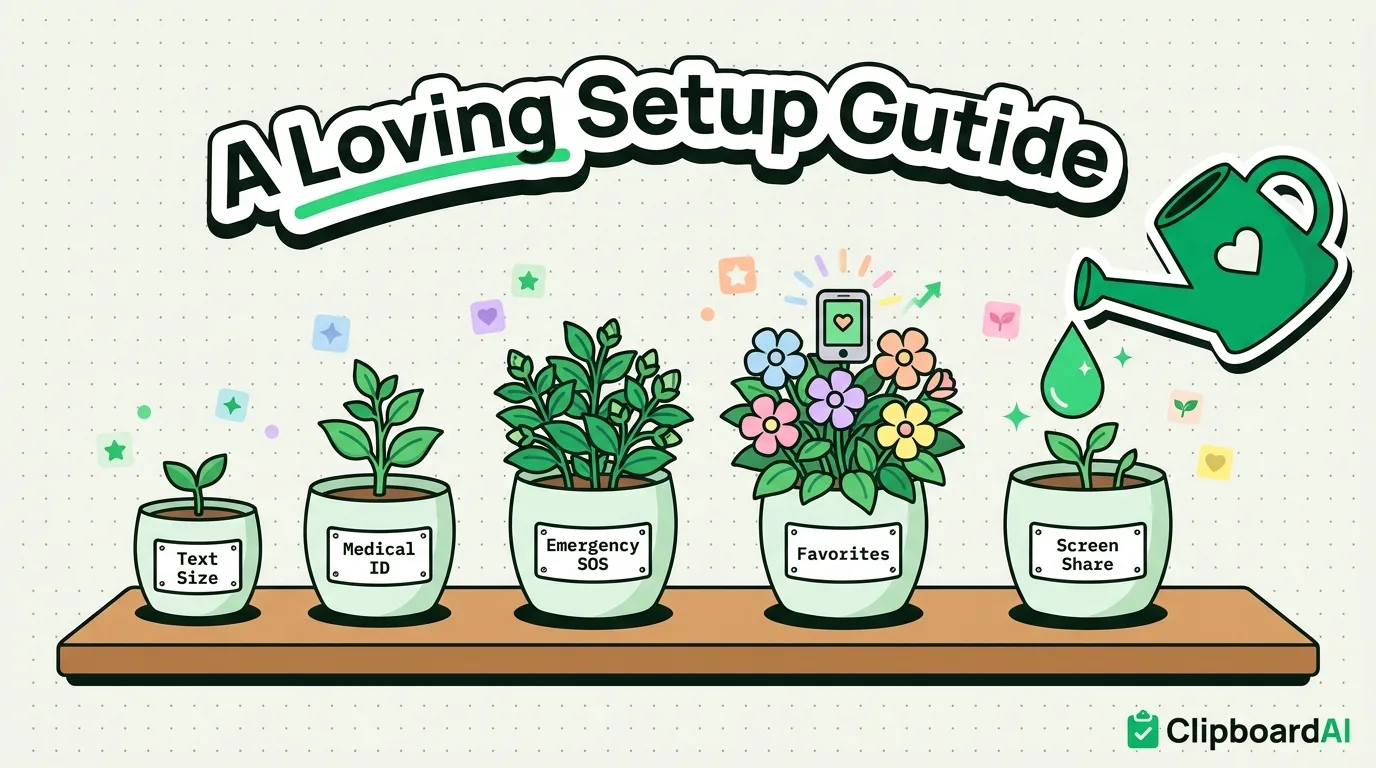
Set up an iPhone for your parents or grandparents. Large text, simplified home screen, emergency contacts, and essential apps.
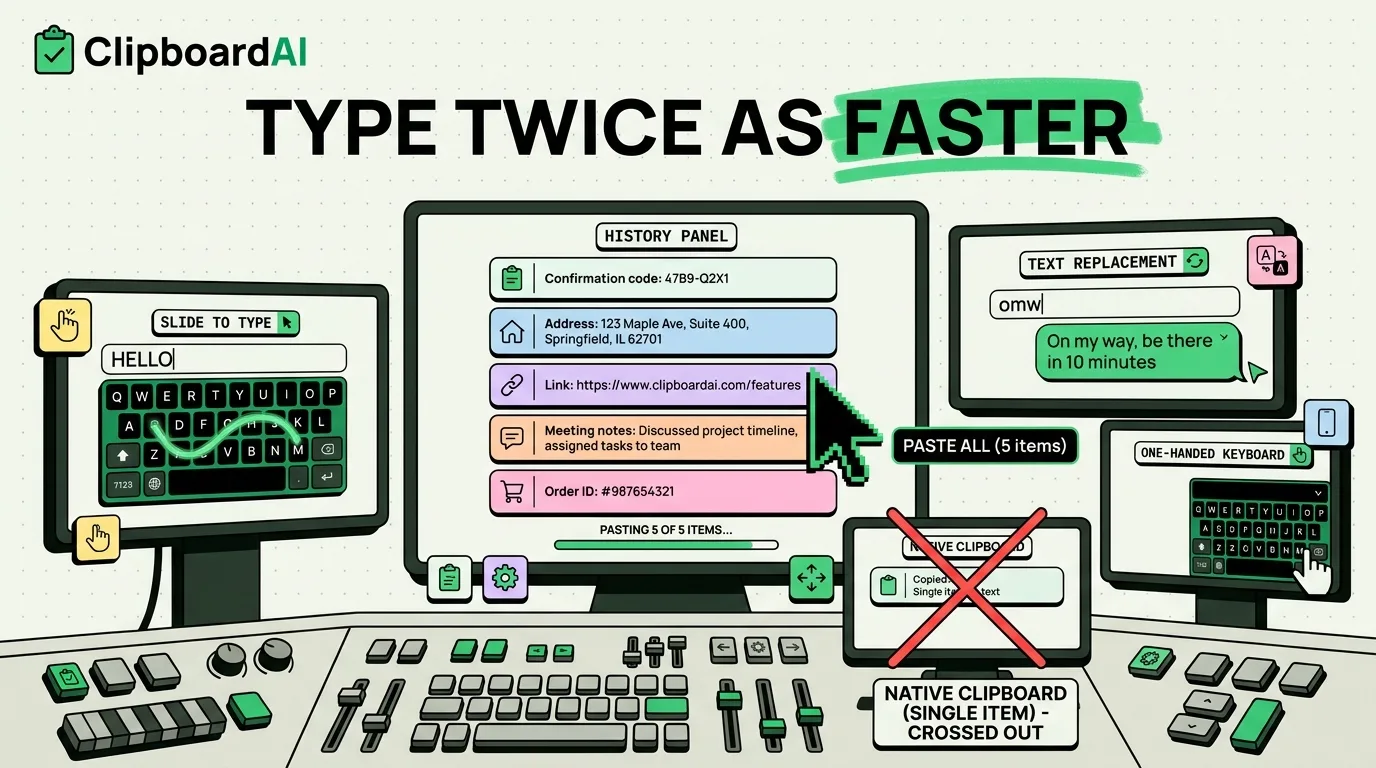
Advanced iPhone typing techniques. Swipe typing, shortcuts, clipboard integration, and keyboard customization.
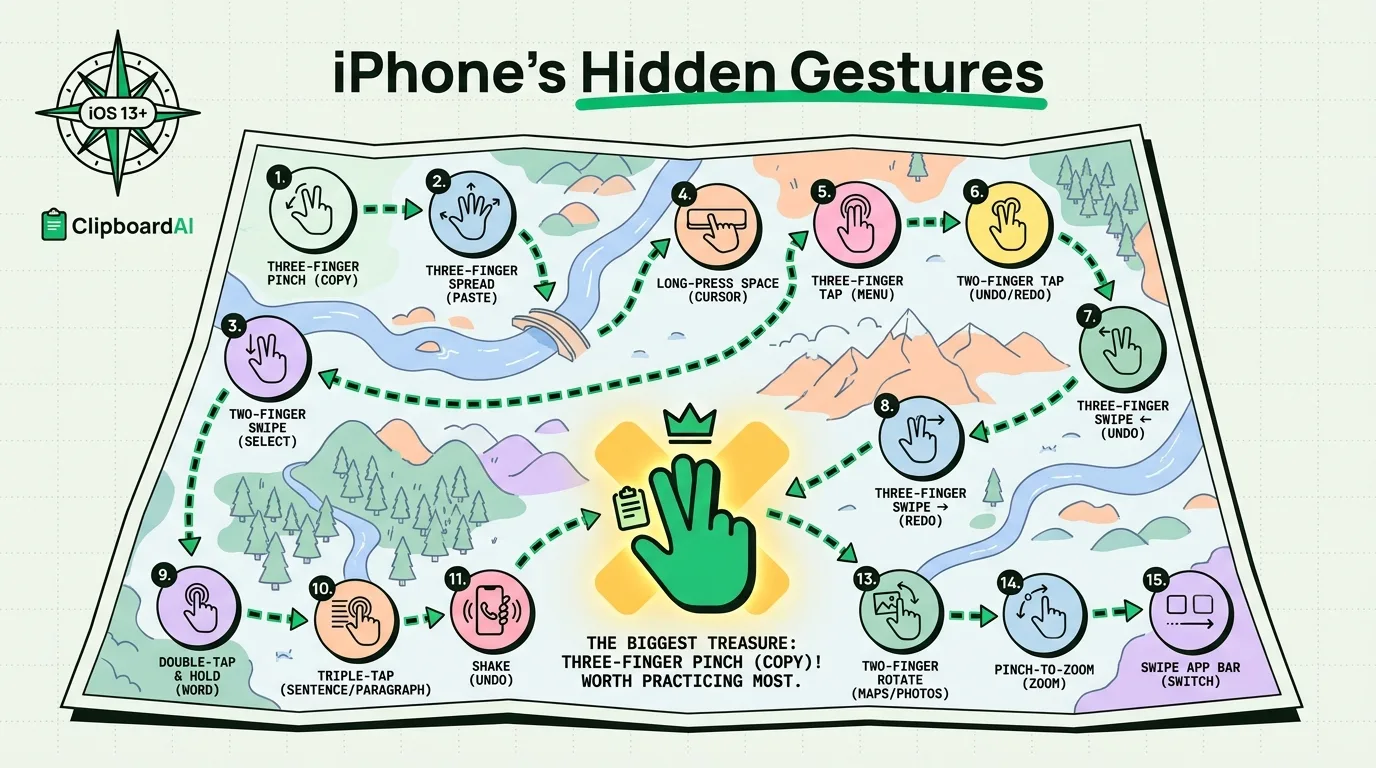
Swipe, pinch, and tap your way to iPhone mastery. These 15 gestures will make you look like an iPhone wizard.
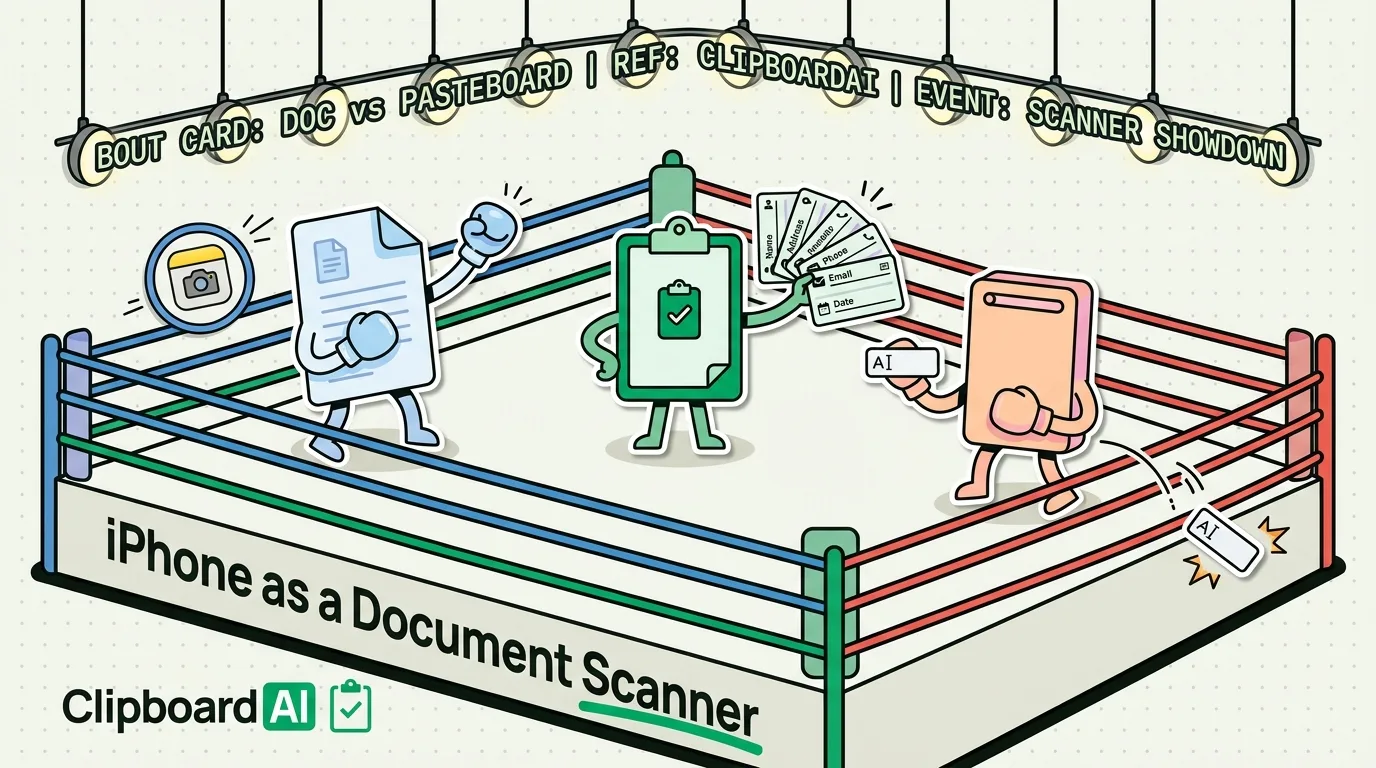
Scan documents to PDF free with Notes, Files or the Preview app added in iOS 26. Steps for each, how to sign and share the PDF, and how to copy out its text.
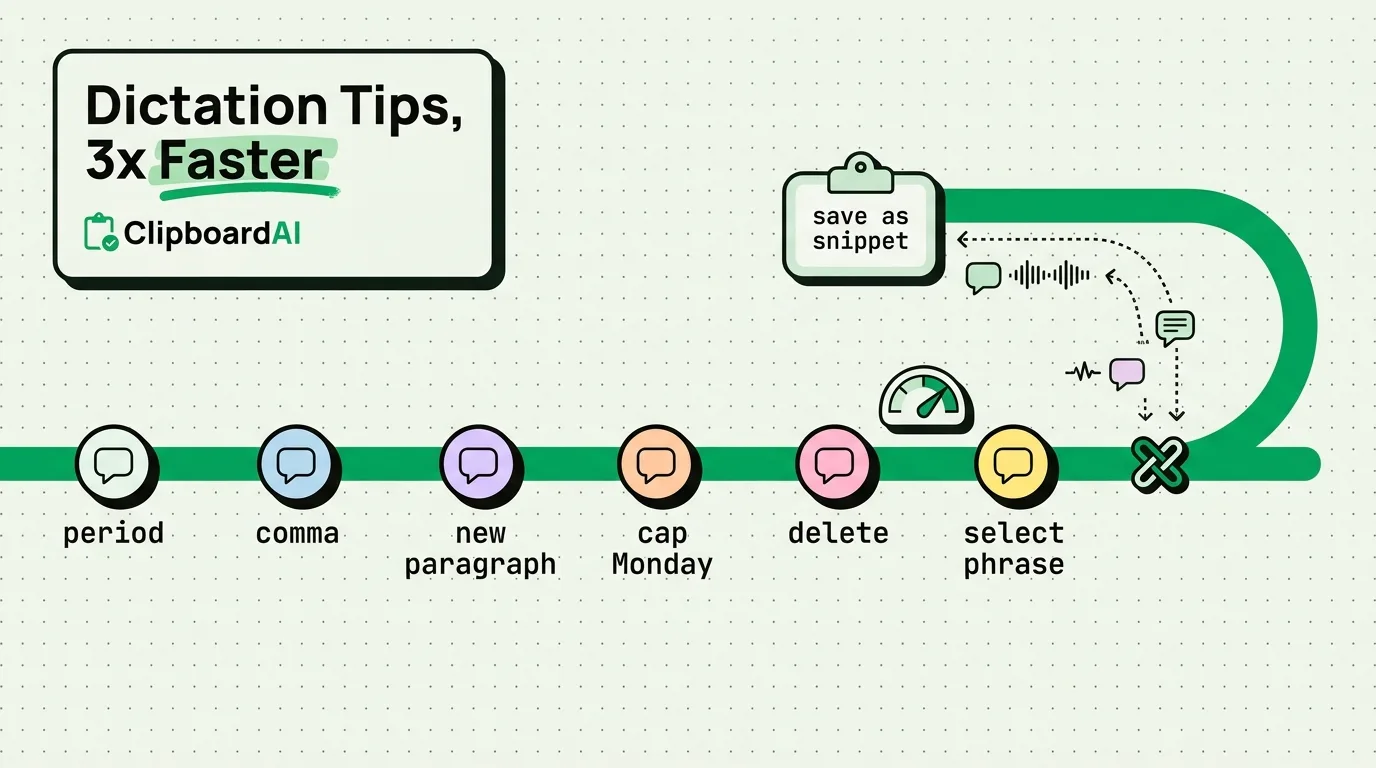
iPhone dictation is better than you think. Punctuation commands, editing by voice, and combining with clipboard.
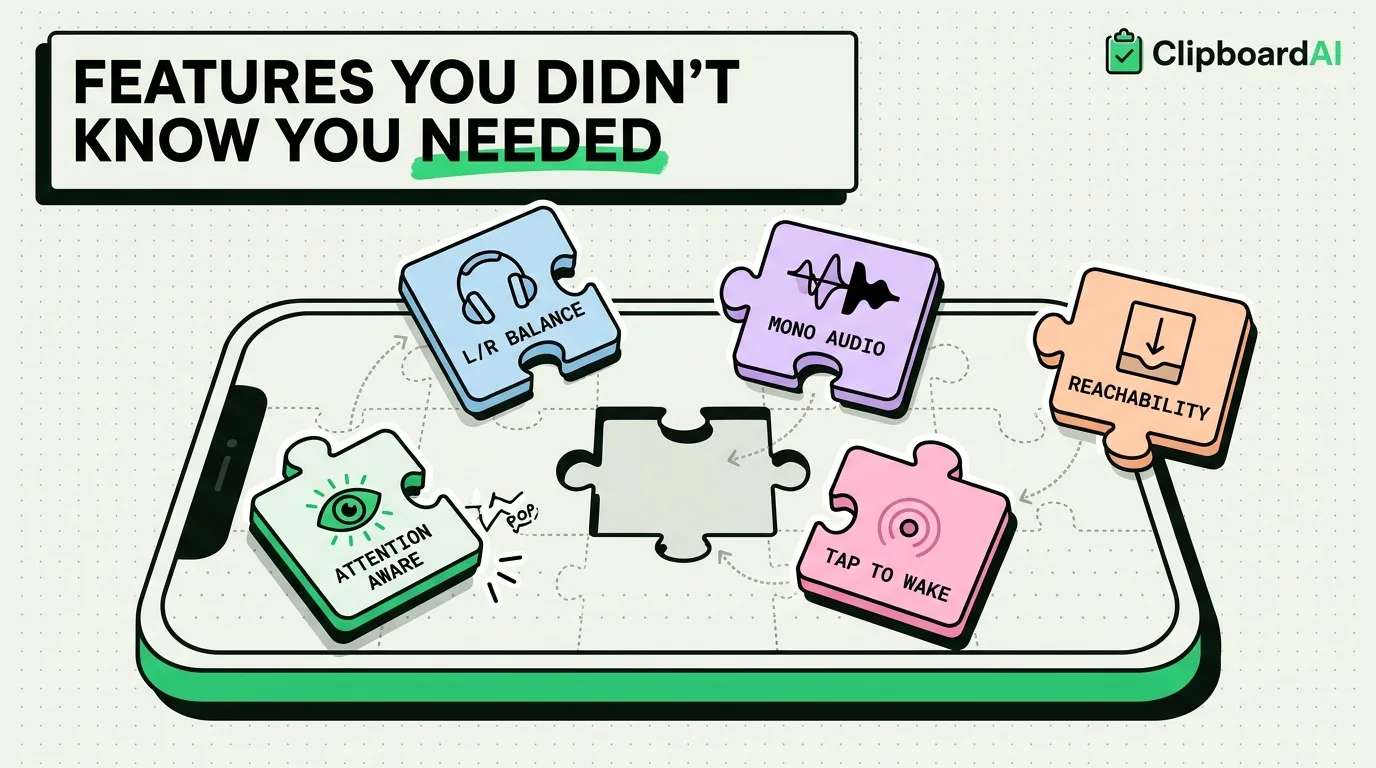
These accessibility features aren't just for disabilities. Back Tap, Voice Control, and Magnifier improve every iPhone.
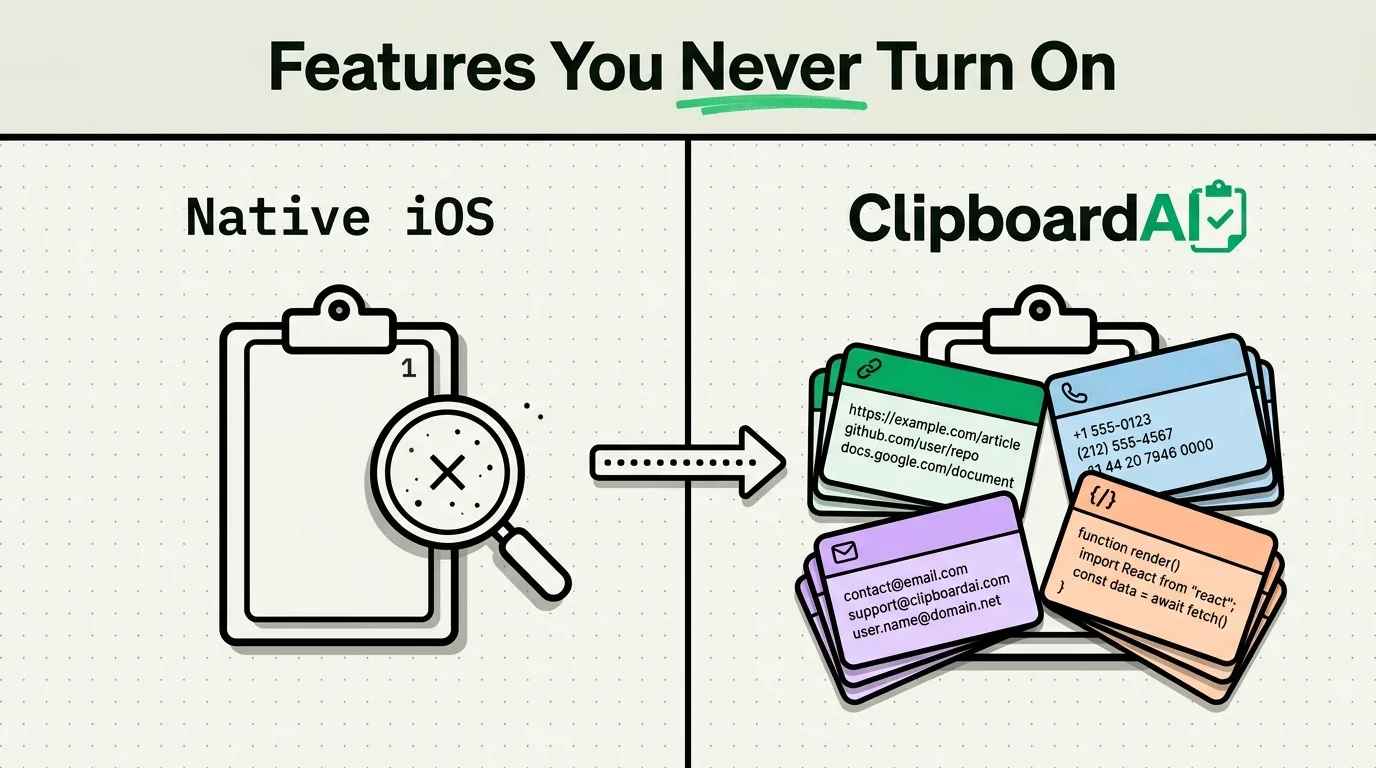
Hidden iPhone clipboard features in Settings, plus a clear look at what iOS still can't do compared with a dedicated clipboard manager.
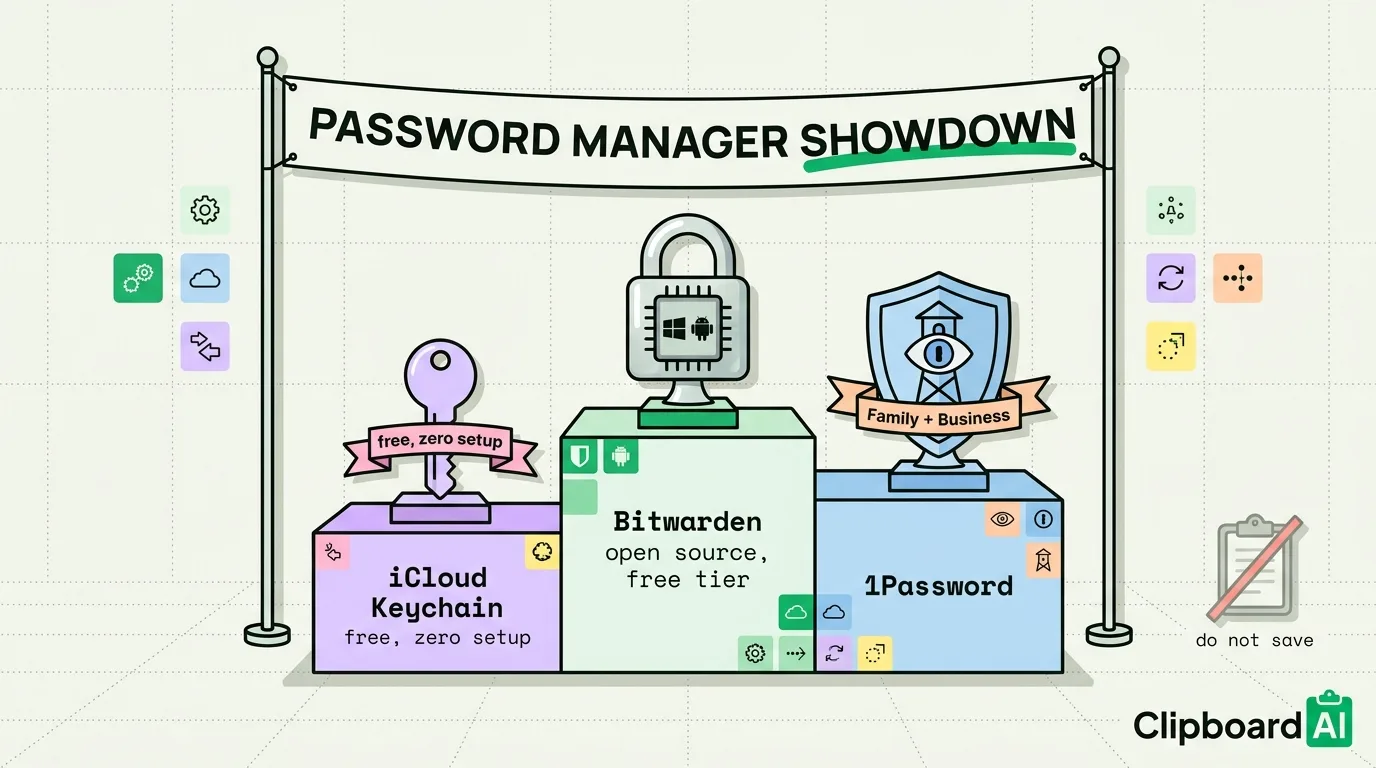
Three password managers, three philosophies. We compare features, security, and clipboard integration.
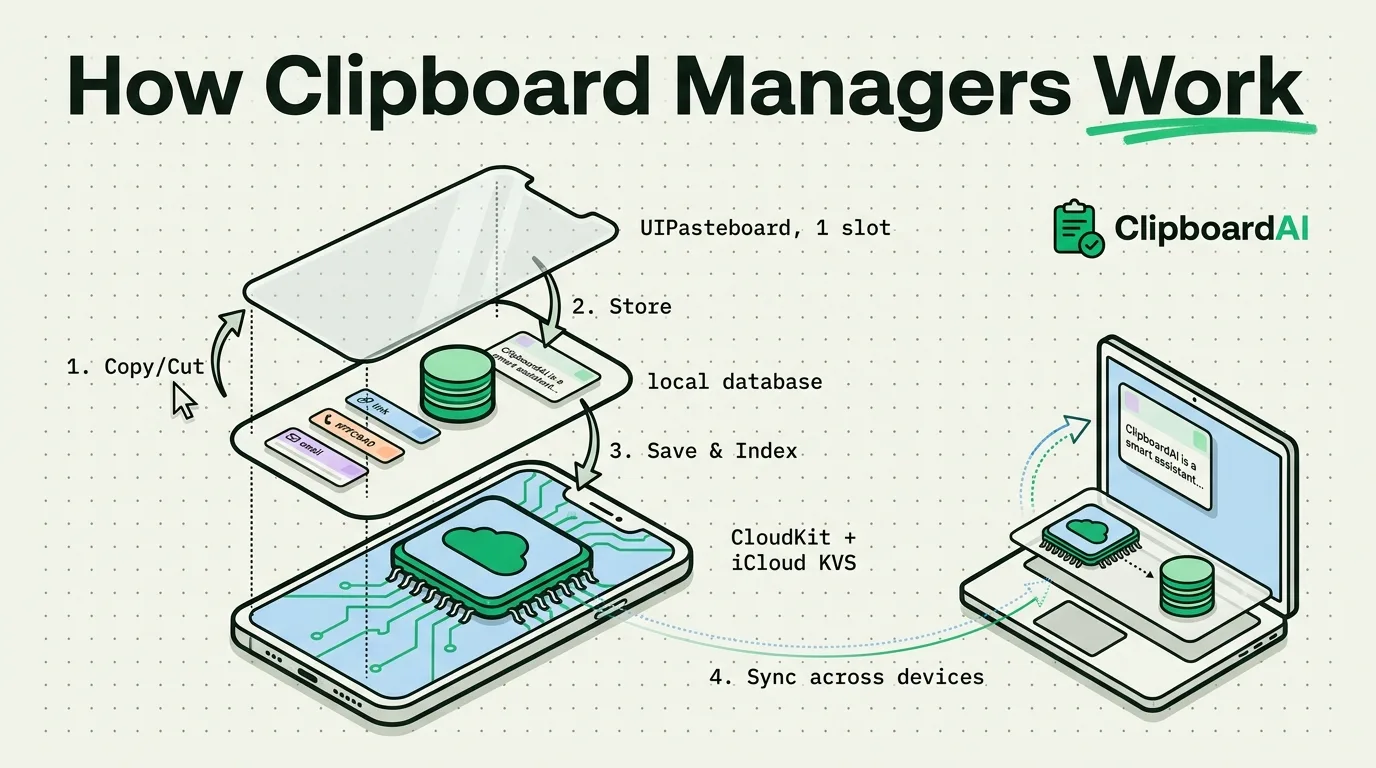
A clipboard manager saves each copy before the next one replaces it. See how that works with the Mac pasteboard, the iPhone keyboard and Allow Full Access.
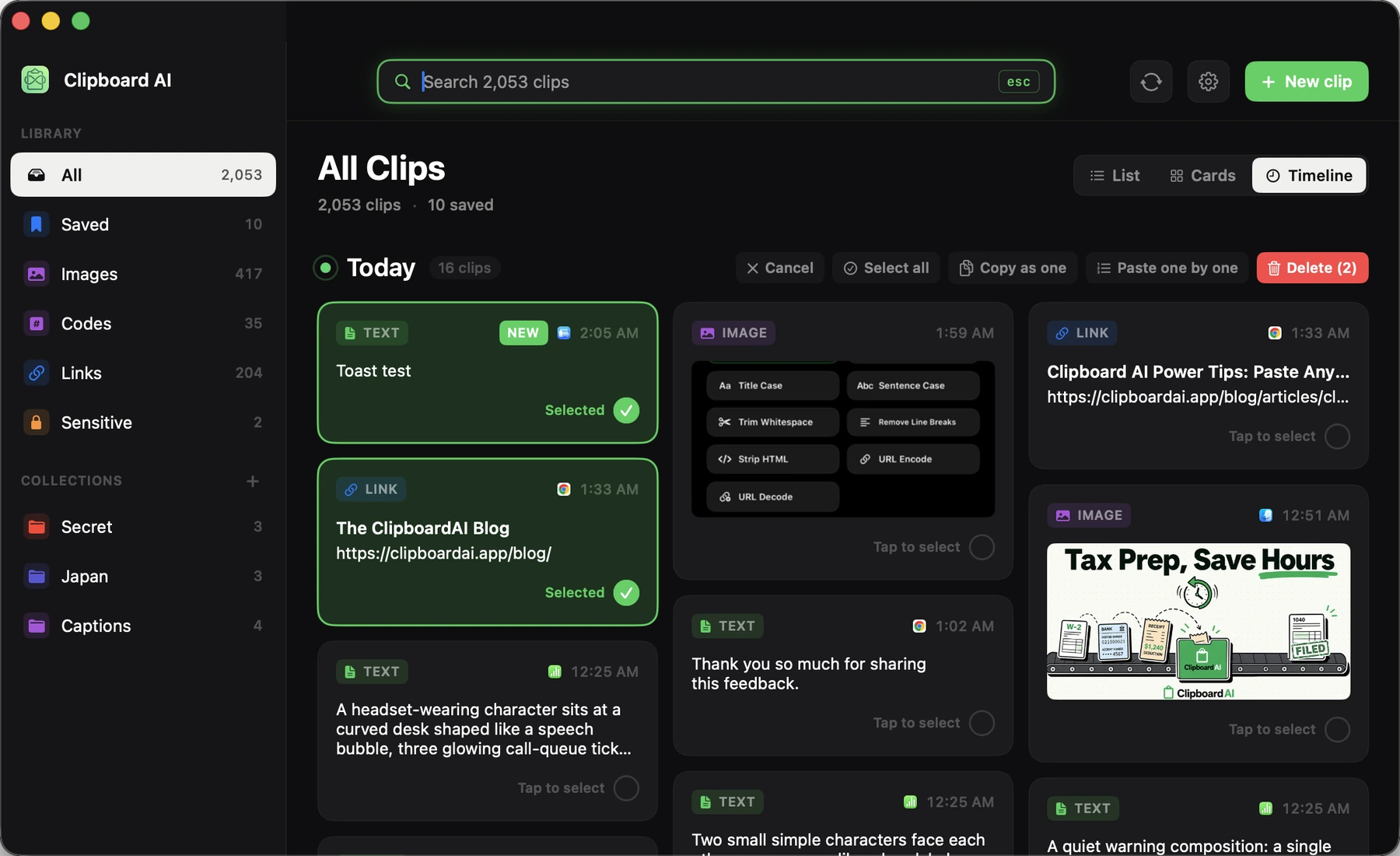
Paste a whole batch of clips at once, or step through them one at a time. Here is how Paste All, Paste One by One, and Copy as one work on Mac.
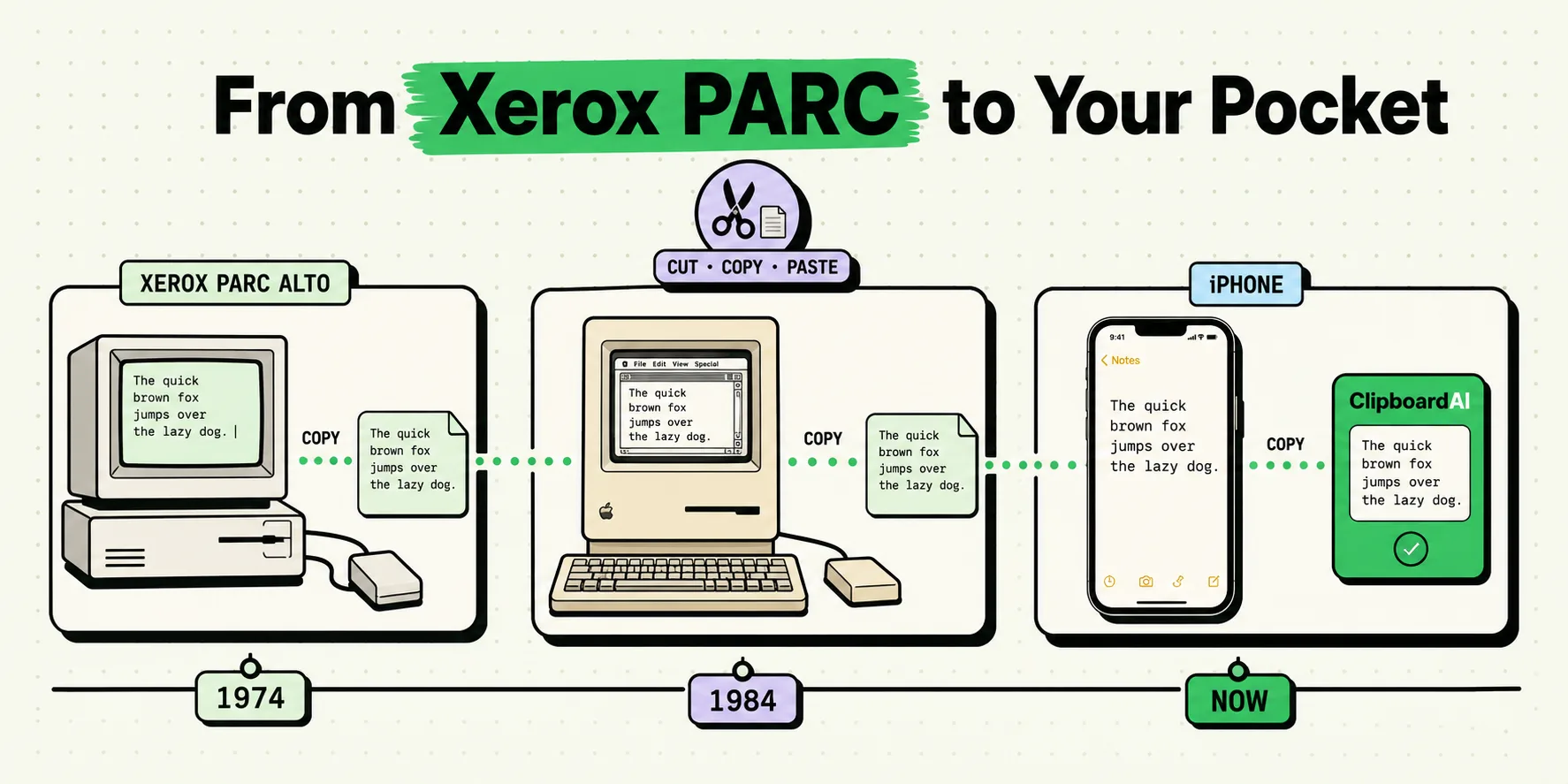
Copy-paste was invented in 1974. Here's the fascinating 50-year journey from mainframes to your iPhone clipboard.
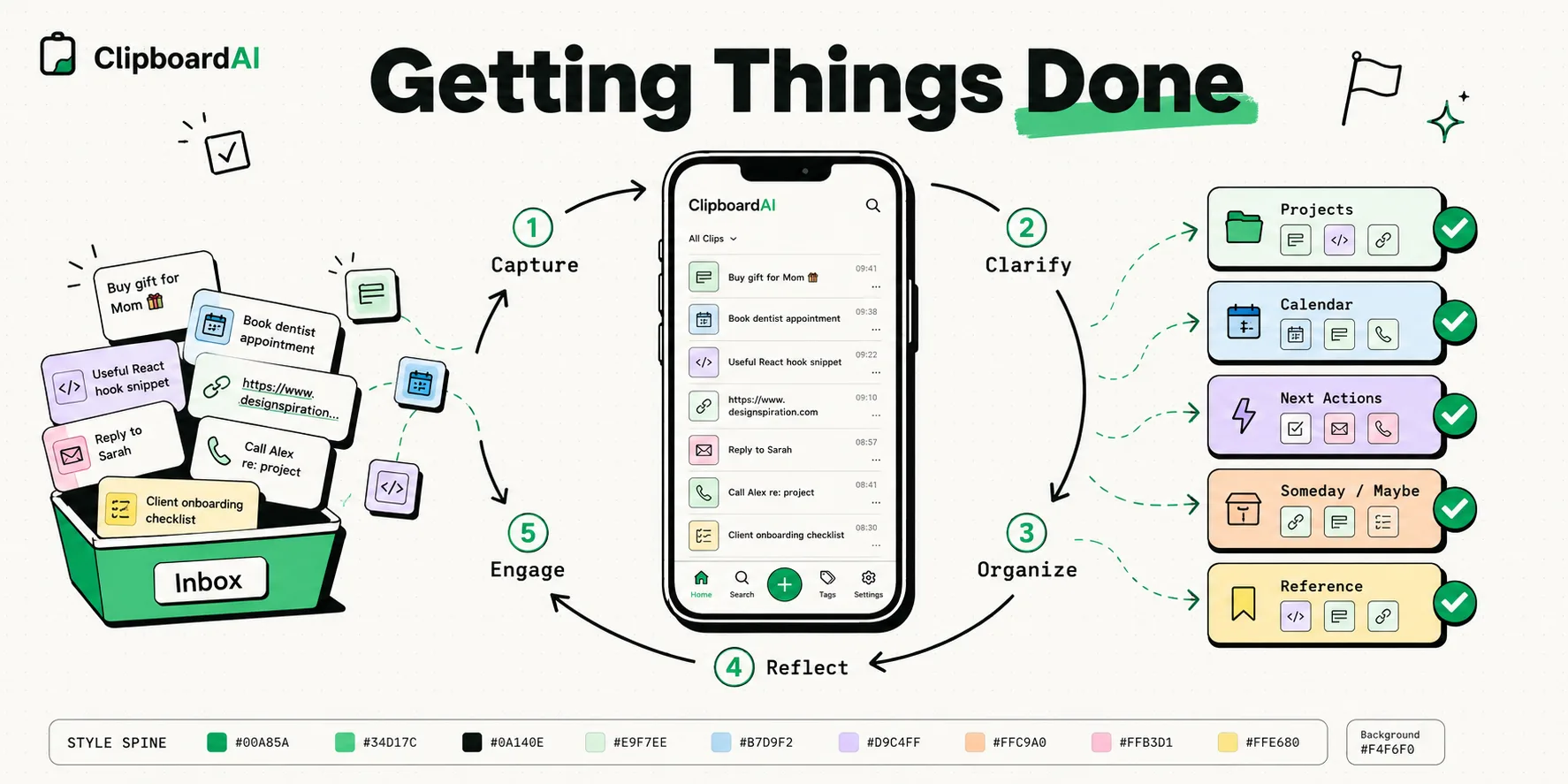
David Allen's GTD system optimized for iPhone. Capture, clarify, organize, reflect, and engage using iOS tools.
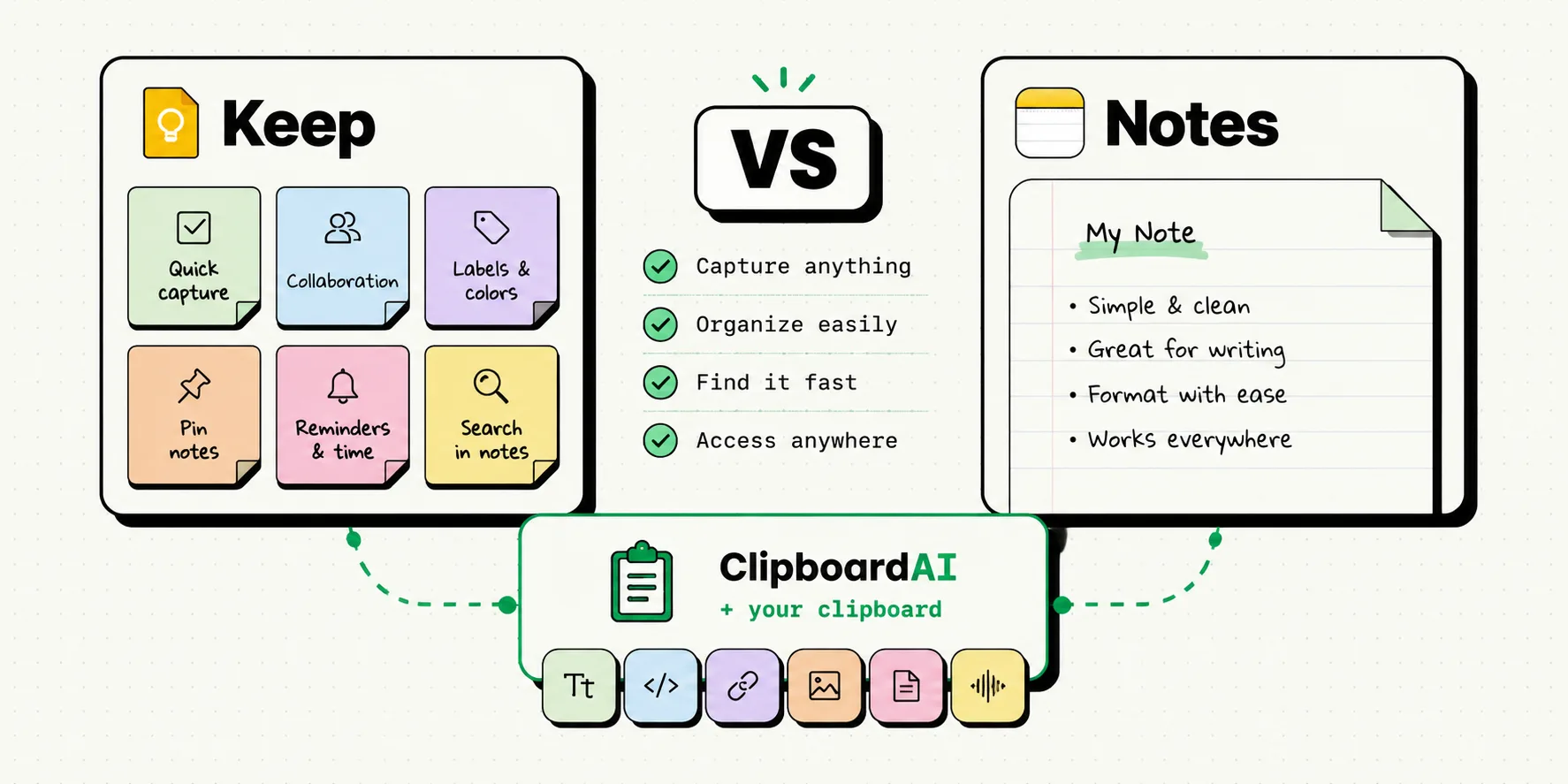
Google Keep and Apple Notes both do quick notes. We compare features, sync, and which pairs better with clipboard managers.
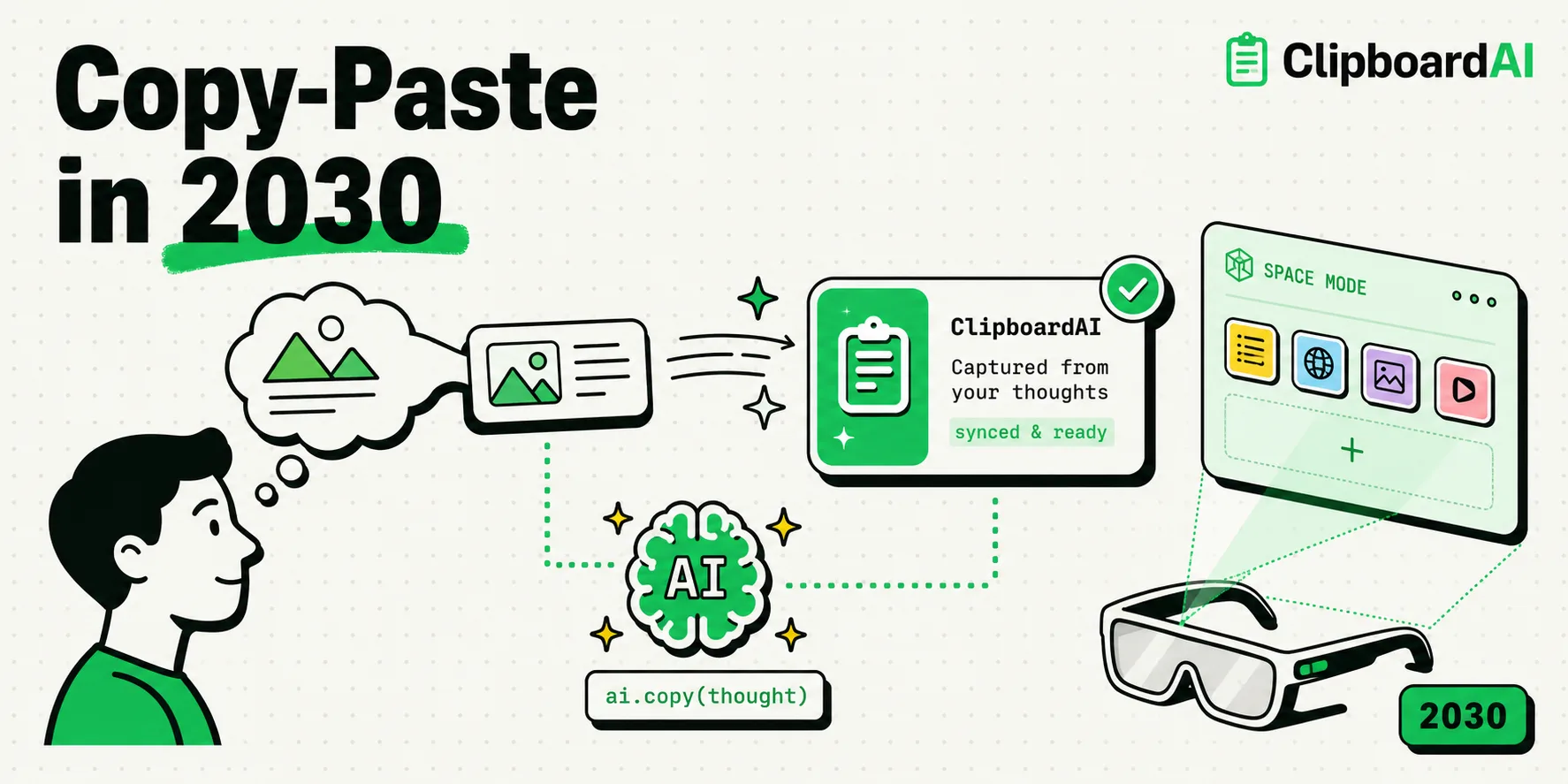
Where is copy-paste headed? Brain-computer interfaces, spatial computing, and AI that copies what you're thinking about.
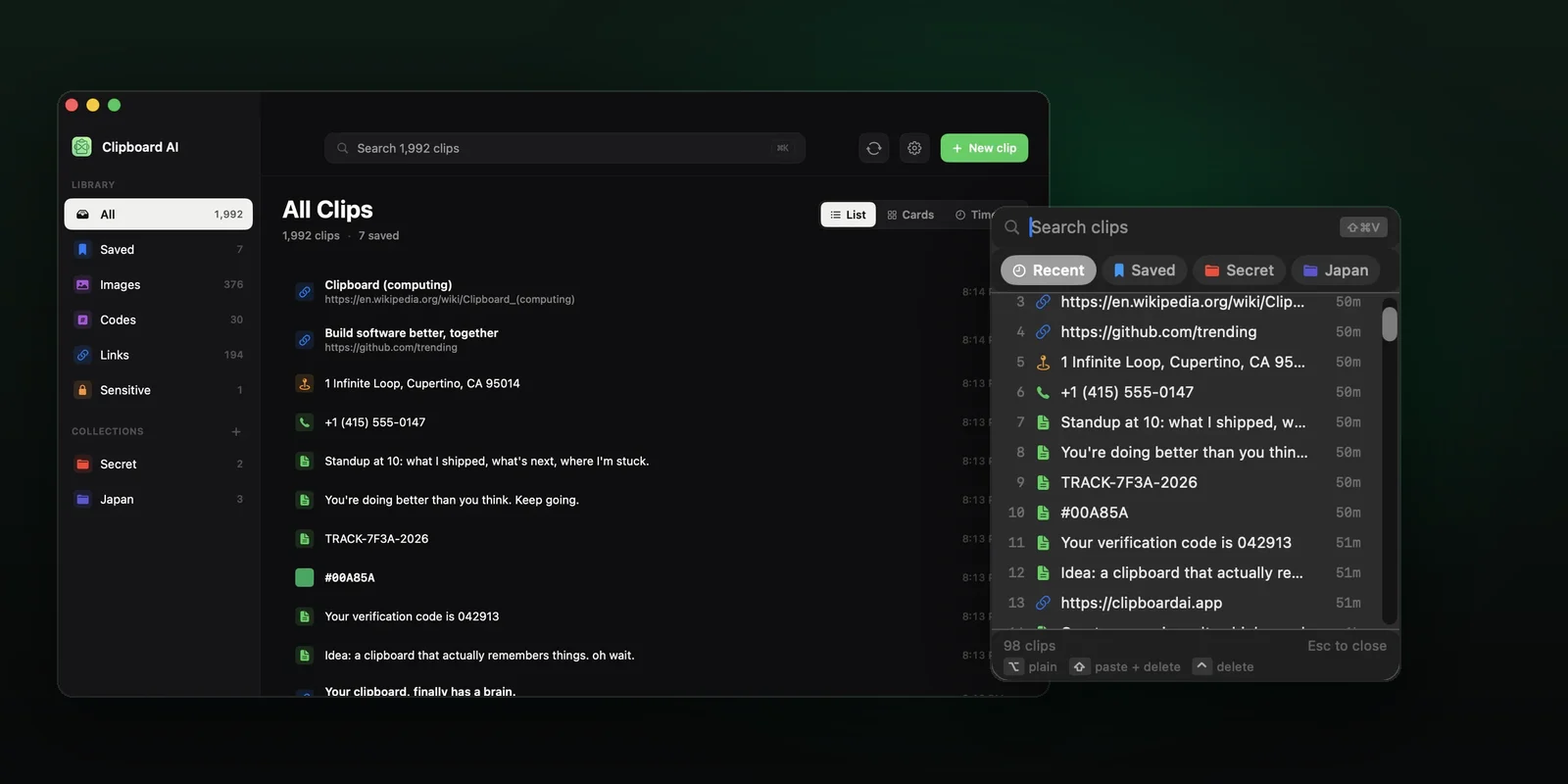
The ClipboardAI features most people miss: the paste keyboard, saved clips, ordered paste on Mac, sync, search and privacy settings, with exact steps.
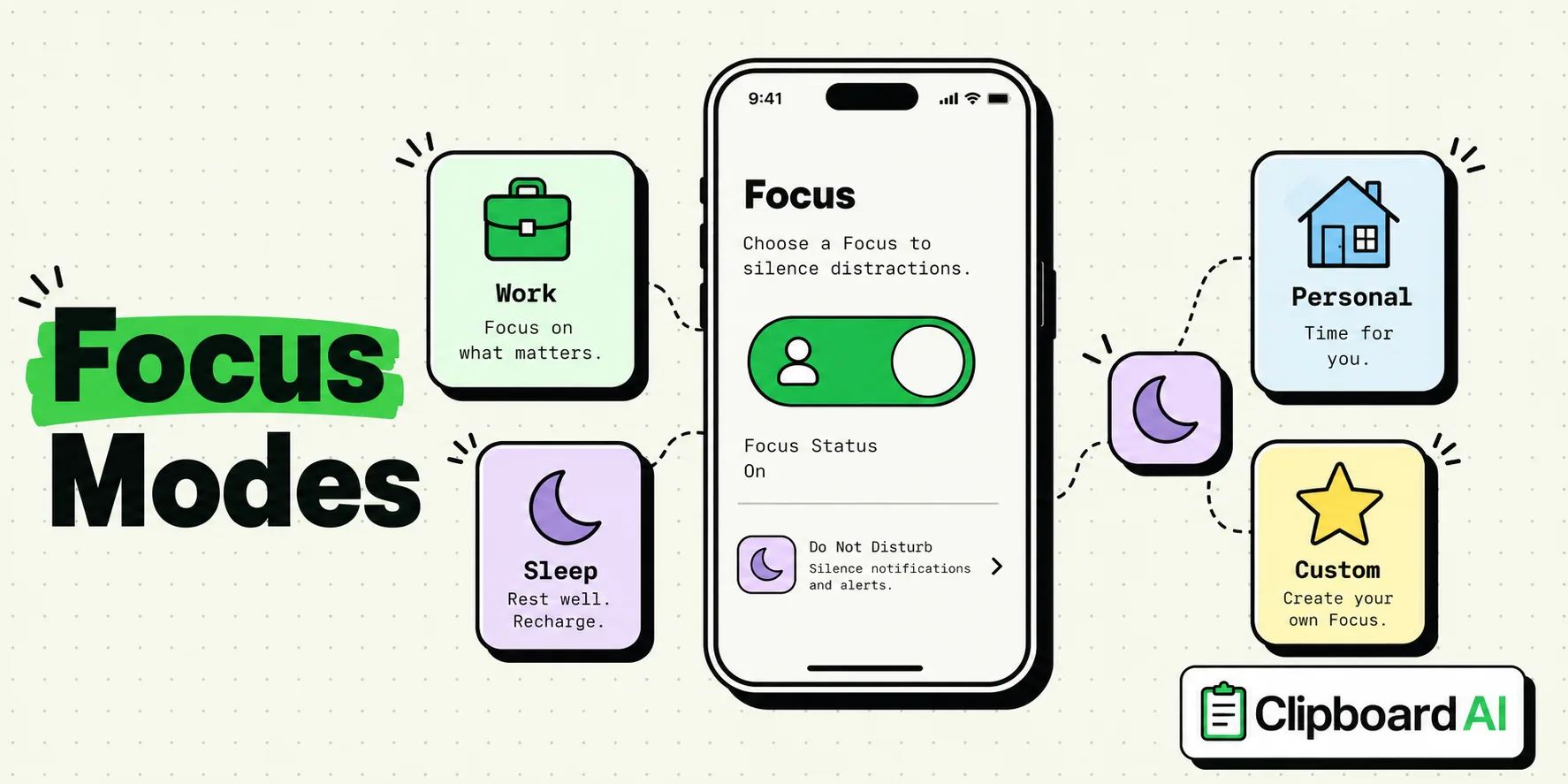
Focus Modes are the most underused iPhone feature. Here's how to set up Work, Personal, Sleep, and custom modes.
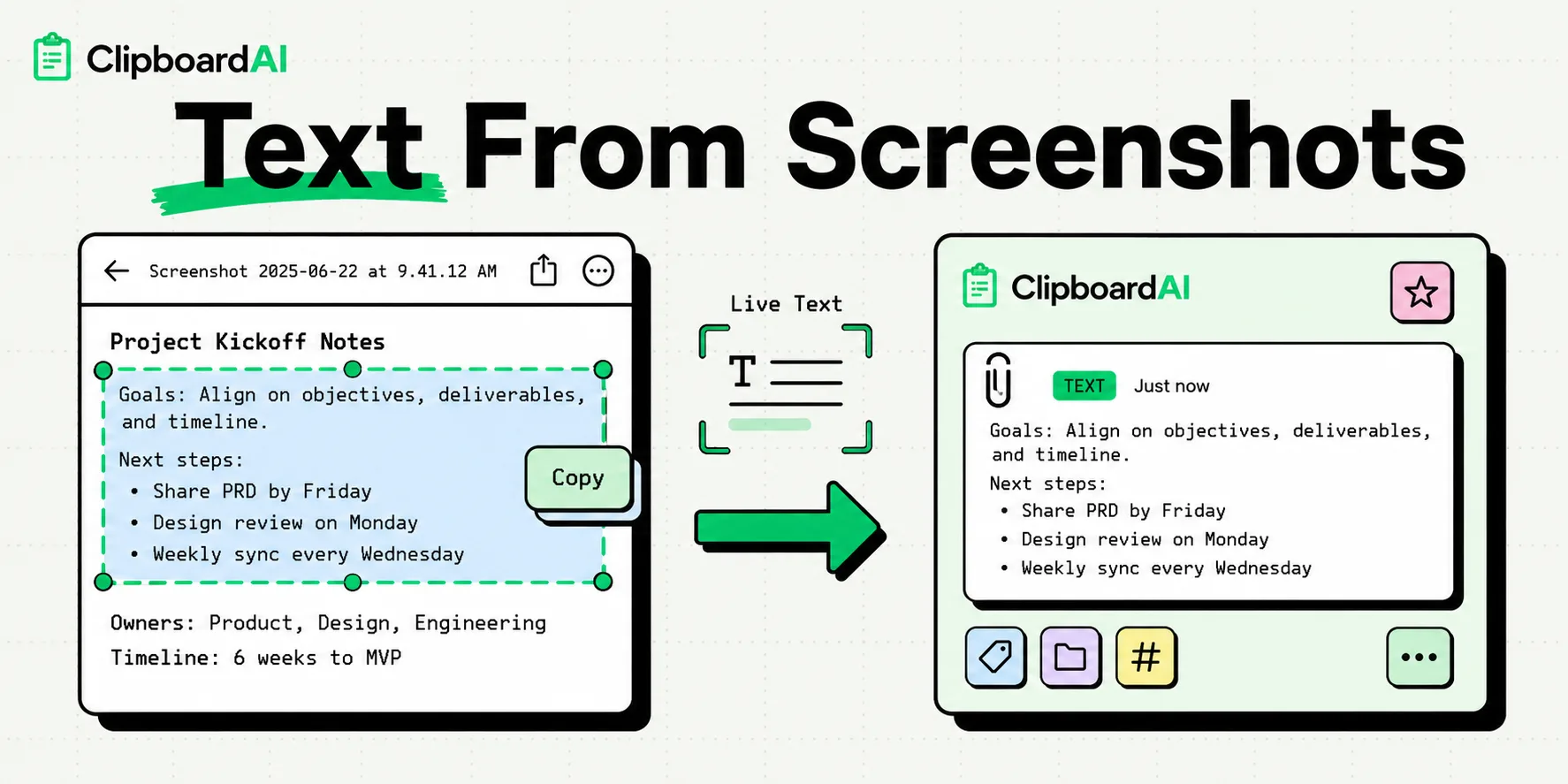
Copy text from any screenshot on iPhone with Live Text in four taps, use it on photos, video and the camera, and keep the text searchable after you copy it.
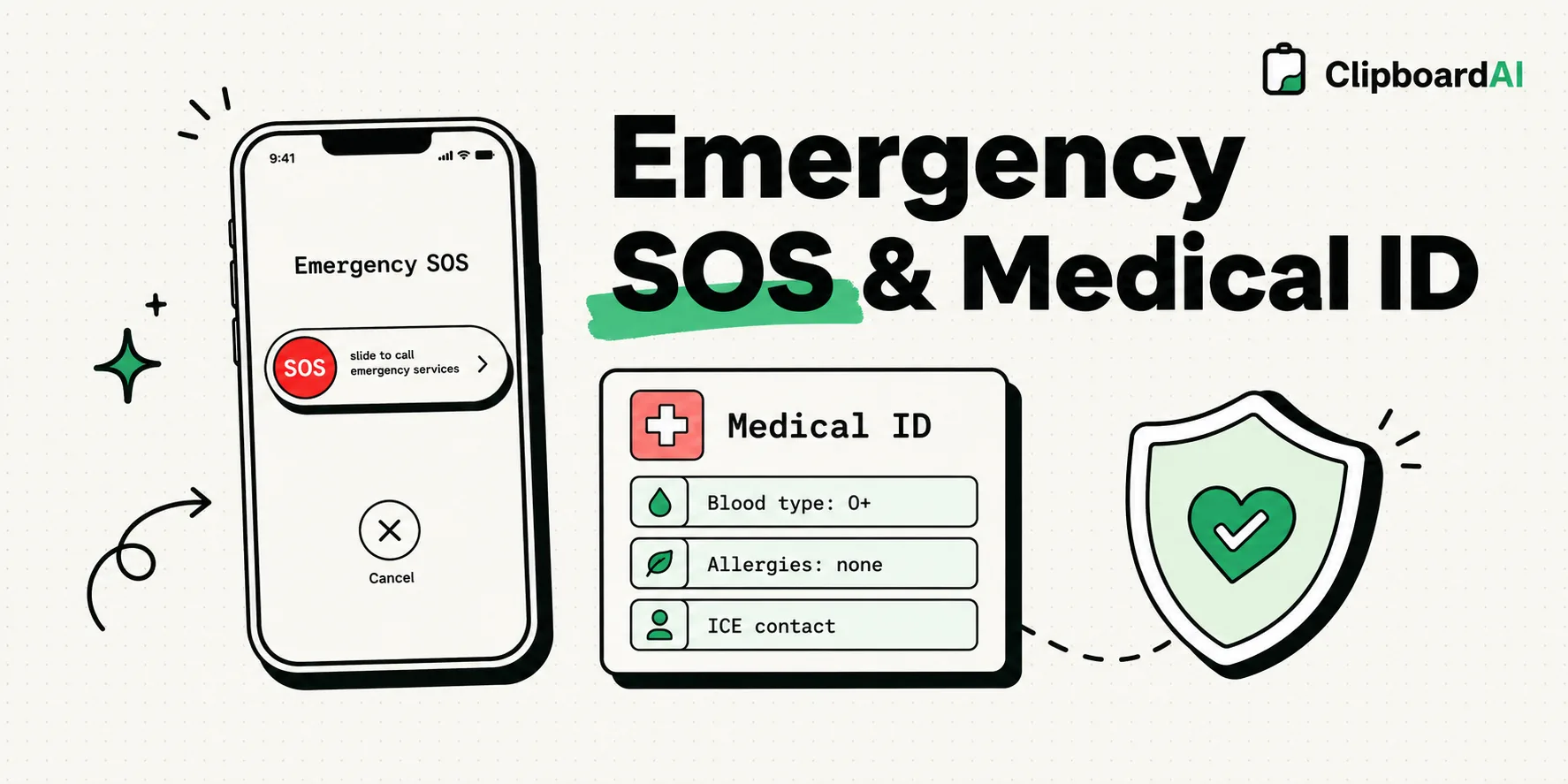
Emergency SOS and Medical ID setup guide. Every iPhone user should configure these - it takes 5 minutes.
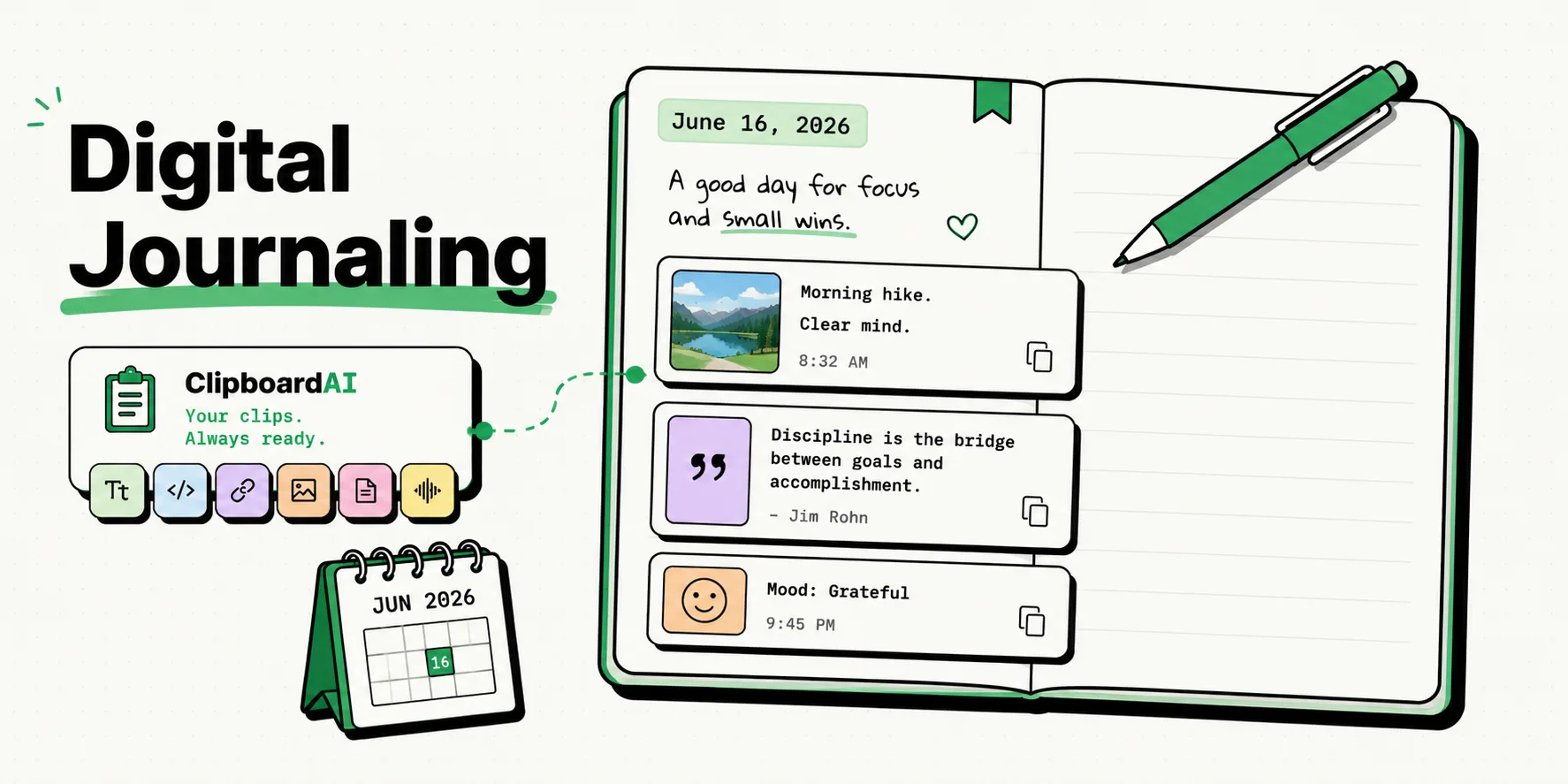
Start a digital journal on iPhone. Day One, Apple Journal, Notes, and clipboard-enhanced journaling methods.
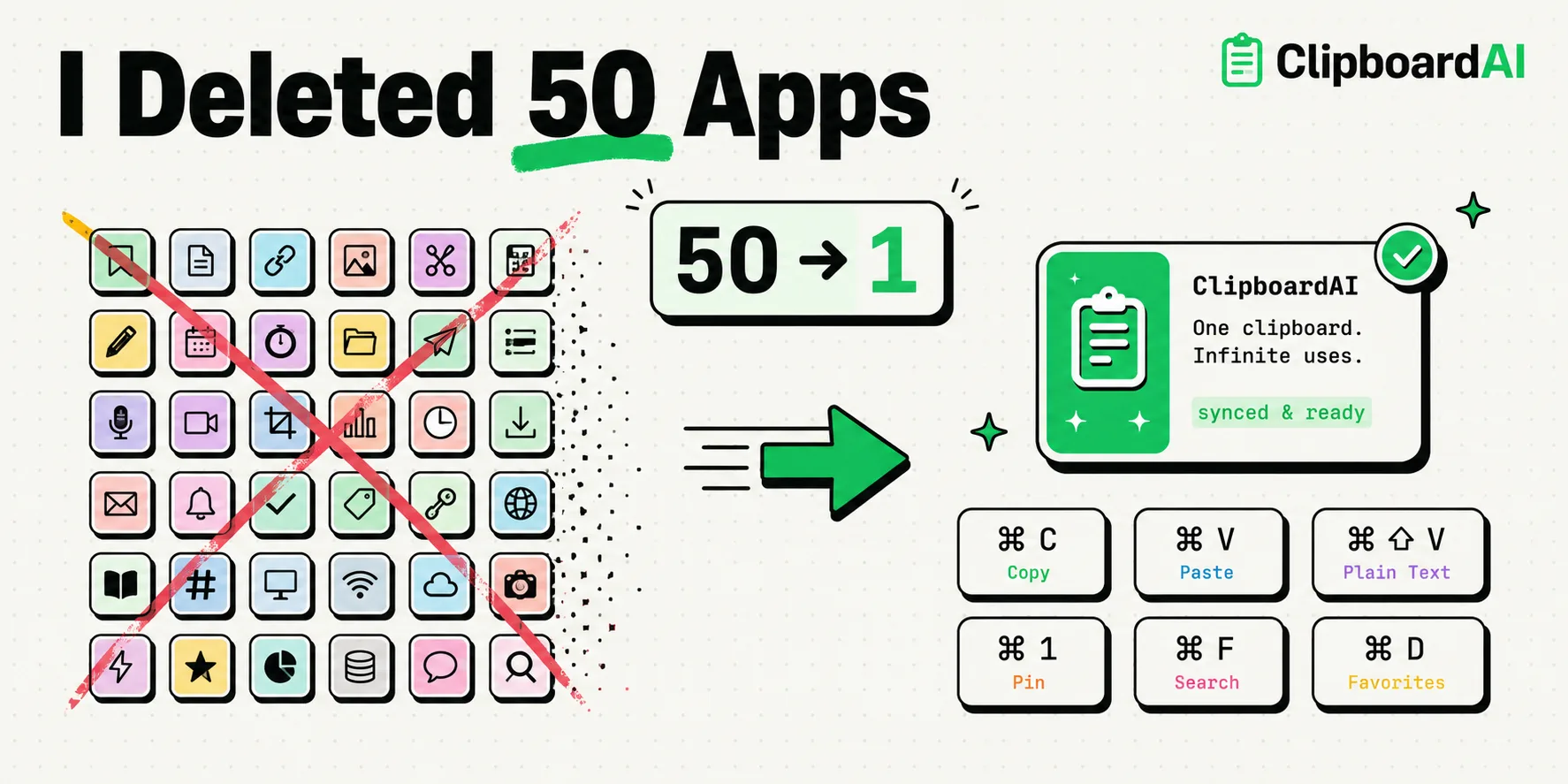
Clipboard shortcuts can replace entire apps. Here's how I cut my app count in half using smart clipboard workflows.
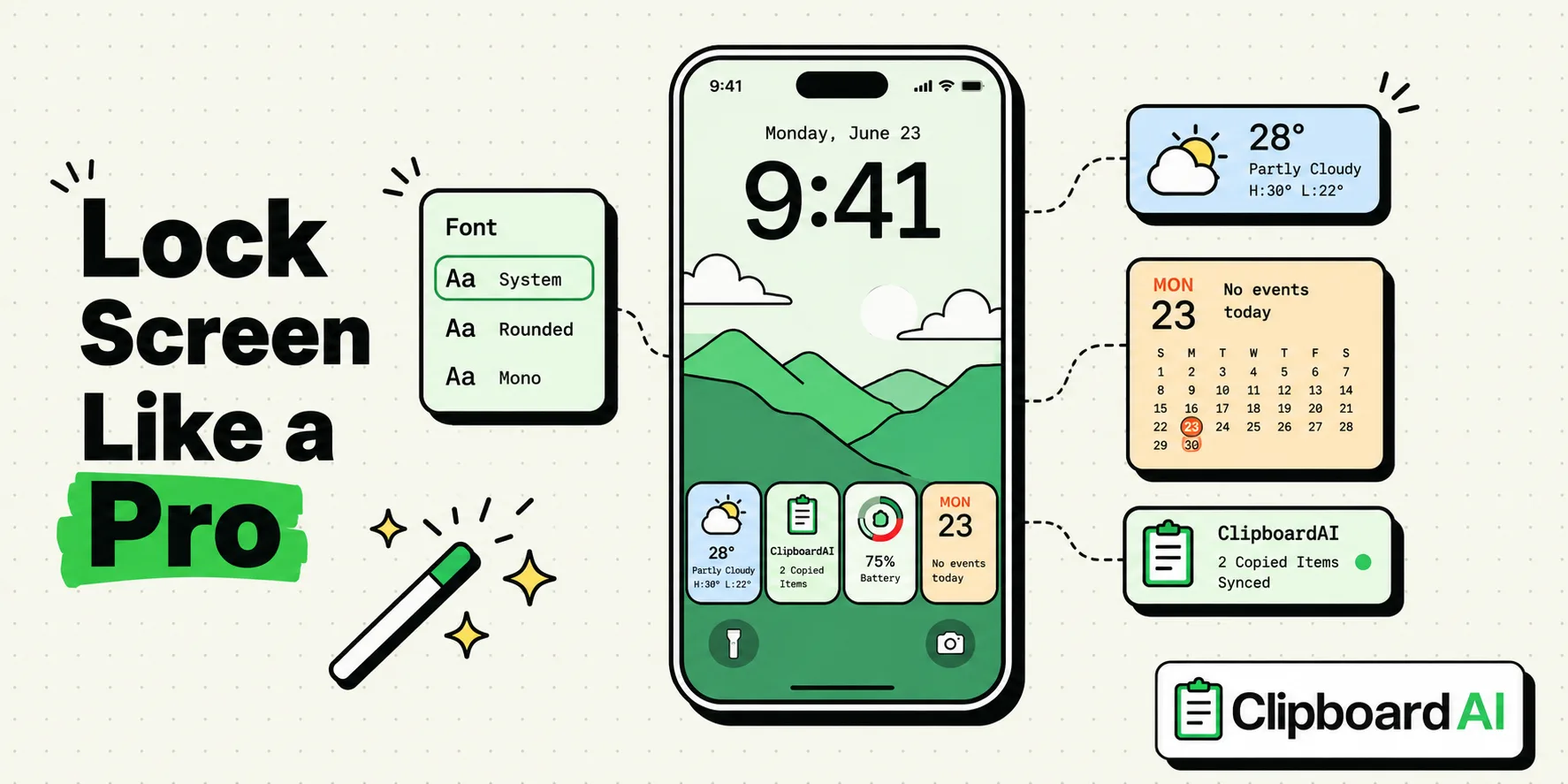
Lock Screen customization beyond wallpapers. Widgets, fonts, focus-linked screens, and clipboard shortcuts.
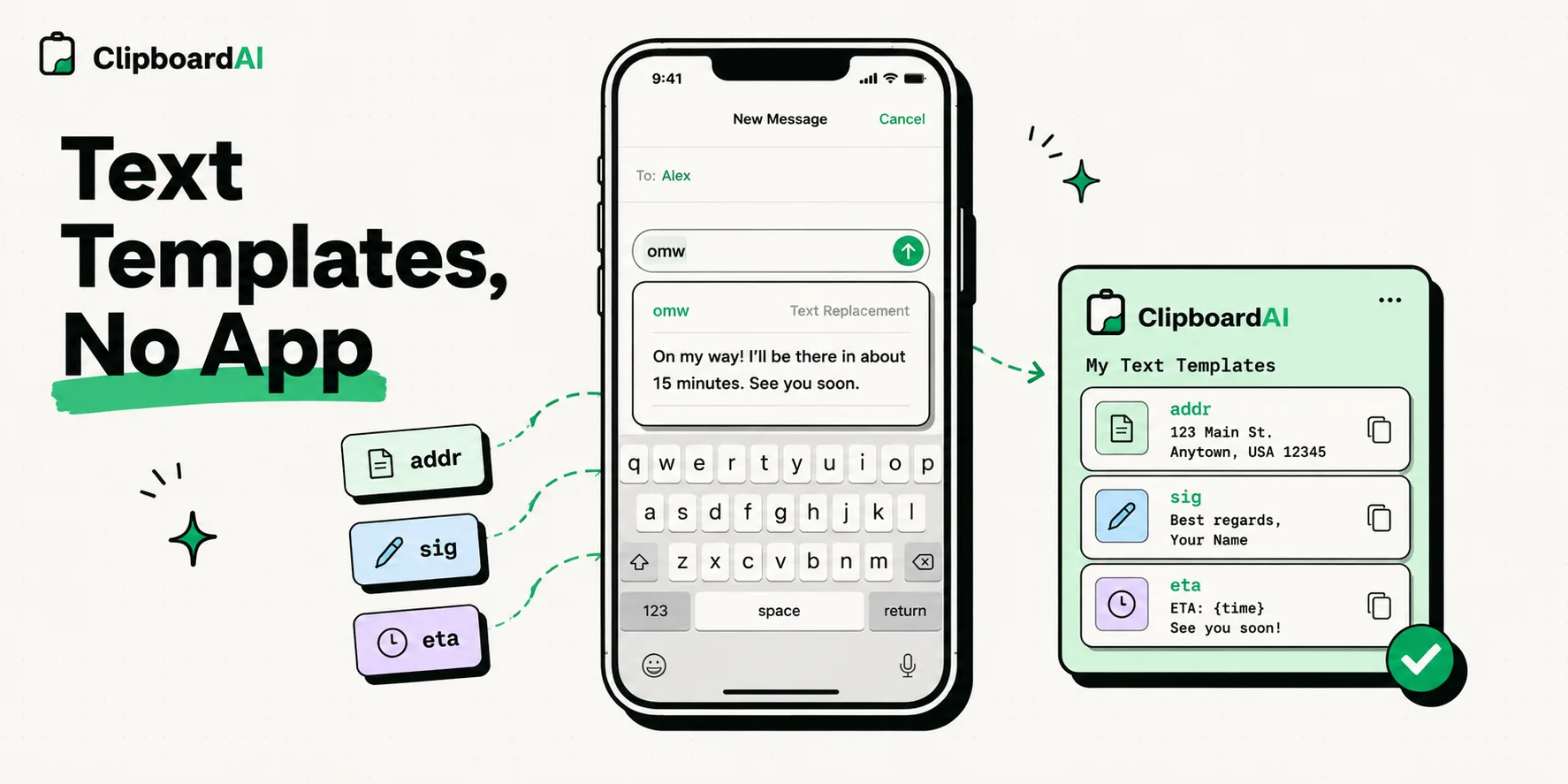
Use built-in iOS features to create text templates for emails, messages, and forms. No third-party app required.
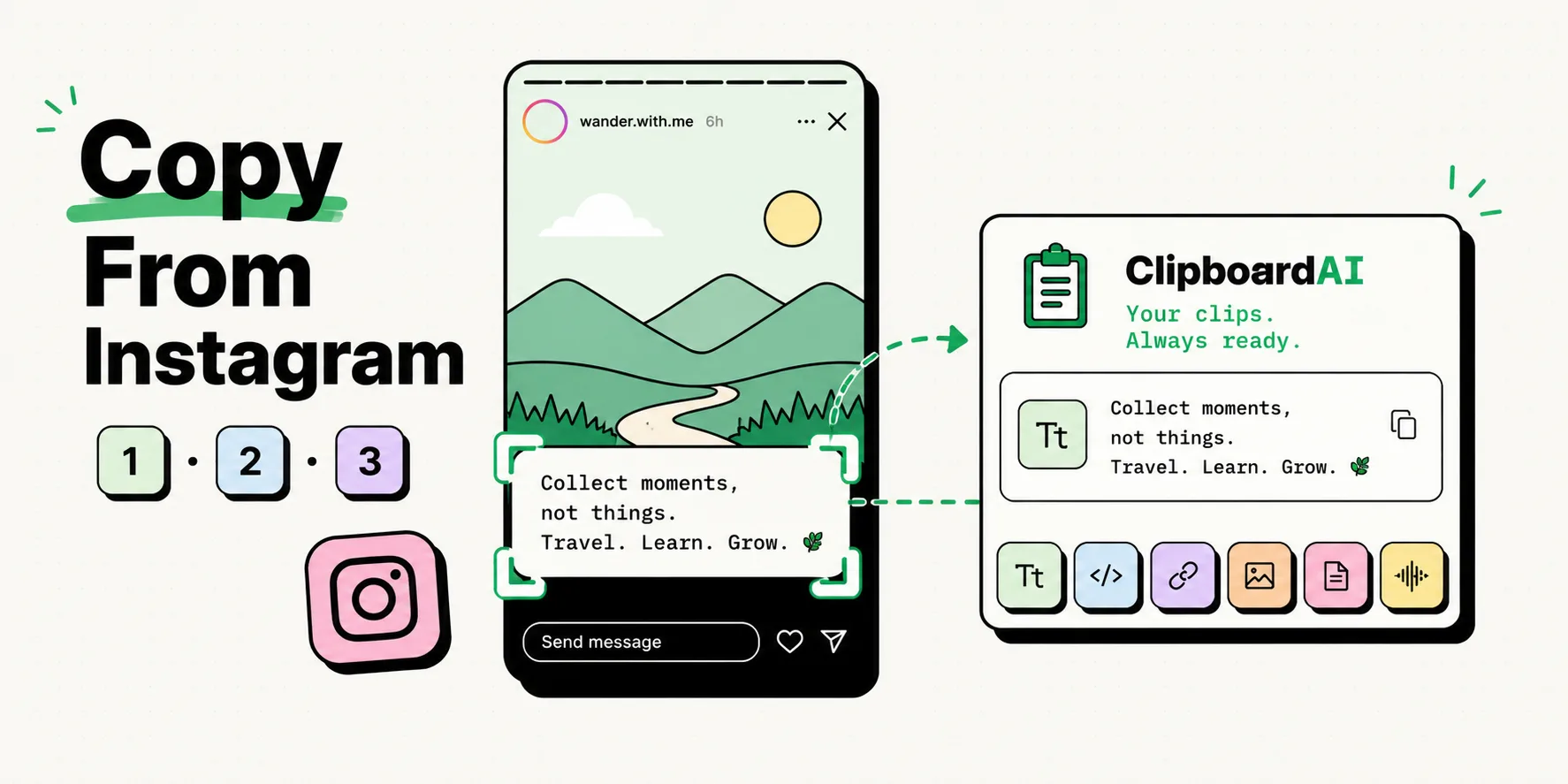
Instagram doesn't let you copy text from Stories. Here are 3 workarounds that actually work in 2026.
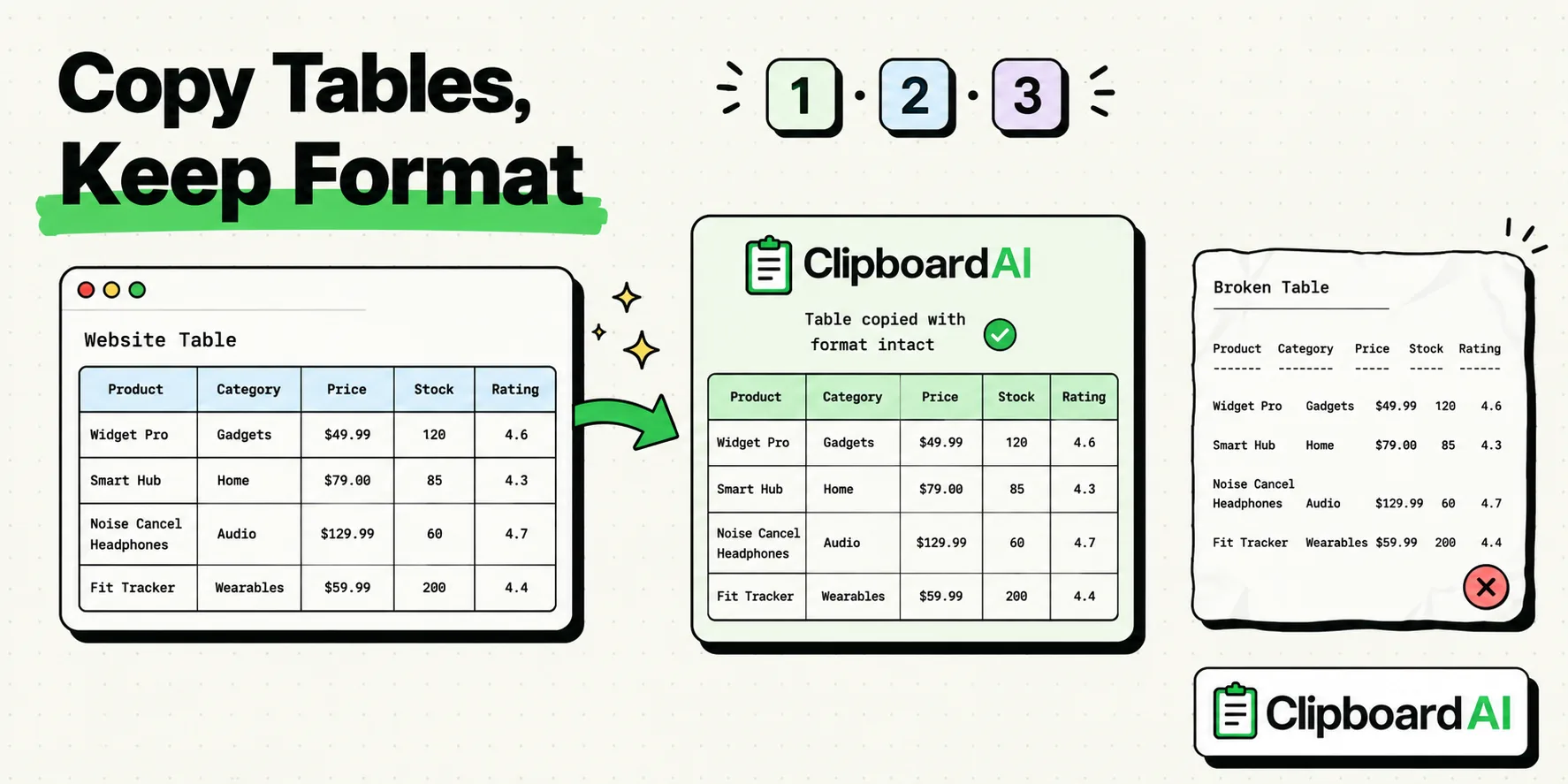
Copying tables from websites on iPhone usually breaks. Here are 3 methods that preserve the table structure.
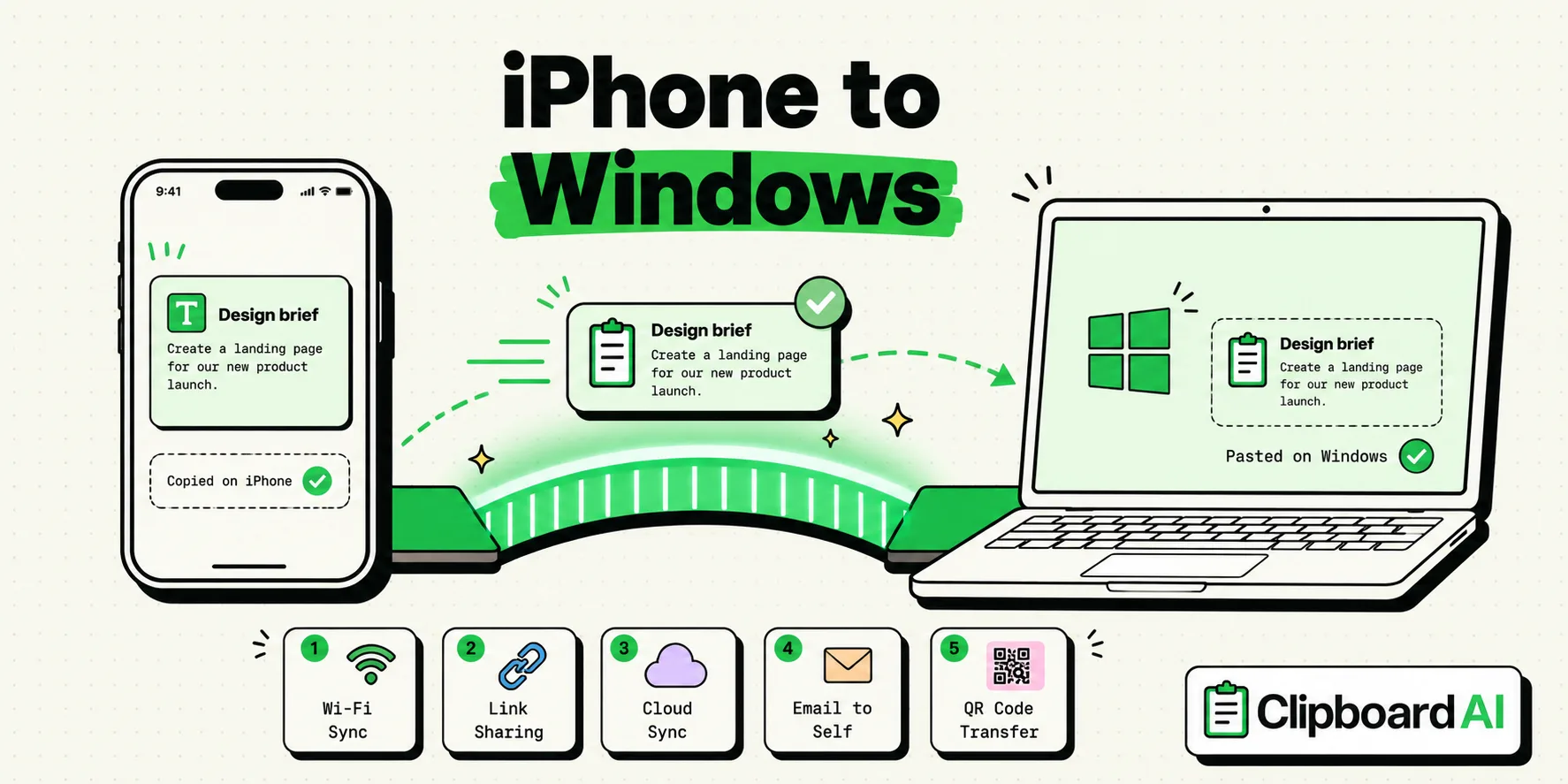
Phone Link and SwiftKey can't sync an iPhone clipboard, and Apple's EU version is due by fall 2027. Five ways to move text, links and photos to a PC today.
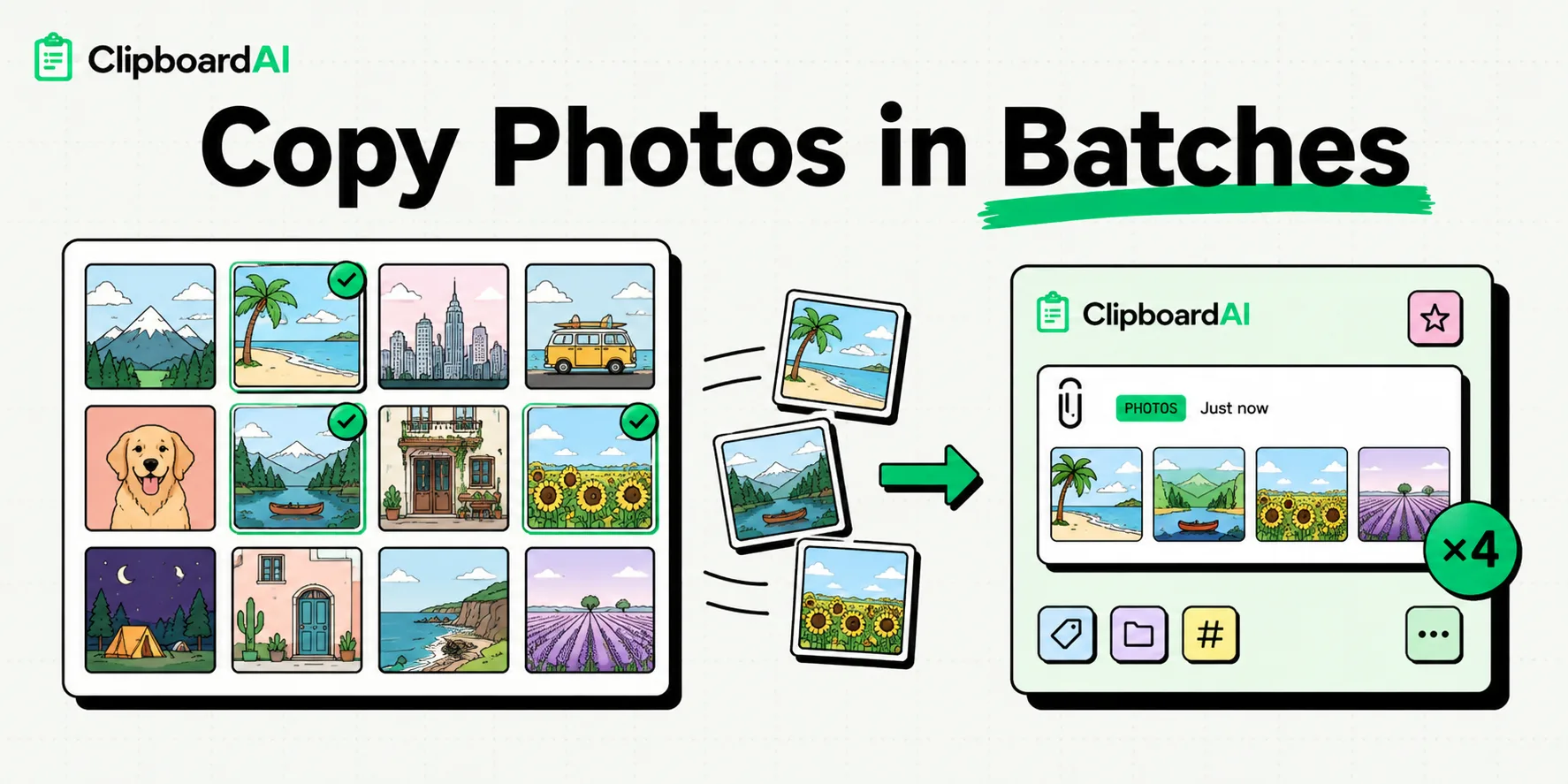
Select, copy, and paste multiple photos at once on iPhone. Perfect for sharing photo batches across apps.
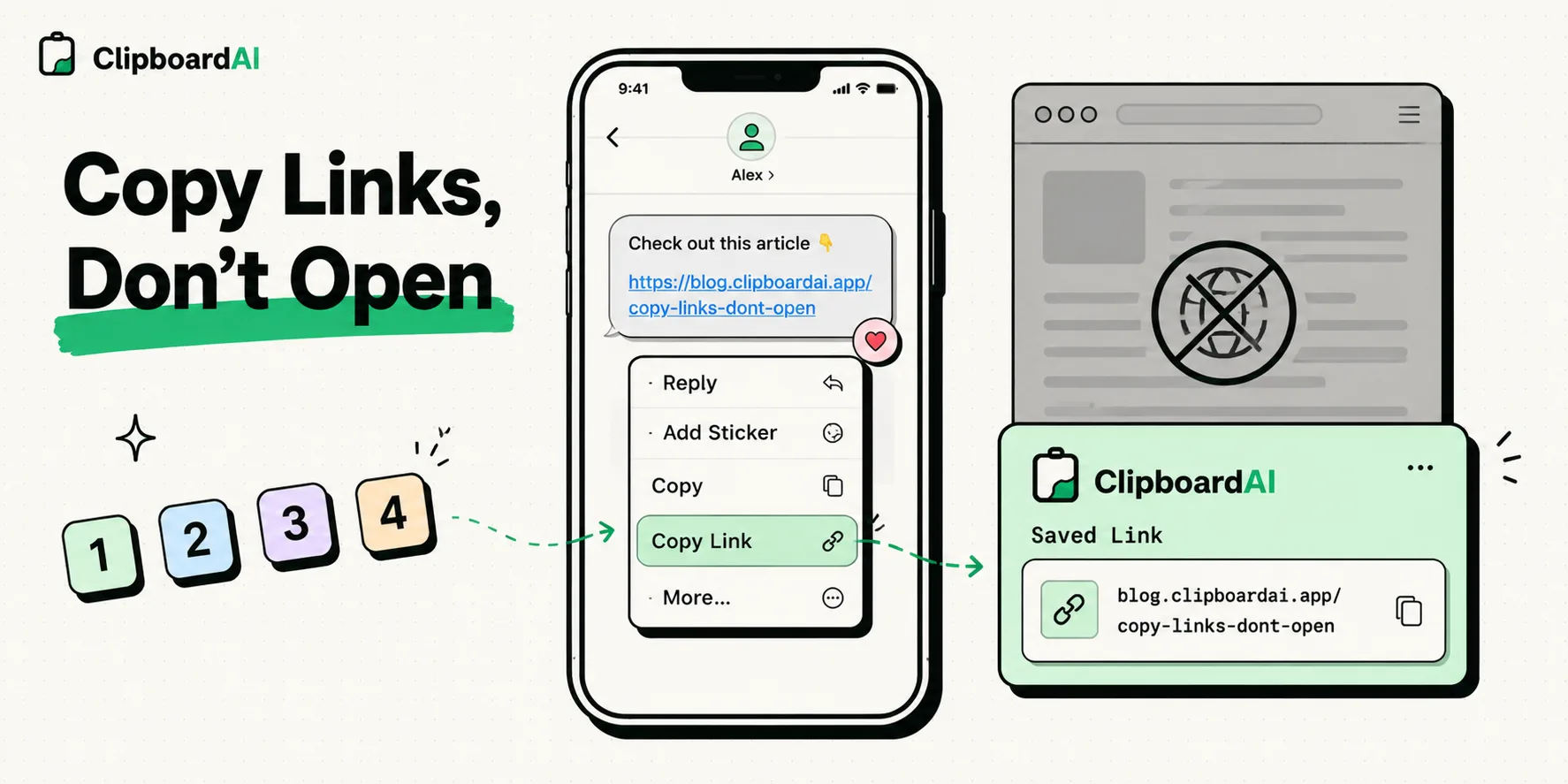
Touch and hold a link and tap Copy Link, or hold Safari's address bar to copy the page URL. Every way to copy a link on iPhone, with or without opening it.
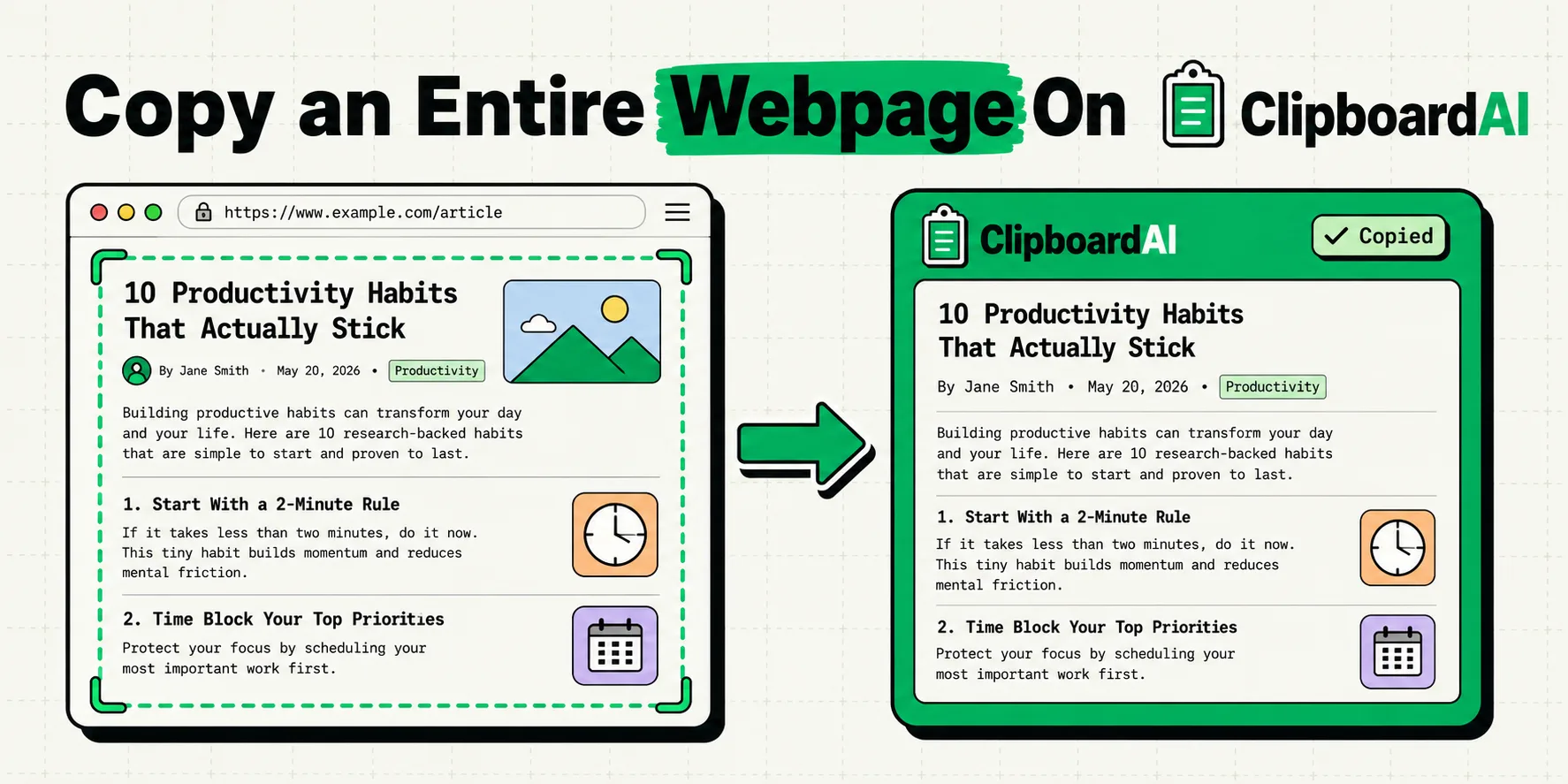
Safari has no Select All for page text. Copy a whole page on iPhone with a Share sheet Shortcut, Reader, a full-page PDF or Live Text in iOS 26 and iOS 27.
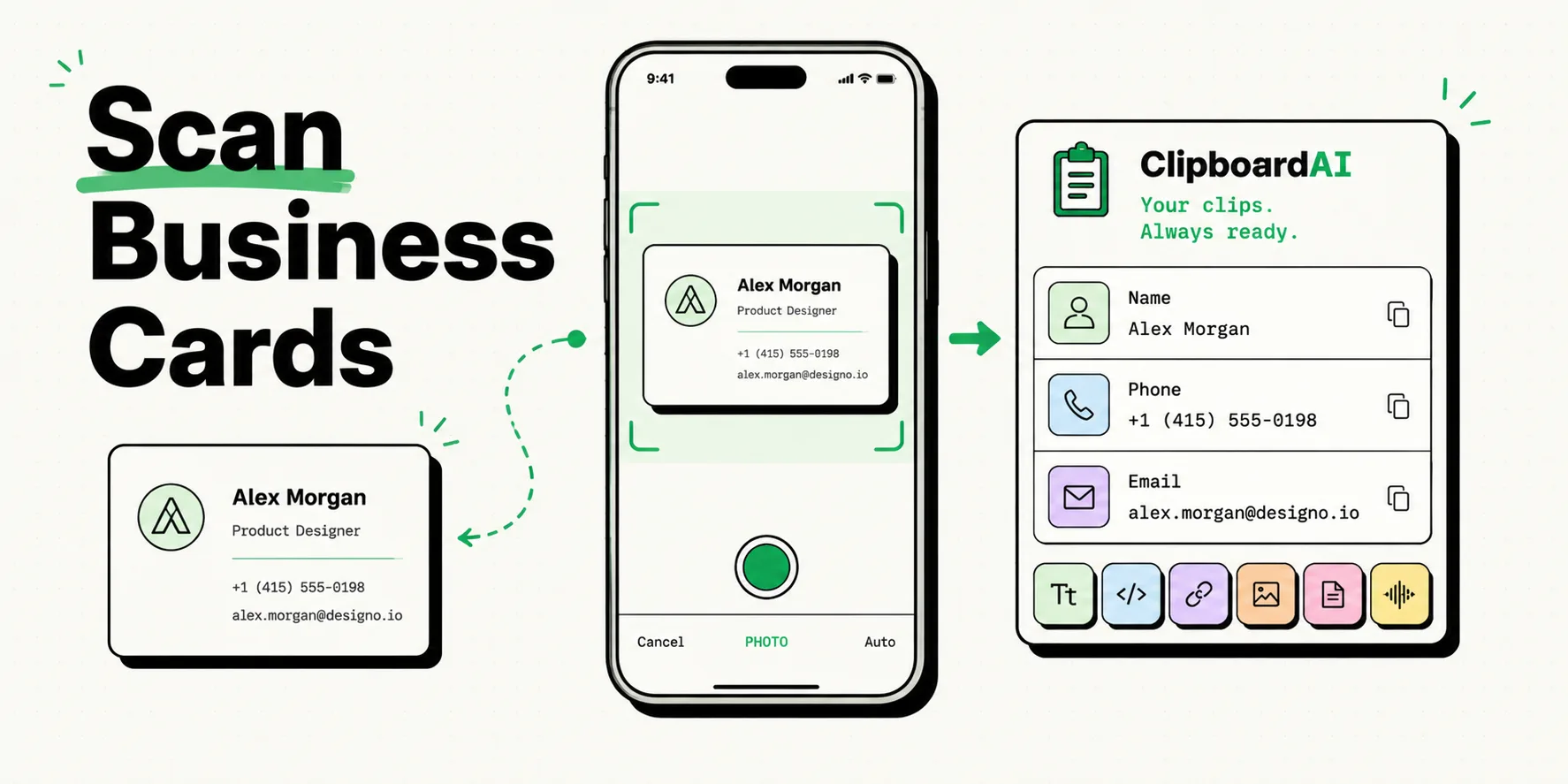
Scan business cards with your iPhone camera and extract contact details to your clipboard in seconds.
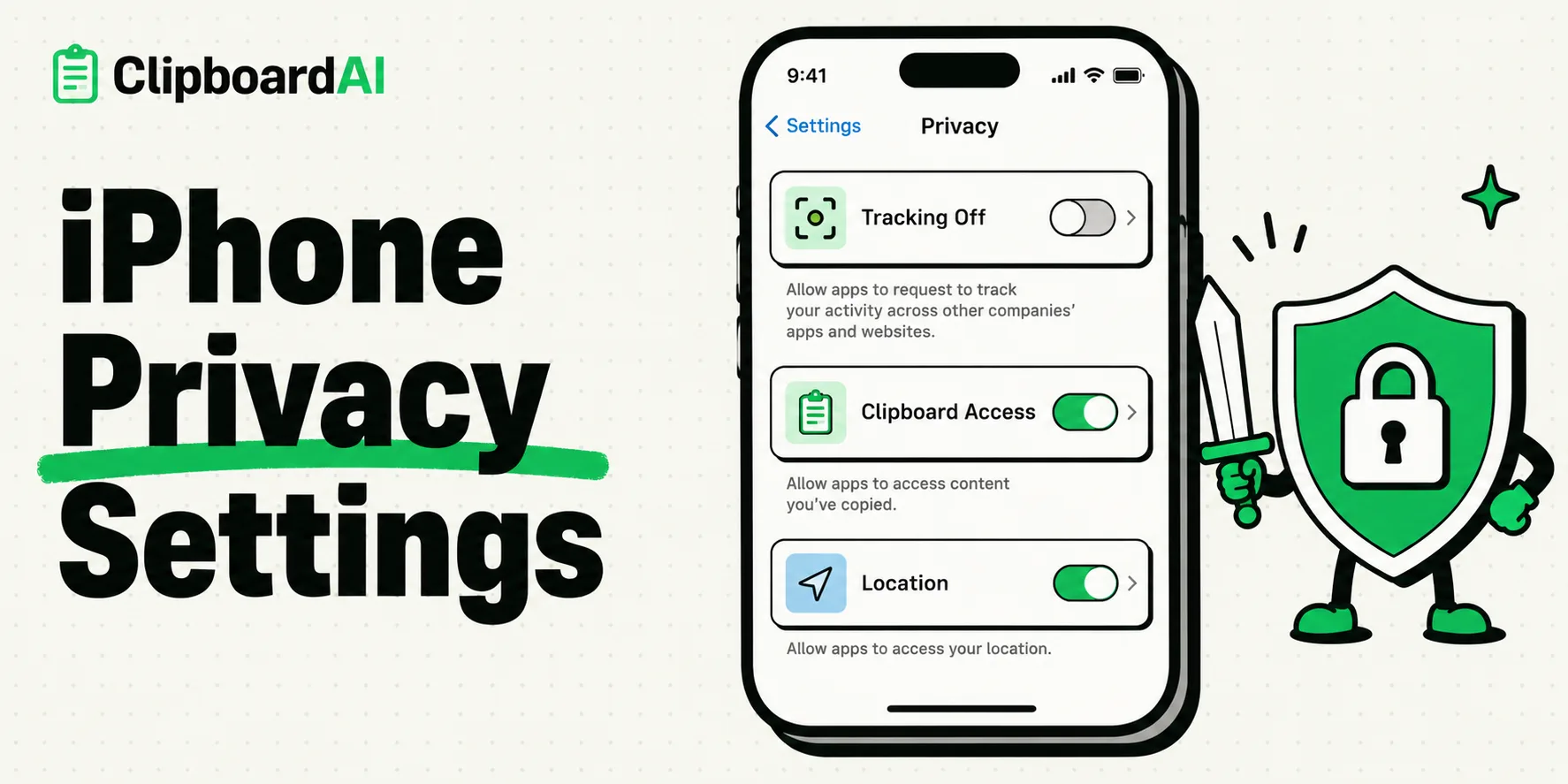
Every privacy setting on iPhone explained. From clipboard access to app tracking, secure your digital life.
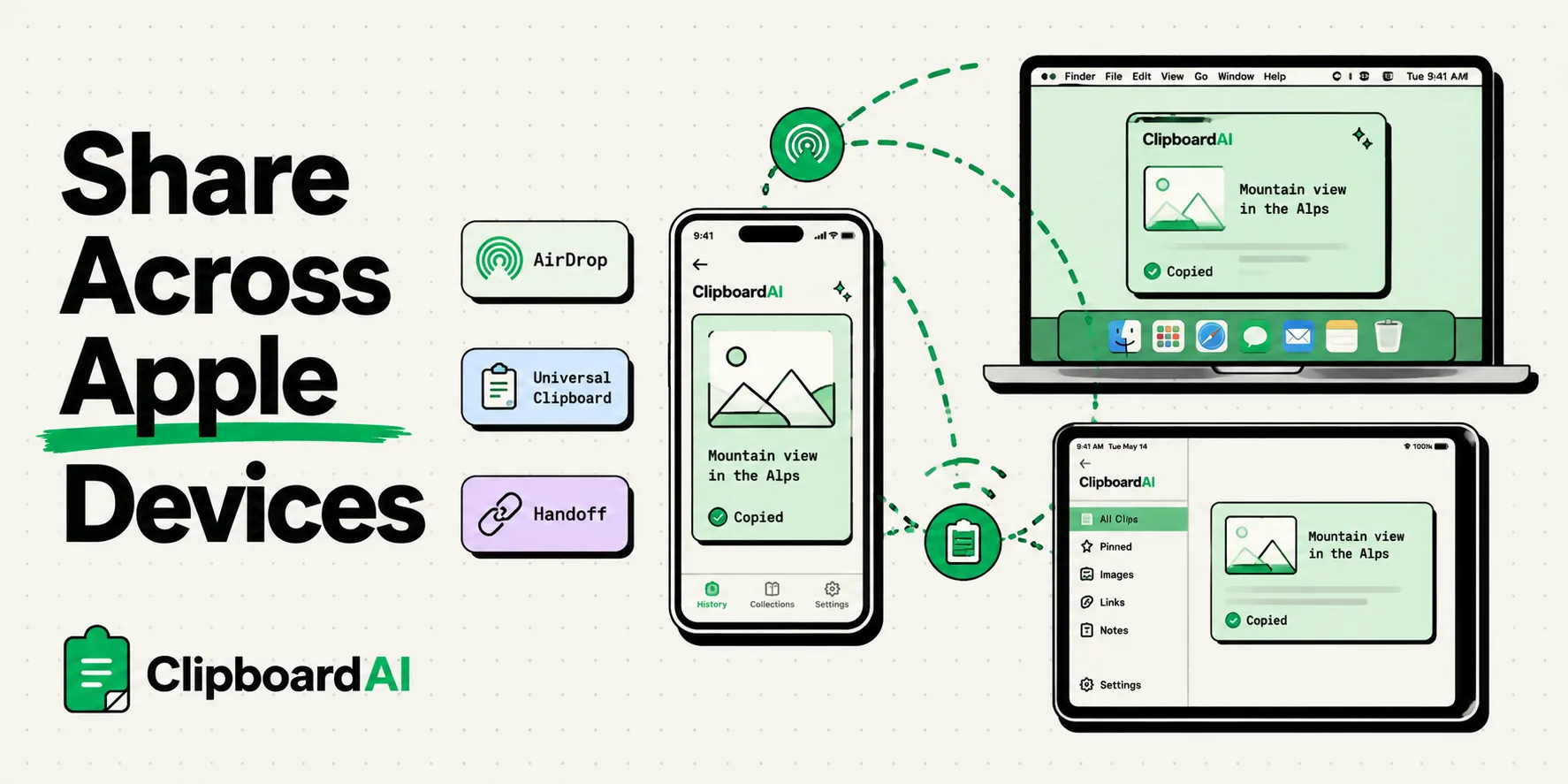
AirDrop, Universal Clipboard, Handoff, and iCloud sharing. Every method for moving content between Apple devices.
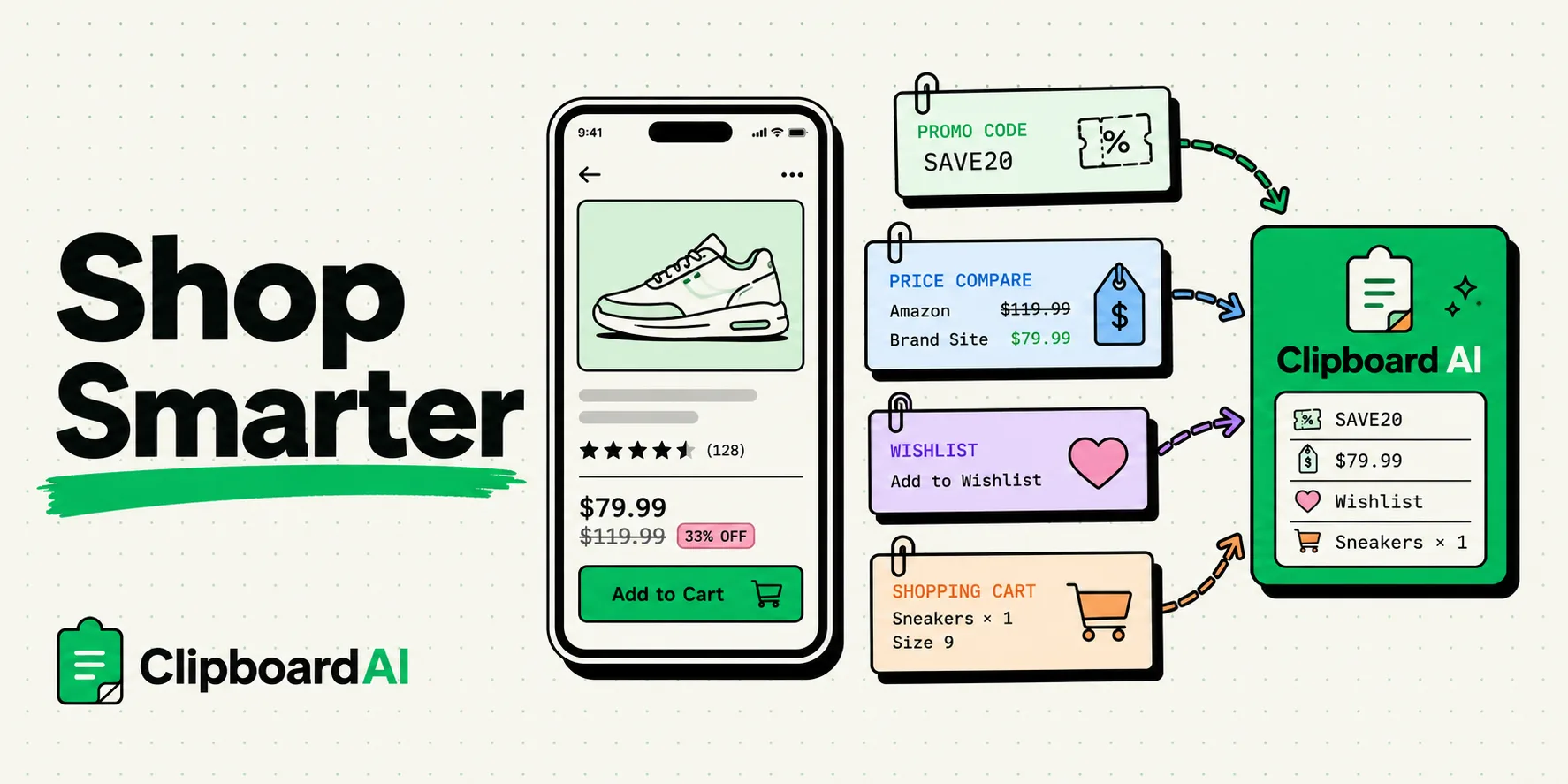
The iPhone clipboard holds one item, so the next copy erases your promo code. Save codes, prices, links and order numbers as you shop, then paste at checkout.
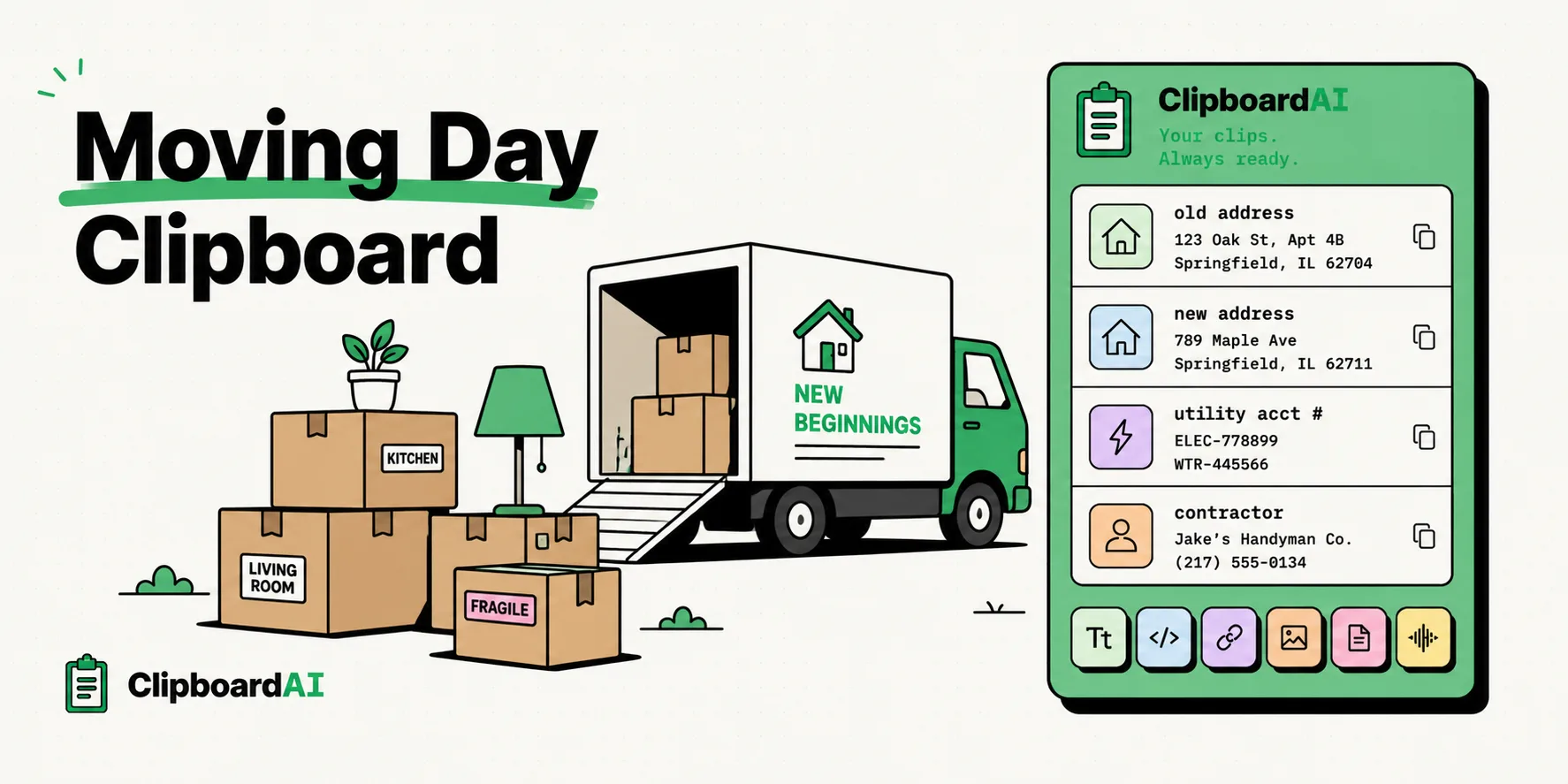
Moving day clipboard survival kit. Old address, new address, utility numbers, and contractor details all saved.
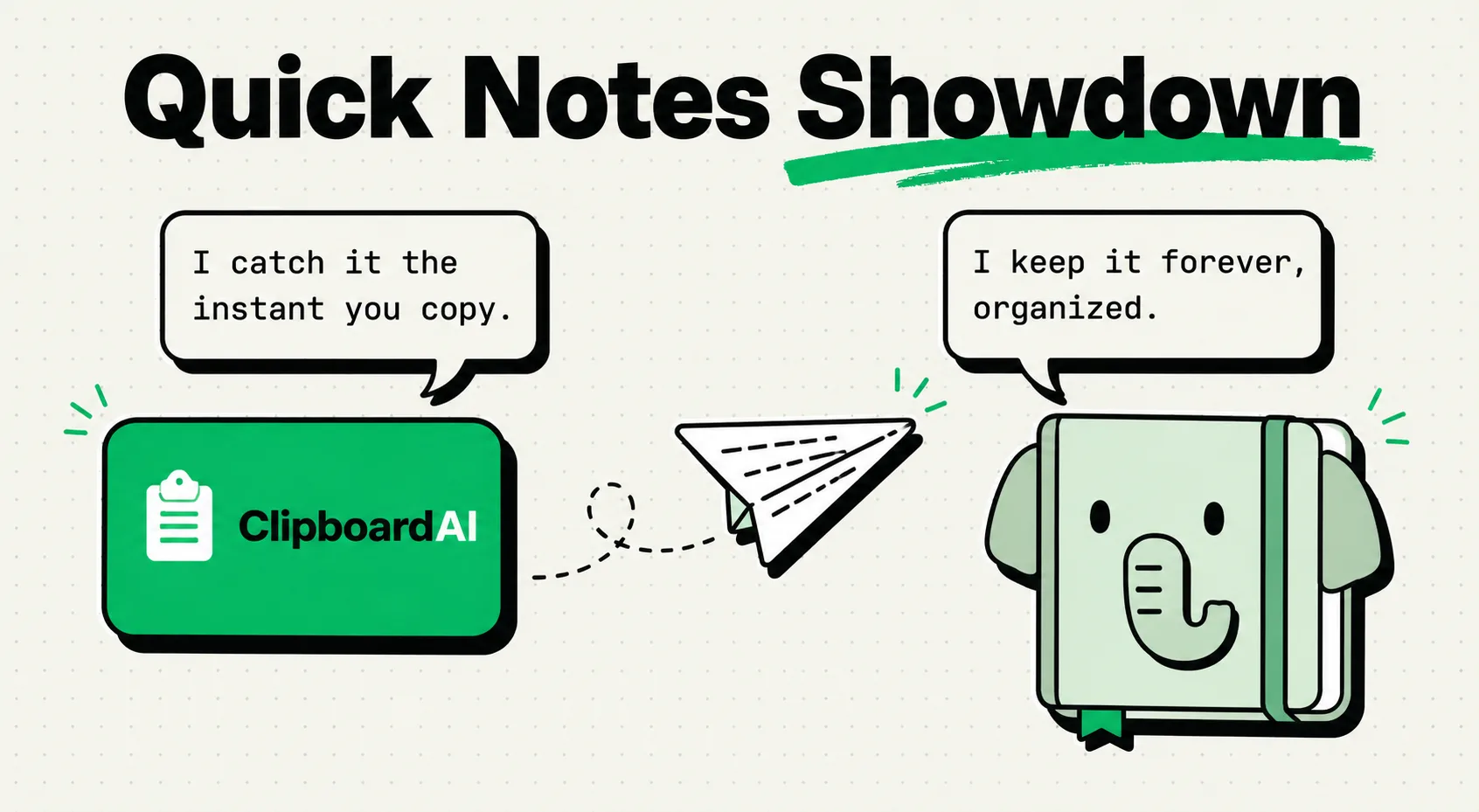
Clipboard managers and Evernote serve different purposes. Here's when to use each and how they complement each other.
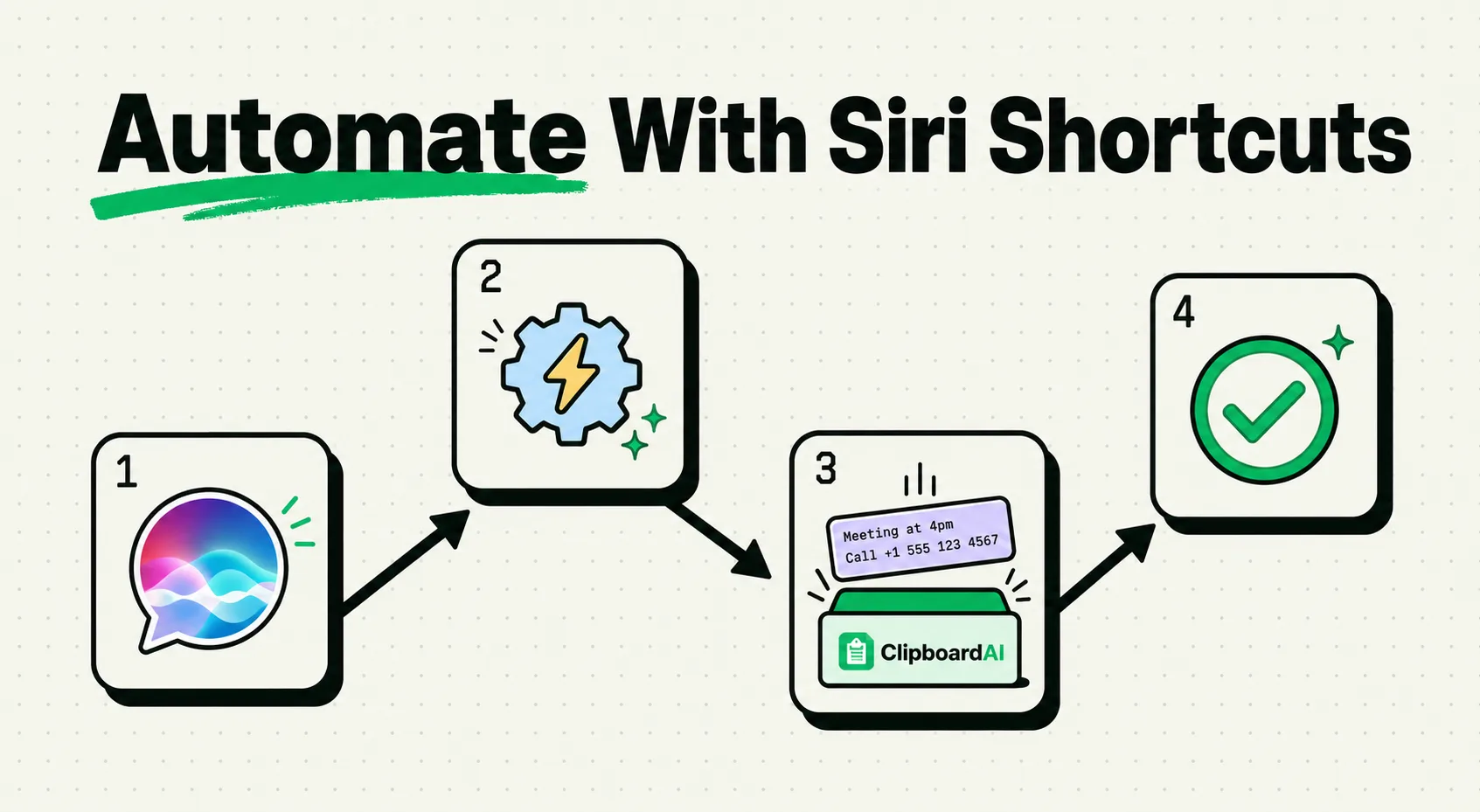
Automate your clipboard with Siri Shortcuts. Create workflows that copy, organize, and paste content automatically.
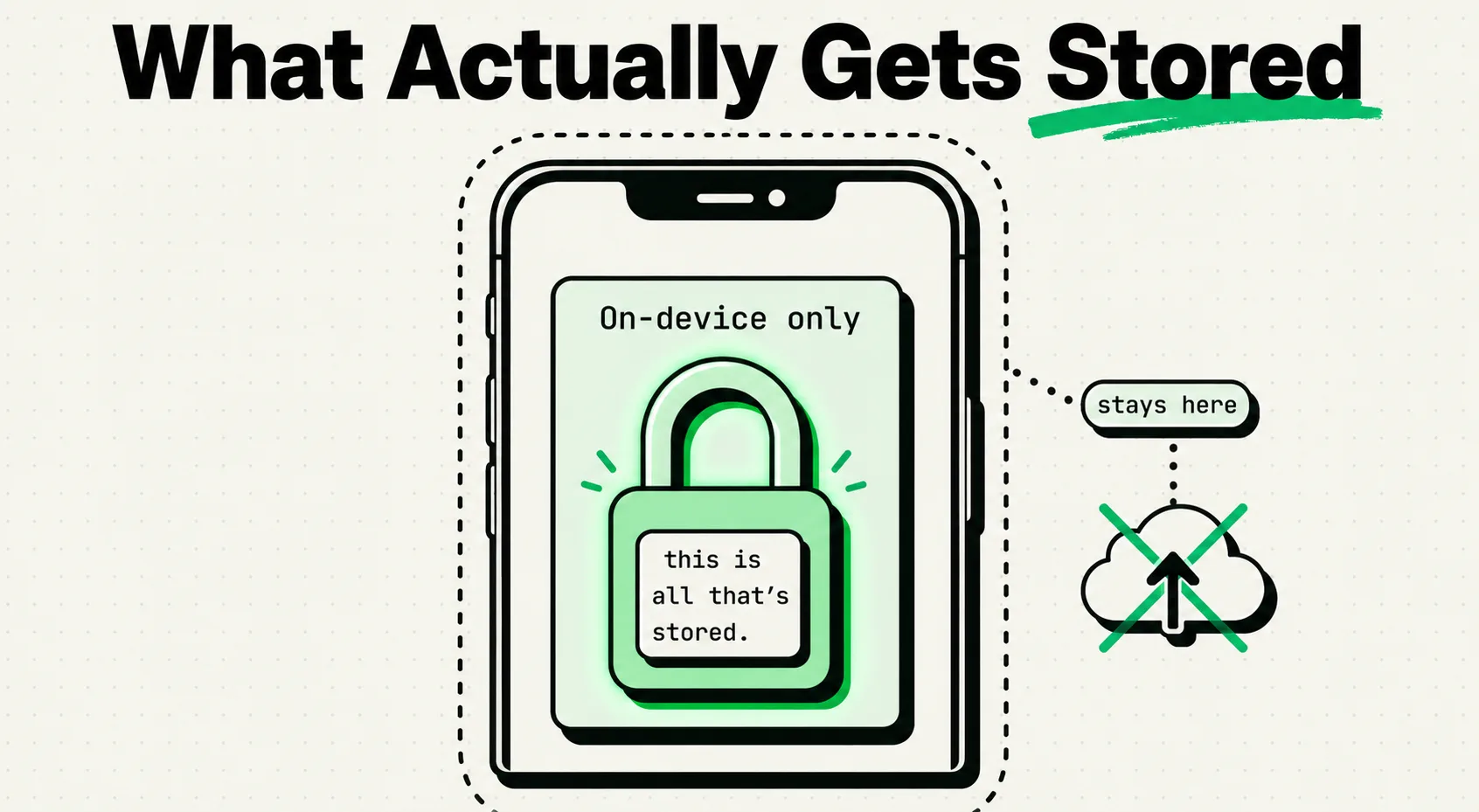
Clipboard managers store your copied data. Here's exactly what's stored, where, and how to stay in control.
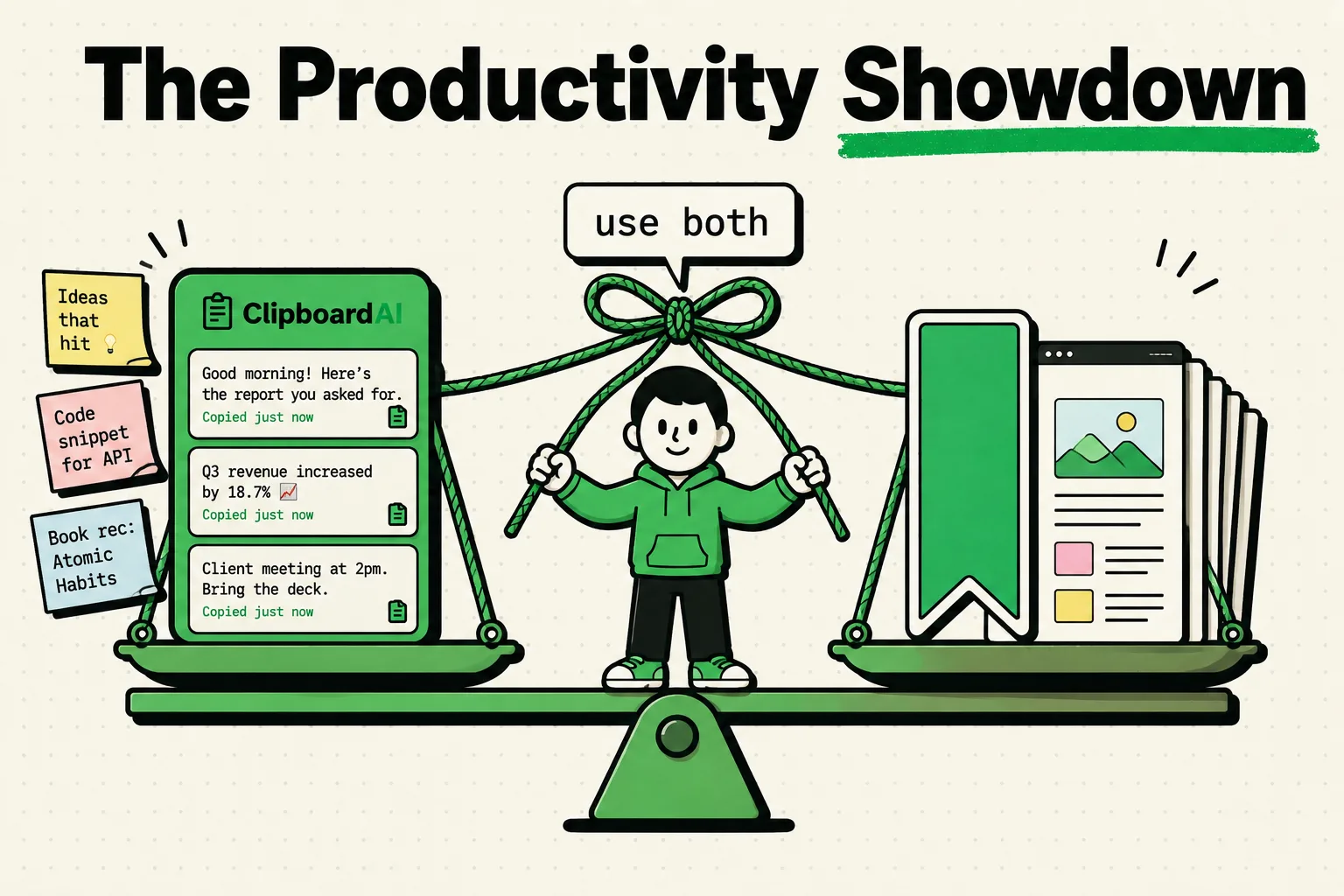
Clipboard managers and bookmark managers serve different purposes. Learn which one you need, when to use each, and why the smartest setup uses both.
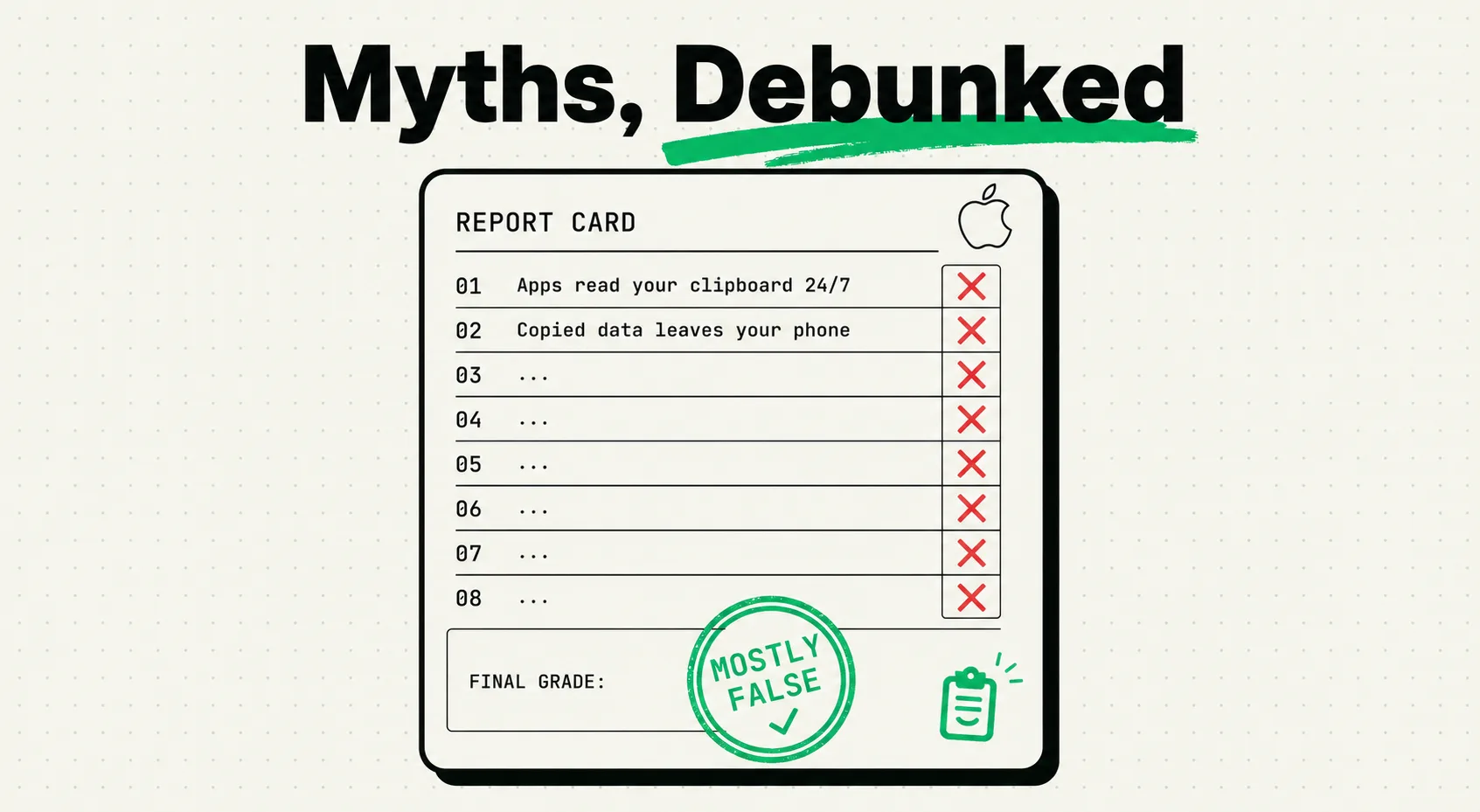
Does your iPhone keep a hidden clipboard history? Can apps read it silently? Did iOS 27 change anything? Ten claims, each with a verdict and a source to open.
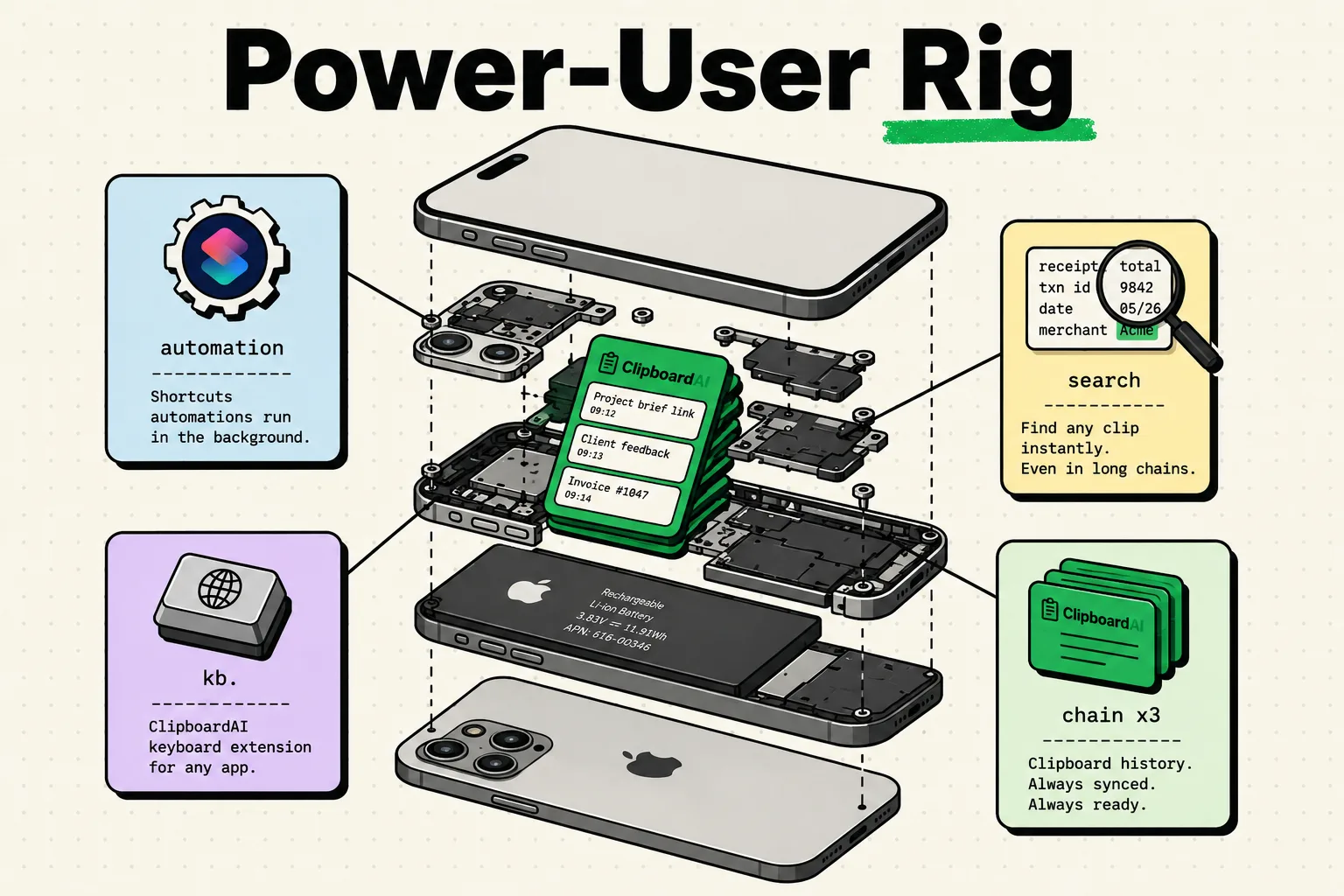
Clipboard workflows for iPhone power users: chain Shortcuts, paste from a keyboard, build text expansion and set up multi-step clipboard pipelines.
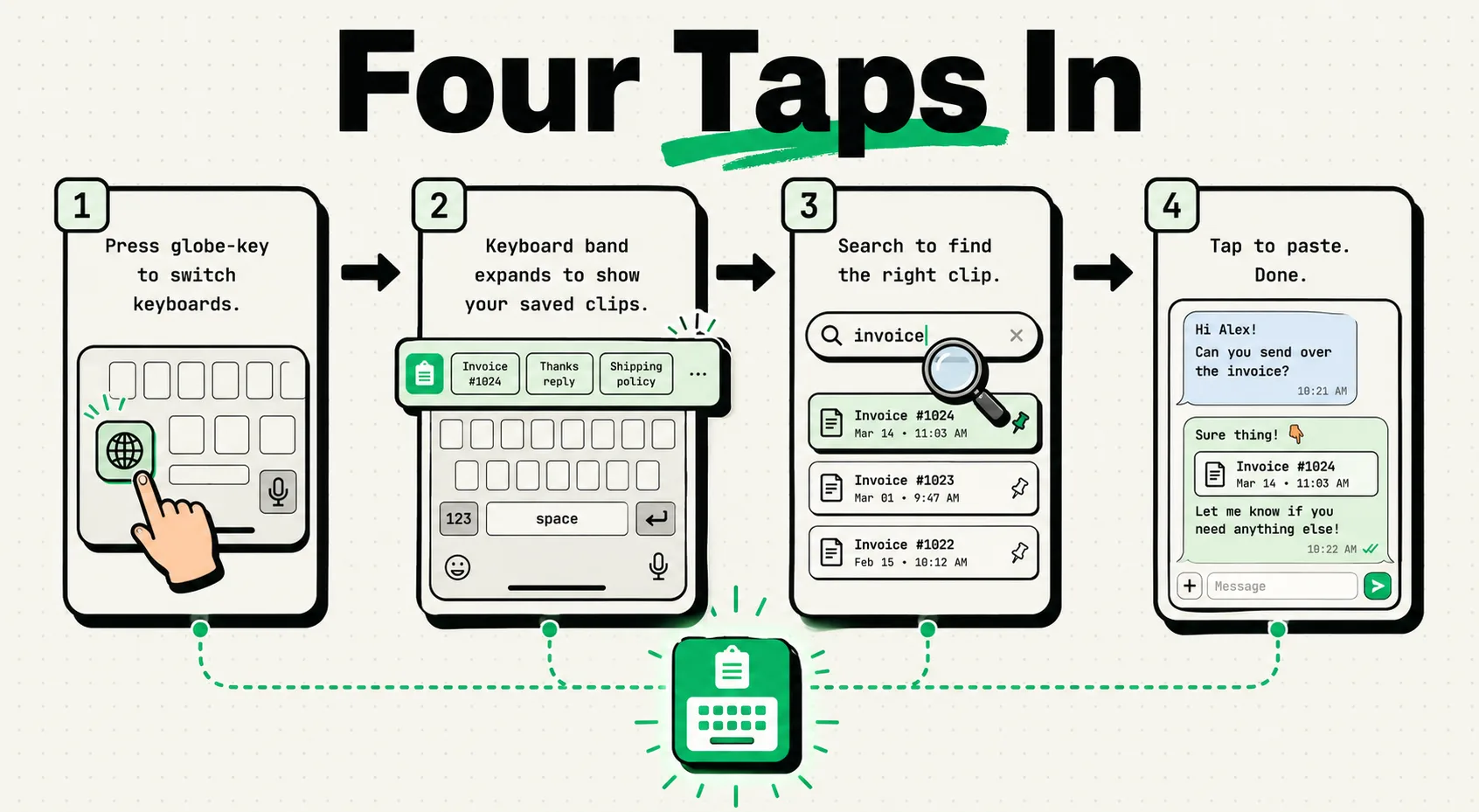
Master Clipboard AI's keyboard extension for iPhone. Access clipboard history, paste saved clips, search, and use templates without leaving any app.
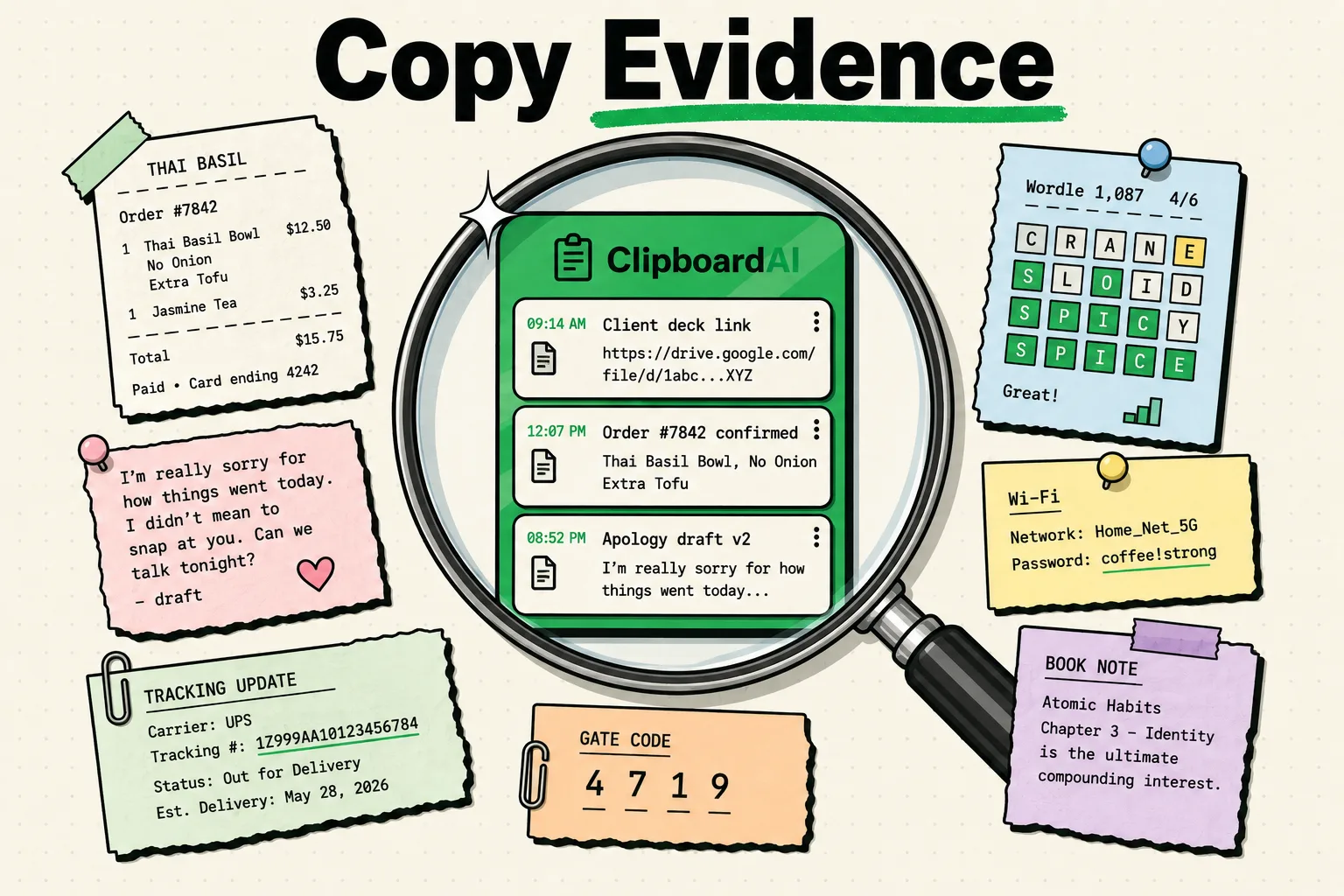
Your clipboard history reveals your habits, priorities, and personality. Here's what a forensic analysis uncovers.
Learn how to combine clipboard manager apps with iPhone Focus Modes for distraction-free productivity. Set up work, personal, and study clipboard workflows.
Digital estate planning for your clipboard and phone data. Who gets your saved passwords, notes, and history?
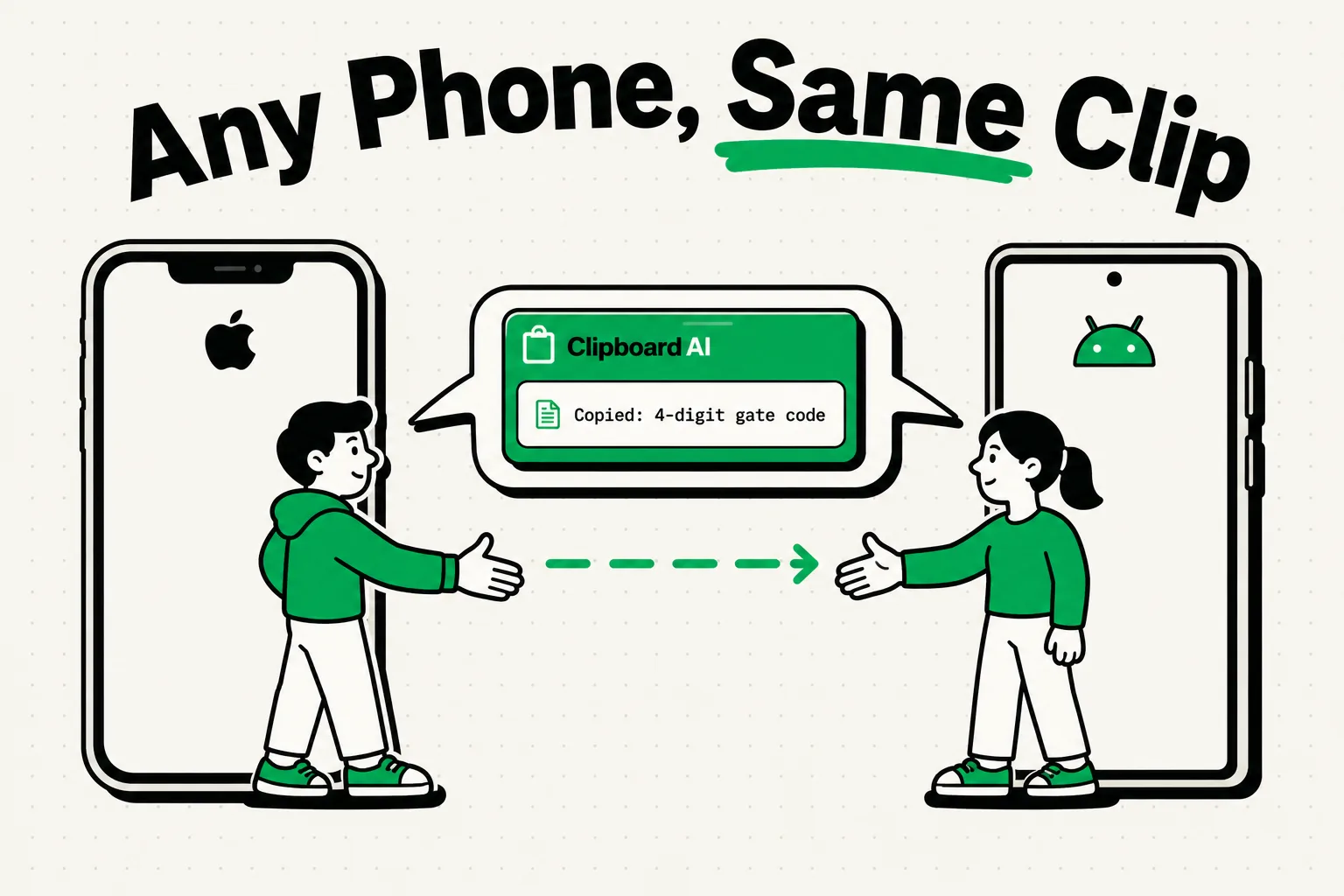
There is no shared clipboard between iPhone and Android. Three routes work, from a QR code that holds 2,953 bytes at most to a shared note. See which fits.
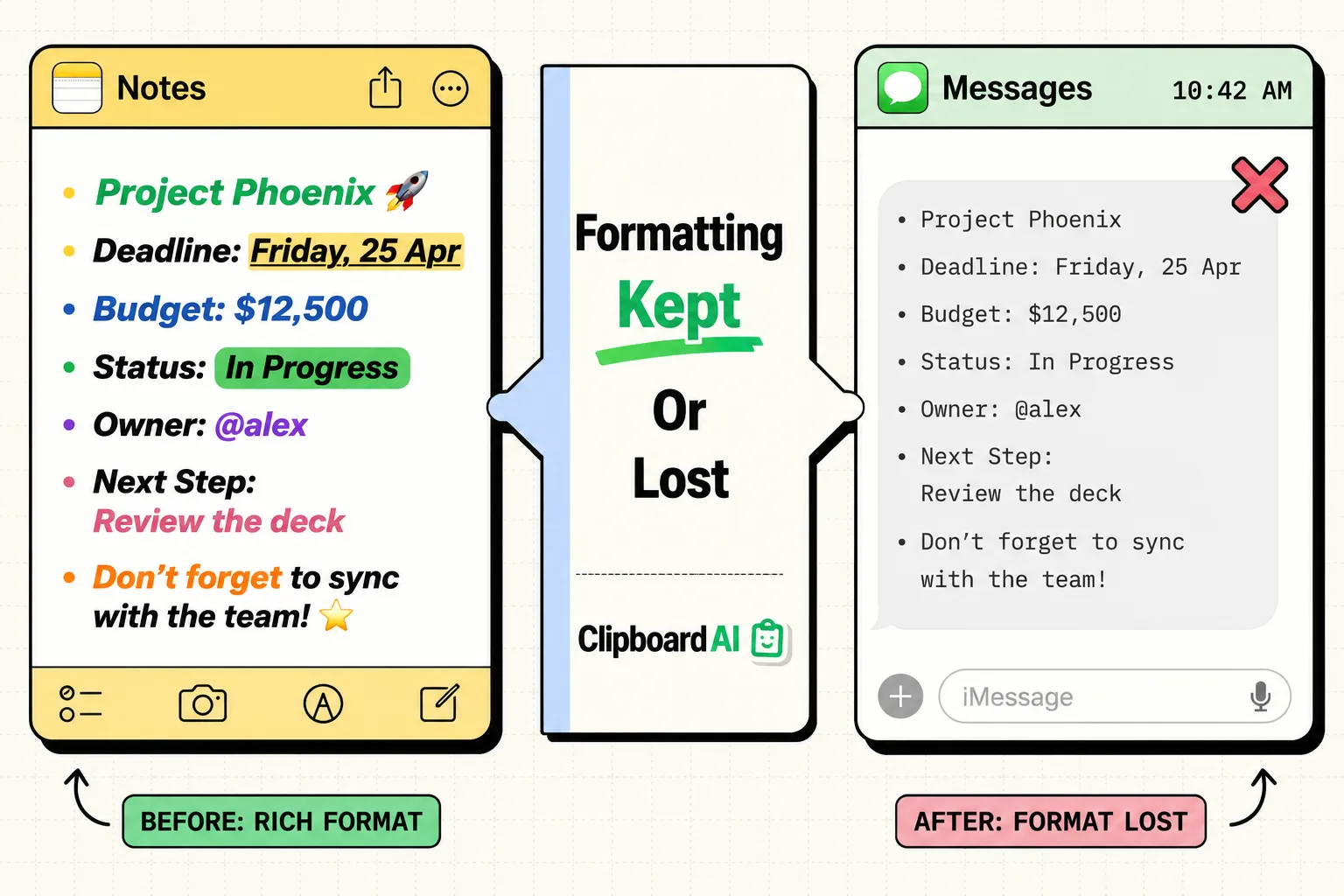
Bold, links and lists survive a normal Copy and Paste into rich text apps. See what keeps formatting on iPhone, what strips it, and how to copy a text style.
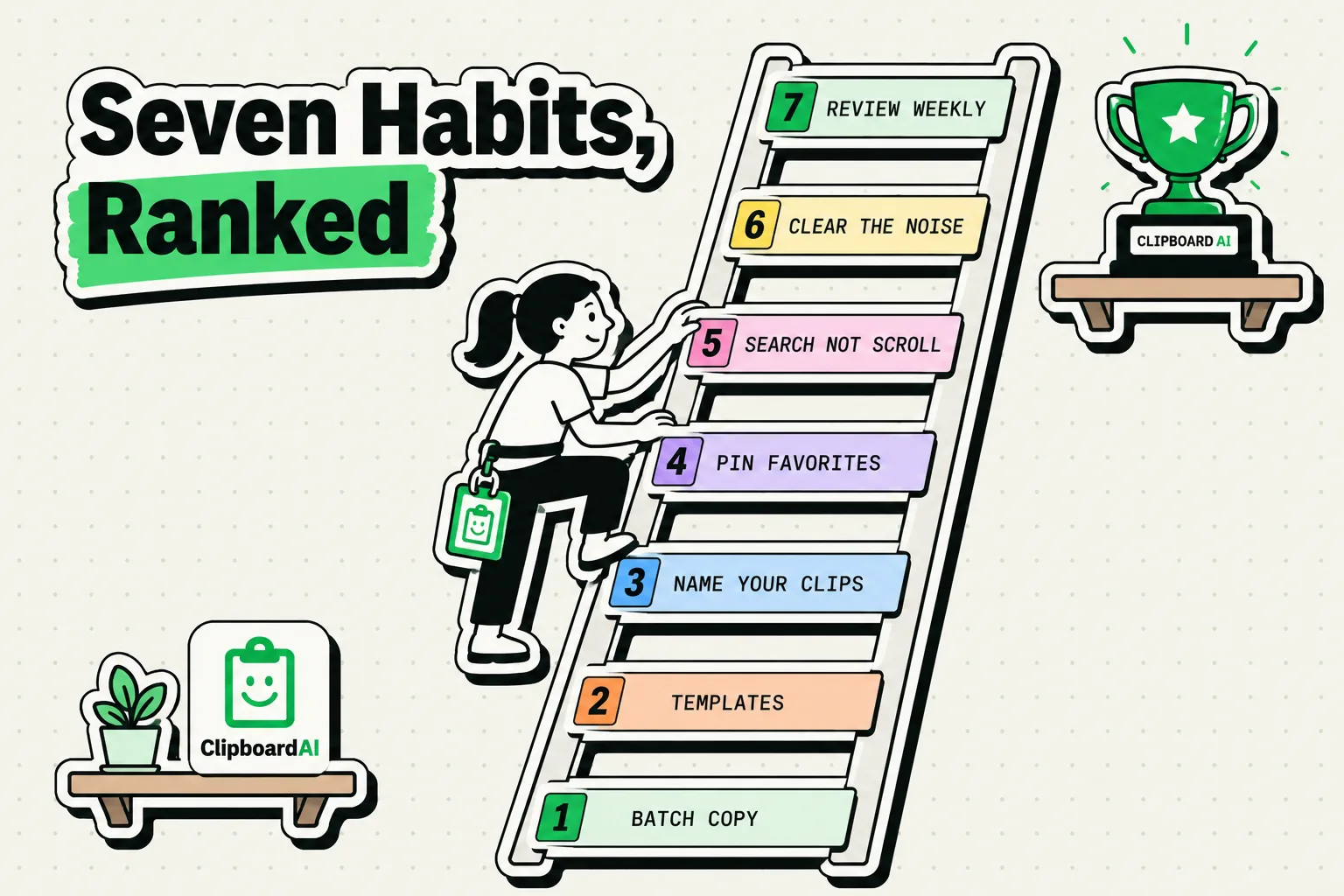
7 copy-paste habits that set productive iPhone users apart, from batch copying to reusable templates, and how to build them into your day.
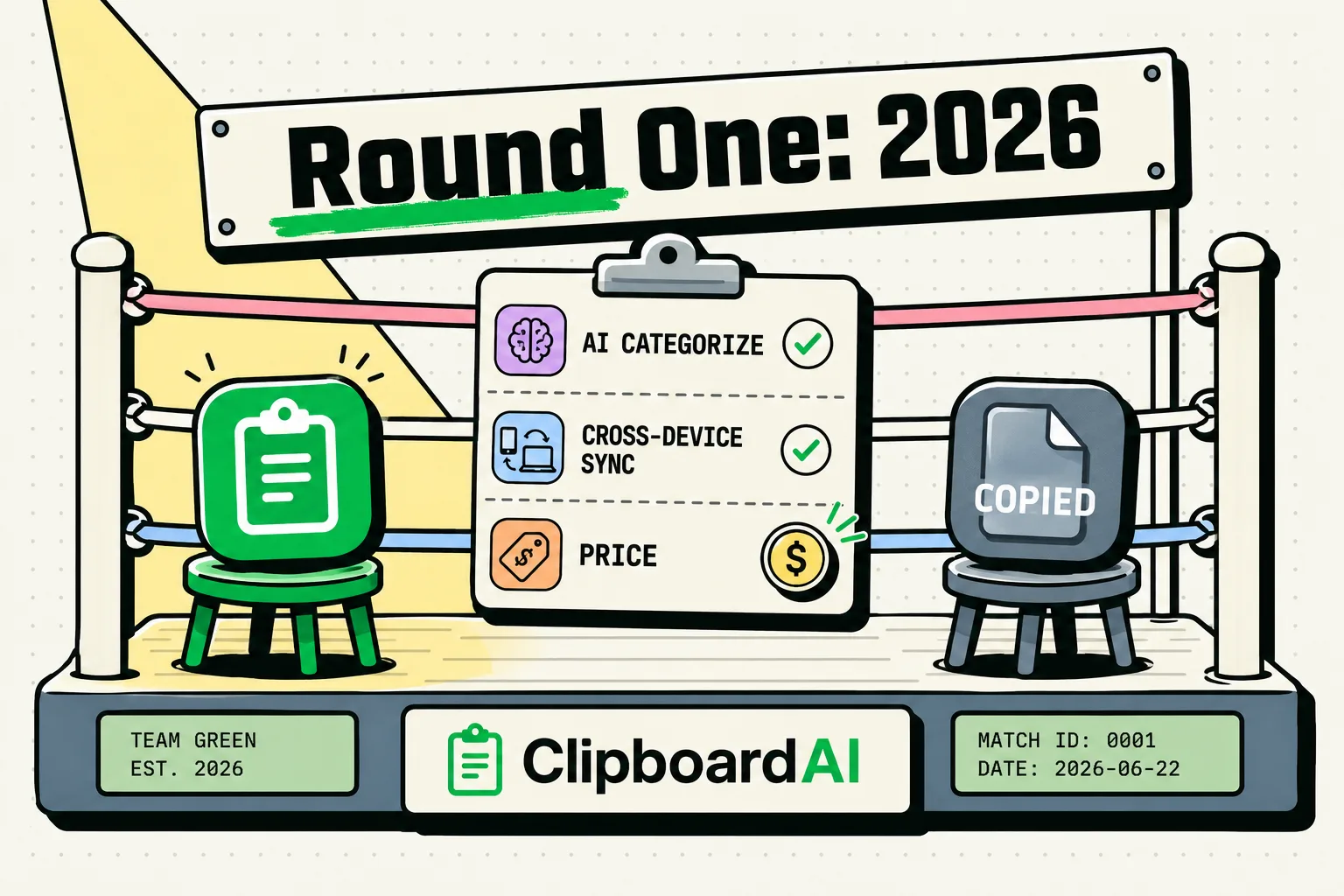
A detailed comparison of Clipboard AI and Copied app. Which clipboard manager offers the best value and features?
The origin story of Clipboard AI. The frustration that inspired us, the problems we set out to solve, and where we're headed.
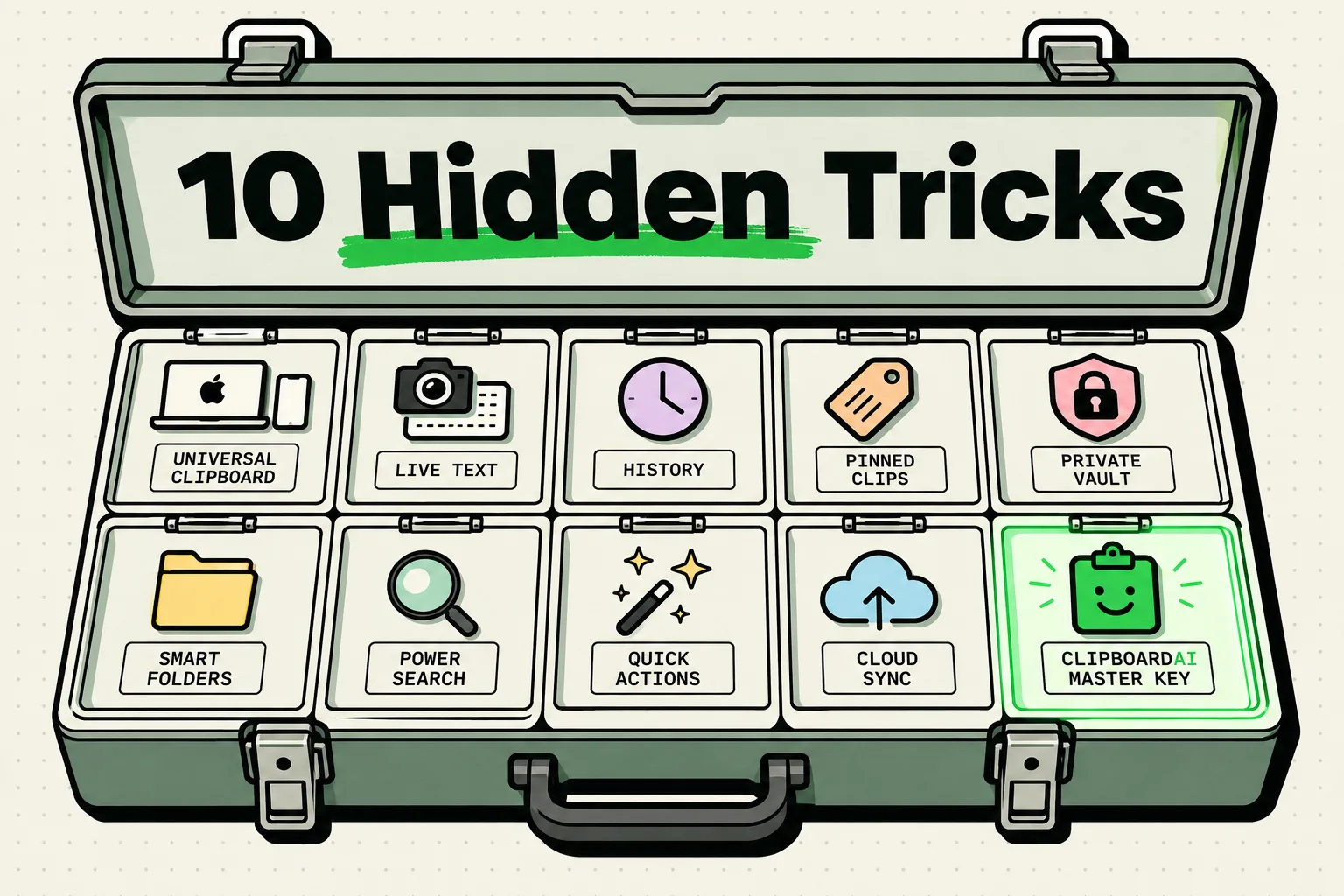
10 iPhone clipboard tricks most people never hear about, from Universal Clipboard to copying text with Live Text, and how to use each one.
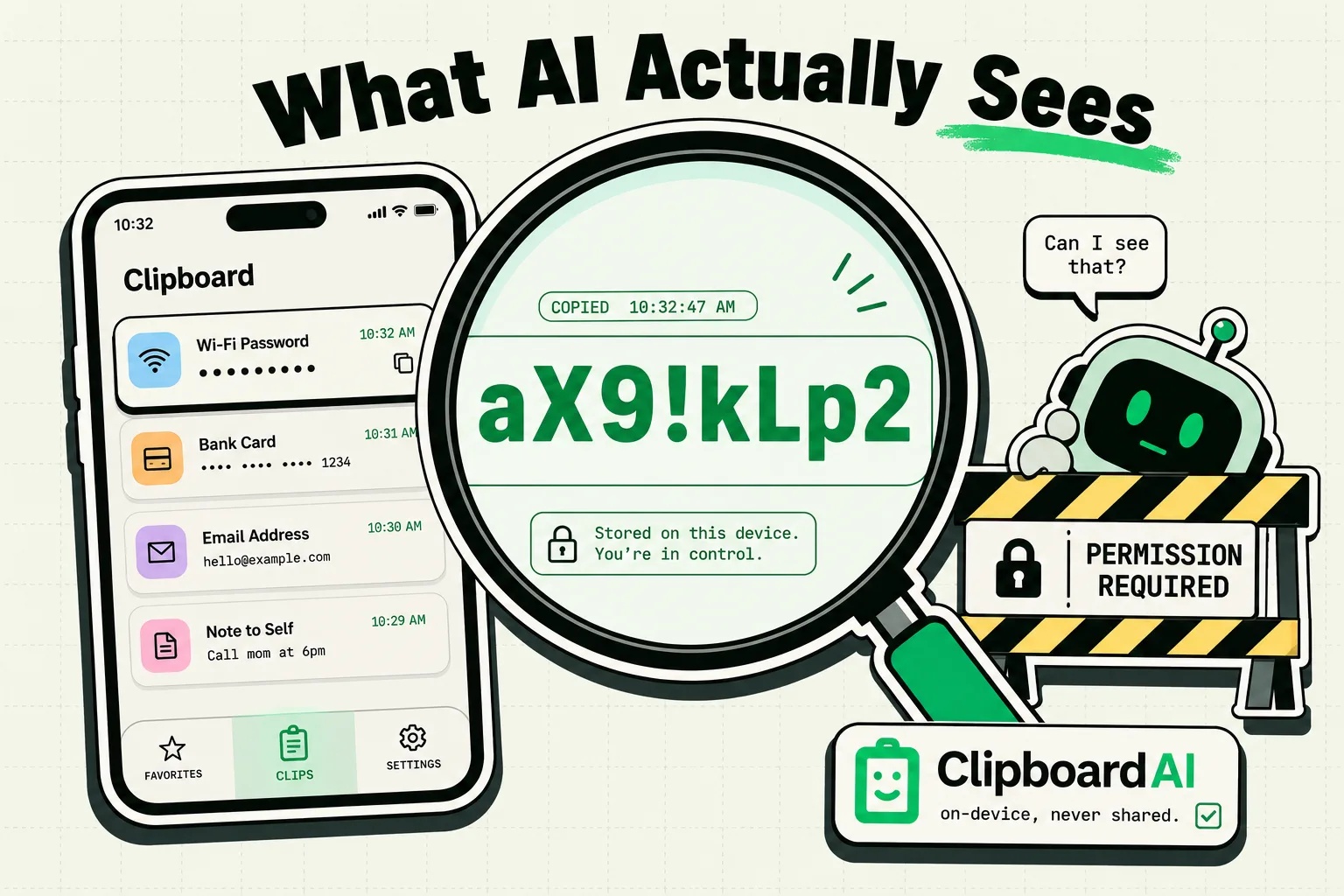
AI assistants can access your clipboard. Here's what they see, how to control access, and privacy best practices.
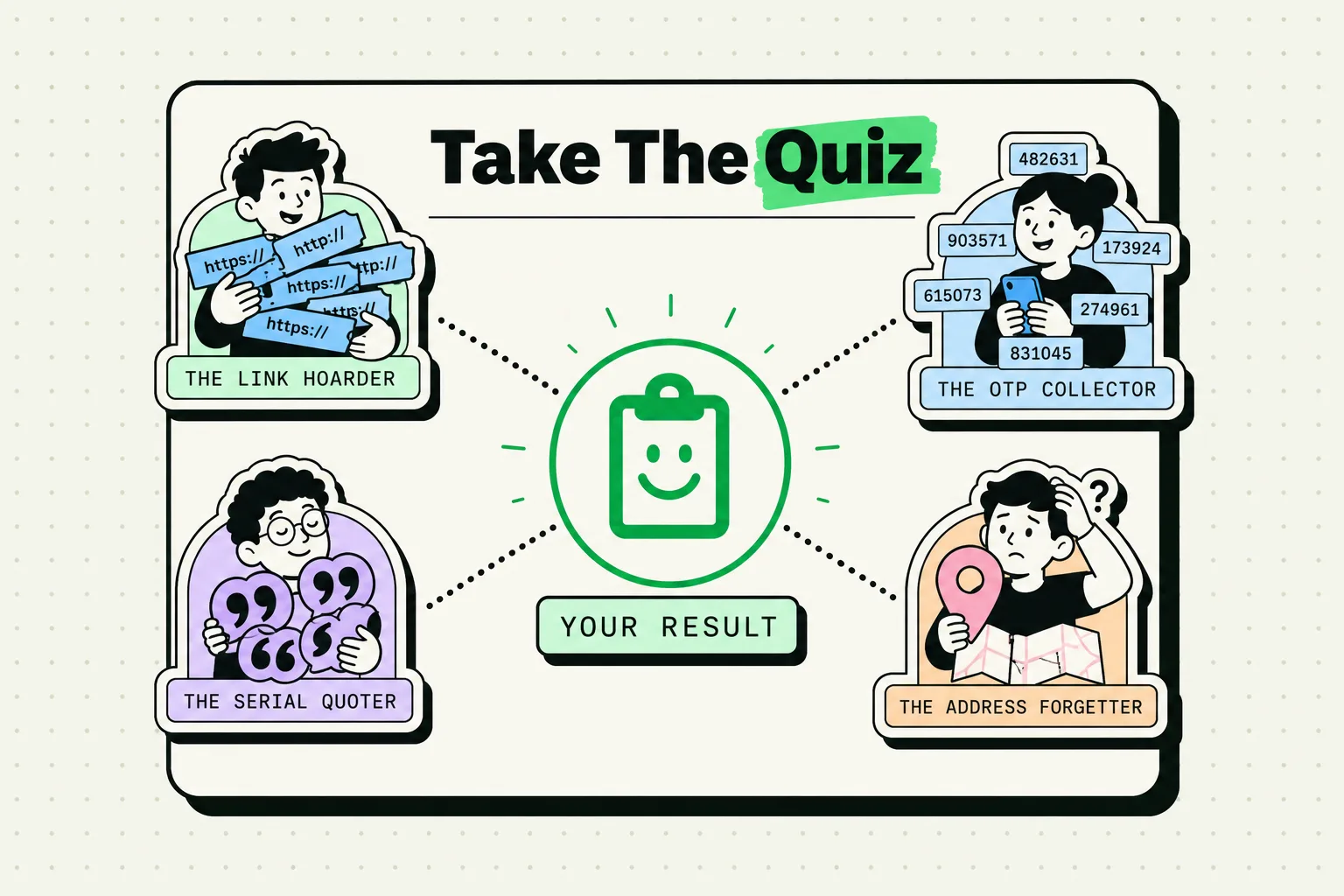
A fun personality quiz based on your clipboard history. Link hoarder or code collector? See what your copy-paste habits say about how you work.
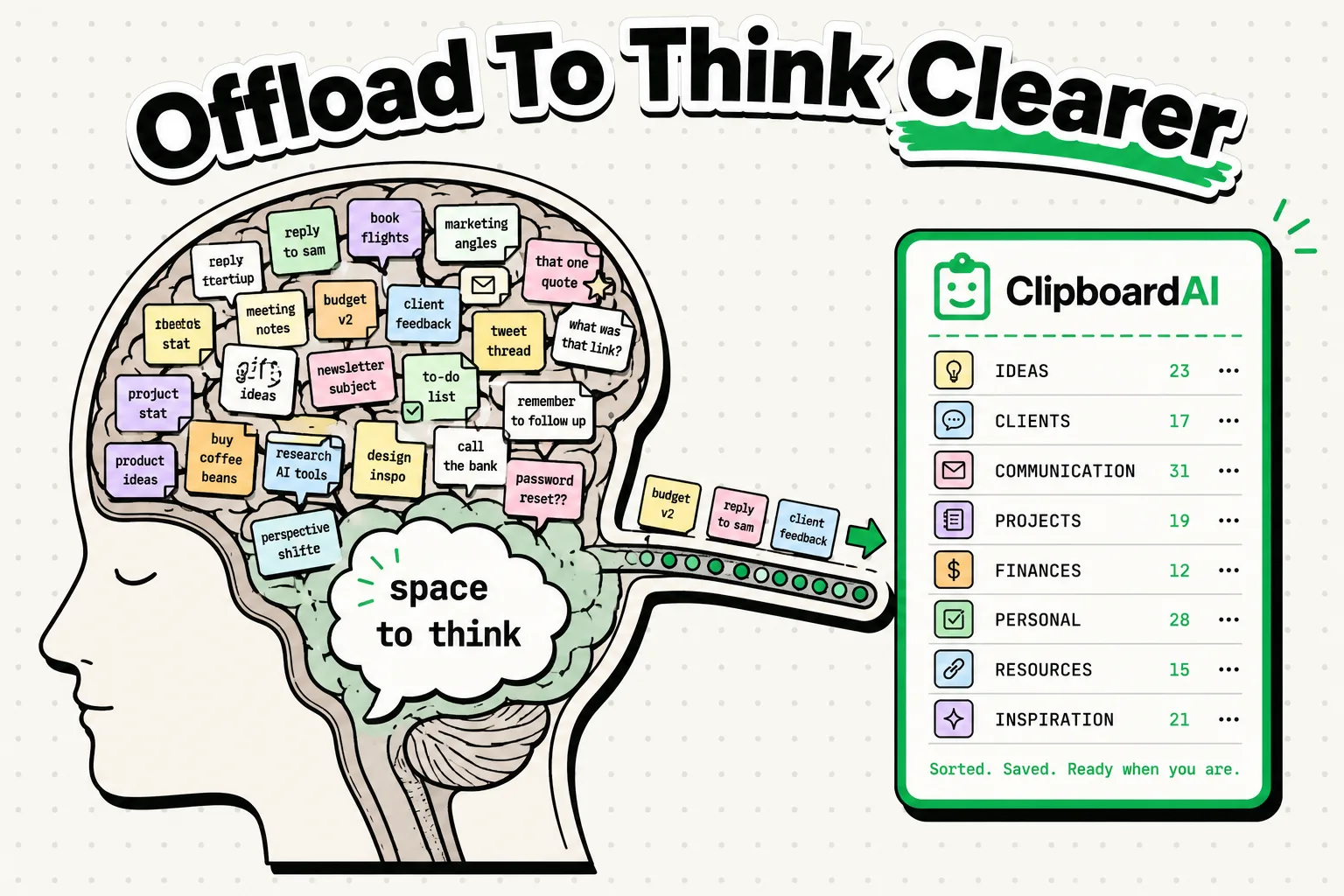
Cognitive science explains why externalizing memory improves thinking. Your clipboard manager is a brain extension.

The Apple Intelligence features worth turning on in iOS 26 and 27, from Writing Tools to Siri AI, with where to find each one and what it replaces.
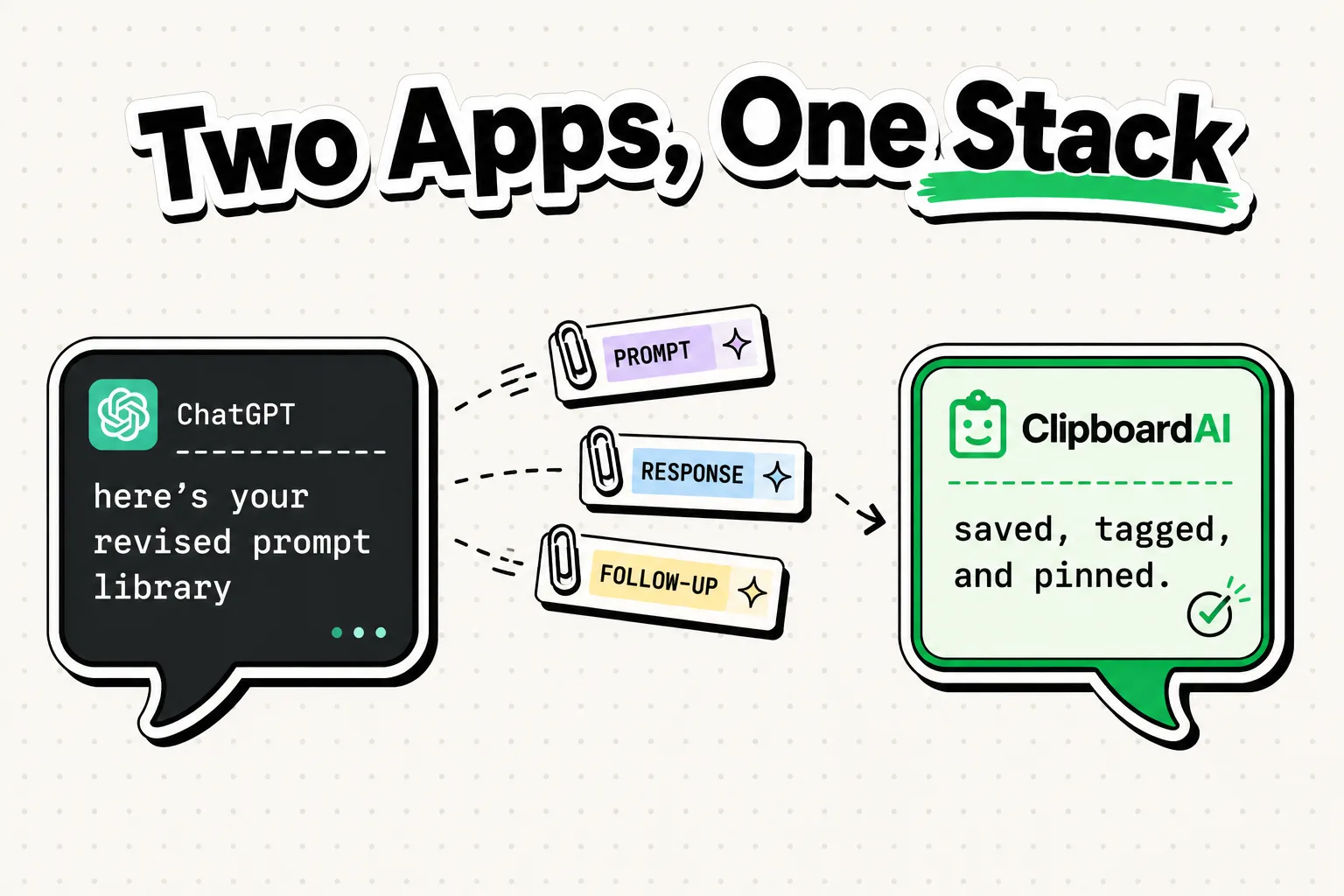
Learn how to combine ChatGPT with a clipboard manager for maximum productivity on iPhone. Save AI responses, build prompt libraries, and streamline your workflo
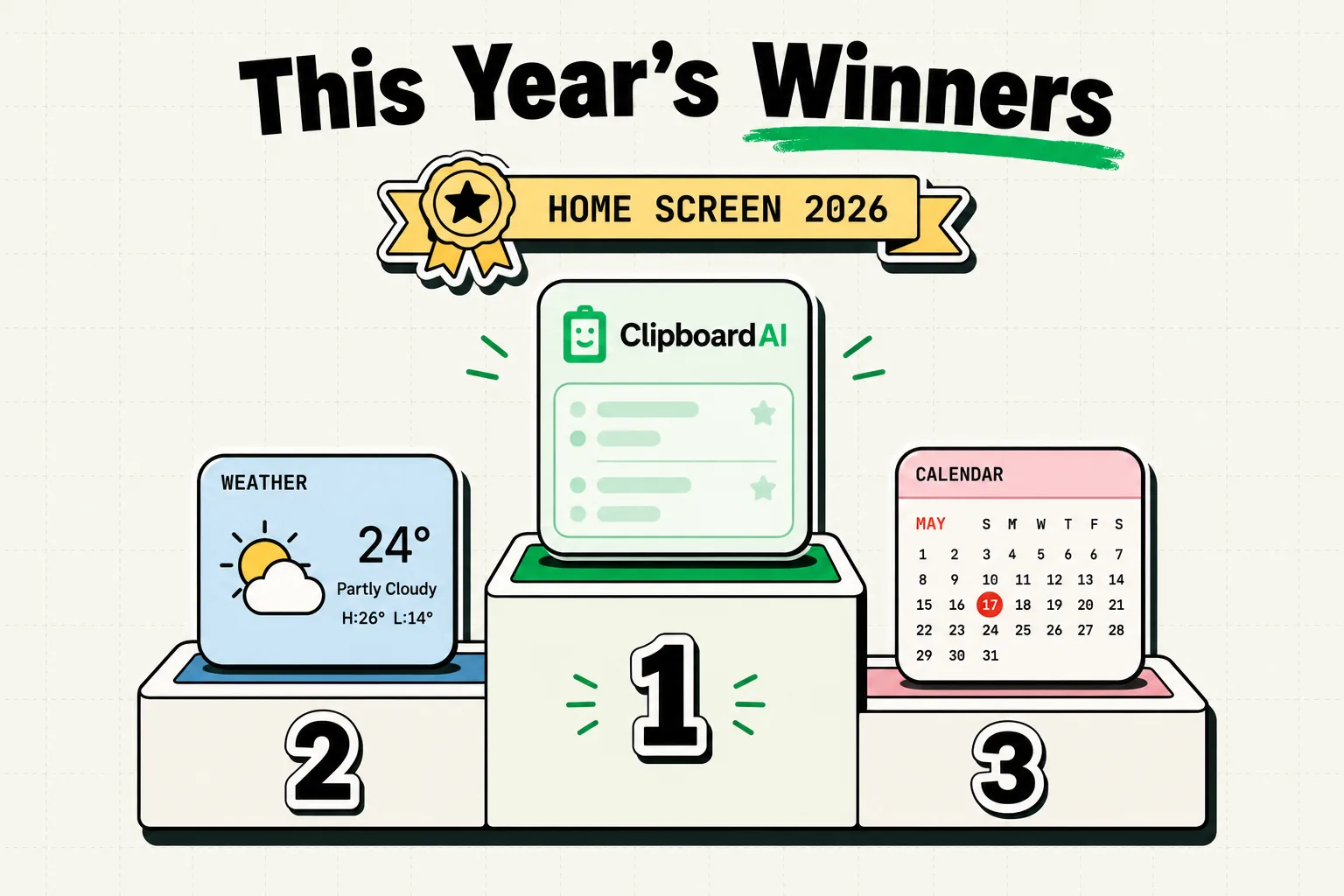
The best iPhone widgets of 2026, checked October 5: Reminders, Things, Streaks, Fantastical, CARROT, Widgetsmith and Clipboard AI, plus iOS 26 and 27 setup.
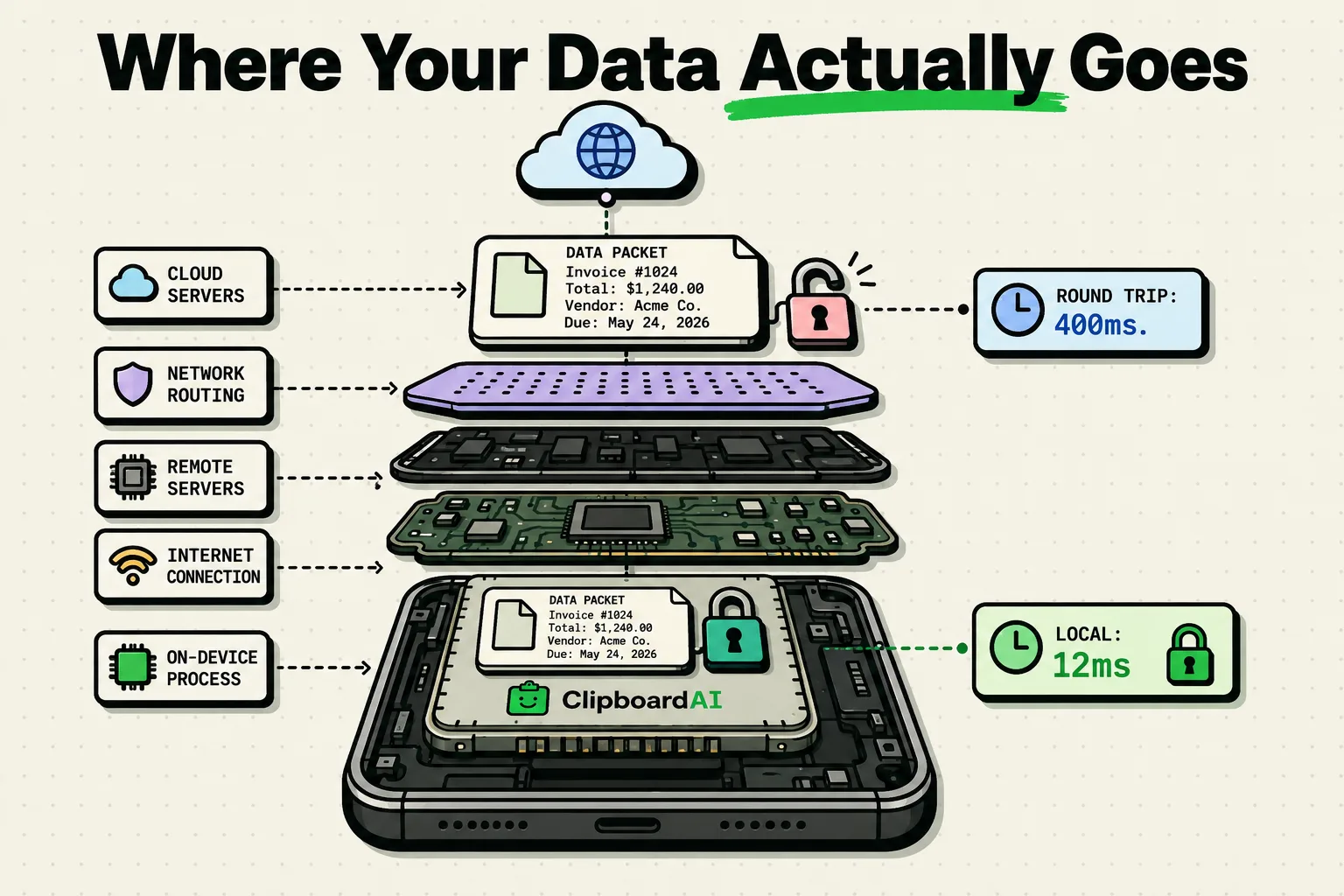
On-device AI vs cloud AI: four questions, starting with an Airplane Mode test, tell you whether an AI text feature keeps your text local or sends it away.
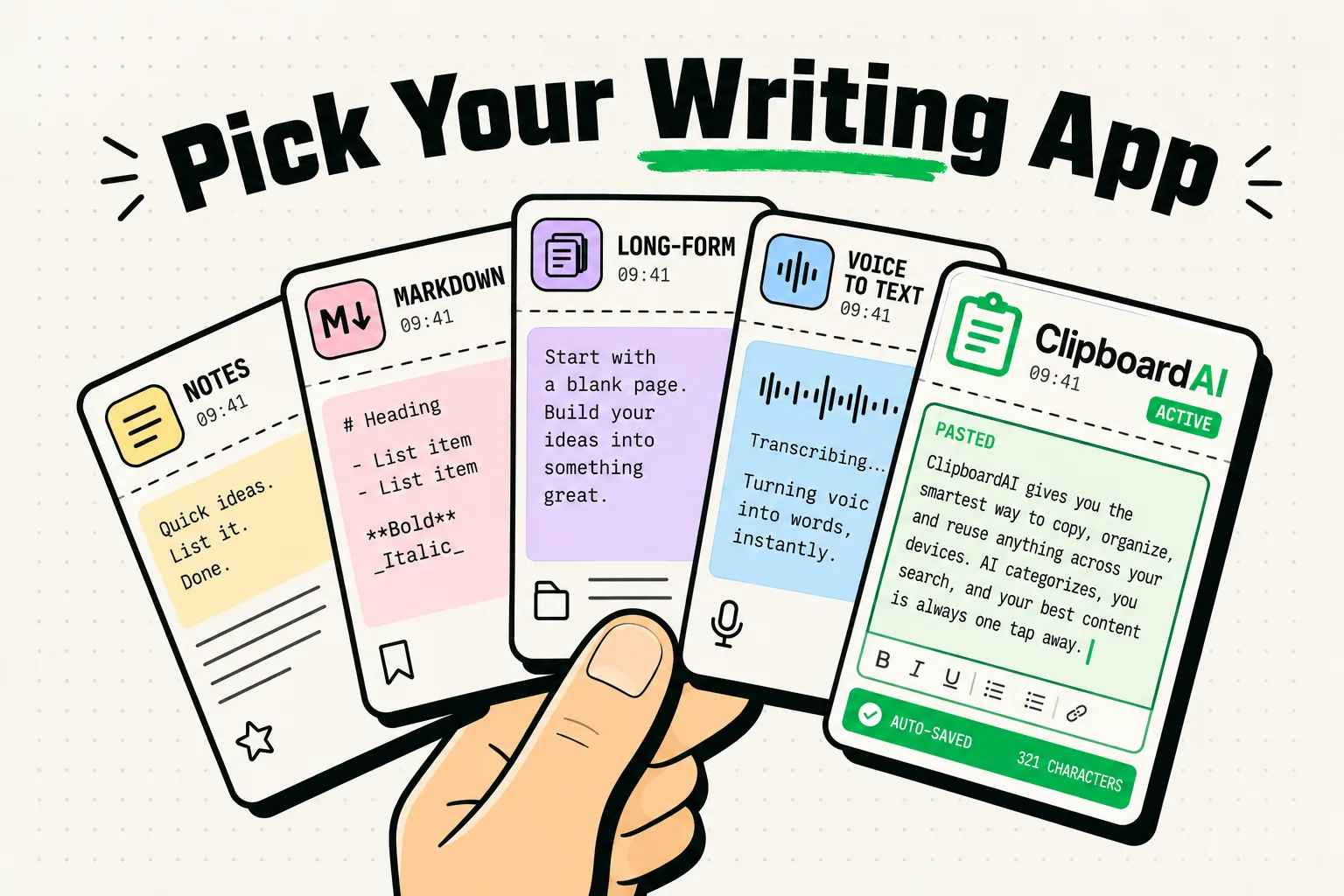
From quick notes to long-form writing, these text editing apps turn your iPhone into a serious writing tool.
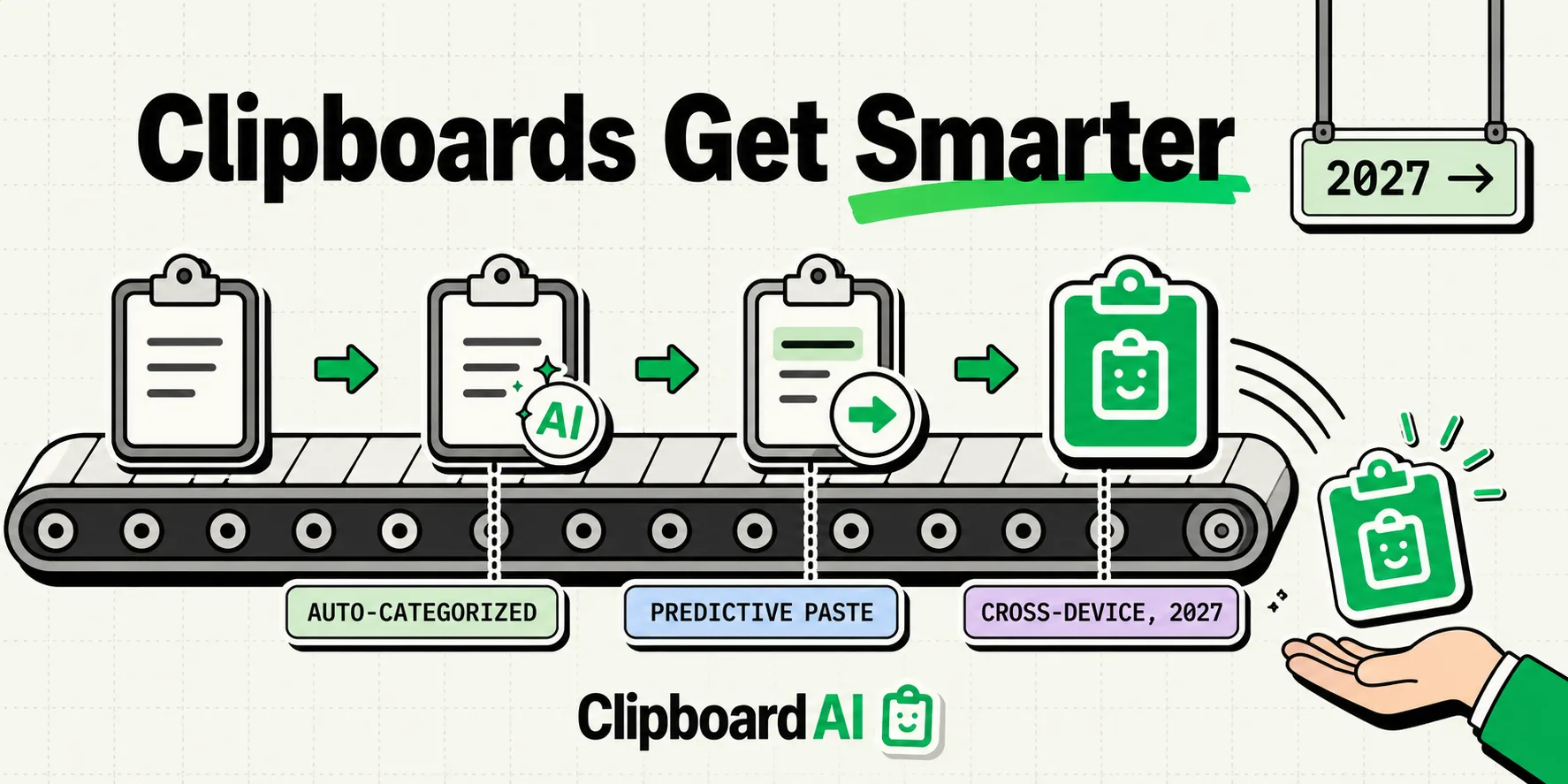
Where clipboard managers are headed by 2027: AI categorization, predictive pasting and cross-device sync, ranked by how likely each one is.
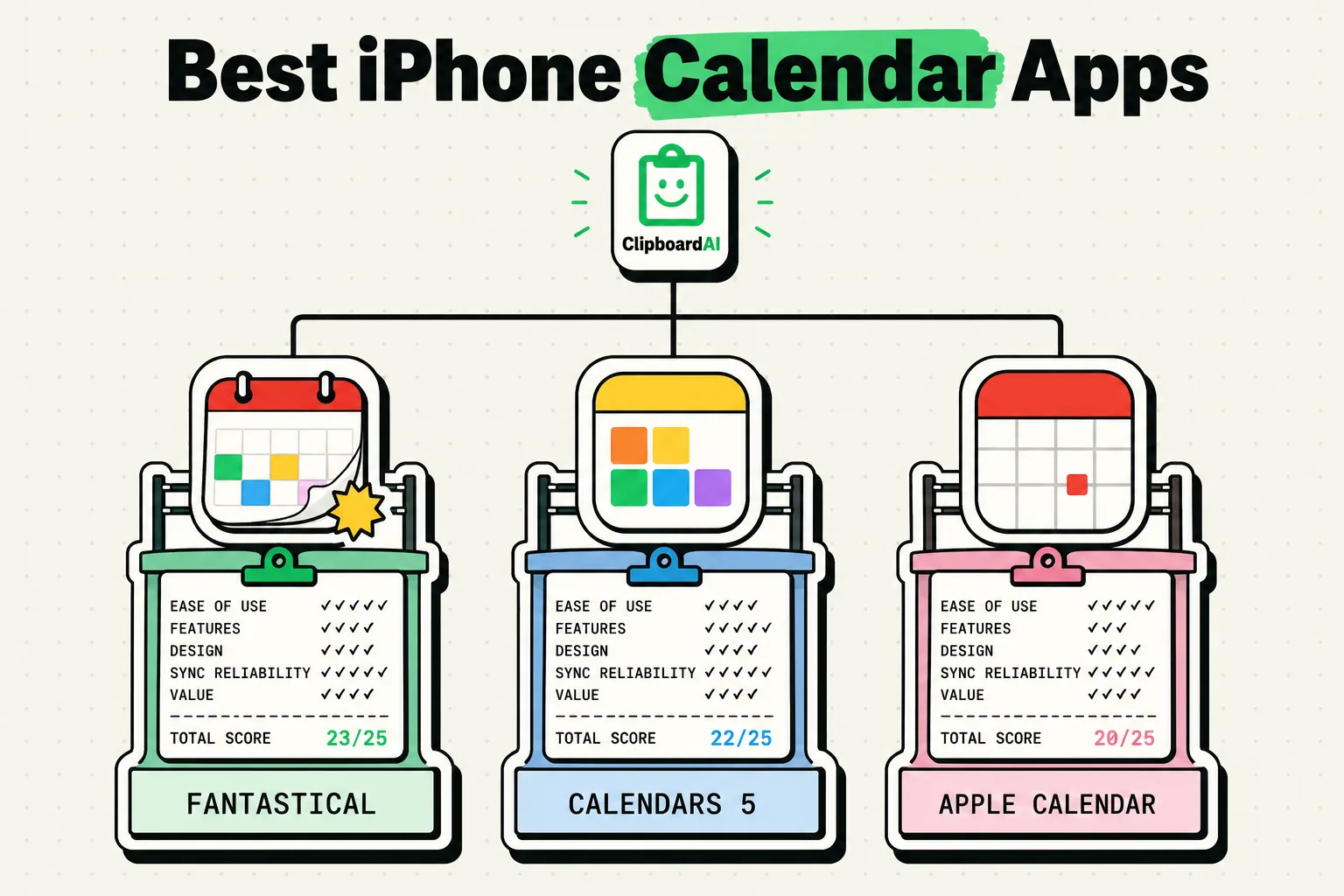
The best calendar apps for iPhone in 2026: Apple Calendar, Fantastical, Google Calendar and Notion Calendar compared on price, quick entry and sync.
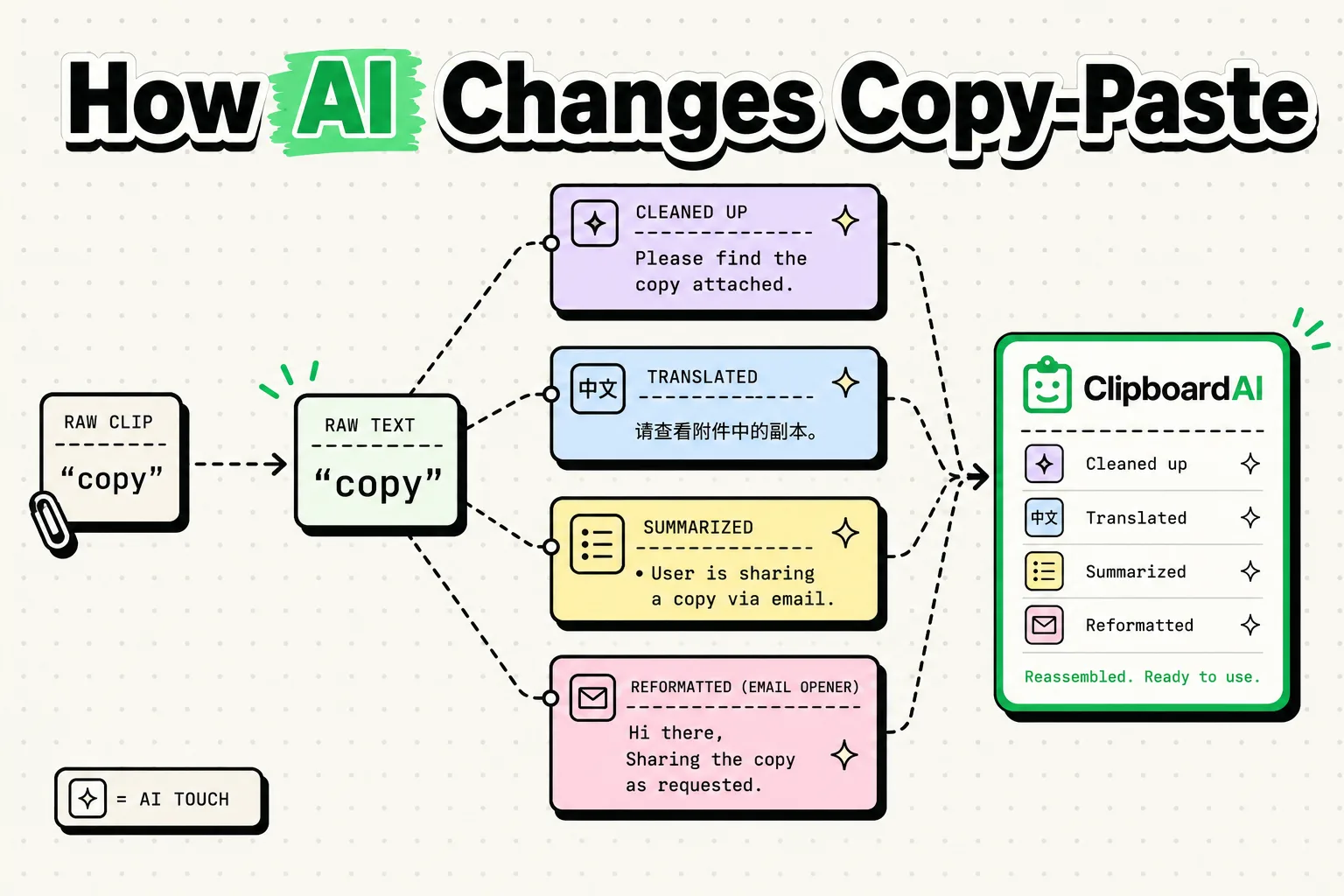
How AI is changing copy and paste, from smart suggestions to contextual pasting, and what AI clipboard managers already do on iPhone and Mac.
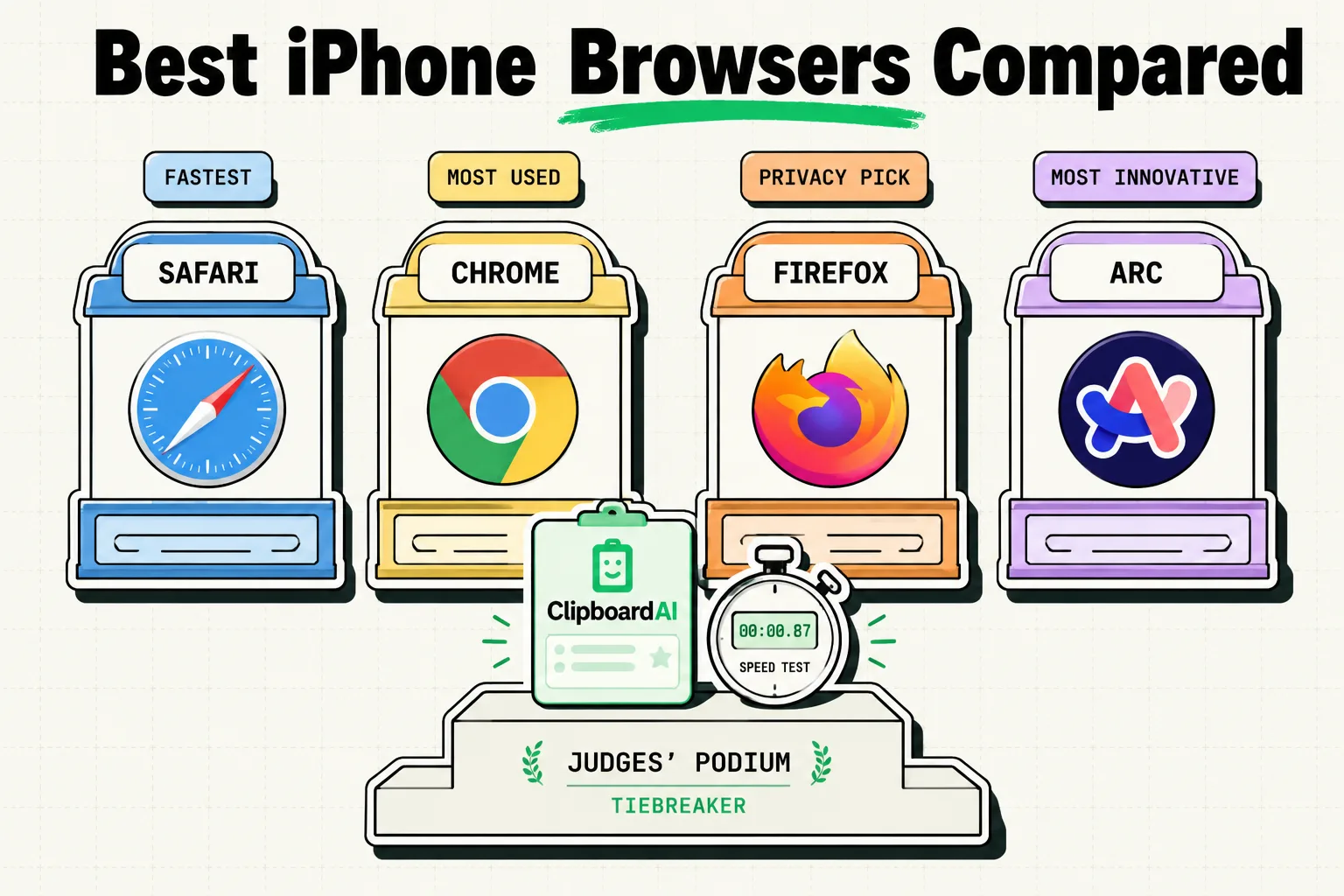
Safari, Chrome, Arc Search, Brave and Firefox on iPhone compared for 2026: sync, privacy, extensions and AI search. Which browser fits how you work?
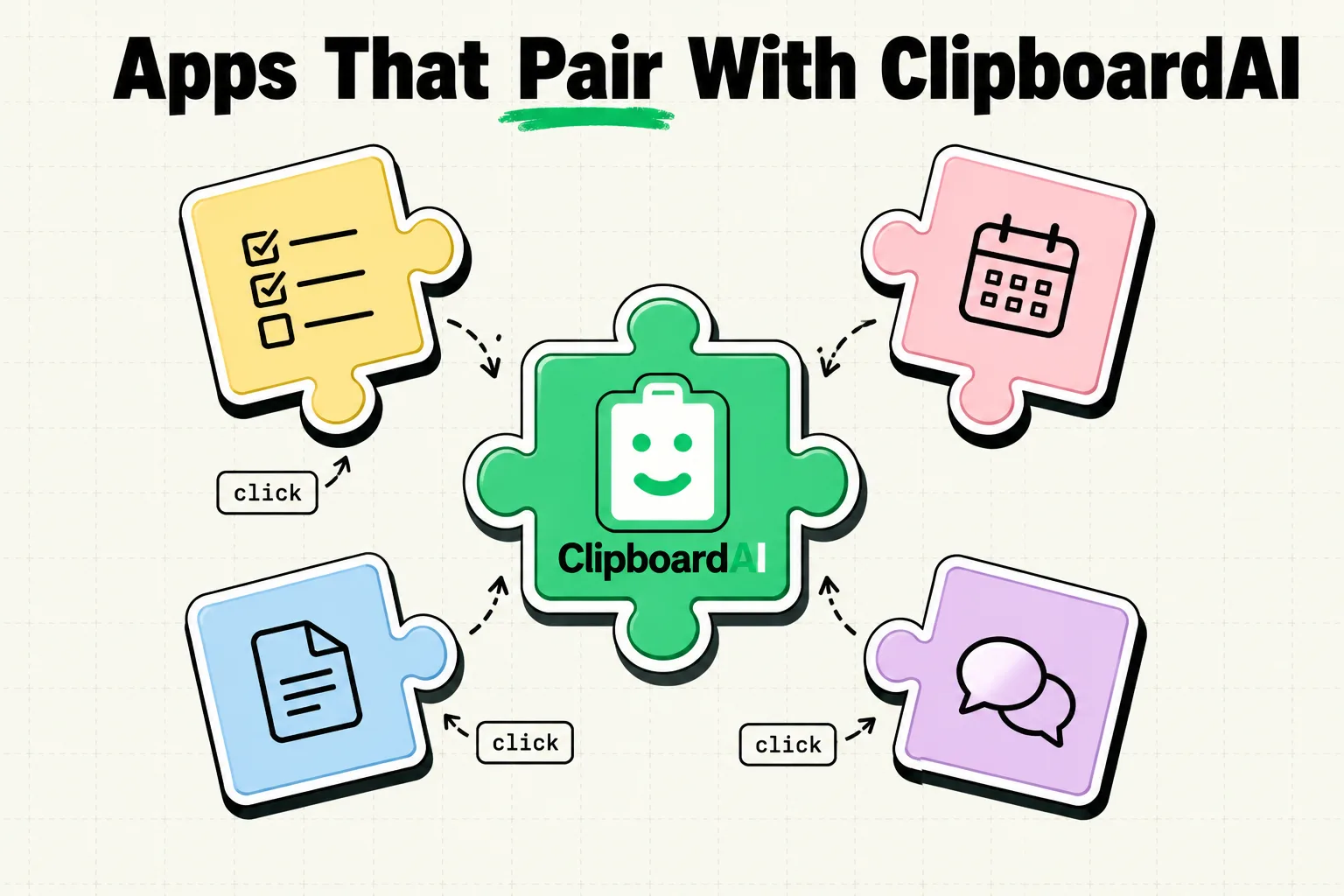
Discover 5 iPhone productivity apps that work brilliantly alongside Clipboard AI. Boost your workflow with these powerful app combinations for maximum efficienc
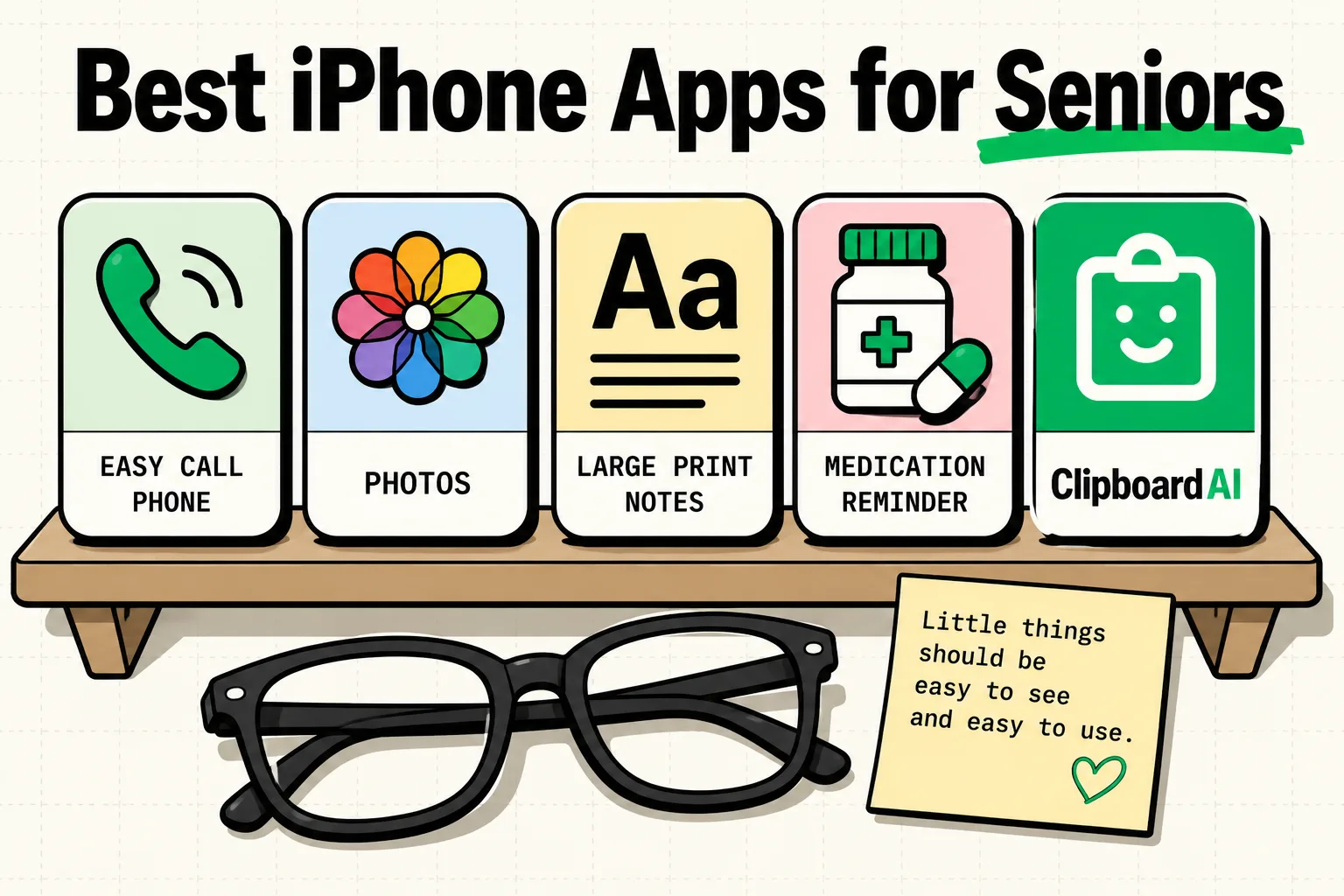
iPhone apps designed for seniors or simple enough for anyone. Large text, clear interfaces, and genuine usefulness.
Budget tracking, investment monitoring, and expense management apps for iPhone. The 8 apps that deserve your money.
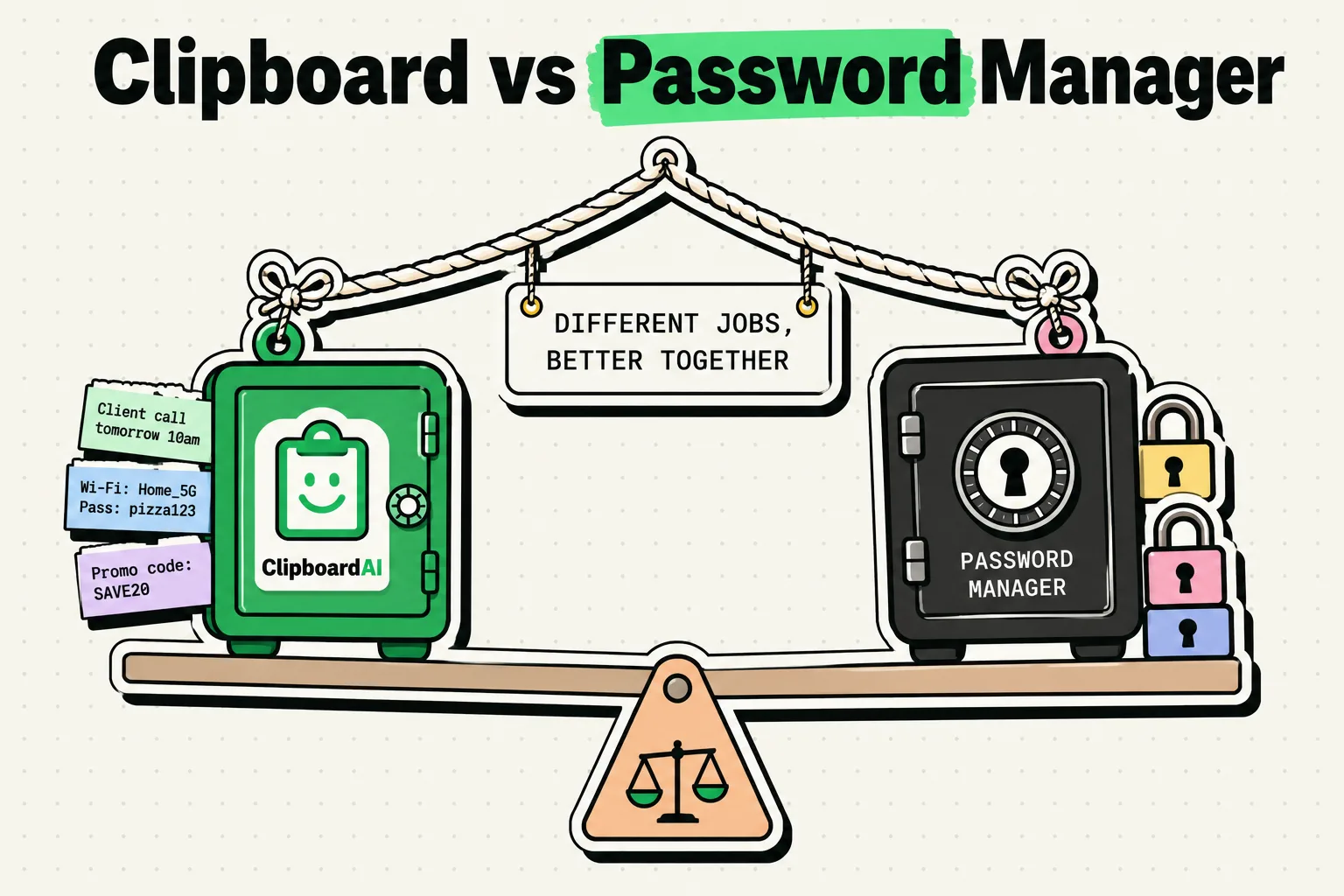
Clipboard managers and password managers do different jobs. How they differ, how they work together, and why you probably want both on your iPhone.
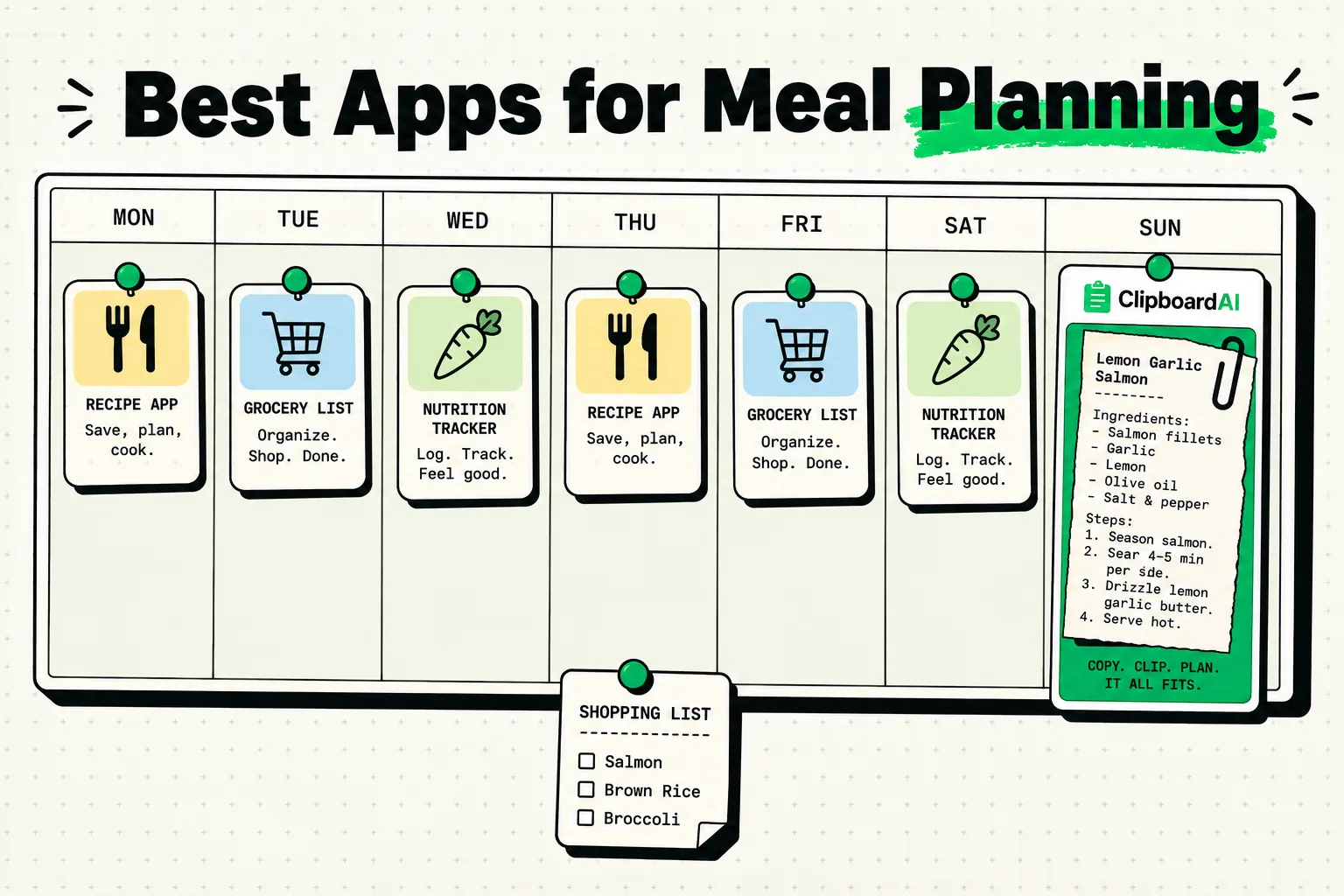
Meal planning apps that actually get used. Grocery lists, recipes, and clipboard tricks for efficient meal prep.
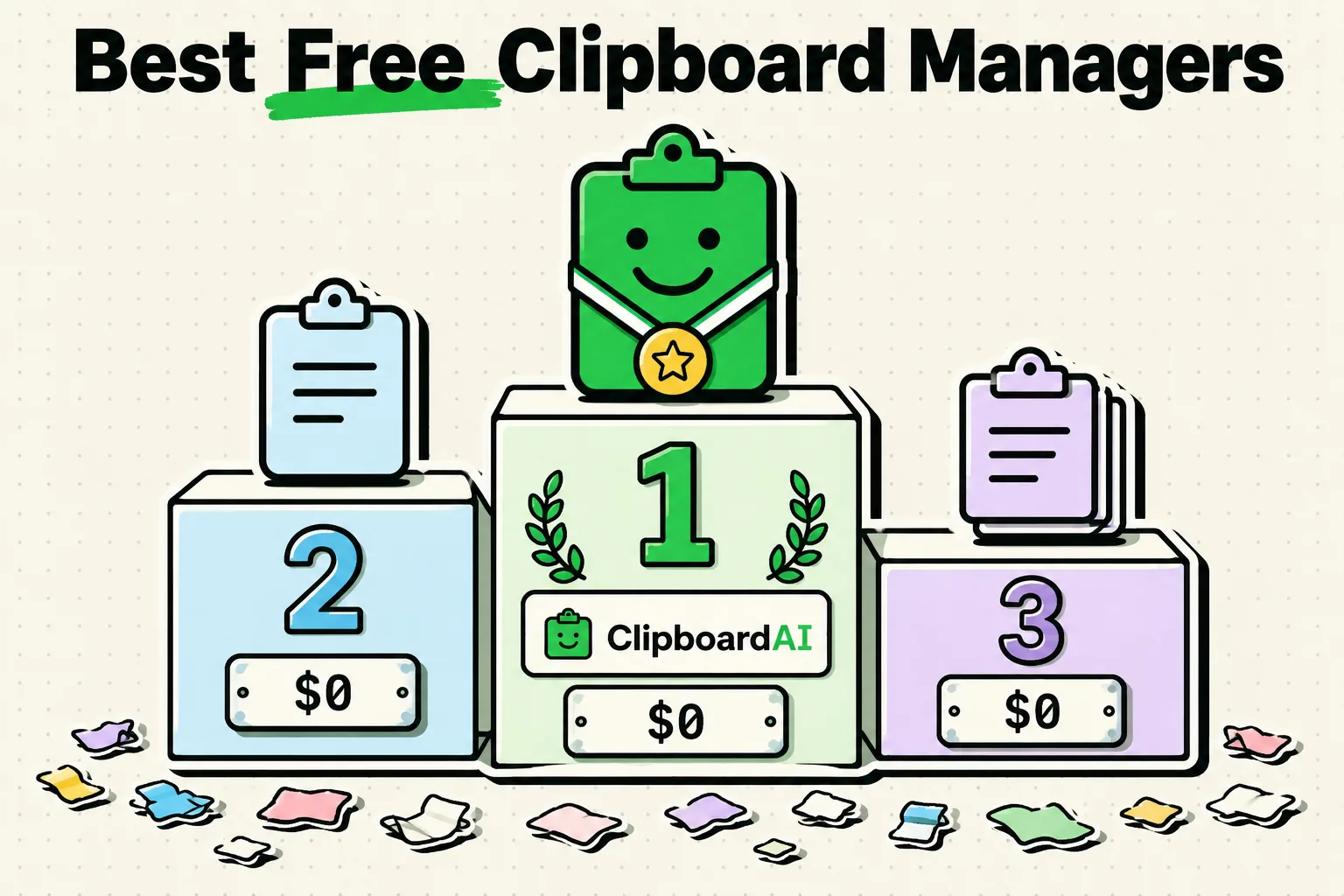
The best free clipboard managers for iPhone in 2026, compared and ranked, so you can pick the right clipboard history app without spending a dime.
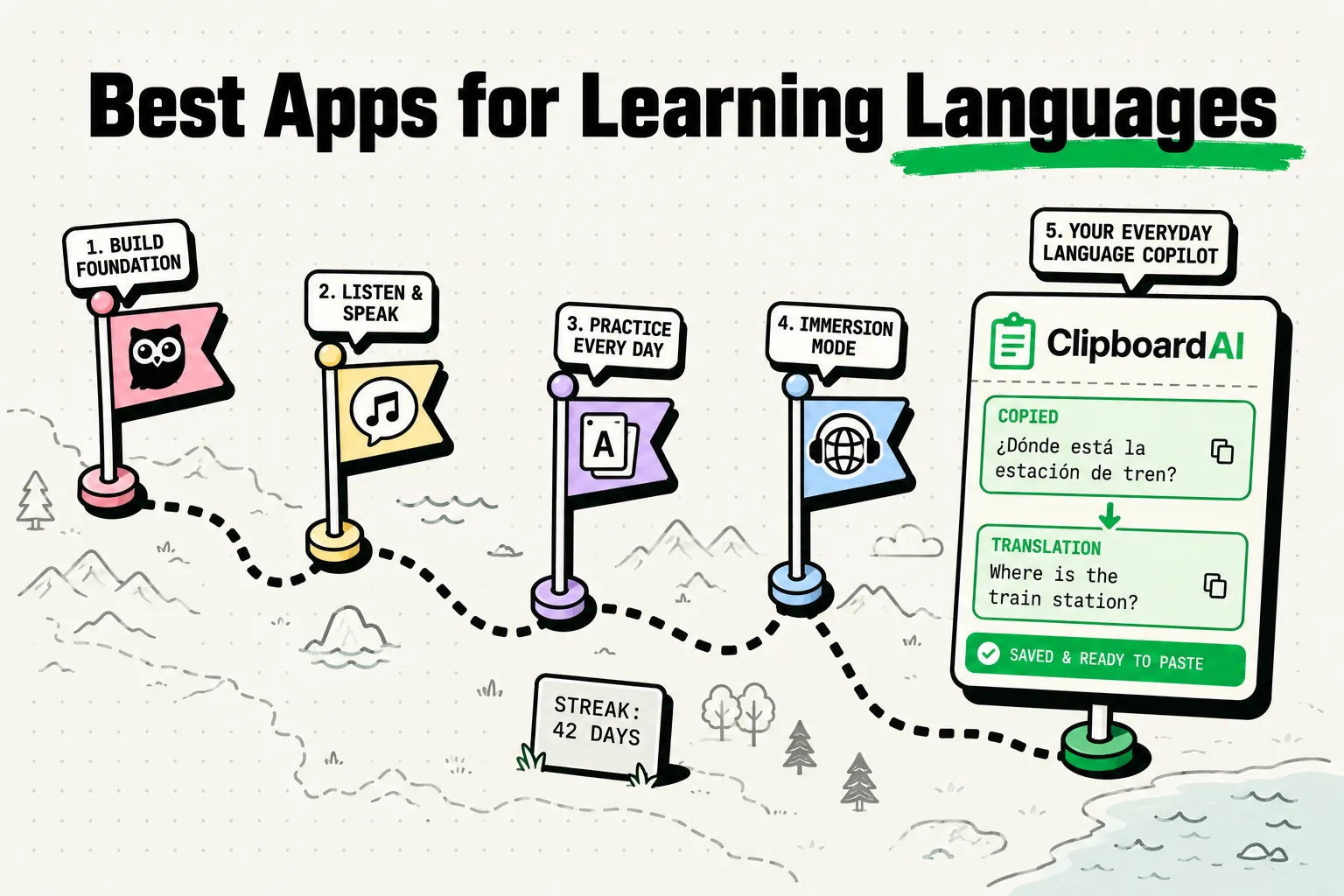
Language learning apps compared by actual polyglots. Which apps work, which are hype, and how clipboard helps.
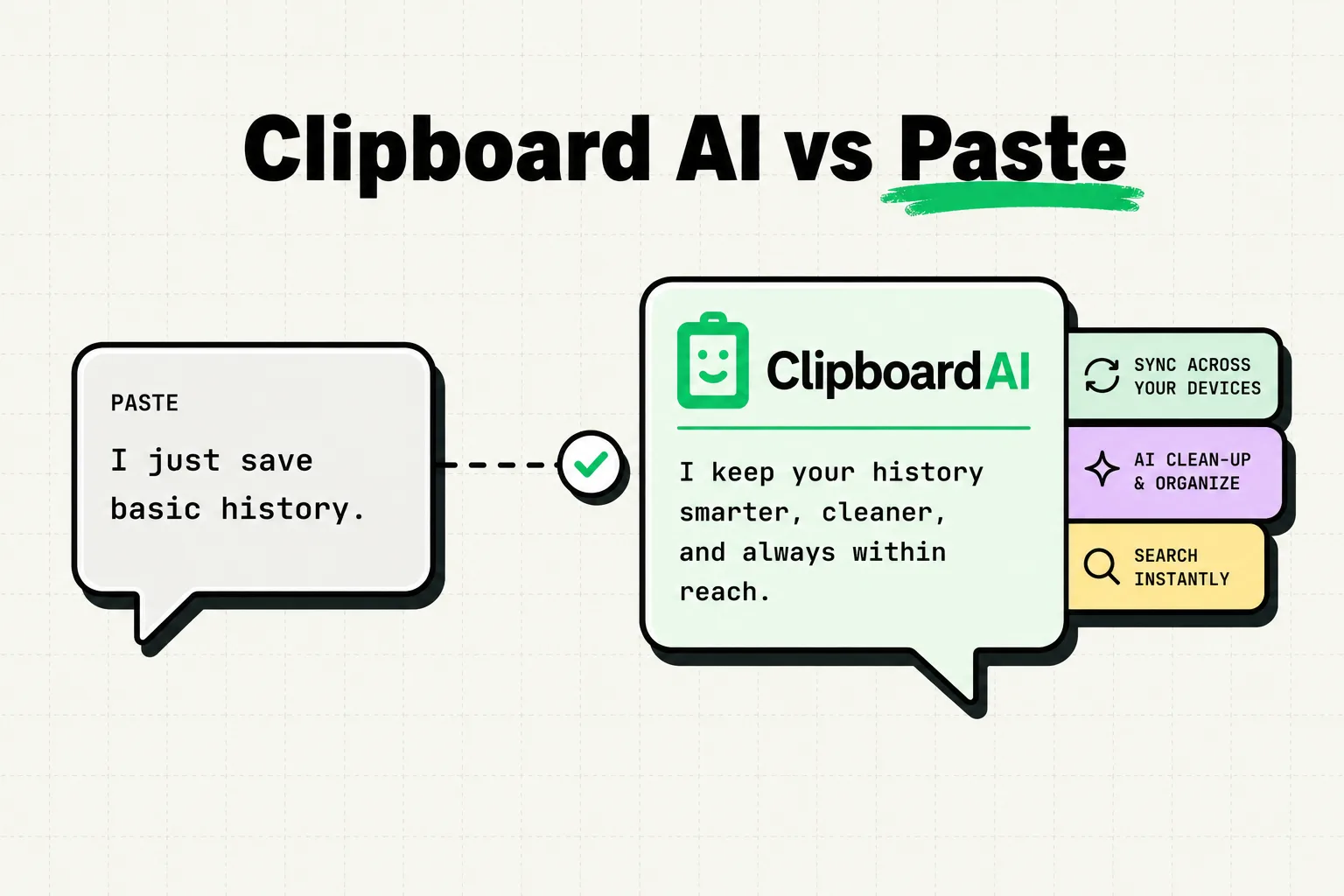
Clipboard AI vs Paste for 2026: price ($34.99 lifetime vs $99.99), sync, paste keyboard, screenshot search and privacy. Which one fits how you copy?
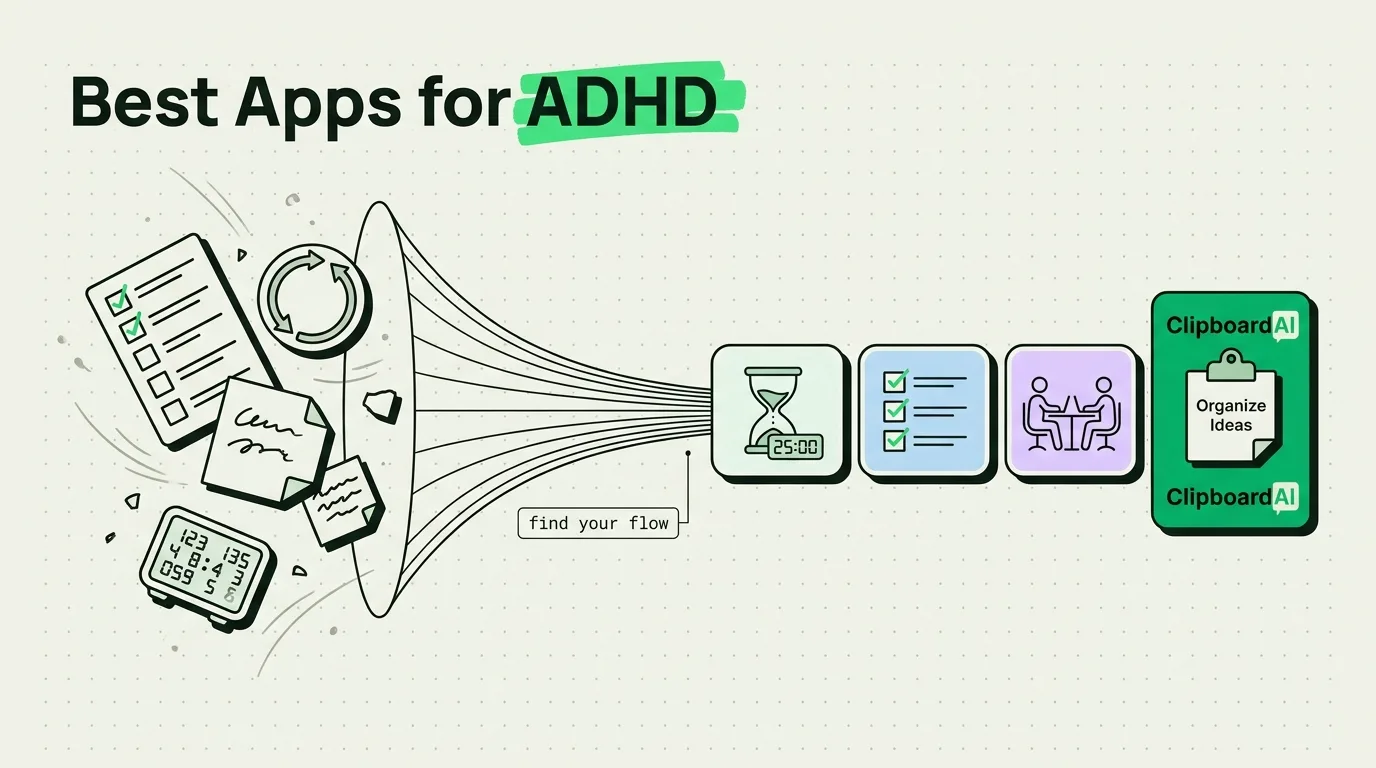
iPhone apps that genuinely help with ADHD management. Focus timers, organization tools, and clipboard managers for scattered minds.
Five habit tracker apps for iPhone worth installing in 2026, what each one does best, and when a simple checklist is enough.
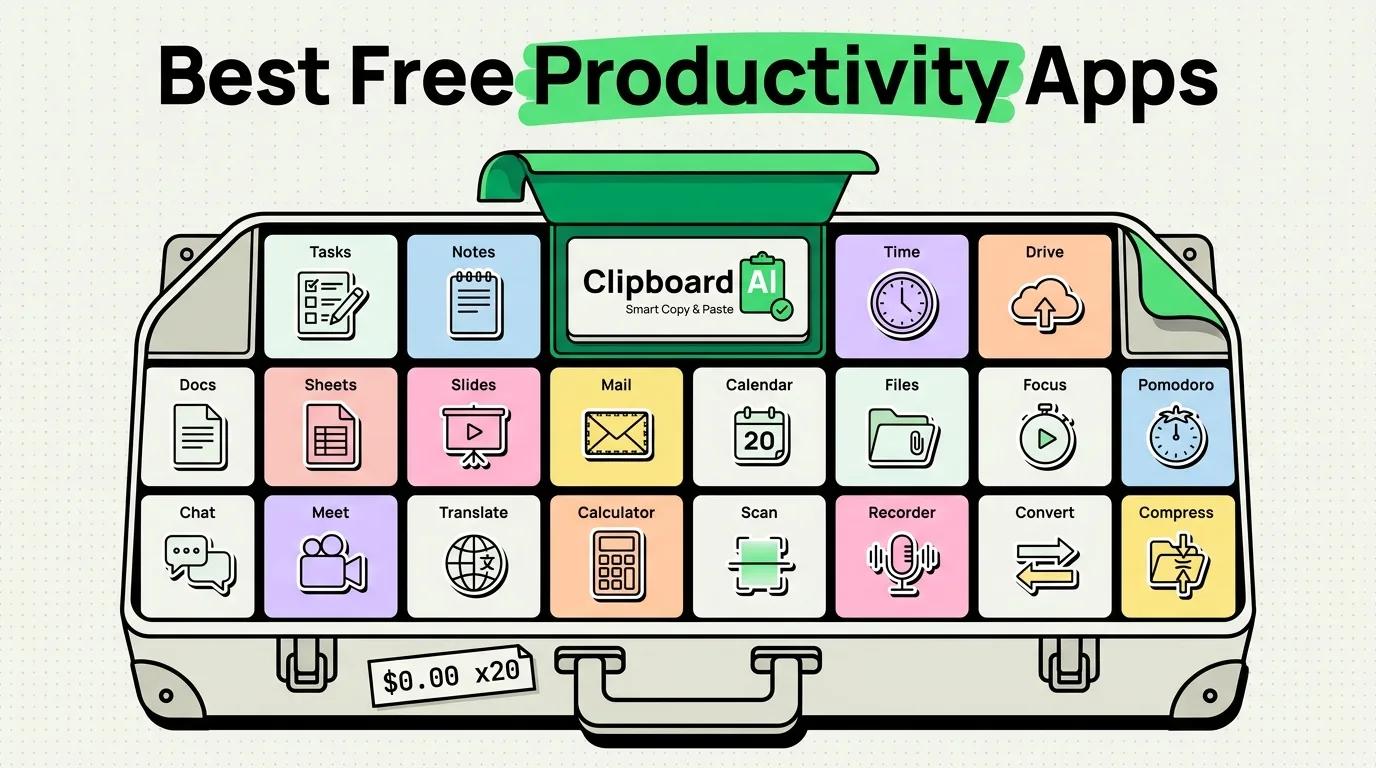
20 genuinely free iPhone productivity apps with no hidden subscriptions. We verified every single one.
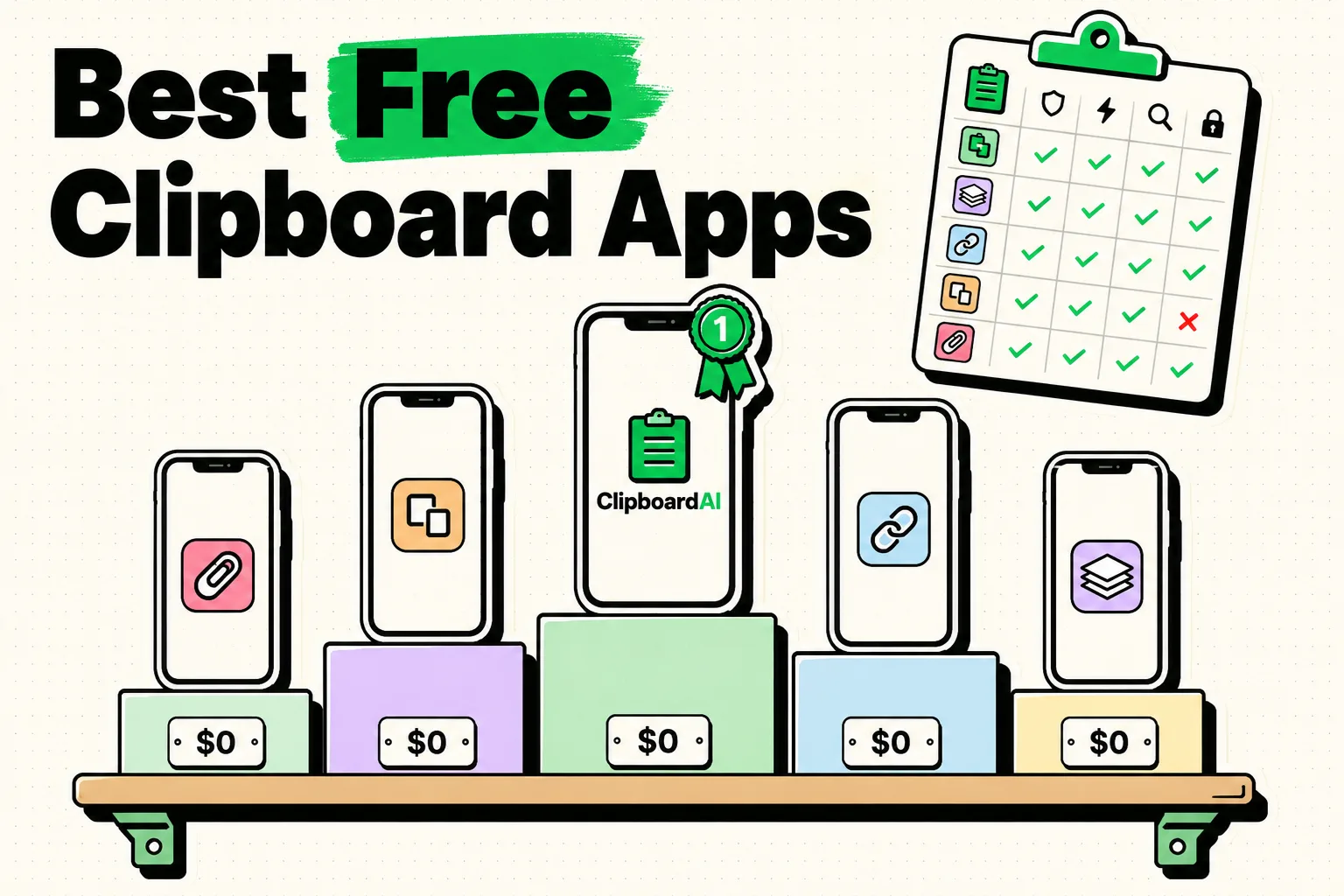
We compared every free clipboard manager for iPhone and iOS in 2026: real free tiers, exact limits, and which one to pick, from a keyboard to a Shortcut.
Managing 3+ email accounts on iPhone? These apps consolidate inboxes, clip important info, and keep you organized.
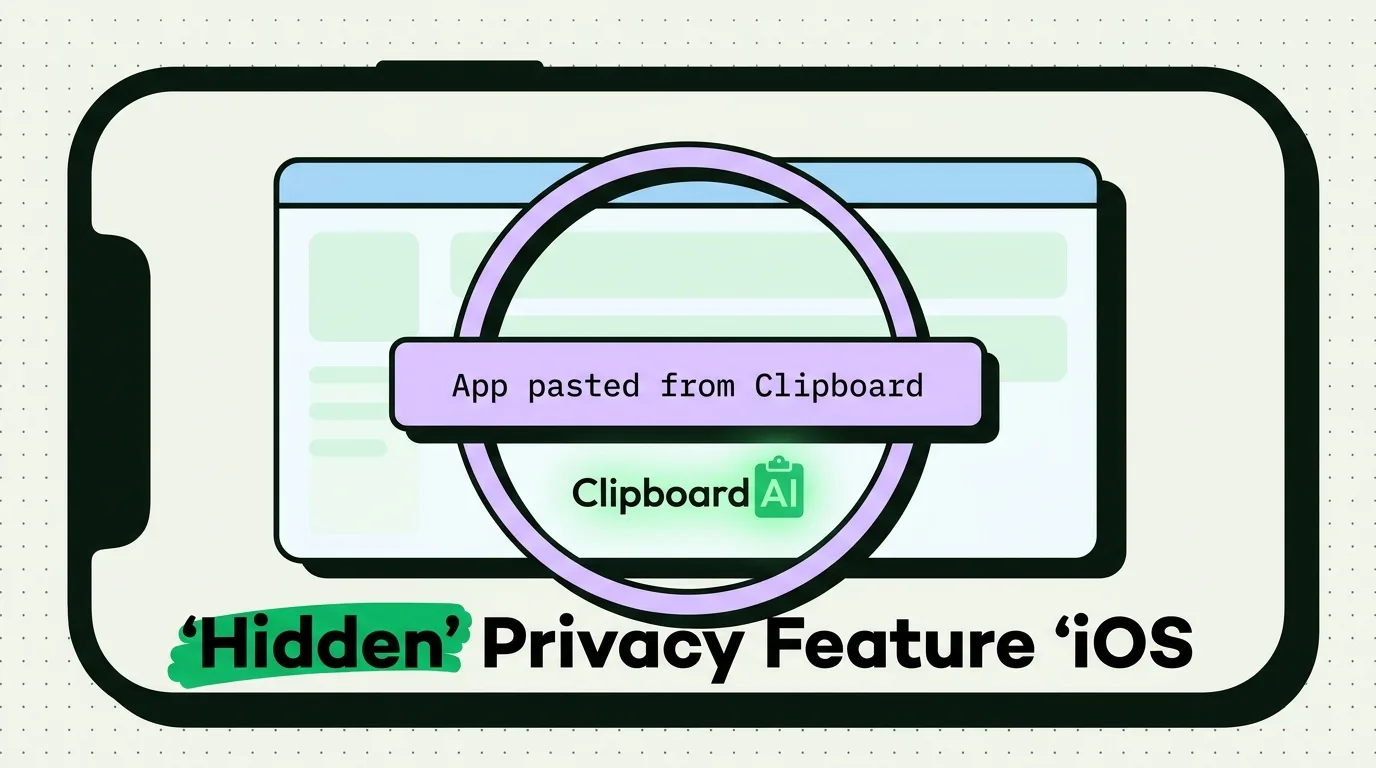
The Allow Paste pop-up is iOS asking before an app reads what you copied in another app. Stop it per app: Settings > Apps > the app > Paste from Other Apps.
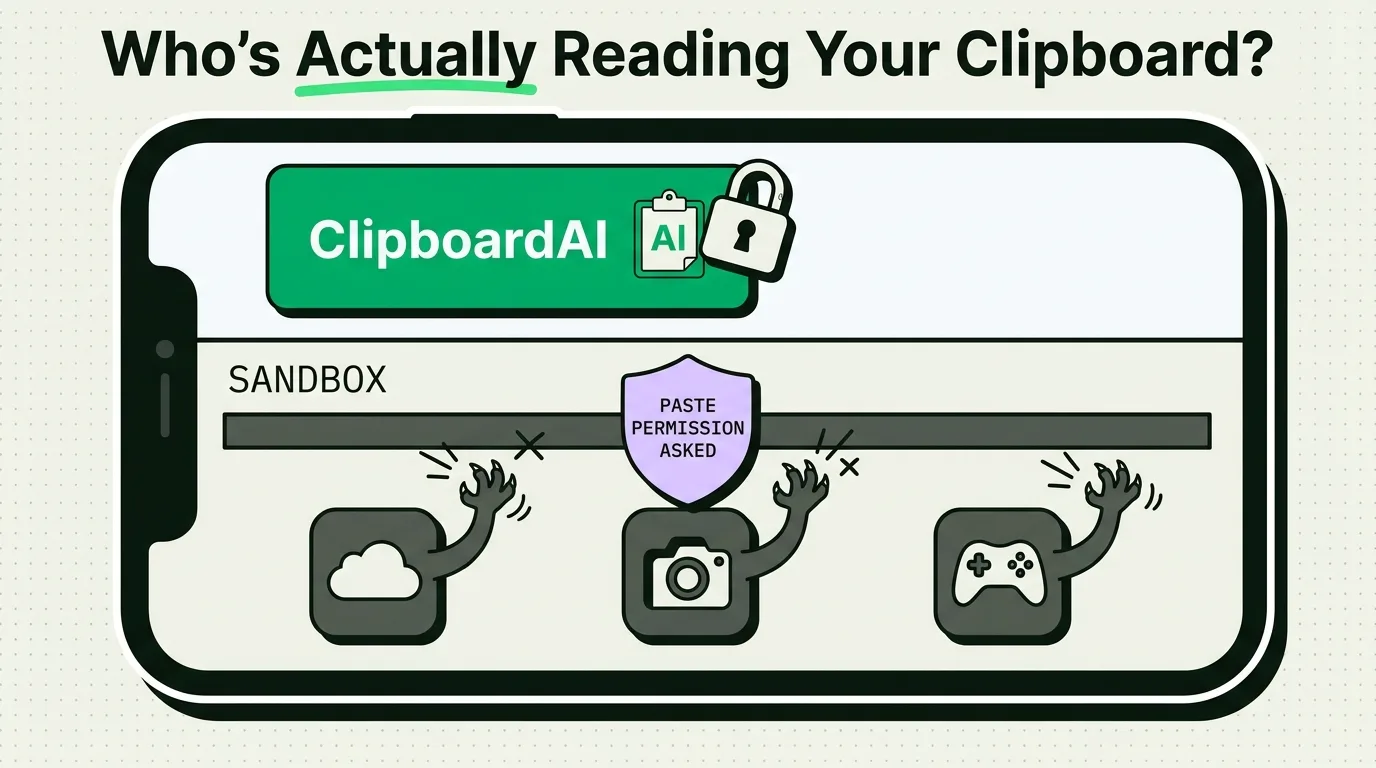
Find out which popular iPhone apps have been caught secretly reading clipboard data and learn how to detect and block unauthorized clipboard access on iOS.
A copied password sits on the clipboard until something replaces it. Use AutoFill and the Passwords app so it never lands there, and a clear timer otherwise.
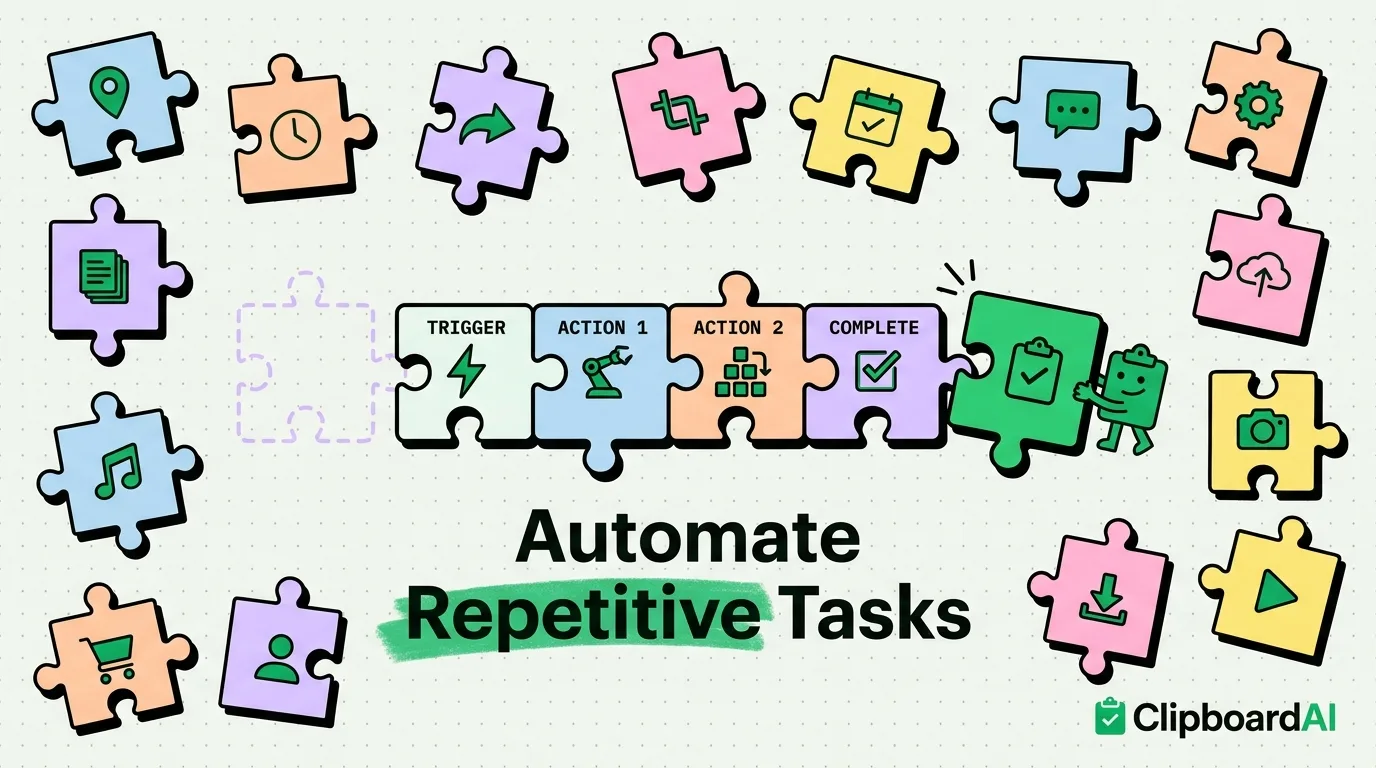
15 real Shortcuts automations that save time every day. From clipboard workflows to location-based triggers.
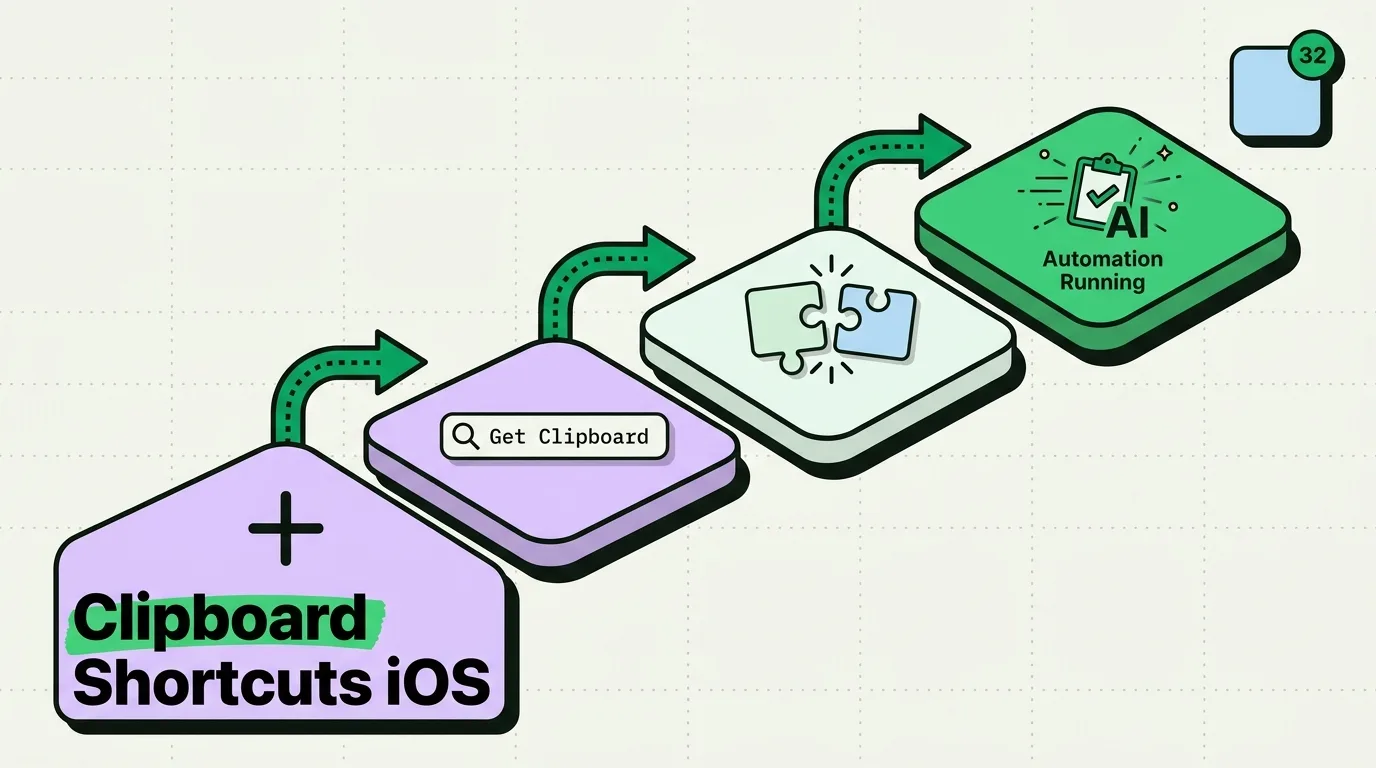
Create powerful clipboard automations with the iOS Shortcuts app. Learn to build workflows that save, transform, and manage your clipboard content automatically
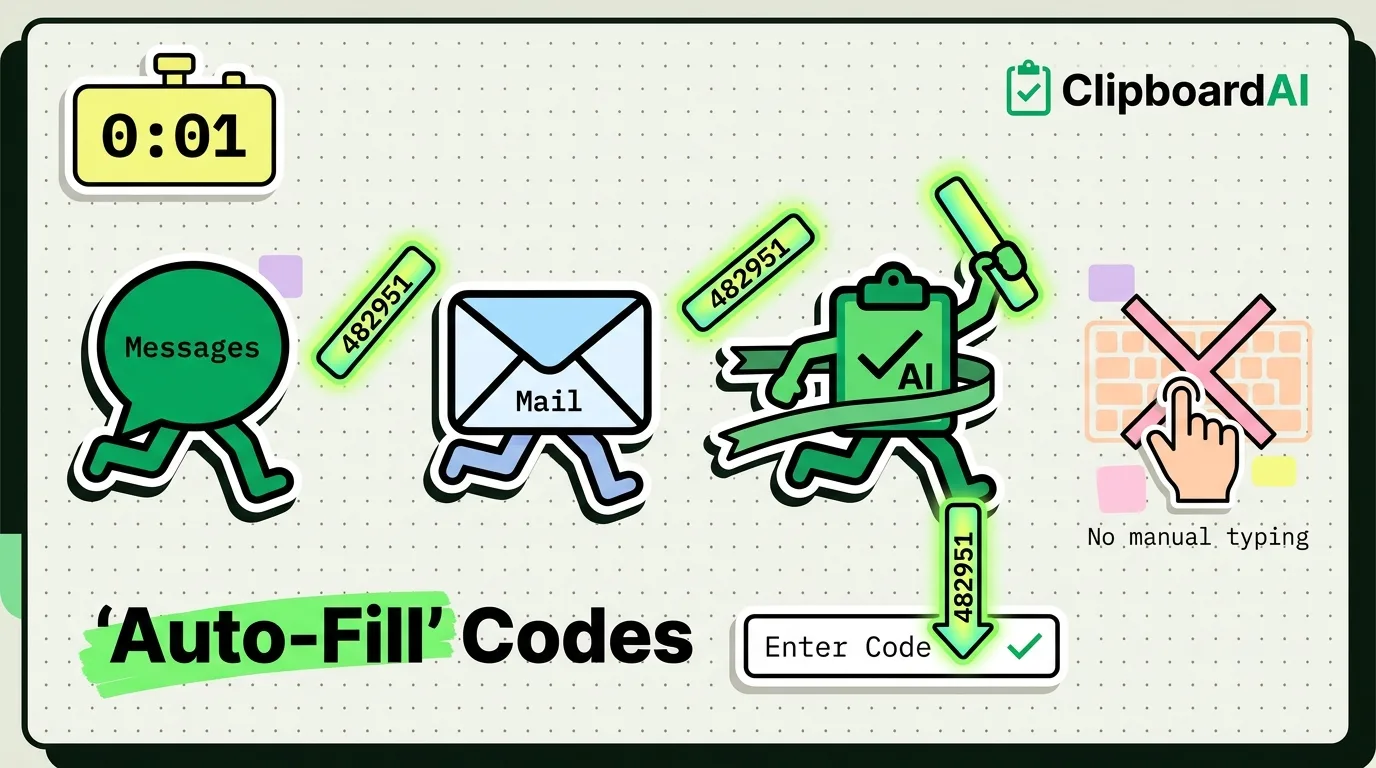
iPhone fills codes from Messages and Mail above Apple's keyboard. Where Delete After Use is on iOS 26 and 27, why a code won't appear, and how to reach a Mac.
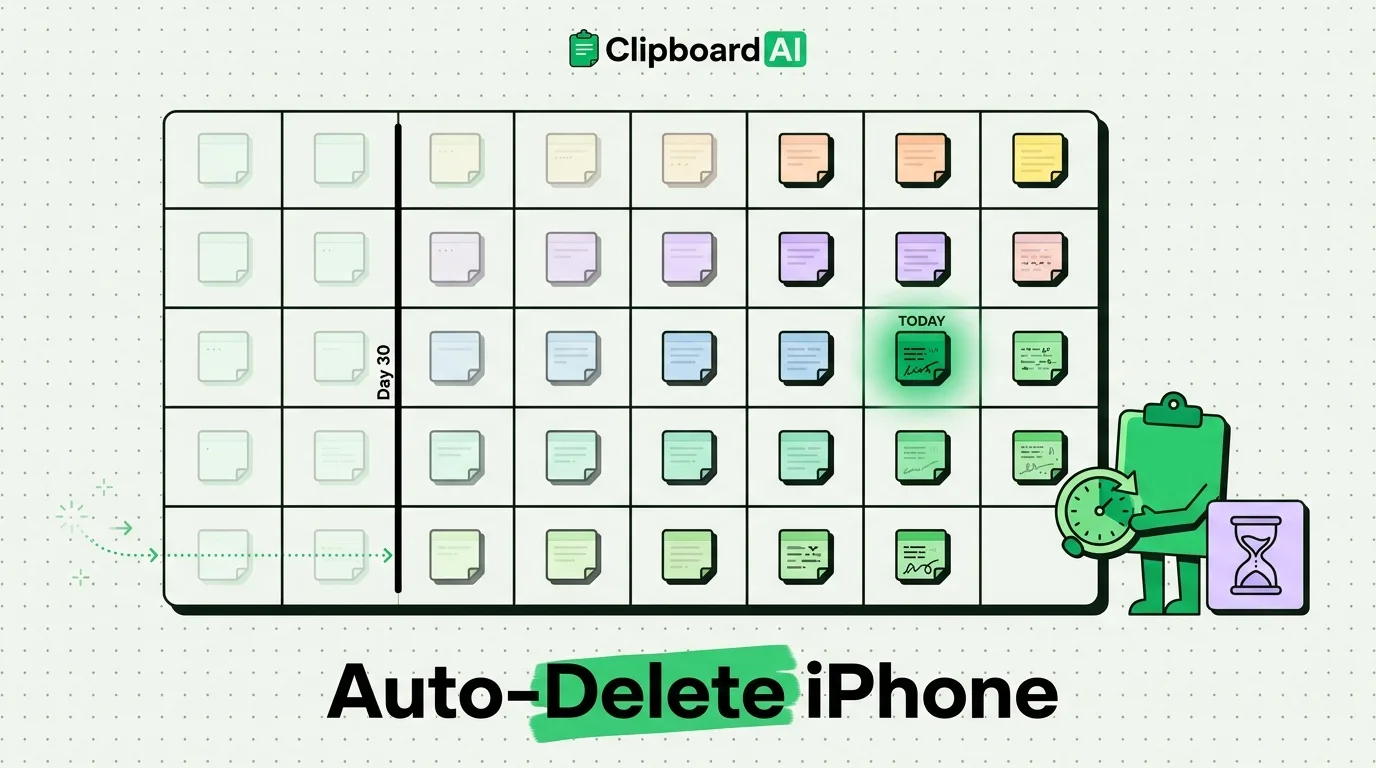
Keep your clipboard clean with automatic deletion of old items. Set time-based expiration for clipboard privacy.
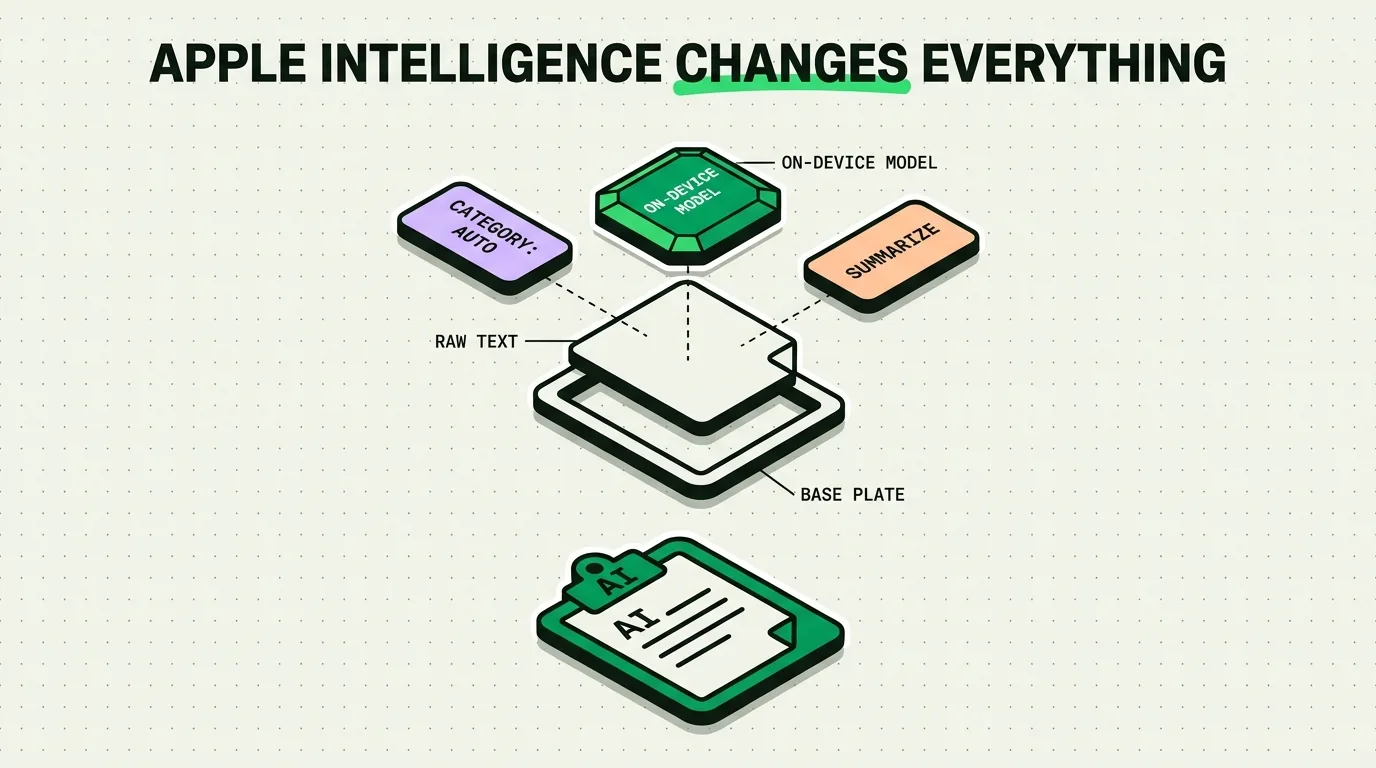
Apple Intelligence brings AI to your clipboard. Here's what changes, what stays the same, and what you need to know.
Ambient computing will make manual copy-paste obsolete. Here's how context-aware devices change information flow.
5 hidden iPhone tricks so useful they feel like cheating, from clipboard history to secret gestures, and how to set up each one.
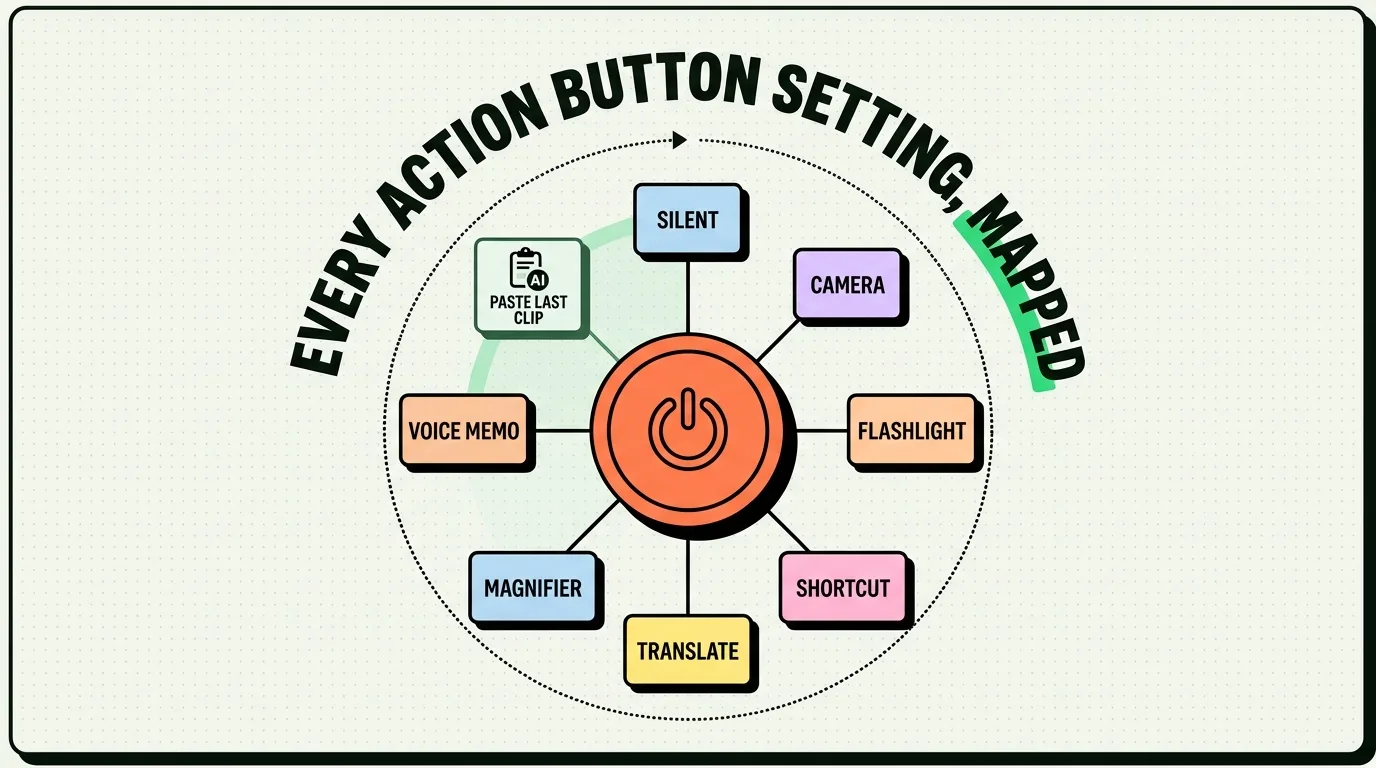
The Action Button does more than silence your phone. Every 2026 configuration, plus how one press turns it into a clipboard manager for your iPhone.
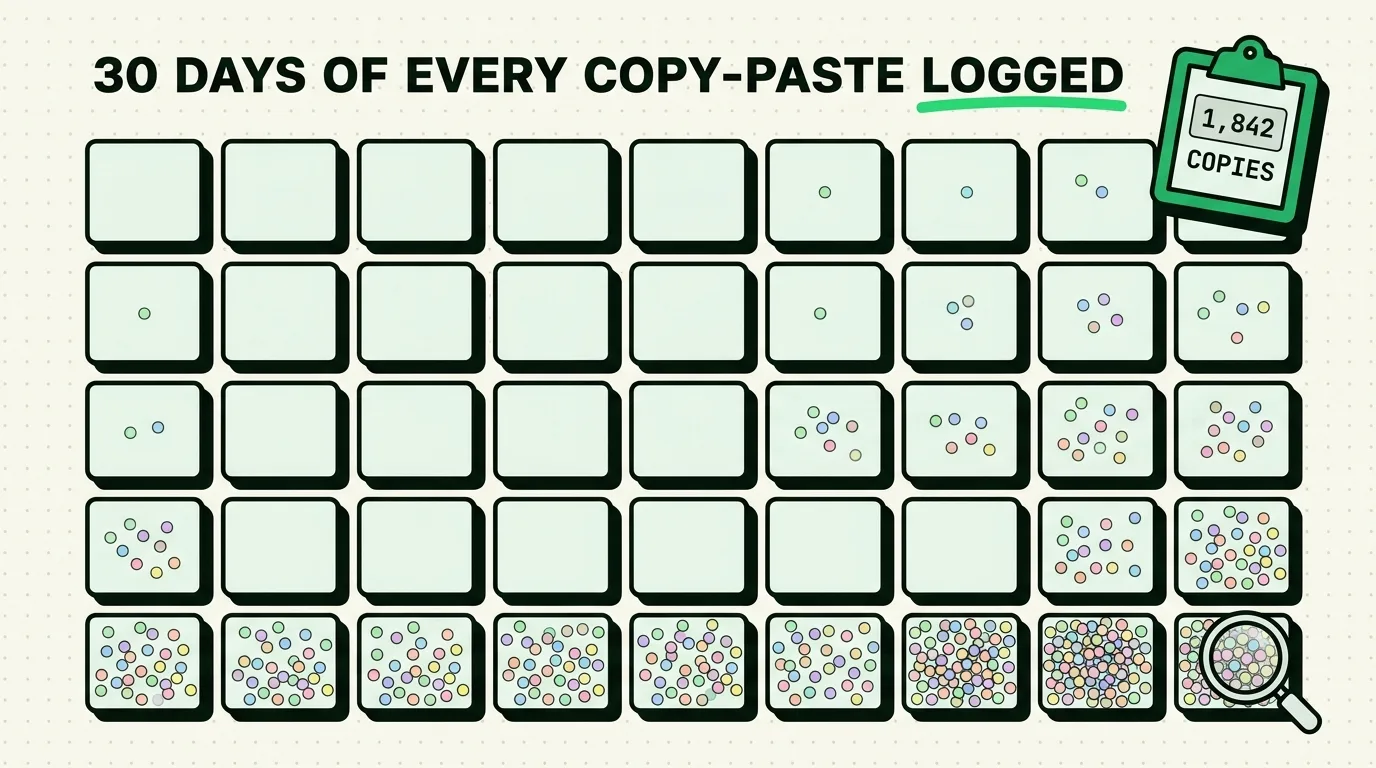
A simple method to track your own copy-paste habits on iPhone for a week, with a log template, so you see your real numbers instead of guesses.
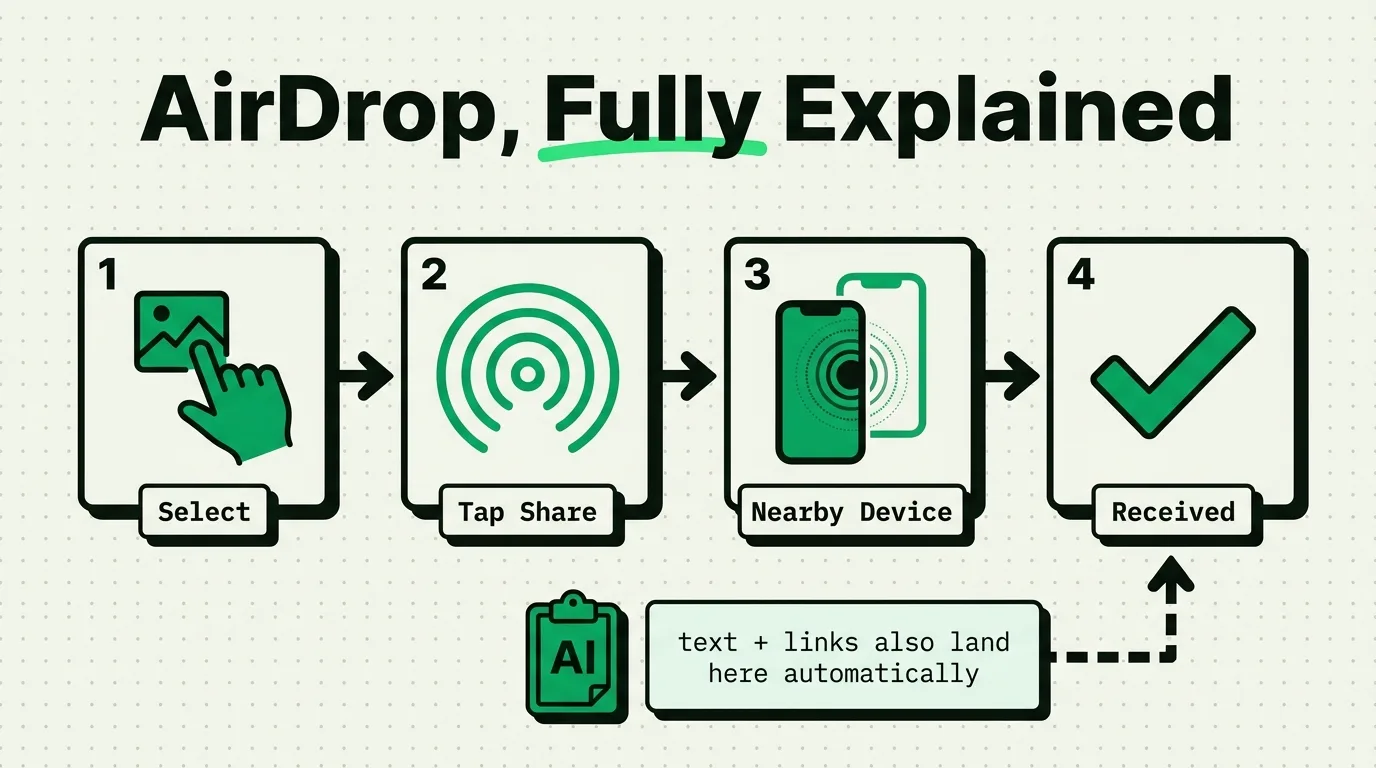
How to use AirDrop on iPhone for photos, files, links and contacts, plus NameDrop, AirDrop over the internet, privacy settings and fixes when it fails.

The best iPhone apps for college students in 2026, from Notion and Quizlet to Todoist and Clipboard AI, to study smarter and stay on top of every semester.

The best iPhone apps for nurses in 2026: clinical references, drug guides, shift scheduling, reusable non-patient snippets and self-care for long shifts.
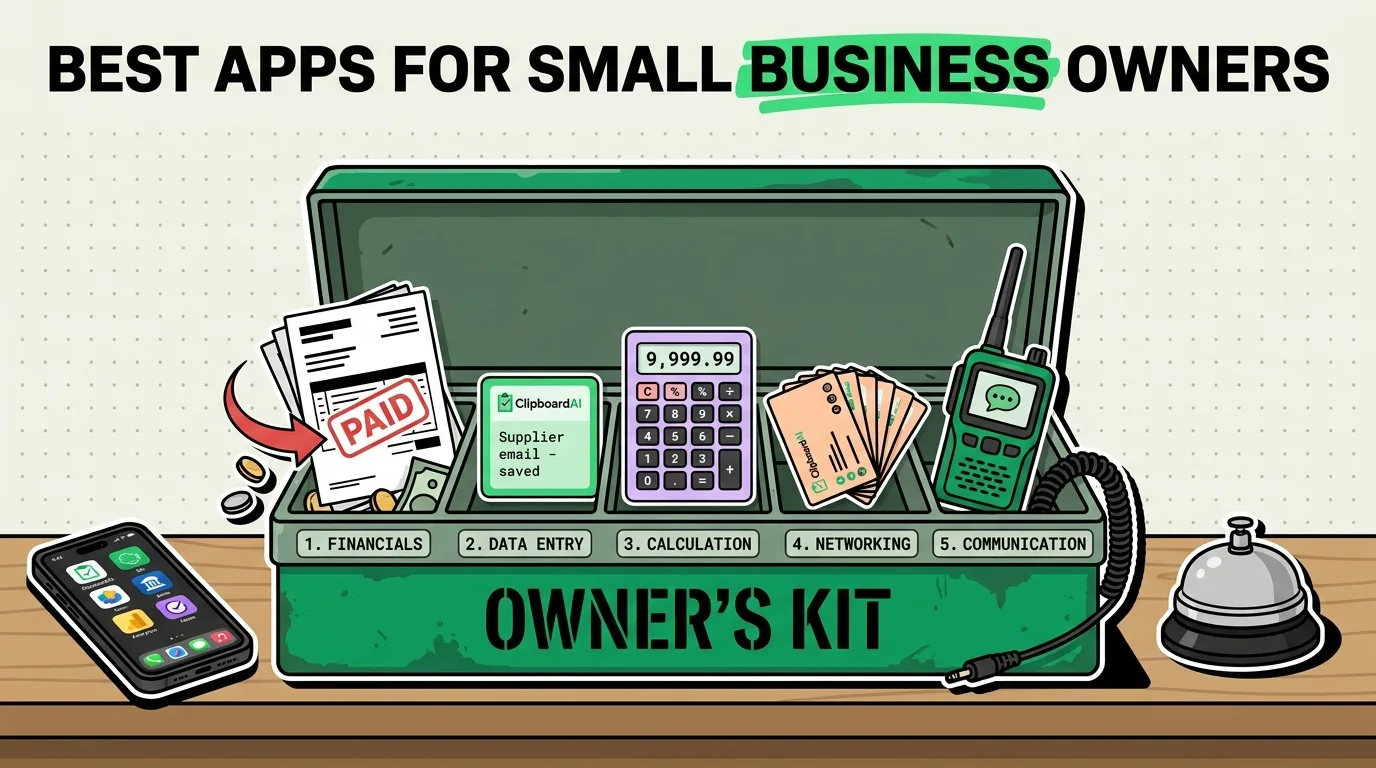
The best iPhone apps for small business owners in 2026: invoicing, CRM, team chat and clipboard tools that save time on every repetitive task.

The best iPhone apps for job seekers in 2026: job boards, interview prep, resume builders and Clipboard AI for the details every application asks for.
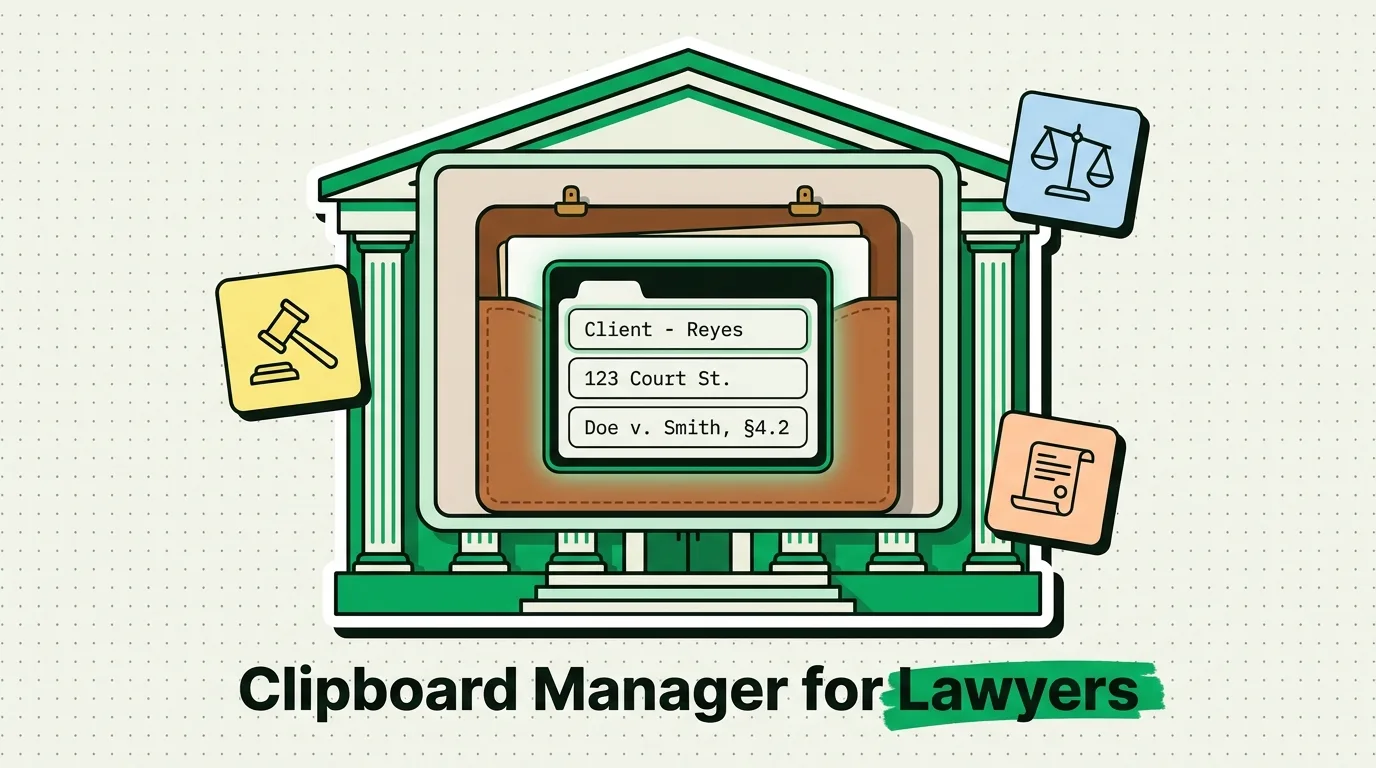
Keep clauses, citation formats and filing language one paste away on iPhone and Mac, keep privileged text out, and set it up to support ABA Rule 1.6(c).
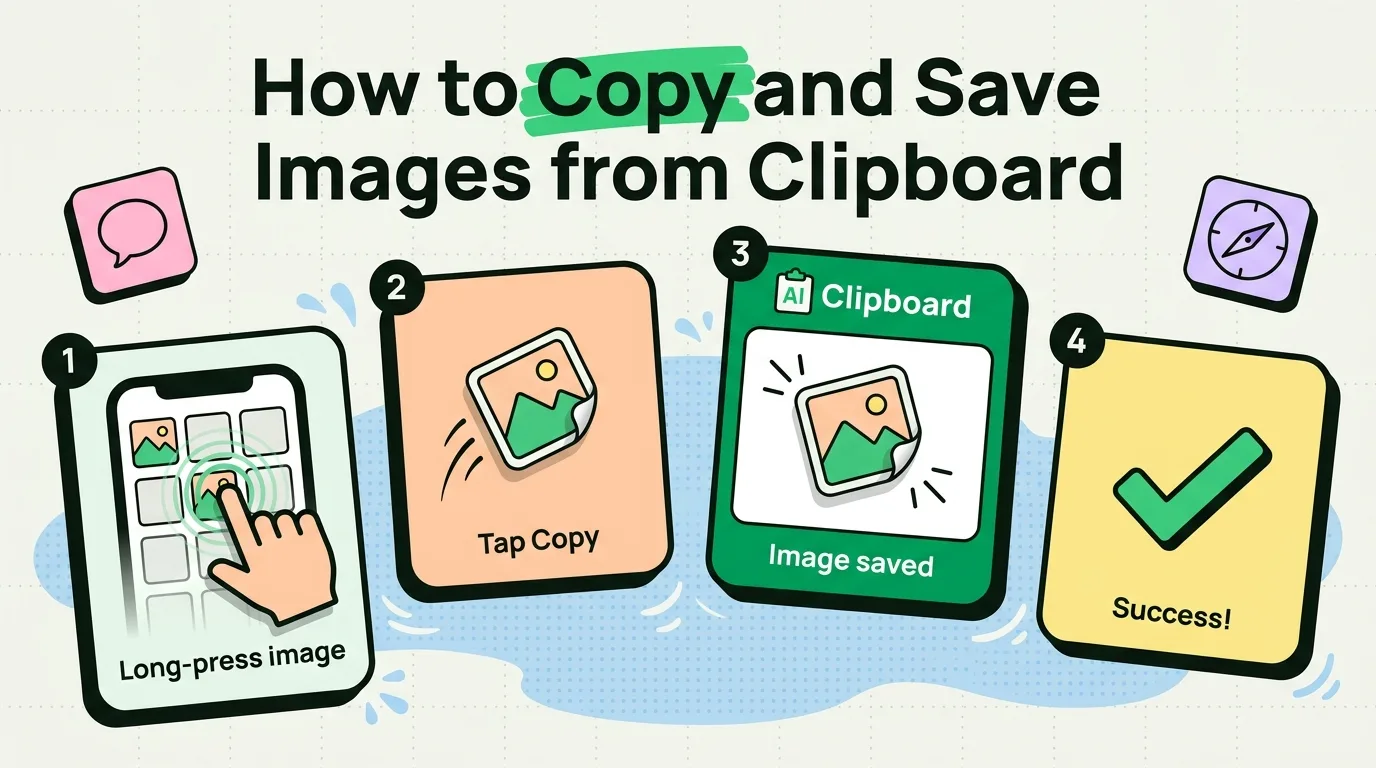
How to copy images on iPhone from Safari, Photos and Messages, paste them anywhere, and keep the images you copy in a clipboard history.

Learn 5 easy methods to copy text from PDF on iPhone. Extract text from any PDF using Files, Safari, Adobe Acrobat, Live Text, and third-party readers.
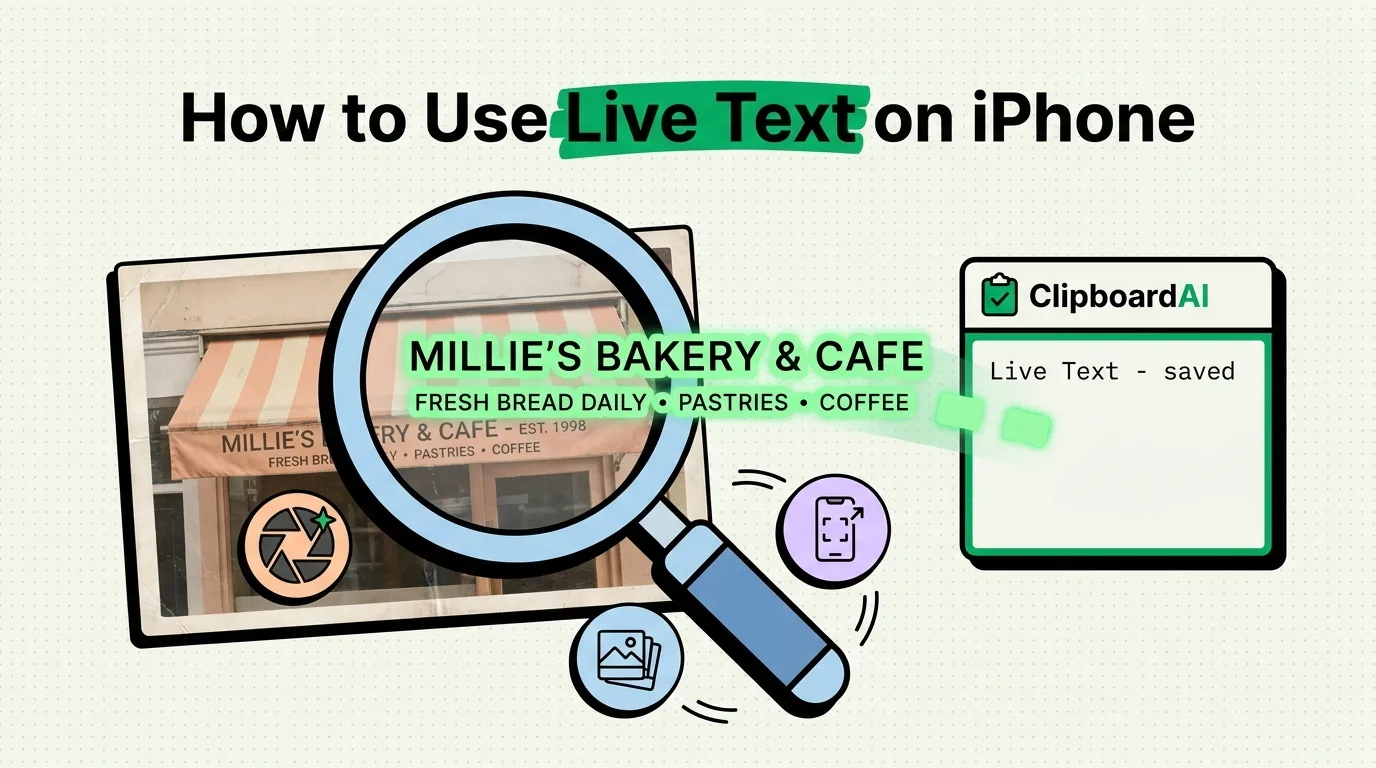
Learn how to use Live Text on iPhone to copy text from photos, screenshots, and the camera. Extract text from images with OCR and save it with a clipboard manag
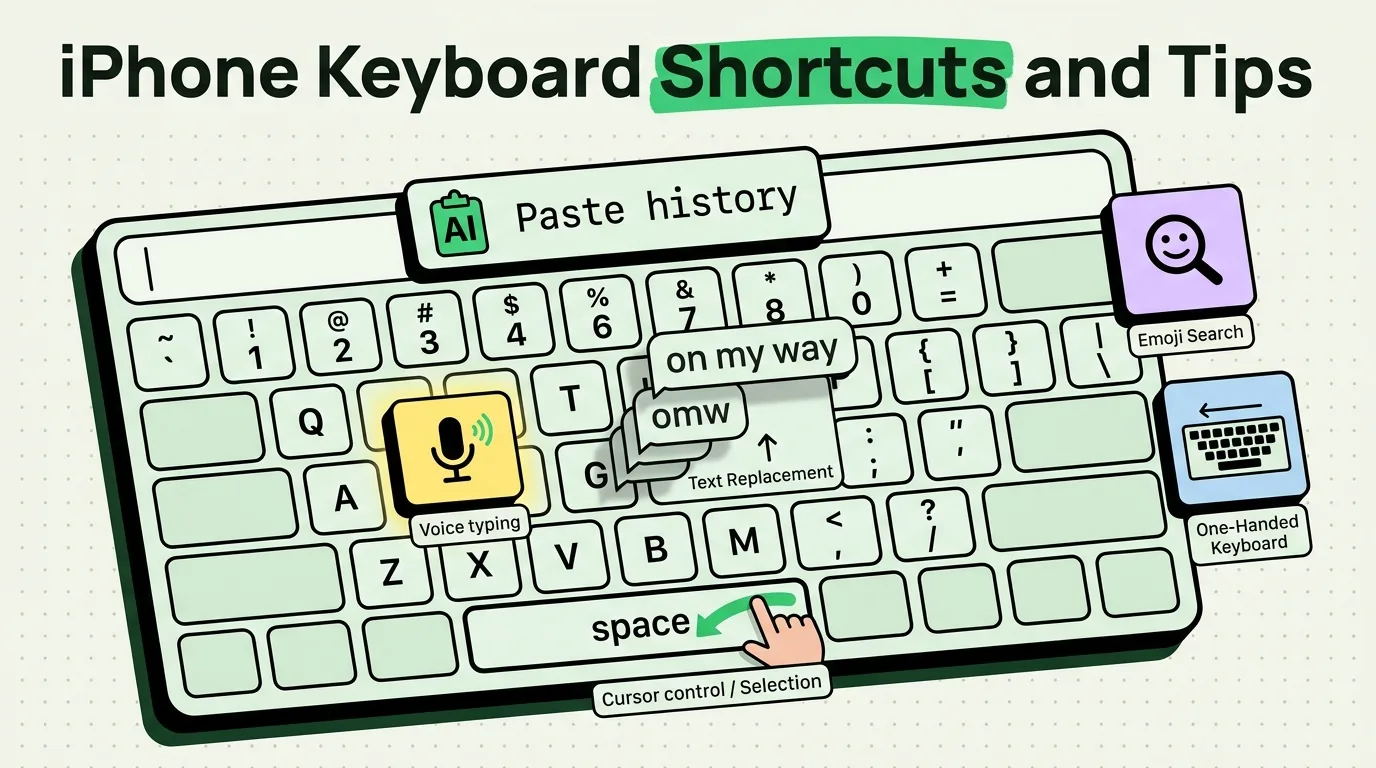
Master iPhone keyboard shortcuts and typing tips. Learn text replacement, QuickType, one-handed keyboard, dictation, emoji search, and clipboard keyboard tricks

Safari tips for iPhone in 2026: Tab Groups, profiles, hidden gestures, extensions, address bar shortcuts and keeping the links you copy.
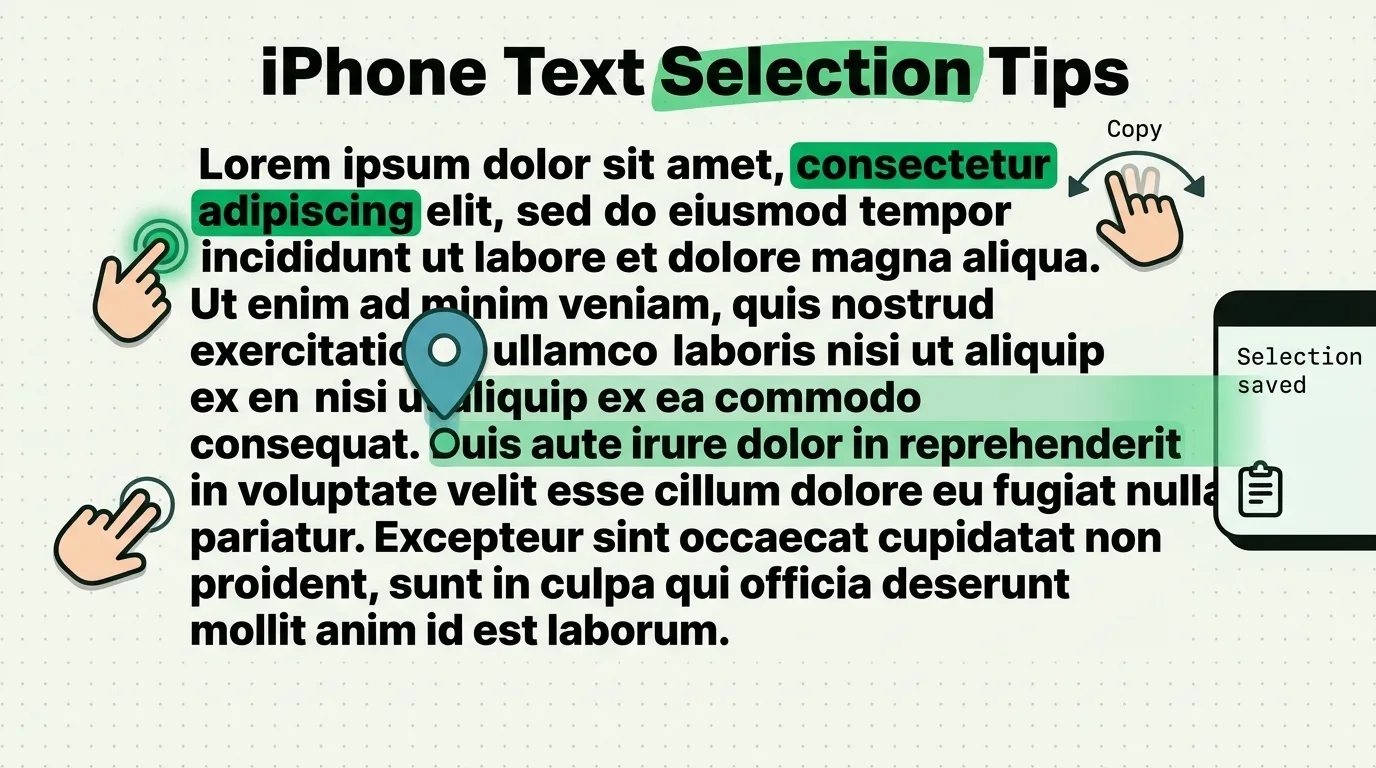
Double-tap a word, triple-tap a paragraph, drag the grab points or use the Space bar trackpad. How to select text and select all on iPhone in iOS 26 and 27.

The best iPhone apps for parents in 2026: family calendars, kids' banking, school details you can paste in a tap, and apps that keep the family organized.
How accountants, tax preparers and financial advisors can keep templates in a clipboard manager while client SSNs, bank details and logins stay out of it.
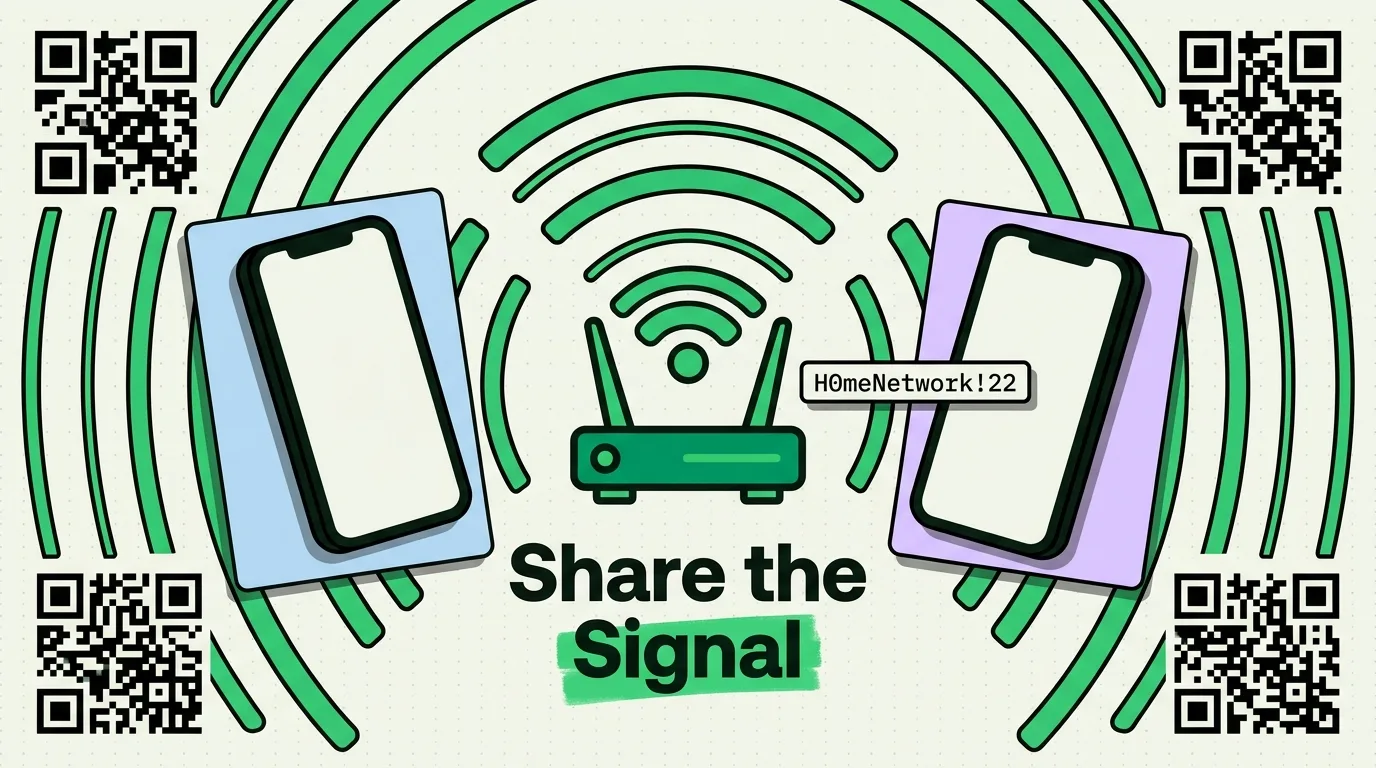
Every way to share a WiFi password from iPhone: Apple's automatic sharing, copying it from Settings, QR codes, sharing with Android, and saving it.
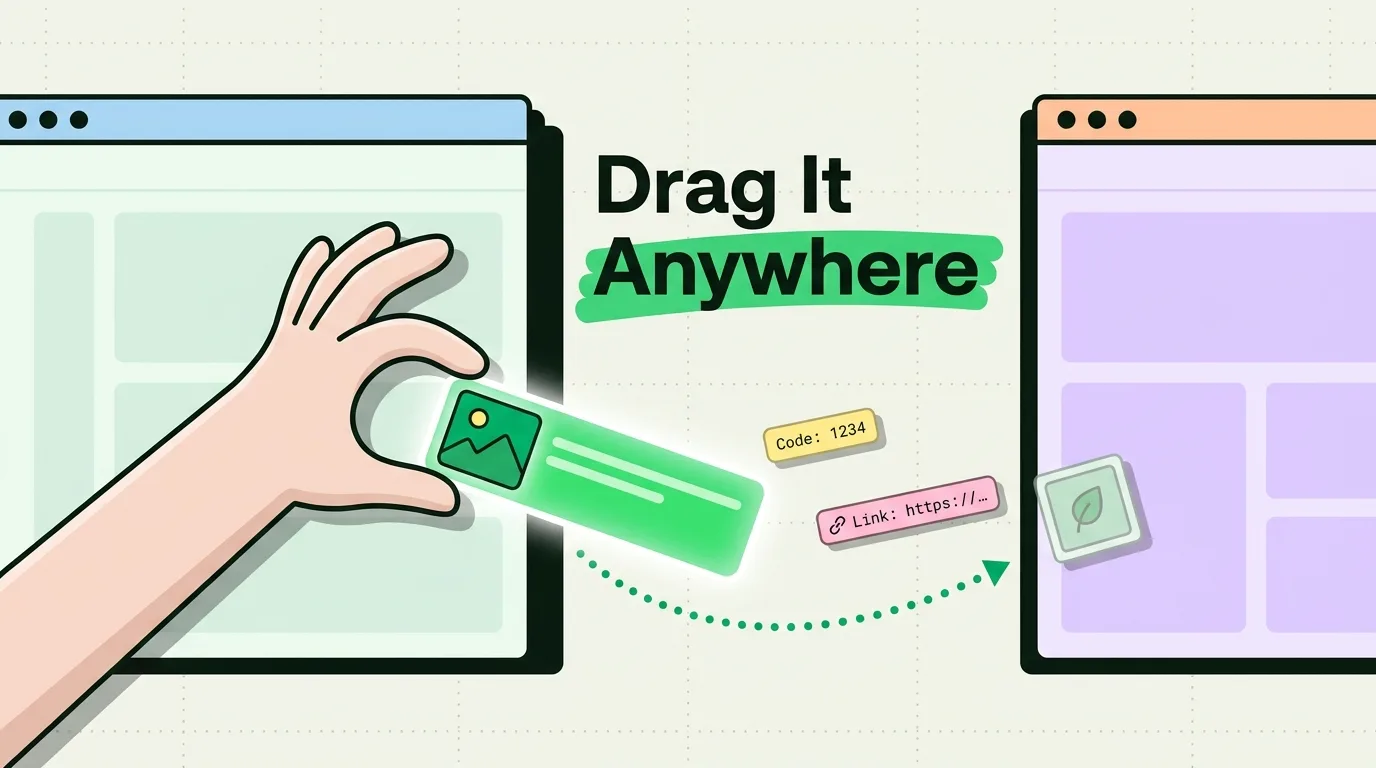
Learn how to use drag and drop on iPhone to move text, photos, links, and files between apps. Complete iOS drag and drop tutorial with tips and tricks.
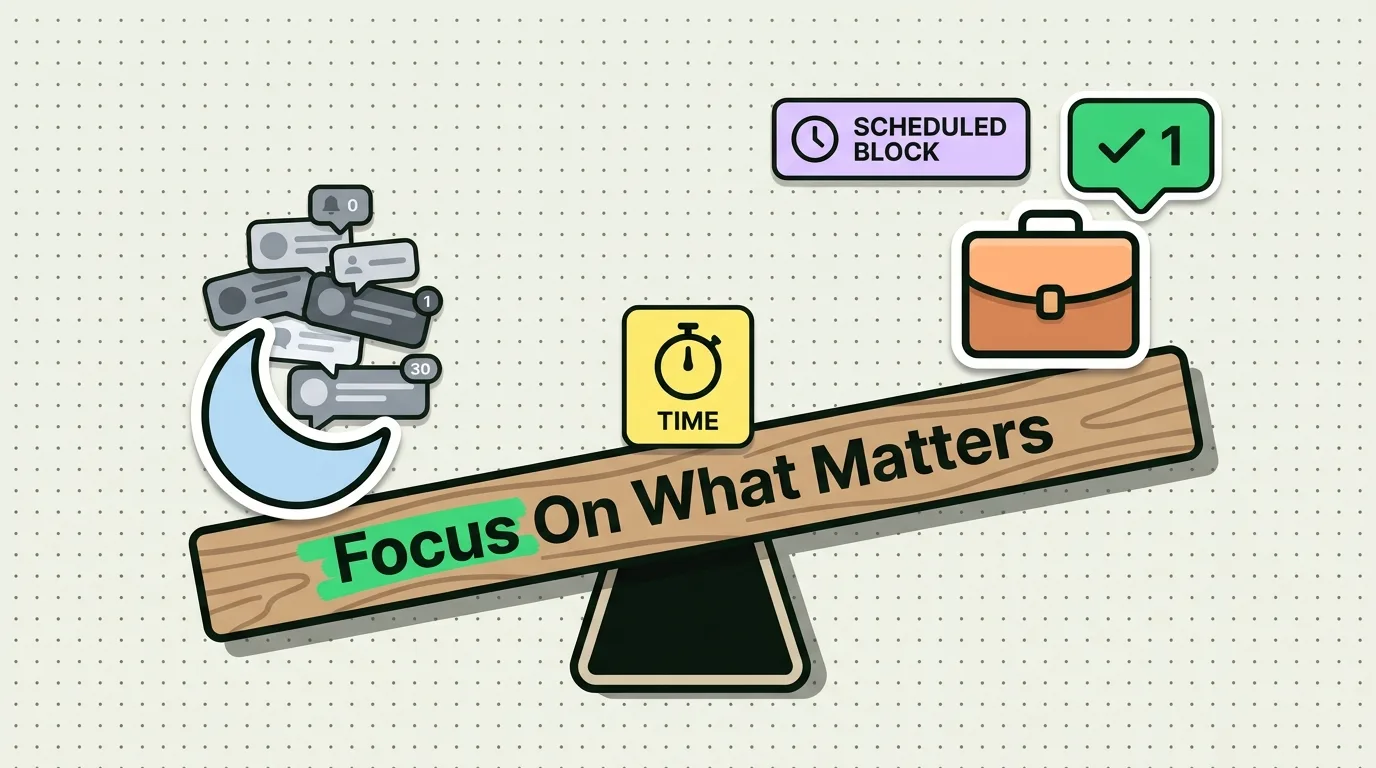
Master Focus on iPhone for productivity: custom Focus modes, a Work Focus setup, notification filters, Focus Lock Screens and automations.
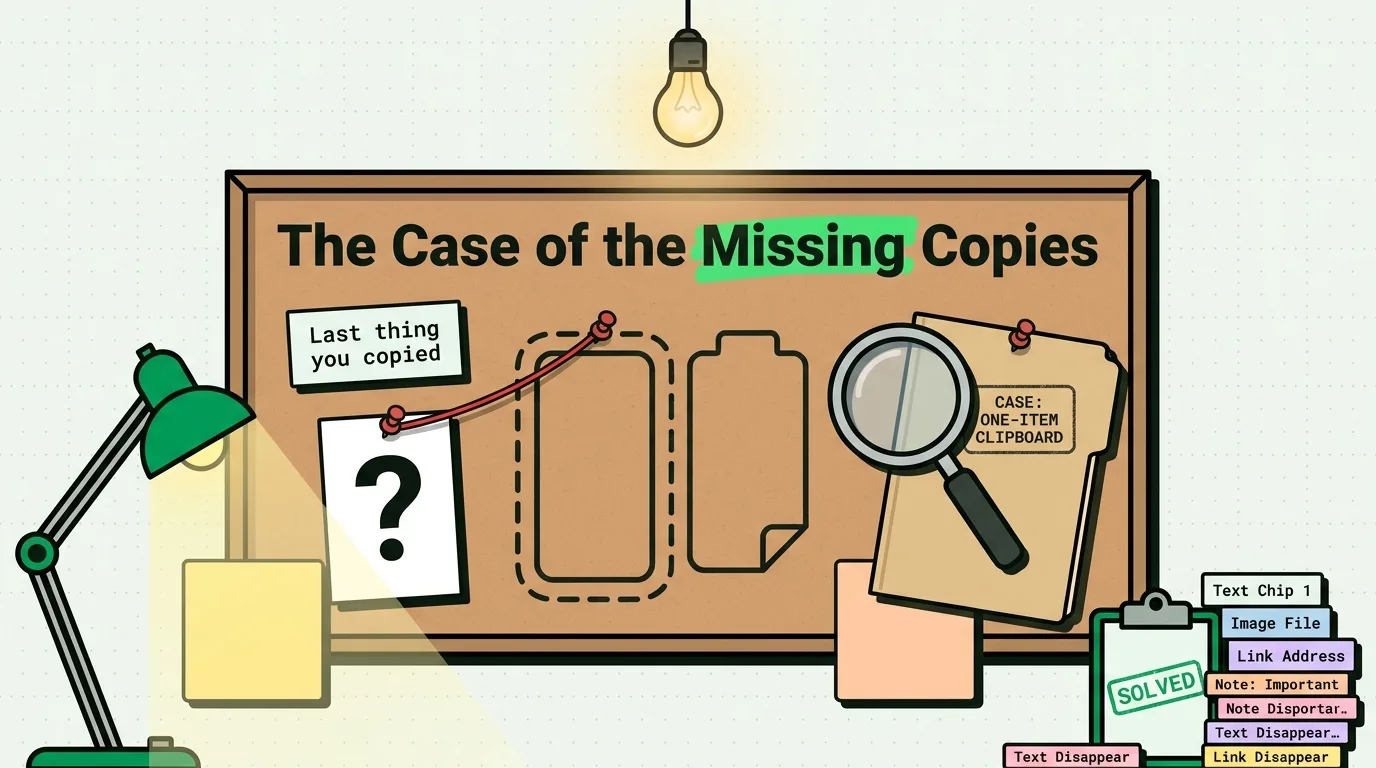
Every app on your iPhone shares one clipboard, and each copy replaces the last. How UIPasteboard works, what iOS 14, 16 and 27 changed, and how to keep more.
Clipboard AI, Paste, PastePal, SwiftKey and iOS 27 compared on price, history limits, keyboard and sync, with a winner for each need. Prices checked Oct 2026.
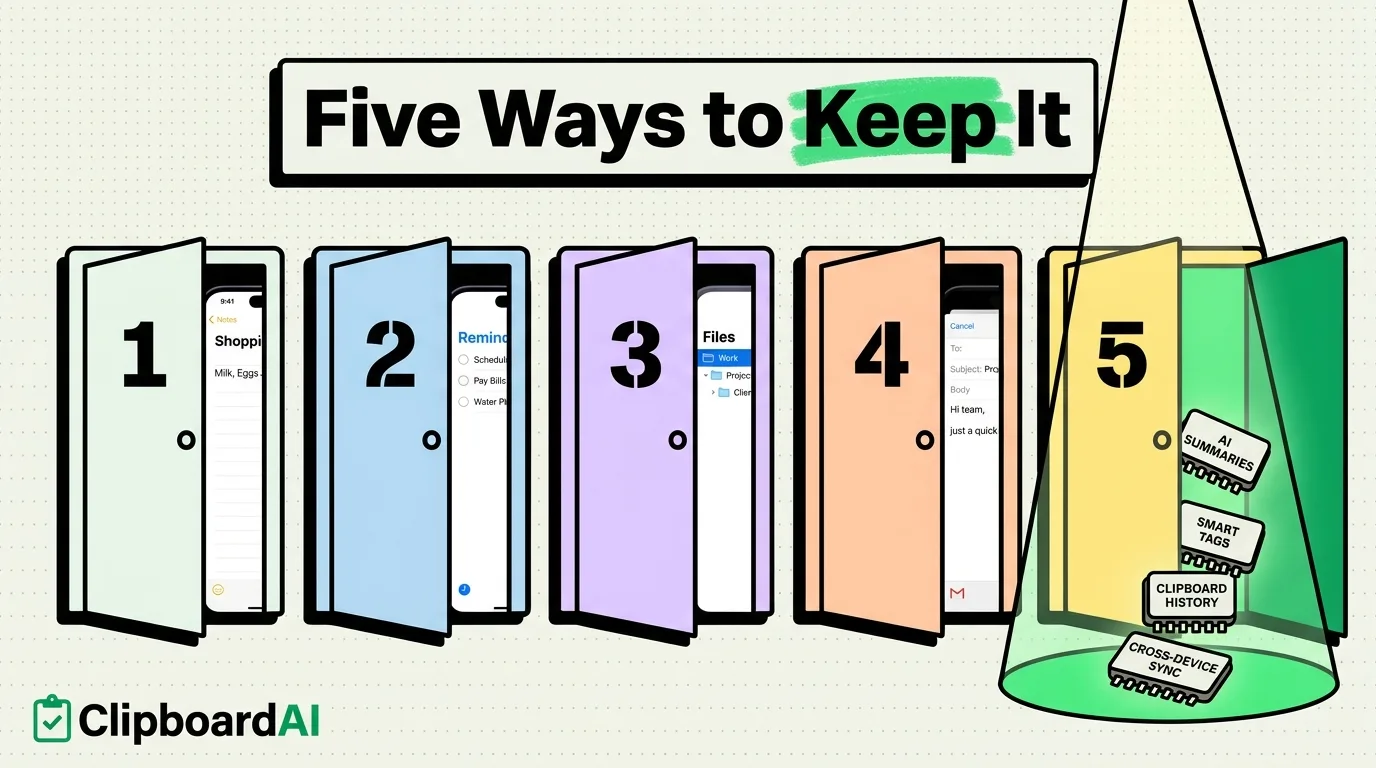
Learn how to save copied text on iPhone so you never lose it. 5 proven methods to keep, store, and retrieve clipboard text on iOS with step-by-step instructions

Apple Notes is for what you write, a clipboard manager for what you copy. See when Notes is enough, when Clipboard AI is better, and how to use both on iPhone.
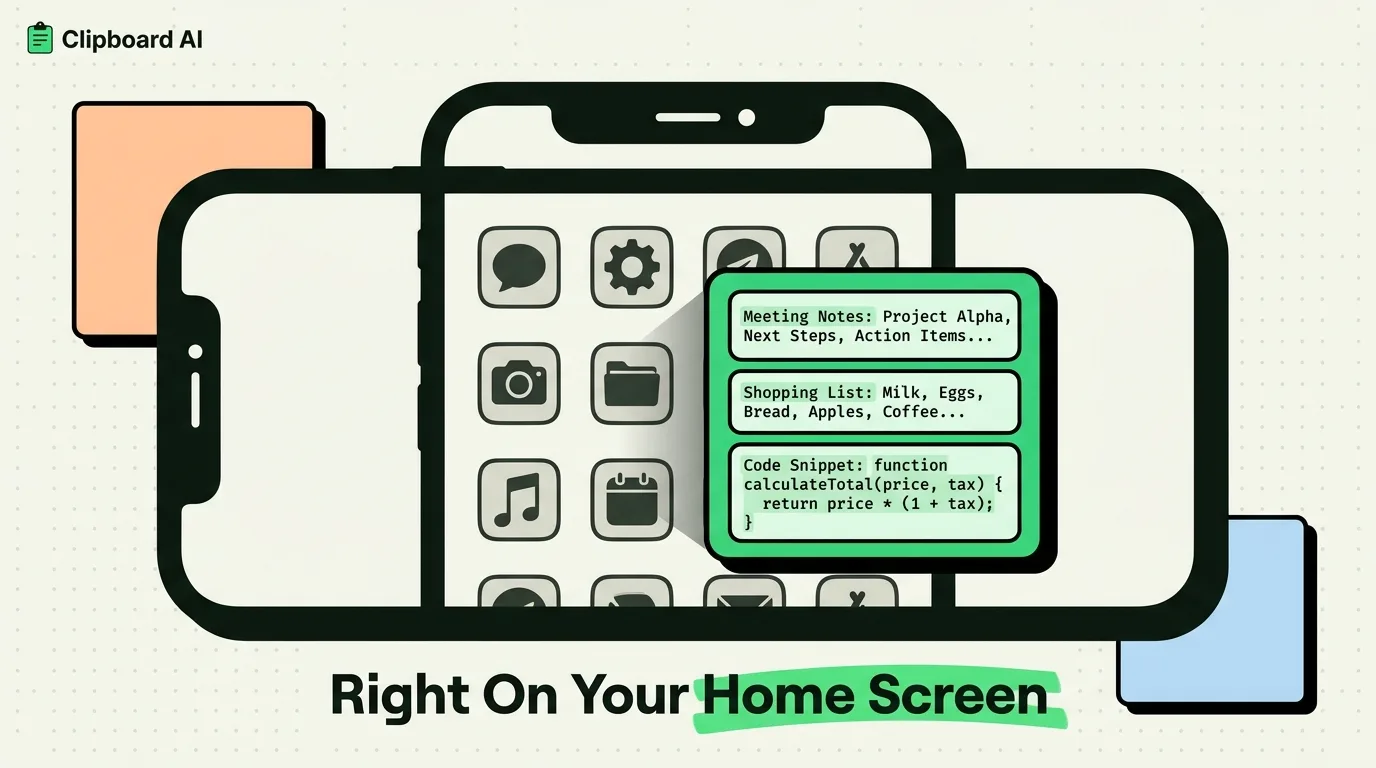
Add Clipboard AI's Collection widget, tap a saved clip to copy it, then paste anywhere. Five widgets, the Save Clipboard control, and iOS 26 and 27 steps.
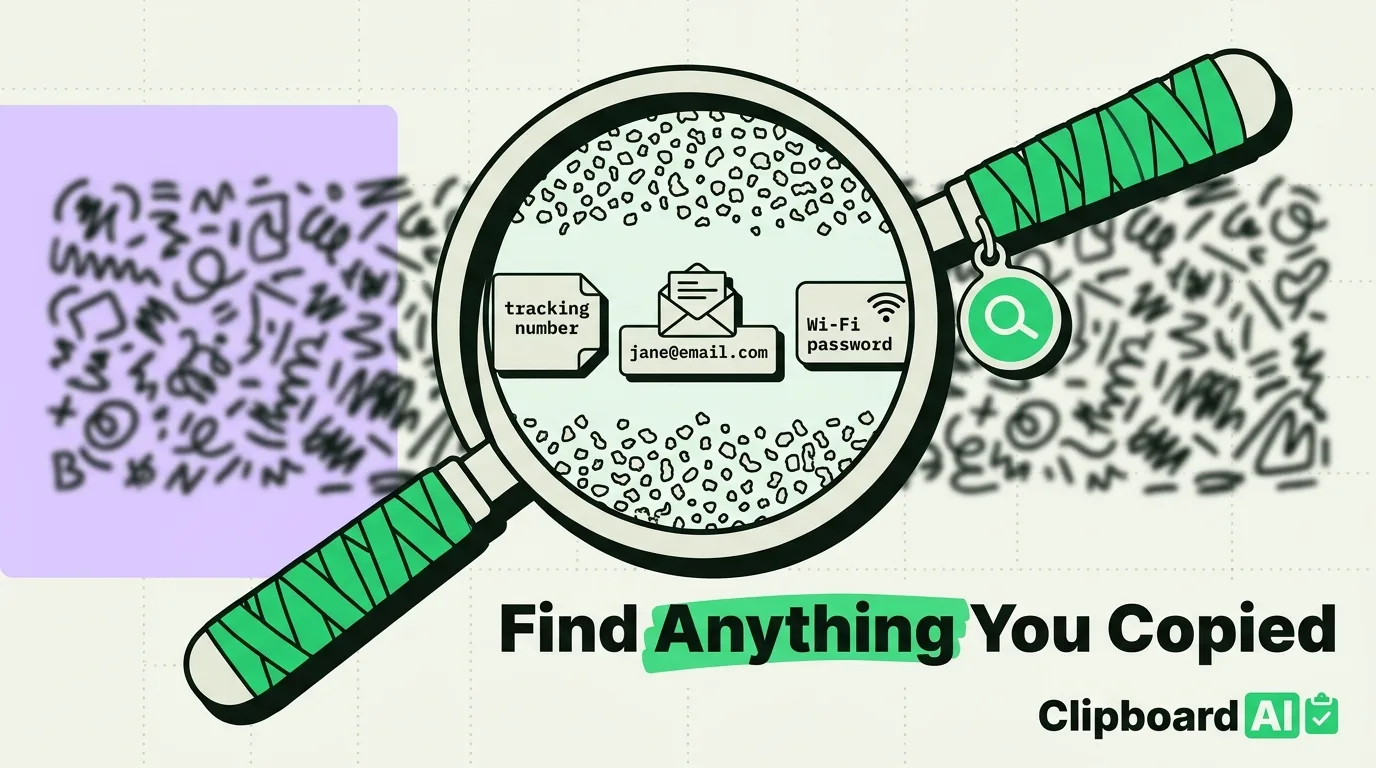
Learn how to search clipboard history on iPhone to find copied text, links, and numbers. Step-by-step guide to finding anything you have ever copied on iOS.
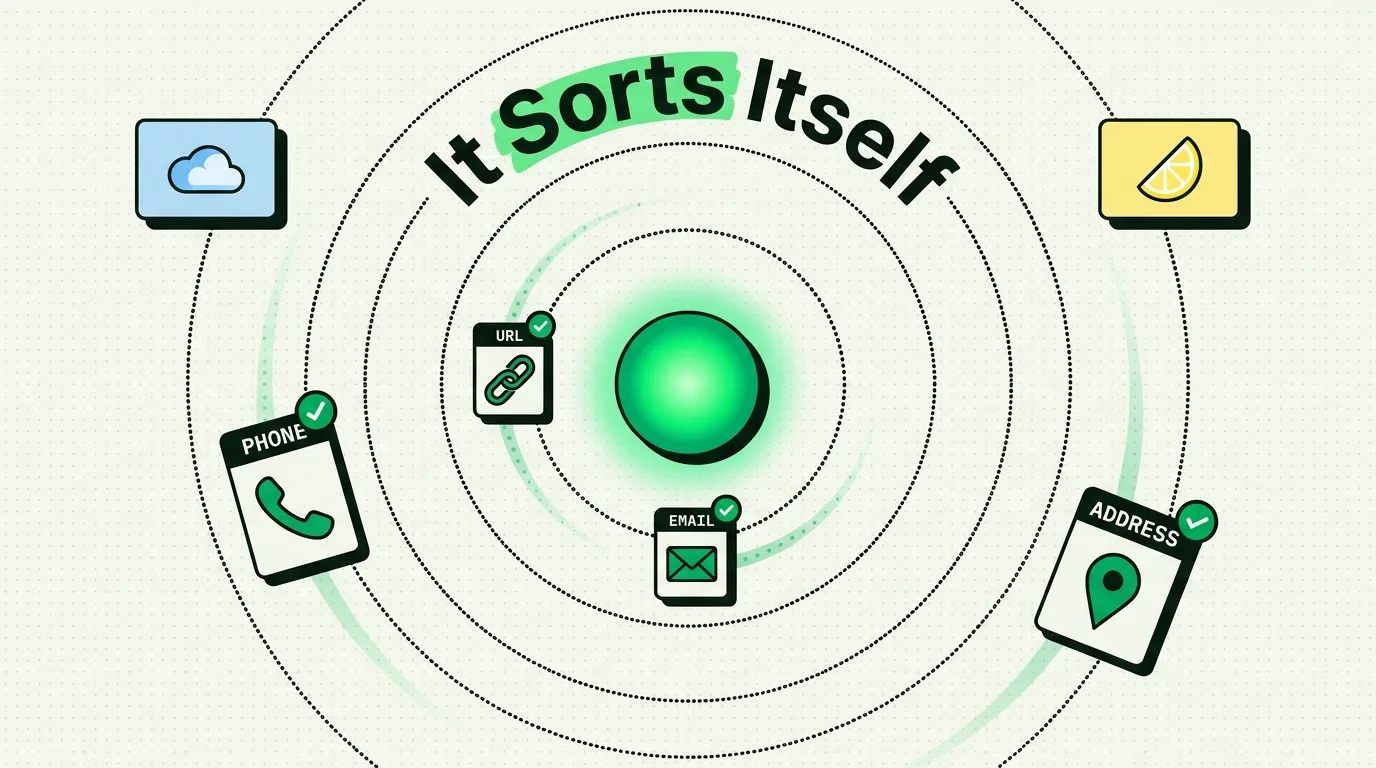
Clipboard AI files each saved clip under Links, Phone, Email, Address, Codes, Text or Images, on your device. How it decides, and what to do when it guesses wro
Build 12 iPhone clipboard shortcuts with today's action names: clear the clipboard, clean links, copy screenshot text, and save copies to Clipboard AI.
Learn how clipboard managers improve iPhone accessibility for users with disabilities. Reduce repetitive actions and simplify text input with smart clipboard to

Discover 25 hidden iPhone tips and tricks for 2026. Master iOS features, productivity hacks, and secret settings to get more from your iPhone every day.
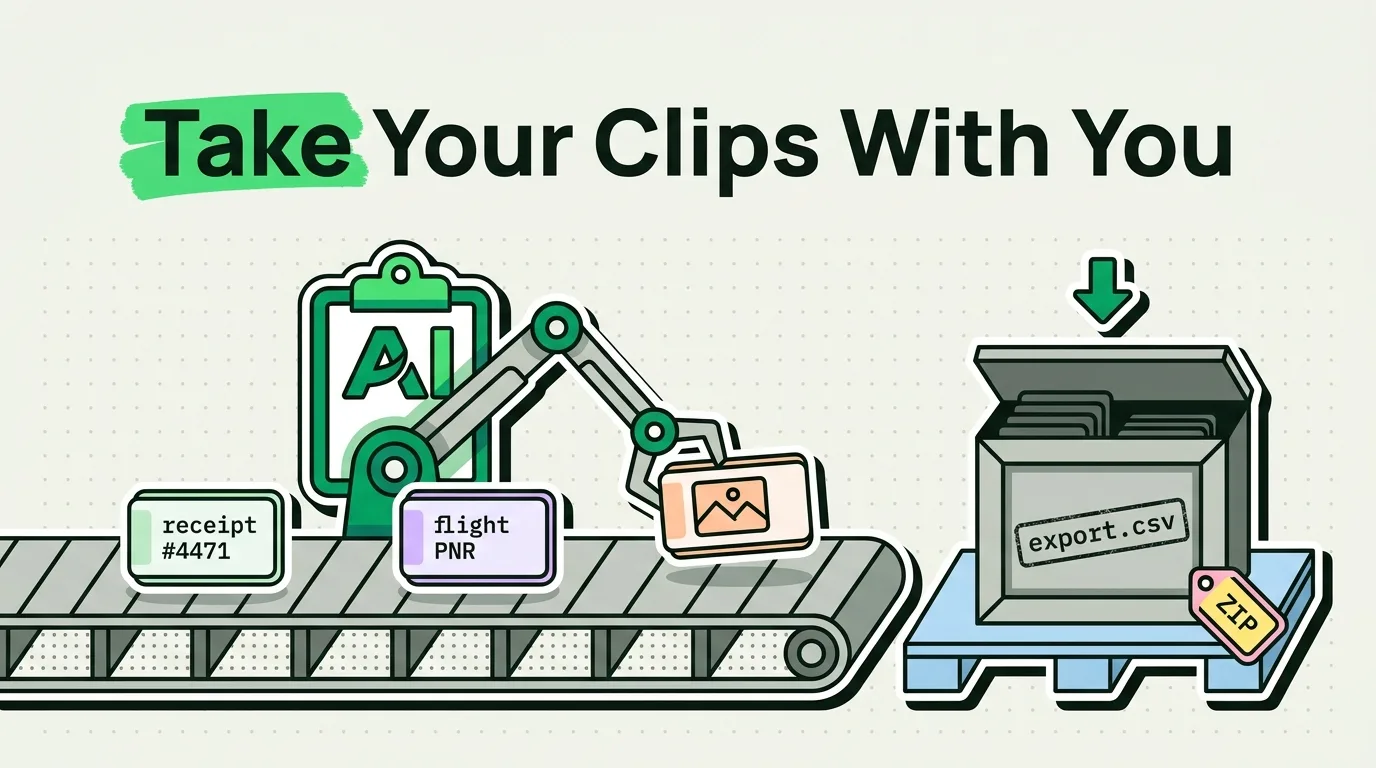
Copy on iPhone, paste on Mac with Universal Clipboard, but only your latest copy and only briefly. What to use for history, files, Windows PCs and Android.
Master iPhone multitasking in 2026 with these 15 essential tips. Learn app switching, split screen on iPad, clipboard tricks, and more to boost iOS productivity
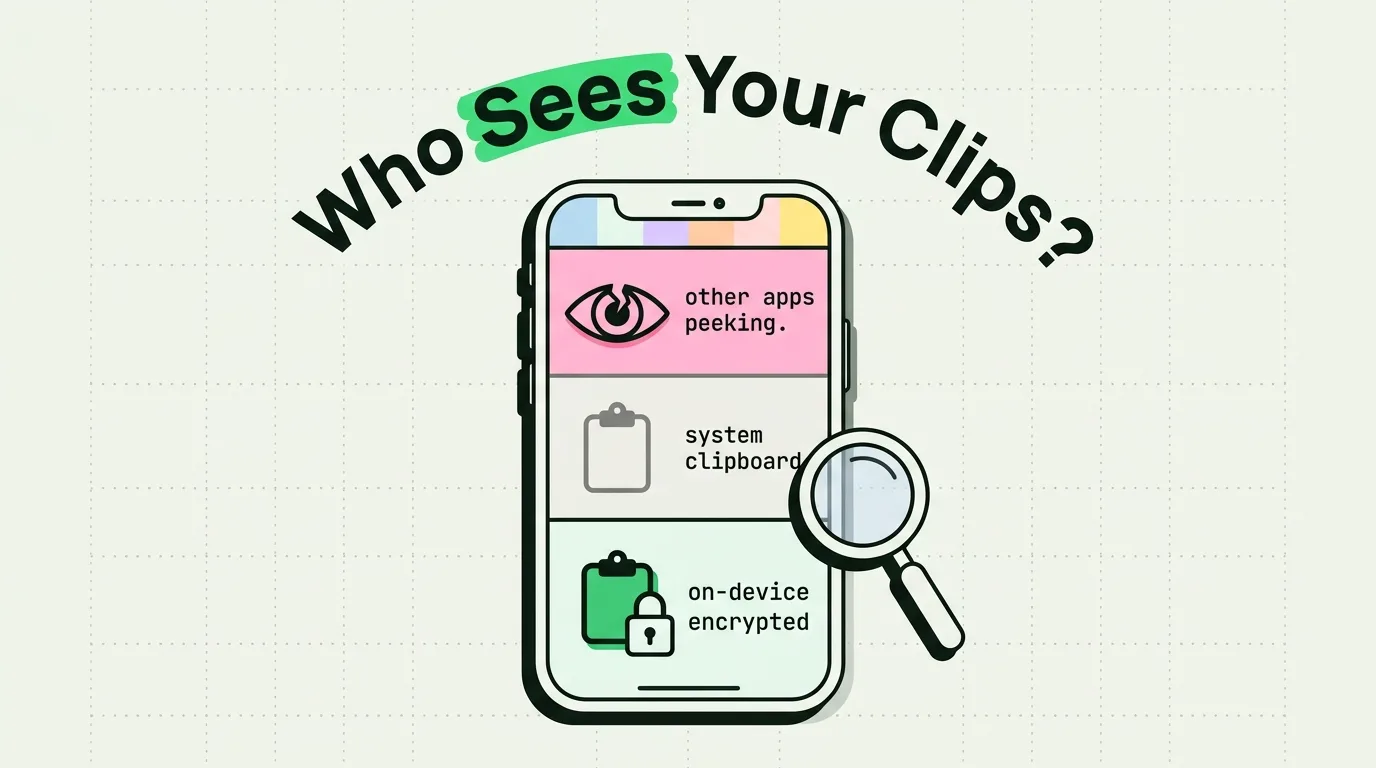
Mostly, yes: iOS 16 and later make apps ask before reading your copies. Four gaps remain, from Universal Clipboard to screen sharing. How to close each one.
Export your iPhone clipboard data and history: in Clipboard AI, Settings > Data > Export Clips saves a JSON file, and Pro iCloud sync backs up every new clip.
Compare the best note taking apps for iPhone in 2026. From Apple Notes to Notion, find the perfect app to capture ideas quickly on iOS.
Discover 15 essential copy-paste productivity hacks for iPhone and Mac. Learn gestures, plain-text styling, clipboard history tricks, and automation shortcuts.
Discover the best freelancer productivity tools for iPhone. From clipboard managers to invoicing apps, boost your freelance workflow on iOS in 2026.
Discover the best apps for remote workers in 2026. Top iPhone productivity tools for working from home, digital nomads, and distributed teams.
Learn how to pin clipboard items on iPhone to keep important copies always accessible. Step-by-step guide to bookmarking and saving favorite clips with Clipboar
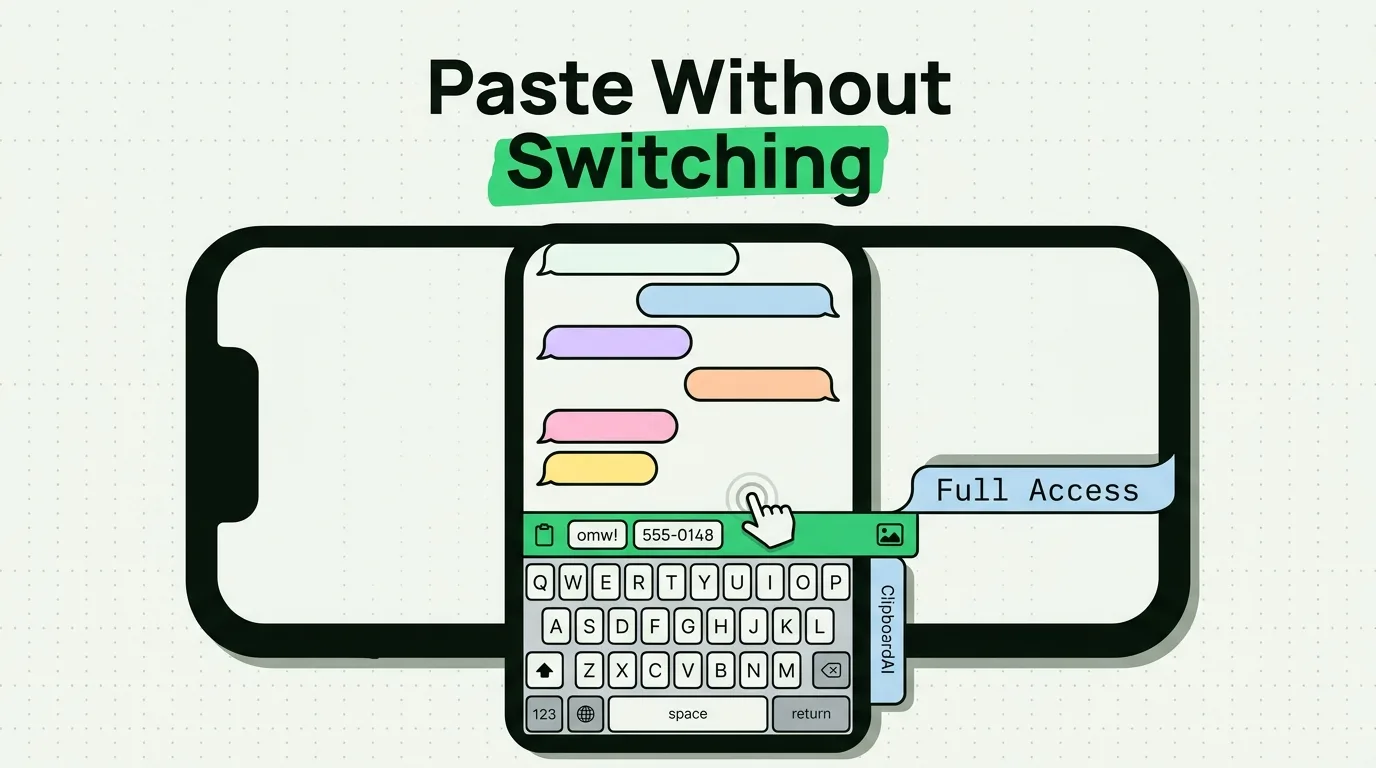
Learn how to use a clipboard keyboard on iPhone for quick paste access. Set up clipboard keyboard extensions and paste from keyboard on iOS.
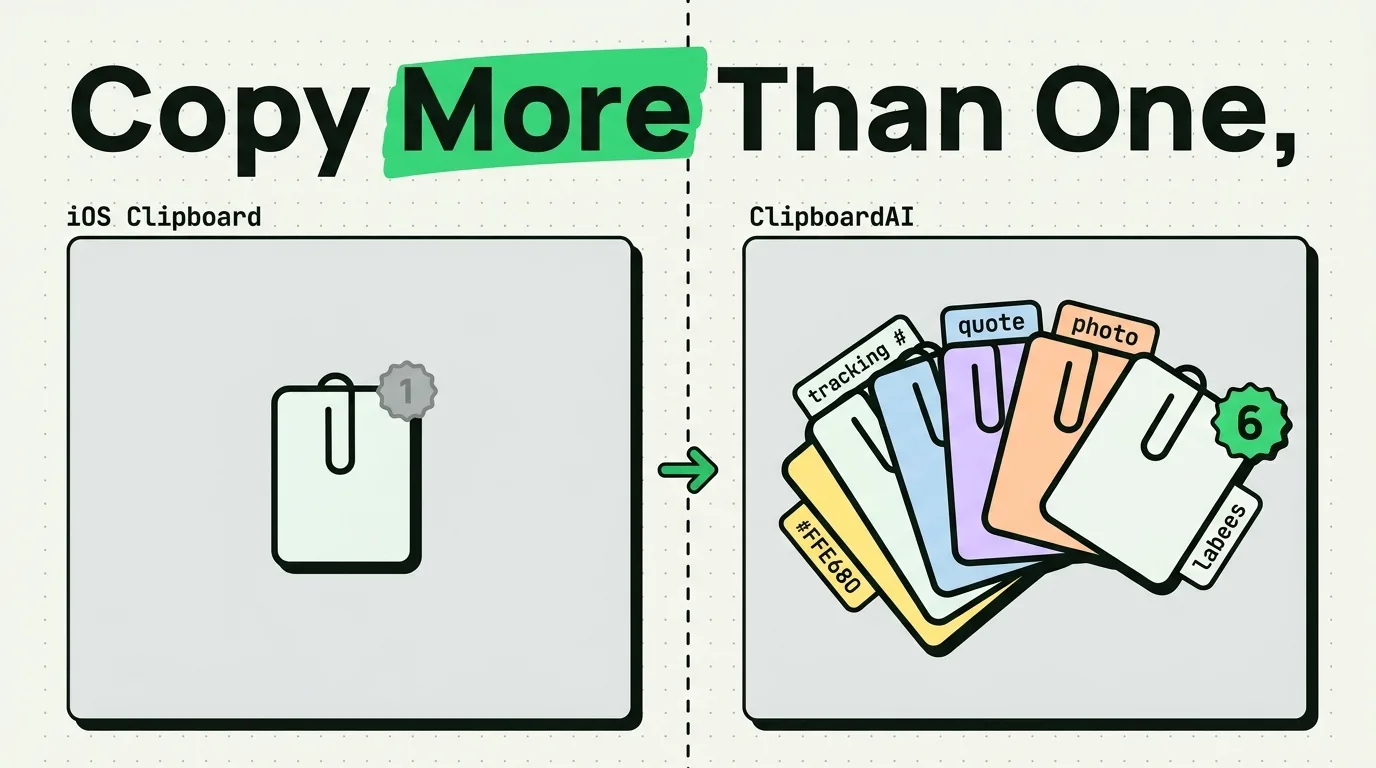
iPhone's clipboard holds one item. Learn how to copy multiple items on iPhone, paste them from a keyboard, and batch paste them free on your Mac.
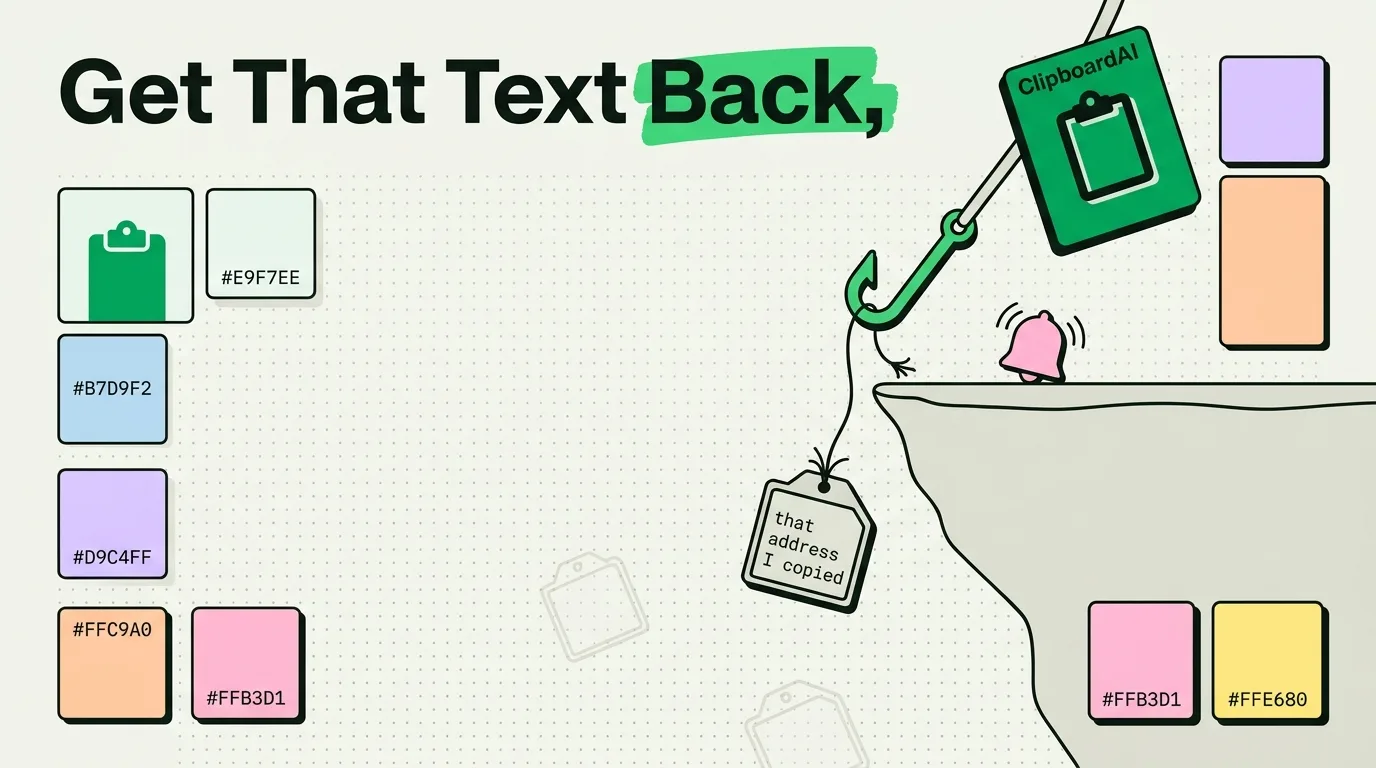
Copied over text on your iPhone? iOS keeps no history, but six places can still hold it: the clipboard, the source, Safari, Messages, Notes and your Mac.
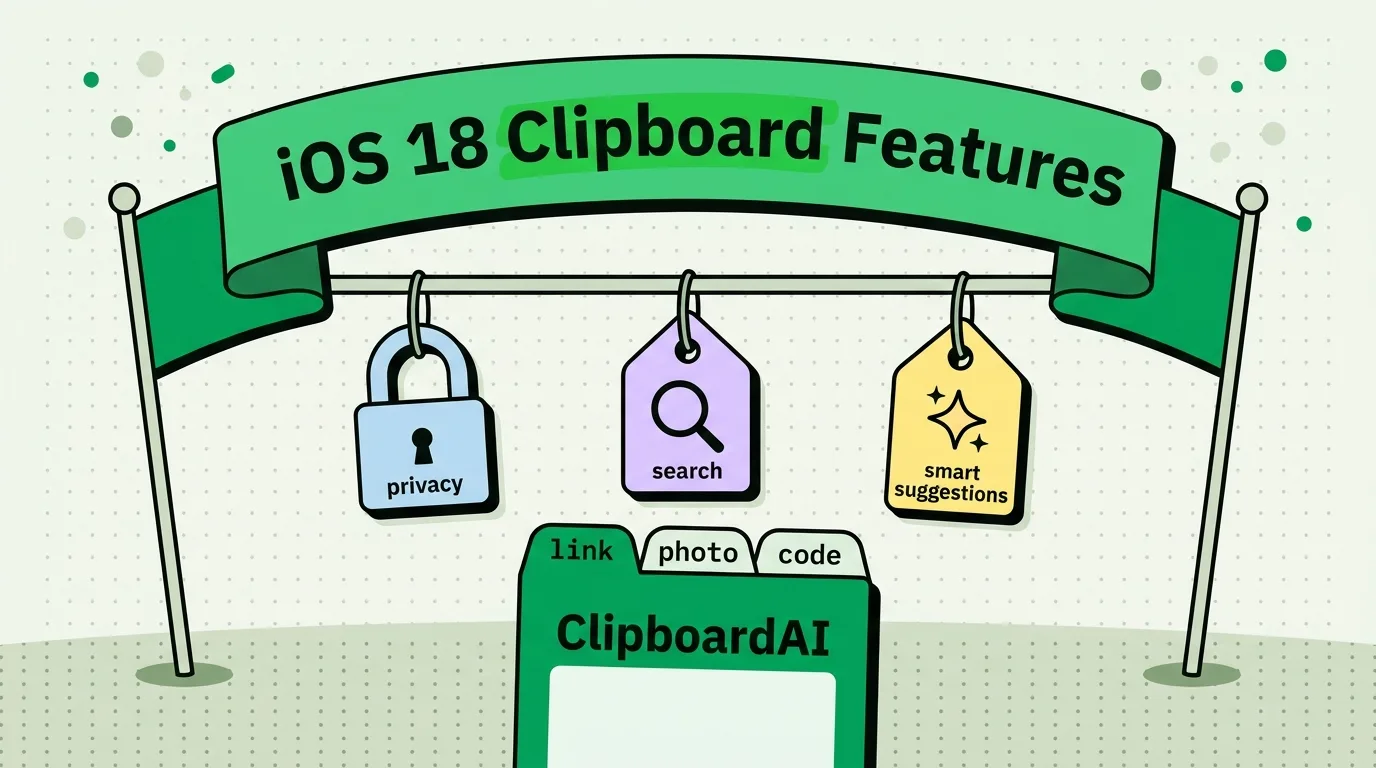
Every iPhone clipboard change from iOS 14 to iOS 27, sourced: the paste notice, the Allow Paste prompt, Paste from Other Apps and the iOS 27 paste suggestion.
Learn how to save phone numbers from your iPhone clipboard instantly. Never lose a copied number again with smart clipboard management and contact saving tips.
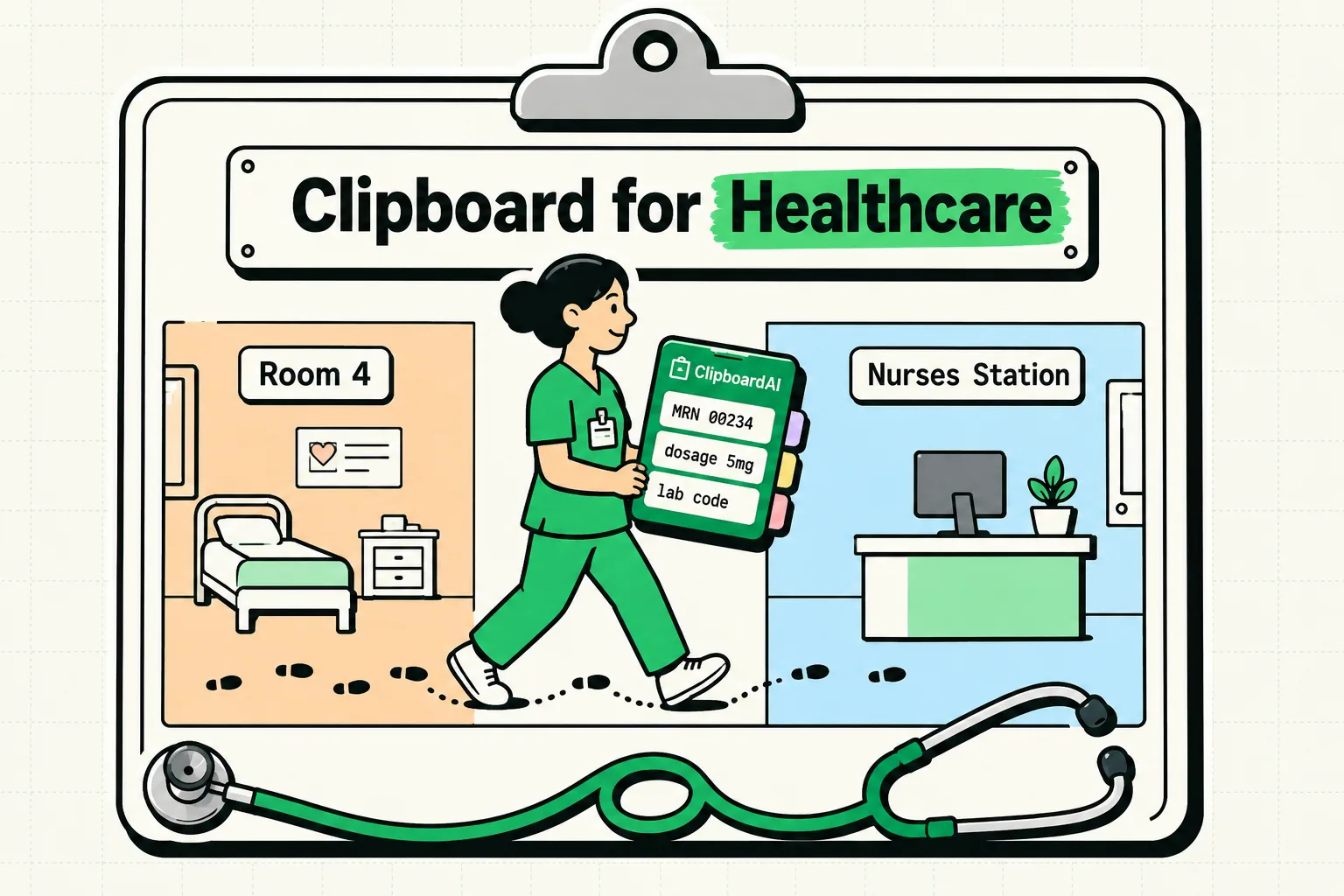
What clinicians, pharmacists, vets, therapists and trainers can safely keep in a clipboard manager, the 18 HIPAA identifiers to keep out, and the settings to us
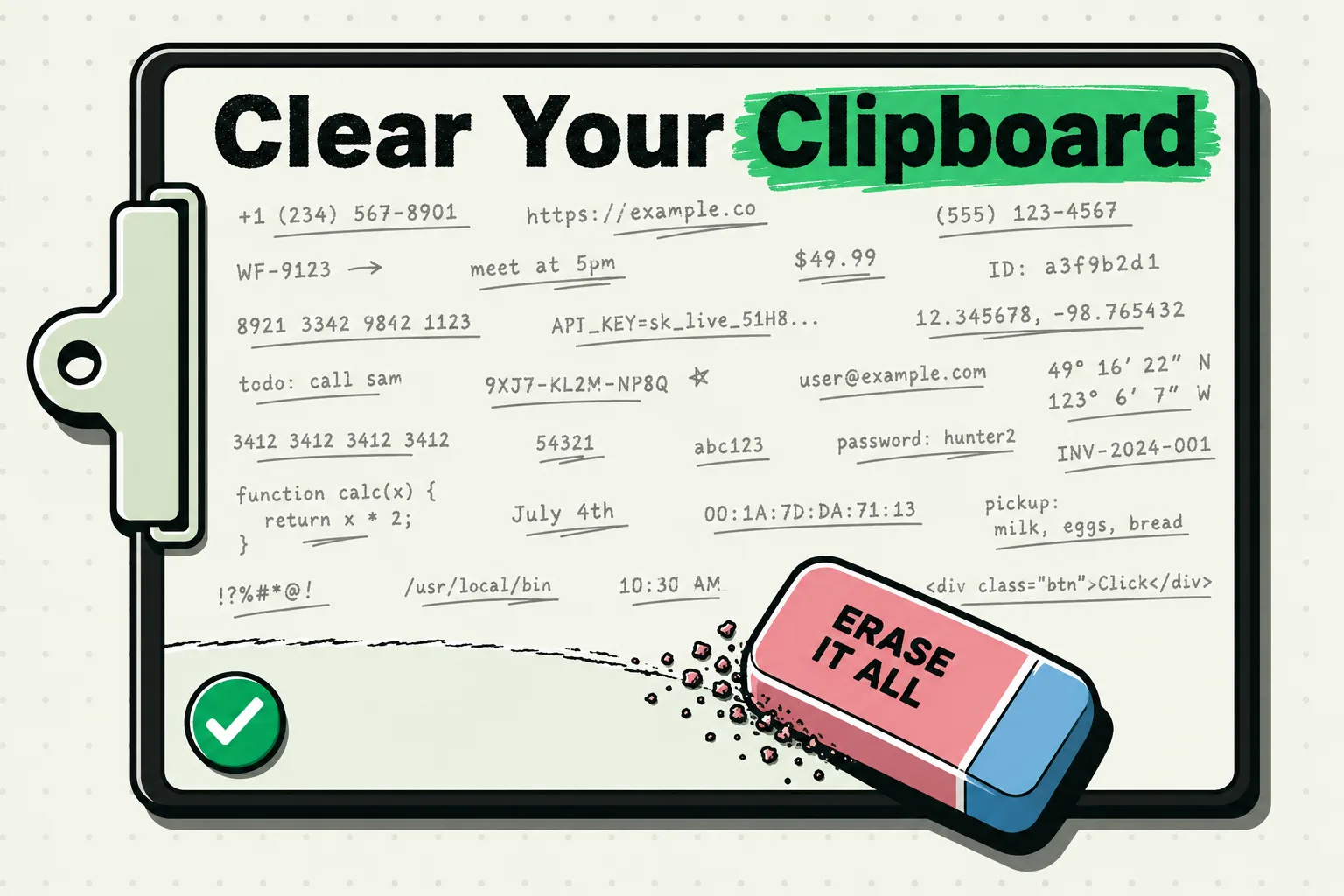
iPhone has no Clear Clipboard button. Copy a word over it, run a one-tap shortcut, or let your password manager wipe it. Same steps on iPad, iOS 26 and 27.
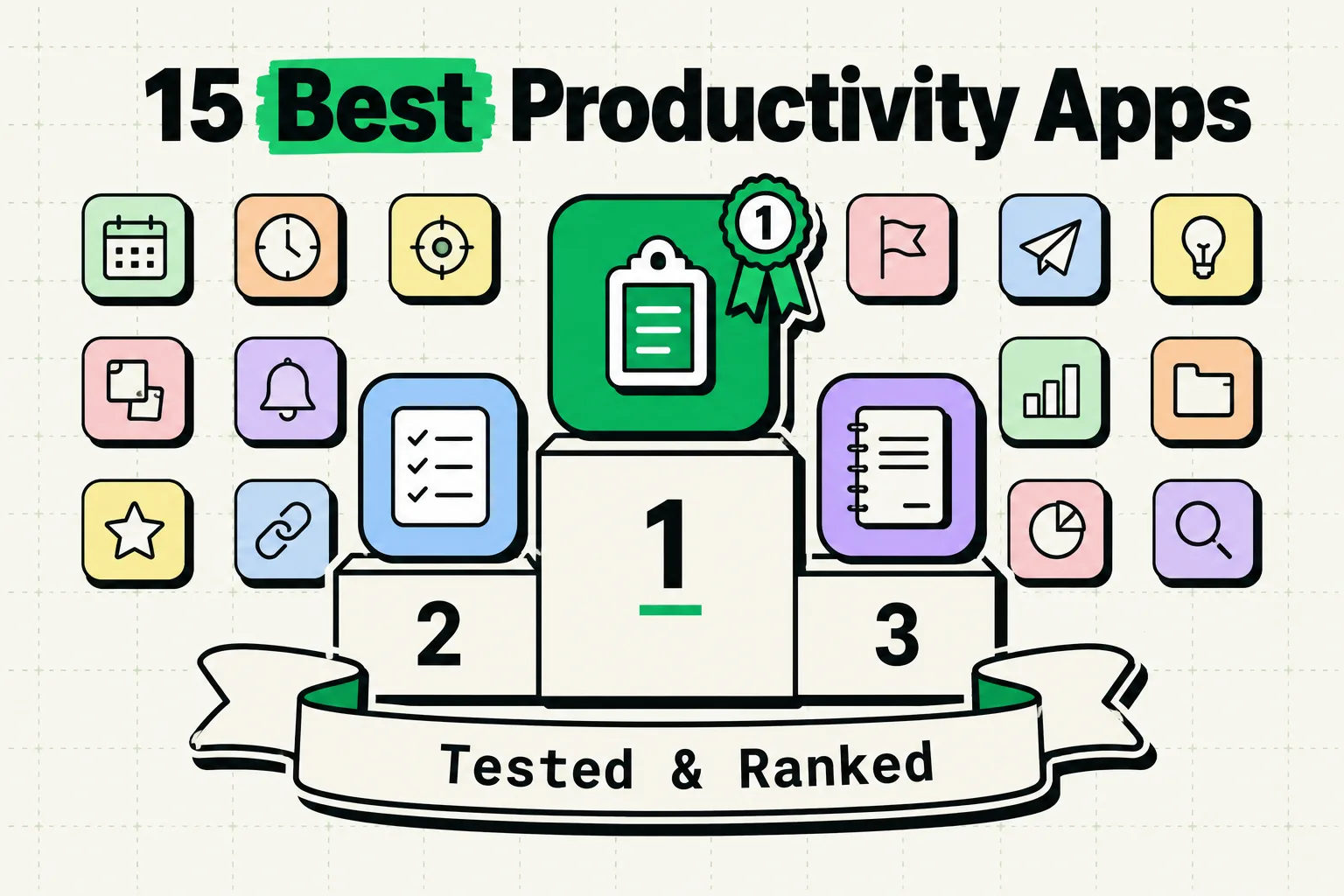
Discover the 15 best productivity apps for iPhone in 2026. Expert-tested picks for task management, clipboard tools, note-taking, and workflow automation.
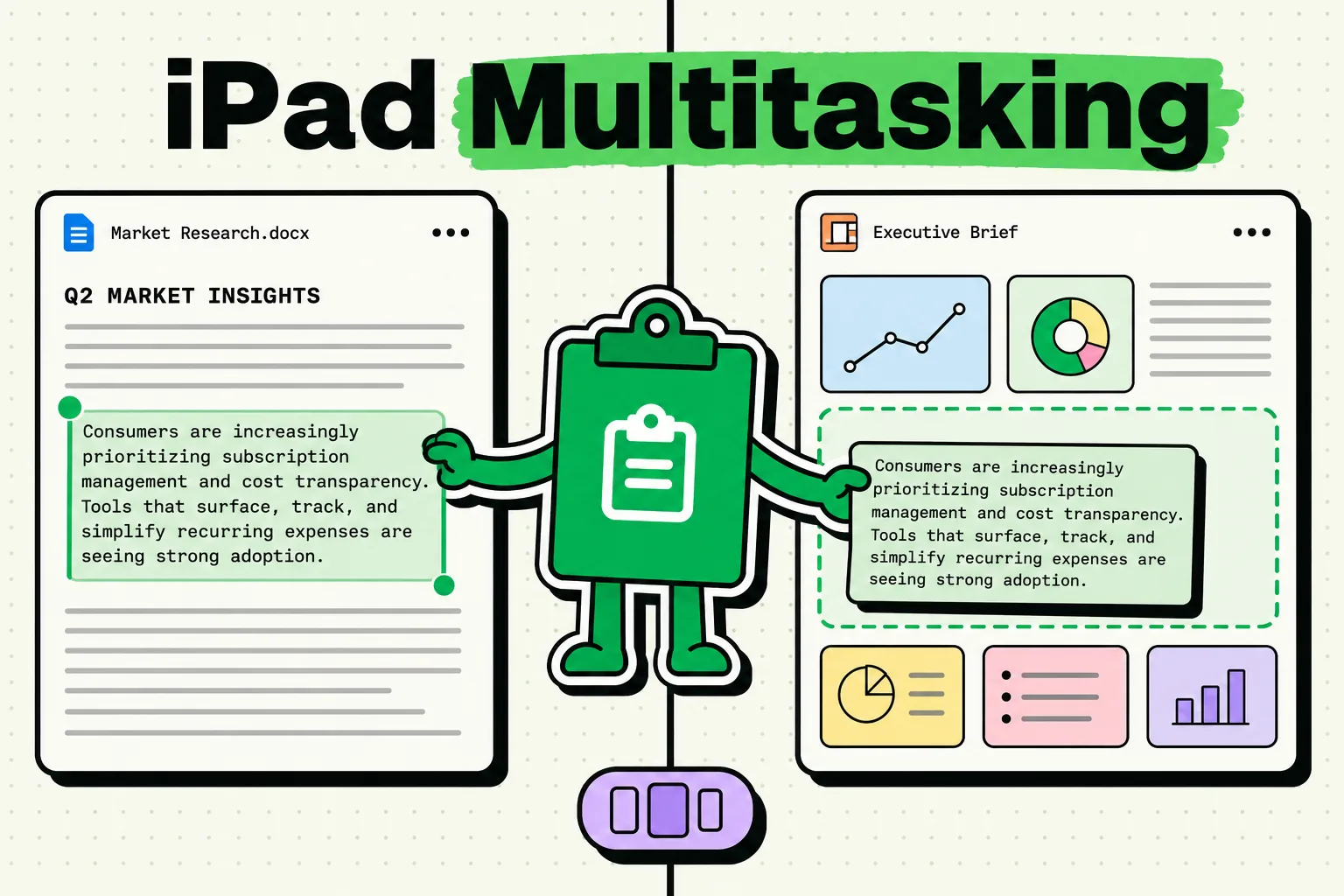
Discover the best clipboard manager for iPad multitasking. Access clipboard history, copy between apps in Split View, and boost iPad productivity.
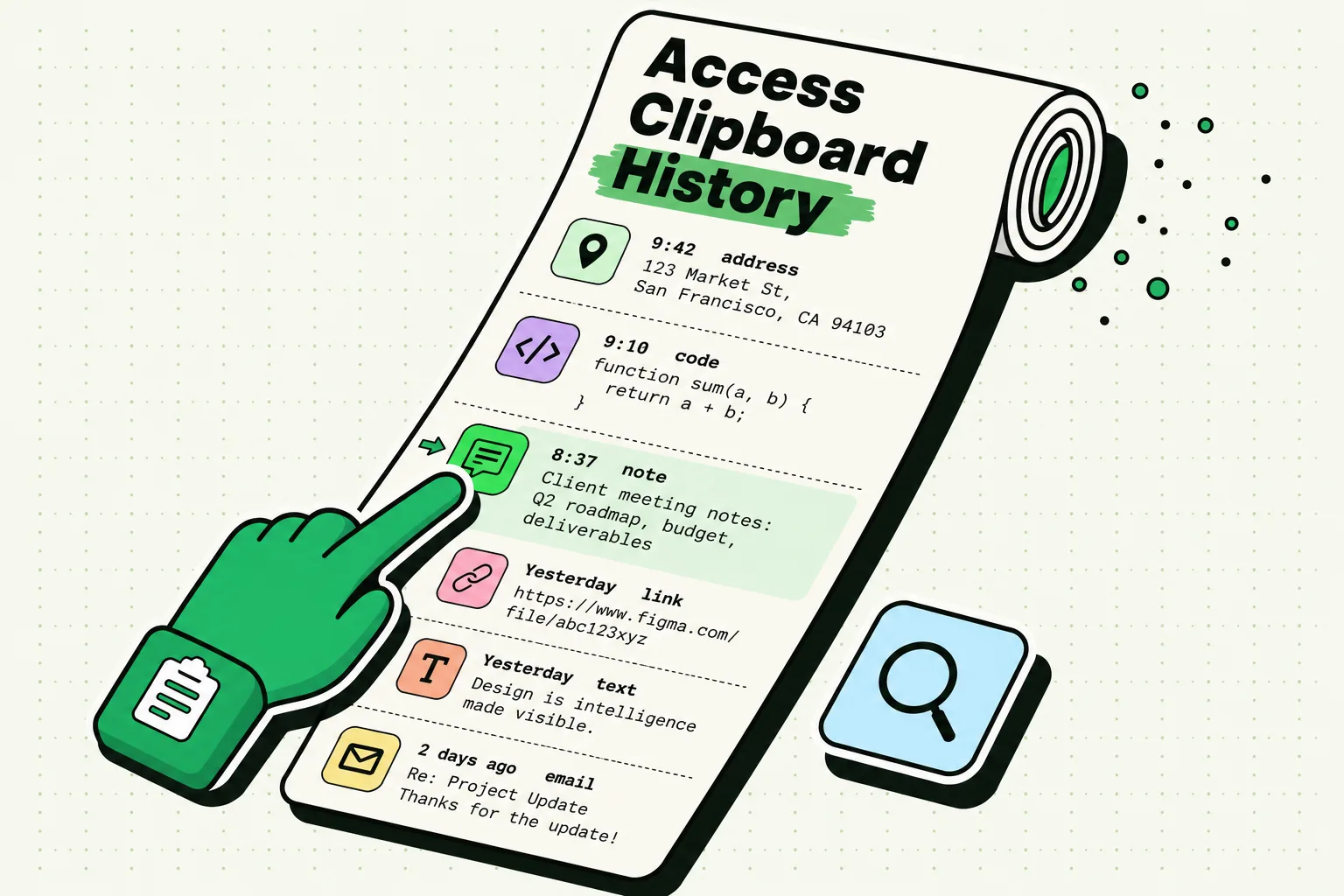
iOS 27's new paste bar shows only your last copy. Where the iPhone clipboard lives, how to check what is on it, and how to keep a real history.
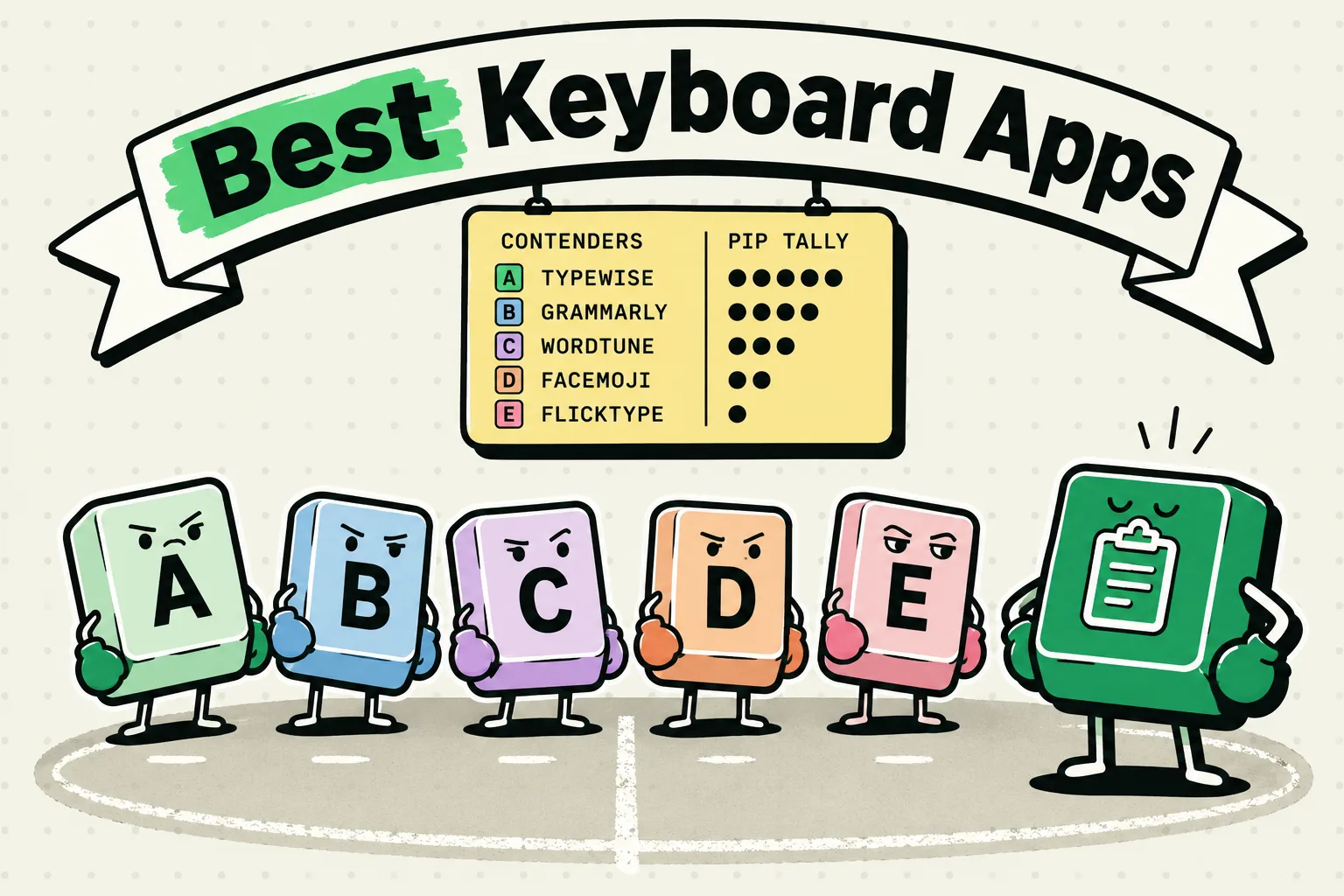
Discover the best keyboard apps for iPhone in 2026. Compare top third-party keyboards with clipboard features, swipe typing, themes, and more.
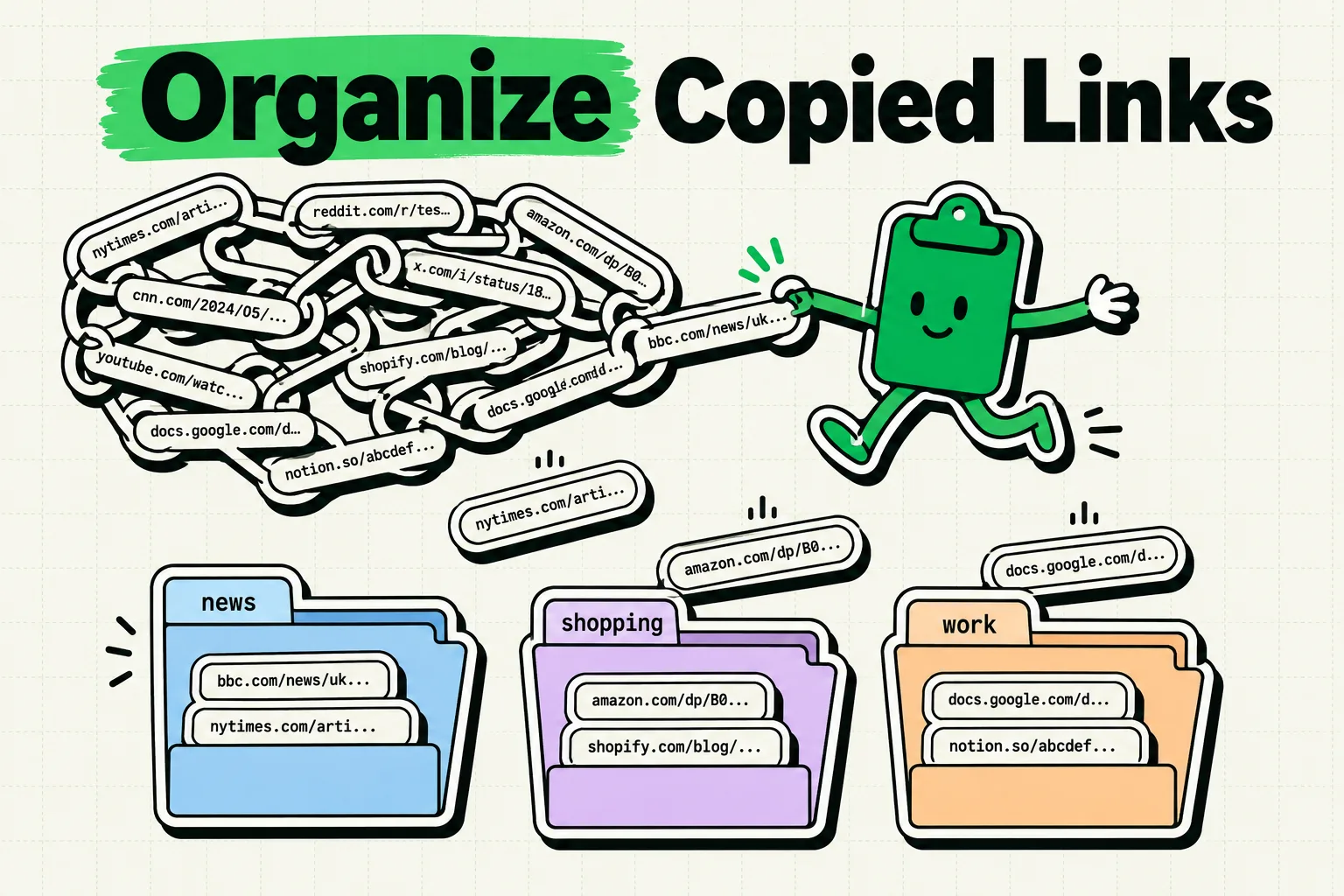
Learn how to organize copied links on iPhone. Save, categorize, and manage all your copied URLs with a clipboard link organizer for iOS.
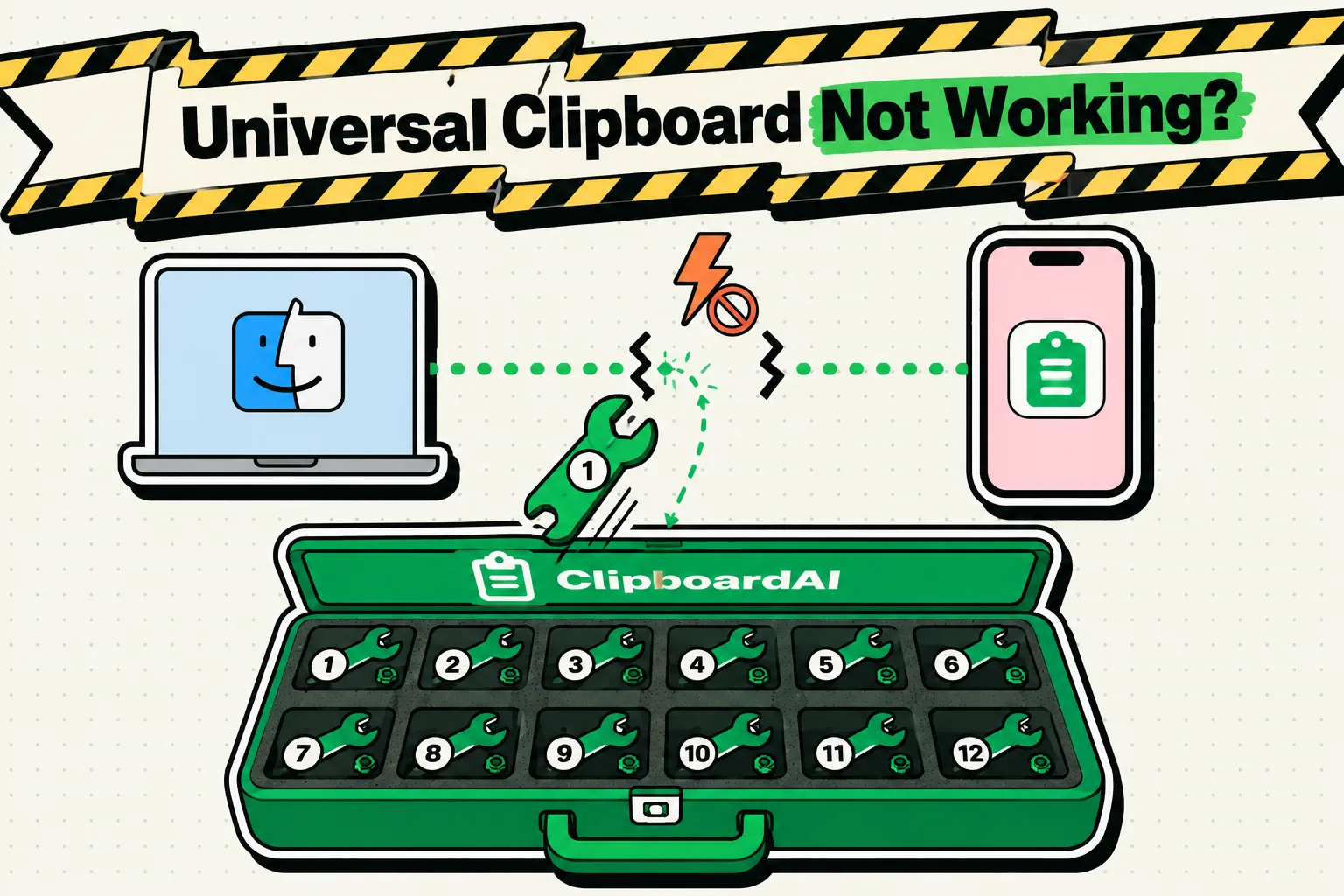
Universal Clipboard failing between iPhone, iPad and Mac? Work through 10 fixes in order, with the current Handoff settings paths for iOS 27 and macOS Tahoe.
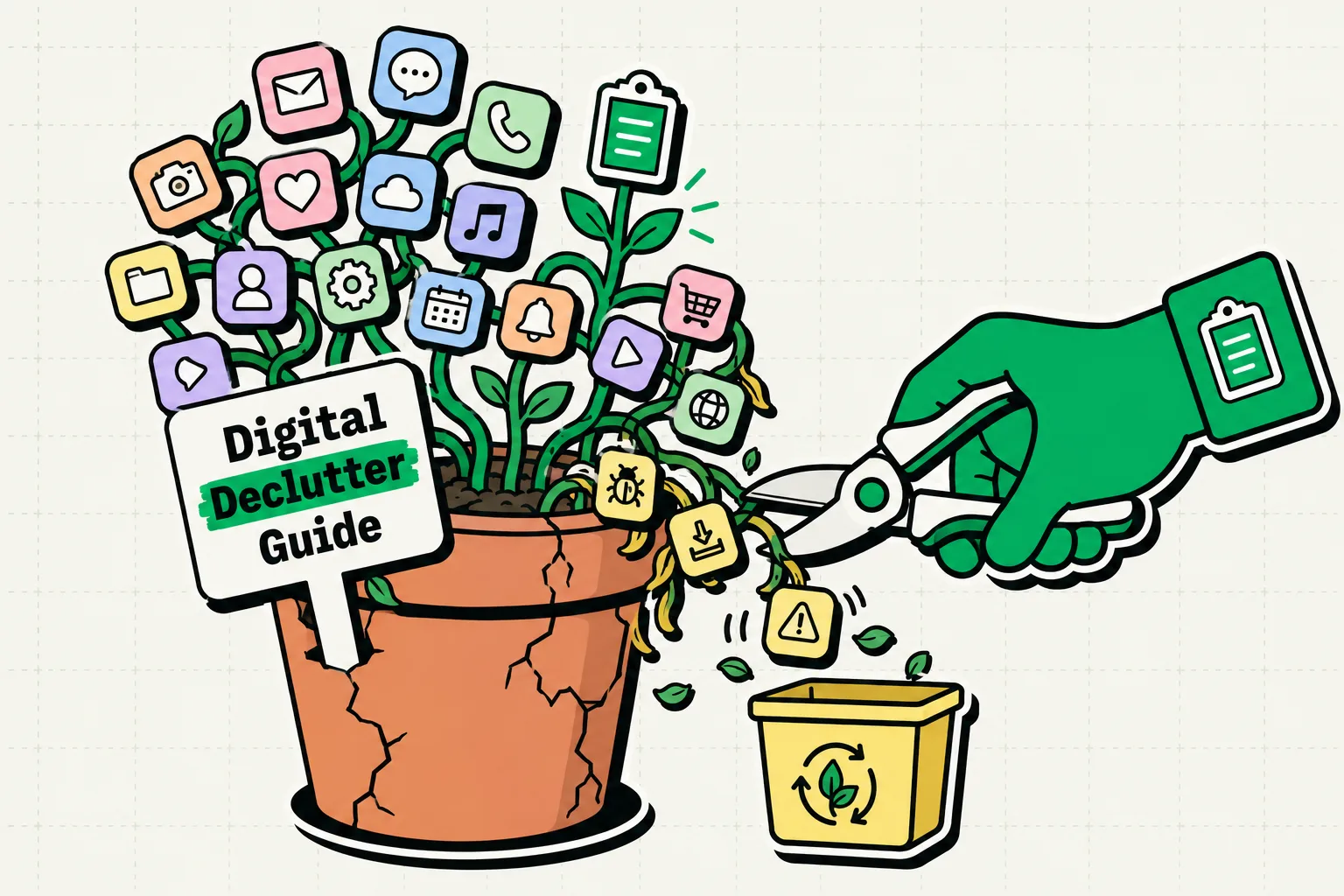
Complete digital declutter guide for iPhone. Learn how to organize your iPhone, clean up apps, files, and clipboard clutter with digital minimalism tips.

iPhone's built-in text expander is Text Replacement. Set it up, sync it through iCloud, add multi-line phrases, and see when saved clips or an app do better.
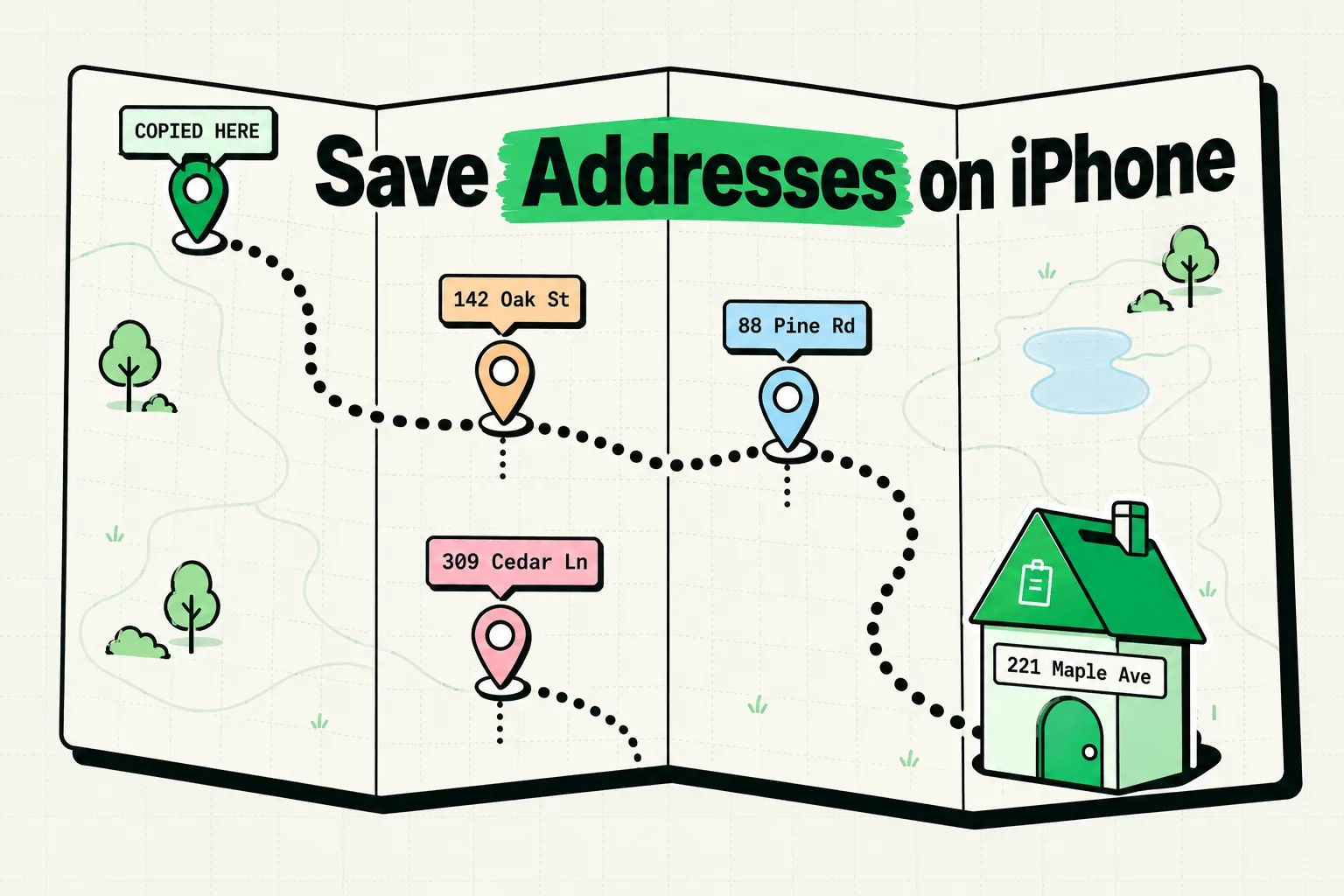
Learn how to save addresses on iPhone quickly. Discover the best methods to store shipping addresses, manage your address book, and never lose an address again.
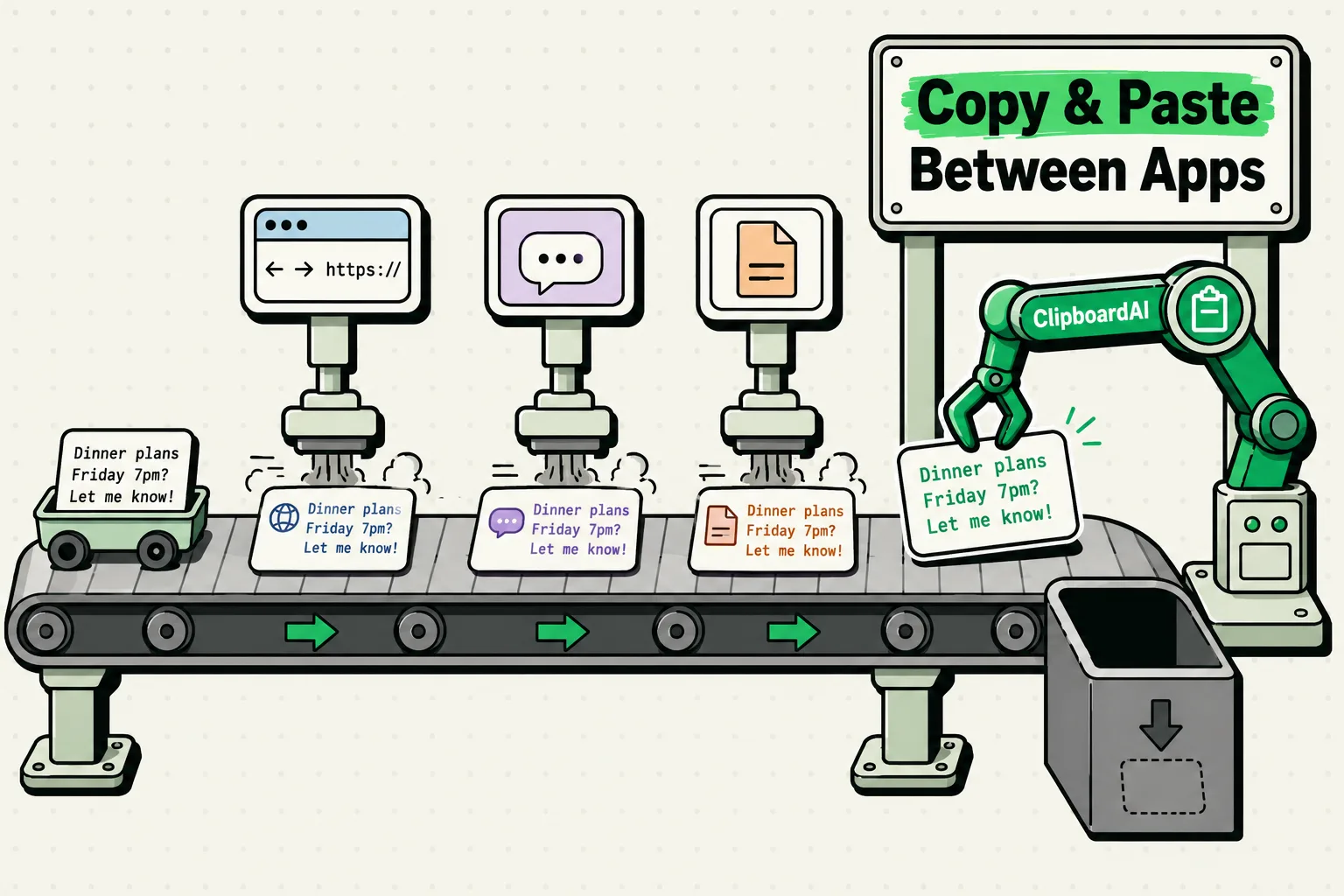
Learn how to copy paste between apps on iPhone with ease. Master text transfer, drag and drop, and clipboard tricks to move content across iOS apps fast.