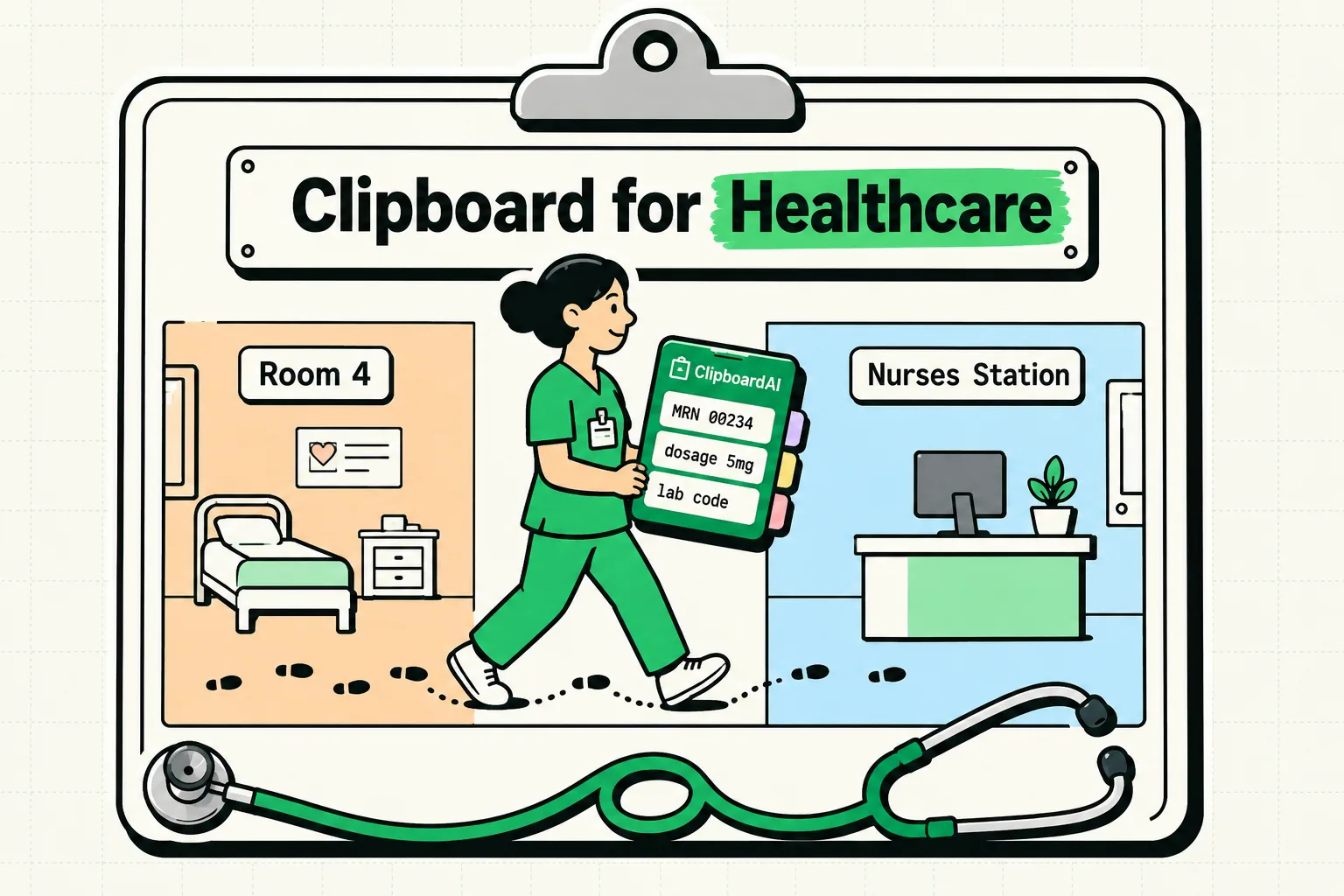
Healthcare workers can use a clipboard manager safely if it only ever holds text that identifies no one: blank templates, public phone numbers, directions, education links and billing codes on their own. The 18 identifiers listed in HIPAA's Safe Harbor rule make a good test, so anything with a patient's name, a date tied to them, a record number or a phone number stays out. In Clipboard AI, turn off Auto-save from Keyboard in Settings so the keyboard pastes your approved snippets without also saving whatever you copied last.
This is workflow guidance, not legal or compliance advice. If your employer has a policy on personal devices, mobile apps or clipboard tools, follow it, and keep patient care in the approved clinical systems.
What has to stay out of clipboard history
A clipboard manager keeps copied text far longer than the system clipboard does, which is both the point and the risk. HHS guidance on de-identification lists 18 kinds of identifiers that have to be removed before health information counts as de-identified under HIPAA's Safe Harbor method, and the list doubles as a keep-out list. If a clip contains any of these about a patient, or about their relatives, employer or household, do not save it:
- Names, street addresses, and any place smaller than a state, ZIP codes included
- Any date tied to the person other than the year, such as a birth, admission, discharge or death date, and any age over 89
- Phone and fax numbers, email addresses, web addresses and IP addresses
- Social Security, medical record, health plan beneficiary, account, certificate and license numbers
- Vehicle and device identifiers, serial numbers, biometric identifiers and full-face photos
- Any other number, code or characteristic unique to the person
Add your own credentials to that list: EHR and portal logins, one-time codes, badge PINs, your DEA registration and your PDMP login belong in a password manager. Watch for combinations as well, since a room number, a time and a rare procedure can point to one patient together. Do not assume any general clipboard manager is HIPAA compliant, because that depends on the product, your organization's agreements, the setup and how it is used. When in doubt, leave it out; the guide to things you should never copy to your clipboard covers the same habit outside work.
Set up Clipboard AI so it holds only what you choose
Clipboard AI sorts, searches and reads text in images on the device and sends nothing to its own servers. These settings narrow what it saves in the first place:
| Where | Setting | What it does |
|---|---|---|
| Clipboard AI > Settings > General (iPhone) | Auto-save from Keyboard: off | Switching to the keyboard no longer saves your latest copy, so it only pastes clips you saved on purpose |
| Settings > Apps > Clipboard AI (iPhone) | Paste from Other Apps: Ask | iOS asks before the app reads a copy from another app when you open it, so you can decline after copying from a chart |
| Clipboard AI Settings > Privacy > Ignored Apps (Mac) | Add your EHR, dispensing or practice software | Nothing copied while one of those apps is in front is saved |
| Clipboard AI > Settings > Data (iPhone and Mac) | Auto-Delete Old Clips: 30 days | Clears history older than 30 days, the shortest window; saved clips and Collections are kept |
| Clipboard AI > Settings > iCloud Sync (iPhone and Mac) | Off, unless your policy allows iCloud | Clips stay on the device that saved them |
| Settings > General > AirPlay & Continuity (iPhone) | Handoff: off | Stops Universal Clipboard handing your latest copy to your other Apple devices |
| System Settings > General > AirDrop & Continuity (Mac) | Allow Handoff: off | The same, on the Mac |
Earlier iOS and macOS versions call these Apple menus AirPlay & Handoff and AirDrop & Handoff. Turning Handoff off also stops handing off apps between your devices.
Ignored Apps works by whichever app is in front when you copy. If your EHR runs in a web browser, or through a remote-desktop app such as Citrix Workspace, that browser or app is the one to add, and keeping one browser only for clinical systems makes the rule easy to live with. On the Mac, Clipboard AI also skips anything a password manager marks as concealed, which 1Password and KeePassXC do, so passwords copied from them never reach your history.
iOS 27 adds one more thing to watch. After you copy something, the bar above Apple's keyboard previews it the next time you tap into a text field, labeled with the app it came from, so copy something harmless after you paste patient details and before you hand your phone to anyone.
If patient details do land in your history, delete that clip straight away. In Clipboard AI a deleted clip is erased immediately, with no trash to empty, and with sync on the deletion reaches your other devices too; then follow your organization's privacy incident process.
Snippets worth saving, by role
Build the library by typing each template instead of copying it from a record: tap the plus button in Clipboard AI, choose Add Note, and the text goes straight into your saved clips. The free plan holds 5 saved clips, so a full library grouped into Collections needs Pro.
Physicians, nurses and clinic staff
- A blank handoff shell with headings for team, pending tasks, follow-up and an escalation number, filled in only inside the approved sign-out tool.
- Public numbers: the main switchboard, radiology scheduling, the medical records request line and the visitor desk.
- Appointment instructions in your organization's approved wording, such as: "Please arrive 15 minutes early to check in, and bring a photo ID, your insurance card and any forms we sent you."
- Portal help and education links your organization has approved.
- Referral logistics: the specialist office's fax and scheduling numbers, and a blank cover note.
- Checklists for room closeout, supply restocking and end-of-shift tasks.
Referral cover note
To: [Specialist or clinic]
Fax: [Number]
Patient: [enter in the EHR, not here]
Records: sent through [secure portal]
From: [Your name], [credentials], [clinic phone]
Leave clinical judgment out of the library. Medication orders, diagnoses, assessment wording, discharge instructions, consent language and care plans need the patient in front of you and the system of record. For the rest of a nursing shift, the list of best apps for nurses on iPhone covers what else earns a place on the phone.
Pharmacists
- Your pharmacy's public details: address, phone, fax, hours and its 10-digit NPI, which anyone can look up in the CMS NPI Registry.
- A prior authorization appeal shell with blanks for the medication, the formulary alternatives tried and the clinical reason, completed in the payer's portal.
- Claim rejection replies and the payer help-desk numbers you call most.
- A counseling checklist with headings only: how to take it, a missed dose, common side effects, storage, when to call.
- A blank compounding log header: formula, ingredient lots and expiry dates, beyond-use date, prepared by, checked by.
Prescription numbers, patient names and phone numbers stay out. If your dispensing system runs on Windows through a remote desktop or a virtual machine on your Mac, add that app to Ignored Apps, so anything that reaches the Mac's clipboard from the session is skipped.
Veterinarians and vet techs
A pet's chart is not a human medical record, but the owner's name, address, phone number and card details are personal data, so the same keep-out rule applies to them. What helps in a clinic:
- Long numbers you would otherwise retype: copy a 15-digit microchip number once from the scanner portal, paste it into the registry and the record, then delete the clip.
- A discharge note shell with blanks for species, clinician, reason for visit, medications as the vet wrote them, activity limits and the recheck date.
- Owner messages: vaccine and recheck reminders, appointment confirmations, and estimate and payment wording.
- Lab values for owner emails: copy the lines straight from the lab's PDF into the message so the numbers match the report, then clear them from your history.
Therapists and counselors
- Note skeletons with headings only: SOAP (Subjective, Objective, Assessment, Plan) or DAP (Data, Assessment, Plan). Keep them blank, since a note assembled from stock phrases describes the library, not the session.
- Scheduling replies that offer times without naming the client.
- An after-hours line for messaging channels, such as: "This channel is for scheduling only. If you are in crisis, call or text 988 in the US, or go to the nearest emergency room."
- Intake and payment links, and the CPT and ICD-10 codes you bill most, each on its own.
Client names, birth dates, diagnoses linked to a client and anything said in session belong in your practice's EHR.
Personal trainers and coaches
- Check-in messages: "It's check-in day. Please send your form by [day] so we can adjust next week's plan: [form link]."
- A missed-session follow-up and your rescheduling policy.
- Warm-ups and exercise swaps: your standard warm-up, and alternatives for the lifts clients most often ask to replace.
- An RPE explainer for new clients: RPE 10 is maximum effort, RPE 9 leaves one rep in reserve, RPE 8 two and RPE 7 three.
- Payment and booking links.
Injuries, medical history, medications, body measurements and progress photos are health information whether or not a privacy law covers your business, so keep them in your coaching platform. Clipboard AI keeps images as well as text, so a form diagram saved once can be tapped in the keyboard and pasted into any chat, and Export Clips in Settings saves your library to a file through the Share sheet.
A routine that keeps the history clean
- Paste templates from the keyboard, and type patient details only inside the approved system.
- When you have to copy something from a record, paste it where it belongs, delete the clip if it was saved, and copy something harmless so the system clipboard and the iOS 27 preview no longer hold it.
- Once a week, scroll your history, delete anything too specific, and check that your saved templates are still current.
- Let Auto-Delete Old Clips clear the rest after 30 days.
More ways to use saved text at work
Clipboard AI's use cases show more of this in practice, especially canned replies and message templates for patient and client messages, and invoice and payment snippets for freelancers if you run your own practice or coaching business. Guides for other professions are collected in the clipboard workflows hub.
Frequently Asked Questions
Is Clipboard AI HIPAA compliant?
No. Clipboard AI is a general-purpose clipboard manager, and compliance depends on the product, your organization's agreements, the setup and how it is used, so keep protected health information out of it. It stores clips on your device, or in your own private iCloud database if you turn sync on, and never on Clipboard AI's servers.
Can I keep ICD-10 and CPT codes in a clipboard manager?
Yes. A billing or diagnosis code on its own identifies no one, so saving the codes you use most is fine. Give each clip a custom name, such as the code and its short description, so search finds it either way. Once a code sits next to a patient's name or a date of service, the clip is patient information and stays out.
Do third-party keyboards see passwords typed into EHR and portal logins?
No. iOS always switches to Apple's keyboard in password fields, so no third-party keyboard, Clipboard AI's included, sees a password typed there. Usernames and other fields are different, so let your password manager fill logins and keep passwords and one-time codes out of clipboard history.
Do I need Clipboard AI Pro for a template library?
Yes, once you have more than 5 templates. The free plan keeps your last 10 copies and 5 saved clips. Pro, at $19.99 a year with a 7-day free trial or $34.99 once, removes both limits and adds Collections, so you can group templates by role, clinic or shift.
Sources
- HHS, “Guidance Regarding Methods for De-identification of Protected Health Information in Accordance with the Health Insurance Portability and Accountability Act (HIPAA) Privacy Rule”, content last reviewed February 3, 2025
- CMS, “NPPES NPI Registry”, read October 5, 2026
- 988 Lifeline, “If you need emotional support, reach out to the national mental health hotline: 988”, read October 5, 2026
- Apple Support, “Use Handoff to continue tasks on your other Apple devices”, June 10, 2026
- Apple Support, “Use Universal Clipboard to copy and paste between your Apple devices”, February 18, 2026
- MacRumors, “iOS 27 Adds a Useful New Copy-and-Paste Feature to Your iPhone”, July 1, 2026