
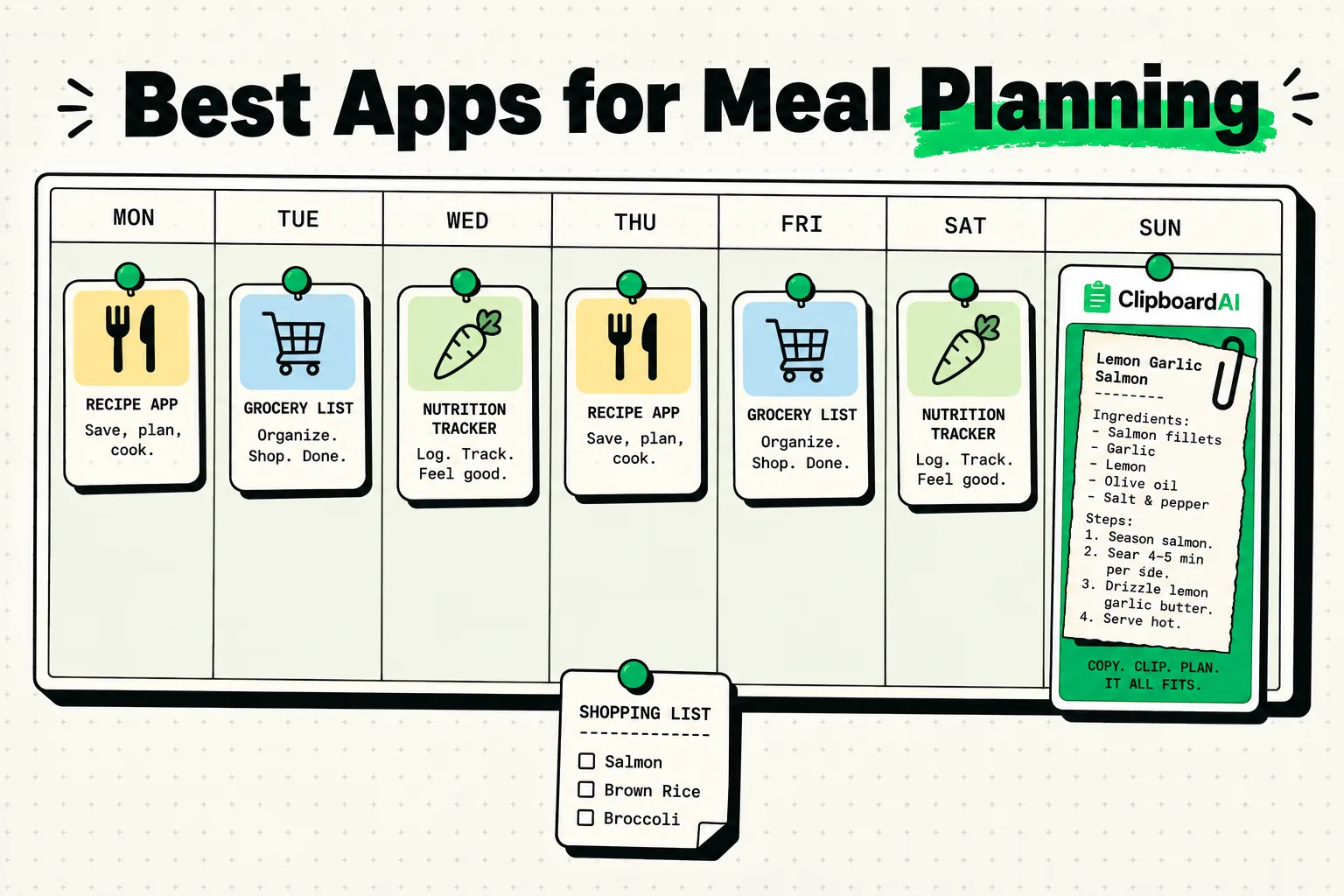
The best iPhone apps for meal planning in 2026 focus on reducing grocery store trips, minimizing food waste, and automating recipe collection. Top-tier tools include Paprika (for downloading ad-free recipes and generating shopping lists), Mealime (for fast, personalized meal prep), Plan to Eat (for calendar planning), SuperCook (for matching recipes to ingredients in your pantry), and ClipboardAI (to instantly parse messy recipe lists from social media or newsletters into clean grocery lists).
The Meal Planning Problem: Why Most Systems Fail
Most meal planning systems collapse because they require too much administrative work. Copying ingredients from a blog post, writing them onto a paper list (or a notes app), organizing that list by grocery store aisle, and trying to remember what you already have in your pantry is a multi-step chore. If the system is too complicated, you will revert to ordering takeout when Friday night arrives.
To be sustainable, a meal planning app must automate the transition from recipe discovery to shopping list execution. It should strip away online blog filler (like long family stories on recipe pages) and give you the raw directions and ingredients in an instant.
We evaluated the top meal planning utilities on the App Store based on their automation speed, pricing transparency, and real-world grocery store utility.
Meal Planning App Matrix
Here is a side-by-side comparison of the best meal planning apps for iPhone in 2026:
| App Name | Target User | Cost | Grocery List Automation | Recipe Import Capability | Offline Support |
|---|---|---|---|---|---|
| Paprika 3 | The Dedicated Home Cook | $4.99 (One-time) | Yes (Auto-sorts by aisle) | Excellent (In-app browser) | Full Offline Access |
| Mealime | The Busy Professional | Free / $2.99/mo | Complete Automation | Limited to in-app library | Partial |
| Plan to Eat | The Calendar Planner | $4.95/mo (Free trial) | Yes | Good (Share extension) | Yes |
| SuperCook | The Zero-Waste Cook | Free | No (Focuses on pantry) | N/A (Search database) | No |
| ClipboardAI | The Social Media Cook | Free (Beta) | Manual parser tool | N/A (Extracts text) | Full Offline Access |
1. Paprika: The Ultimate Recipe Database
If you like sourcing recipes from different websites, blogs, and cooking forums, Paprika is the gold standard. It is a utility-first recipe manager that cuts out the clutter.
- The Workflow: When you find a recipe online, paste the URL into Paprika's built-in browser. Tap "Save." The app instantly extracts the ingredients, directions, and photos, leaving behind ads, newsletters, and introductory text. Add the recipe to your weekly calendar, and tap "Add to Shopping List" to auto-compile your grocery run.
- Why It Works: It is a local-first app that runs incredibly fast. It automatically merges duplicate ingredients (e.g., if two recipes call for "2 garlic cloves," your shopping list will show "4 garlic cloves") and organizes items by grocery aisle.
2. Mealime: Fast, Waste-Free Meal Prep
For people who find shopping and meal planning overwhelming, Mealime offers a curated, stress-free alternative.
- The Workflow: Choose your diet (e.g., Keto, Vegetarian, Gluten-Free) and pick recipes from their in-app menu. The app generates a customized meal plan where all recipes share overlapping ingredients. It then builds a shopping list showing you exactly what to buy.
- Why It Works: Mealime's recipes are designed to be cooked in 30 minutes or less. Because the recipes share ingredients, you won't buy a bundle of celery only to use one stalk and throw the rest away.
3. ClipboardAI: Parsing Social Media Recipes
Many modern recipes aren't found on blogs; they are found in Instagram reels, TikTok captions, Substack newsletters, or WhatsApp group chats. These recipes do not have clean "Import" buttons. If you want to use them, you are stuck manually copying and rewriting text.
ClipboardAI lets you extract messy lists and structure them instantly.
- The Workflow: When you see a recipe in an Instagram caption, select the text block containing the ingredients and copy it. Open ClipboardAI. The app reads the raw text, parses it, and cleans up the formatting. You can then paste the structured ingredient list directly into your iPhone’s native Reminders app under a "Grocery List" folder.
- Why It Works: It bridges the gap between unstructured social media content and your official list-making tools. You don't have to bounce back and forth typing each item.
Checklist: Setting Up a Recipe Harvesting Pipeline
Follow this checklist to build a low-friction recipe import setup on your iPhone:
- Create a Dedicated Grocery List Folder: Open your iPhone's native Reminders app and create a list called "Grocery List." Share it with your partner or housemates.
- Install Browser Share Extensions: Enable the share extensions for your recipe manager (like Paprika or Plan to Eat) in Safari. This lets you import recipes in one tap.
- Audit Your Pantry Monthly: Before planning meals, check what grains, spices, oils, and frozen proteins you already have. Mark these as "ignored" in your shopping list to avoid duplicates.
- Capture messy recipe text: Copy social media recipe text and use ClipboardAI to parse it. Pinned templates can format it to match your Reminders app's format (e.g., using
- [ ]markdown syntax).
Honest Caveats: When Meal Planning Fails
While these apps can optimize your cooking habits, here are the real-world limitations:
- Recipe Scraping Breaks: Cooking blogs frequently update their code. When they do, the import feature in apps like Paprika can temporarily fail, requiring you to manually copy and paste the ingredients.
- Over-Planning Burnout: Planning 21 meals a week is unrealistic. Start by planning 3 or 4 dinners. Leave room for leftovers, eating out, and spontaneous meals, or your plan will fall apart.
- The Fresh Food Dilemma: Automated lists are great, but they cannot tell if the produce at your local store is fresh. Always inspect ingredients manually before paying.
- Local History Clean-Up: If you copy grocery lists, the data is not sensitive. However, if you copy personal kitchen notes or family recipes, make sure your clipboard tool preserves privacy. ClipboardAI operates locally, so your family recipes remain private on your device.
Frequently Asked Questions
Is Paprika a subscription-based app?
No. Paprika 3 is a one-time purchase of $4.99 on the iOS App Store. If you want to sync recipes to the Mac version, you must purchase the Mac app separately, but there are no ongoing monthly fees.
How do I reduce food waste using these apps?
Use SuperCook to input ingredients that are about to spoil in your fridge. The app will search its database of millions of recipes and find dishes you can cook right now without buying anything new.
Can I share my grocery list with non-iPhone users?
Yes. If you use ClipboardAI to clean up your grocery list, you can paste the text block directly into WhatsApp, SMS, or Slack, making it readable on any Android or desktop device.