
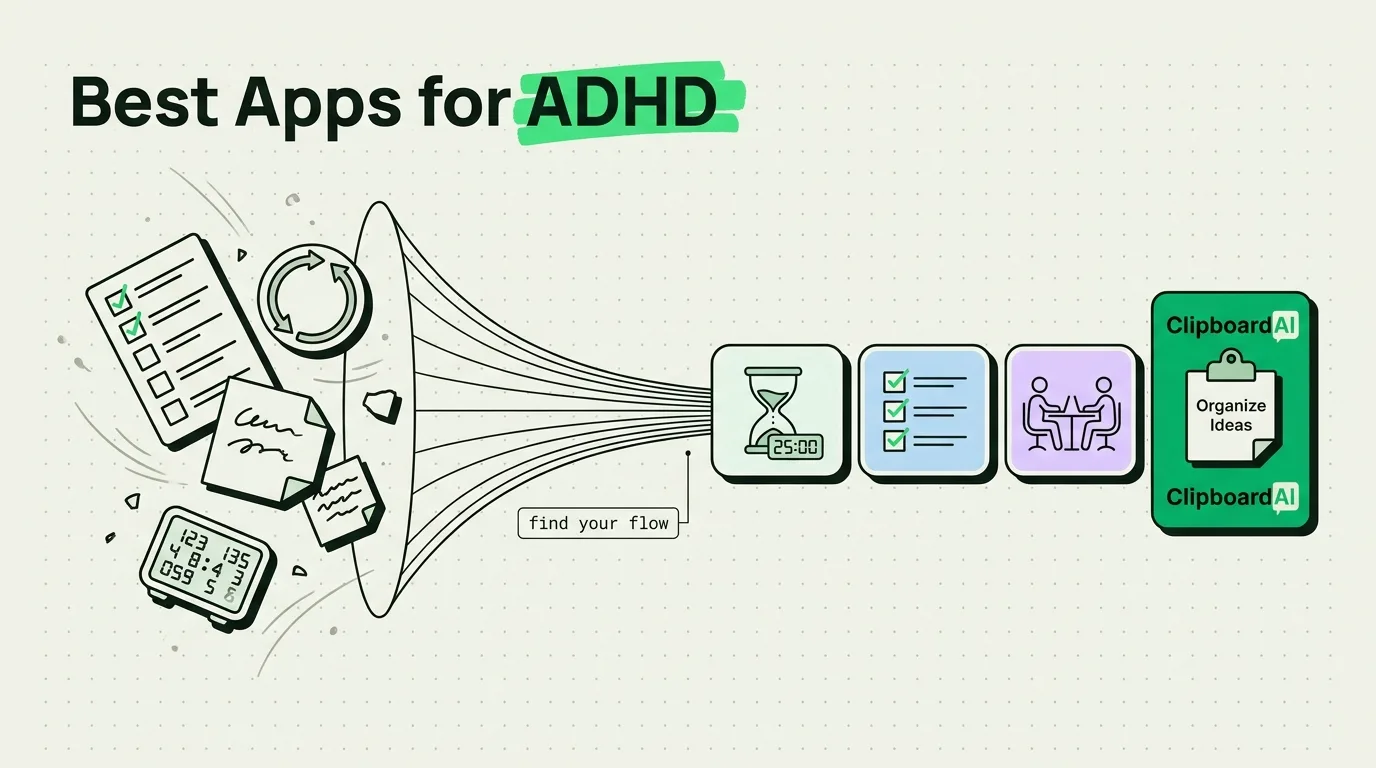
The best iPhone apps for ADHD management focus on reducing cognitive friction, externalizing memory, and minimizing distractions. To scaffold executive dysfunction, the top tools include Goblin Tools (for breaking down overwhelming tasks), Tiimo (for visual schedule planning), Focus Keeper (for Pomodoro-style pacing), Forest (for gamified focus), and ClipboardAI (to automatically save copied information, eliminating the need for constant context-switching). These apps help keep scattered minds anchored on their daily goals.
The ADHD Screen Trap: Why Standard Productivity Apps Fail
For an ADHD brain, a smartphone is a double-edged sword. It is a powerful cognitive externalizer, but it is also a dopamine delivery device designed to hijack your attention.
Many popular productivity tools fail because they require too much upkeep. If an app forces you to categorize, tag, prioritize, and click through multiple menus just to log a task, you will likely abandon it within a week. The friction of the system itself becomes an obstacle.
To work with an ADHD brain - rather than against it - apps must be low-friction, highly visual, and designed to capture thoughts instantly before they vanish. Here is a curated set of tools that target specific executive function challenges: task paralysis, time blindness, object permanence (the "out of sight, out of mind" problem), and short-term working memory limits.
The ADHD App Comparison Matrix
Every app on this list solves a specific cognitive bottleneck. Here is a breakdown of how they compare in terms of cognitive load, price, and focus mechanisms:
| App Name | Focus Area | Cost | Cognitive Load | Distraction Risk | Key Strength |
|---|---|---|---|---|---|
| Goblin Tools | Task Breakdown & Tone | $1.99 | Extremely Low | Low | Uses AI to chop large projects into tiny, bite-sized tasks. |
| Tiimo | Visual Scheduling | $4.99/mo (Free trial) | Low | Medium | Uses visual progress bars and icons instead of text-heavy calendars. |
| Forest | Focus Pacing | $3.99 | Low | Low | Gamifies focus by growing virtual trees while you stay off your phone. |
| Focus Keeper | Time Management | Free / $2.99/mo | Low | Medium | Simple Pomodoro timer that prevents hyperfocus burnout. |
| ClipboardAI | Working Memory | Free, with a premium upgrade | None | Extremely Low | Captures copied text, links, and numbers in the background so you never lose them. |
1. Goblin Tools: Defeating Task Paralysis
When you have ADHD, a task like "clean the kitchen" or "write the project proposal" can feel like an unclimbable mountain. You know you need to do it, but executive dysfunction prevents you from figuring out the first step. This is called task paralysis.
Goblin Tools is a web-based app (available on iOS) that uses simple AI prompts to dismantle complex tasks. You type in a goal, and the app's "Magic To-Do" list breaks it down into micro-steps.
- The Workflow: If you type "Plan a doctor's appointment," Goblin Tools breaks it down: 1. Locate the doctor's phone number. 2. Find your insurance card. 3. Check your calendar for free times. 4. Make the call. 5. Write down the appointment time.
- Why It Works: It eliminates the mental energy required to plan, allowing you to focus entirely on execution. You can adjust the "spiciness" level (how detailed the breakdown should be) depending on how overwhelmed you feel.
2. Tiimo: Managing Time Blindness
"Time blindness" is the inability to gauge how much time has passed or how long a task will take. Conventional text-based calendars (like Google Calendar or Outlook) don't help much because they display time abstractly.
Tiimo is a visual daily planner designed specifically for neurodivergent minds. Instead of displaying a list of text appointments, it uses visual timelines, icons, and progress wheels.
- The Workflow: As your workday progresses, Tiimo displays an active visual timer counting down the current task (e.g., "Deep Work - 15 minutes left") alongside a checklist of what's next.
- Why It Works: It turns time into a physical quantity that you can see shrinking. This visual feedback makes transitions easier and keeps you from losing track of the day.
3. ClipboardAI: Protecting Your Working Memory
One of the most frustrating aspects of ADHD is short-term memory lapses. You copy a tracking number, switch to your browser, get distracted by a news headline, and completely forget what you were doing. By the time you refocus, the clipboard has been overwritten by something else, or you've lost the original source.
ClipboardAI acts as an external working memory storage. It runs quietly on your iPhone or Mac, capturing every link, snippet of text, or address you copy.
- The Workflow: When you copy reference numbers, recipes, or research notes, you don't have to navigate immediately to a note-taking app to paste them. You can keep copying items as you find them. Later, open the ClipboardAI keyboard extension to paste your collected snippets in any order.
- Why It Works: It prevents the "goldfish loop" - where switching apps causes you to lose the thread of your thoughts. You can copy now, stay in your flow state, and organize later.
4. Forest: Overcoming Digital Distraction
If you find yourself opening social media apps mindlessly, you need a friction layer that makes distraction less rewarding.
Forest is a gamified focus timer. When you need to concentrate, you open the app and plant a virtual seed. As long as you keep the Forest app open, your tree grows. If you switch to another app (like Instagram or Safari), your tree dies.
- The Workflow: Set a 25-minute timer before starting a study session. Place your phone on your desk. Watching the tree grow provides a tiny hit of visual dopamine that satisfies the brain's craving for progress.
- Why It Works: It uses positive reinforcement and loss aversion to stop mindless scrolling. Over time, you build a virtual forest representing your focused hours.
Actionable Checklist: The Distraction-Free iPhone Setup
Even the best apps won't help if your phone is constantly flashing alerts. Use this checklist to optimize your iPhone settings for focus:
- Establish "Focus Modes": Set up a Work Focus that hides distracting apps (social media, news) from your home screen and only allows calls from emergency contacts or close coworkers.
- Turn Off Non-Human Notifications: If an alert isn't from a real person (e.g., a discount code from a food app, a game notification), turn it off permanently.
- Greyscale Filter Toggle: Go to Settings > Accessibility > Display & Text Size > Color Filters and enable Greyscale. Assign it to a triple-tap of your Power button. Removing color makes your phone significantly less stimulating and less addictive.
- Clean the Home Screen: Keep only utility apps (Phone, Maps, ClipboardAI, Calendar) on your main screen. Move everything else to the App Library.
Honest Caveats: When Apps Aren't Enough
While technology can help bridge executive function gaps, digital tools have distinct limitations:
- App Overload: Installing ten new productivity apps at once will lead to cognitive overwhelm. Focus on implementing one tool at a time.
- The "Novelty Wear-Off" Effect: ADHD brains crave novelty. An app that works wonderfully for two weeks might lose its appeal. When this happens, it is not a personal failure; it is simply your brain needing a change of pace.
- Privacy Concerns: Apps that assist with organization often request access to your calendar, location, and clipboard. Always check what happens to your data. ClipboardAI, for instance, stores your history locally on your device rather than uploading your clips to remote servers, making it safe for pasting sensitive, personal snippets.
Frequently Asked Questions
Can an app cure ADHD symptoms?
No. Apps are digital prosthetics. They help manage challenges like time blindness, memory loss, and task organization, but they should be used as part of a broader management plan that may include coaching, therapy, or medical advice.
How do I stop forgetting to use my productivity apps?
Place your most critical apps (like your visual calendar or clipboard manager) directly in your iPhone's dock or set them up as large Home Screen widgets. If the app is hidden inside a folder, you will likely forget it exists due to object permanence struggles.
Is ClipboardAI safe for logging passwords?
ClipboardAI features automatic security blocks that prevent it from recording data copied from known password managers. However, we recommend manually clearing your history periodically if you copy sensitive personal information.