
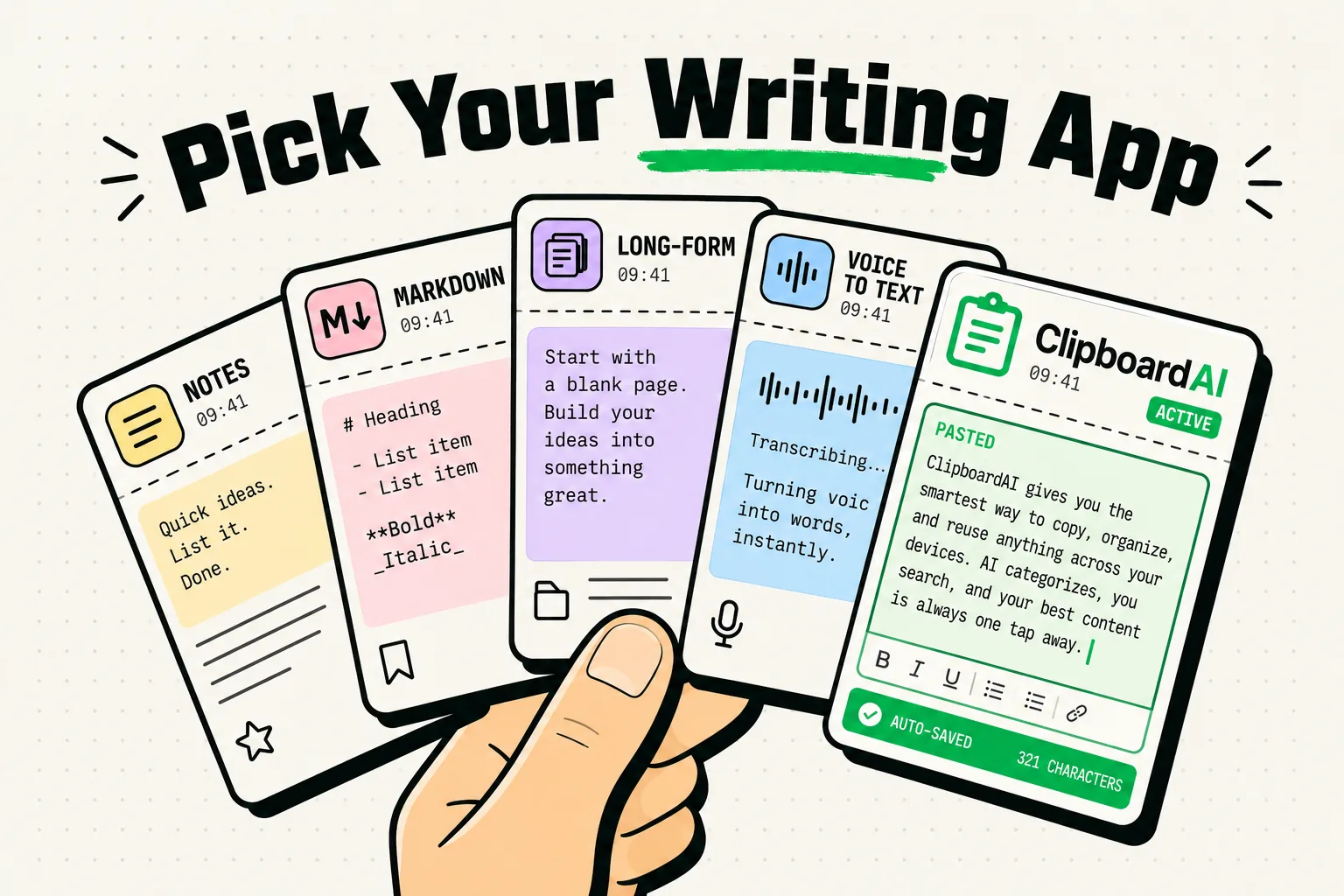
The best text editing apps for iPhone in 2026 focus on clean Markdown formatting, raw text manipulation, syntax highlighting, and fast export actions. Top utilities for mobile writing and code editing include iA Writer (for distraction-free drafting), Drafts (for quick text capture and automated actions), Runestone (for mobile code editing), Bear (for organized Markdown notes), and ClipboardAI (for managing snippets, markdown templates, and text blocks via a custom keyboard).
Writing on a Mobile Screen: The Struggle for Focus and Speed
Writing long-form articles, coding scripts, or editing code files on a mobile phone can feel like typing with your thumbs tied. Standard mobile editors are cluttered with formatting toolbars, pop-up notifications, and hidden menus. Every time you want to add a bold word, insert a markdown link, or reference a code snippet, you are forced to tap through multiple keyboard menus.
For a text editor to be productive on an iPhone, it must load instantly, offer a clean writing canvas, support Markdown by default, and integrate with your device's clipboard history for quick insertion of standard templates and snippets.
We reviewed the top text editing utilities on the iOS App Store, evaluating them based on syntax rendering speed, text export capabilities, and keyboard shortcut customizations.
iPhone Text Editor Comparison
Different writing tasks require different tools. Here is how the top iPhone text editors compare:
| App Name | Primary Use Case | Cost | Markdown Support | Syntax Highlighting | Key Editing Advantage |
|---|---|---|---|---|---|
| iA Writer | Long-form writing | $49.99 (One-time) | Complete | No (Focuses on prose) | Distraction-free typewriter mode. |
| Drafts | Text capturing & scripts | Free / $19.99/yr | Complete | Yes (Configurable) | Auto-exports text to dozens of apps. |
| Runestone | Code & config files | Free / $9.99 upgrade | Basic | Yes (HTML, JS, CSS, Python) | Line numbering and regex search. |
| Bear | Note organization | $29.99/yr | Complete | No | Beautiful themes and nested tags. |
| ClipboardAI | Keyboard snippets | Free (Beta) | Complete | Basic | Dedicated keyboard for saved templates. |
1. iA Writer: Distraction-Free Long-Form Writing
If you are writing a book, a blog post, or a research paper, you want a canvas that lets you focus entirely on your words.
iA Writer is the pioneer of distraction-free writing interfaces.
- The Workflow: Switch to Typewriter Mode, which keeps the active line centered on the screen and dims the surrounding text. Use the customized keyboard row to insert Markdown headers, list items, and links in one tap.
- Why It Works: It eliminates the temptation to format your text while drafting. It saves files in standard
.txtor.mdfiles directly in iCloud or local folders, preventing proprietary data lock-in.
2. Drafts: The Text Launchpad
Many ideas die because you don't write them down fast enough. Opening an app, navigating to a folder, creating a new file, and naming it takes too many steps.
Drafts opens to a blank sheet with the keyboard active the second you tap the icon.
- The Workflow: Open Drafts and type your thought immediately. Once captured, run an "Action" to format the text and send it directly to your email, post it to Twitter, add it to your tasks in Todoist, or save it to iCloud as a markdown file.
- Why It Works: It separates text capture from text organization. It acts as a staging area for your thoughts, featuring javascript automation for complex text processing.
3. ClipboardAI: Instantly Injecting Boilerplate Text
When writing or coding on mobile, you frequently reuse the same blocks of text: email templates, standard markdown link syntaxes, disclaimer clauses, or Tailwind CSS grid templates. Typing these out repeatedly is tedious and leads to formatting mistakes.
ClipboardAI lets you build a library of pinned text templates that you can access from any editor on your iPhone.
- The Workflow: Save your commonly used text blocks (such as a standard blog sign-off, a markdown link template
Text, or a CSS card component) in ClipboardAI. When editing in iA Writer or Runestone, switch to the ClipboardAI keyboard, tap the snippet, and it inserts instantly into your text. - Why It Works: It saves you from leaving your text editor to look up reference sheets or copy templates from old files.
4. Runestone: Technical Code Editing on the Go
Most mobile code editors are heavy, slow, and designed for iPad rather than iPhone.
Runestone is a lightweight, high-performance code editor built specifically for iOS.
- The Workflow: Open config files (
.yaml,.json), HTML pages, or python scripts. Runestone provides line numbers, syntax highlighting, bracket matching, and a robust search-and-replace tool that supports regular expressions (regex). - Why It Works: It uses Apple's native text framework, meaning it stays fast and responsive even when loading large files with thousands of lines of code.
Distraction-Free Writing Setup Checklist
Set up a focused writing environment on your iPhone with this configuration list:
- Activate Auto-Correct Exclusions: If you write in Markdown or code, go to Settings > General > Keyboard and turn off Auto-Correction and Auto-Capitalization to prevent iOS from breaking your syntax formatting.
- Configure Drafts Quick Capture: Add the Drafts widget to your lock screen. This allows you to capture ideas with a single tap without unlocking your phone.
- Use Monospaced Fonts: Set your editor font to a high-readability monospaced font (like Geist Mono or SF Mono). Monospaced fonts make spacing errors and markdown tags stand out.
- Pin Markdown Snippets: Save a collection of markdown skeletons (such as blockquote grids or table frameworks) in ClipboardAI for fast layout generation.
Honest Caveats: Writing Realities on Mobile
Mobile text editing is not suitable for every project. Keep these boundaries in mind:
- Screen Real Estate Limits: Editing complex tables or multi-file coding projects on a 6-inch screen is difficult. Use mobile editors for drafting, quick edits, and note collection, and do heavy formatting on desktop.
- iCloud Sync Errors: Syncing text files via iCloud can sometimes create duplicate "conflict" files if you edit on iPhone and Mac simultaneously. Let files sync completely before switching devices.
- Keyboard Constraints: Physical keyboards are always faster. If you write long-form on your iPhone, consider buying a small Bluetooth keyboard (like the Logitech K380) for travel.
- Local Data Integrity: Ensure your text snippets do not contain sensitive credentials. ClipboardAI stores its history locally in an encrypted database, protecting your code snippets from cloud leaks.
Frequently Asked Questions
Can I export Markdown files to PDF?
Yes. Both iA Writer and Bear offer robust export engines that allow you to convert your Markdown drafts into clean PDFs, Word documents, or HTML code files in one tap.
How do I use regex search in Runestone?
Tap the search icon in Runestone, toggle the ".*" button to enable regular expression matching, and type your pattern. This lets you search for specific patterns (like all email addresses or HTML tags) and replace them instantly.
Is ClipboardAI compatible with all iOS text editors?
Yes. Because ClipboardAI operates as a native system keyboard extension, it works inside any app where you can type, including iA Writer, Drafts, Runestone, Apple Notes, and Google Docs.