
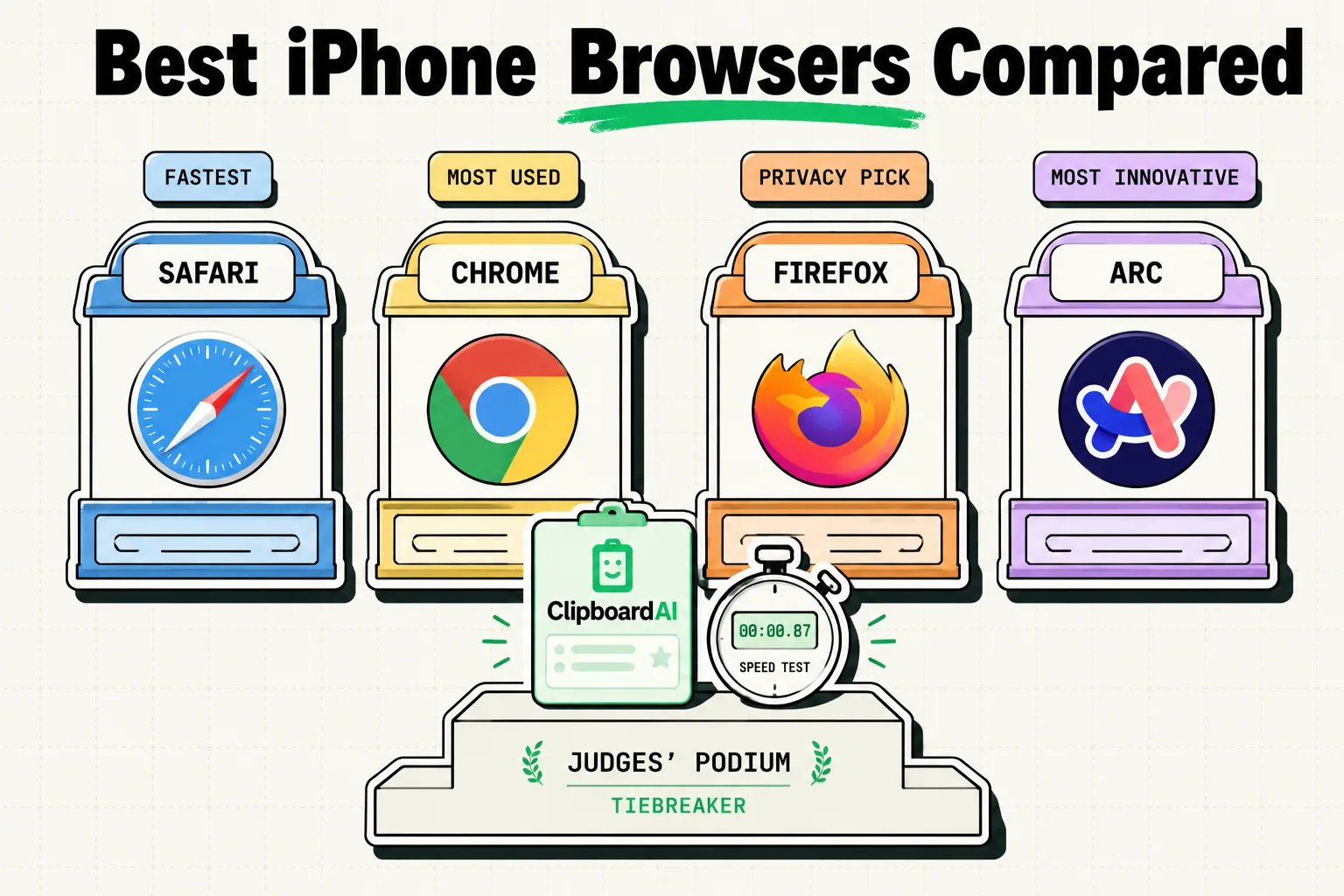
For iPhone users selecting a web browser, the choice depends on your ecosystem and search preferences: Safari is the best native option for battery life, extensions, and Apple integration. Arc Search is the best modern alternative for AI-assisted search summaries and automated tab decluttering. Google Chrome is best if you sync your data with a Windows PC or Android device. Choose Safari for security, Arc Search for quick AI answers, or Chrome for cross-platform workflows.
The iOS Browser Reality (The WebKit Constraint)
Before comparing browsers, you must understand a technical constraint of iOS. For years, Apple forced every web browser on the App Store to use its proprietary layout engine, WebKit. This meant that whether you used Chrome, Firefox, or Opera on your iPhone, you were essentially running Safari with a different skin.
While recent regulatory changes (specifically in the European Union) have begun forcing Apple to allow alternative browser engines (like Google's Blink or Mozilla's Gecko), WebKit remains the default engine for global users. Consequently, when comparing iPhone browsers, we are not comparing layout speeds or rendering engines; we are comparing user interfaces, syncing capabilities, tab management, and AI search tools.
iPhone Browser Comparison Matrix
Review this table to see how the top iOS browsers stack up in terms of sync, features, and platform focus in 2026.
| Browser | Layout Engine (iOS) | Sync Platform | Key Strength | Battery Impact | Extension Support |
|---|---|---|---|---|---|
| Safari | WebKit | iCloud | Deep iOS integration & Battery life | Low (Highly optimized) | Yes (App Store Extensions) |
| Arc Search | WebKit | iCloud (via Arc Sync) | AI-powered "Browse for Me" | Medium to High | No |
| Google Chrome | WebKit | Google Account | Cross-platform tab & password sync | Medium | No |
| Firefox | WebKit | Firefox Account | Open-source privacy controls | Medium | No |
| Brave | WebKit | Brave Sync | Built-in ad & tracker blocking | Low | No |
1. Safari: The Native Standard
Safari remains the default choice for the vast majority of iPhone users, and for good reason: Apple designs it specifically to maximize hardware efficiency.
- Pros: Safari is deeply optimized for the iPhone's battery and CPU. It supports native extension packages (like ad-blockers and translation tools) downloaded from the App Store. It also integrates seamlessly with iCloud Keychain, Apple Pay, and iOS autofill systems.
- Cons: Safari has zero synchronization options for Windows or Android users. If you do not use a Mac, your history and open tabs remain locked on your phone.
2. Arc Search: The AI Innovator
Arc Search is a modern mobile browser designed to change how you search the web, prioritizing AI-curated summaries over a simple list of links.
- Pros: Its standout feature is "Browse for Me." When you search a query, the browser reads the top six web pages and compiles a custom, formatted response complete with tables, quotes, and links. It also features automatic tab archiving, which quietly closes tabs you have not viewed in 21 days to prevent clutter.
- Cons: The AI search query engine can be resource-intensive, leading to higher battery drain than Safari. Additionally, it lacks support for third-party extensions.
3. Google Chrome: The Cross-Platform Choice
Chrome is the most popular browser in the world, and it is the logical choice for users who operate outside the pure Apple ecosystem.
- Pros: If you run Chrome on a Windows PC or ChromeOS laptop, installing Chrome on your iPhone is highly convenient. It syncs your open tabs, search history, saved bookmarks, and passwords instantly. Its mobile tab group management is also highly polished.
- Cons: Chrome on iOS uses more memory (RAM) than Safari. It also lacks support for native extensions, leaving you reliant on Google's built-in ad filters.
4. Brave & Firefox: Privacy and Open-Source Alternatives
For users who want to avoid the tracking databases of big tech corporations, Brave and Firefox offer alternative pathways.
- Brave: Features "Shields," a robust ad and tracking blocker that operates natively without any extension setup. It is excellent for blocking invasive mobile pop-ups and preserving cellular data limits.
- Firefox: Is built by a non-profit foundation, prioritizing user privacy. It allows you to customize your default search engines and organize tabs into custom search folders.
The Workflow Bridge: Managing Links Across Browsers
As a power user, you will frequently find yourself copying research links, product pages, or code snippets from your web browser to other productivity applications.
[Safari (Extensions) / Arc Search (AI) / Chrome (Sync)]
                           │
                     (Copy Link)
                           ▼
             [ClipboardAI SQLite Database]
                           │
                 (Pin / Categorize)
                           ▼
          [Apple Notes / Notion / Slack Teams]
Instead of sending links to yourself via messaging apps, you can use ClipboardAI to capture your browser history in the background. ClipboardAI acts as a local database repository for everything you copy. When you are compiling research from Arc Search or Safari, ClipboardAI organizes those links. When you open a note or write an email, switch to the ClipboardAI custom keyboard to paste your collected references with a single tap.
Honest Caveats: The Battery and RAM Penalty
- Arc Search Battery Impact: Running AI queries natively inside a browser app requires processing power. We observed that heavy usage of Arc's "Browse for Me" feature drains battery life significantly faster than browsing the same sites on Safari.
- Chrome Resource Overhead: Chrome's tab syncing is convenient, but keeping 50 tabs open in iOS Chrome can lead to memory pressure, causing background apps to restart when you switch back to them.
Final Recommendations: Which Browser Should You Use?
- Choose Safari if: You want the longest battery life, use Apple Keychain for security, and want to block ads using App Store extensions.
- Choose Arc Search if: You want an AI utility to summarize search results, prefer a minimalist design, and hate managing open tabs manually.
- Choose Chrome if: You work on Windows or ChromeOS and need your desktop tabs and history to sync to your iPhone.
- Choose Brave if: You want a browser that blocks all ads and trackers out of the box without requiring extensions.
Frequently Asked Questions
Can I change the default browser on my iPhone?
Yes. Go to Settings, scroll down until you find your preferred browser app (such as Chrome or Arc), tap it, select "Default Browser App," and choose it from the list.
Do ad-blockers work on Google Chrome for iPhone?
No. Because Apple restricts extension installations on third-party iOS browsers, you cannot install ad-blockers like uBlock Origin on iOS Chrome. If you want ad blocking, use Safari with an extension, or use Brave.
Does Arc Search store my search logs?
Arc Search processes AI summaries using secure cloud APIs. They state that they anonymize search queries, but users handling sensitive corporate data should review their privacy policy before entering proprietary terms into the AI search bar.