On this page
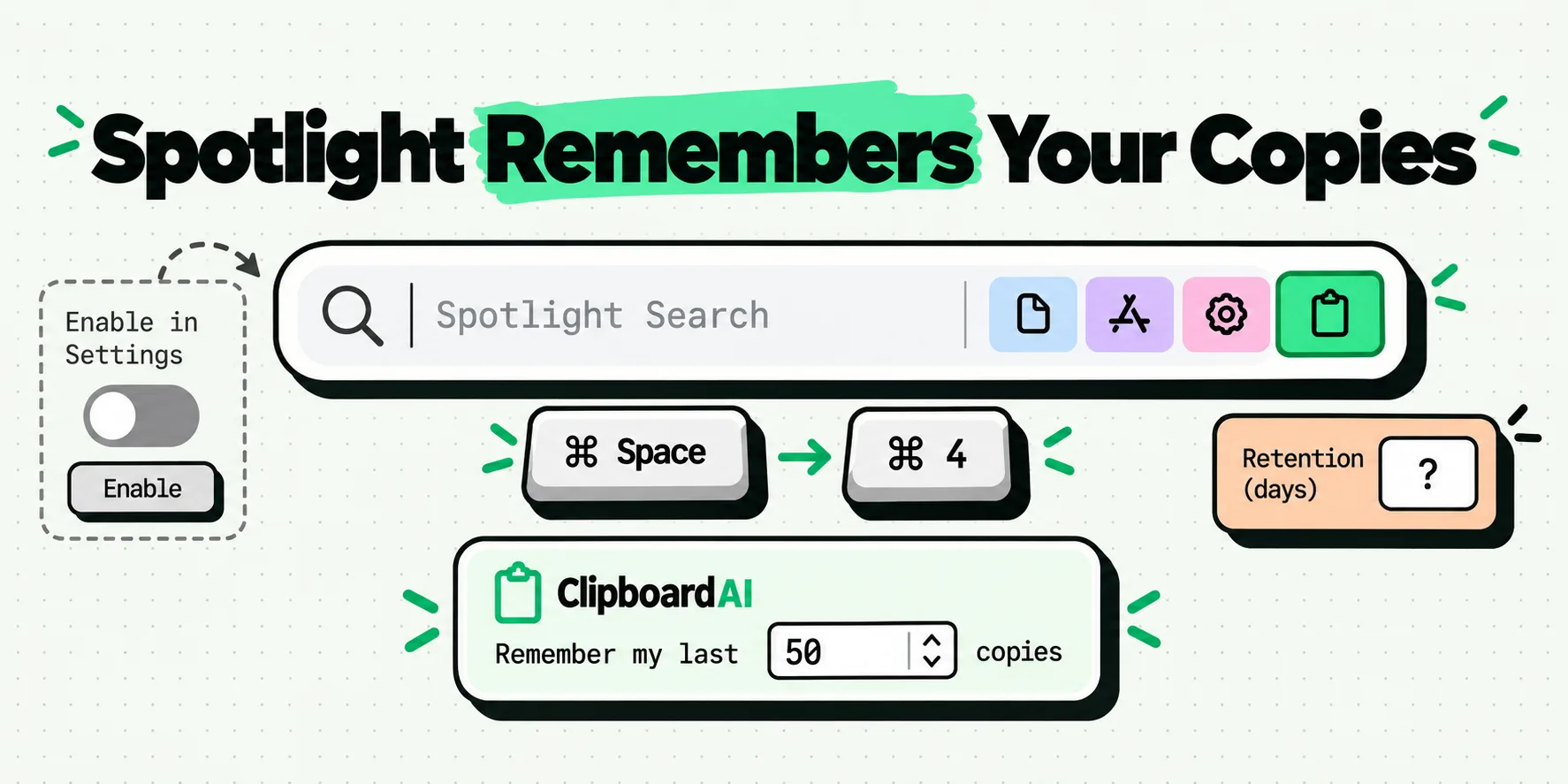
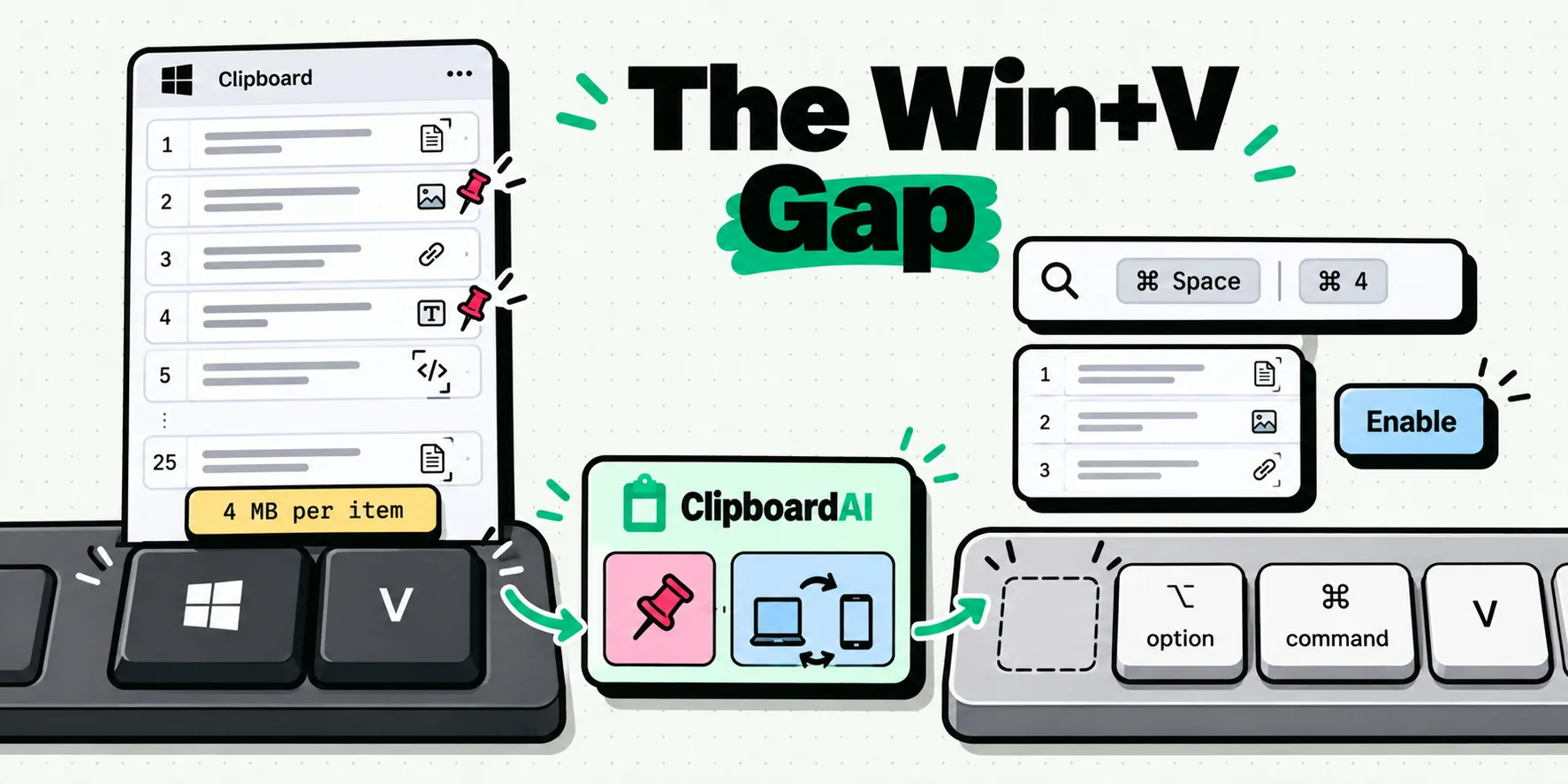
There is no Win+V on a Mac. Apple ships no key combination that pastes the item before the last one. The nearest built-in equivalent arrived in macOS 26: Spotlight's clipboard history, opened with Command-Space then Command-4, and switched off until you click Enable. For the parts of Win+V that Windows users miss most, pinning and sync to your other devices, you still need a clipboard manager.
The gap is smaller than it was a year ago, and it is still a gap. Here is exactly where.
The muscle memory that breaks on day one
Nobody moves to a Mac and misses Win+V on purpose. It happens by accident, on day three, when you copy a client's address, copy a tracking number on top of it, and then need the address again. On Windows that is a keystroke and a click. Your thumb goes for the Windows key, there is no Windows key, and the address is gone. It is the loudest of a set, and the other copy and paste habits that break on a Mac, from cutting files to where a screenshot lands, catch people out in the same first week.
The second break is quieter. On Windows you probably had four or five things pinned in Win+V permanently: a support email, a VAT number, a Teams link, the standard reply you send twice a day. Those are not history. They are a tiny snippet library that happens to live in the clipboard panel, and macOS has never shipped anything at all in that shape.
What Win+V gives you, in Microsoft's own numbers
Worth pinning down before comparing, because most articles about this compare a feature to a vibe. Microsoft's own clipboard support page documents the following, checked on July 29, 2026:
- You turn it on the first time with Windows logo key + V, then Turn on.
- "Your clipboard history is limited to 25 copied entries."
- "Your size limitations are 4 MB per item." Text, HTML and Bitmap formats are supported.
- "Clipboard history gets cleared each time you restart your PC, except for the items you've pinned."
- Sync lives in Start, Settings, System, Clipboard, and requires the same login on every device.
One absence is worth as much as the numbers: Microsoft's clipboard page does not document searching your clipboard history. Win+V is a list you scroll. At 25 items that is fine, which is part of why the 25 is there.
The nearest thing macOS ships, and how to switch it on
macOS 26 put a clipboard history inside Spotlight. Apple's support page for macOS 26 is short and precise about it:
"When you first search your Clipboard, you may be asked to click Enable in Spotlight." Open it with Command-Space, then Command-4, or click the clipboard button to the right of the search field. Clear it from the More button, then Clear History.
Do that now if you have not. It takes twenty seconds, it is free, and it covers the single most common Windows-switcher complaint, which is losing the thing you copied two copies ago. Press Command-Space, press Command-4, click Enable, then copy two things and go back. That is the whole setup. The list starts empty and is not backfilled, so only copies made after the switch count. If nothing appears, the diagnosis path is in Spotlight clipboard history not working. (On macOS 27 Apple words the first-use prompt as allowing search results from the Clipboard, with an Allow button.)
Not sure which state your Mac is in? One line in Terminal says, and it is quicker than scrolling System Settings:
defaults read com.apple.Spotlight PasteboardHistoryEnabled0 means off and 1 means on. On macOS 26.2 (build 25C56) I ran it on September 8, 2026 and got back 0, so the history really does ship switched off. An error saying the domain and default pair does not exist means the key was never written; on macOS 15 Sequoia and earlier that is simply because the feature does not exist. The Clipboard option in System Settings, Spotlight is where you switch it off again.
Apple's support page documents no item count, no pinning and no sync, and I am not filling any of that in with a guess: the page genuinely says none of it. Retention comes from outside Apple's guide. MacMost's hands-on from September 22, 2025 reports that items older than eight hours are removed automatically, and MacRumors reported on November 4, 2025 that macOS 26.1 added System Settings, Spotlight controls, including a Clear Clipboard History button and a choice of 30 minutes, 8 hours or 7 days. Apple's user guide still does not describe them. The same MacMost hands-on found that the list holds text (stored without formatting), links, images including screenshots, and files copied in Finder. Apple documents copying an item back, by its copy icon or Command-C, and then pasting with Command-V; MacMost found that double-clicking an item pastes it at the cursor. The full setup walkthrough is in how macOS clipboard history works in Spotlight.
Side by side, with the gaps marked as gaps
This is the parity table a switcher wants: what Win+V does, what Spotlight does, and what a clipboard manager adds. Windows column from Microsoft's clipboard support page, macOS column from Apple's Spotlight clipboard page, with MacMost's hands-on and MacRumors marked where Apple's page is silent. Apple and Microsoft last checked July 29, 2026.
| Windows 11, Win+V | macOS 26, Spotlight | ClipboardAI on Mac | |
|---|---|---|---|
| How you open it | Windows key + V | Command-Space, then Command-4 | Command-Shift-V, anywhere, at the cursor |
| On by default | No, Turn on the first time | No, click Enable the first time | Yes, from first launch |
| How much it keeps | 25 entries, 4 MB each | No item count documented; items expire after 8 hours by default (MacMost), or 30 minutes to 7 days since 26.1 (MacRumors) | You set the ceiling in Settings, General, Clipboard History |
| Survives a restart | No, except pinned items | Not documented; items also expire on the retention timer | Yes, it is a stored history |
| Pin an item | Yes | Not documented | Yes, the Saved tab, five pins on the free plan |
| Search the history | Not on Microsoft's clipboard page | Yes, type in the Spotlight field | Yes, type in the panel, results across every tab |
| Images | Bitmap supported | Not on Apple's page; MacMost found screenshots and copied images in the list | Yes, with thumbnails, and searchable by the text inside them |
| Paste as plain text | Not on Microsoft's clipboard page | Command-C copies the item; MacMost found text is stored without formatting | Hold Option when you pick, or make plain the default |
| Delete one item | Yes, from the panel | Apple documents Clear History only | Control when you pick deletes it, Shift pastes then deletes it |
| Reaches your phone | Yes, same login on both | No, it stays on that Mac | Yes, iPhone and iPad, through your own iCloud |
Read that table as a switcher and two rows jump out, because they are the two Windows habits with no macOS answer at all: pinning and the history reaching another machine.
Four keystrokes to remap, not relearn
Most of the transition is renaming things you already do. Apple documents five clipboard shortcuts and no history, which is the honest starting point.
| On Windows | On a Mac | Notes |
|---|---|---|
| Ctrl+C, Ctrl+X, Ctrl+V | Command-C, Command-X, Command-V | Straight swap. Control does something else here. |
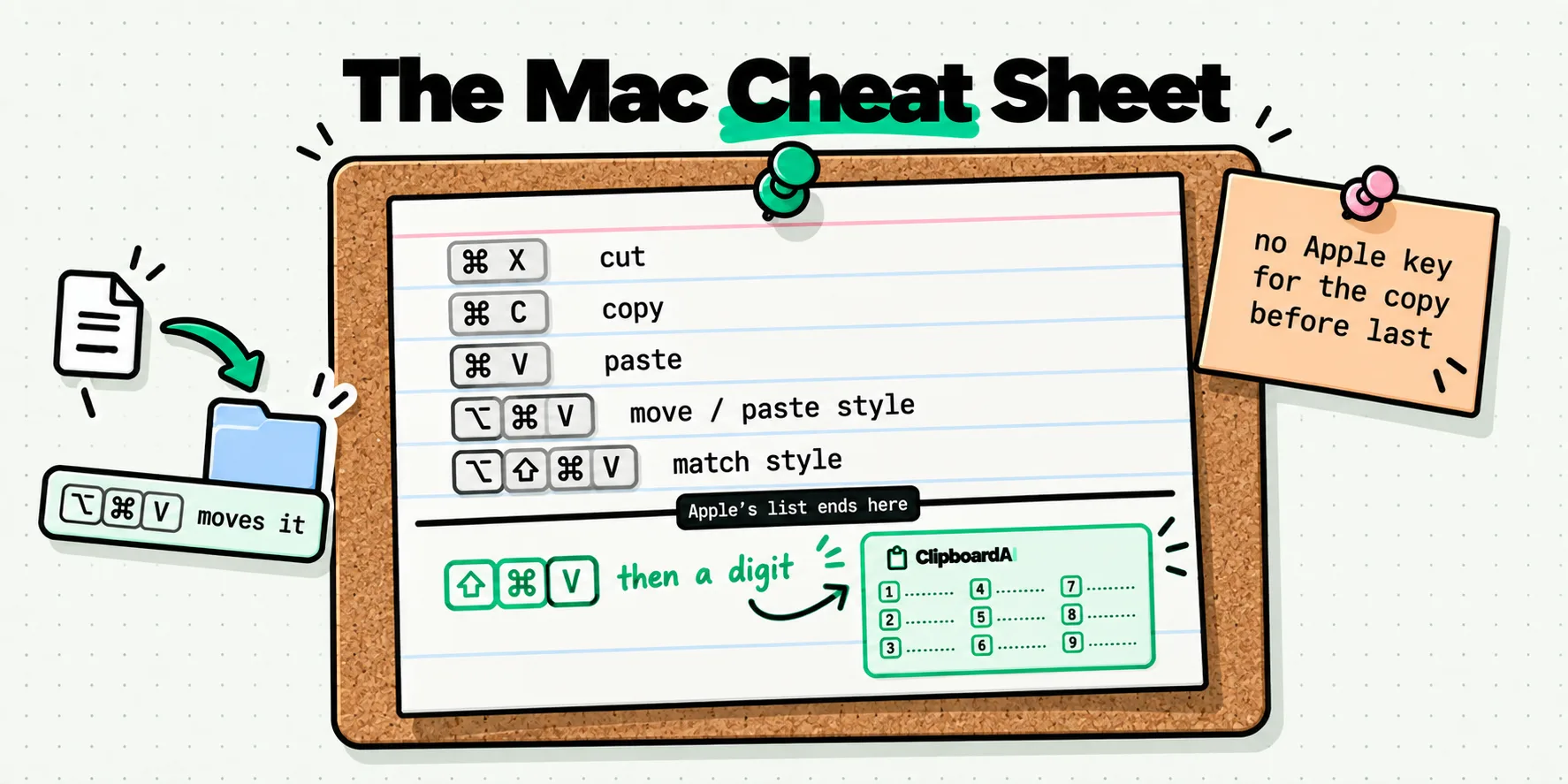
| Ctrl+Shift+V for plain text | Option-Shift-Command-V, Paste and Match Style | On Windows this is an app convention. On a Mac Apple documents it, and it matches the destination style rather than stripping to nothing. |
| Win+V for history | Command-Space then Command-4, or one manager hotkey | The only genuinely missing key. |
| Win+V, then click the pin | No macOS equivalent | This is the one you will replace with an app. |
The rest of the Mac clipboard key layer, including the combinations Apple never gave you, is laid out in the Mac clipboard shortcut cheat sheet.
One more Windows habit has no obvious name on the Mac: cut and paste for files. Command-X does nothing to a Finder selection, which convinces a lot of switchers that the Mac cannot move files from the keyboard. It can. Copy with Command-C, go to the destination, hold Option, and the Edit menu's Paste becomes Move Item Here, which is Option-Command-V. That string ships in Finder's English resources on macOS 26.2, checked September 8, 2026.
Remap plain paste, and why the usual remap misses some apps
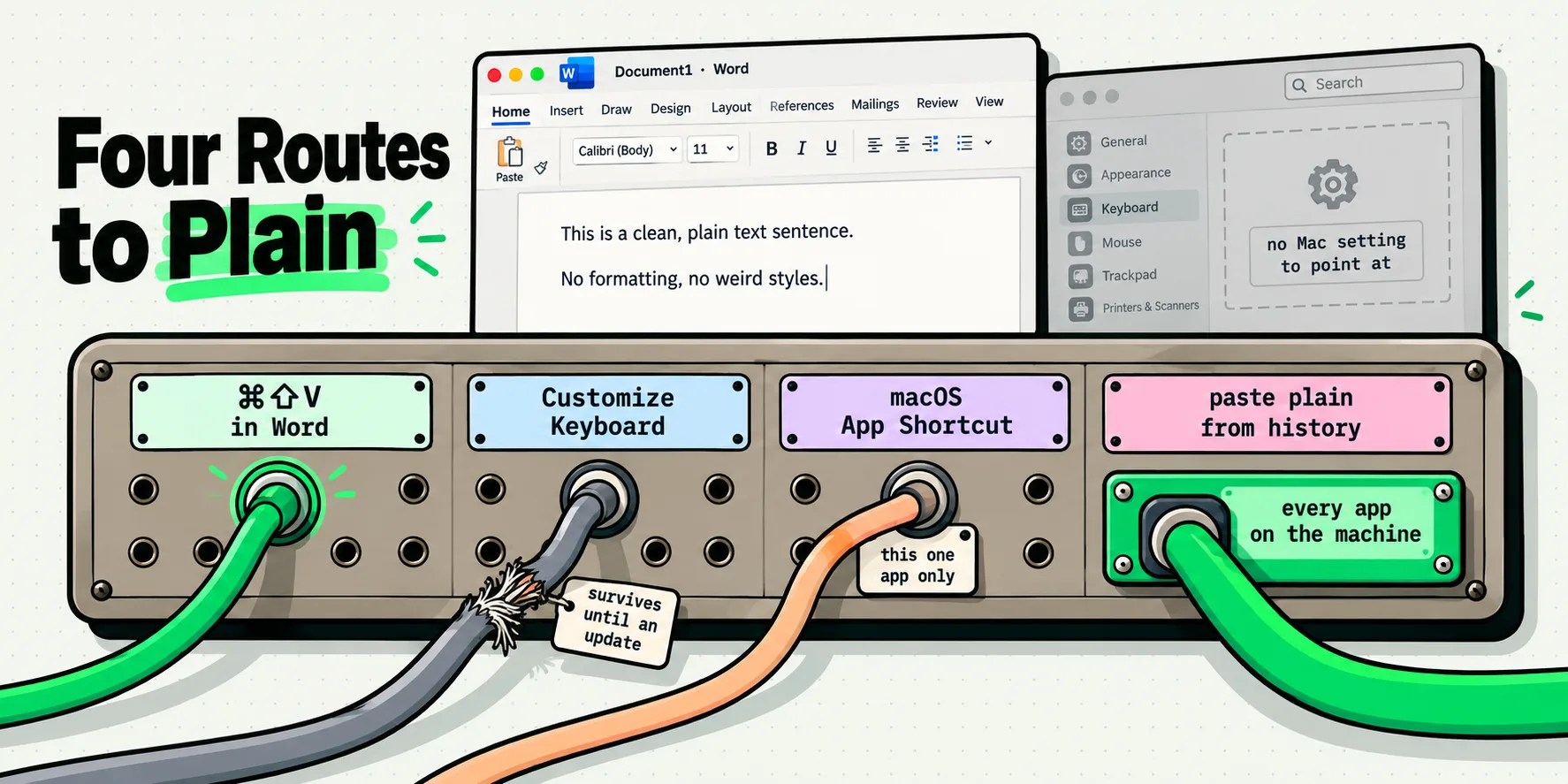
The four-key stretch of Option-Shift-Command-V is the usual complaint, and the usual fix is a remap: System Settings > Keyboard > Keyboard Shortcuts > App Shortcuts, add an entry for All Applications, type the menu title exactly as the command appears in the app, Paste and Match Style, and press the keys you want. Command-Shift-V is the natural twin of Ctrl+Shift+V, but ClipboardAI's panel uses it by default on the Mac, so give the remap a different chord or move the panel's, which is changeable. The panel already pastes plain text when you hold Option as you pick a clip.
That remap is right and incomplete. App Shortcuts matches the literal menu title, and AppKit ships more than one paste wording. On macOS 26.2 (build 25C56), on September 8, 2026, AppKit's MenuCommands.loctable carried 147 English menu-command strings in 42 languages, and exactly three of them were paste commands: "Paste", "Paste and Match Style" and "Paste and Retain Style". An app that uses the third wording is untouched by a remap written against the second, and it fails silently, because App Shortcuts cannot tell you that a title never matched anything.
Create the entry twice, once for "Paste and Match Style" and once for "Paste and Retain Style", and check the spelling against the app's own Edit menu, not against this page. On a Mac running in French or German the title must be the localized one, because the match is against what the menu says on your machine. An app that was already running when you added the entry may not pick it up, so quit and reopen it before you decide the title was wrong.
Where the two systems genuinely differ
Two design differences explain most of the friction, and neither is a bug.
Windows treats clipboard history as an OS service with a number attached. Twenty five items, four megabytes, cleared on restart. It is a fixed-size buffer, published as such, and you plan around it.
macOS treats it as a search surface. It lives in Spotlight, next to files and apps and calculations, and Apple's page publishes no size or lifetime. The reported lifetime is eight hours by default, so you get a searchable pile of today's copies, and nothing tells you how many items it keeps. For recovering the thing you copied a minute ago that is fine. For "the invoice reference from last Tuesday" it only works if you raised the setting to 7 days.
If you are moving clips between a Mac and a Windows machine on the same desk, or into a remote session, that is a different problem with different failure modes, covered in copying between a Mac and a remote Windows desktop.
Getting back to one keystroke, with the pins
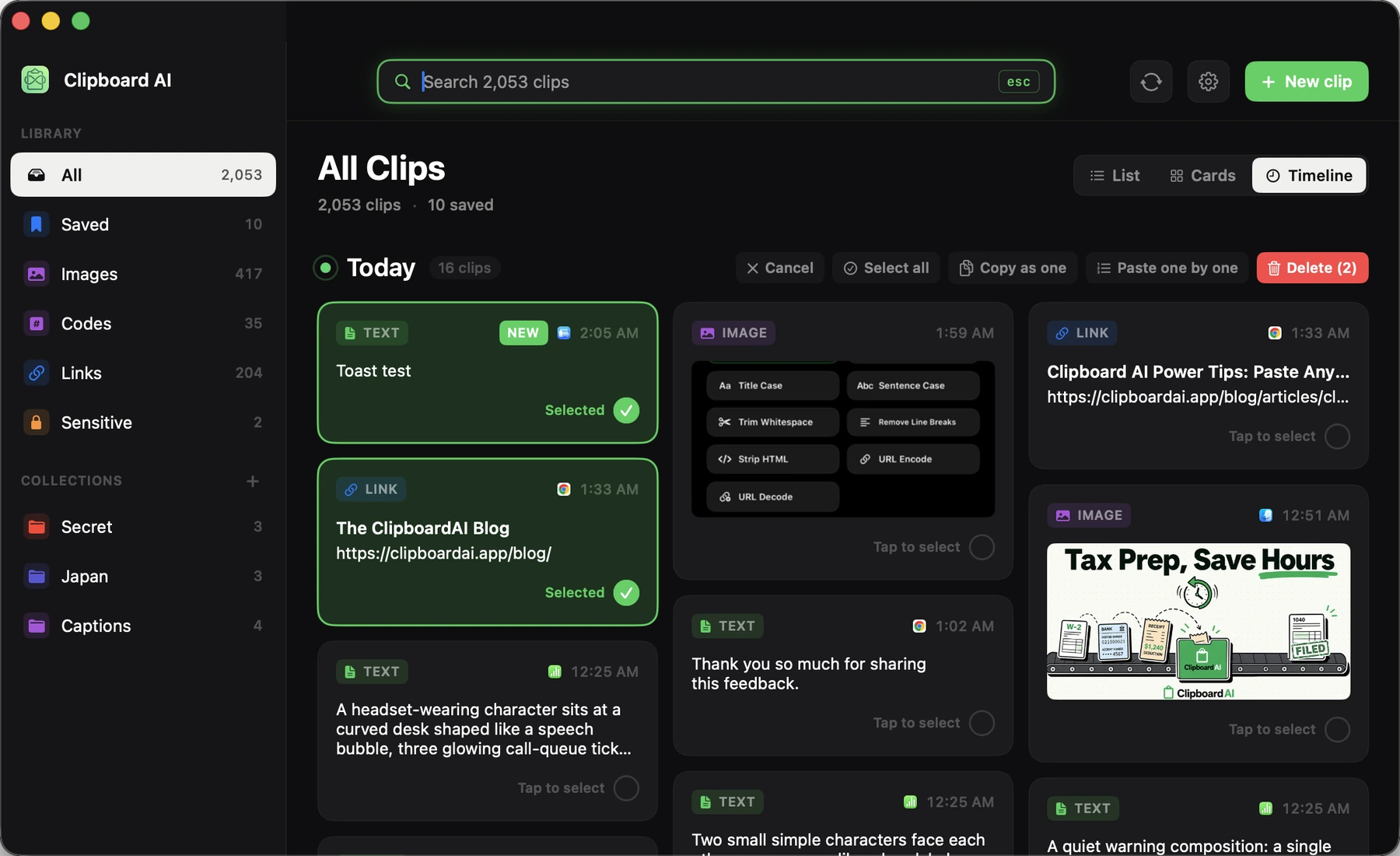
Here is the shape a Windows switcher is actually looking for. One global hotkey, Command-Shift-V, and a panel opens at your cursor with everything you have copied. Type two letters to filter it. Press 1 through 9 to paste that item, or 0 for the tenth. Nothing to hunt for with the mouse, and the keystroke count matches the Win+V habit exactly. A keystroke beats a menu bar icon because the panel appears where your attention already is, while an icon is a pointer journey that gets longer with a second display. If Command-Shift-V is taken, the shortcut is changeable.
The pinning habit comes back intact. Anything you use daily goes in the Saved tab and stays there regardless of how much you copy on top of it, and you can give a clip a name so a bare account number reads as "VAT number" in the list. The free plan pins five, which is roughly the size of a real Win+V pin collection.
Two things Windows never offered, that you get for having switched. Everything you copy on the Mac is captured automatically, whether you pressed Command-C, a script wrote it, or it arrived from your iPhone through Universal Clipboard, so nothing depends on you remembering to open a panel first. And copied images are not just kept, they are read: text inside a screenshot is recognized on your Mac and becomes searchable, so "that error message screenshot" is findable by the error message.
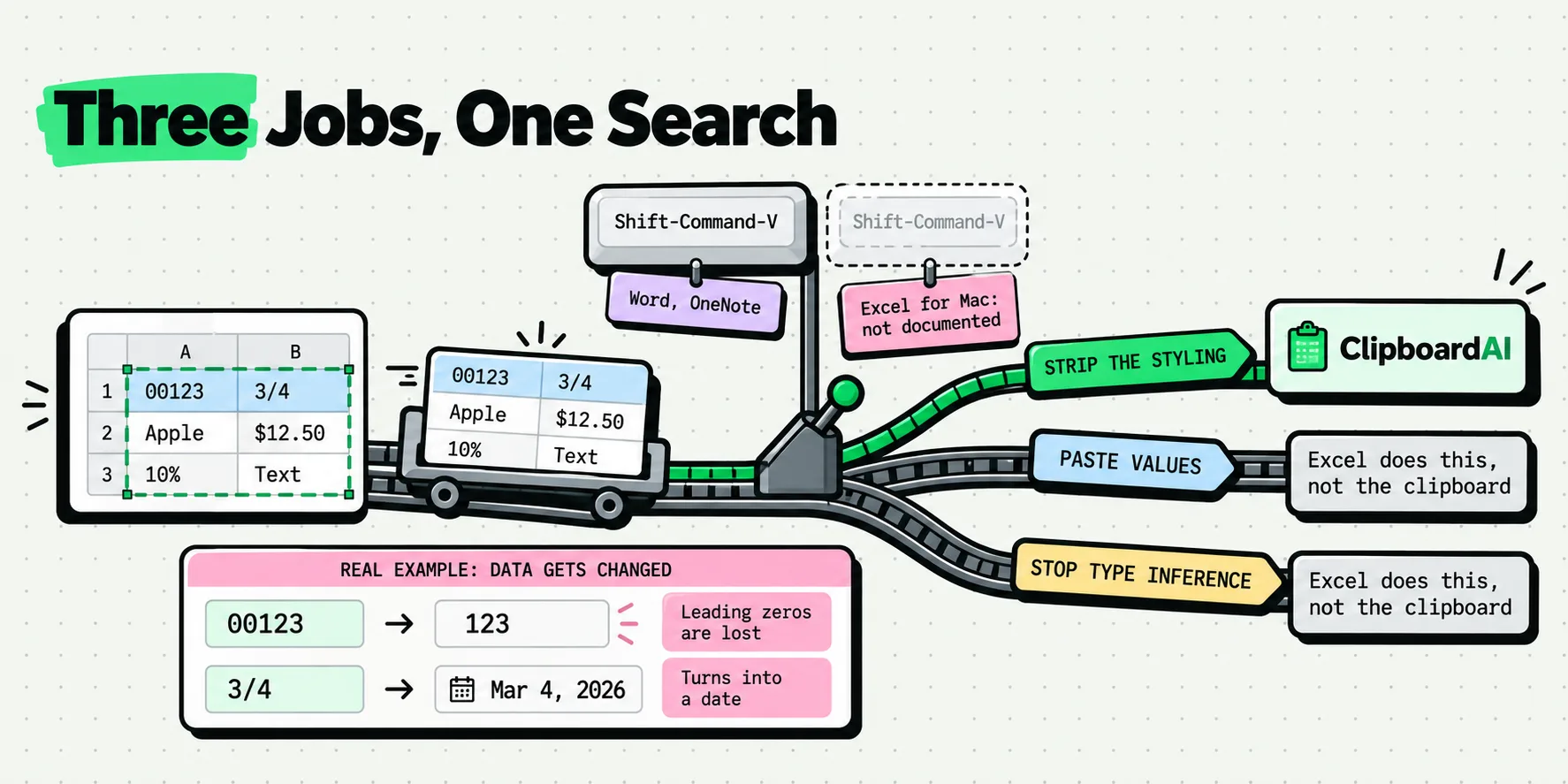
Formatting is the last comfort setting. Pick a clip with Option held and it pastes as plain text, and if that is what you want every time, turn on Always paste as plain text in Settings, General, Behavior. Every paste you make through the panel then lands stripped, with Option reversing it for one paste when you want the formatting back. Details in pasting without formatting on a Mac, and the rest of the desktop app is on the Mac page.
Your history syncs to your iPhone and iPad through your own iCloud account with a Pro plan, which is the Windows cloud clipboard habit, minus the account on somebody else's server. Copy on the Mac at your desk, paste on your phone in the car.
Day three on a Mac stops being the day you lose an address. It becomes the day you notice you have stopped thinking about the clipboard at all, which is what Win+V was doing for you the whole time.
Sources
- Apple, "Search your clipboard history" (macOS Tahoe 26), read October 21, 2026
- Apple, "Create keyboard shortcuts for apps on Mac", read October 21, 2026
- MacMost, "How to use the Spotlight clipboard history in macOS Tahoe", September 22, 2025
- MacRumors, "Apple Expands Spotlight Clipboard Settings in macOS Tahoe 26.1", November 4, 2025
- Microsoft, "Using the clipboard", read October 21, 2026
The preference read, the AppKit menu-command strings and the Finder string were taken off a Mac running macOS 26.2 (build 25C56) on September 8, 2026. App Shortcuts behavior follows Apple's documented matching on the menu title.
Frequently Asked Questions
Is there a Win+V equivalent on Mac?
Partly. macOS 26 added a clipboard history inside Spotlight: press Command-Space, then Command-4, and click Enable the first time. It ships switched off, so nothing is recorded until you do. It gives you the list and a search field, which covers the main Win+V job of recovering something you copied earlier. It does not give you pinning, a published item limit, or history on your other devices. Those come from a clipboard manager with its own global hotkey.
How many items does Windows clipboard history keep?
Microsoft documents 25 entries, with a limit of 4 MB per item, supporting text, HTML and bitmap formats. The history is cleared every time you restart the PC, except for items you have pinned. Apple, by contrast, publishes no item count for the Spotlight clipboard history, and the only limit reported is time: eight hours by default, or 30 minutes to 7 days since macOS 26.1. If you need a known depth on a Mac, that comes from a third-party manager where you set the ceiling.
Can I pin clipboard items on a Mac like I do in Win+V?
Not with anything Apple ships. Apple's clipboard history page documents opening, searching, copying and clearing, and nothing about pinning an item so it survives. A clipboard manager restores the habit: in ClipboardAI a pinned clip goes to the Saved tab and stays there no matter how much you copy on top of it, with five pins on the free plan and no cap on Pro. You can also name a clip so a bare number reads as what it is.
Does Mac clipboard history sync between devices like Windows cloud clipboard?
Not the Spotlight one. Apple documents no cross-device sync for its clipboard history, which is separate from Universal Clipboard, the feature that hands your most recent copy to a nearby device for a short time. For a full history that reaches your iPhone and iPad, you need an app that syncs it. ClipboardAI does this through your own private iCloud database on a Pro plan, so the clips never pass through a server we operate.
Why does Ctrl+Shift+V not work on a Mac?
Because it was never a Windows OS feature either. Ctrl+Shift+V is an application convention that individual Windows apps chose to implement, which is why it works in some and not others. The Mac equivalent is Option-Shift-Command-V, Paste and Match Style. You can remap it under System Settings, Keyboard, Keyboard Shortcuts, App Shortcuts, but add both Paste and Match Style and Paste and Retain Style, because apps use either wording.
Does clipboard history on Mac survive a restart?
Apple documents nothing about what a restart does to the list, so do not count on it surviving one. What has been reported is a timer: eight hours by default, and since macOS 26.1 a choice of 30 minutes, 8 hours or 7 days (MacRumors, November 4, 2025). Treat a macOS update, which ends in a restart, like a crash and move anything you would miss into a note first. A clipboard manager stores its history in a normal app database, so a restart changes nothing.