On this page
When copy and paste stops working on a Mac, the cause is almost always one of four things: the app you are pasting into is refusing it, a keyboard shortcut has been reassigned, another running tool is intercepting the clipboard, or the pasteboard server has wedged. Open Terminal and run pbpaste first. If your text prints, the clipboard is fine and the fault is downstream.
You copy a link, switch windows, press Command V, and nothing happens. Press it again. Still nothing. Most guides now hand you a dozen fixes in no particular order, including a few that quietly destroy things. This one is ordered by cost, with the cost written down.
How do I tell what is broken in ten seconds?
Two checks. Neither installs anything and neither can break anything. Between them they tell you which half of the problem you are in.
Check one: use the menu bar instead of the keyboard. In the app that will not paste, go to Edit in the menu bar and choose Paste. If the menu item works, your clipboard is healthy and your problem is a keyboard one: a stuck modifier key, a hijacked shortcut, or a keyboard layout that has moved. If the menu item is grayed out, the app is telling you it has nothing to paste, which points at the clipboard.
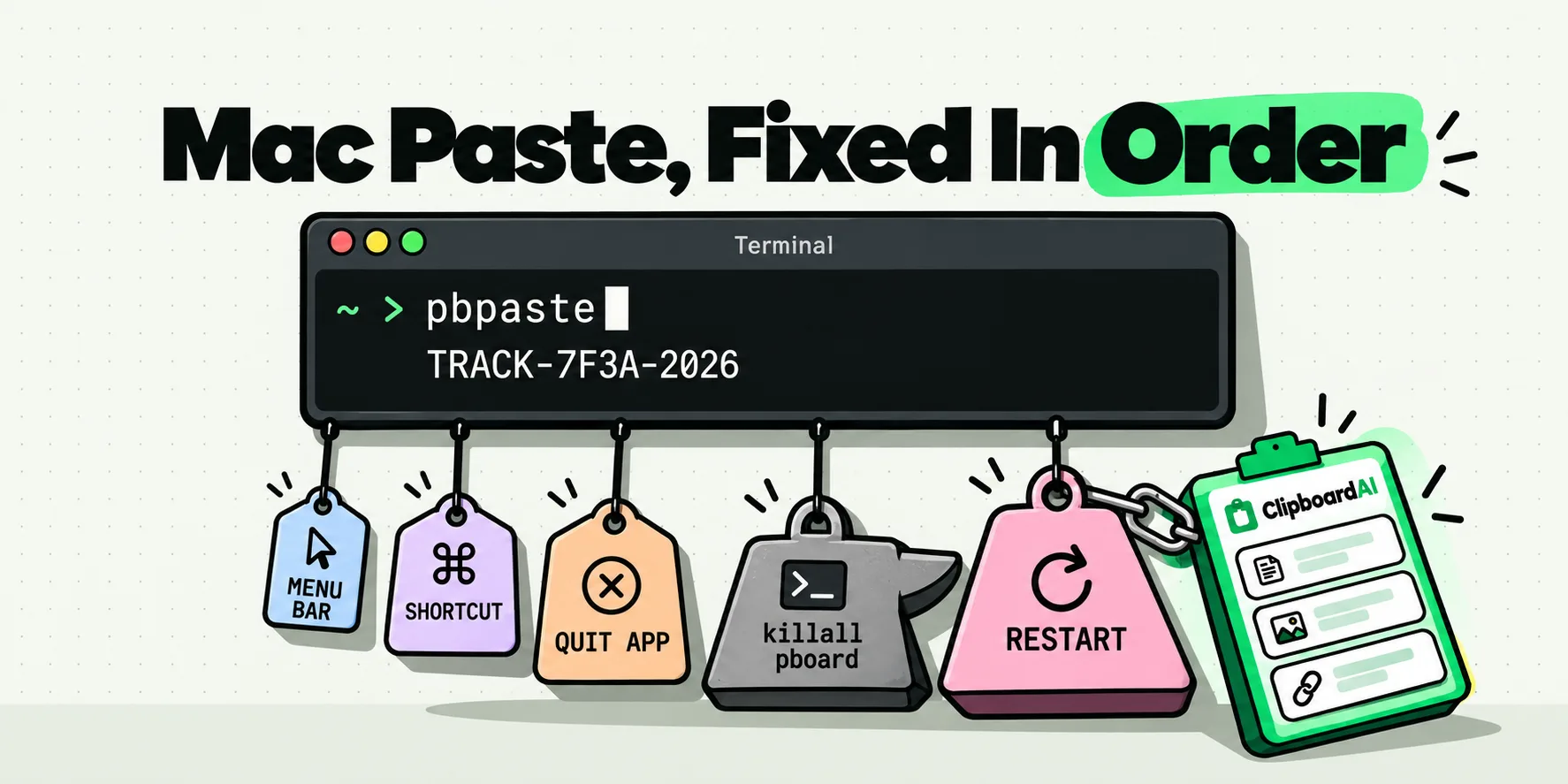
Check two: ask the system what it is holding. Open Terminal (Applications, Utilities, Terminal), type pbpaste and press Return. Whatever the system thinks is on your clipboard prints straight into the window.
- Your copied text prints: the clipboard is working. Skip to the section on single-app failures.
- Nothing prints, or old text prints: the copy never landed. The problem is at the copying end, not the pasting end.
- Terminal itself refuses to accept a paste but
pbpasteprints correctly: you have a keyboard or focus problem, not a clipboard one.
That third outcome catches people out, and most guides skip it.
Copy and paste not working on Mac: the fix ladder, cheapest first
Each rung costs more than the one above it. Climb one at a time and stop the moment paste works. The last two columns are the ones worth reading twice.
| Level | What to do | Where | What it costs you | Stop here if |
|---|---|---|---|---|
| 1. Diagnose | Run pbpaste, and try Edit then Paste from the menu bar |
Terminal, and the app's menu bar | Nothing | Always start here. It decides everything below. |
| 2. The destination app | Quit it fully with Command Q and reopen it | The app itself | Anything unsaved in that app | Other apps paste fine. Do not go further. |
| 3. Shortcut conflict | Look for anything else claiming Command V, and check for a stuck modifier | System Settings, Keyboard, Keyboard Shortcuts | Nothing | Edit then Paste worked but Command V did not. |
| 4. Another tool intercepting | Quit clipboard managers, text expanders, key remappers and remote desktop clients, one at a time | Menu bar, or Activity Monitor | Nothing beyond the time | Paste starts working the moment one of them quits. |
| 5. Missing permission | Confirm any tool that pastes on your behalf is ticked for Accessibility | System Settings, Privacy and Security, Accessibility | Nothing | Only the automated pastes fail and manual Command V is fine. |
| 6. Restart the pasteboard server | killall pboard |
Terminal | Everything currently on the clipboard is discarded. Paste it somewhere first. | Never run this while the only copy of something is on the clipboard. |
| 7. Log out and back in | Apple menu, Log Out | Apple menu | Every open app closes. Save first. | Do this before anything more drastic, not after. |
| 8. Restart the Mac | Apple menu, Restart | Apple menu | Same as above, plus the wait | If this fixes it and it comes back, you have a login item problem. Go to level 10. |
9. killall WindowServer |
Almost never. See the warning below. | Terminal | Immediate forced logout with no confirmation and no chance to save. | Only when the interface is so unresponsive you cannot reach the Apple menu. |
| 10. Isolate the cause | Start in Safe Mode, or create a fresh user account and try there | Startup, or System Settings, Users and Groups | A reboot, and some setup time | Paste works in the new account: the fault is in your login items, not macOS. |
What does killall pboard actually do?
pboard is the pasteboard server, a small background process that holds the current clipboard on behalf of the whole system. killall pboard terminates it, and macOS launches a fresh, empty one. It does not stay dead, but whatever was on the clipboard does not come back.
Restarting the pasteboard server throws away whatever is on the clipboard right now. If the only copy of a paragraph, a license key or a long URL is sitting there unpasted, it is gone. Paste it into a text file before you run the command.
Two things it does not do. It does not need sudo, because the process belongs to your user session. And it will not repair an app that is refusing pastes for its own reasons, so running it when pbpaste already printed your text correctly costs you your clipboard and fixes nothing.
One upside: if you run a clipboard manager, killing pboard is much less frightening, because the item was already written to that app's own history the moment you copied it. The system clipboard empties, the history does not.
Why does paste fail in only one Mac app?
If pbpaste prints your text and one app still refuses it, stop typing system commands. It is nearly always one of these:
- Remote sessions. Remote Desktop, VNC, Citrix and virtual machines run their own clipboard redirection channel. When it wedges, the Mac side is perfectly healthy and the channel is not. Reconnecting the session fixes it more often than anything you do to macOS.
- Secure fields. Password fields in some apps deliberately refuse pasted content. That is the app's choice, not a fault.
- Apps that bundle their own text engine. Electron apps, Java apps and some cross-platform editors implement editing themselves, so their Paste can break independently of everything else on the Mac.
- Format mismatch. Occasionally the app can read only plain text and the clipboard is carrying a rich or image format it will not touch. Trying Edit then Paste and Match Style tells you immediately. The mirror image of this, where a web editor happily accepts the rich version and makes a mess of it, is what you get when you paste a Word document into Canvas.
If the failing paste is between your Mac and an iPhone or iPad rather than within one machine, that is a different problem with different causes, and it is covered in why Universal Clipboard stops working between Apple devices.
Can a clipboard manager or text expander break paste?
Anything that watches or writes the pasteboard belongs on the suspect list until you have eliminated it, clipboard managers and text expanders alike. Yes, so rule them out. It takes a minute:
- Quit the clipboard manager completely from its menu bar item, not just close its window.
- Copy something new and paste it.
- If paste now works, relaunch the app and reproduce it once more to be sure it is really the cause rather than a coincidence.
There is a second, more common version that is not a bug at all. Tools that paste for you have to send a synthetic Command V, and macOS only permits that if you have granted the app Accessibility permission. Without it the paste silently does nothing while manual pasting keeps working perfectly, which reads exactly like a broken clipboard. The walkthrough is granting ClipboardAI accessibility access on Mac, and the wider set of symptoms lives in paste not working on Mac.
How to make a broken clipboard a non-event
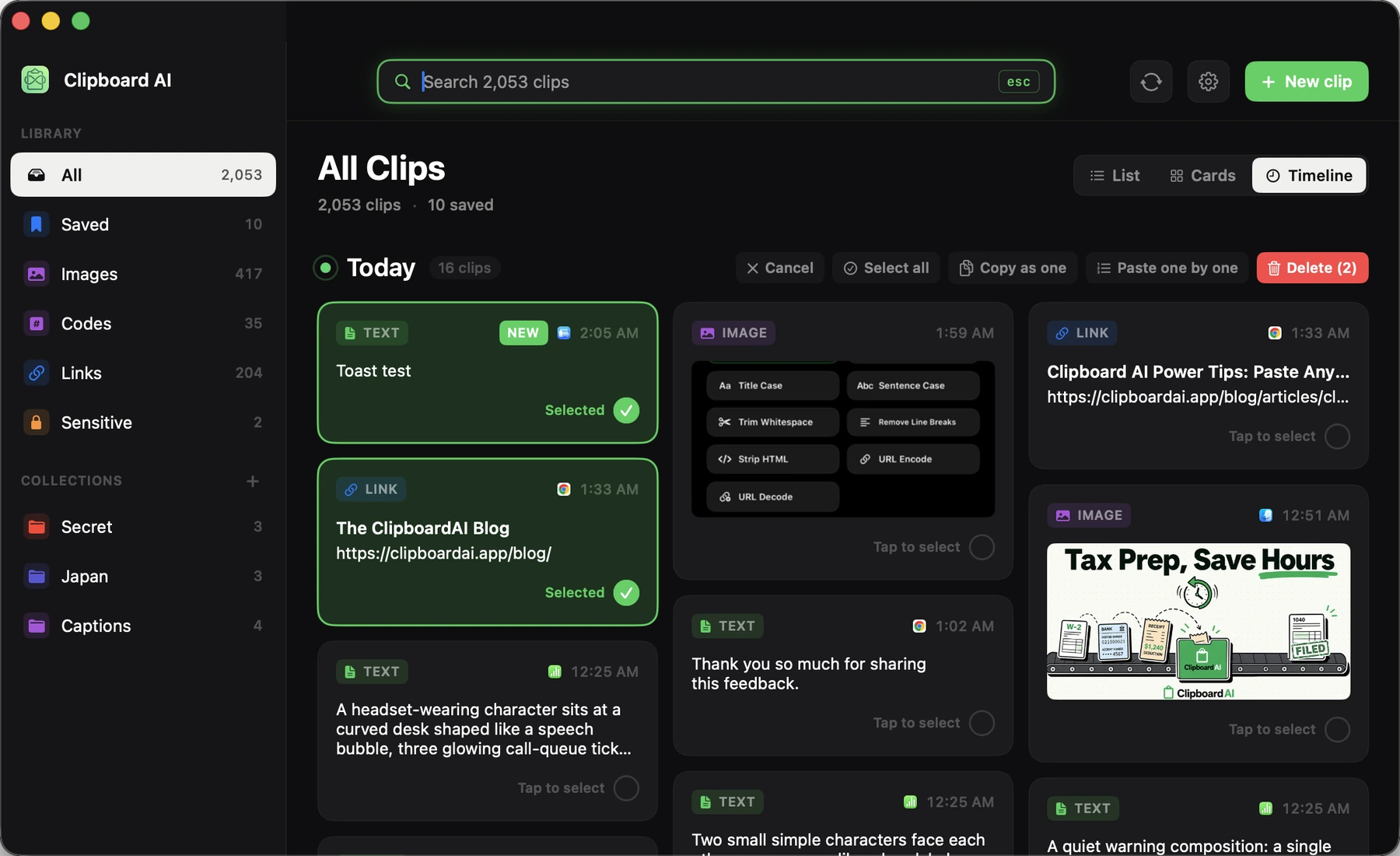
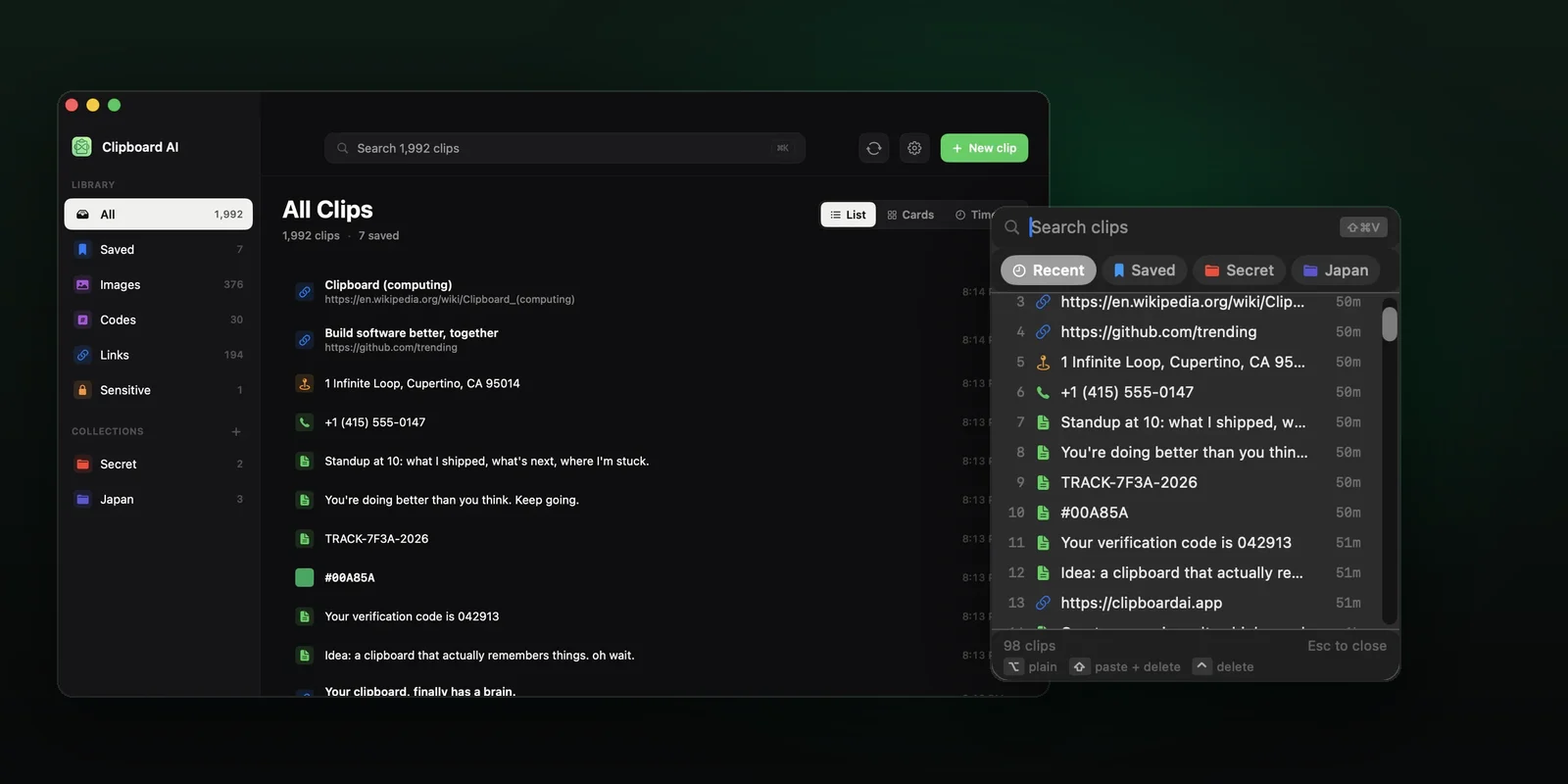
On a Mac, ClipboardAI captures every copy automatically and continuously, with no gesture and no setup, which means that by the time anything breaks the item is already in your history. A wedged pasteboard, an accidental overwrite, a killall pboard: none of them is a data-loss event any more. The paragraph, the license key and the long URL are all still there, and one click puts any of them back on the clipboard.
That changes the ladder above in a useful way. Level 6 is the rung people hesitate over, because it throws the clipboard away. With a history running it costs you nothing: restart the server, click the clip, carry on. A paste that a remote desktop session drops is a re-paste rather than a re-do, for the same reason. If you move several items at once, the Mac app can also paste a run of clips one after another (see also pasting multiple clipboard items on Mac), and the rest of the Mac feature set is on the ClipboardAI for Mac page.
The good version of a day like this is the one where paste misbehaves for ten minutes, you work the ladder, and nothing you copied this morning is lost.
Frequently Asked Questions
What does killall pboard actually do?
It terminates the pasteboard server, the background process that holds the clipboard for your user session. macOS starts a replacement, and that replacement starts empty, so everything currently on your clipboard is discarded. It does not need sudo, and it will not fix an app that refuses pastes for its own reasons. Paste anything you still need somewhere safe first.
Why does copy and paste break in only one app on my Mac?
Because that app is not using the system clipboard the way the rest of macOS does. Remote desktop clients and virtual machines run their own redirection channel that can wedge on its own. Electron and Java apps implement their own text editing. Secure password fields sometimes refuse pasted content deliberately. Running pbpaste in Terminal confirms it: if your text prints, macOS is fine and only that app is not.
Can a clipboard manager cause copy and paste to stop working?
It can, so any app that watches or writes the pasteboard is worth eliminating early. Quit it fully from its menu bar item, copy something new, and try pasting. There is also a quieter version: tools that paste for you need macOS Accessibility permission, and without it their automated pastes silently do nothing while manual pasting still works.
Does restarting the Mac fix copy and paste?
Usually, because it restarts every process involved including the pasteboard server. It is a blunt instrument, though, and worth trying only after the cheaper checks. The more useful signal is what happens next: if paste breaks again a few minutes after every restart, something that launches with your session is the cause, and a fresh user account will tell you that in one attempt.
Why does Command V not work but Edit then Paste does?
That combination means the clipboard is healthy and the keyboard path to it is not. The usual culprits are another app claiming Command V as its own shortcut, a modifier key physically stuck down, or a keyboard layout that has changed. Check System Settings, Keyboard, Keyboard Shortcuts first. Running killall pboard in this situation costs you the clipboard and fixes nothing.
Is killall WindowServer a safe way to fix paste on Mac?
No, and it should almost never be on your list. It forces an immediate logout with no confirmation and no opportunity to save, so every unsaved document in every open app is lost. Logging out from the Apple menu achieves the same reset and lets you save first. The only reason to reach for it is an interface so unresponsive that you cannot reach the menu at all.