On this page
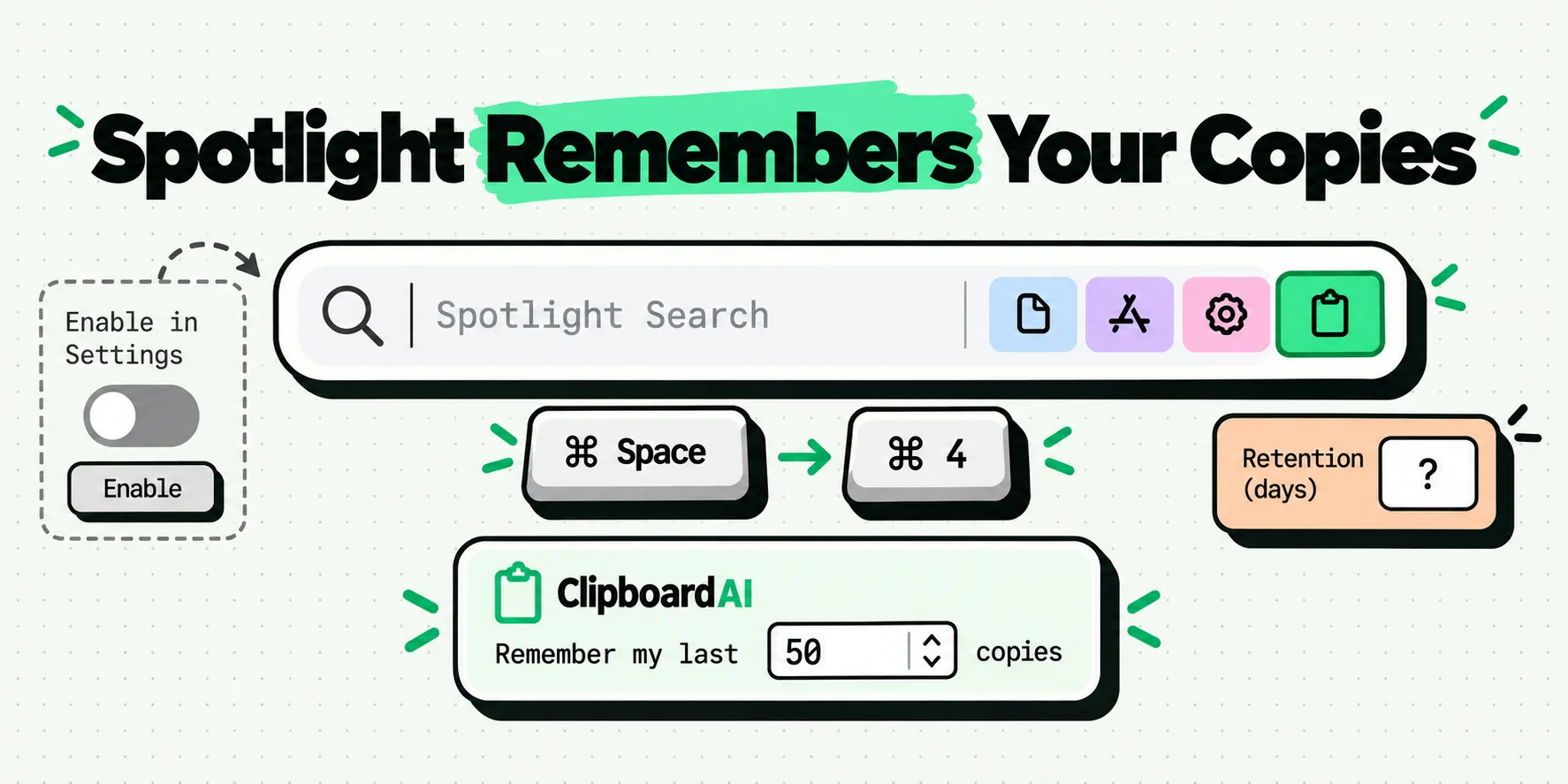
macOS keeps a clipboard history inside Spotlight, and it is switched off until you turn it on. The first time you search your Clipboard, Spotlight asks you to click Enable. After that, press Command-Space, then Command-4, to browse what you have copied. Clear it from the More button, then Clear History. Apple has never published how long items are kept.
The rest of this page is the detail, plus one gap that almost every other write-up papers over.
The copy you lost about forty seconds ago
You are on the phone with a courier. You copy the order number from a confirmation email, switch to the carrier site, then copy the tracking link to send it on. The agent asks for the order number again. It is gone, because the tracking link took its place.
The Mac pasteboard holds one thing, and you are a person who copies more than one thing. Until macOS 26 the built-in answer was to go back and copy it again. Now there is an answer one keystroke away, provided you know it exists and have switched it on.
How do you turn on clipboard history on a Mac?
Apple documents this in the Mac user guide, under searching your Clipboard history. Here is the whole procedure, with the exact thing you press at each step.
| Step | What you do | What happens |
|---|---|---|
| 1 | Press Command-Space | Spotlight opens with the search field focused |
| 2 | Press Command-4, or click to the right of the search field | Spotlight switches to its Clipboard scope |
| 3 | Click Enable, first visit only | Apple's page notes you may be asked to enable it the first time you search your Clipboard. Until you do, there is no history to show |
| 4 | Type part of what you copied | Earlier copies filter down as you type |
| 5 | To wipe it, click More to the right of the search field, then Clear History | The stored history goes. See below for what survives it |
That is about ten seconds on a Mac already running macOS 26, and it costs nothing. If that covers what you came for, you are done.
Enabling is not retroactive. History starts from the moment you switch it on, so it cannot recover the copy you lost yesterday. Do step 3 today, before you need it.
Why is clipboard history in Spotlight and not a menu?
The macOS pasteboard, NSPasteboard, is a single slot per data type. Copy again and the previous contents are replaced. There is no stack and no undo. A counter called changeCount ticks up on every write, which is how apps notice that something new was copied, but the old value itself is simply gone.
So a history cannot be a property of the pasteboard. Something has to watch it and keep its own copy. Apple put that store behind Spotlight, the place you already go to type three characters and find a thing, and made Clipboard one more scope alongside applications and files. That is why the way in is a keystroke rather than a menu bar icon, and why people who have run macOS 26 for months still do not know it exists.
One boundary. Apple documents this in the Mac user guide and documents no iPhone or iPad equivalent, so it is a per-Mac convenience, not a clipboard that travels with you. Apple's Universal Clipboard is a separate feature that hands a single copy to a nearby device. A searchable history on a phone is the job of a dedicated clipboard manager.
How long does macOS keep clipboard history?
Apple documents no retention period for Spotlight clipboard history. Not a number of hours, not a number of days, not a maximum item count. The support page covers how to enable it, open it and clear it, and then it stops.
Figures do circulate. You will see a default of eight hours quoted with real confidence, and a set of choices running from thirty minutes up to seven days. Those come from community posts and press write-ups, not from Apple documentation. They may match what a particular macOS build does on a particular machine. They are not something Apple has stated, so they are not going into a table on this site with Apple's name next to them.
If a page tells you macOS keeps your clipboard for exactly N hours and does not say where that number came from, treat it as one person's observation on one machine. Apple's own page gives no number at all.
The practical reading: treat it as short-term memory. It is excellent for the thing you overwrote a minute ago and unreliable for anything you need on Tuesday. Before assuming you need more, walk through the Spotlight clipboard versus clipboard manager decision.
Does Spotlight clipboard history save passwords?
Apple's page carries exactly one privacy note about the feature: "Sensitive information may appear on the Clipboard."
Read that twice, because it points the opposite way from the reassurance most people expect. It is a caution that secrets can land in the history, not a promise that they are filtered out. Apple documents no exclusion for password manager copies, and does not say that clips flagged as concealed are skipped. Plenty of Mac apps mark their copies with the nspasteboard.org concealed marker, and well-behaved tools honor it. Apple has not said Spotlight's history does, so nobody should tell you that it does.
Two habits close most of the gap:
- Copy something harmless right after any password. The secret stops being the most recent item anywhere.
- Use AutoFill instead of copying whenever the field supports it. A password that never reaches the pasteboard cannot reach any history.
More on that pattern in the guide to keeping passwords out of clipboard history.
How do you clear clipboard history on a Mac?
Open Spotlight, press Command-4, click More to the right of the search field, then choose Clear History. That removes the stored history. It does not do either of these:
- It does not clear the pasteboard itself. Whatever you copied most recently still pastes with Command-V. To remove it too, copy a stray word over the top.
- It does not touch any other app's history. A clipboard manager keeps its own store in its own container. Clearing Spotlight leaves that alone, and the reverse. Run both and you have two things to clear, so find the second one before the day you need it in a hurry.
When you want the clip to still be there on Tuesday
Disclosure first: we make ClipboardAI, so read this as an interested party trying to be specific, not a neutral verdict.
Spotlight's history is enough if you work on one Mac, copy plain text, and want to un-lose something you overwrote a minute ago. Free, installed, fast.
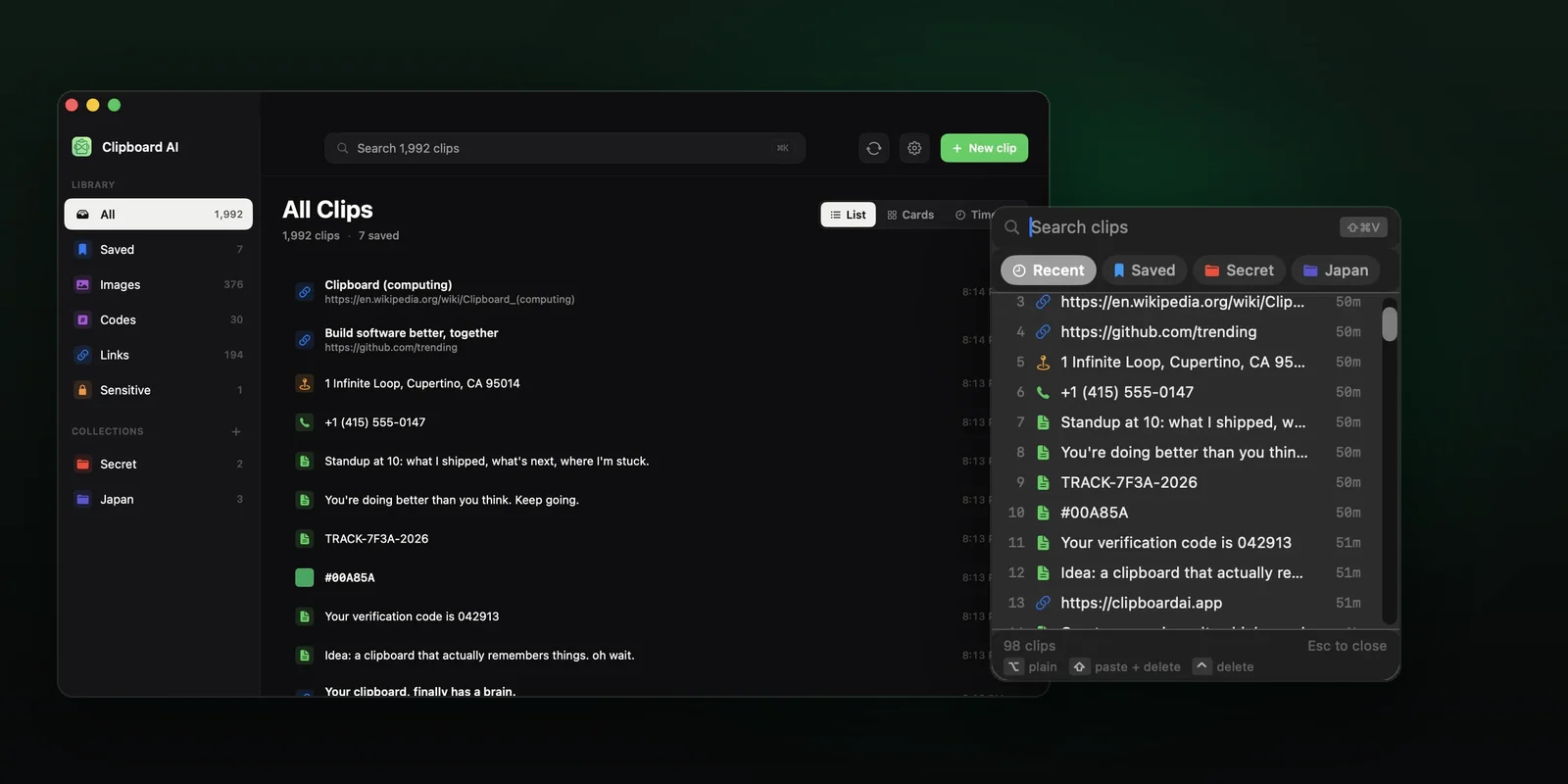
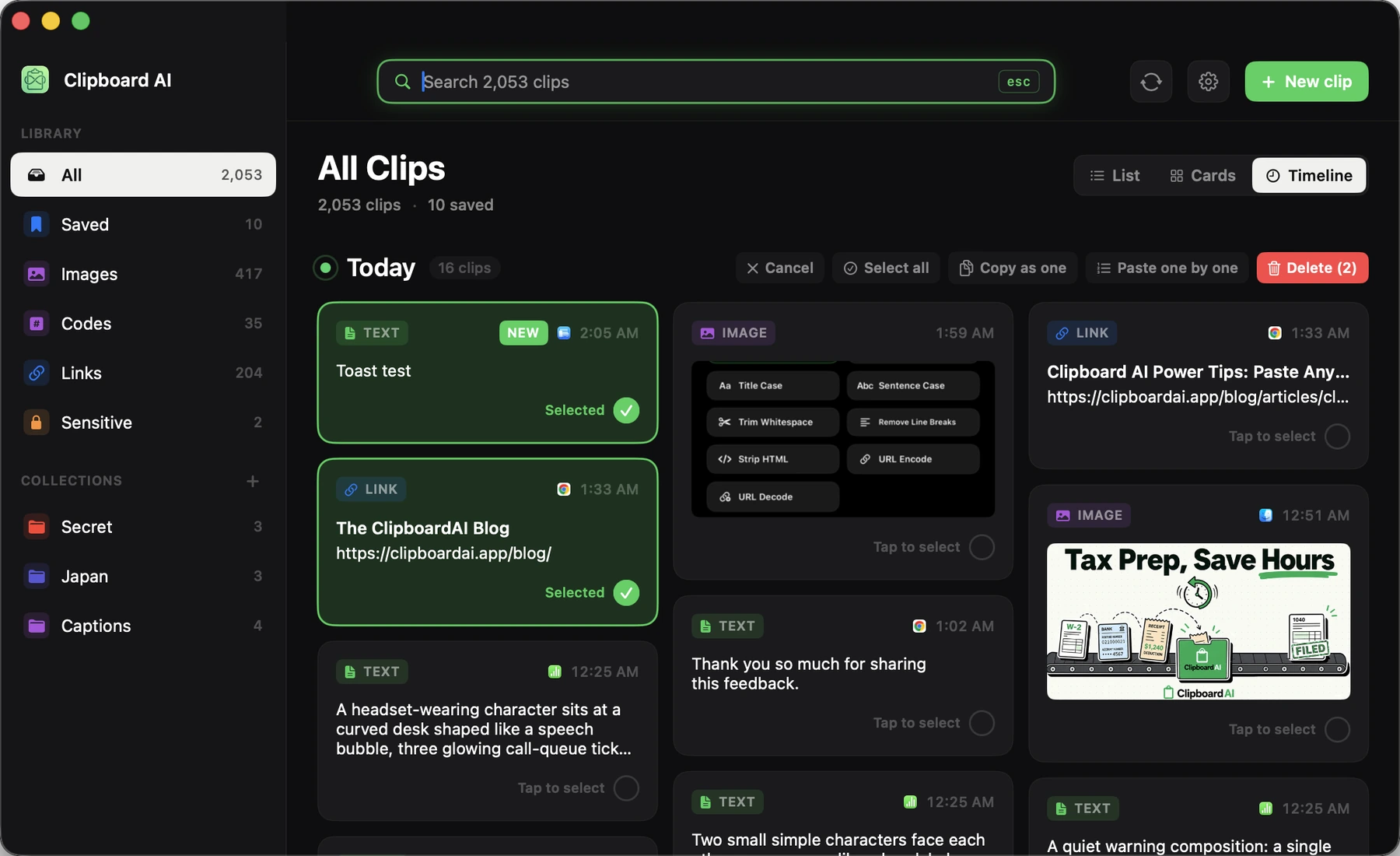
ClipboardAI is built for the copy you still want next week, and for the device you are not sitting at. Everything you copy on the Mac is captured automatically and continuously, and the list opens in a floating panel on a global hotkey, ⌘⇧V by default, over whatever you are working in. You set the maximum history size yourself instead of guessing what it is. Image clips get on-device text recognition through Apple's Vision framework, so you can find a screenshot by typing a word that appears inside it, which is what the All Clips window is built around. You can strip formatting on paste, and you can paste several saved clips one after another into consecutive fields.
With Pro that history reaches your iPhone through your own private iCloud database, over TLS, encrypted at rest by Apple, and never a server we run, because we do not run one. On the phone, saving is one gesture: set up Back Tap once, or the Action Button on iPhone 15 Pro and later, and a double-tap on the back of the phone files whatever you just copied without opening anything or switching away. The ClipboardAI keyboard then drops any of it straight into the field you are typing in. The order number you copied on the Mac at nine in the morning is still there at four in the afternoon, on whichever device is in your hand. The Mac app page covers the desktop side in full.
Frequently Asked Questions
Is macOS clipboard history on by default?
No. Apple's Mac user guide says the first time you search your Clipboard you may be asked to click Enable in Spotlight. Until you do that once, nothing is recorded, which is why plenty of people on macOS 26 have never seen a single item in it. Enabling applies from that point forward, so it will not bring back a copy you lost yesterday.
How long does macOS keep clipboard history?
Apple has not published a retention period. There is no number of hours, days or items anywhere in its documentation for this feature. Figures such as an eight hour default, or a choice between thirty minutes, eight hours and seven days, circulate widely, but they come from community posts and press coverage. Treat it as short-term memory, not something to rely on next week.
Does Spotlight clipboard history save passwords?
Apple documents no exclusion, and the only privacy note on its page warns that sensitive information may appear on the Clipboard. That is a caution, not a filter. Nobody should tell you password manager copies are automatically kept out, because Apple has not said so. Use AutoFill instead of copying, and copy something harmless straight after any secret.
How do I clear clipboard history on a Mac?
Open Spotlight with Command-Space, press Command-4, click the More button to the right of the search field, then choose Clear History. Two things survive that. The current pasteboard still holds your last copy, so copy a stray word over it. And any third-party clipboard manager keeps a separate store you clear in its own settings.
Does Mac clipboard history sync to my iPhone?
Apple documents this feature in the Mac user guide only, with no iPhone or iPad equivalent, so it is a per-Mac convenience. Universal Clipboard is a separate feature that hands a single copy to a nearby device, not a shared history. A searchable history on a phone needs a clipboard manager with its own sync, which is a different job.
What keyboard shortcut opens clipboard history on a Mac?
Press Command-Space to open Spotlight, then Command-4 to switch to the Clipboard scope. You can also click to the right of the search field instead of using Command-4. There is no separate menu bar icon for it, which is why many people never find it.