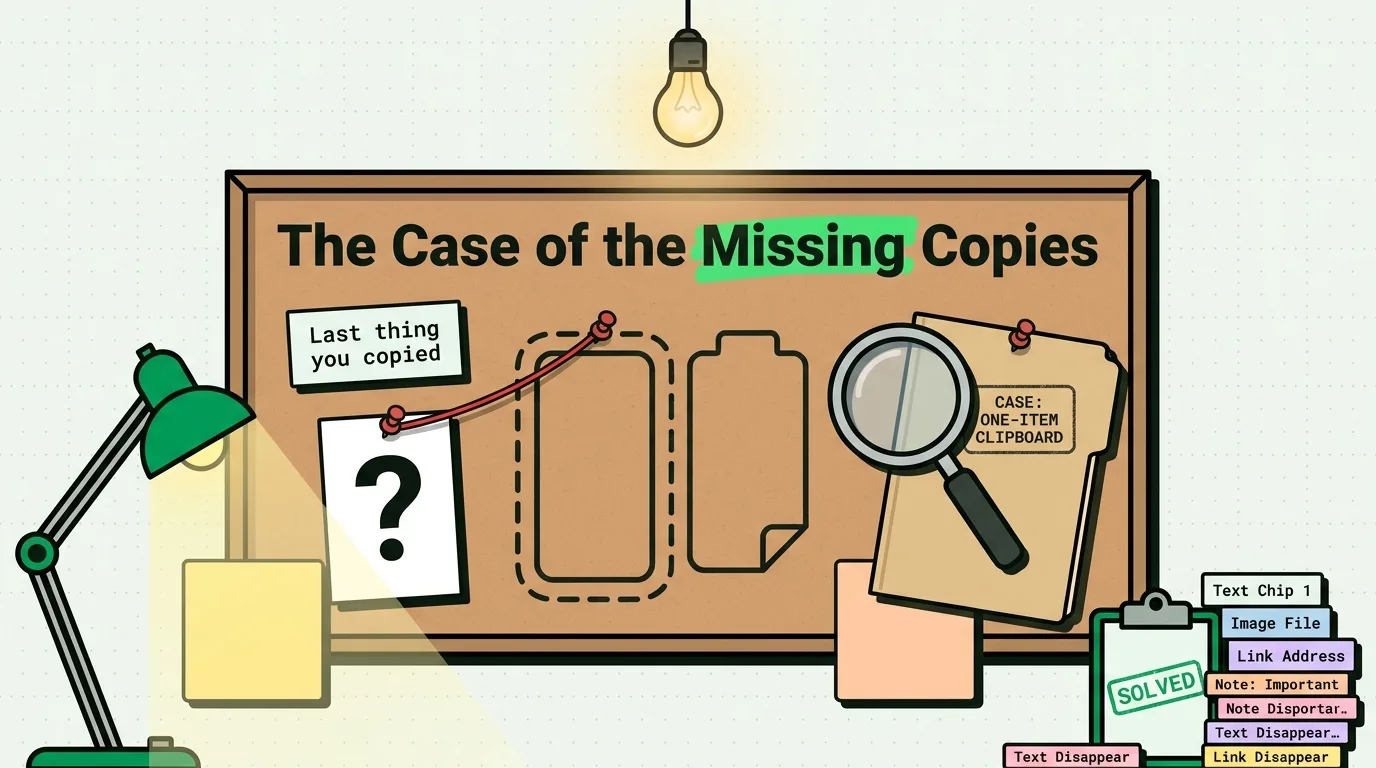
Text you copied over cannot be pulled back from the iPhone clipboard, because it keeps only your latest copy and iOS 27 still has no undo or history for it. You can usually get the text back from where it came from, though. Paste into a blank note first to see what the clipboard holds now, then check the original message, email or web page, Safari's history, and the Recently Deleted folders in Messages and Notes.
Stop copying anything new until you have tried the first step, because every new copy replaces what is left.
What you can get back, and what is gone
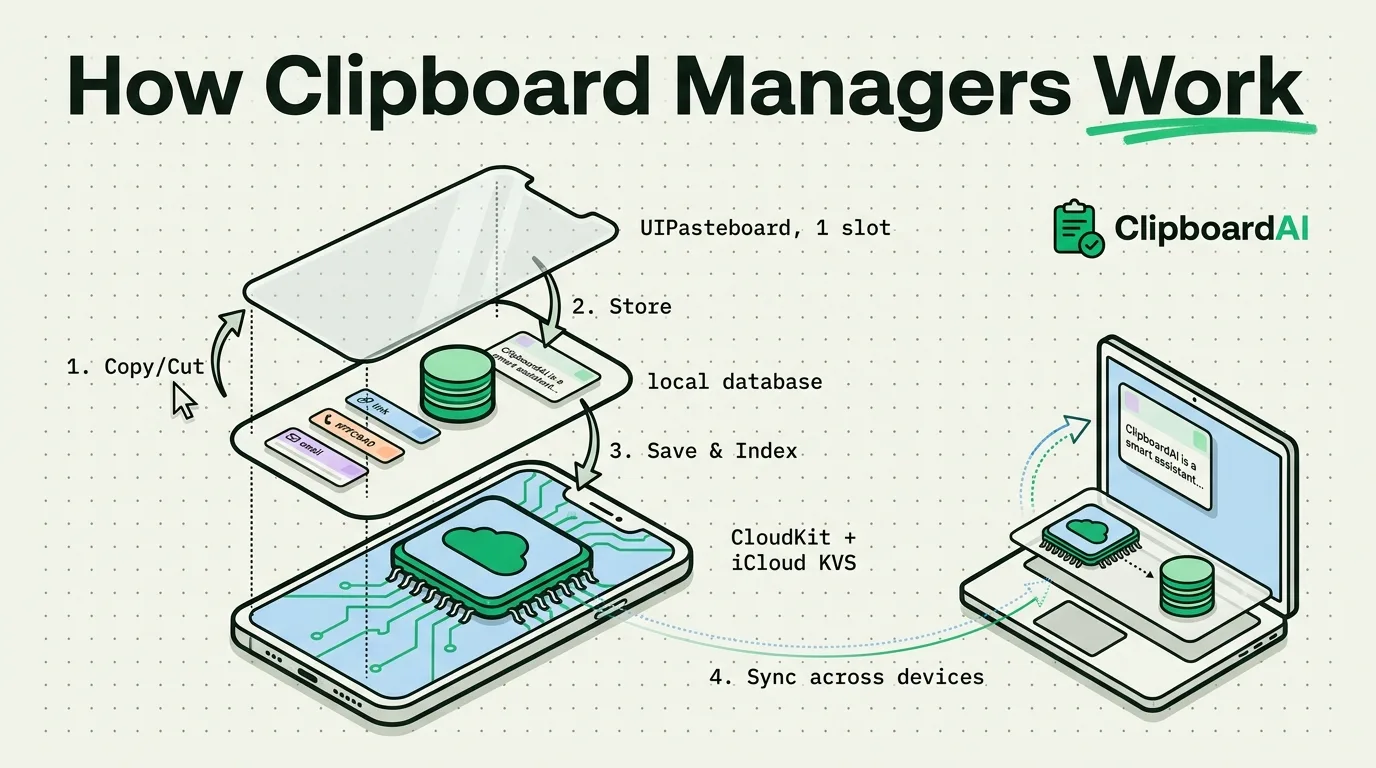
Two kinds of text are recoverable. The first is whatever is still on the clipboard: a new copy replaces the old one, so if you have not copied anything since, a paste brings the text back. The second is anything that also lives somewhere else, such as the message, email or page you copied it from, or a note you pasted it into and later deleted. The single-slot design explained in why the iPhone only saves one copy hurts less than it seems, because the original is usually still around.
Three kinds are gone for good. Text that only ever lived on the clipboard and was then replaced has no stored copy for iOS to restore. Text that an app copied with an expiration date is removed by the system at that time, and Apple's documentation lets an app set one, so a copied password can vanish on purpose. And some sources cannot be reopened: Apple says a message you remove with Undo Send is permanently deleted, and an audio message that expires before you keep it cannot be recovered.
Six places to look, in order
Work down this table and stop when you find the text. The paths come from Apple's iPhone User Guide for iOS 27, with the iOS 26 route where it differs.
| Place | Where to tap | How far back |
|---|---|---|
| The clipboard itself | Notes, a blank note, touch and hold, Paste. On iOS 27, also the paste suggestion above the keyboard. | Your latest copy only |
| The source | Search or scroll back in Messages, Mail or Safari and copy again. For a photo or screenshot, touch and hold the text in Photos (Live Text). | As long as the original exists |
| Safari | iOS 27: Show Bookmarks, then History. iOS 26: More, then Bookmarks, then History. | Your browsing history |
| Messages | Conversation list, Filter button, Recently Deleted, then Recover. | Up to 30 days |
| Notes | Folder list, Recently Deleted, swipe left on the note, Move. | 30 days |
| Another Apple device | Paste on the Mac or iPad that had the text. On macOS 26 Tahoe or later, Command-Space, then Command-4. | A relayed copy lasts briefly |
Safari has two shortcuts worth knowing. Touch and hold the Back button to see the pages you visited in the current tab, and to reopen a closed tab on iOS 27, tap the Tabs button and touch and hold the New Tab button (on iOS 26, tap More, then All Tabs first). The Messages and Notes steps are the same on iOS 26 and iOS 27.
To check what is on your clipboard right now without pasting it anywhere, open our free clipboard viewer.
Why Universal Clipboard is a long shot
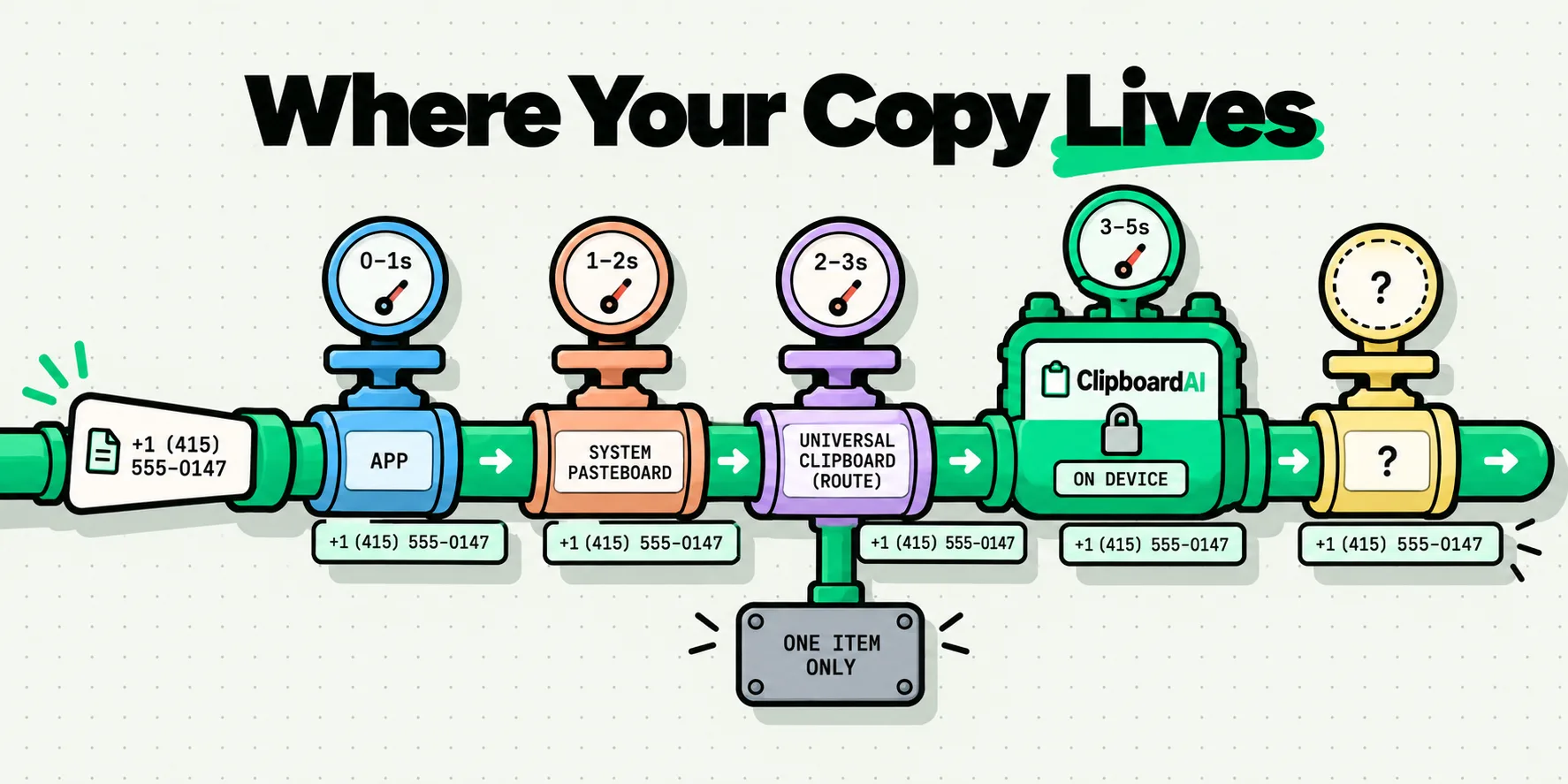
Universal Clipboard relays your latest copy to your other Apple devices, and Apple describes the relay as brief: the content stays on the other device briefly, or until you replace it by copying something else on either device. It works only when the devices are signed in to the same Apple Account, sit within 30 feet (10 meters) of each other, and have Bluetooth, Wi-Fi and Handoff turned on. Handoff is on by default, and its switch is at Settings > General > AirPlay & Continuity on iOS 18 and later and at System Settings > General > AirDrop & Continuity on macOS 26 Tahoe and later.
In practice it helps in one situation: the text was copied on another device that was out of range or had Handoff off when you copied over it on your iPhone, so that device never received the replacement. If the devices were connected, the new copy replaced the old one on both. When copies stop crossing over at all, the Universal Clipboard fix list goes through the settings in order.
For text copied on a Mac, Spotlight's clipboard history is the better bet. It keeps copies for 8 hours by default and stays on that Mac, so you have to open it on the Mac itself.
Save copies before the next one replaces them
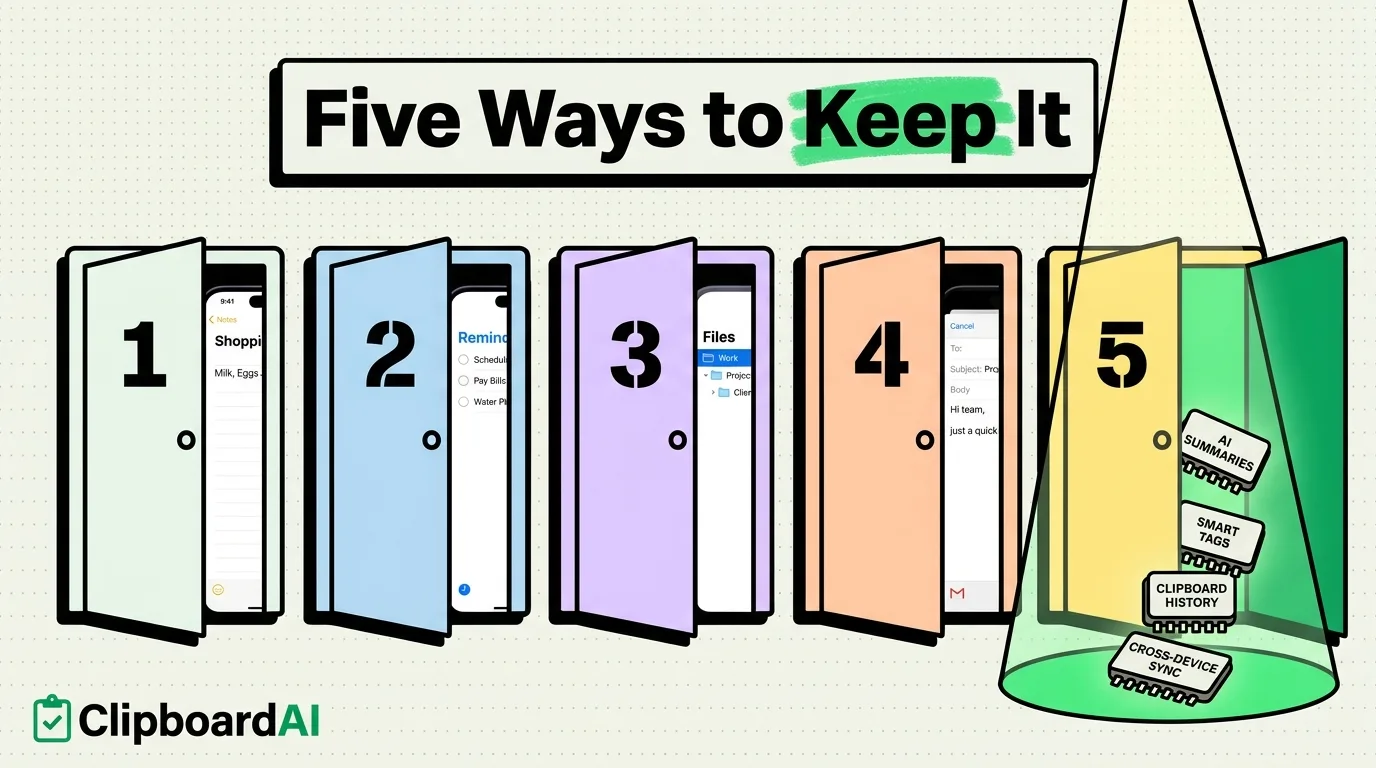
No app can read your iPhone clipboard in the background: an Apple developer-support engineer called it a matter of policy on the developer forums. Every iPhone clipboard app therefore saves a copy when you do something, and Clipboard AI keeps each of those moments to one action:
- The keyboard. After you copy, switch to the Clipboard AI keyboard with the globe key. It saves your latest copy as it opens, with your history ready to paste.
- Opening the app. Open Clipboard AI and it saves the current copy. Set Paste from Other Apps to Allow for Clipboard AI and the prompt stops appearing.
- The Share sheet. Tap Share in any app and choose Clipboard AI.
- A button or Siri. Run the Save Clip To ClipboardAI shortcut from the Action Button, from Back Tap (Settings > Accessibility > Touch > Back Tap) or by asking Siri.
The free plan keeps your last 10 copies plus 5 saved clips, and the paste keyboard is free. Clipboard AI Pro removes both limits and adds Collections and iCloud sync for $19.99 a year, with a 7-day free trial for new subscribers, or $34.99 once for Lifetime. A history cannot bring back anything you copied before you set it up, so the next copy is the one to save. The guide to saving clips shows each method with screenshots, and how to see clipboard history on iPhone compares the other options, including a Shortcut that logs copies to Notes.
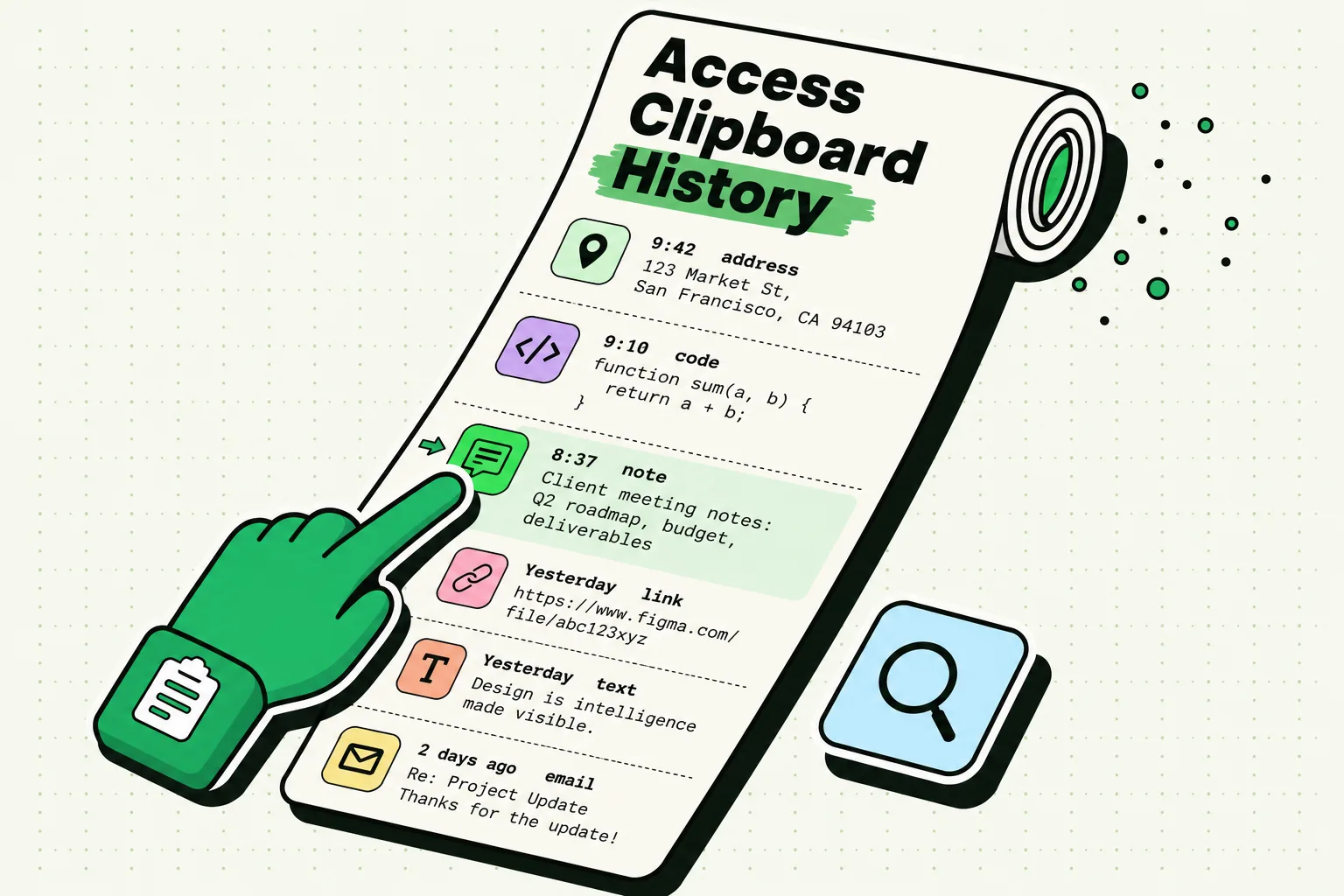
On a Mac, Clipboard AI records every copy automatically in the background, so Command-Shift-V lists the text you copied an hour ago.
Codes are the one case where you should skip the clipboard. The iPhone keyboard has offered one-time verification codes since iOS 12, so autofilling a verification code avoids copying it, and a lost code can simply be sent again.
More explainers on how the iPhone clipboard behaves are collected in the iPhone clipboard guide hub.
Frequently Asked Questions
How do I view previously copied text on iPhone?
No, not beyond your latest copy. Paste it into a blank note, or on iOS 27 read the paste suggestion above Apple's keyboard, which previews the copy and names the app it came from, such as Paste from Safari. The suggestion needs an iPhone 11 or later. Anything copied before the latest copy is no longer on the clipboard.
How do I see my recent copy and paste history on iPhone?
No. iOS keeps no list of recent copies, and Apple's developer documentation says setting new items on the pasteboard replaces all of the current ones. A shortcut with Get Clipboard and Append to Note can log copies, but only when you run it before the next copy. A clipboard manager keeps the list for you.
Is there an iPhone copied text history in Settings?
No. Neither iOS 26 nor iOS 27 has a clipboard history screen. The Mac does: macOS 26 Tahoe added one to Spotlight, and since macOS 26.1 you can keep it for 30 minutes, 8 hours or 7 days, or clear it from System Settings > Spotlight. It does not sync to your iPhone.
Can I see previous copied text on iPhone with Clipboard AI?
Yes, for copies you saved. Switch to the Clipboard AI keyboard with the globe key, or open the app, and your saved copies are listed. Search finds a clip from a few letters and also reads text inside screenshots, and codes show as a padlock until you tap them. The free plan keeps your last 10 copies.
Sources
- Apple Support, “Use Universal Clipboard to copy and paste between your Apple devices”, published February 18, 2026
- Apple Support, “Copy and paste between your iPhone and other Apple devices”, read October 5, 2026
- Apple Support, “Hand off tasks between your iPhone and your other devices”, read October 5, 2026
- Apple Support, “Delete and recover notes in Notes on iPhone”, read October 5, 2026
- Apple Support, “Recover deleted messages in Messages on iPhone”, read October 5, 2026
- Apple Support, “Open and close tabs in Safari on iPhone”, read October 5, 2026
- Apple Support, “Clear your cache and cookies on iPhone”, read October 5, 2026
- Apple Developer Documentation, “items”, read October 5, 2026
- Apple Developer Documentation, “expirationDate”, read October 5, 2026
- Apple Developer Forums, “Can't get UIPasteboard content in the background”, reply from an Apple DTS engineer, May 2022
- MacRumors, “iOS 27 Adds a Useful New Copy-and-Paste Feature to Your iPhone”, July 1, 2026
- 9to5Mac, “iOS 27 adds convenient new iPhone feature you’ll use all the time”, September 22, 2026
- MacRumors, “Apple Expands Spotlight Clipboard Settings in macOS Tahoe 26.1”, November 4, 2025