On this page
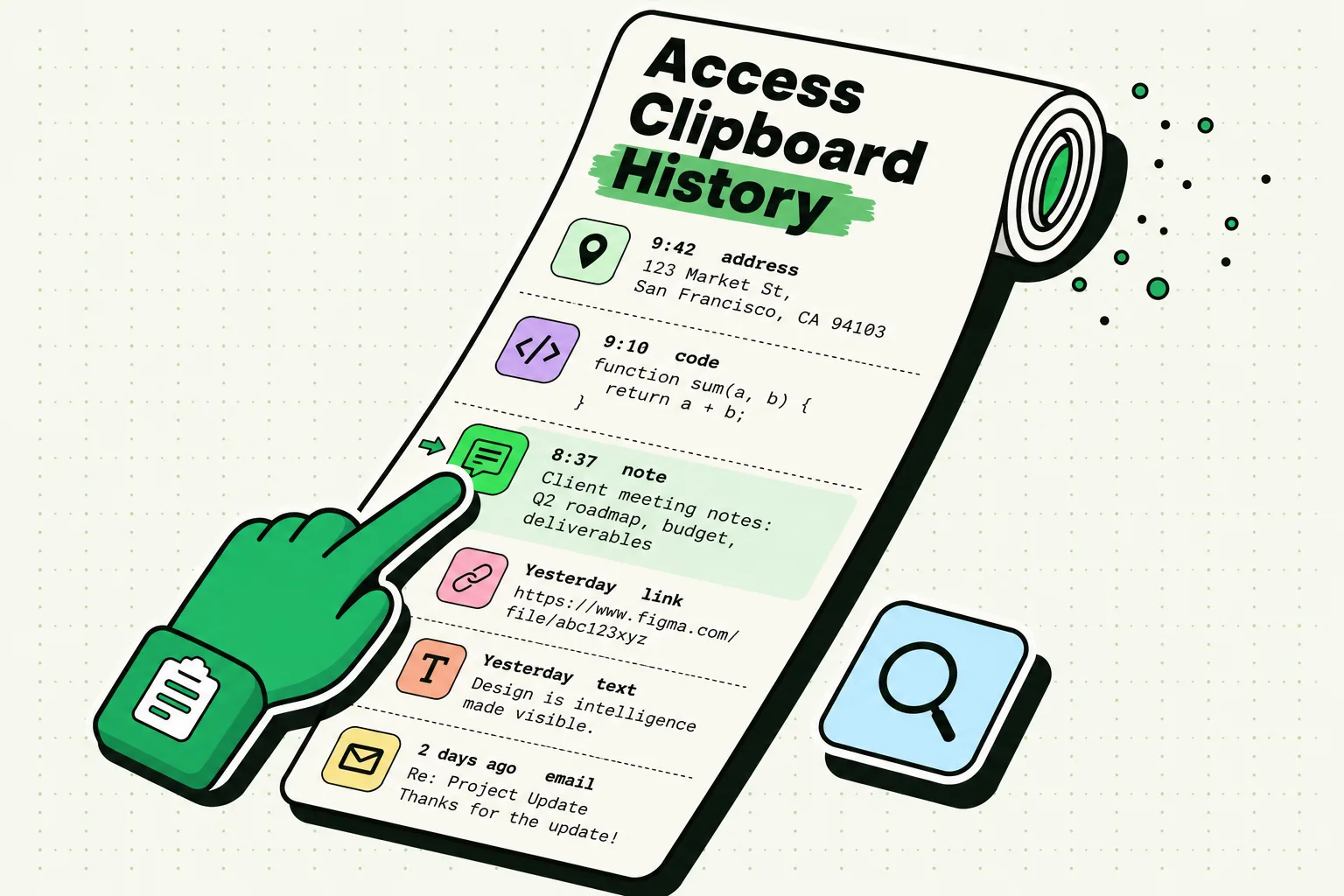
Copied content on an iPhone lives in the system pasteboard, an area iOS manages rather than any single app. It holds one item at a time and is replaced each time you copy something new. Apple documents it as persistent across device restarts and app uninstalls, so it is not wiped on reboot. It is not a file you can browse. Anything longer lived exists only because a clipboard manager saved its own copy.
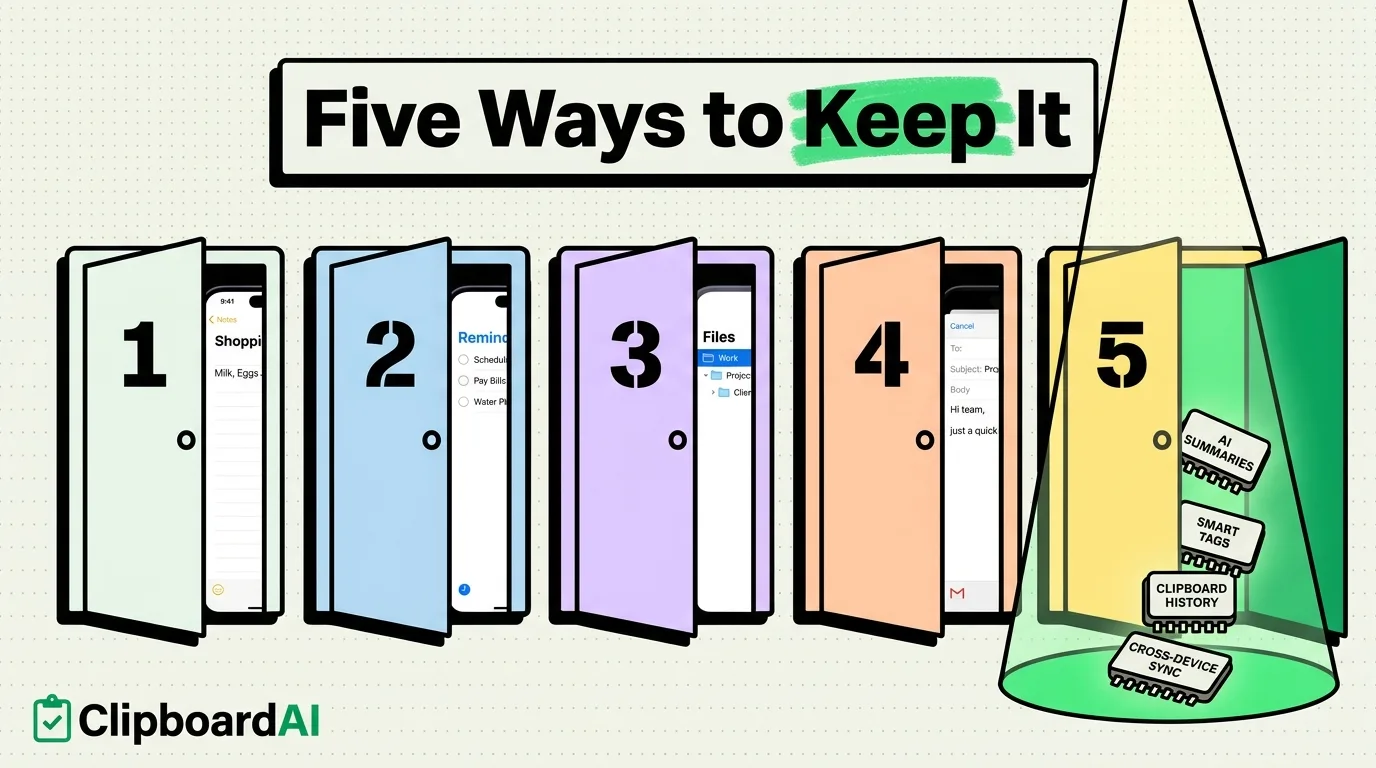
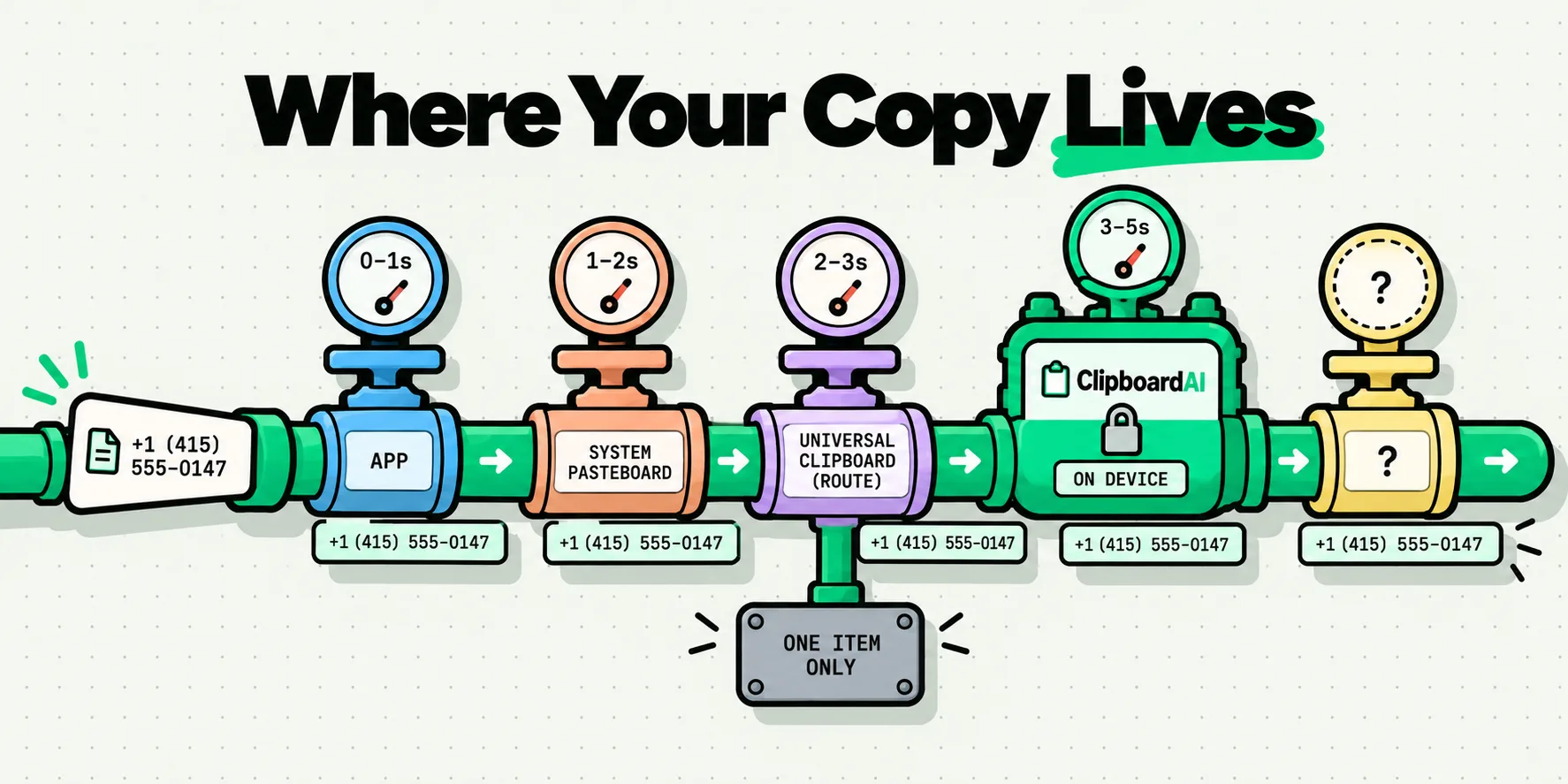
That is the short version. The longer version is worth having, because a copied phone number can pass through as many as five different places on its way to being pasted, and each one has a different lifetime and a different audience.
One slot, owned by the system
When you tap Copy, the app you copied from hands the content to iOS. It does not keep it. Apple calls that shared destination the general pasteboard, and it is deliberately global: that is the entire reason you can copy in Safari and paste in Mail.
Two consequences follow immediately. The first is that the pasteboard survives the app. Force quit Safari, delete Safari's data, delete the app entirely, and the copy is still there, because it was never Safari's to keep. The second is that there is only one of it. Every app writes into the same slot, so copying anything anywhere replaces what was there. If you have ever wondered why the iPhone only remembers one copy, this is the whole mechanism.
A copied item can carry several representations at once. Copy a formatted paragraph and iOS may be holding plain text, rich text and HTML versions of the same thing, which is why the same paste looks different depending on the destination app.
The persistence question, and the mistake almost everyone makes
Apple's UIPasteboard documentation states that the general pasteboard "is persistent across device restarts and app uninstalls."
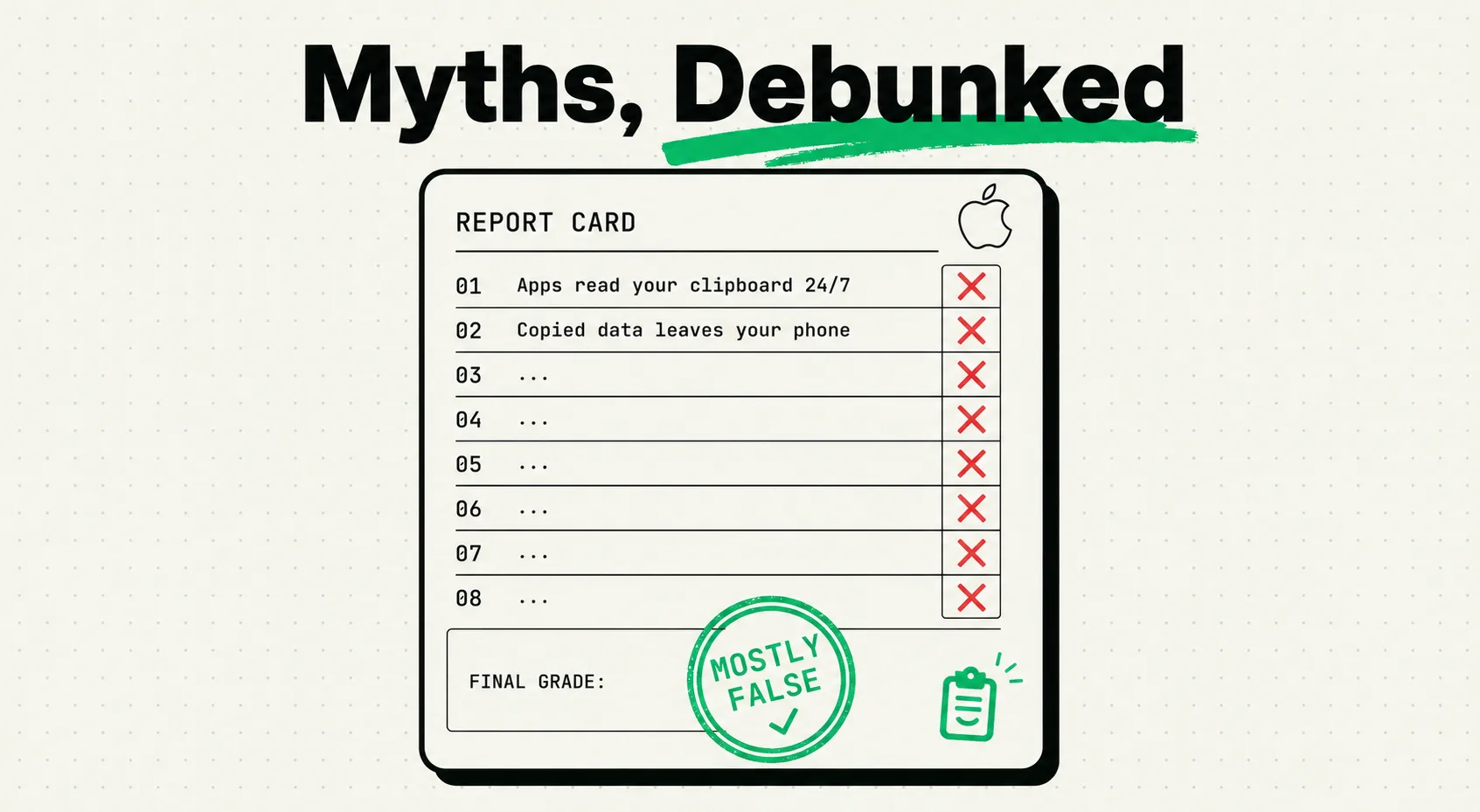
Most pages ranking for this question say the opposite. They describe the clipboard as living in memory and emptying at reboot. That claim does not come from Apple.
Where it came from is a genuine piece of confusion. iOS 3.0 introduced a persistent property for pasteboards, and Apple deprecated it in iOS 10 with the advice to "use shared app group containers instead." Skim that and it reads like Apple switching persistence off. In fact that property only ever controlled named pasteboards, the private ones an app creates for its own use. The general pasteboard, the one behind every Copy button on the phone, was never governed by it and is still documented as persistent today.
The only documented way an item leaves the pasteboard on a schedule is an expiration a developer attaches to a specific copy, using the options Apple added in iOS 10. That is per copy and opt in. There is no system-wide clipboard timer.
The storage map
These are the layers a single copied item can occupy, from the system slot outward. Read it as a map of where the same piece of text can simultaneously exist:
| Layer | What it holds | How long | Survives a restart? | Who can read it |
|---|---|---|---|---|
| The iOS system pasteboard | One item, sometimes in several formats at once | Until something replaces it, or a developer-set expiration passes | Yes, per Apple's documentation | An app in the foreground, subject to the iOS 16 paste prompt |
| A Universal Clipboard transfer | The same single item, in flight to another Apple device | Apple says only that it "remains there briefly" and has never published a number | Not applicable, this is a transfer rather than a store | Your other device on the same Apple Account, within about 30 feet |
| A clipboard manager's database on the device | Every item the app managed to save, plus images as separate files | Until you delete them or an auto-delete rule removes them | Yes, it is a real file on disk | The app itself, inside its own sandbox |
| That manager's sync container | Whatever the app chooses to sync | As long as the app keeps it | Yes | Depends entirely on whose account the sync runs through. This is the row to check before installing anything. |
| macOS Spotlight clipboard history, on the Mac side | Recent Mac copies, once you enable it | Apple publishes no retention period | Yes | Whoever is signed in to that Mac |
The row that decides your privacy posture is the fourth one. An app that syncs through your own iCloud account is architecturally different from one that syncs through a company's backend, and the difference is not visible from the App Store screenshots.
Universal Clipboard is a route, not a second clipboard
The second row deserves unpacking, because people picture their copies sitting in a cloud somewhere waiting to be collected. That is not what Apple describes.
In Apple's Platform Security guide, Universal Clipboard rides on Handoff. Pairing between your devices is set up out of band over Bluetooth Low Energy when you sign in to iCloud, and each device generates a 256-bit AES key that it keeps in its own keychain. The Bluetooth advertisements are encrypted and authenticated with AES-256-GCM and carry replay protection. When the payload is too large for that channel, the receiving device opens a fresh Wi-Fi connection encrypted with TLS, with trust derived from an identity shared through iCloud Keychain.
What that adds up to for a normal person: Apple documents this as a direct, encrypted, device-to-device connection rather than a relay of your clipboard through Apple's servers. Note the careful wording. Apple describes the path, it does not publish a blanket guarantee about its servers, so we will not put one in its mouth.
The other thing Apple does not publish is a number. The support page says the copied content "remains there briefly, or until you replace it by copying something else on either device." The two-minute figure you will see quoted around the web is not Apple's. If your copies are arriving on the wrong device or not arriving at all, the proximity and connectivity requirements are covered in what Universal Clipboard needs in order to work.
The iCloud backup question nobody can source
Plenty of pages state confidently that clipboard contents are or are not included in an iCloud backup. Apple does not document either answer, and we could not find a primary source that settles it. So we are leaving it open rather than picking a side and sounding authoritative about it.
What you can act on regardless: assume anything currently on the clipboard is as exposed as the device is. If that is not acceptable for a particular item, overwrite it, which takes about five seconds and is the next section.
Clearing it, in under a minute
iOS gives you no clipboard viewer and no Clear button, which surprises people. There is no need for either. Because the pasteboard holds exactly one item, copying anything else destroys what was there.
- Open any app with a text field. Notes, Messages, Mail, the Safari address bar. It does not matter.
- Type a single letter or a space.
- Select it and tap Copy.
The account number you copied a minute ago is now gone, permanently, with nothing to restore it from. That is the whole procedure, and it is more reliable than any app that offers to do it for you. There are a couple of edge cases worth knowing about, which we cover in clearing the iPhone clipboard properly.
Where ClipboardAI keeps your clips, and who can reach them
The fourth row of that table is the one that decides your privacy posture, so here is ours in full.
History lives on your device, in a database inside our shared app group container. Image clips are written alongside it as separate files. Text recognised inside an image is produced by Apple's on-device Vision framework, stays on the device that produced it, and is never sent anywhere, which also means it adds nothing to sync.
Sync, which is a Pro feature, runs through your own iCloud account: Apple's private CloudKit database plus iCloud key-value storage, TLS in transit and encrypted at rest by Apple, with a direct device-to-device transport over your local network when your devices are on one. Clip content never reaches a server we operate, because we do not operate one. The app makes exactly two outbound requests, neither of which carries clip content: a favicon fetch straight from a site you copied a link to, and an Apple Search Ads attribution token sent to Apple.
So the answer to "where is my clipboard stored" stays short even once you have a full history: on your own devices, and in the iCloud account you already had. Our help centre has the full version in what ClipboardAI stores and where, and the same commitments are written into our privacy policy.
What happens when you copy something sensitive
On Mac there is a real exclusion mechanism and it needs no setup at all. The Mac app skips anything the copying application flags with the standard nspasteboard transient, concealed or auto-generated markers, which is how password tools like 1Password and KeePassXC opt themselves out. You can also add specific applications to an Ignored Apps list in Settings under Privacy, and nothing copied while one of them is frontmost gets saved. Both of those are Mac features. Anyone telling you their iOS clipboard app filters out password manager copies should be asked how.
On both platforms ClipboardAI recognises certain patterns as sensitive, including card numbers, national ID numbers, keys and tokens, and masks them in the interface until you tap to reveal, so a glance over your shoulder or a shared screen shows bullets rather than a card number. That matters most in the situation where people copy this material in the first place, which is gathering the five identifiers a support chat always asks for before the window opens. That is display masking, not exclusion. The clip is still captured, still stored, and still syncs. If an item should never be saved anywhere, copy something else over it rather than relying on masking.
For a broader look at how to evaluate any clipboard app on this, including ours, see what a clipboard manager actually stores.
Frequently Asked Questions
Does the iPhone clipboard clear when you restart?
Apple's documentation says no. The general pasteboard is described as persistent across device restarts and app uninstalls, so an item copied before a reboot should still paste afterwards. The widespread claim that it lives in memory and empties on restart traces back to a deprecated developer property that only governed private named pasteboards, never the general one your Copy button writes to.
Is copied text included in an iCloud backup?
Apple does not document an answer either way, and we could not find a primary source that settles it, so we will not assert one. The practical approach is to treat whatever is currently on the clipboard as being as exposed as the device itself. If a particular item should not linger, overwrite it by copying a single space, which takes a few seconds and cannot be undone.
How many items can the iPhone clipboard hold?
One. The system pasteboard is a single slot shared by every app on the device, which is exactly why copying in Safari lets you paste in Mail. A single copy can carry several formats of the same content at once, such as plain text and rich text, but it is still one item. Holding more than one requires an app that keeps its own separate history.
Can copied text be recovered after something overwrites it?
No. iOS keeps no previous versions of the pasteboard and offers no undo, so once a new copy lands the old one is gone. Recovery tools that claim otherwise are not reading the pasteboard, because there is nothing left in it to read. The only way to still have an earlier copy is for something to have saved it at the moment you made it.
Can other apps read what is on my clipboard?
An app has to be in the foreground to read the pasteboard, and since iOS 16 programmatic pasting raises a prompt asking your permission before an app can take content another app put there. Apple documents one bypass for developers, a system paste button the user taps themselves. Background reading of the clipboard is not something iOS supports for any app.
Where does a clipboard manager keep its history?
In its own storage on the device, separate from the system pasteboard. ClipboardAI uses a database inside its shared app group container, with image clips written alongside as separate files. Sync, when enabled, runs through your own iCloud account rather than a server we operate. The question worth asking any clipboard app is which account its sync uses, because that determines who can reach the data.