
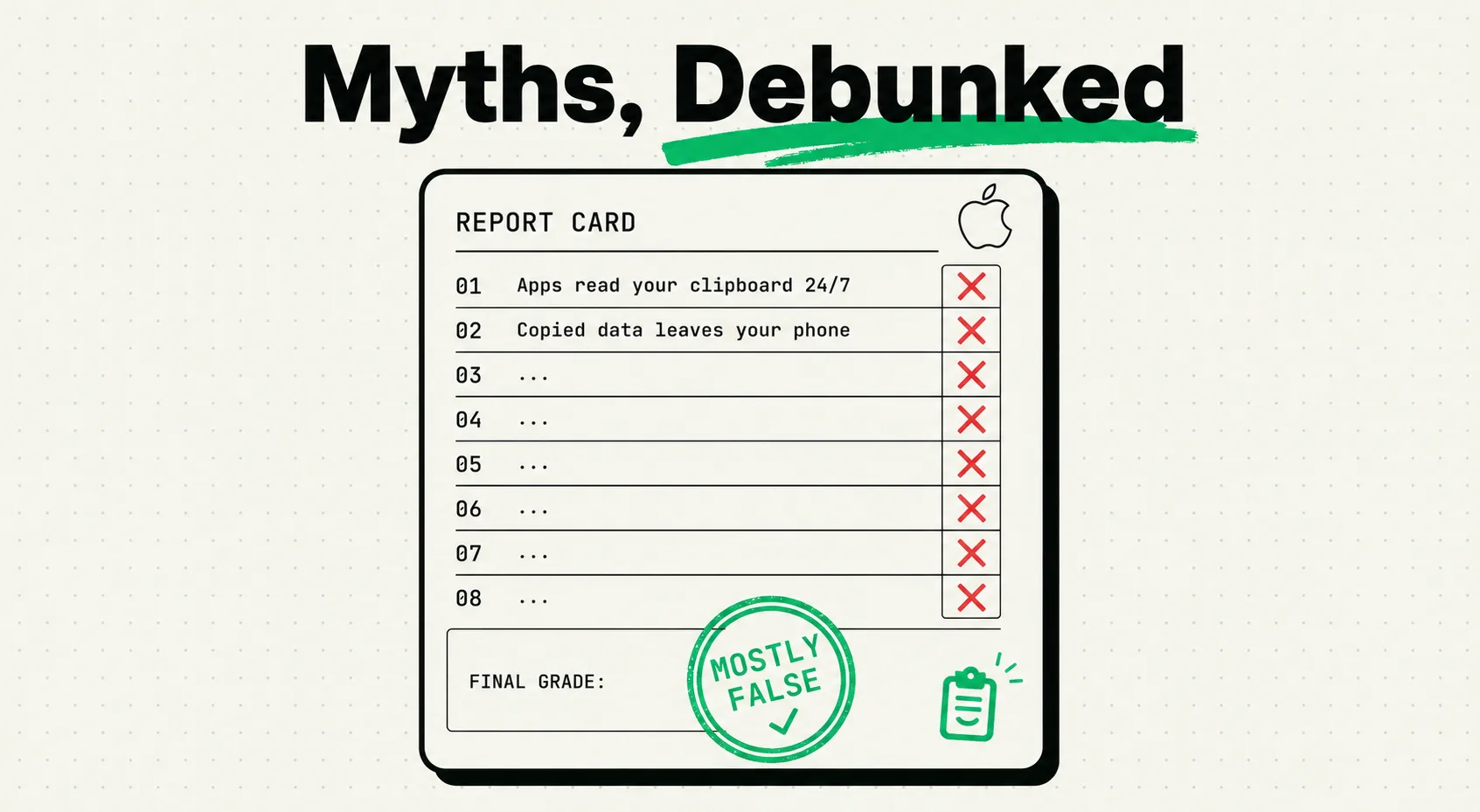
Short version: the iPhone clipboard holds exactly one item, Apple does not collect what you copy, apps can no longer read your clipboard silently, and Universal Clipboard times out after about two minutes. Everything else you have heard on TikTok or Reddit about a "hidden clipboard history" or Apple "logging your copies" is not how UIPasteboard actually works.
Here is the mechanism, myth by myth, and where each rumor actually came from.
Myth 1: iPhone secretly saves a clipboard history
The claim: there is a hidden settings menu where you can see everything you have ever copied.
The reality: iOS's clipboard, officially UIPasteboard, is a single-slot buffer. Copy something new and the previous item is gone immediately and permanently. There is no secret menu because there is nothing behind it to show.
This myth almost certainly comes from Universal Clipboard, Apple's Handoff feature that lets you copy on a Mac and paste on an iPhone (or vice versa) if both devices are signed into the same Apple ID with Bluetooth and Wi-Fi on. People see content "appear" on a second device and assume Apple is storing it somewhere centrally. In practice, Universal Clipboard is Apple's own OS-level feature working over local networking, and the copied item expires after roughly two minutes on the receiving device. It is not proof of a hidden history, and it is not a ClipboardAI feature - it is a system feature that a clipboard manager sits alongside.
If you want an actual, persistent, searchable clipboard history on iPhone, that requires a third-party app. iOS does not ship one.
Myth 2: any app can read your clipboard in the background
The claim: apps are constantly scanning your clipboard for passwords and personal data.
The reality: this used to be a real problem and that is why the myth persists. In 2020, security researchers at Mysk documented dozens of popular apps - including some very large names at the time - reading clipboard contents on every launch, without any prompt. Apple's response was iOS 14's clipboard-access banner ("[App] pasted from [Other App]"), followed by iOS 16's explicit permission prompt before an app can read content it did not put there itself.
As of iOS 18/19, an app can freely read clipboard content it wrote itself, but reading content copied from a different app requires a system prompt the user has to approve. That closes off the silent-scraping behavior that made the original scandal possible. The historical concern was legitimate; the current OS behavior is materially different from 2020.
Myth 3: clearing your clipboard speeds up your iPhone
The claim: clipboard contents are eating up storage or RAM and clearing them improves performance.
The reality: a clipboard item is typically a few kilobytes of text. A single photo on your phone is 3-5 MB - a thousand times larger. There is no performance case for clearing your clipboard. The one legitimate reason to clear it is privacy: if you copied a password, card number, or other sensitive string, wiping the clipboard (or overwriting it by copying something else) keeps that string from sitting in memory where the next app you open could read it.
Myth 4: Apple uploads your clipboard for analytics or ad targeting
The claim: copied text is sent to Apple's servers.
The reality: clipboard contents stay local. Apple's advertising business is a small fraction of its revenue compared to Google or Meta, and clipboard scraping for ad targeting isn't part of its documented data practices. The one place this gets confused is Siri Suggestions, which can propose pasting clipboard content into a relevant app - that suggestion is generated on-device using local processing, not by uploading your clipboard to a server.
Myth 5: Universal Clipboard works forever, across any distance
The claim: something you copy on your Mac stays available on your iPhone indefinitely.
The reality: Universal Clipboard is short-lived by design - Apple has never published an exact number, but independent testing consistently puts the window at around two minutes, and it requires the devices to be near each other over Bluetooth/Wi-Fi. Copy something at your desk, get distracted for ten minutes, and it's gone from the other device.
This is the actual gap that a synced clipboard manager fills. ClipboardAI syncs your clipboard history across iPhone, iPad, and Mac with no two-minute expiration. That sync moves through your own private iCloud account using Apple's CloudKit and iCloud Key-Value Store, the same infrastructure that protects your Photos and Notes, encrypted in transit and at rest. Your clips never pass through or land on a ClipboardAI server, there is no account to create, and there is nothing for us to see. And you can leave sync off entirely for a fully local, on-device setup where nothing ever leaves your iPhone.
Myth 6: hackers can remotely read your clipboard
The claim: attackers can access your iPhone clipboard over the internet.
The reality: there is no remote network path into UIPasteboard. It is a local, sandboxed OS resource. The real risk is local: a malicious app already installed on your device, or clipboard-hijacking malware (well documented on desktop platforms, where malware swaps a copied crypto wallet address for the attacker's own) reading what you copy. iOS's App Store review and sandboxing make this rare on iPhone specifically, but "rare" is not "impossible." Basic hygiene still helps: avoid copying passwords when autofill is available, and if you do copy a password, paste it immediately and then copy something else to overwrite it.
Myth 7: the clipboard only holds plain text
The claim: you can't copy anything but text.
The reality: UIPasteboard supports rich text, images, URLs with metadata, colors between design apps, files, and custom data types apps define themselves. When you copy a formatted text selection, some apps place both a rich-text and a plain-text representation on the clipboard simultaneously, so the receiving app can pick whichever it supports. This is part of why a decent clipboard manager needs to categorize by content type (link, phone number, email, image, plain text) rather than treating everything as one undifferentiated string.
Myth 8: Apple is about to add clipboard history to iOS
The claim: every WWDC cycle, someone claims it was spotted in a beta.
The reality: it hasn't happened, and there's no public roadmap signal that it will. The likelier explanation isn't secrecy - it's that building clipboard history as a system feature means Apple has to make retention, storage, and privacy decisions on everyone's behalf, decisions it currently leaves to the app ecosystem. Third-party apps competing on retention policy, categorization, and sync options is arguably a better outcome for users with different needs than one Apple-mandated default.
What's actually true, in one table
| Claim | Status | Why |
|---|---|---|
| iPhone clipboard holds history you can browse in Settings | False | UIPasteboard is single-slot; no built-in viewer exists |
| Apps can silently read your clipboard on every launch | False as of iOS 16+ | Requires a permission prompt for cross-app reads; was true pre-iOS 14 |
| Clearing clipboard speeds up your phone | False | Clipboard data is kilobytes; zero measurable performance effect |
| Apple uploads clipboard contents to its servers | False | Stays local; Siri Suggestions processing is on-device |
| Universal Clipboard content lasts indefinitely | False | Expires after roughly two minutes, requires devices nearby |
| Clipboard can be read remotely by hackers | False | No network attack vector; local malicious apps are the real (rare) risk |
| Clipboard only supports plain text | False | Supports images, rich text, URLs, colors, custom types |
| iOS will add clipboard history soon | Unverified, repeatedly wrong | No indication in any release to date |
Where a clipboard manager actually fits
None of this is an argument that you don't need a clipboard manager - it's the opposite. Every myth above resolves to the same underlying fact: iOS deliberately does not give you clipboard history, search, or persistence beyond a couple of minutes. If you want that, you need a dedicated app. ClipboardAI's iOS app plus keyboard extension saves what you copy, auto-categorizes it (links, phone numbers, emails, addresses), and lets you search and pin items - and on Mac it adds batch and sequential paste for reusing several clips at once. What it does not do: retrieve anything you copied before you installed it, or make Apple's own Universal Clipboard last longer than Apple allows.
FAQ
Does iPhone save a clipboard history? No. The clipboard holds one item at a time; a new copy permanently overwrites the last. Third-party apps like ClipboardAI add history, search, and categorization on top of the OS.
Can apps read my iPhone clipboard without permission? Not since iOS 16 for cross-app reads. You'll see a system permission prompt the first time an app tries to read clipboard content it didn't write itself.
Does clearing my clipboard improve performance? No measurable effect. Clear it for privacy after copying sensitive data, not for speed.
Is my clipboard data sent to Apple? No, it stays on-device. Universal Clipboard transfers between your own Apple devices use Apple's Continuity framework, not a public server upload.
Can someone hack my iPhone through the clipboard? Not remotely. The realistic risk is a malicious app already on your device reading clipboard contents, which is why avoiding unnecessary password copying is still good practice.