In the sources cited below, only three releases since iOS 14 changed how the iPhone clipboard works for you: iOS 14 added a notice when an app reads what you copied, iOS 16 made apps ask first, and iOS 27, released in September 2026, added a paste suggestion above the keyboard. The clipboard still holds a single copy in every version, so iOS 18, iOS 26 and iOS 27 have no clipboard history. This page lists each change that has a source, release by release, and marks what could not be confirmed.
Last checked on October 5, 2026 against Apple's iPhone User Guide, Apple's feature lists, Apple Developer documentation, MacRumors and 9to5Mac. Apple's version numbers jump from iOS 18 to iOS 26, so there is no iOS 19 through 25.
What changed in each release
This table lists the copy and paste change in each release from iOS 14 to iOS 27. Where no cited source shows a pasteboard change, the row says so.
| Release | What changed for copy and paste | Sources |
|---|---|---|
| iOS 14 (2020) | A notice when an app reads something you copied in another app. Apps can check for a URL or number without triggering it. | Apple Developer Documentation; MacRumors; 9to5Mac |
| iOS 15 (2021) | No pasteboard change confirmed. New: Live Text copies text from photos and the camera, and drag and drop between apps. | MacRumors on Live Text; MacRumors on drag and drop |
| iOS 16 (2022) | Apps must ask before reading your clipboard, and iOS 16.1 adds the per-app setting. Also new: lift a subject out of a photo, and Live Text in video. | Apple Developer Documentation; MacRumors, June 2022; MacRumors, October 2022; Apple Newsroom |
| iOS 17 (2023) | No pasteboard change confirmed. New: a copy button for Translate results, and lifting several subjects from photos and videos. | Apple, iOS 17 New Features |
| iOS 18 (2024) | No pasteboard change confirmed. App settings moved under Settings > Apps, and apps can add Control Center and Lock Screen controls. | 9to5Mac; Apple, iOS 18 features |
| iOS 26 (2025) | No pasteboard change confirmed. New: Preview can create an image from what you copied. The Mac, not the iPhone, got a clipboard history. | Apple, iOS 26 features; 9to5Mac |
| iOS 27 (2026) | A paste suggestion above Apple's keyboard after you copy, with a preview and the source app. | MacRumors; 9to5Mac |
Three of those rows changed the clipboard itself, and the rest changed what surrounds it.
The copy features in the other rows are real but sit inside apps. Live Text copies text from photos, screenshots, Quick Look, Safari and the Camera viewfinder, and drag and drop moves text, images and files between apps (iOS 15). Translate gained a copy button that puts a translation on your clipboard, and Photos can lift several subjects at once and place them in apps like Messages (iOS 17). The new Preview app can create an image from something you copied, and Messages lets you select part of a message bubble to copy (iOS 26).
iOS 14: the paste notice and the pattern check
Apple's UIPasteboard documentation says that starting in iOS 14 the system notifies you when an app gets content copied in another app without your intent. MacRumors reported on June 23, 2020 that the first iOS 14 developer beta showed a notification every time an app or widget read the clipboard, after developers had revealed earlier that year that many apps quietly did.
Apple also gave developers a quieter way to look. An app can ask whether the pasteboard matches a pattern such as a URL, text or a number, and because the answer exposes no content, the system does not notify you. 9to5Mac explained the idea on June 24, 2020, and Apple's detectPatterns documentation spells out the reason.
iOS 16: apps must ask, and iOS 16.1 adds the setting
iOS 16 turned the notice into a question. MacRumors reported on June 6, 2022 that apps would need your permission before reading the clipboard, and Apple's UIPasteControl documentation says that in iOS 16 and later programmatic pasting raises an alert that asks for your approval. The Paste command in an edit menu and a system paste button do not raise it, because you are the one pasting.
iOS 16.1 added the control you can use afterward: a Paste from Other Apps row under each app's settings with three choices, Ask, Deny and Allow. It shows up only for apps that have asked at least once, and how to stop the Allow Paste prompt for one app covers the setting step by step.
iOS 18: no new clipboard, but the settings moved
iOS 18 did not add a clipboard history, search or pinning, and none of the cited sources shows a change to the pasteboard itself. Apple's iOS 18 feature list mentions copying only as features of individual apps, such as copying results from Calculator's history and copying verification codes in Passwords. What moved is where you find the controls.
- Third-party app settings now sit under Settings > Apps, so the per-app paste setting is at Settings > Apps > [app] > Paste from Other Apps (9to5Mac, September 18, 2024).
- The Handoff switch that Universal Clipboard needs is at Settings > General > AirPlay & Continuity, where iOS 17 called it AirPlay & Handoff (Apple Support).
- Apps can put their own controls in Control Center and on the Lock Screen, which lets a clipboard app offer a one-tap save button. Clipboard AI's Save Clipboard control works this way.
iOS 27: the paste suggestion
iOS 27 adds a paste suggestion to Apple's keyboard. After you copy text, a link or a photo and tap into a text field, the bar above the keys offers a one-tap paste with a text preview or an image thumbnail and the name of the app you copied from, such as Paste from Safari. MacRumors reported it on July 1, 2026 and 9to5Mac followed on September 22, 2026. iOS 27 runs on iPhone 11 and later, and Apple's compatibility list includes the second-generation iPhone SE.
It is a faster paste button for the same single slot: it offers your latest copy, with no list of earlier ones. It belongs to Apple's keyboard, so it is separate from the history inside a third-party clipboard keyboard. Two things are unconfirmed. Apple's What's new in iOS 27 page does not mention the feature, so the details come from the two reports, and neither says whether a setting turns the suggestion off.
Announced but not shipped
MacRumors reported on August 3, 2026 that Apple, answering a Microsoft interoperability request, proposed a way for an iPhone to share its pasteboard with a paired Windows PC in the European Union, with work expected to be complete by fall 2027. It is not in any shipping iOS version, and whether it will reach iPhones outside the EU is unconfirmed.
Where the clipboard settings live, by version
Both clipboard-related switches moved in iOS 18. This table shows where to find each one.
| Setting | iOS 16.1 to 17 | iOS 18 and later |
|---|---|---|
| Paste permission for one app (Ask, Deny, Allow) | Settings > [app] > Paste from Other Apps | Settings > Apps > [app] > Paste from Other Apps |
| Handoff, which Universal Clipboard needs | Settings > General > AirPlay & Handoff (iOS 17) | Settings > General > AirPlay & Continuity |
The paste row appears only for apps that have asked at least once. On a Mac running macOS 26 Tahoe or later, the Handoff switch is under System Settings > General > AirDrop & Continuity.
Where Apple stands on clipboard history
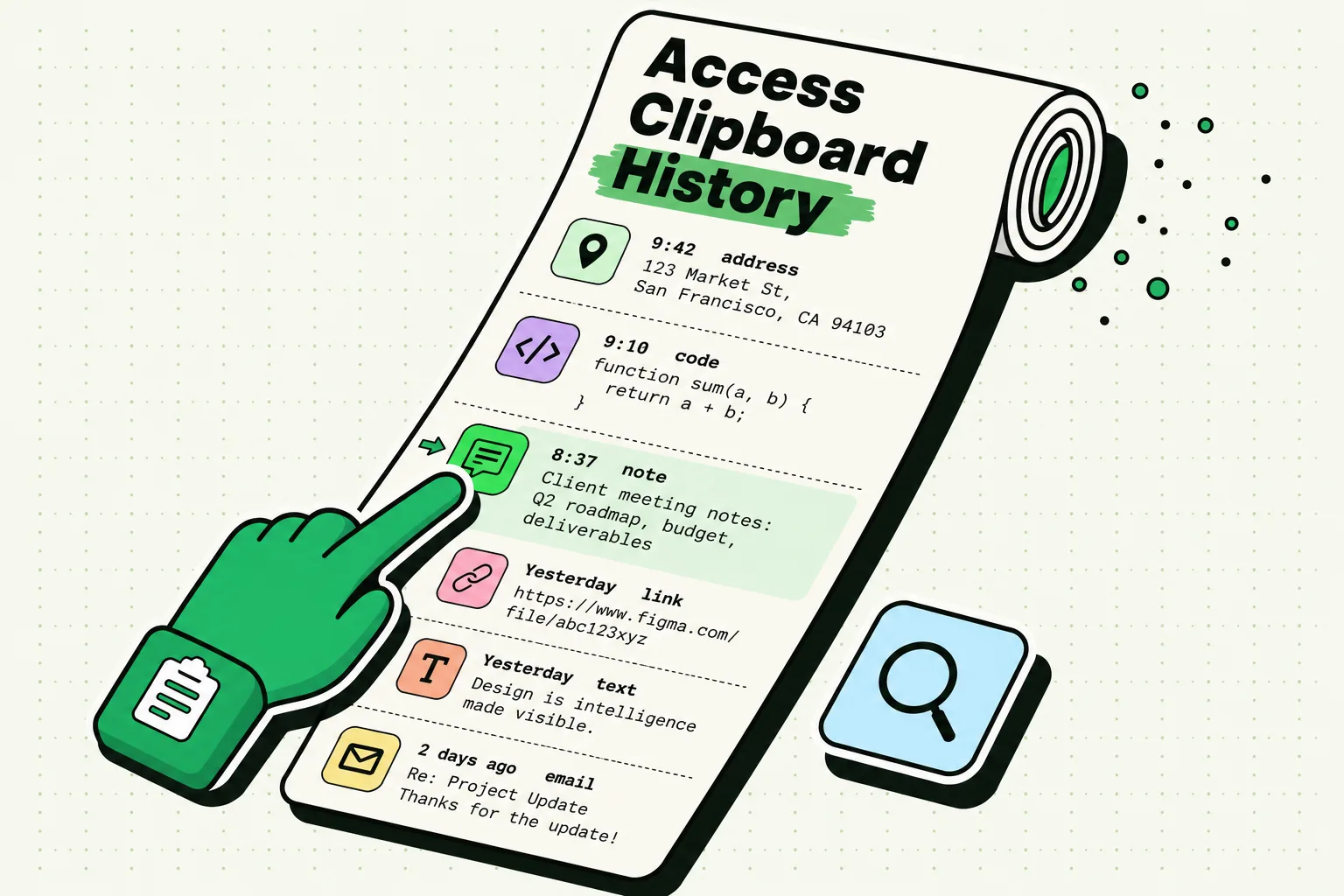
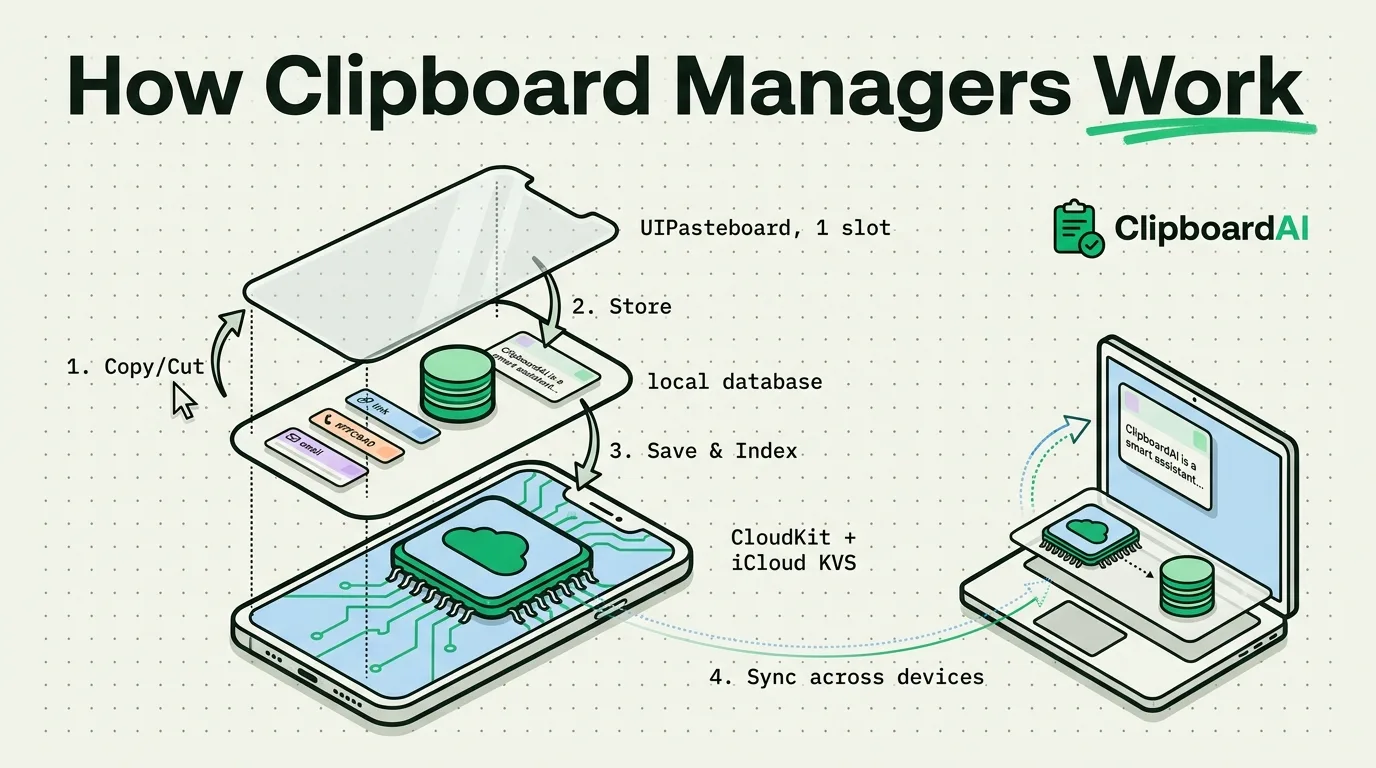
None of the releases from iOS 14 to iOS 27 adds a list of earlier copies to the iPhone. The clipboard is still one slot, and why the iPhone only saves one copy explains how the general pasteboard works. On the Mac, macOS 26 Tahoe added a clipboard history to Spotlight, and it stays on that Mac.
Keeping a history on iPhone today
If you want a history on the iPhone today, you need an app that saves each copy. Clipboard AI offers four one-action ways to save a copy: its keyboard, opening the app, the Share sheet, and a shortcut. How to see clipboard history on iPhone compares the options, and the iPhone clipboard hub collects the rest of the series.
Frequently Asked Questions
Does iOS 18 have clipboard history?
No. iOS 18 still holds only your latest copy, and so do iOS 26 and iOS 27. To check on your own iPhone, copy two words in a row and paste: only the second appears. What iOS 18 changed was where settings live and what apps can add, such as controls in Control Center.
Did iOS 27 add clipboard history?
No. iOS 27 added a paste suggestion above Apple's keyboard that offers your latest copy, and the reports describe no list, search or pinning. To check it, copy two words in a row and tap into a text field: the suggestion offers the second word only.
Which iOS version added the Allow Paste prompt?
iOS 16, in 2022. The per-app Paste from Other Apps setting followed in iOS 16.1, and Apple addressed excessive prompts in iOS 16.0.2. The iOS 14 notice that came before it only told you an app had read the clipboard, and did not ask first.
Does iOS tell me when an app reads my clipboard?
Yes. Since iOS 14 the system notifies you when an app gets content copied in another app without your intent, and since iOS 16 the app has to ask first. An app can still check whether the clipboard holds a URL or number without notice, but asking for the matched values does trigger it.
Can I stop an app from reading my iPhone clipboard?
Yes. Open Settings > Apps > [app] > Paste from Other Apps and choose Deny, or choose Ask to be prompted each time. On iOS 16.1 to 17 the path is Settings > [app]. The row appears only after an app has asked once, so trigger a paste in the app first if you cannot find it.
Sources
- Apple Developer Documentation, “UIPasteboard”, read October 5, 2026
- Apple Developer Documentation, “detectPatterns(for:completionHandler:)”, read October 5, 2026
- Apple Developer Documentation, “UIPasteControl”, read October 5, 2026
- Apple Support, “What’s new in iOS 27”, read October 5, 2026
- Apple Support, “Hand off tasks between your iPhone and your other devices”, read October 5, 2026
- Apple, “iOS 17 New Features” (PDF), September 2023
- Apple, “New features available with iOS 18” (PDF), September 2024
- Apple, “New features available with iOS 26” (PDF), September 2025
- Apple Newsroom, “Apple unveils an all-new Lock Screen experience and new ways to share and communicate in iOS 16”, June 6, 2022
- MacRumors, “iOS 14 Notifies Users When an App or Widget Reads Your Clipboard”, June 23, 2020
- 9to5Mac, “iOS 14 clipboard notifications are annoying, but developer adoption of a new API will improve the experience”, June 24, 2020
- MacRumors, “iOS 15's Live Text Feature Lets You Digitize Written Notes, Call a Number on a Sign, Translate a Menu, and Much More”, June 11, 2021
- MacRumors, “iOS 15 Lets You Drag and Drop Images and Text Across Apps”, June 12, 2021
- MacRumors, “iOS 16 Will Require Apps to Ask Users for Permission to Access the Clipboard”, June 6, 2022
- MacRumors, “iOS 16.1 Introduces New Copy-and-Paste Permission Settings on Per-App Basis”, October 17, 2022
- 9to5Mac, “Here's what's new with the revamped Settings app in iOS 18”, September 18, 2024
- 9to5Mac, “macOS 26: Spotlight gets actions, clipboard manager, custom shortcuts, more”, June 10, 2025
- MacRumors, “iOS 27 Adds a Useful New Copy-and-Paste Feature to Your iPhone”, July 1, 2026
- MacRumors, “Apple Plans iPhone-to-Windows Copy and Paste in EU After Microsoft Request”, August 3, 2026
- 9to5Mac, “iOS 27 adds convenient new iPhone feature you’ll use all the time”, September 22, 2026