
The iPhone clipboard, explained
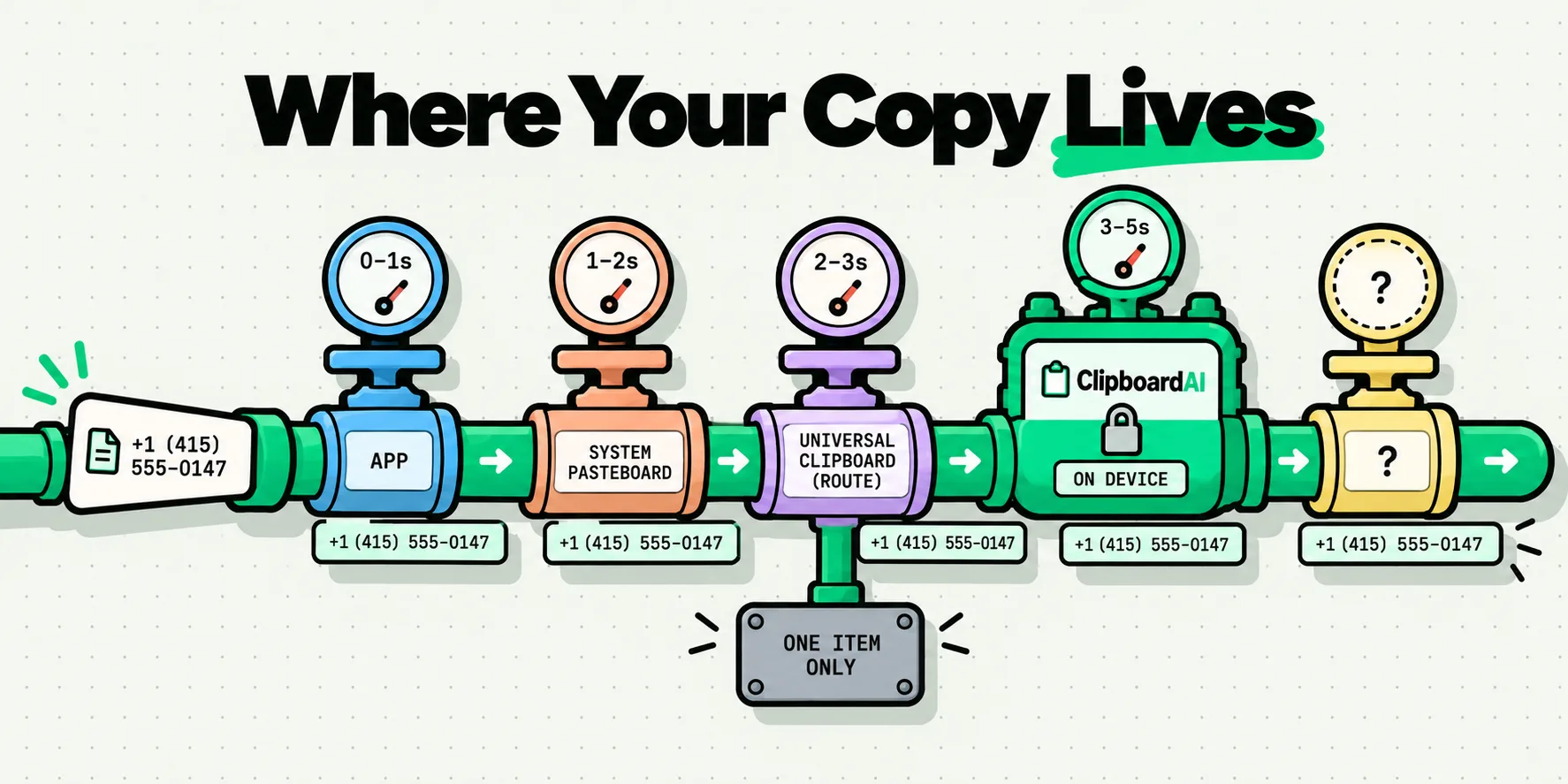
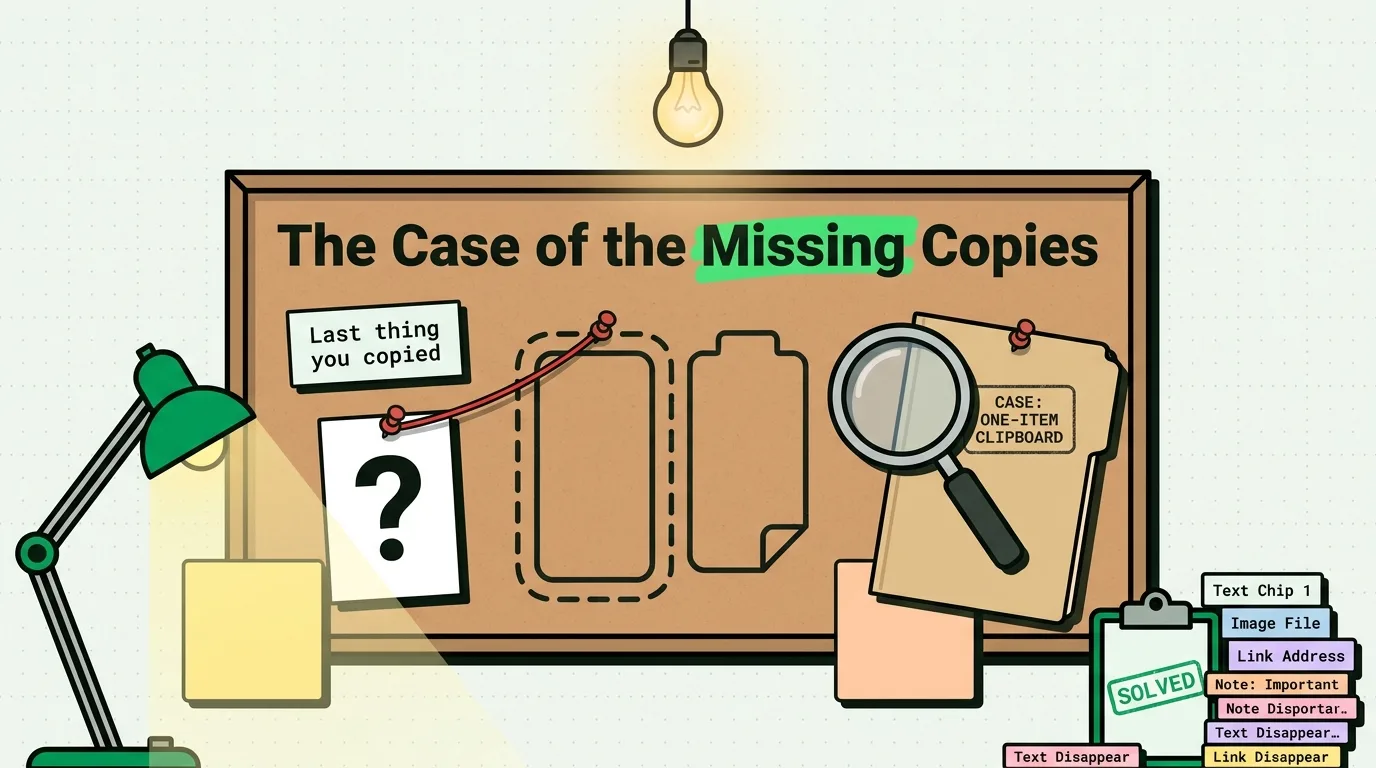
The iPhone clipboard is a single slot: iOS keeps the last thing you copied and replaces it the moment you copy something else. iOS 27 added a paste suggestion above the keyboard that previews that one item, but there is still no built-in history. These guides cover where the clipboard lives, what happens to a copy, and how to keep, search and recover the things you copy.
All iPhone clipboard guides
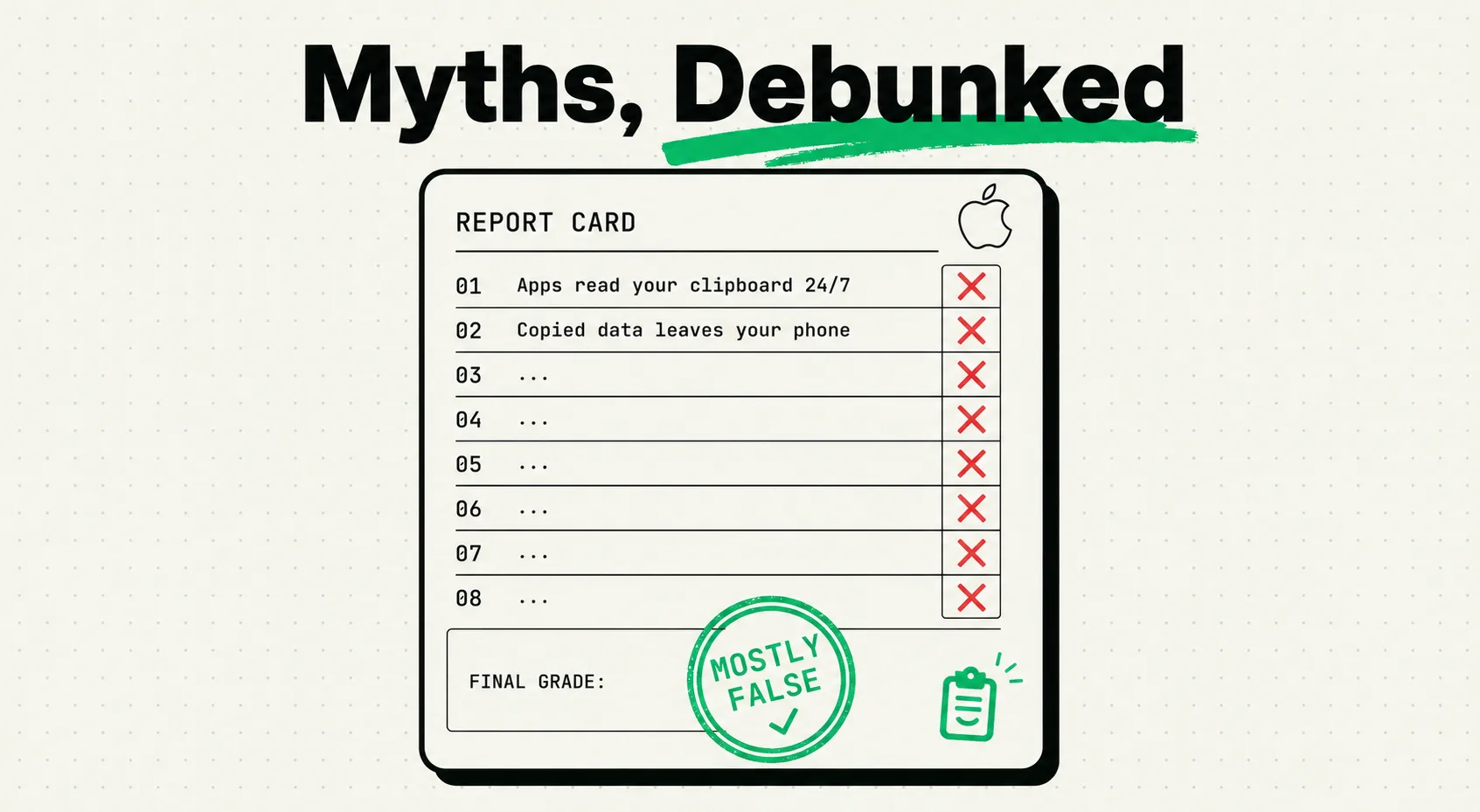
iPhone Clipboard Myths: 10 Claims Checked Against Apple Docs
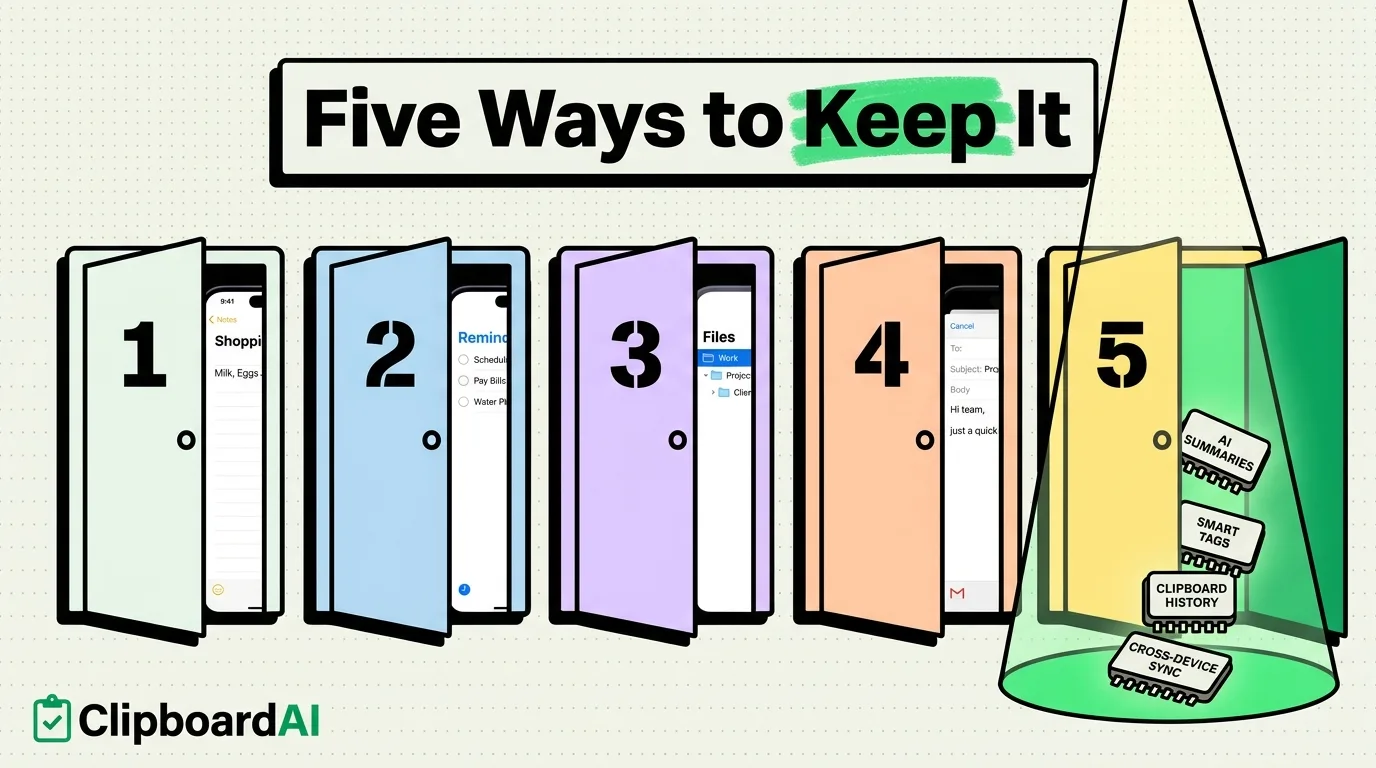
How to Save Copied Text on iPhone: 5 Ways (2026)
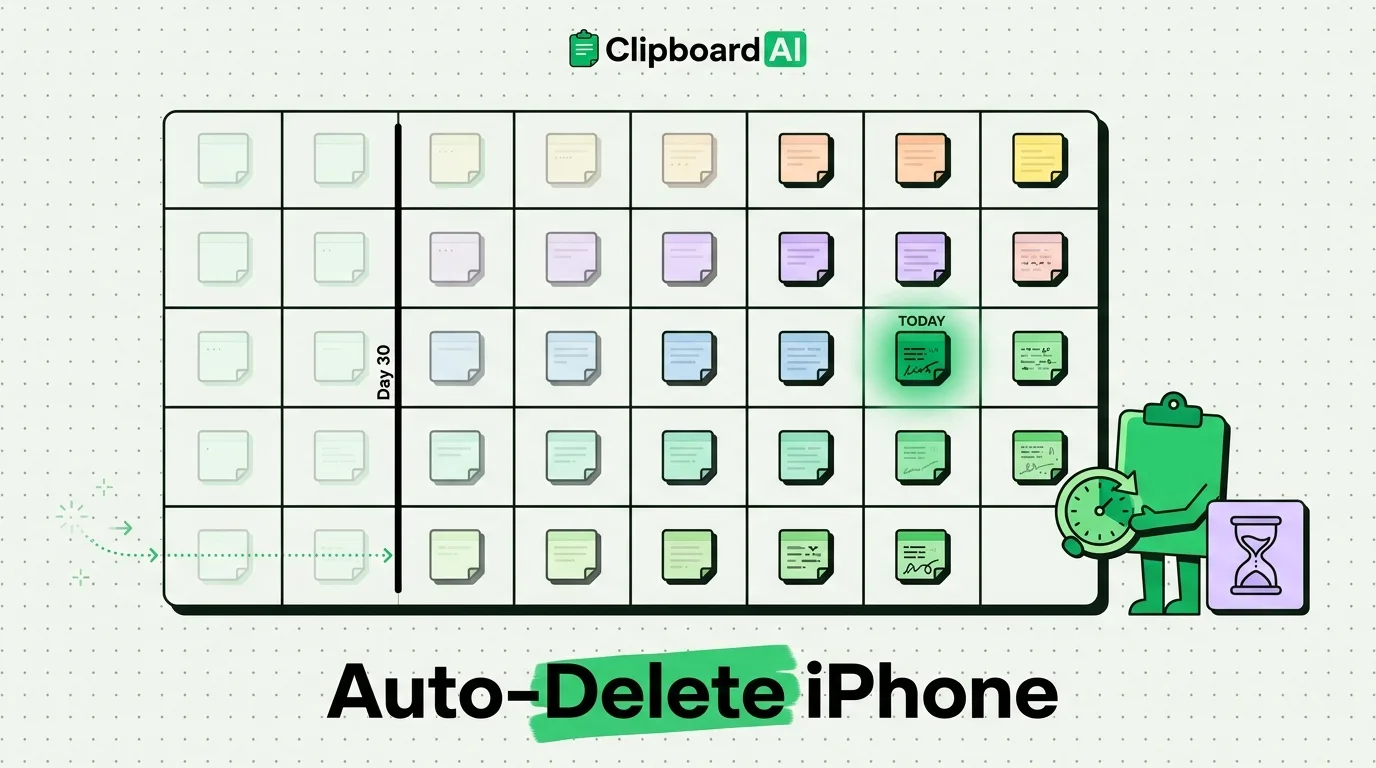
How to Set Up Auto-Delete for Old Clipboard Items on iPhone
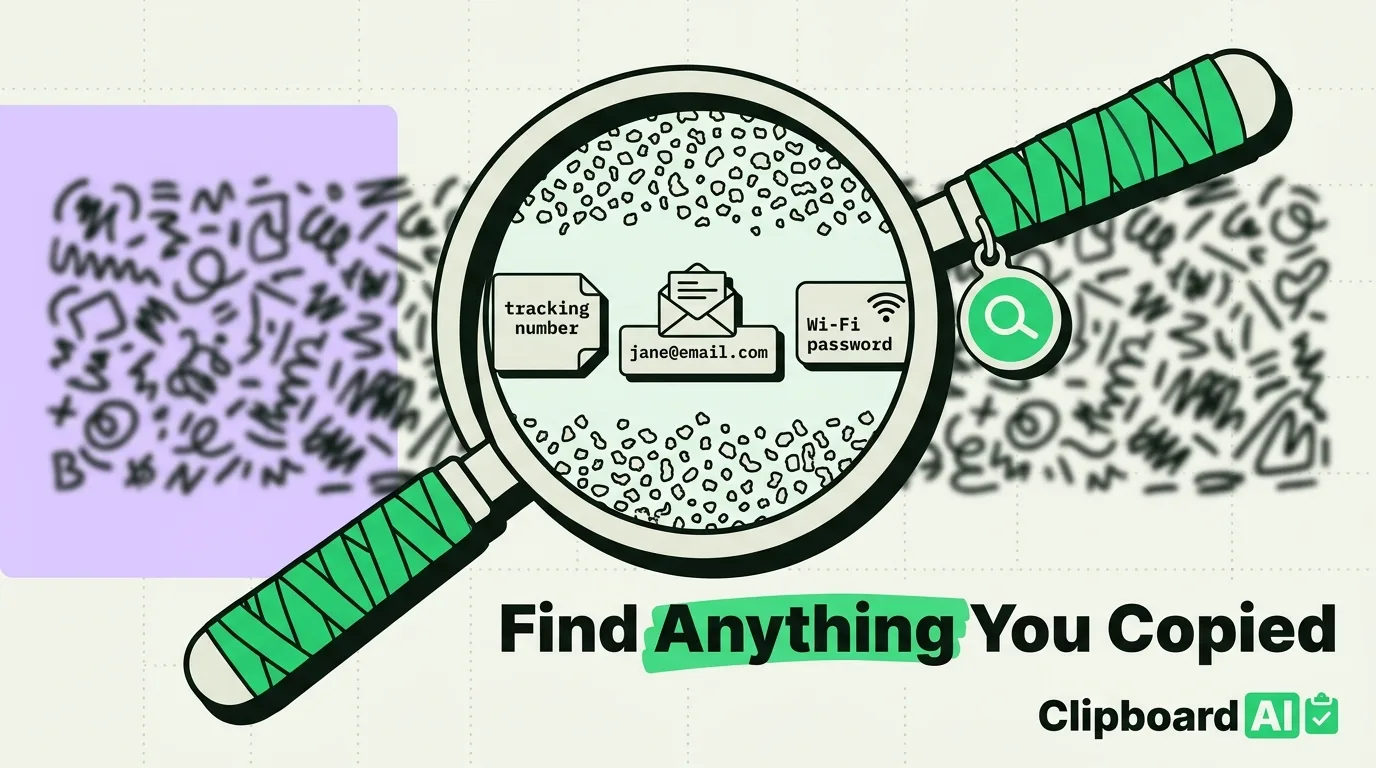
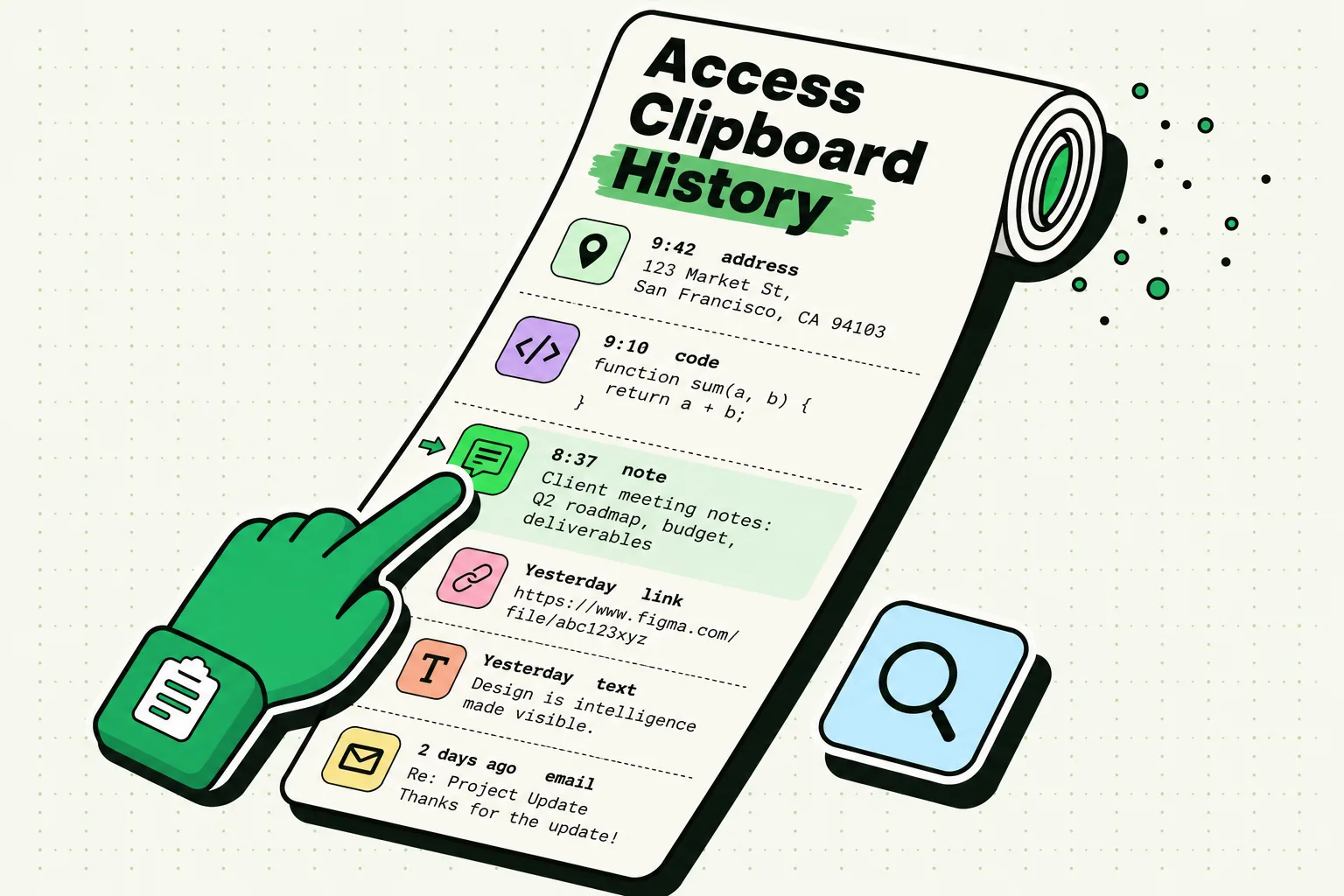
How to Search Your Clipboard History on iPhone
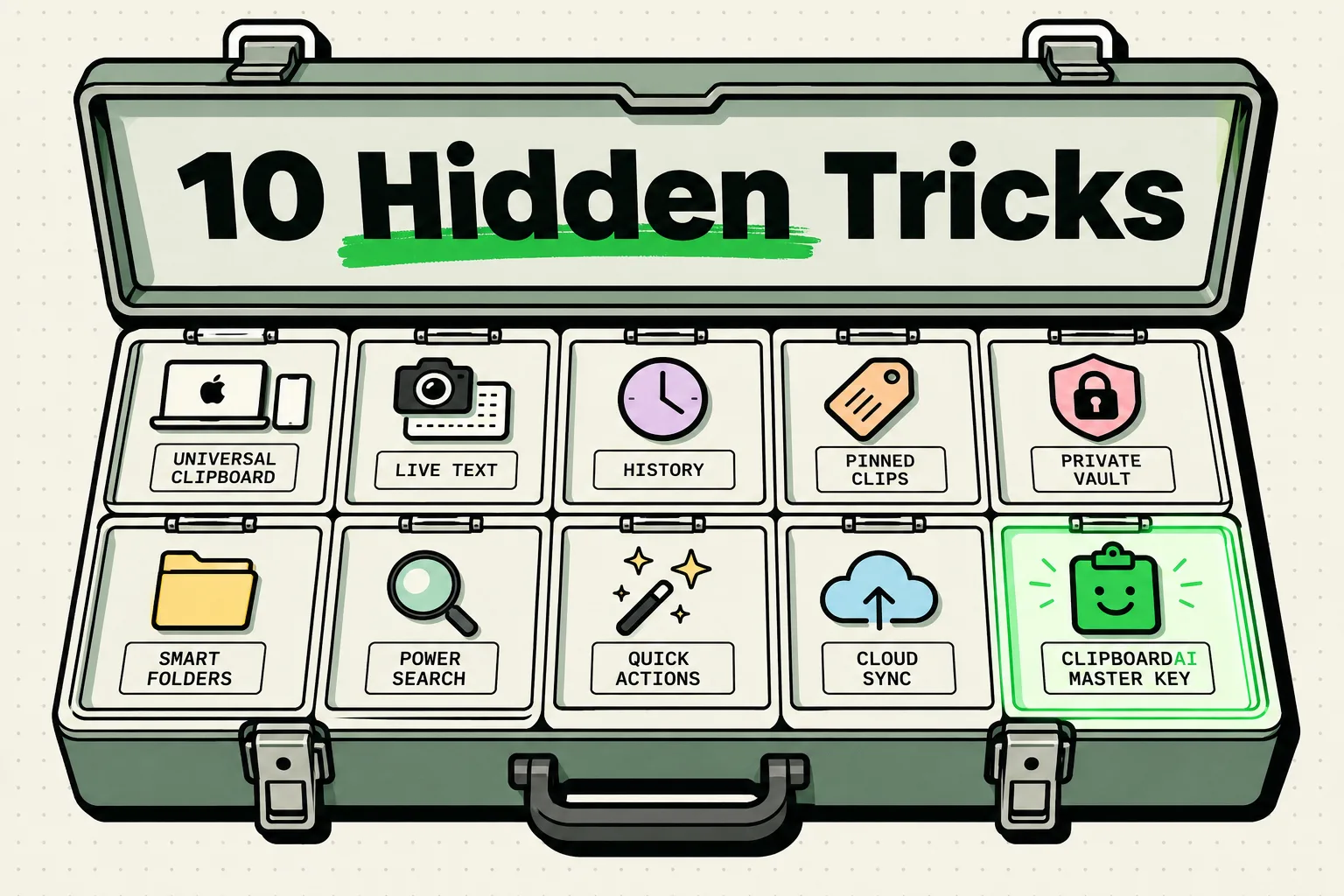
10 Things You Didn't Know Your iPhone Clipboard Could Do
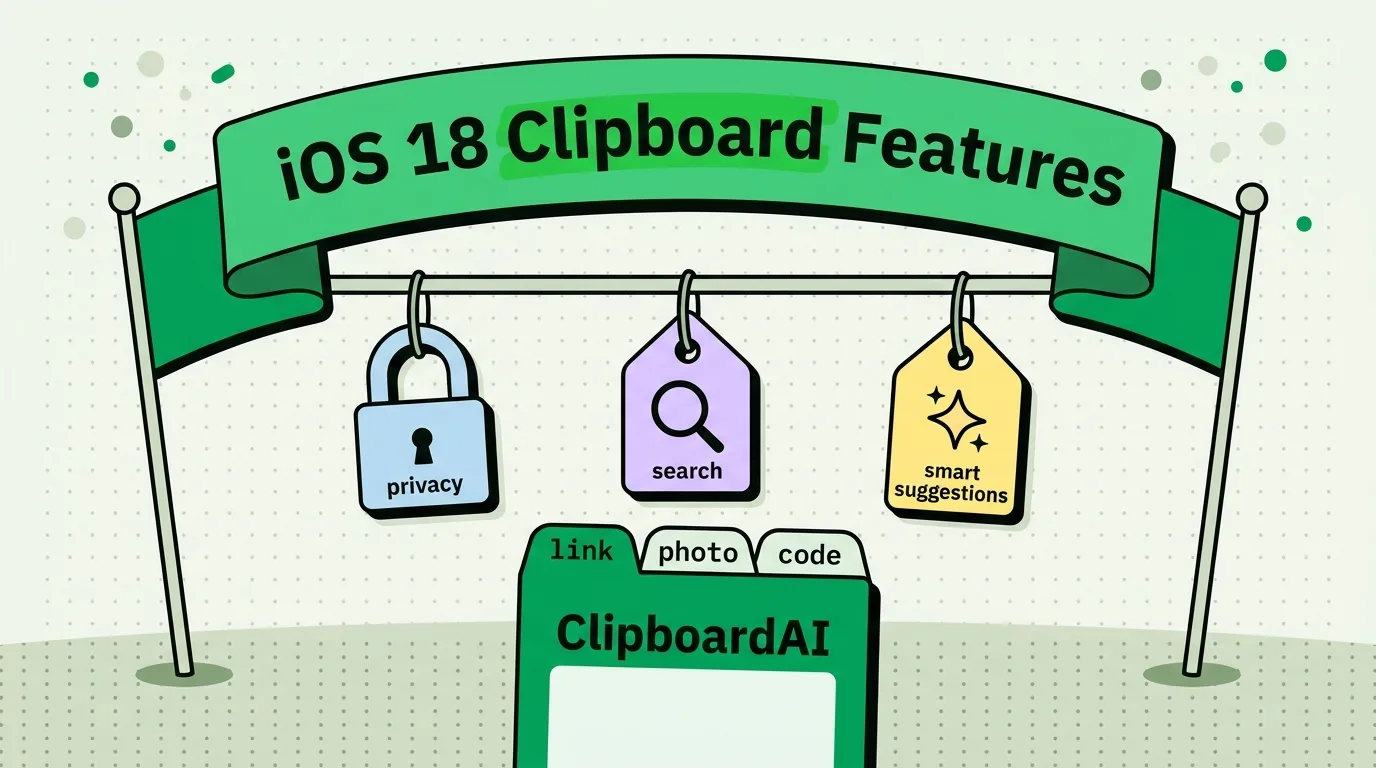
iPhone Clipboard Features by iOS Version (iOS 14 to 27)
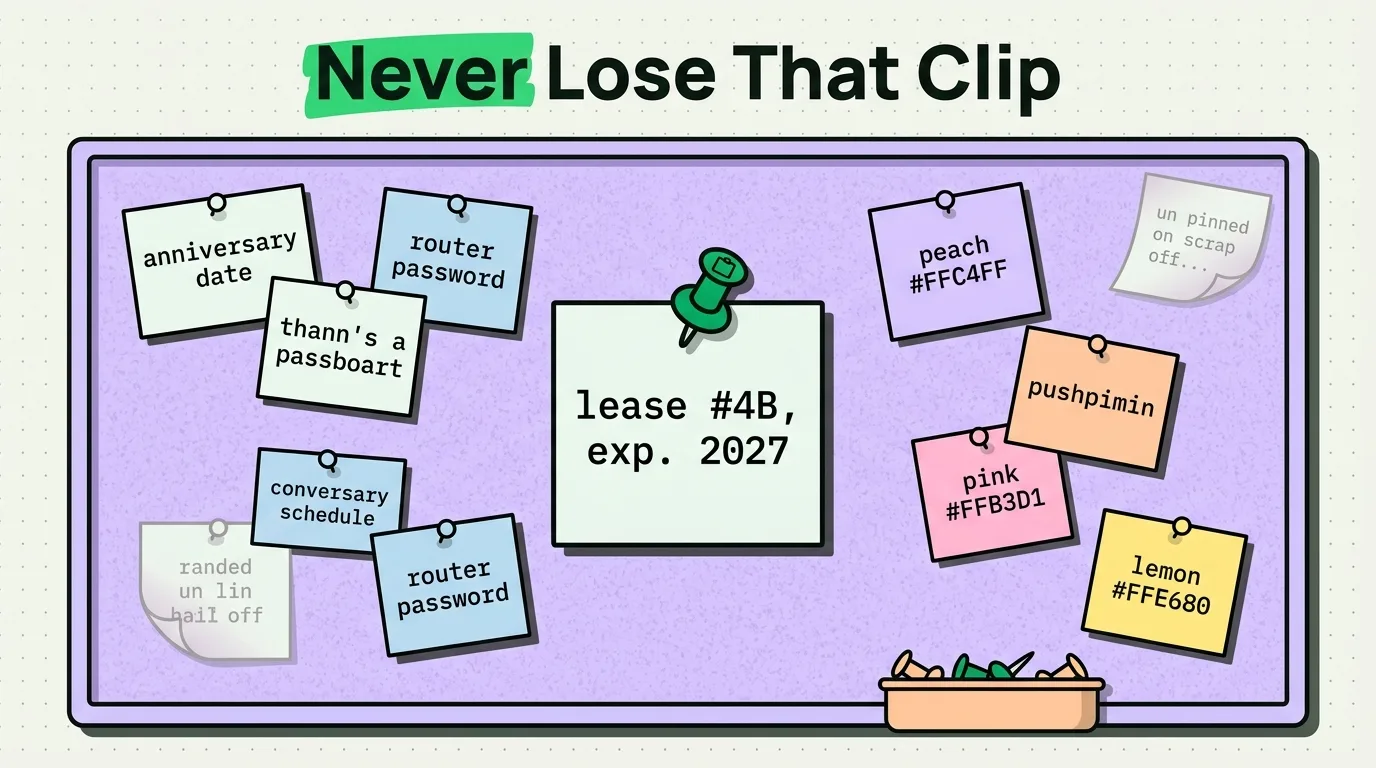
How to Pin Important Clips on iPhone
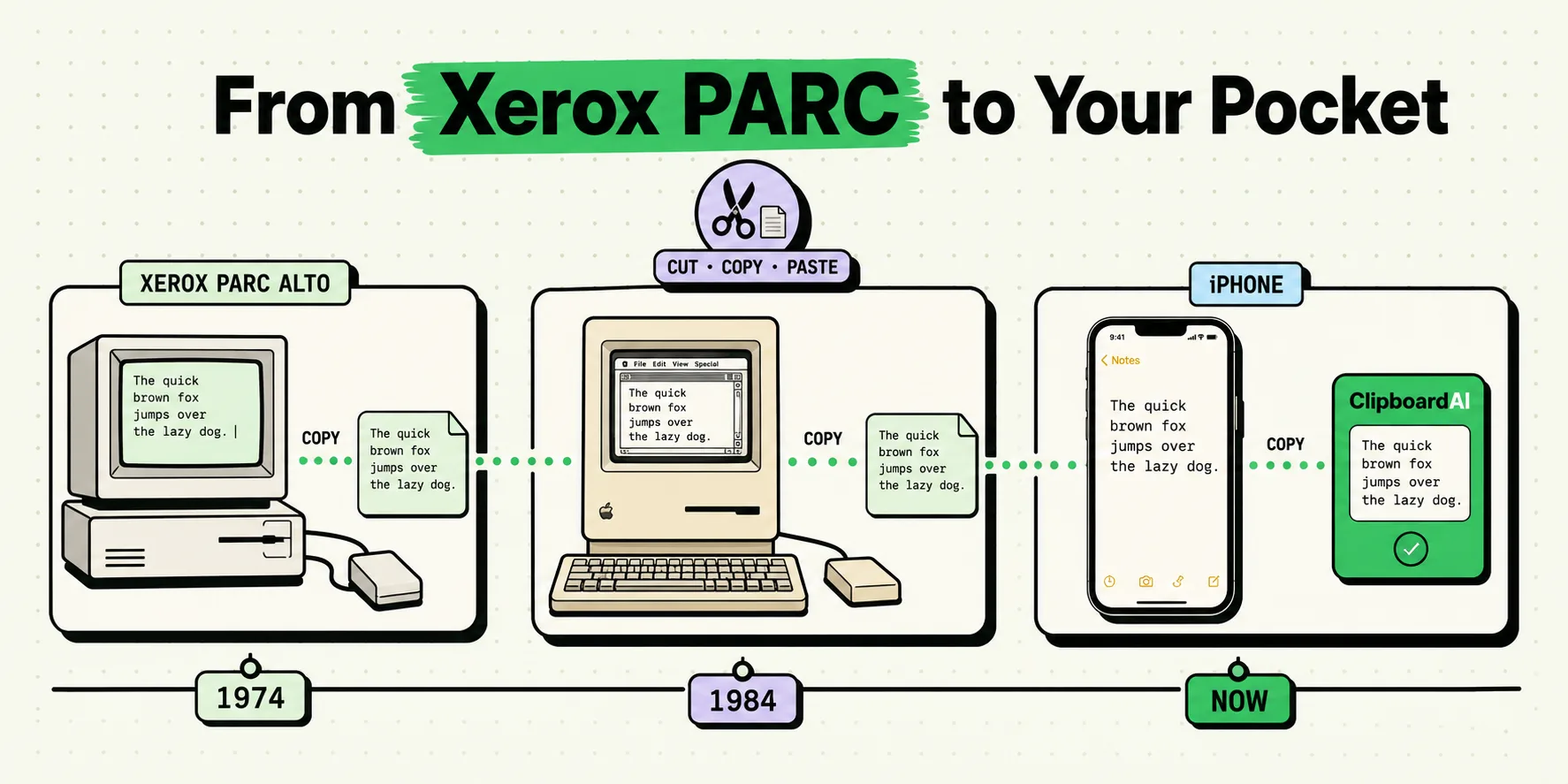
The History of Copy-Paste: From Xerox PARC to Your iPhone
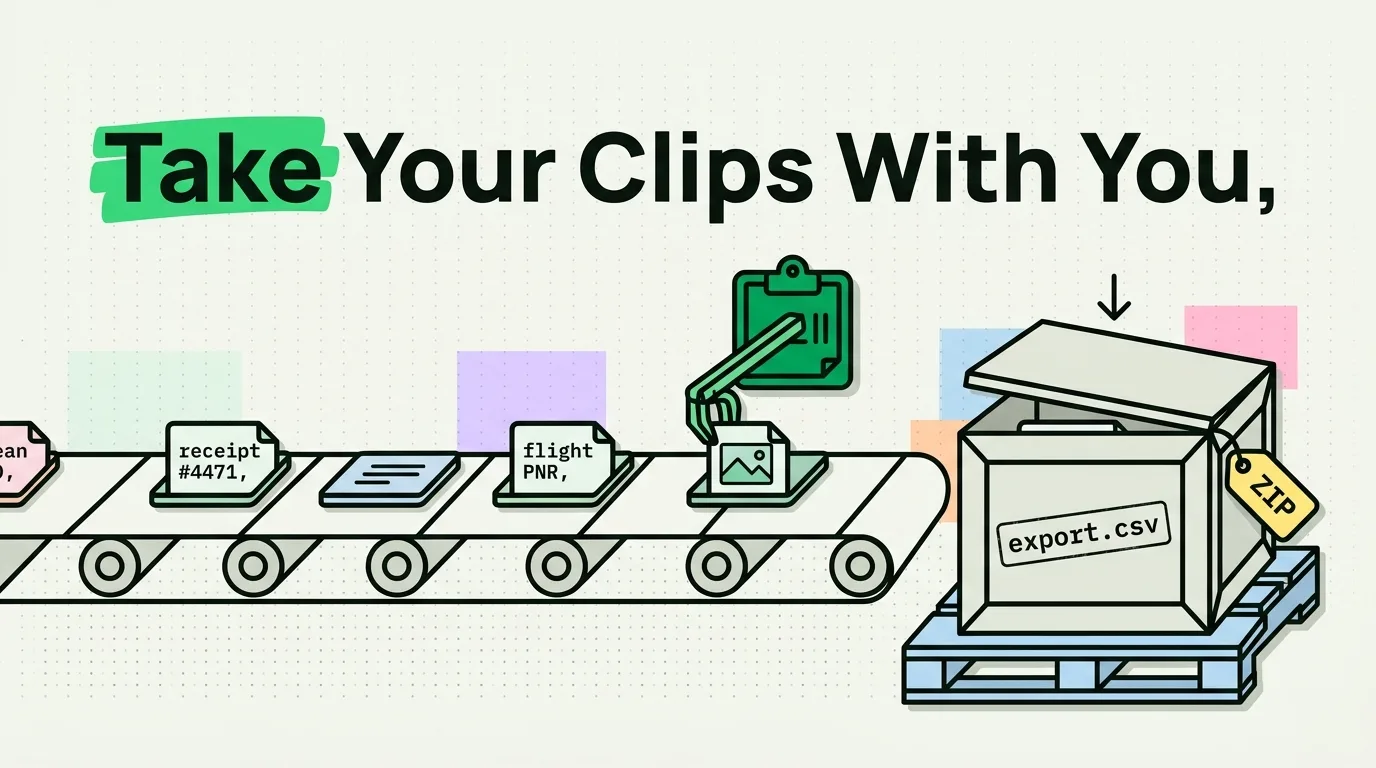
How to Export and Back Up Clipboard History on iPhone
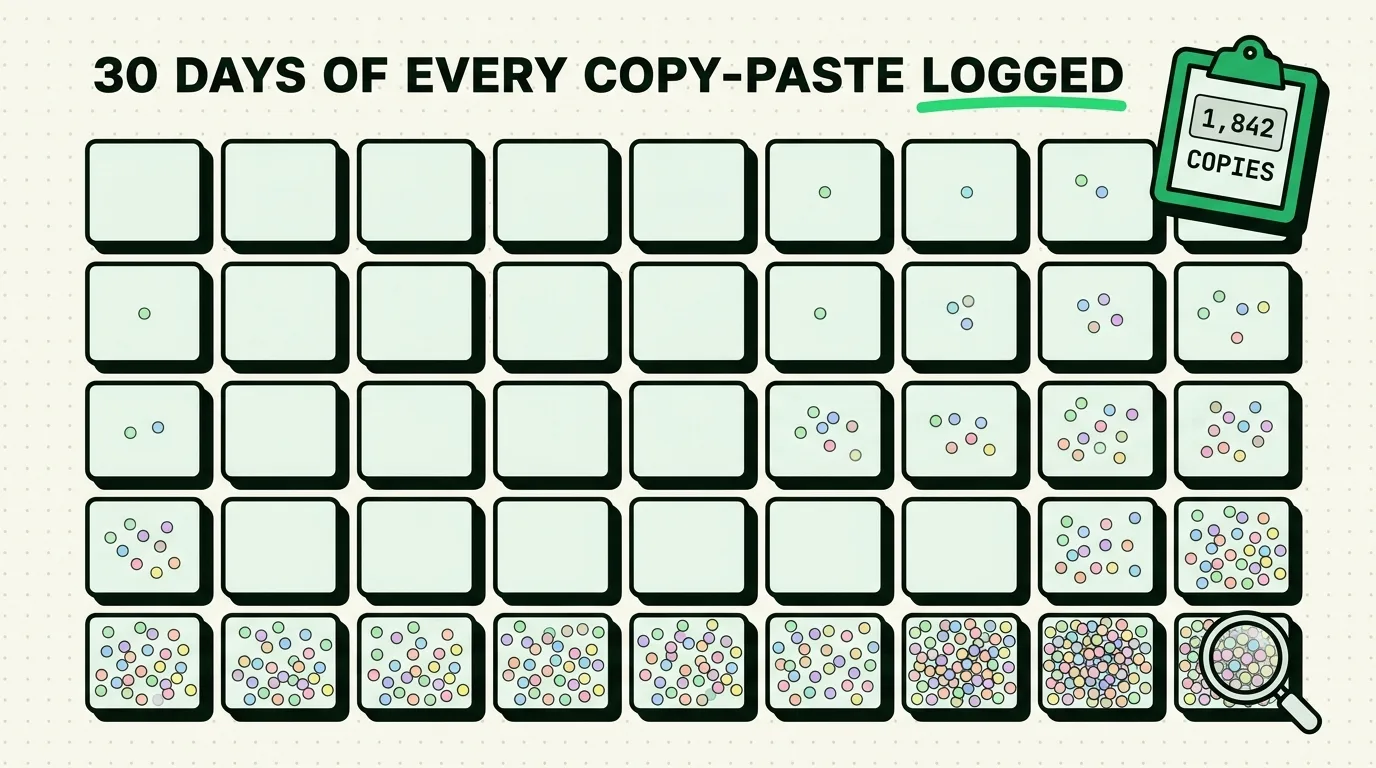
How to Track Your Copy-Paste Habits for a Week
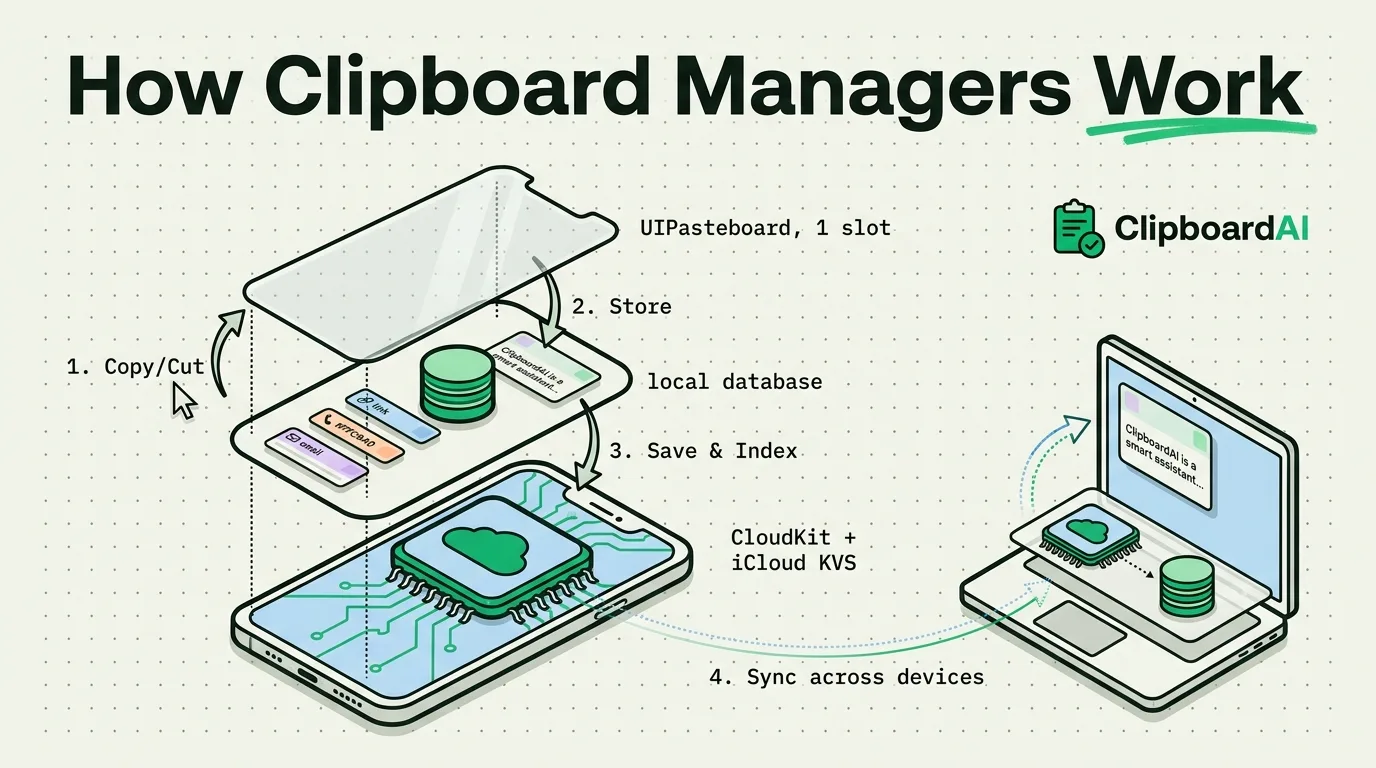
How Clipboard Managers Work on iPhone and Mac
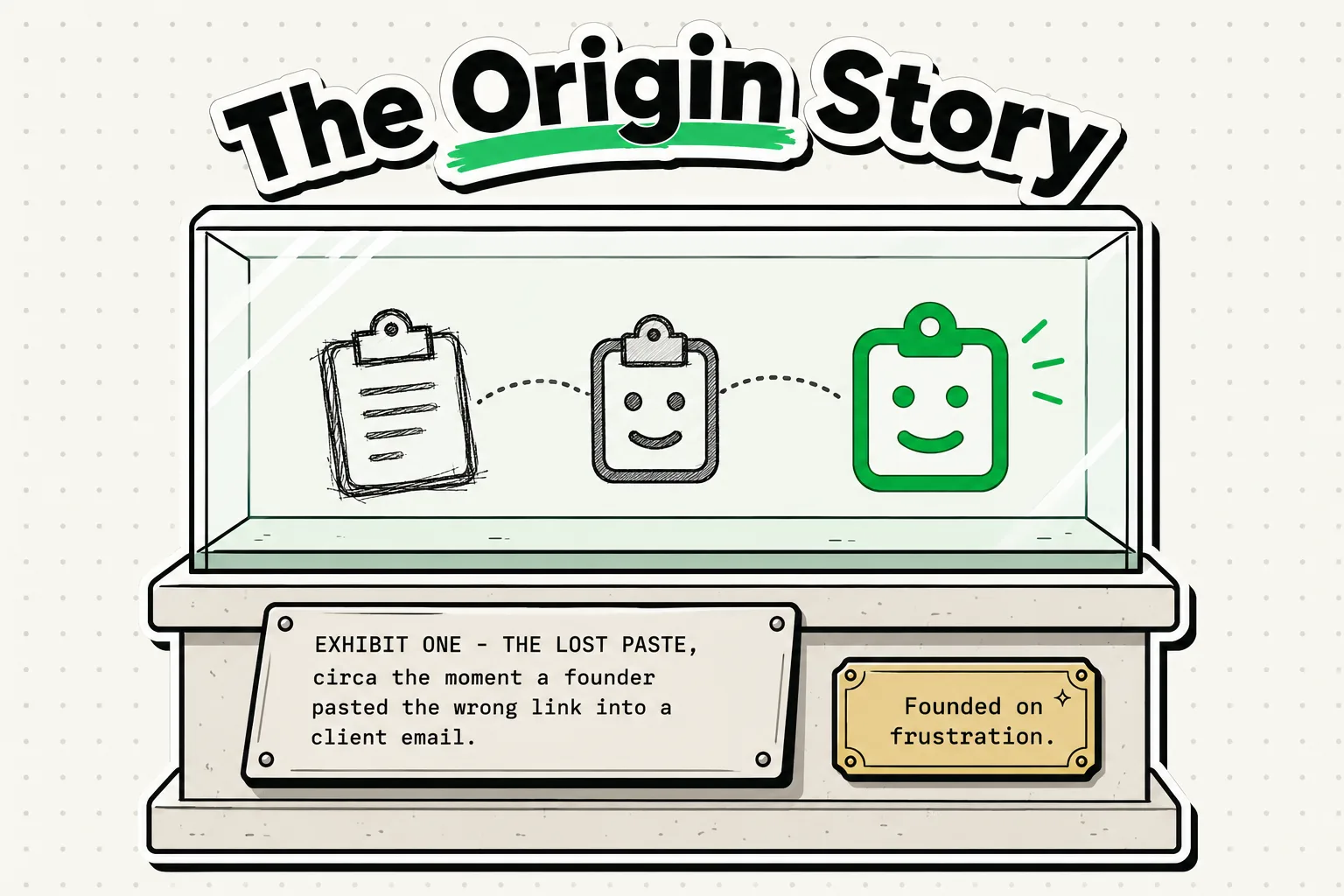
ClipboardAI: The Story Behind the App (Why We Built It)
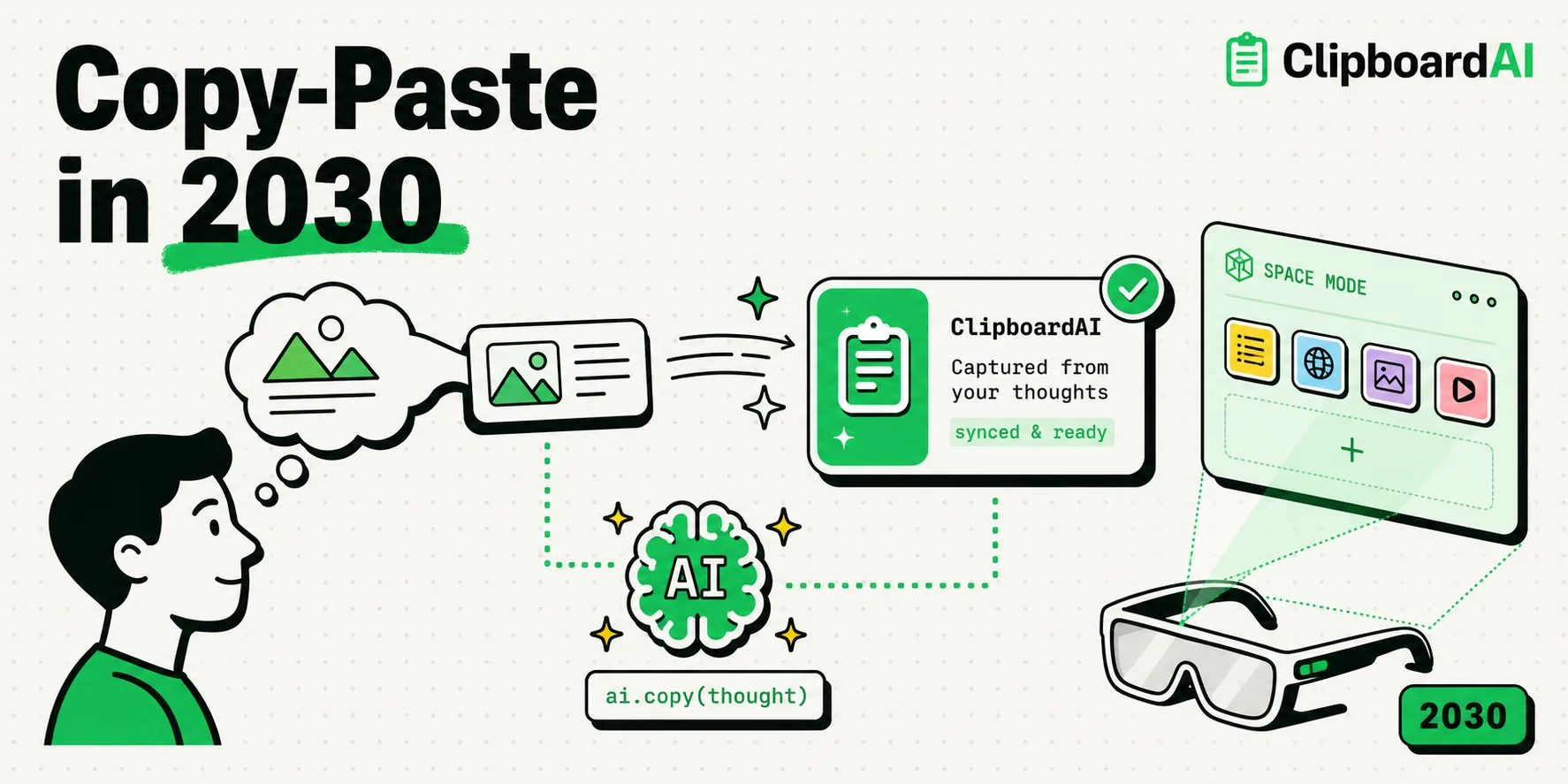
The Future of Copy-Paste: Predictions for 2030
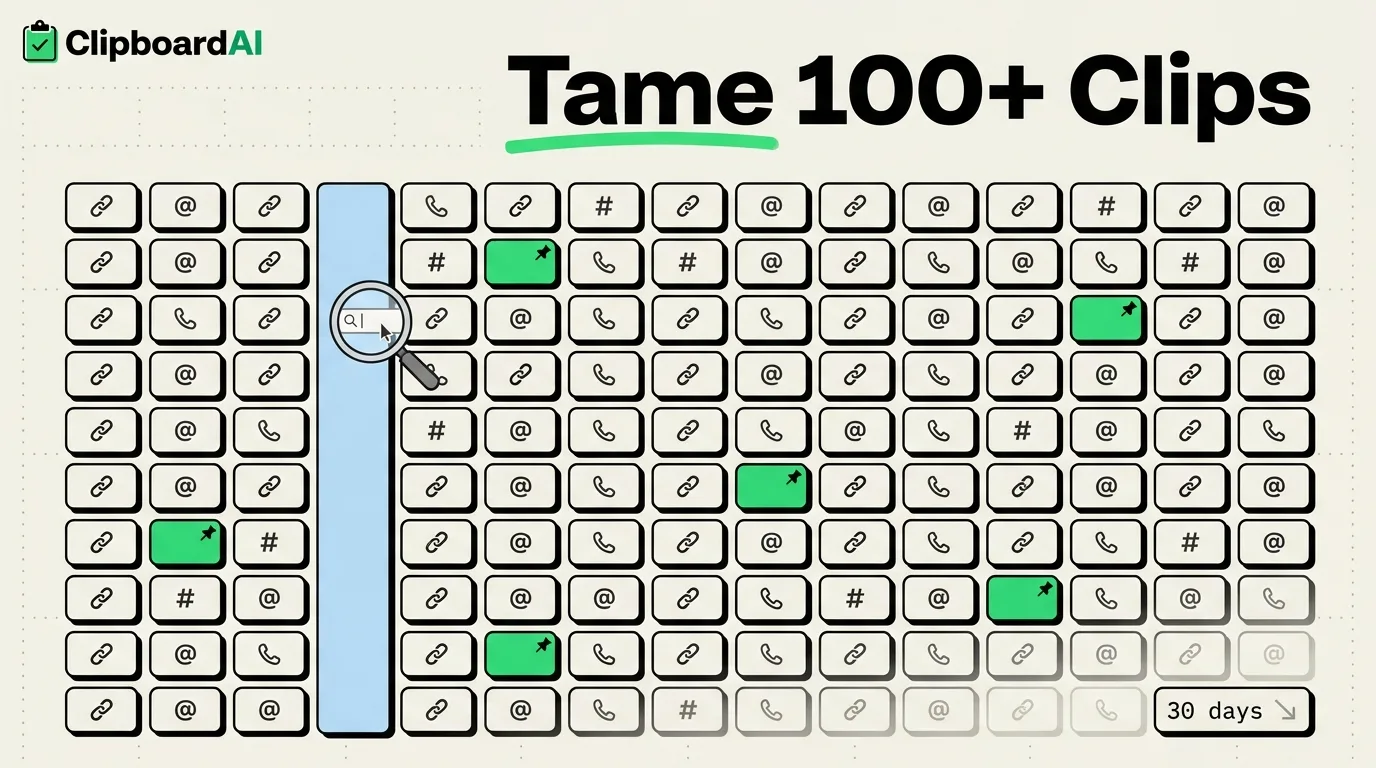
How to Organize 100+ Copied Items Without Going Crazy
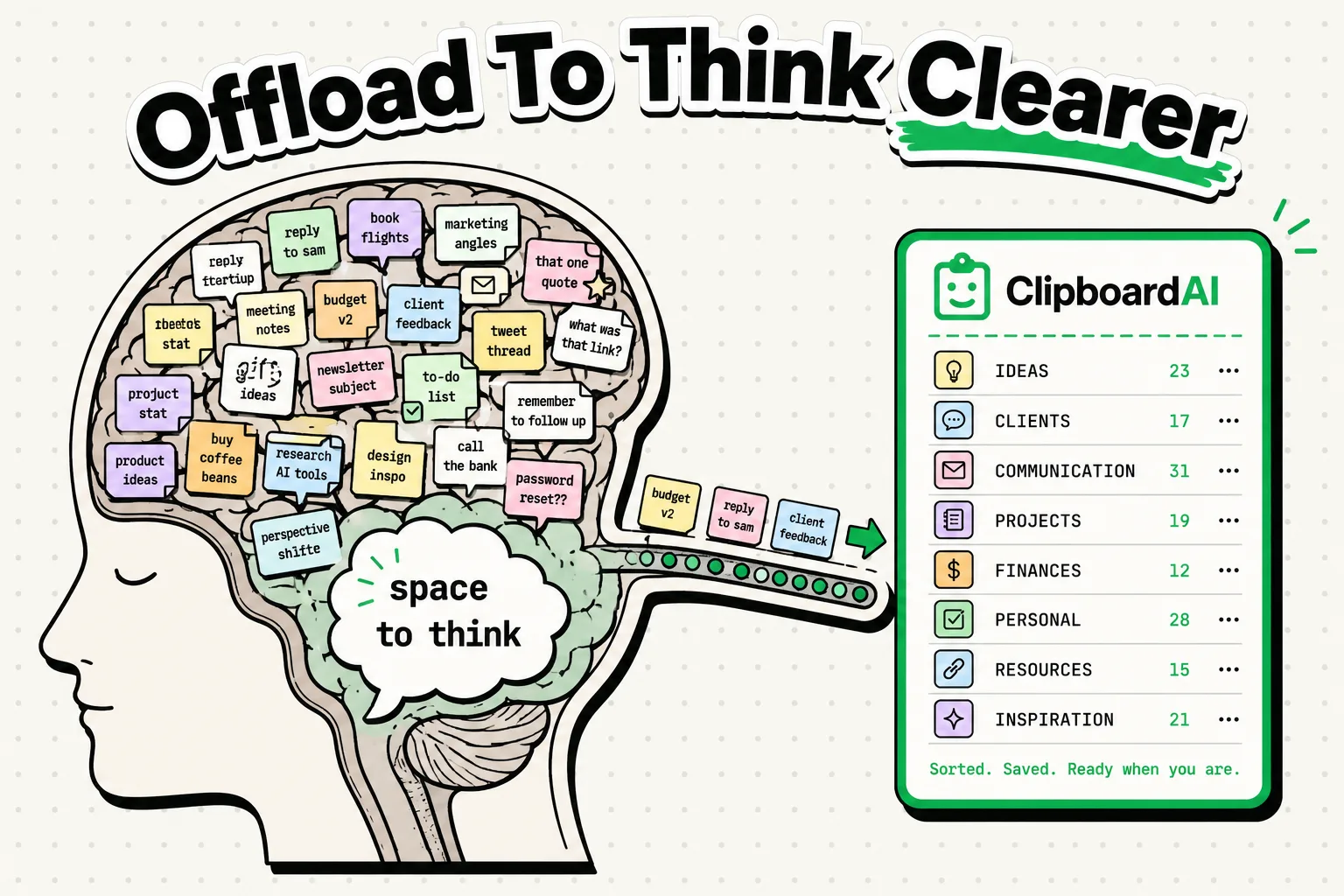
Why Your Brain Needs a Clipboard Manager: The Science
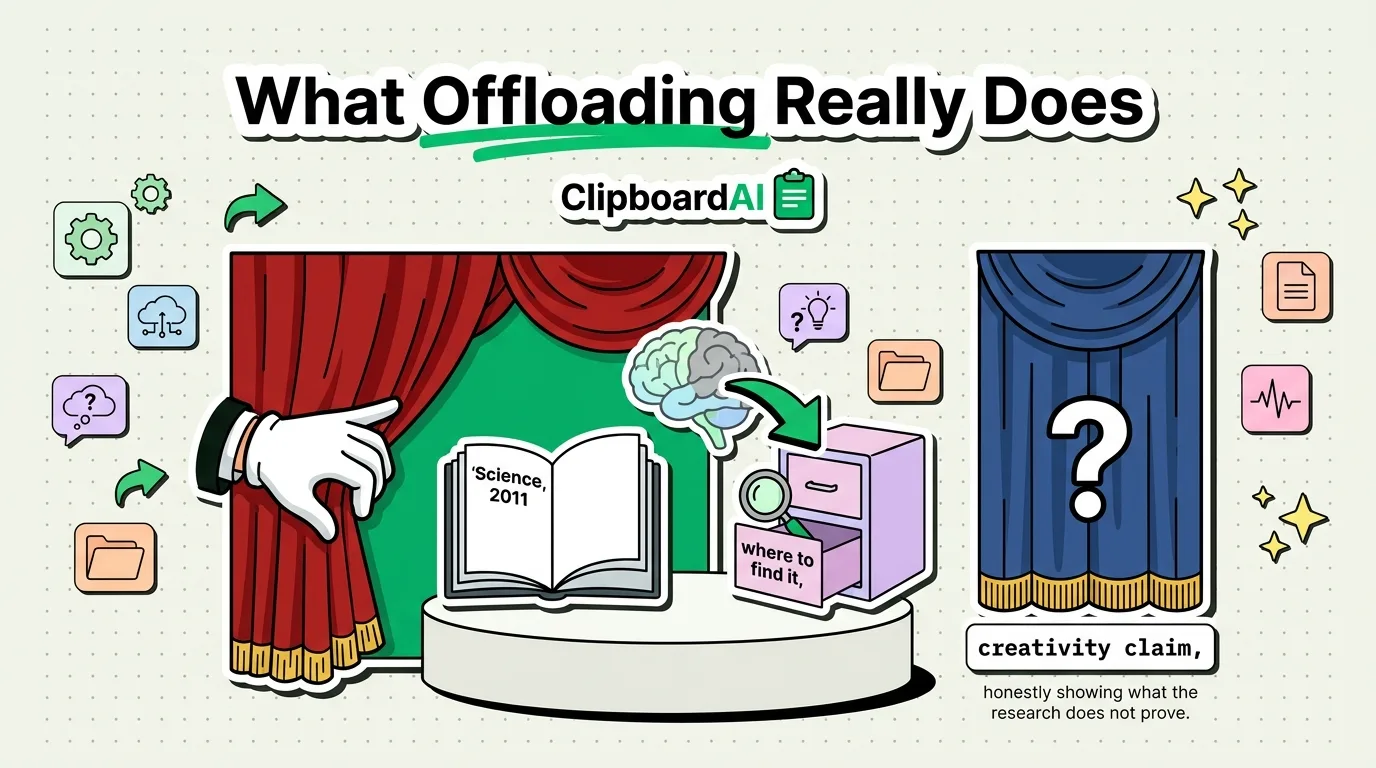
The Neuroscience of Copy-Paste and Memory Offloading
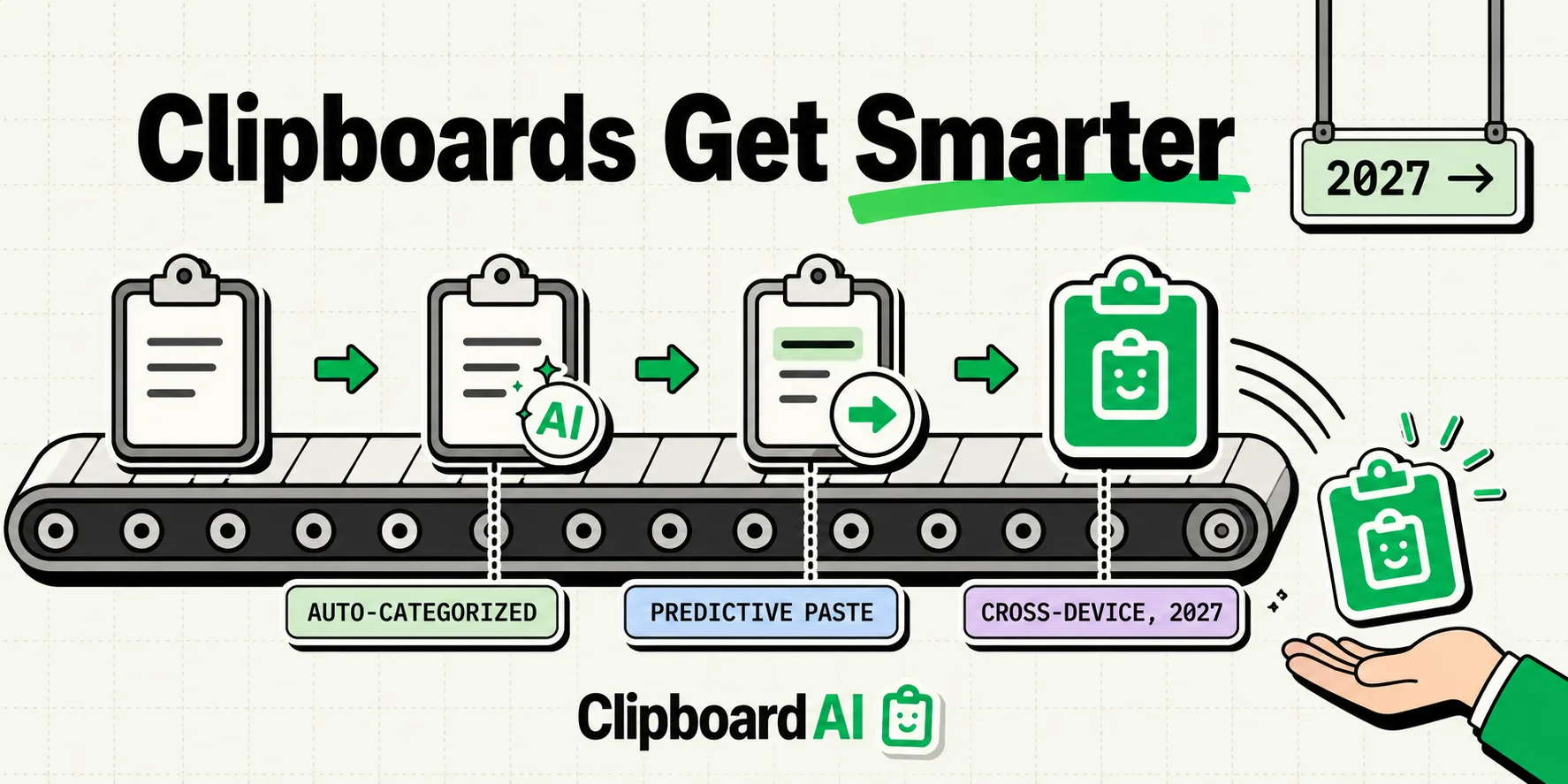
Where Clipboard Managers Are Headed: 5 Predictions
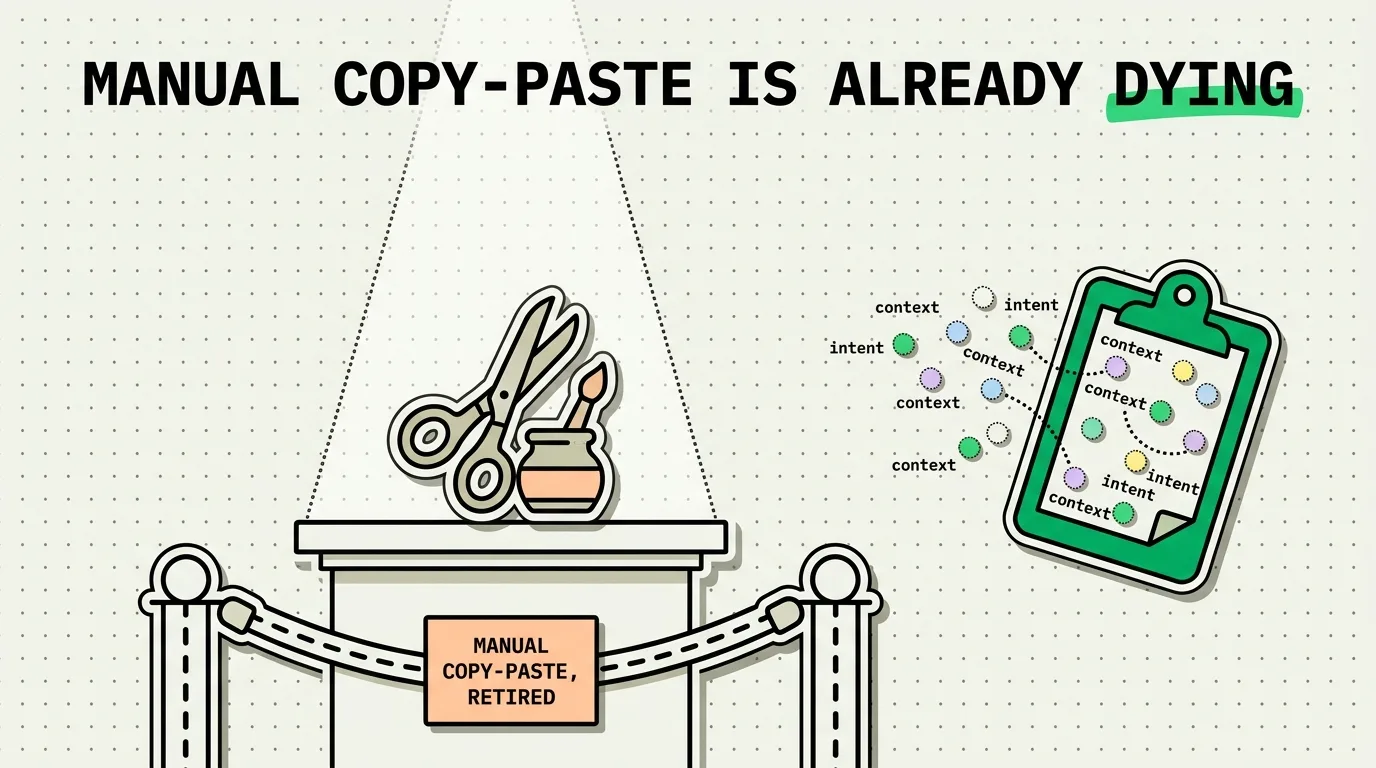
The Rise of Ambient Computing and the Death of Manual Copy-Paste
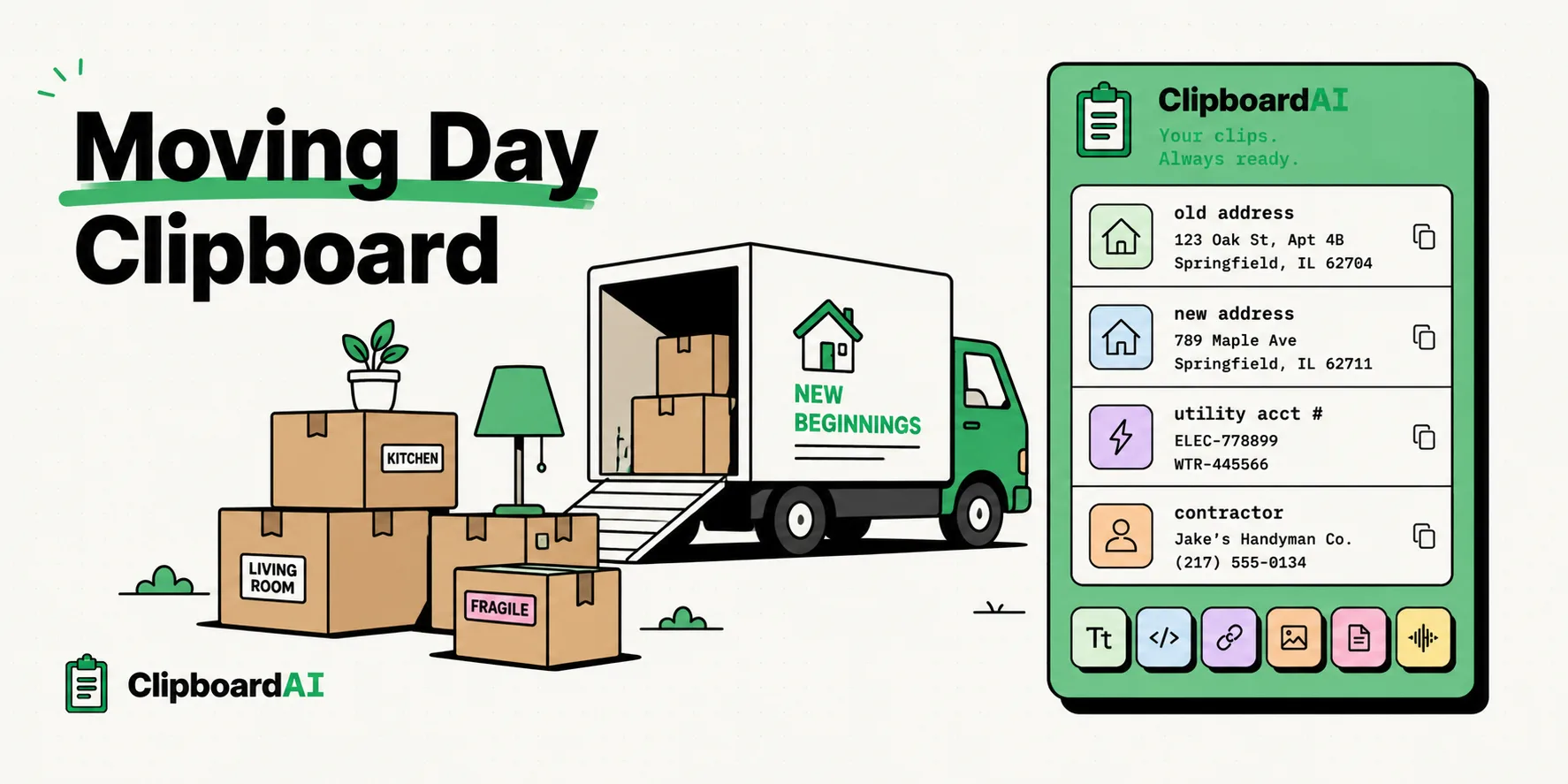
Clipboard Tips for Moving Day: Addresses and Accounts
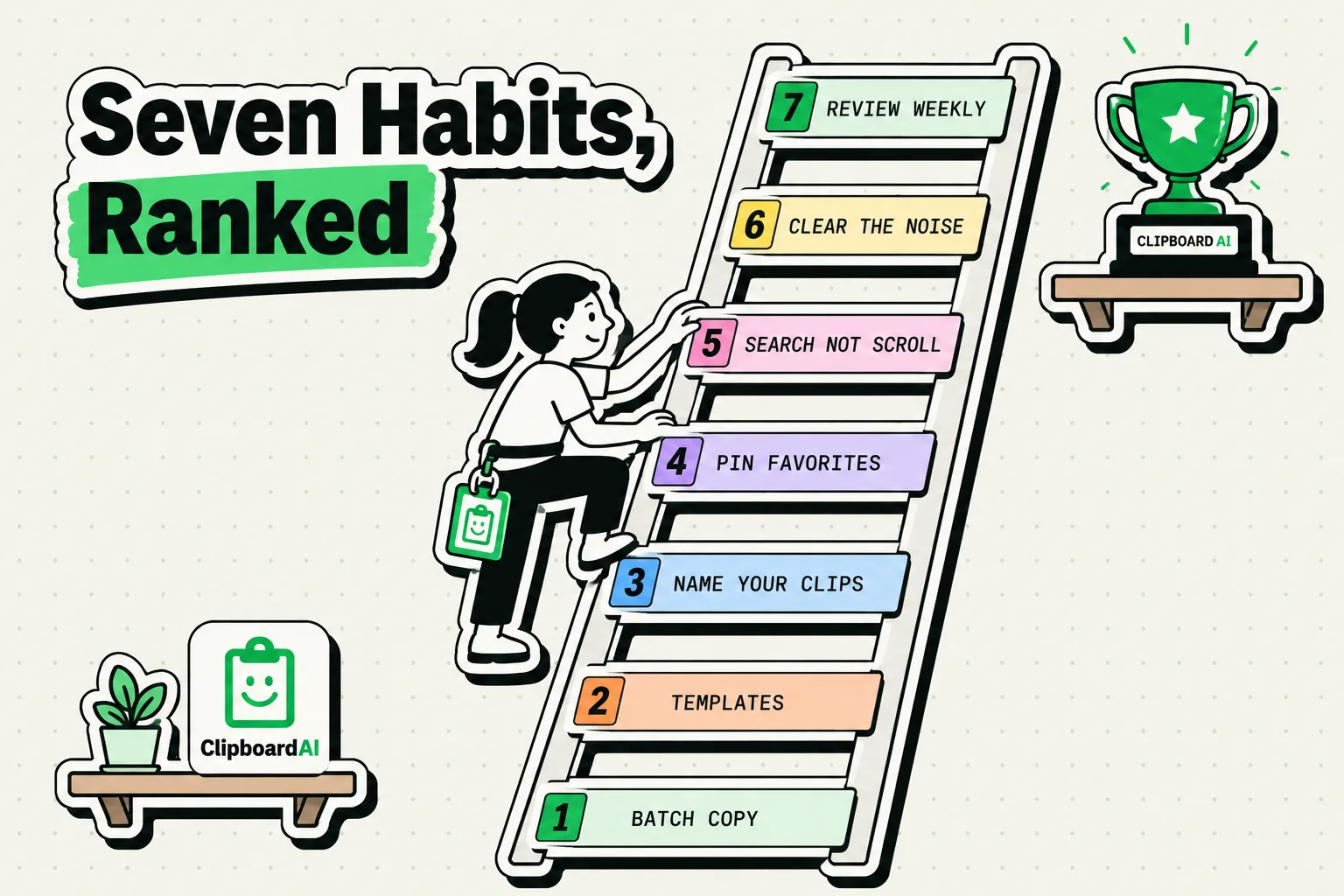
Seven Copy-Paste Habits Worth Building on iPhone
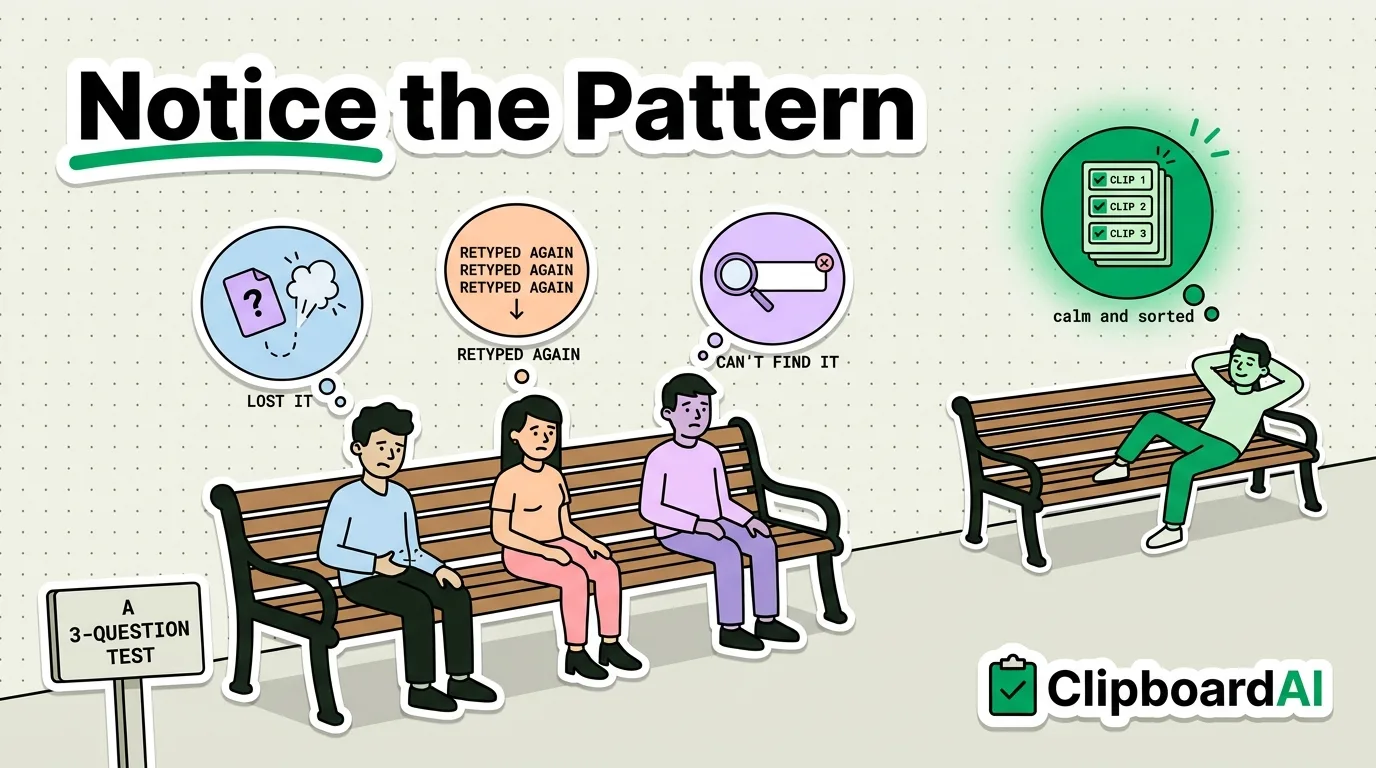
Why Every iPhone Should Have a Clipboard Manager in 2026
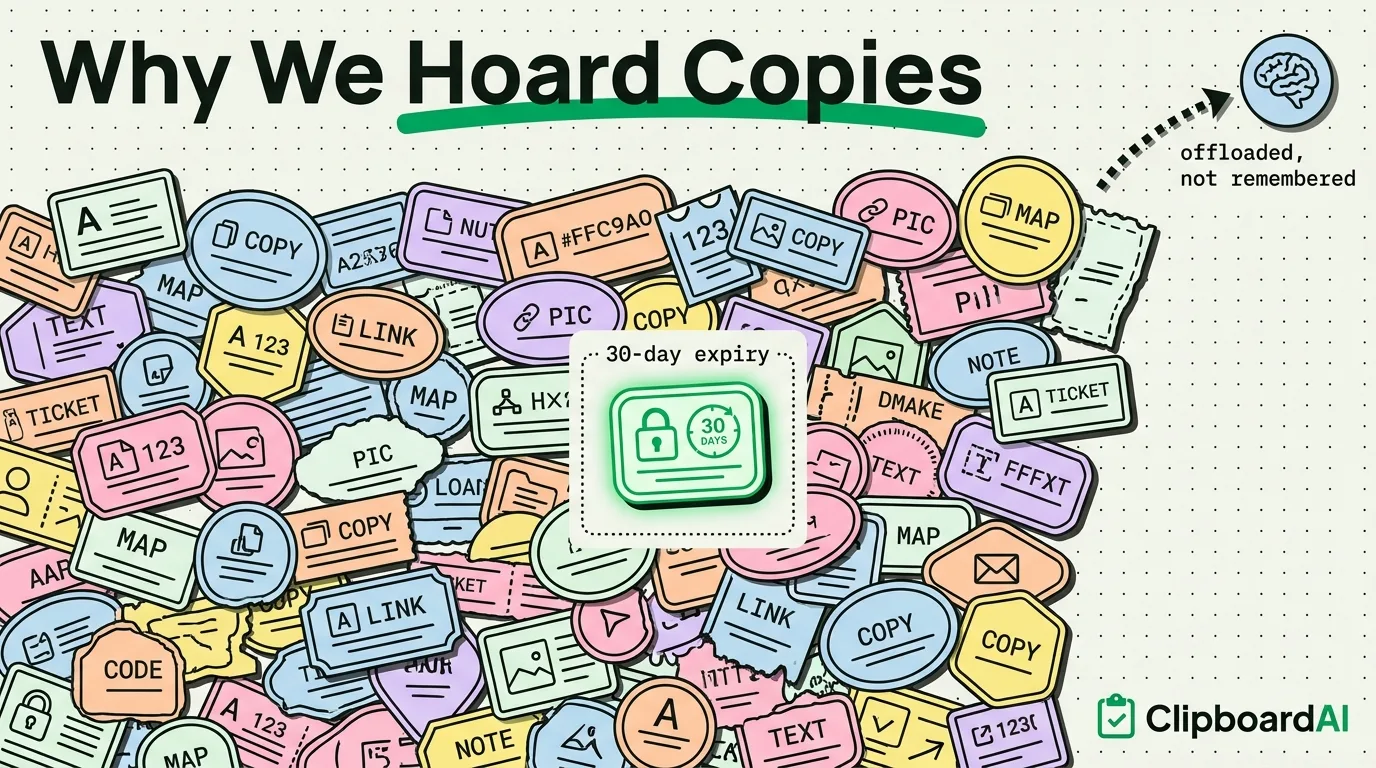
The Psychology of Copy-Paste: Why We Hoard Text
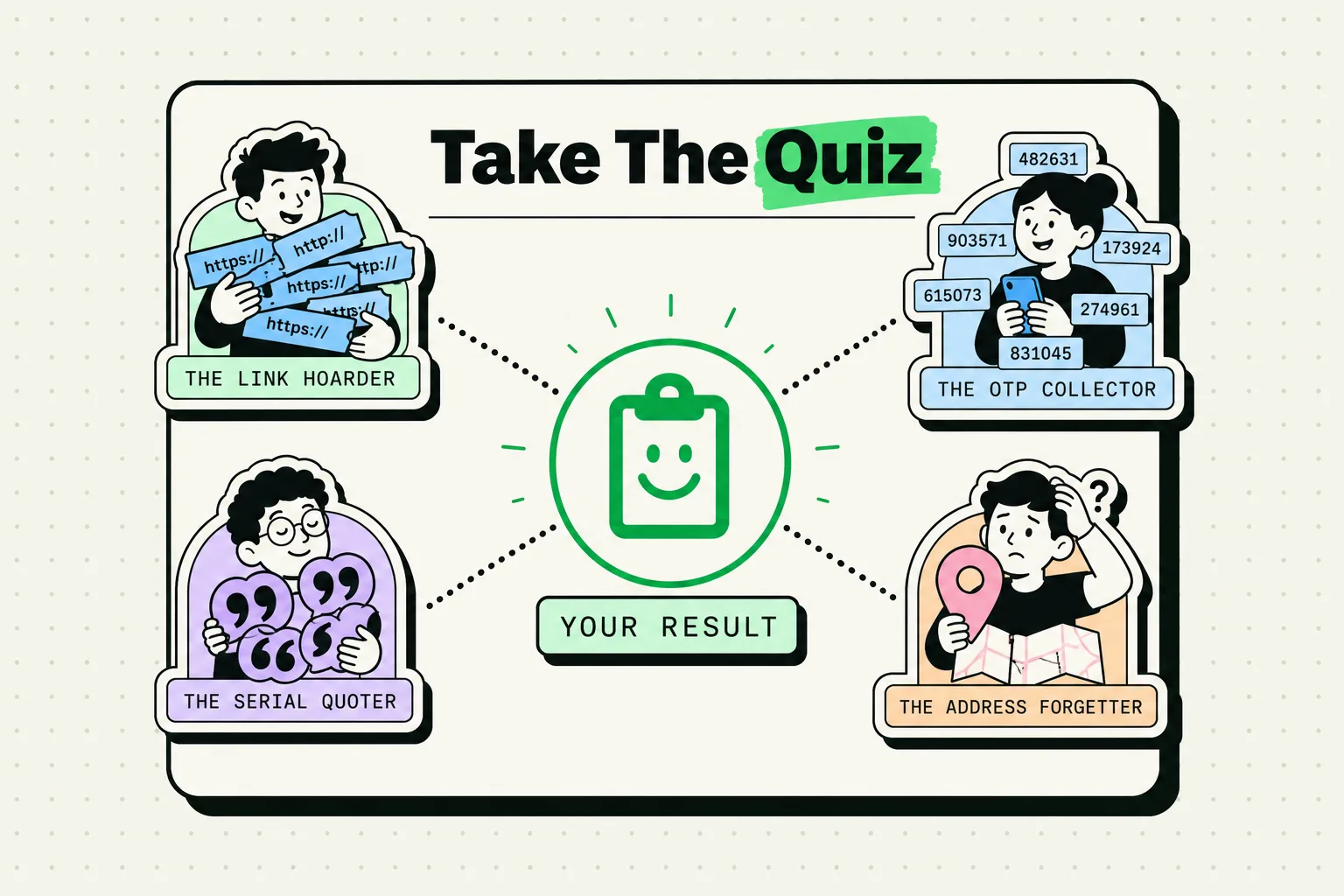
What Your Clipboard History Says About You
Questions
Does iPhone have a clipboard history?
No. iOS keeps one item at a time, and iOS 27's paste suggestion only previews that item. A history needs a clipboard manager app or a Shortcut that logs copies to a note.
Where is the clipboard on my iPhone?
It has no app and no Settings page. It is a system service apps use through UIPasteboard, and you see it only when you paste, or on iOS 27 in the paste suggestion above Apple's keyboard.
Clipboard AI keeps what you copy on iPhone, iPad and Mac, searchable and one tap from any app. Free for your last 10 copies.
Get it on the App Store