
Copy and paste on iPhone
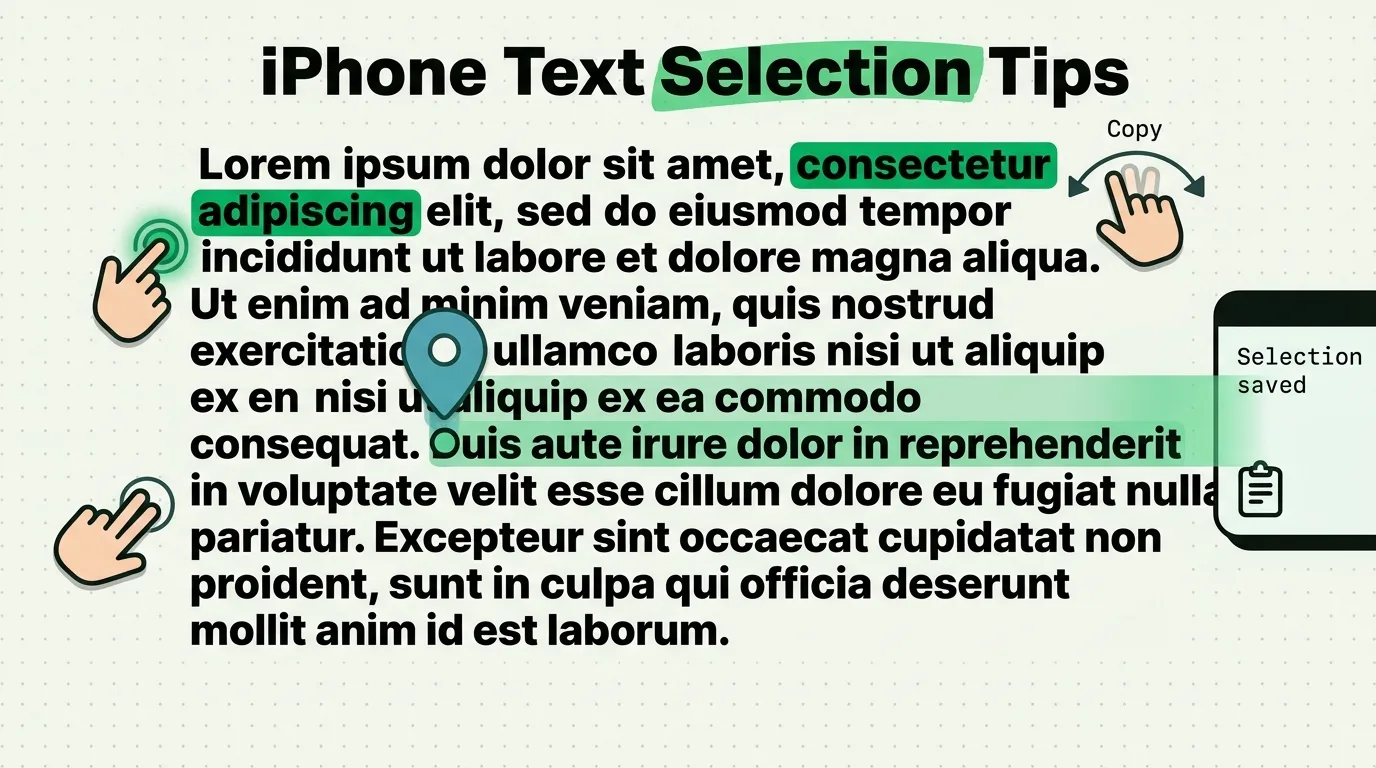
Copying on an iPhone starts with selecting: a double tap selects a word, a triple tap a paragraph, and touching and holding the space bar turns the keyboard into a trackpad. These guides cover every part of the job, from copying a link without opening it to pasting text without its formatting and moving several items between apps in one trip.
All copy and paste guides
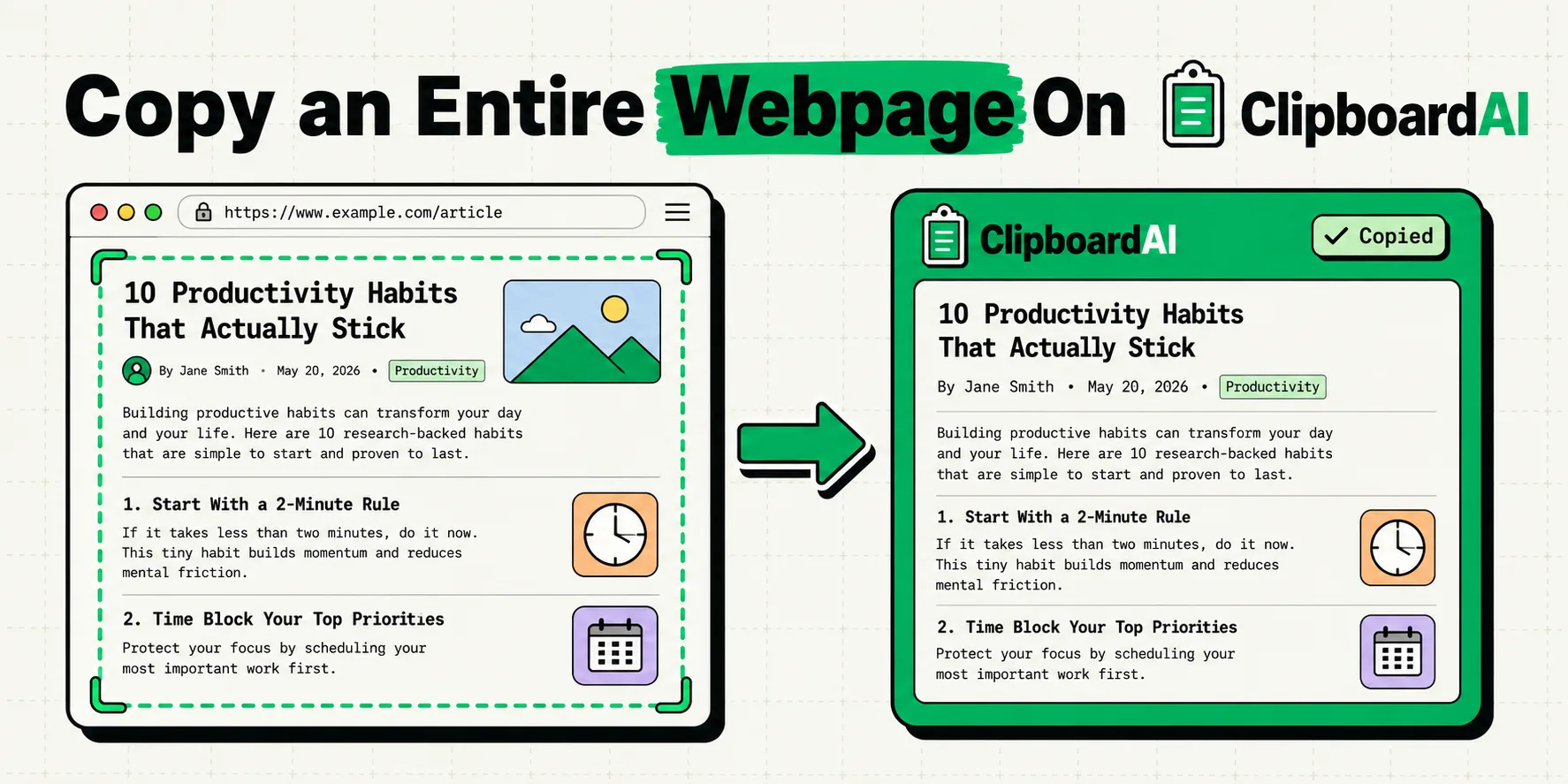
How to Copy a Whole Page on iPhone (Text, PDF or Link)
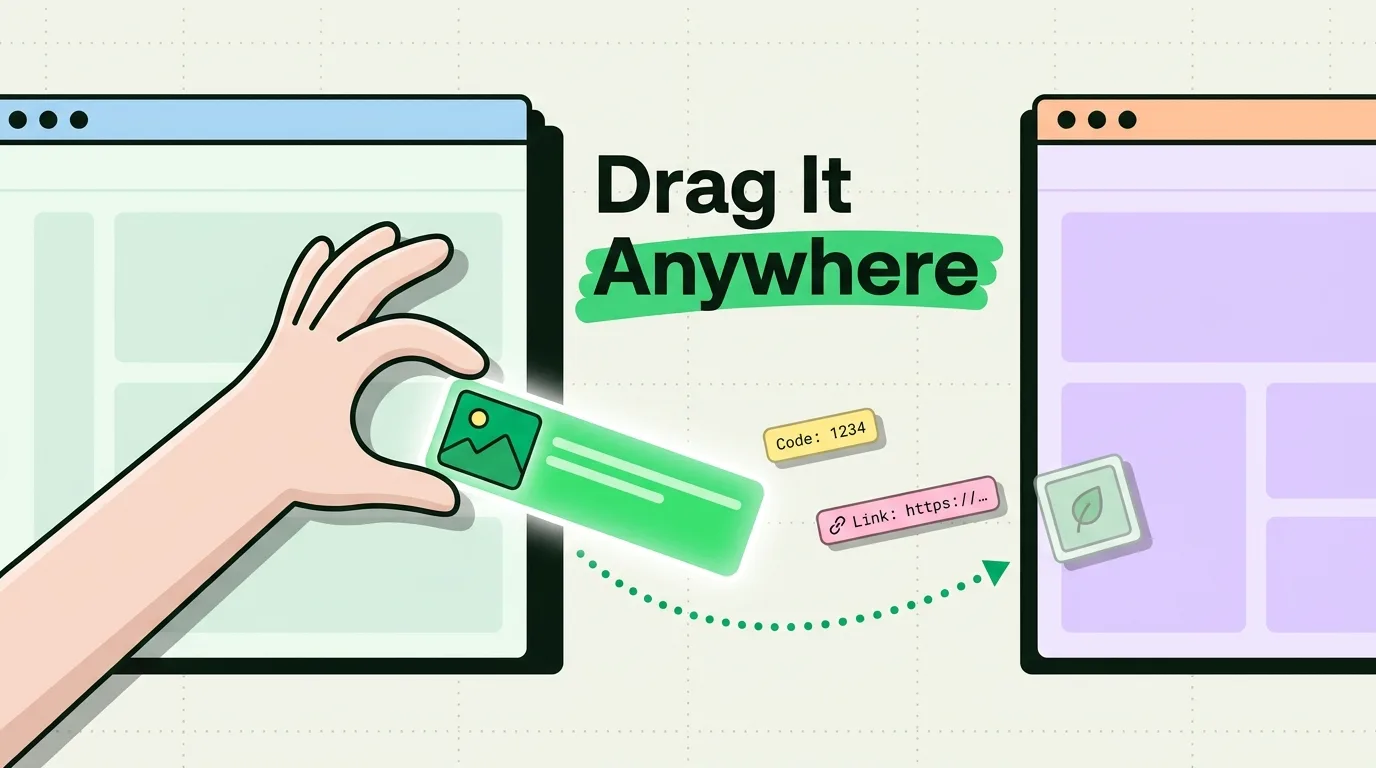
How to Use Drag and Drop on iPhone (Complete Guide)
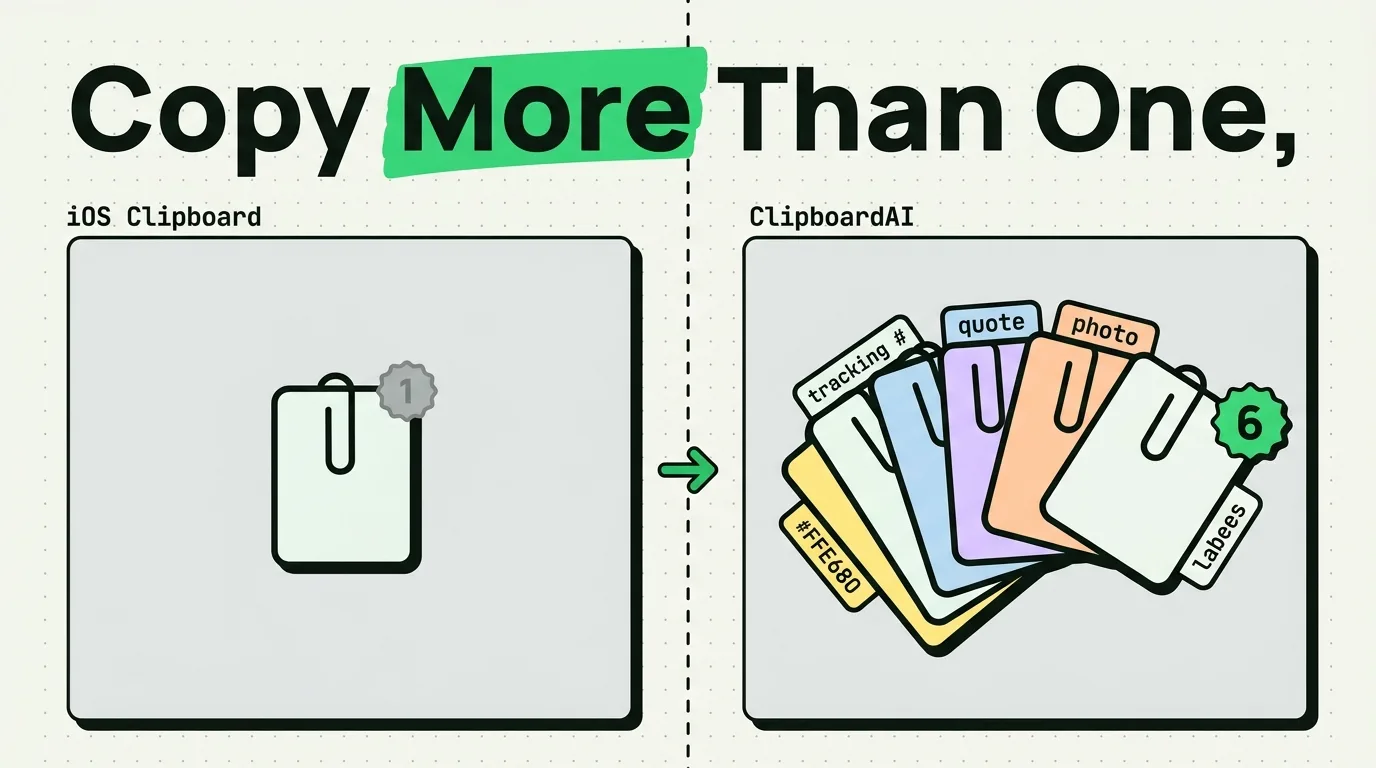
How to Copy Multiple Items on iPhone (2026)
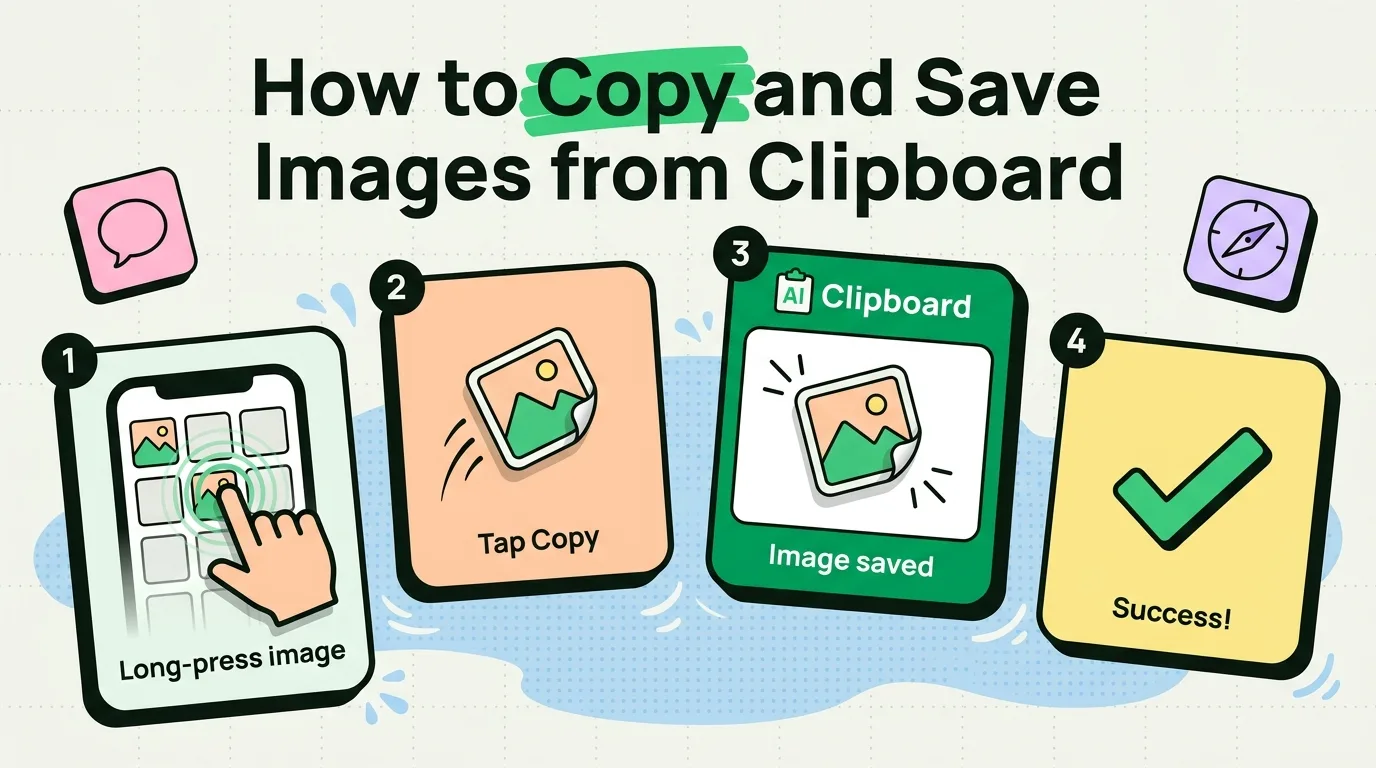
How to Copy and Save Images from Clipboard on iPhone
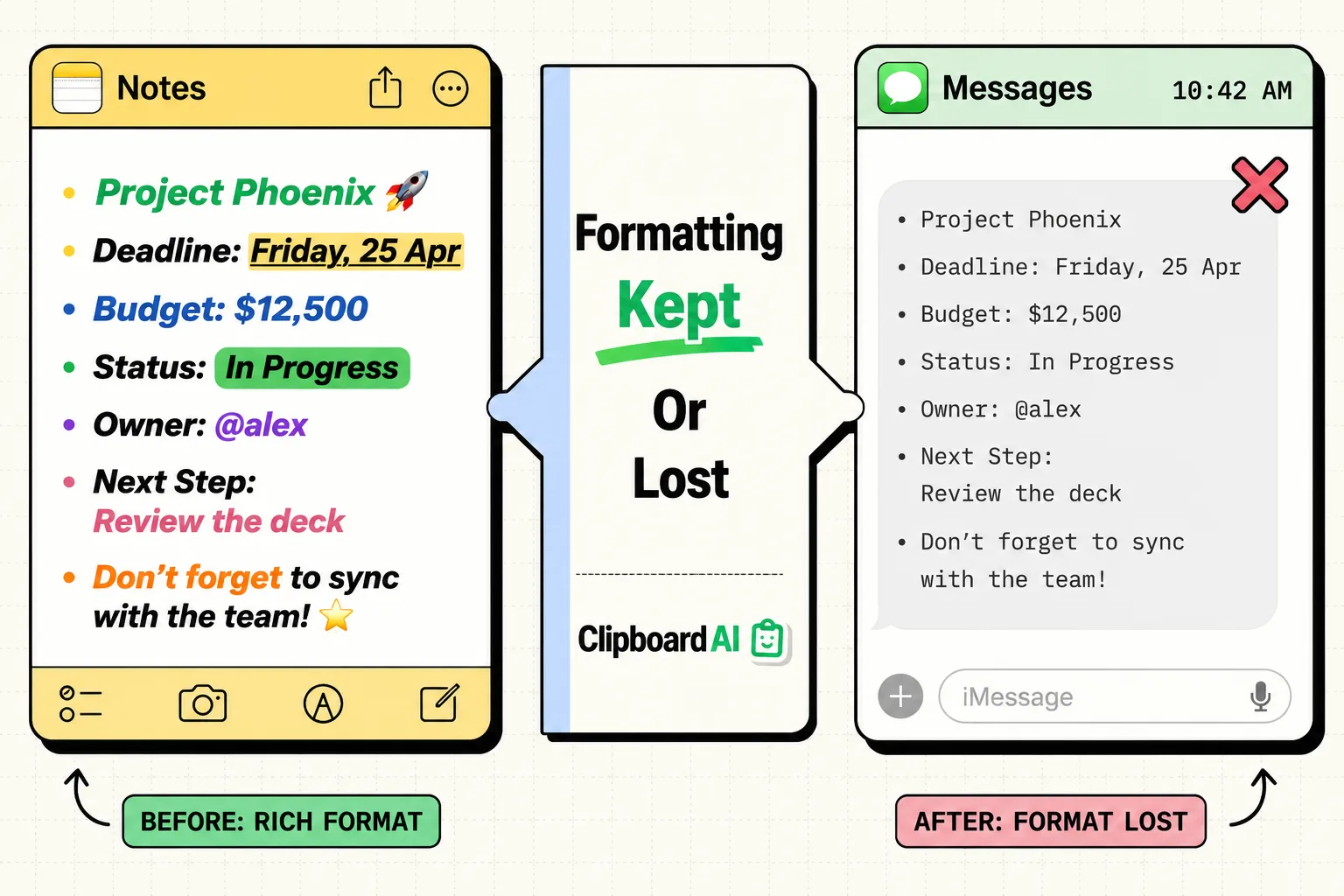
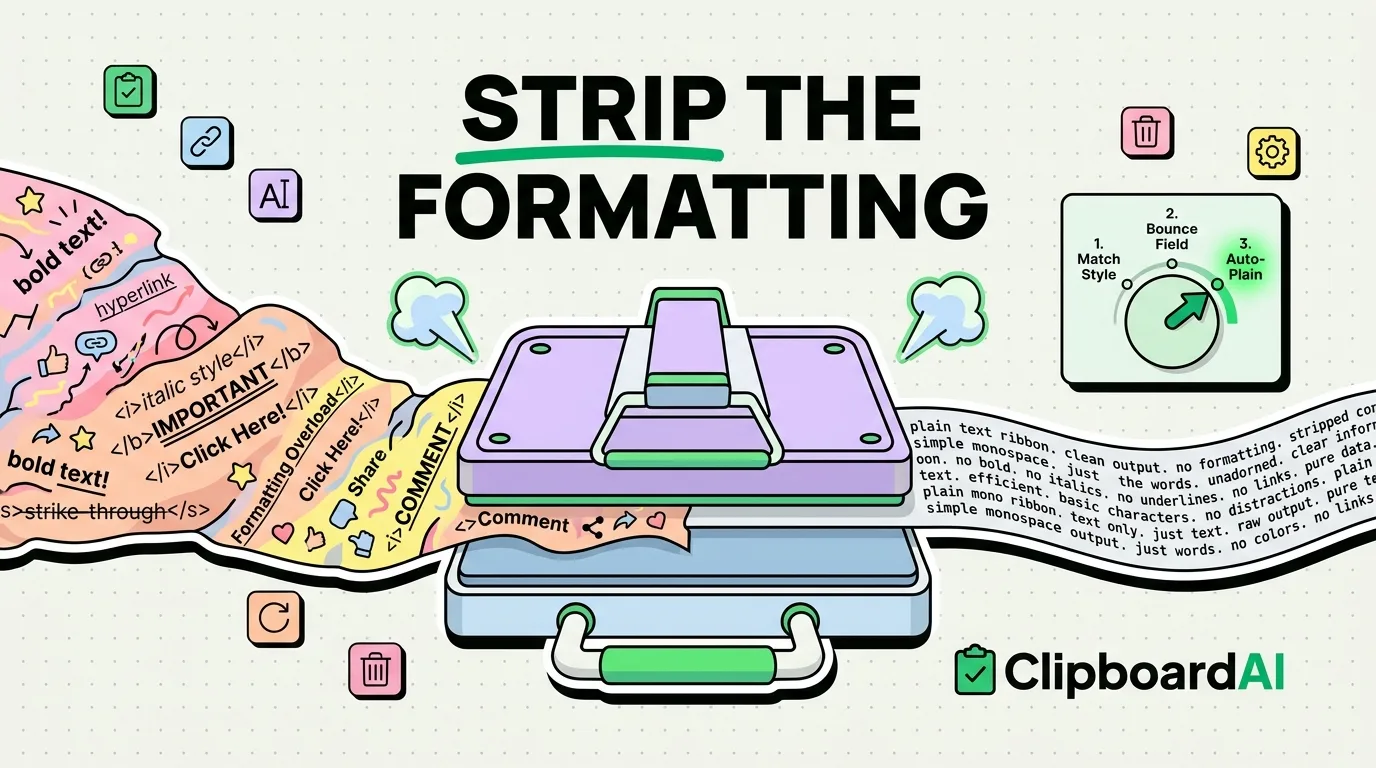
Copy and Paste With Formatting on iPhone: What Survives
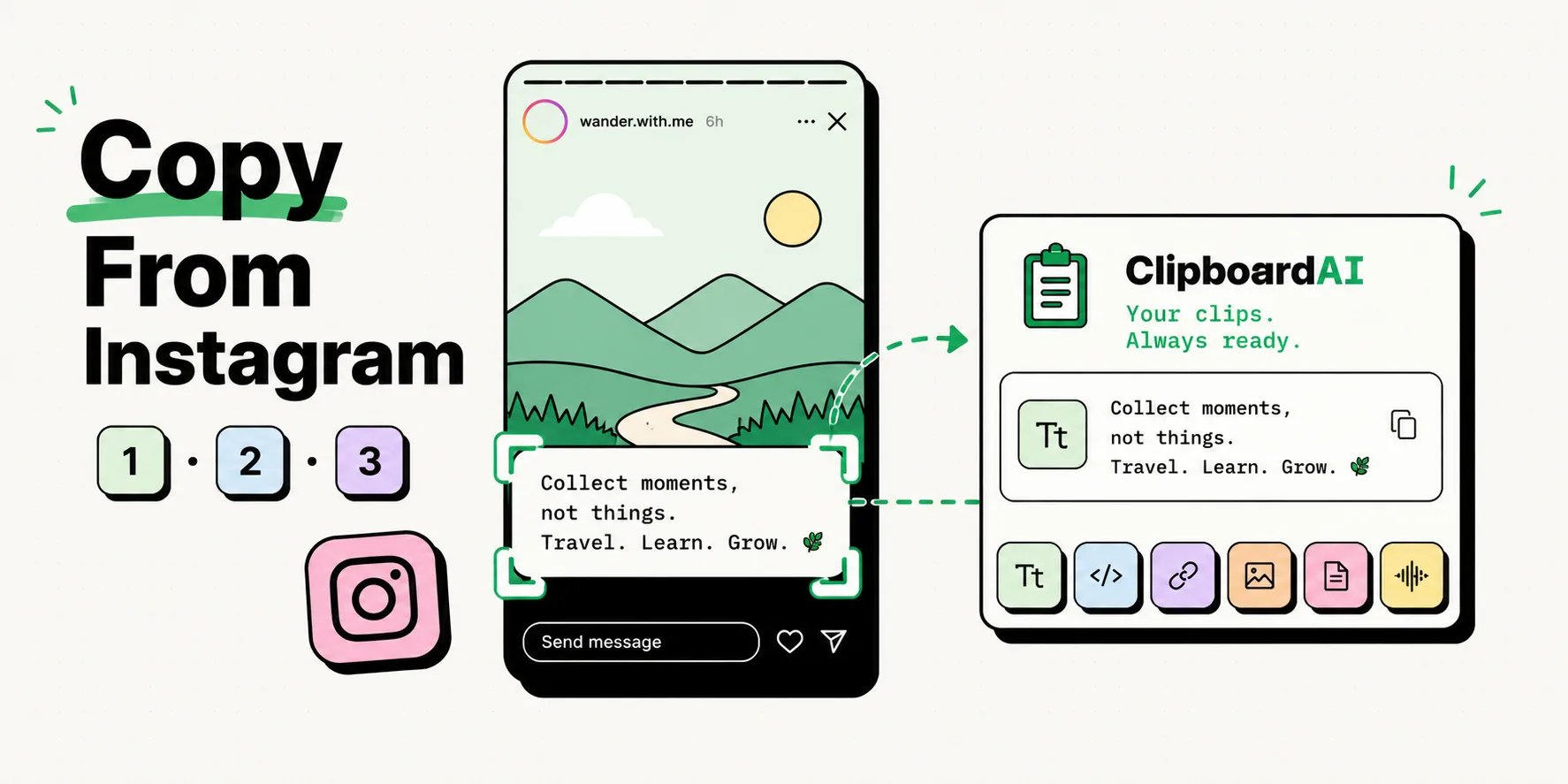
How to Copy Text From Instagram Stories and Reels
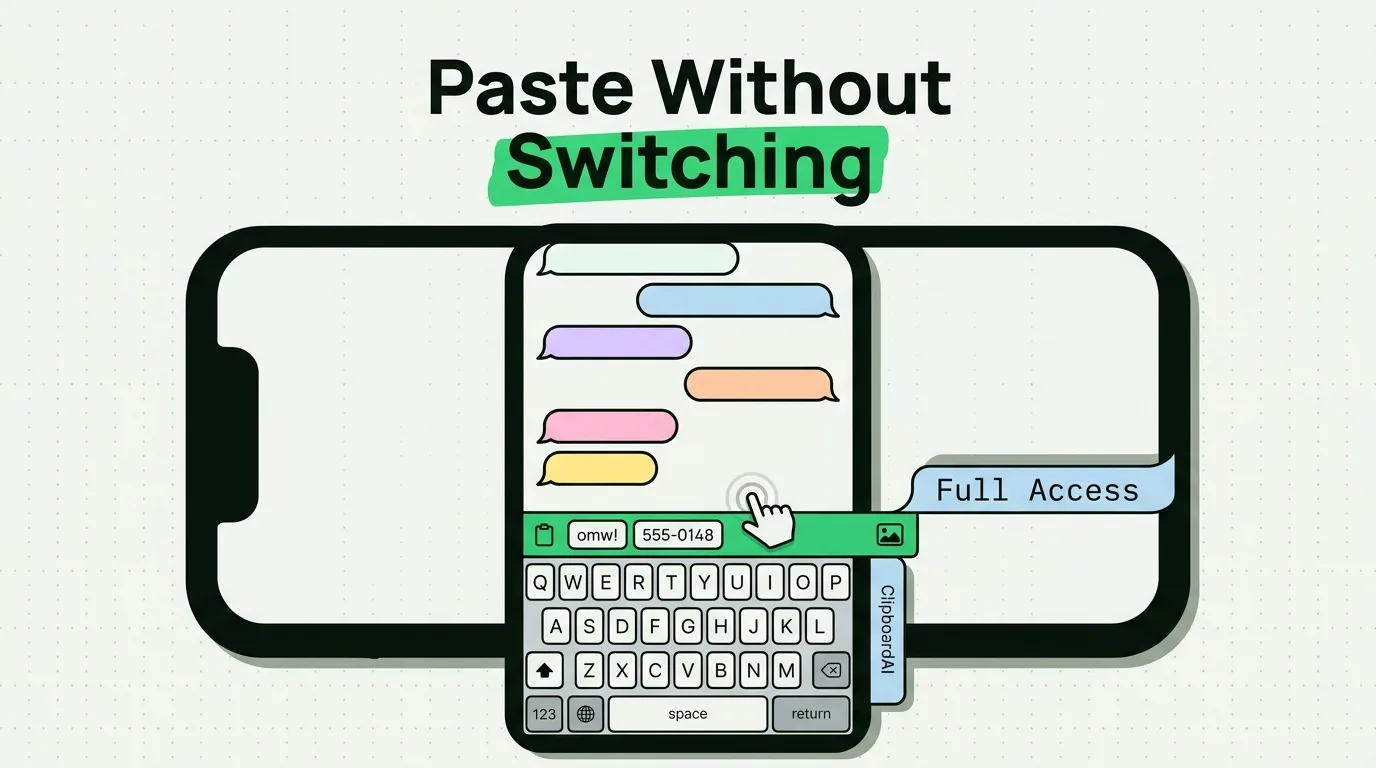
How to Use a Clipboard Keyboard on iPhone (2026 Setup)
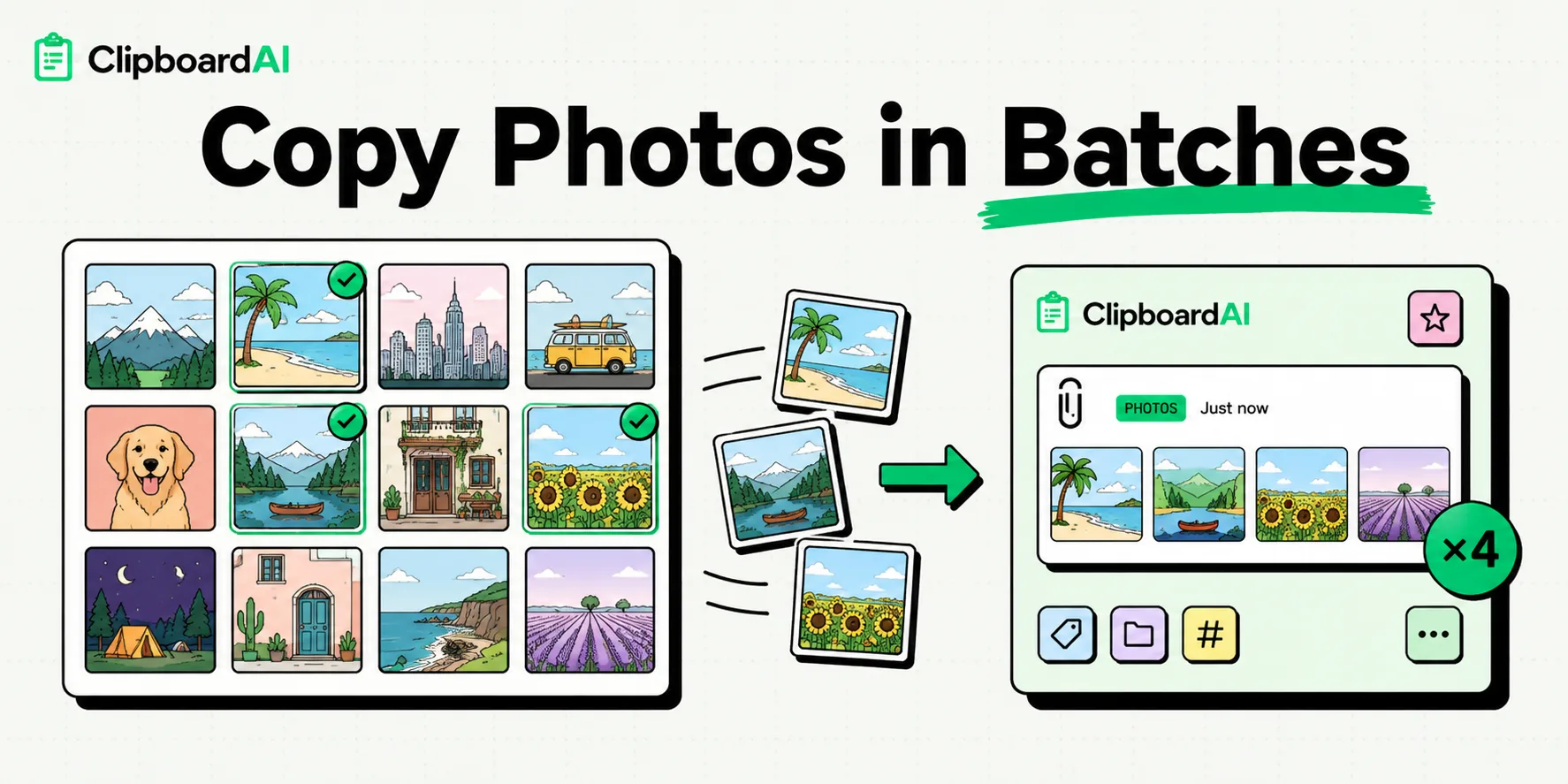
How to Copy Multiple Photos to Clipboard on iPhone
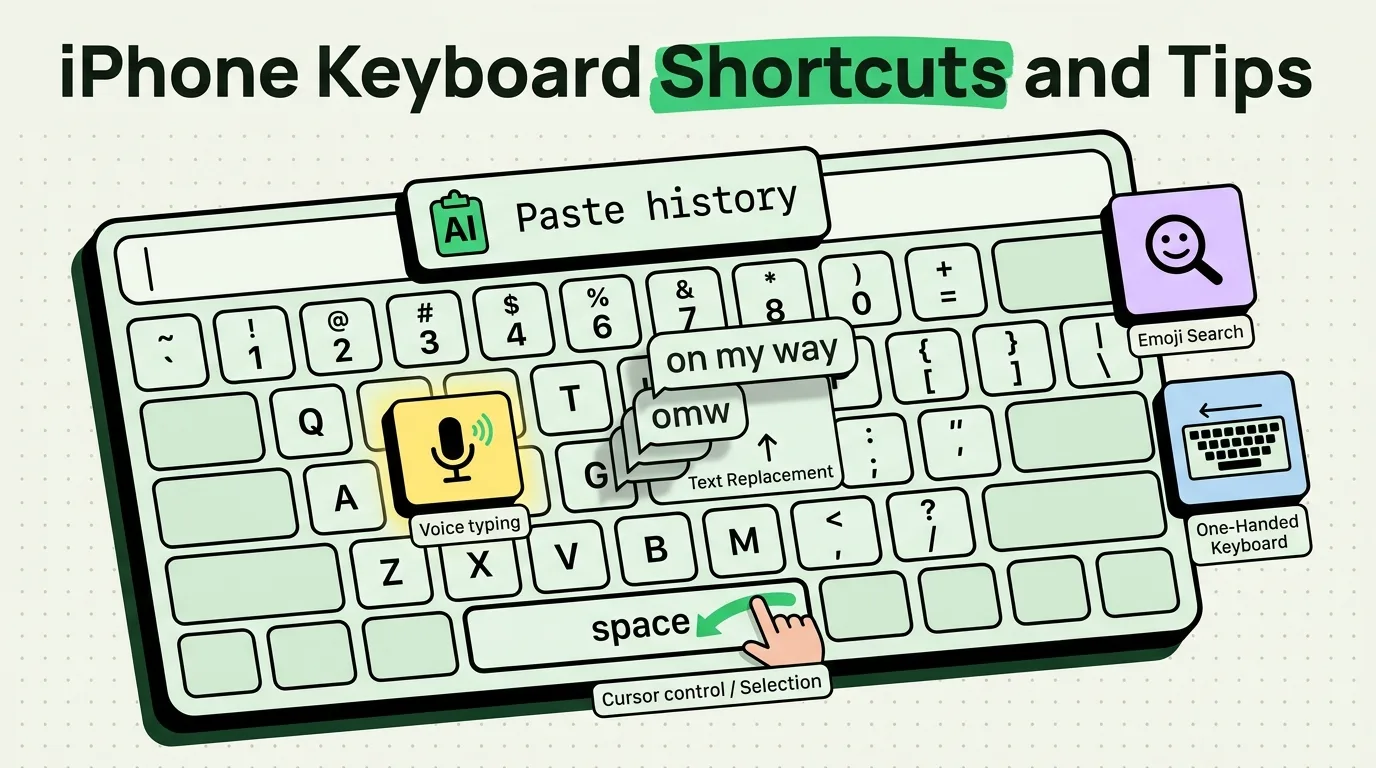
iPhone Keyboard Shortcuts and Tips You Need to Know
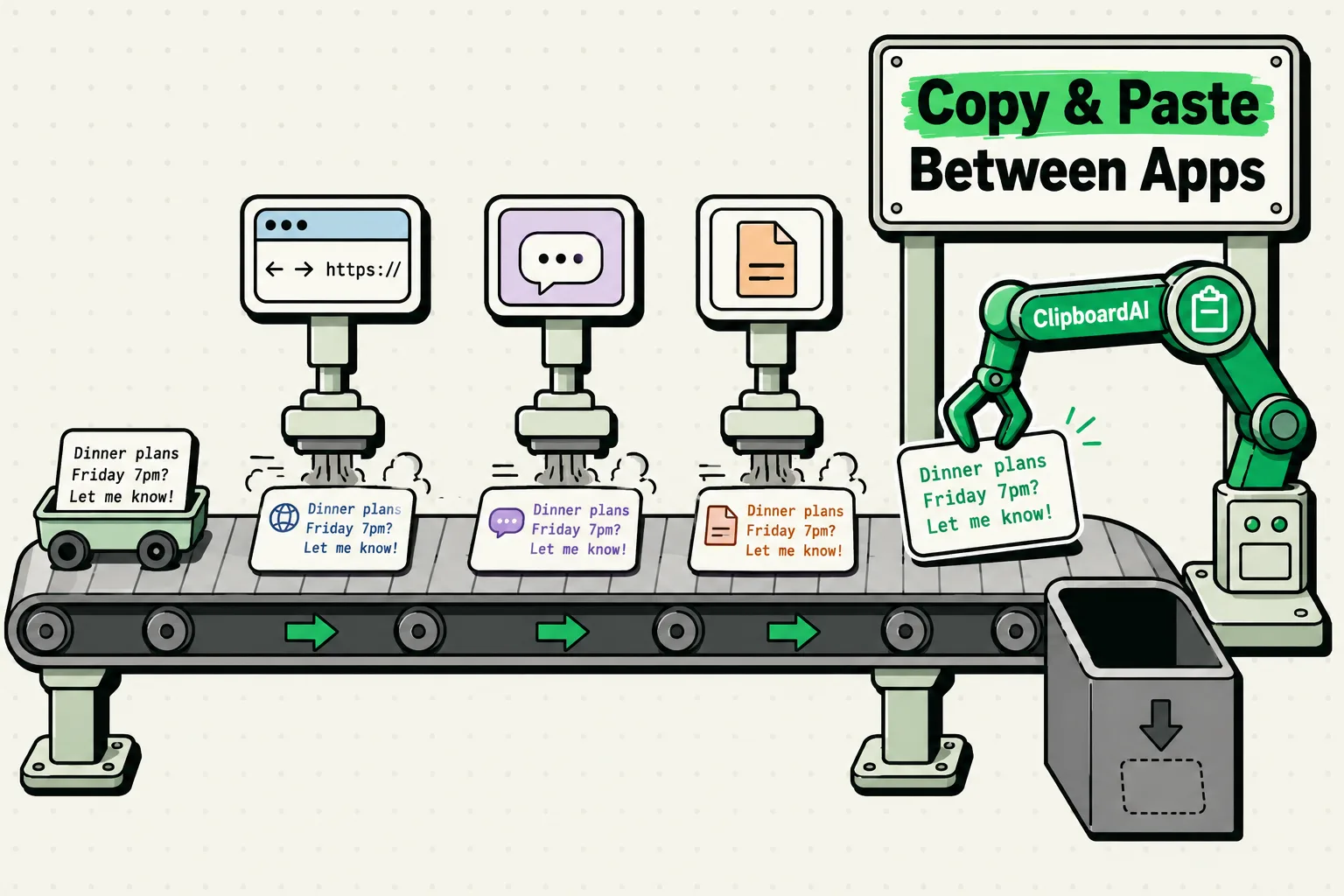
How to Copy and Paste Between Apps on iPhone
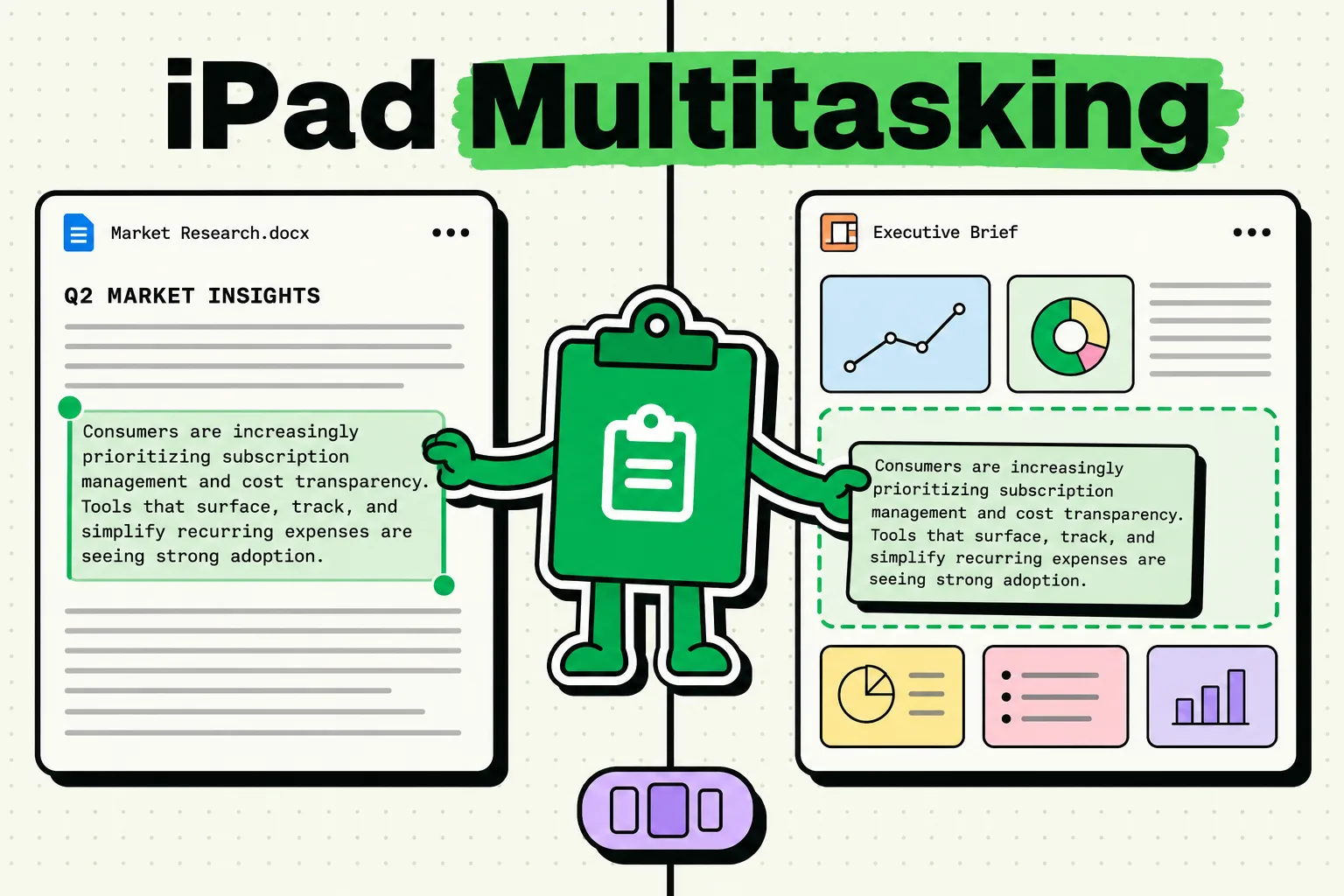
Clipboard Manager for iPad: Split View and Stage Manager
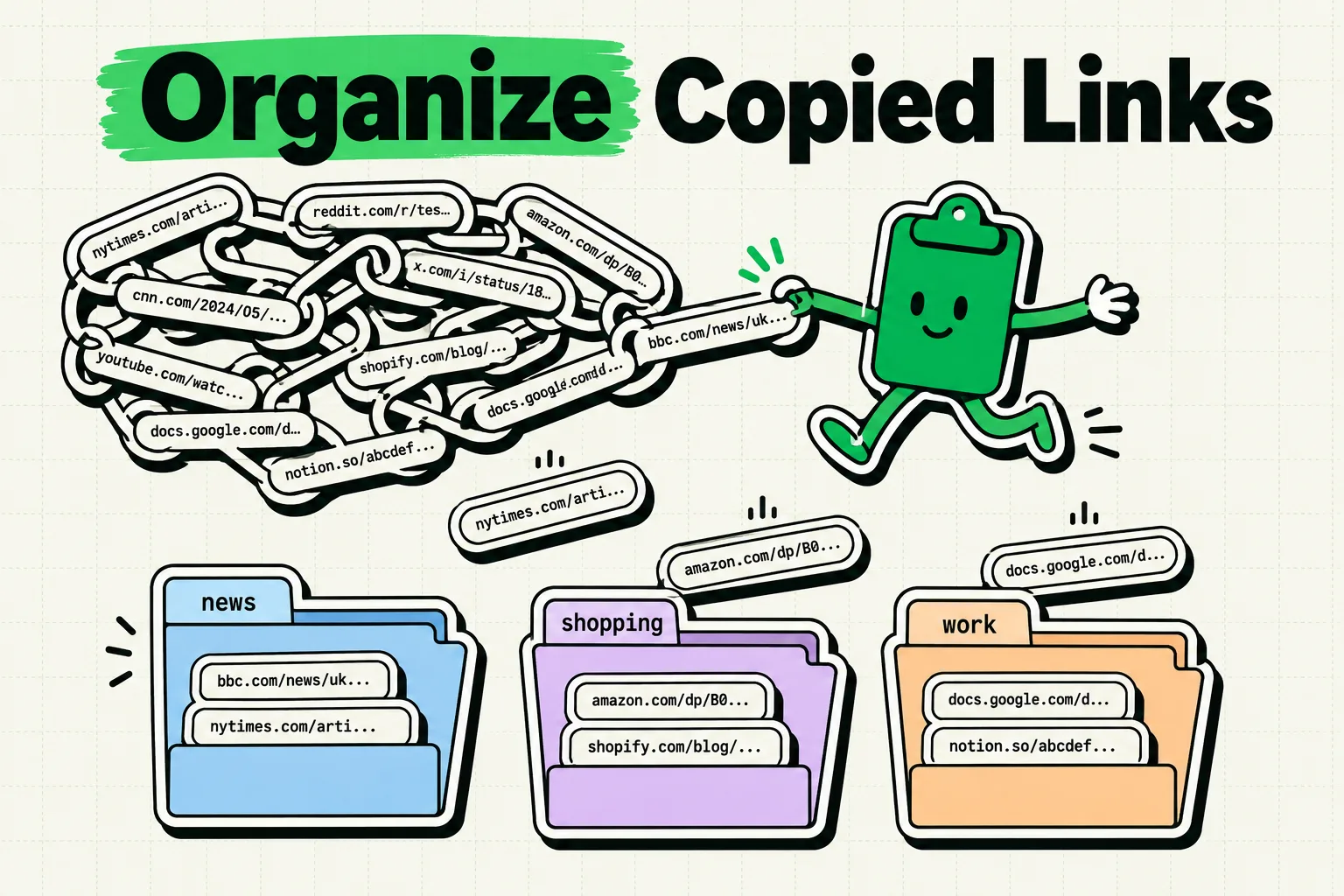
How to Organize Copied Links on iPhone: The Complete Guide
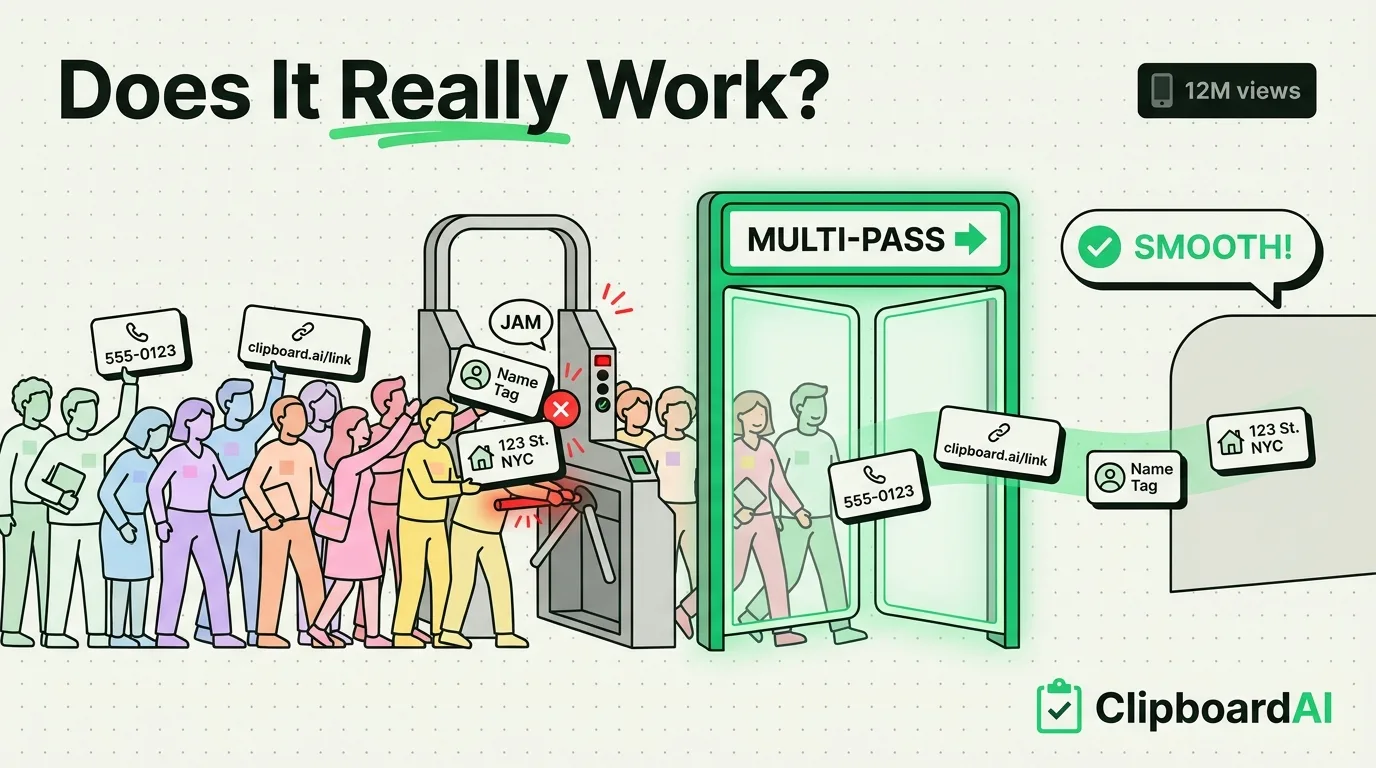
TikTok Copy-Paste Trick on iPhone: How Multi-Paste Works
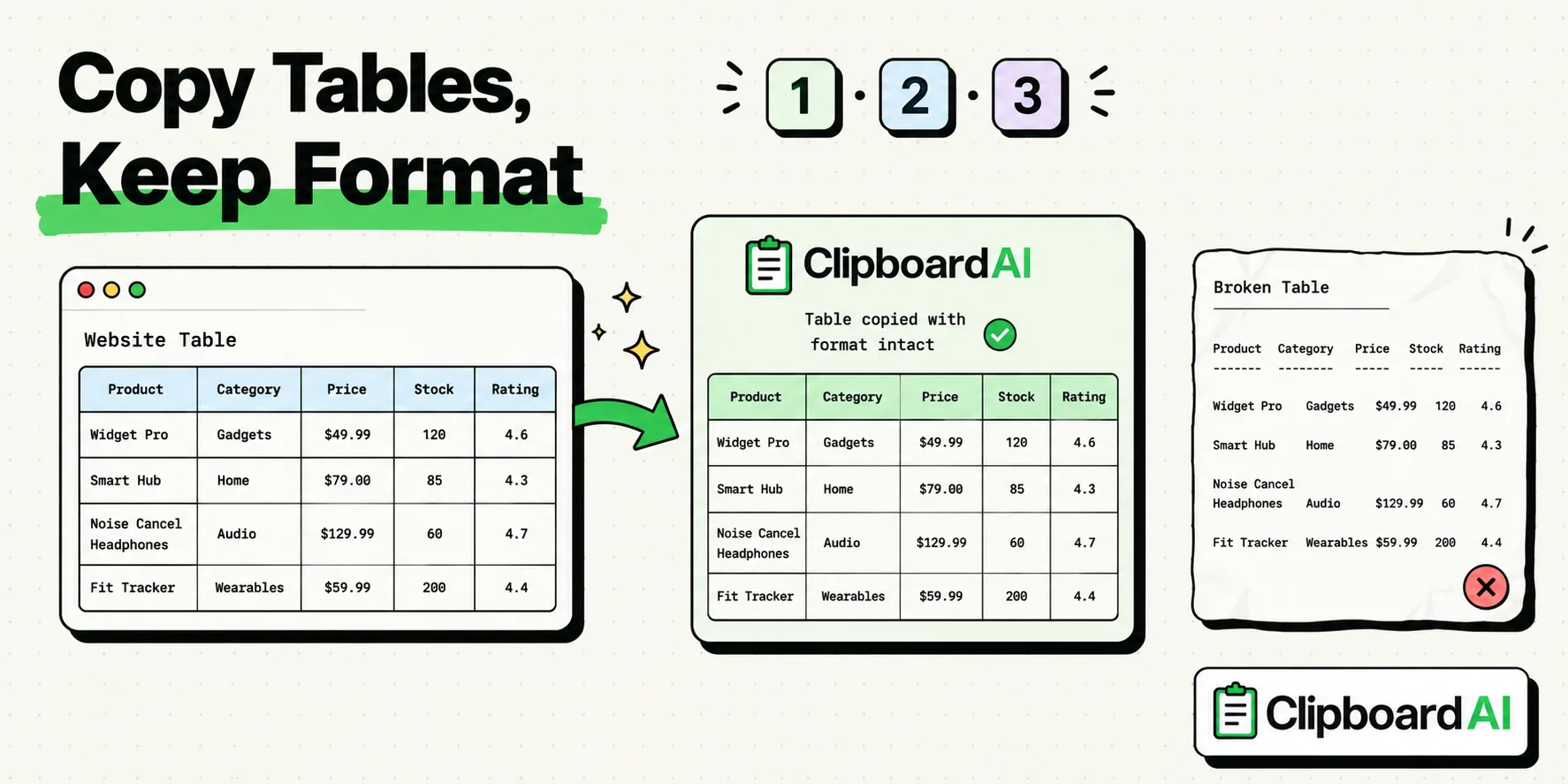
How to Copy a Table From a Website on iPhone
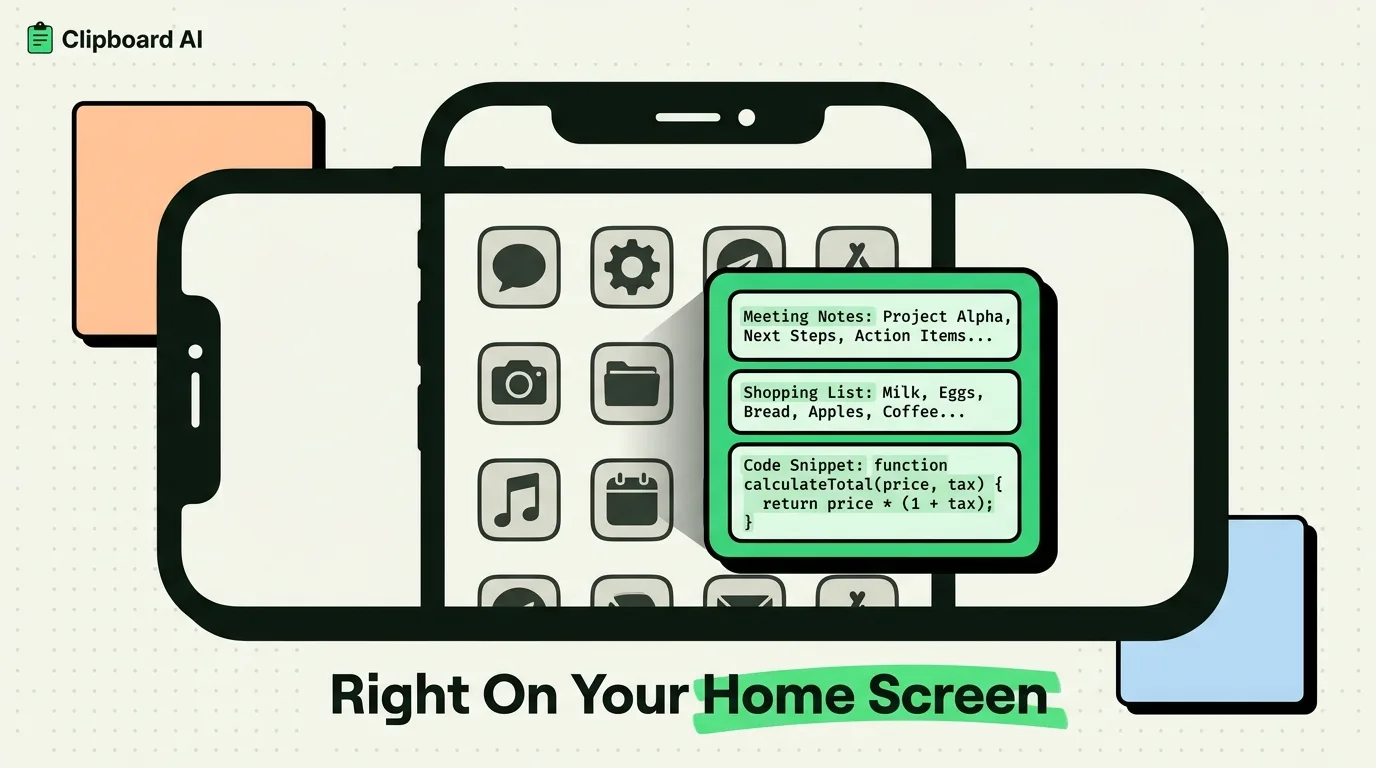
Clipboard Widget for iPhone: Tap a Clip to Copy It
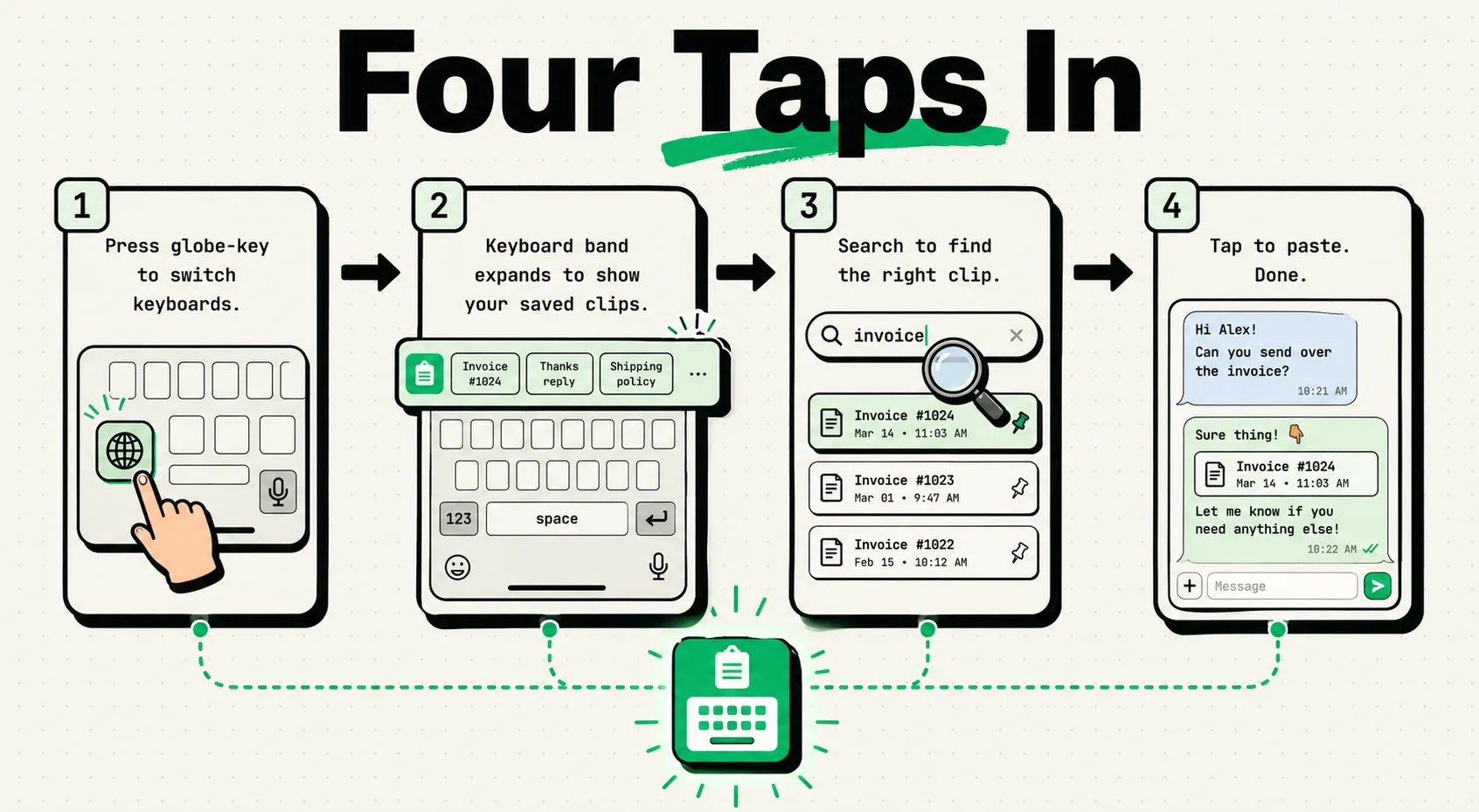
ClipboardAI Keyboard Extension Guide: Setup, Workflows, and Tips
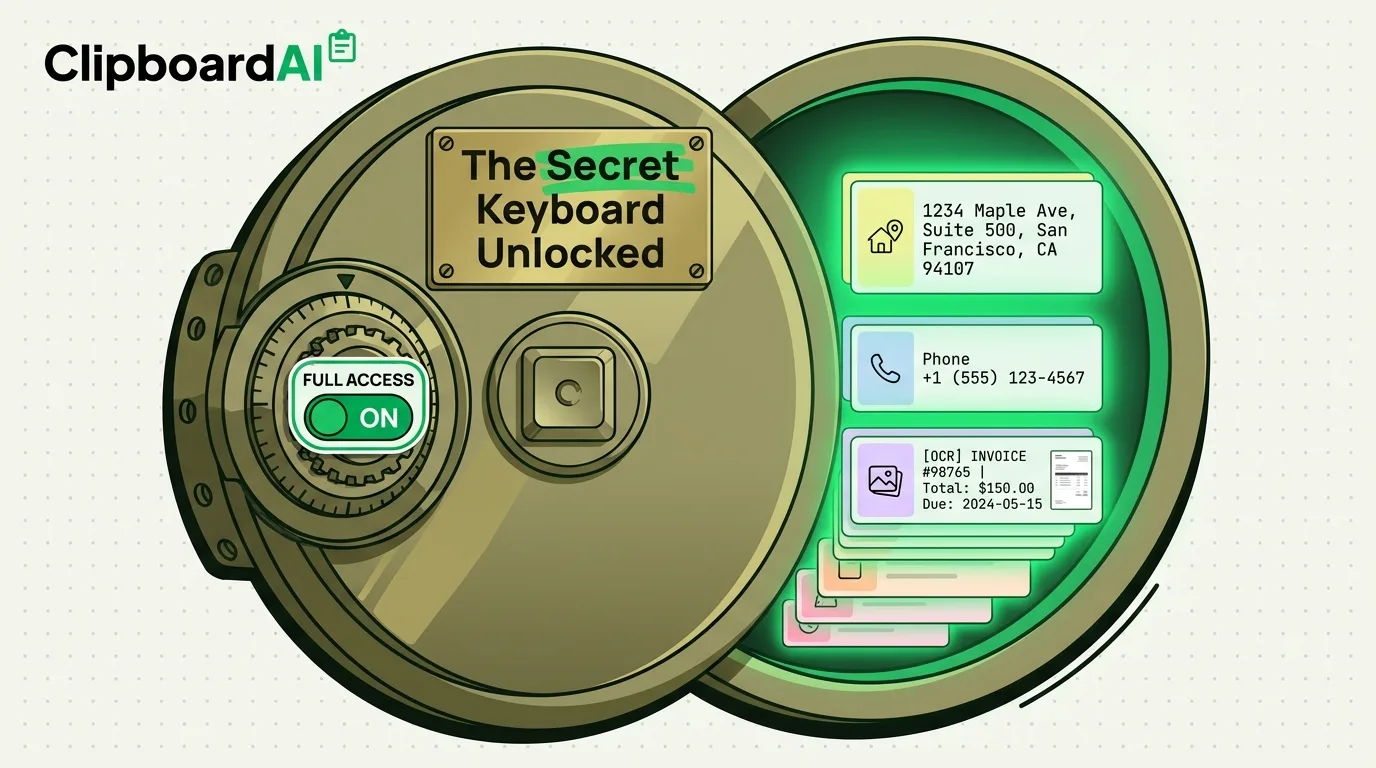
The Secret iPhone Keyboard Trick That Changes Everything
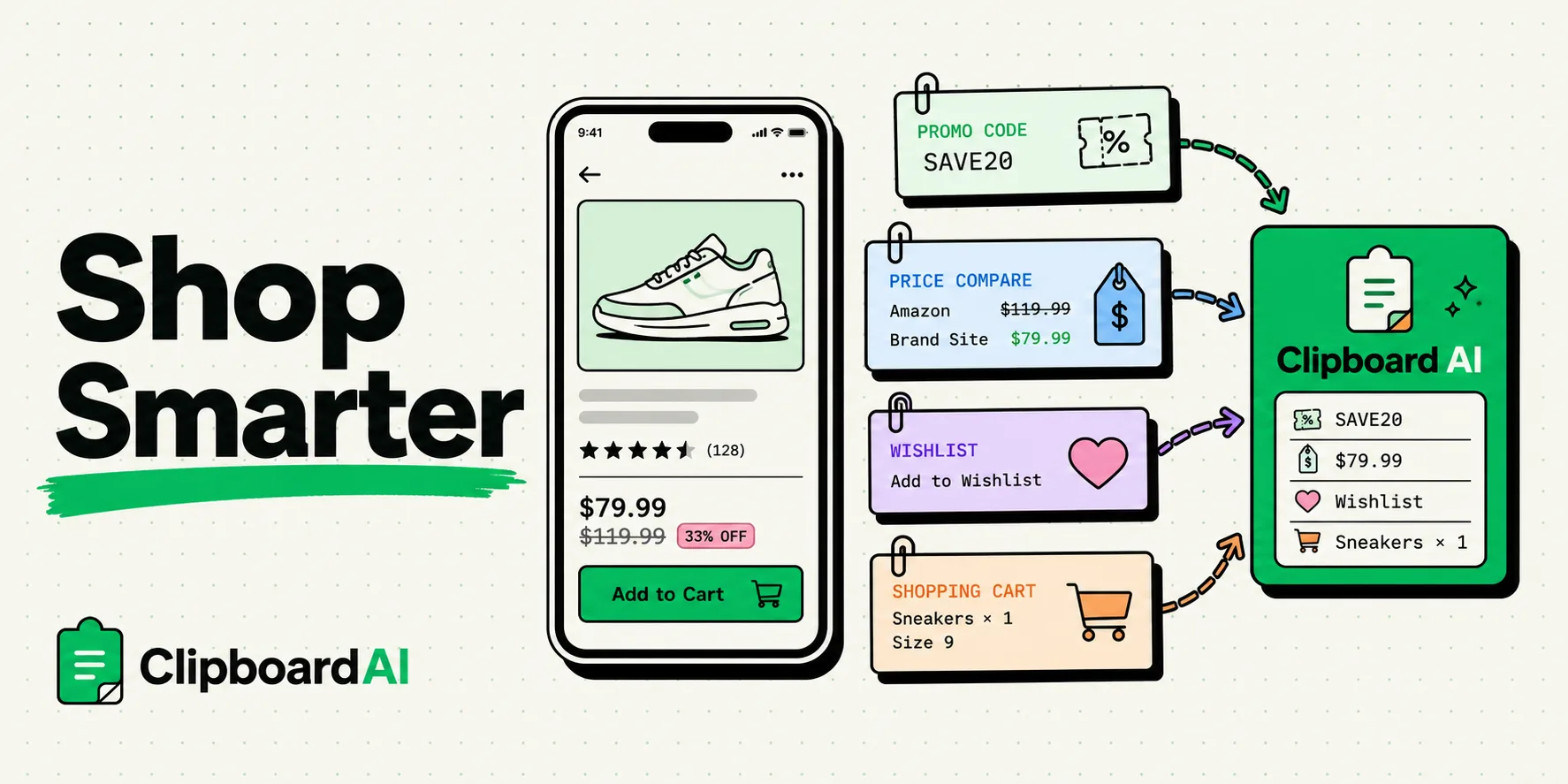
Clipboard Tricks for Online Shopping: Keep Every Promo Code
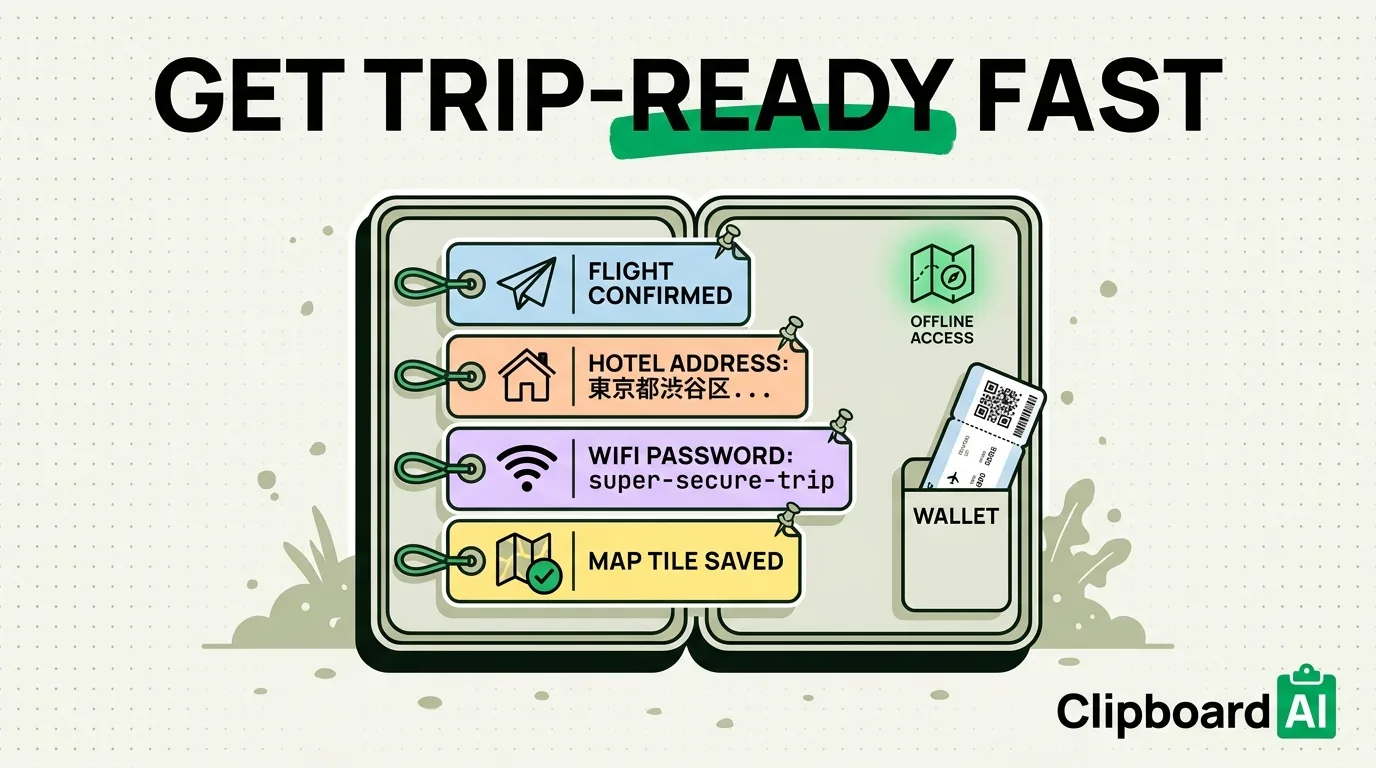
Summer Travel Prep: iPhone and Clipboard Tips
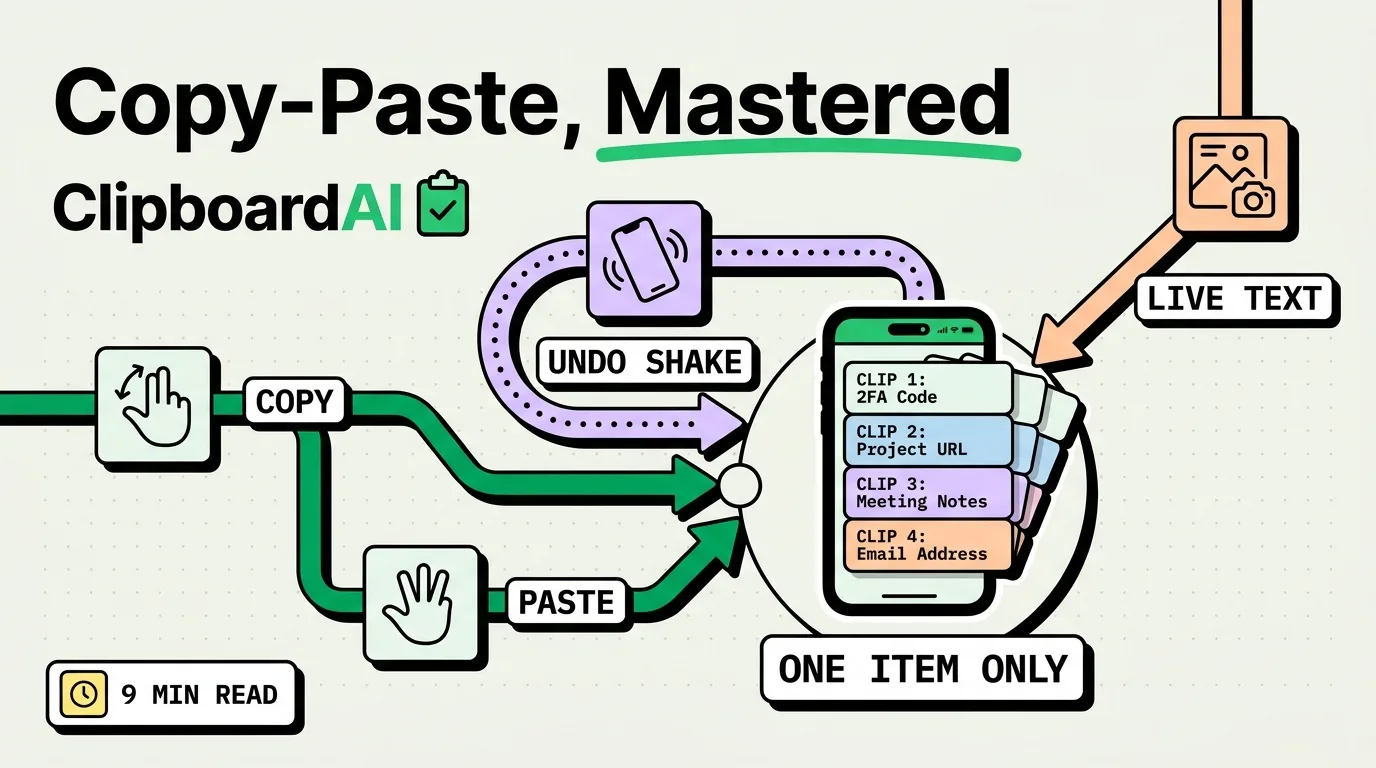
How to Copy and Paste on iPhone: The Ultimate 2026 Guide
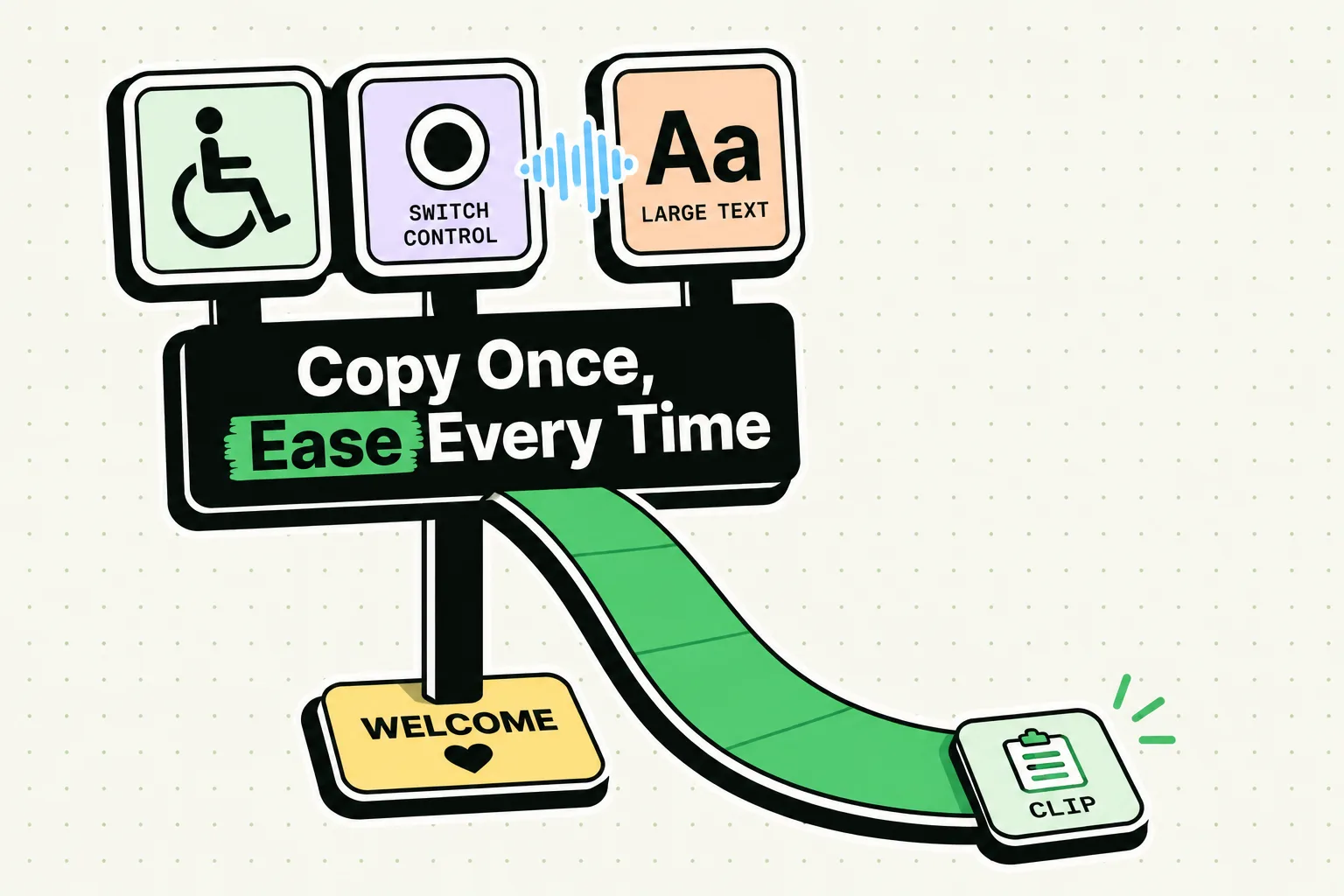
Clipboard Management as an Accessibility Tool on iPhone
Questions
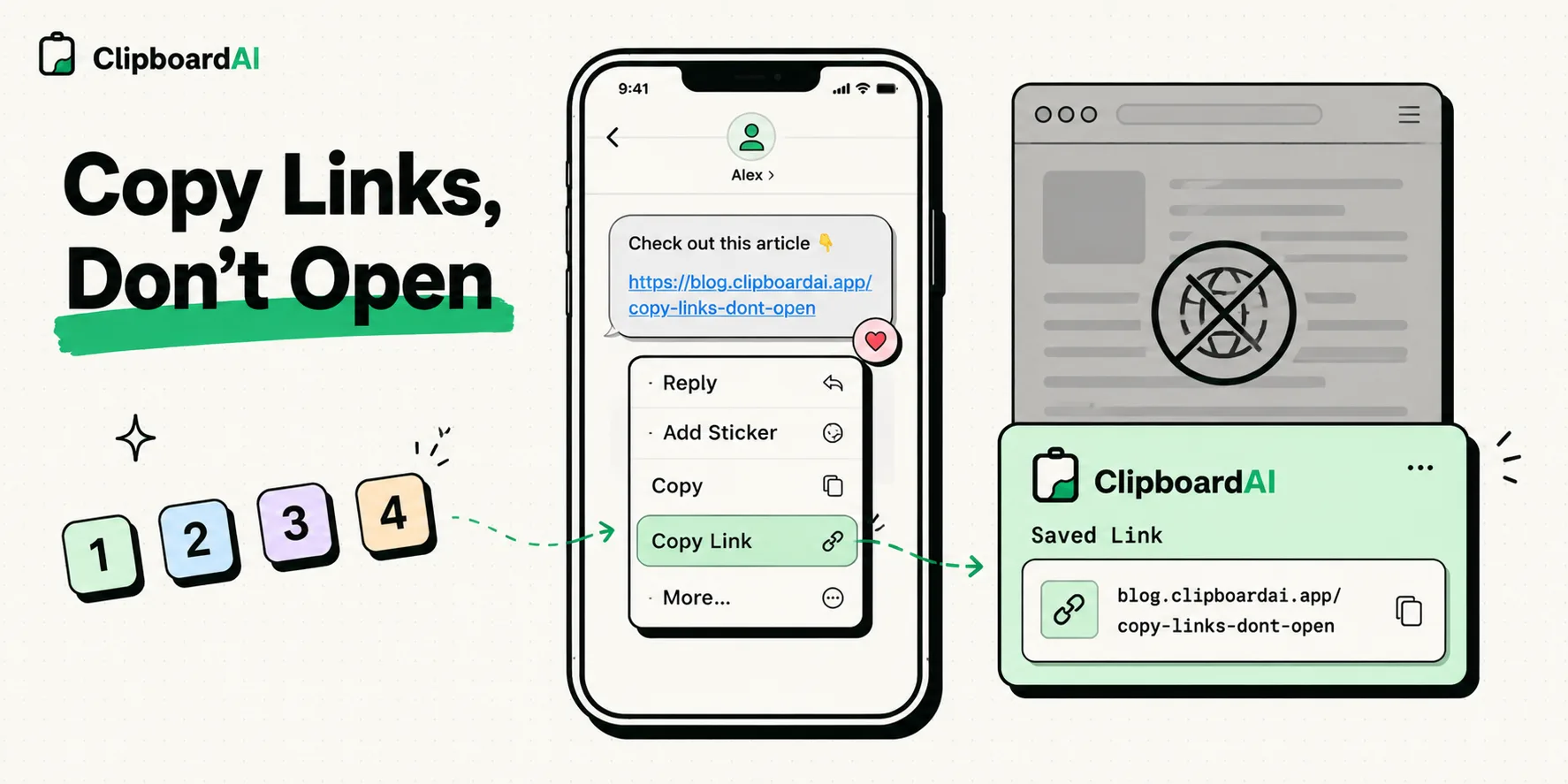
How do I copy a link on iPhone without opening it?
Touch and hold the link, then choose Copy Link from the menu that appears. It works in Safari, Messages, Mail and most apps that show links.
Can I copy two things at once on iPhone?
Not with the system clipboard, which holds one item. A clipboard manager keeps each copy so you can paste them one after another.
Clipboard AI keeps what you copy on iPhone, iPad and Mac, searchable and one tap from any app. Free for your last 10 copies.
Get it on the App Store