On this page
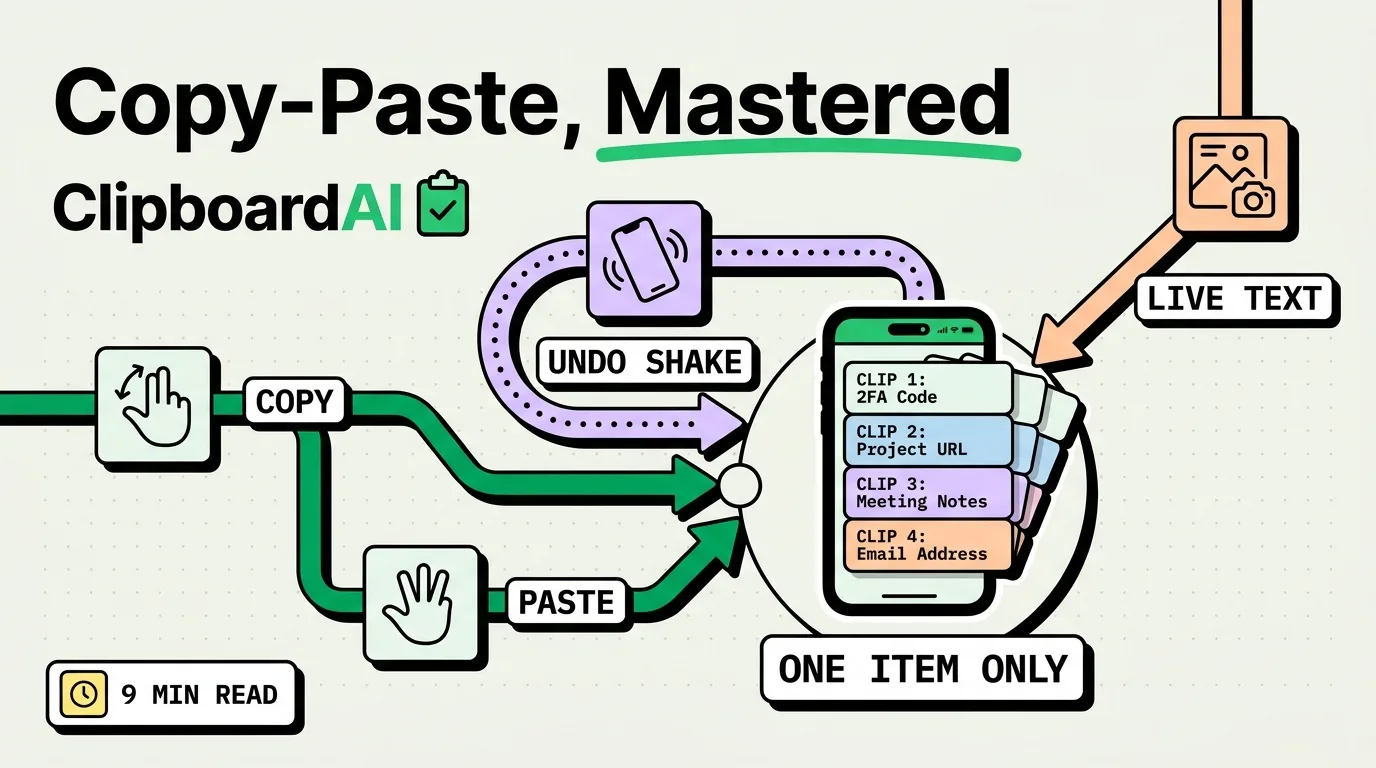
The TikTok trick that pastes several copied items is not a hidden iPhone feature. iOS keeps only your latest copy, and iOS 27's new paste suggestion above the keyboard shows just that one. The trick works through a clipboard manager: copy something, save it (with Clipboard AI, switch to its keyboard with the globe key), repeat, then tap any saved clip to paste it.
The sections below show the setup, the claim that is false, and the built-in tricks that are real.
How the multi-paste trick works
Pasting several things you copied earlier takes two parts: something that saves each copy, and a keyboard that lets you paste any of them. iOS provides neither on its own, because the system clipboard holds one item (why iPhone only saves one copy explains the design). A clipboard manager supplies both. With Clipboard AI on iPhone:
- Add the keyboard under Settings > General > Keyboard > Keyboards > Add New Keyboard > Clipboard AI, then open it again and turn on Allow Full Access.
- Copy the first item as usual. Press the globe key and choose Clipboard AI: the keyboard saves your latest copy as it opens.
- Repeat for each item. If you are reading and have no text field to type into, set up a Back Tap shortcut once (Settings > Accessibility > Touch > Back Tap), and a double-tap on the back of the phone saves each copy without leaving the app.
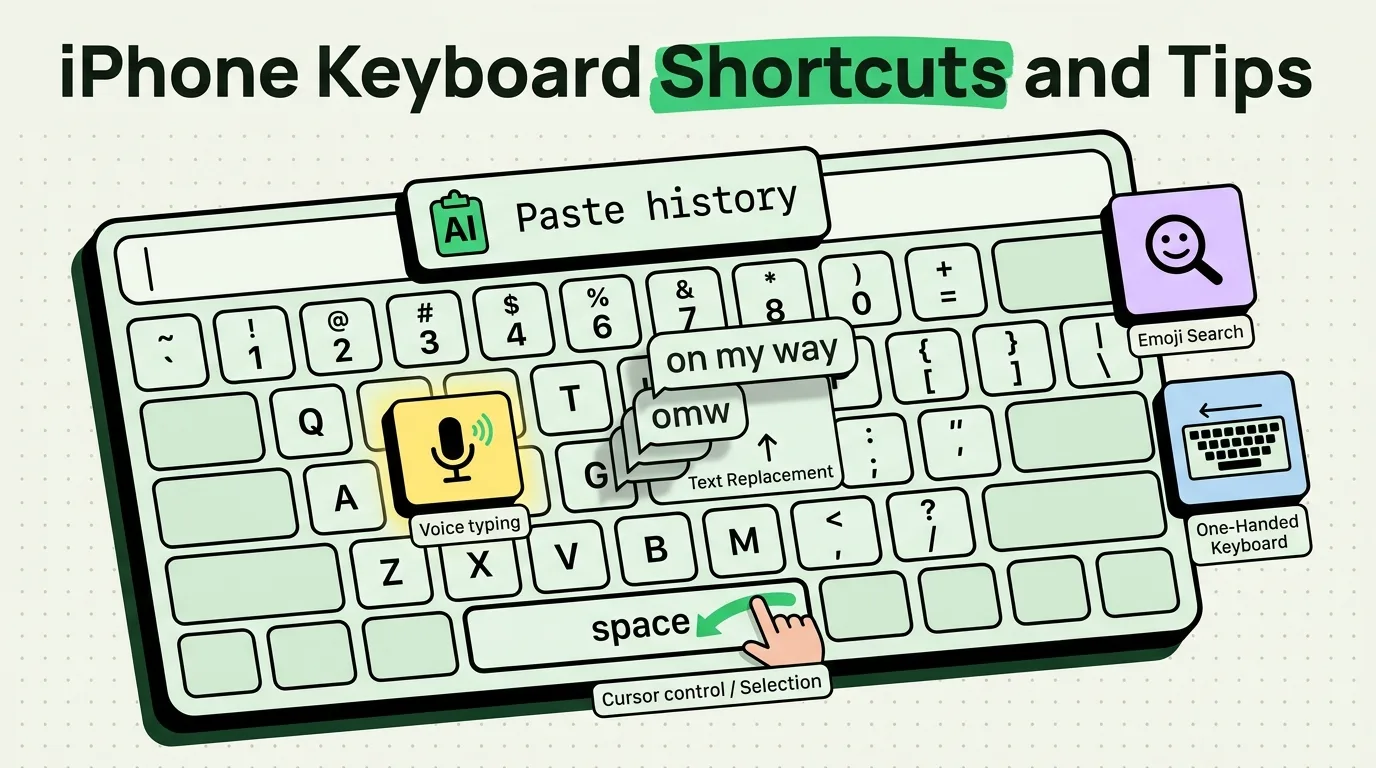
- In the field where everything goes, open the Clipboard AI keyboard and tap the clips in the order you want them.
You still tap each clip, so this is faster than switching apps for every item, not instant. iPhone has no paste-all. On a Mac, Clipboard AI does: select clips in the Command-Shift-V menu, choose Paste All, and they land in order, free. The sequential paste page and how to copy multiple items on iPhone have the details, and the clipboard keyboard guide covers the paste side.
There is no hidden clipboard history
If a video says Apple buried a clipboard history in iOS, check it against Apple's own guides: the iPhone User Guide describes Copy, Paste and Universal Clipboard, and no history. iOS 27 does add a paste suggestion above Apple's keyboard after you copy, a text preview or image thumbnail labeled with the source app, such as Paste from Safari. It holds only the latest copy, with no list, no search and no pinning. Universal Clipboard adds no history either: it relays only the latest copy to a nearby device, briefly. For a real history, see how to access clipboard history on iPhone.
Tricks that are real
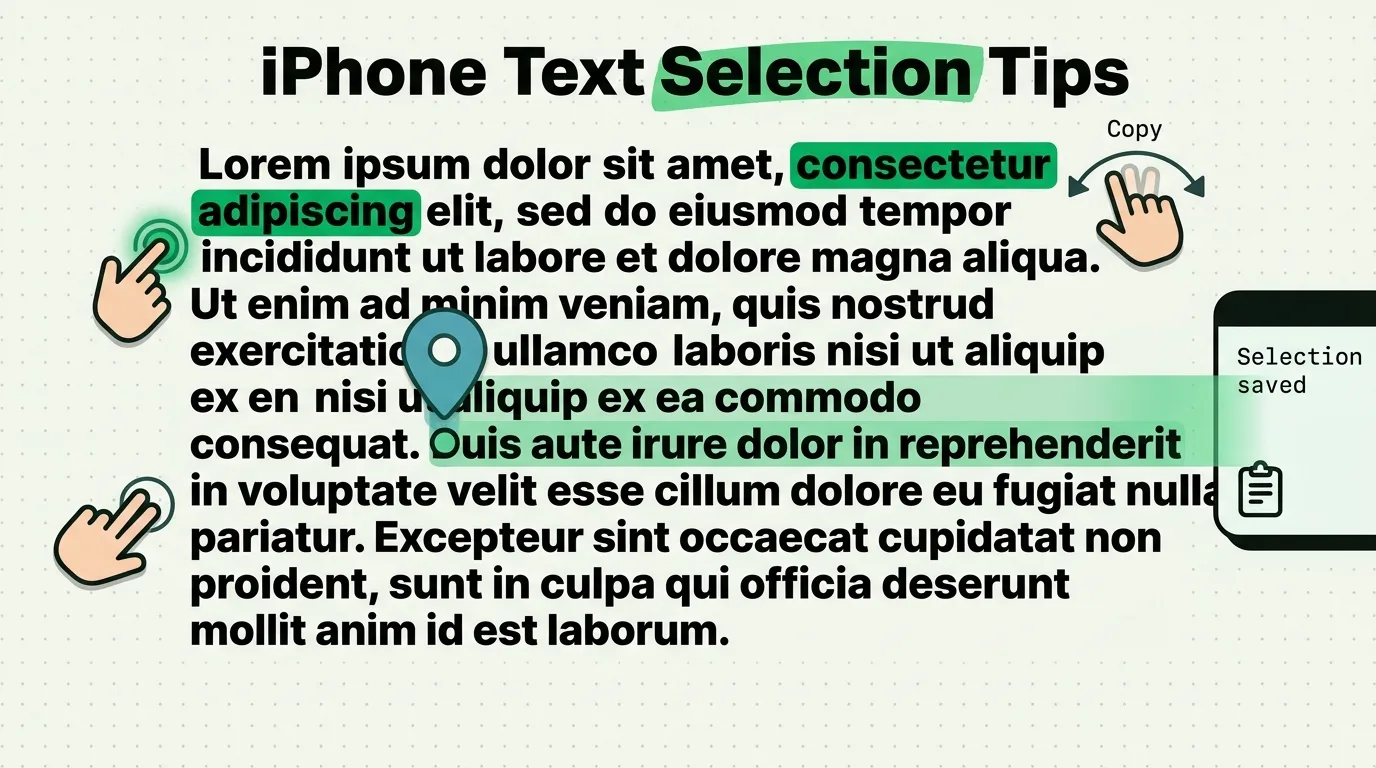
- The three-finger gestures. Pinch closed with three fingers to copy, pinch closed twice to cut, pinch open to paste, and swipe left to undo (then tap Undo). Apple documents all of them, and the text selection tips cover the rest of the gestures.
- Shake to Undo. Shaking the iPhone offers to undo your last edit, such as a paste. If it triggers by accident, turn it off under Settings > Accessibility > Touch > Shake to Undo.
- Live Text. Point the camera at printed text, tap the Live Text button when the yellow frame appears, touch and hold the words, and tap Copy. The Live Text guide has more.
- Drag and drop. Touch and hold selected text until it lifts, then drag it. Apple documents moving text within an app, and how to use drag and drop on iPhone covers moving things between apps.
- Universal Clipboard. Copy on iPhone and paste on a Mac or iPad signed in to the same Apple Account, with Wi-Fi, Bluetooth and Handoff on. It relays only your latest copy, and only for a short time.
- Finding an old copy by a fragment. Clipboard AI's search matches the clip text, its category and link titles, and it reads text inside screenshots, so a few letters from the middle of a clip are enough.
- Paste and Match Style, on the Mac. Option-Shift-Command-V pastes text in the style of the document in apps that include the command. The iPhone edit menu has no equivalent, which how to paste without formatting on iPhone explains. More ideas like these are in the copy and paste guides.
Frequently Asked Questions
Does the TikTok clipboard trick really work?
Yes, but through an app, not through iOS. The iPhone clipboard holds one item, so pasting several copies needs a clipboard manager with a keyboard. Clipboard AI's free plan keeps your last 10 copies and 5 saved clips, and Pro makes both unlimited.
Can iPhone copy several items at once without an app?
No. The system clipboard holds one item, and Universal Clipboard relays only that latest copy as well. Notes works as a manual scratchpad: paste each item into a note, then copy from the note when you need it. The iOS 27 paste suggestion shows your latest copy only.
Is the three-finger pinch worth learning on iPhone?
Yes. Pinch closed with three fingers to copy, pinch closed twice to cut, pinch open to paste, and swipe left with three fingers to undo. Apple documents all four. Shake to Undo is a separate feature that you can turn off under Settings > Accessibility > Touch.
Sources
- Apple Support, “Select, edit, and move text on iPhone”, iPhone User Guide, read October 5, 2026
- Apple Support, “Adjust how iPhone responds to your touch”, iPhone User Guide, read October 5, 2026
- Apple Support, “Use Live Text with your iPhone camera”, iPhone User Guide, read October 5, 2026
- Apple Support, “Copy and paste between your iPhone and other Apple devices”, iPhone User Guide, read October 5, 2026
- MacRumors, “iOS 27 Adds a Useful New Copy-and-Paste Feature to Your iPhone”, July 1, 2026
- 9to5Mac, “iOS 27 adds convenient new iPhone feature you’ll use all the time”, September 22, 2026