
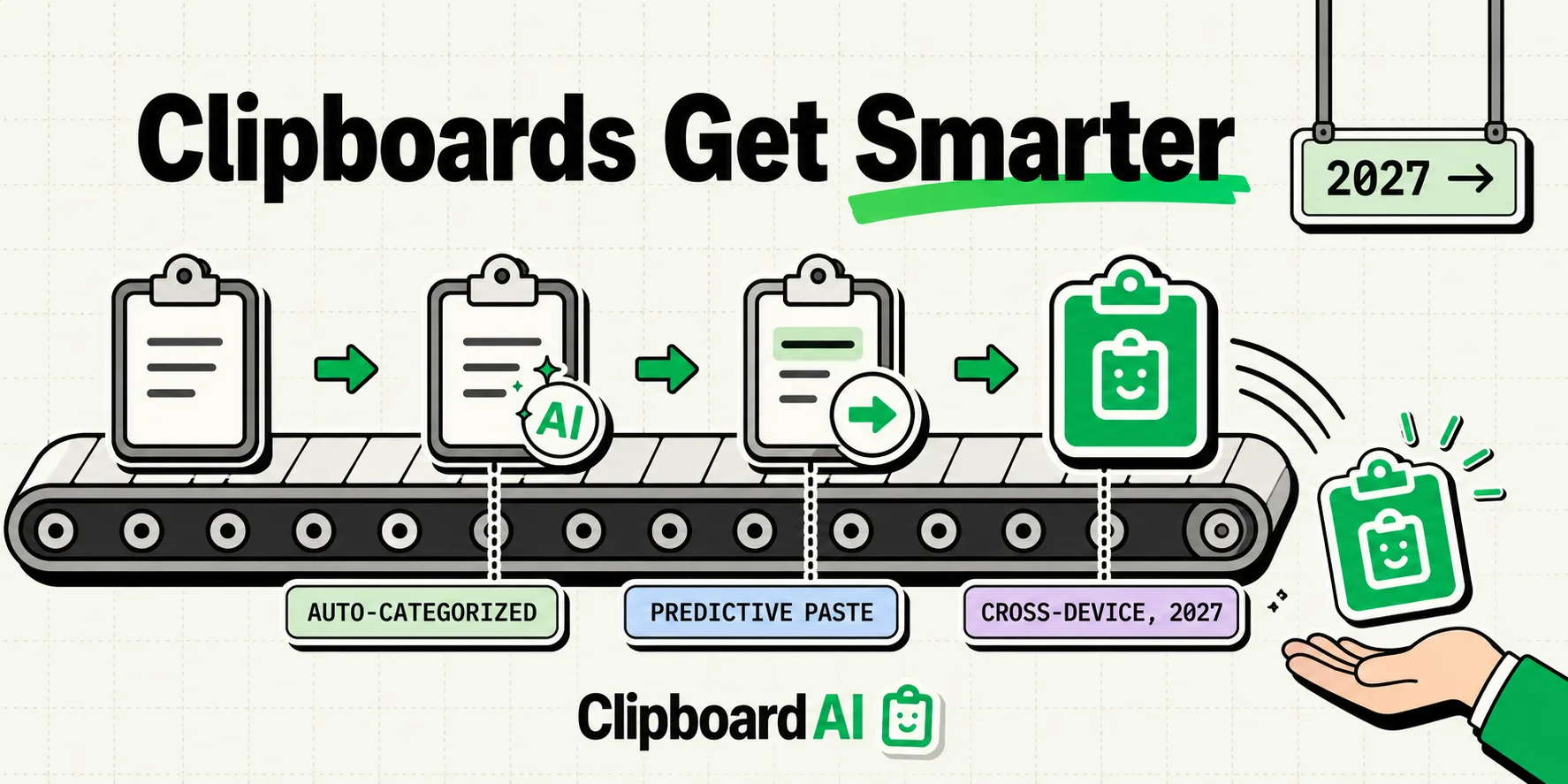
Clipboard managers moved from "single-item buffer" to "searchable, categorized history" over the past few years. The next stretch of changes is easier to reason about than most tech predictions, because the building blocks are already public: on-device text recognition, App Intents, and Apple's own steady expansion of Continuity features. Here are five predictions about where this goes next, ranked from most to least confident, with the reasoning shown so you can judge them yourself instead of taking them on faith.
How to Read These Predictions
These are opinions, not a roadmap we have inside knowledge of. We have no visibility into ClipboardAI's own future feature list beyond what's shipped today, and no relationship with Apple's product teams. Each prediction below includes the specific, checkable evidence it's based on, and a confidence level, so you can weigh it accordingly.
| Prediction | Confidence | Basis |
|---|---|---|
| 1. Visual content becomes first-class (OCR at capture time) | High | Live Text and on-device Vision already exist and work well today |
| 2. Multi-device clipboard sync gets more reliable | High | Apple has steadily improved Continuity reliability for a decade |
| 3. Clipboard content gets lightly structured (dates, links extracted from a block of text) | Medium | Building blocks exist (NSDataDetector-style pattern matching); full extraction is a bigger lift |
| 4. Predictive, context-aware paste suggestions | Low-Medium | Would require deep OS-level integration no clipboard manager currently has |
| 5. Cross-app "the clipboard understands your task" intelligence | Low | Requires app cooperation and metadata sharing that doesn't broadly exist yet |
Prediction 1 (High Confidence): Visual Content Becomes a First-Class Citizen
Text has dominated clipboard tools since the concept existed. That's already changing. Apple's Live Text can pull text out of a photo or a paused video frame today, and ClipboardAI and similar tools already support OCR so a screenshot of a receipt or a whiteboard becomes searchable text rather than an inert image.
Why this is a safe bet: the hard part (on-device text recognition that's fast and accurate) is already solved and shipping. The remaining work is wiring it further into clipboard workflows by default, not inventing new AI capability.
What it will look like in practice: copy a screenshot of a flight confirmation, and the flight number and gate become individually searchable, without you doing anything beyond the copy.
Prediction 2 (High Confidence): Multi-Device Sync Gets More Reliable, Not More Magical
Apple's Universal Clipboard already lets you copy on a Mac and paste on an iPhone. It's also flaky in practice: peer-to-peer Bluetooth/Wi-Fi handoffs drop, and the 2-minute expiry catches people constantly. Apple has spent a decade steadily hardening Continuity (Handoff, AirDrop, iCloud sync), and there's no reason to expect that trend to stop.
Where a dedicated clipboard manager already does better today: apps like ClipboardAI sync history through iCloud rather than a short-lived peer-to-peer handoff, so there's no 2-minute window and no requirement that devices be near each other. That's not a 2027 prediction, it's already true, and it's the reason cross-device clipboard tools exist alongside Universal Clipboard instead of being made redundant by it.
How the privacy works: this sync moves through your own private iCloud account using Apple's CloudKit, the same infrastructure that protects your Photos and Notes, encrypted in transit and at rest. Your clips never pass through or land on a ClipboardAI server, there is no account to create, and there is nothing for us to see. And you can leave sync off entirely for a fully on-device setup, so nothing ever leaves your iPhone.
Prediction 3 (Medium Confidence): Copied Text Gets Lightly Structured
Right now, auto-categorization mostly works at the item level: a whole copied string is tagged as a link, a phone number, an email, or an address. The next step is extracting structure within a longer copied block: pull the date, the link, and the confirmation number out of a pasted confirmation email, rather than filing the entire email as one "text" clip.
Why this is medium, not high, confidence: the pattern-matching techniques for detecting dates, links, and phone numbers within a text block already exist and are not exotic, so this is technically reachable. But turning that into a reliable, fast, on-device feature that doesn't misfire on ordinary text is a bigger product investment than most companies will prioritize soon. It's plausible within a year or two, not imminent.
Prediction 4 (Low-Medium Confidence): Predictive Paste Suggestions
The idea: you tap into an address field, and your clipboard manager proactively surfaces your saved addresses before you even open the app. This requires the clipboard tool to know what kind of input field you're in, which needs either OS-level cooperation or a much deeper keyboard-extension integration than exists today.
Why we're not confident this ships broadly soon: it depends on platform APIs neither Apple nor third-party clipboard managers have fully built out yet. It's a reasonable direction, not a near-certain one.
Prediction 5 (Low Confidence): True Cross-App Context Awareness
The most speculative prediction: your clipboard tool understanding that you copied a code snippet and are now in a code editor, versus copied a link and are now in Messages, and adjusting its behavior accordingly. This needs a level of app-to-app metadata sharing that doesn't broadly exist on iOS today, and would require buy-in from many app developers, not just clipboard tool makers. Treat this one as a plausible long-term direction rather than something to expect soon.
What You Can Actually Use Today
Skip the wait-and-see approach for the parts that already work:
- OCR on copied screenshots is available now in tools that support it, including ClipboardAI on both iOS and Mac.
- iCloud-synced clipboard history across iPhone, iPad, and Mac is available now, without the 2-minute Universal Clipboard expiry.
- Auto-categorization by content type (links, phone numbers, emails, addresses) is available now and requires no setup.
The rest of this list is a bet on direction, not a delivery date. Treat it that way.
Frequently Asked Questions
Is any of this confirmed by Apple or ClipboardAI?
No. These are informed predictions based on public feature trajectories (Live Text, Continuity, App Intents), not confirmed roadmaps from any company.
How is my synced clipboard kept private?
For ClipboardAI, sync runs through your own private iCloud account using Apple's CloudKit and iCloud Key-Value Store, encrypted in transit and at rest, the same protection tier as your Photos and Notes. No clip content ever passes through or lands on a ClipboardAI server, and there is no account to create. Sync is optional, so you can leave it off for a fully on-device setup.
What's the safest bet on this list?
Better OCR-on-copy and more reliable multi-device sync. Both build directly on technology that already ships today rather than requiring new platform capabilities.