
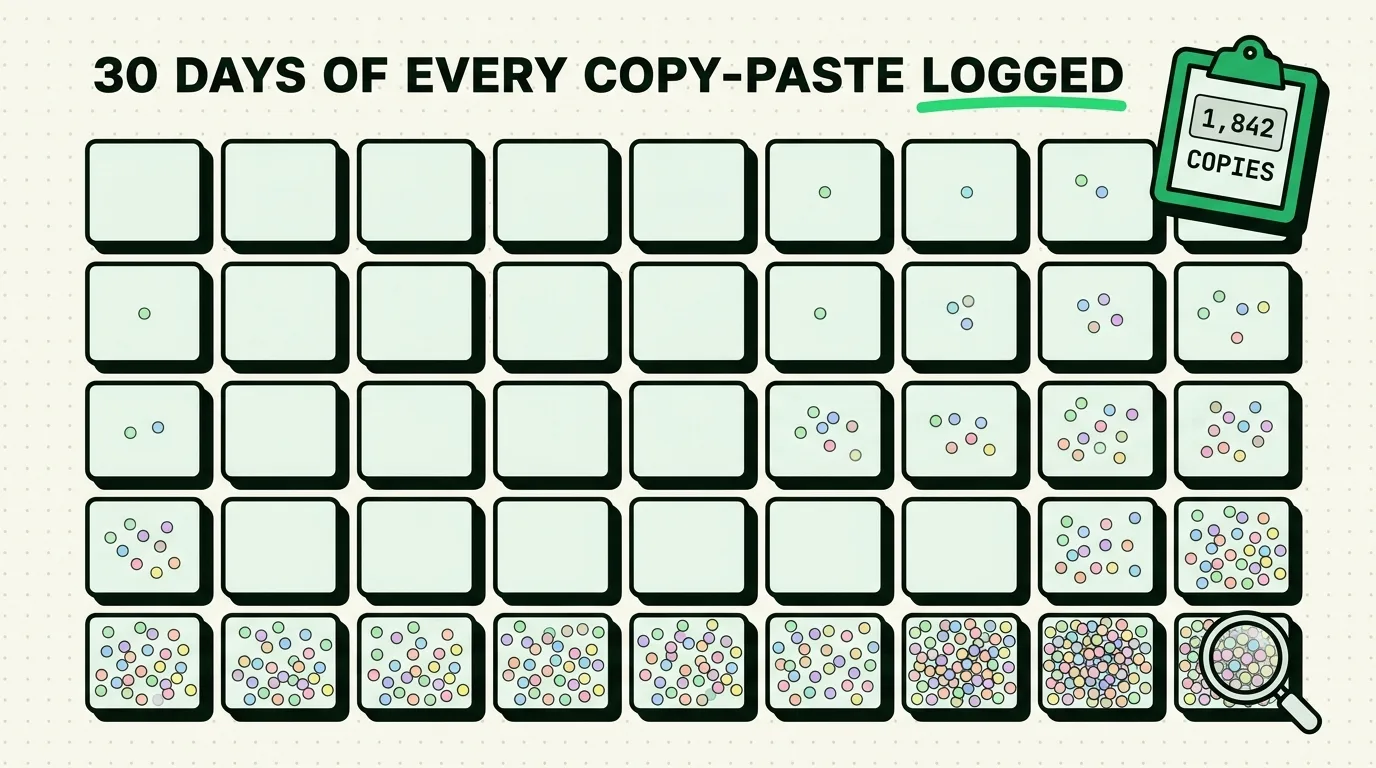
You don't need a lab study to find out how much copy-paste friction costs you - you need a week and a way to see your own history. This guide walks through a simple, honest way to audit your own clipboard behavior using ClipboardAI's history and search, tells you exactly what to look for, and gives you a template to log what you find. No invented statistics, no "we tracked 1,847 copies" claims from an unnamed tester - just a method you can run yourself and see your own real numbers.
Why a personal audit beats a generic statistic
Any article that hands you a precise number like "you copy 62 things a day" is guessing, or worse, making it up. Nobody's copy-paste behavior is the same: a customer support agent pasting canned replies all day looks nothing like a student copying quotes into a paper twice a week. The only number that matters is yours, and the only way to get it is to look.
The good news: if you already use ClipboardAI, the raw material for this audit already exists in your history. You don't need to set anything up specially - you just need to look at it with intention for a week.
The one-week audit method
Day 1-2: Just observe
Use your phone normally. At the end of each day, open ClipboardAI and scroll through what you saved. Don't judge it yet, just notice:
- How many items accumulated in a day (roughly - you don't need an exact count).
- What categories dominate - links, addresses, codes, plain text.
- Whether you see the same item appear more than once (that's a re-copy, and it's the number worth paying attention to).
Day 3-4: Flag the repeats
This is the part worth actually tracking. As you use your clipboard manager, notice every time you copy something you're pretty sure you've copied before this week - your address, a meeting link, your email. Jot a tally on paper or in a Notes list: "address x2, Zoom link x1, email x3."
At the end of two days, look at the tally. If you're seeing your own contact details, a Wi-Fi password, or a link show up three or more times in 48 hours, that's your signal to pin it.
Day 5: Pin the repeats and measure the difference
Pin the items you flagged. For the rest of day 5, use the pinned items instead of re-copying them from their source. Notice, honestly, whether it was faster. For most people it clearly is - going from "reopen Settings, find my address, copy it" to "tap the pinned item" removes several steps every time - but the point of this exercise is that you confirm it for your own workflow, not that you take someone else's word for it.
Day 6-7: Look for lost copies
A lost copy is when you copy something, mean to paste it, get distracted, copy something else, and only remember the first thing was needed after it's gone. Without a clipboard manager this is permanent. With one, it usually isn't - check your history for the item you thought you lost. If it's there, that's the actual value of history: not that copies never get overwritten on the system pasteboard (they still do, in the sense that only the last item is "live" for a plain paste), but that a saved record exists so nothing is truly gone.
A template for your own log
Copy this into Notes or ClipboardAI's plain-text pinboard and fill it in as you go:
WEEK OF: ___________

Day 1: Rough item count ____  |  Dominant category: __________
Day 2: Rough item count ____  |  Dominant category: __________
Day 3: Repeats noticed: ________________________
Day 4: Repeats noticed: ________________________
Day 5: Items pinned: ___________________________
        Noticeably faster? Y / N
Day 6: Lost-copy near-misses: ___
Day 7: Lost-copy near-misses: ___

TAKEAWAY:
Most-repeated item this week: _______________
Should be pinned permanently: Y / N
What this audit tends to reveal (without inventing your numbers for you)
Across the pattern of how people actually use clipboards, three things show up often enough to be worth watching for, though your mileage may genuinely vary:
- A small handful of items account for most of your repeat copies. Usually it's contact info, one or two recurring links, and maybe a password-adjacent field you keep re-typing because you've trained yourself not to store it in your clipboard history (good instinct - see the caveat below).
- Re-copying is a habit, not a necessity. Once something is pinned, most people stop re-copying it within a day or two, simply because the pinned version is faster to reach.
- "Lost" copies are rarely dramatic. Most of the time it's something small - a tracking number, a code - not a lost paragraph of writing. The value of history is removing the low-grade friction of these small losses, not preventing some catastrophic one-time event.
Honest caveats
- This is a self-audit, not a controlled study. Nothing here is peer-reviewed or benchmarked against other users. Treat the numbers you find as descriptive of your own week, not as generalizable facts about "average" behavior.
- Don't pin sensitive data. If your repeat-copy tally includes a password or anything security-sensitive, the fix isn't to pin it in your clipboard history - it's to stop copying it manually at all and use your password manager's autofill instead. See our guide on keeping passwords out of your clipboard history for the specific steps.
- A week is a small sample. Your work week and your weekend can look completely different. If you want a more representative picture, repeat the audit during a week that includes both.
Frequently Asked Questions
How do I track my own copy-paste habits on iPhone?
Use a clipboard manager like ClipboardAI for a week and review your history daily. Watch for items you copy more than once - those are candidates for pinning - and note anything you nearly lost by overwriting it before pasting.
How many times does the average person copy-paste per day?
There's no reliable public figure for this, and it varies enormously by job and habits. Rather than rely on someone else's number, run the one-week audit above and look at your own history.
What should I do with items I copy repeatedly?
Pin them in your clipboard manager. Common candidates are your email address, phone number, home address, and any link you share often, like a meeting room or portfolio URL.
Is it safe to let a clipboard manager save everything I copy?
Review what accumulates and delete or avoid saving anything sensitive, like one-time passcodes or account numbers you don't want sitting in history long-term. Most clipboard managers, including ClipboardAI, let you delete individual items or set history to auto-delete after a set period.