On this page
Despite the headline, the real version of this argument isn't "everyone needs a clipboard manager." It's that iOS's single-item clipboard is a deliberate design tradeoff (simple, low-memory, private-by-default) that works fine for casual, one-thing-at-a-time copying, and breaks down the moment your day involves moving more than one piece of information between apps. Whether you need one comes down to a single question: do you regularly copy something, then copy something else, before you've pasted the first thing? If yes, the built-in clipboard is actively costing you time. If no, you probably don't need one.
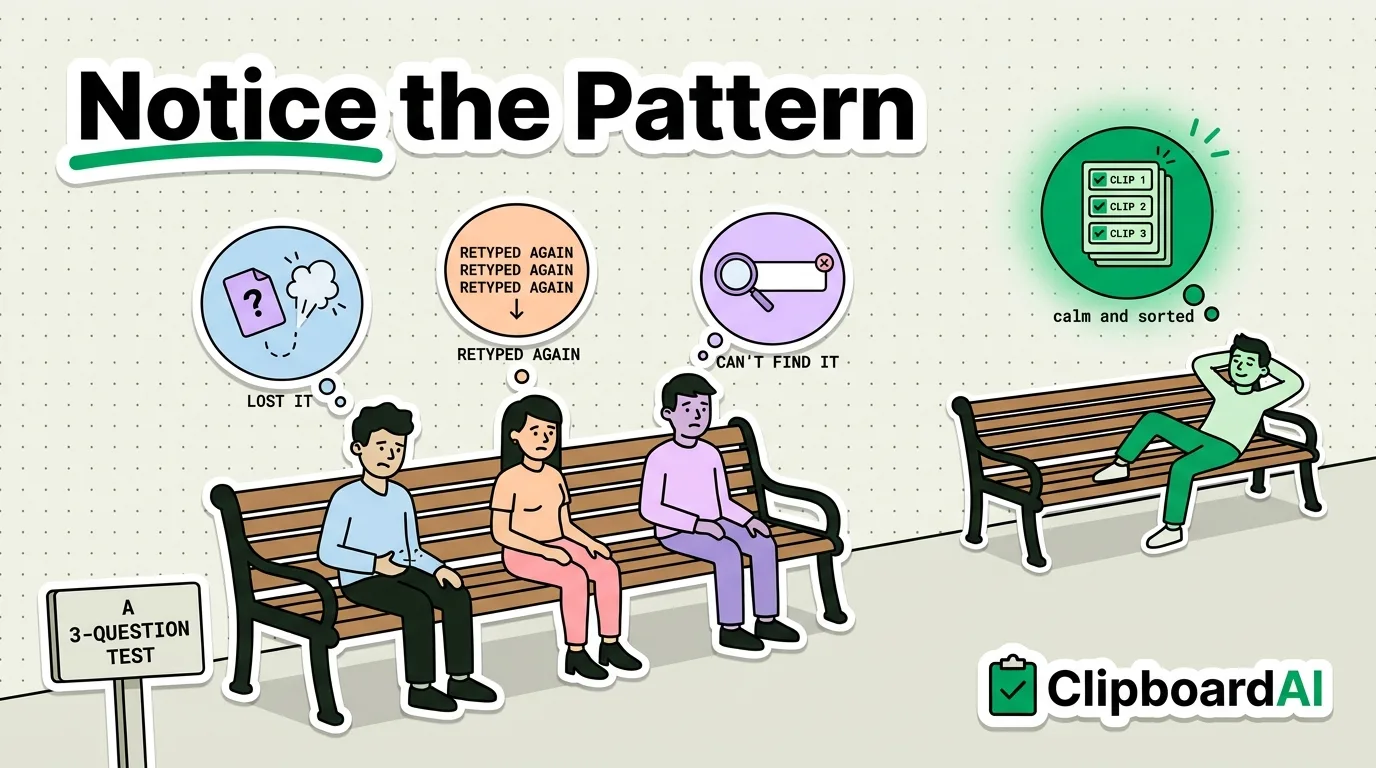
A 3-Question Test
| Question | If yes... |
|---|---|
| Do you ever copy a phone number, address, or code, then get interrupted by another copy before you paste it? | You've lost that first item permanently. This is the single most common way people "lose" clipboard content. |
| Do you retype the same email signature, address, or reply template more than a few times a week? | A pinned snippet saves that retyping every single time, not just once. |
| Do you ever wish you could search back through things you copied earlier in the day? | iOS has no clipboard history to search. Once overwritten, it's gone unless you saved it somewhere else manually. |
Answering yes to even one of these means a clipboard manager will save you real, measurable time. Answering no to all three means you're probably a light, single-item copier and the built-in clipboard is doing its job fine.
What Actually Breaks: One Item, No History
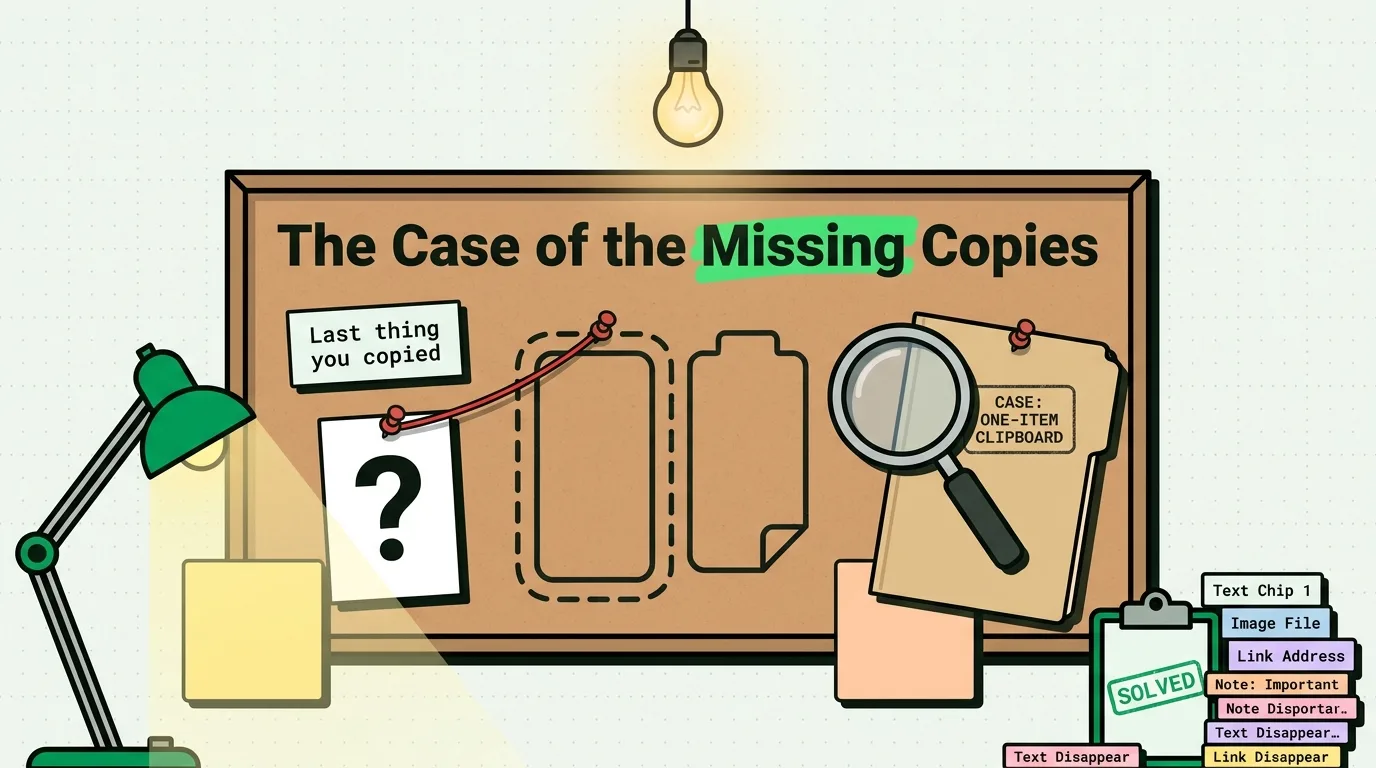
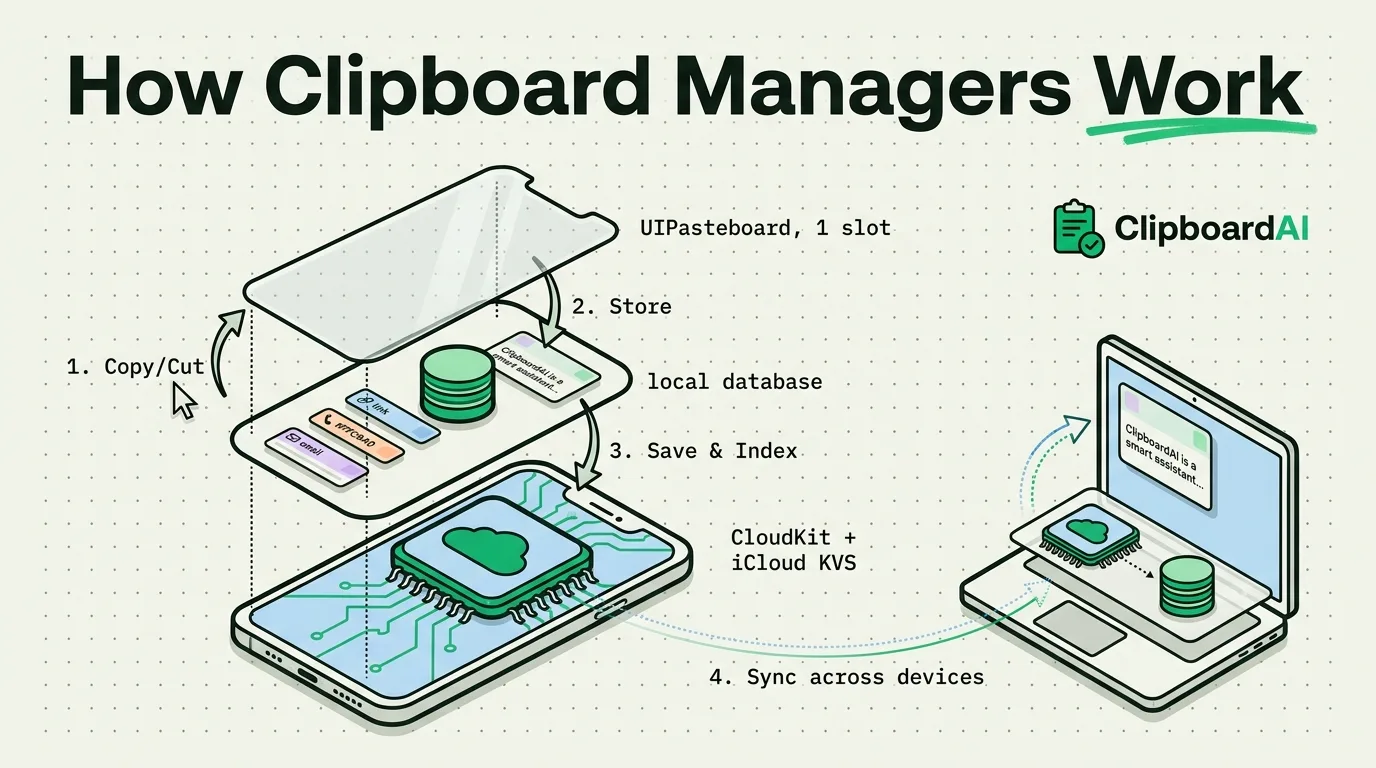
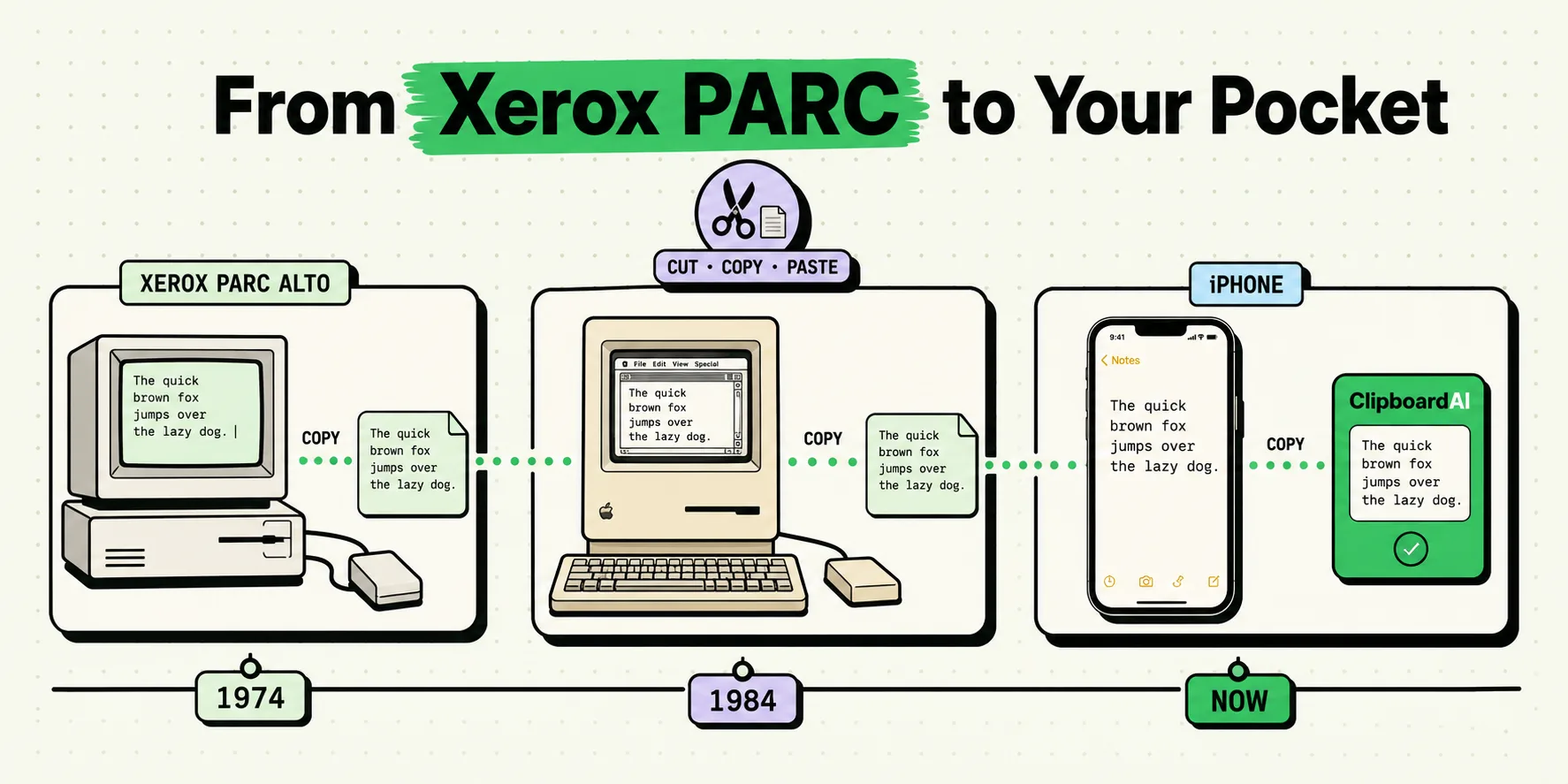
iOS's UIPasteboard holds exactly one item. This isn't a bug or an oversight, it's the same design Apple shipped in 2007, built for a much simpler use case than most people's phones handle today. Copying something new immediately and silently overwrites whatever was there before, with no undo and no history to check. The failure mode is always the same: you copy item A, get distracted (a notification, a second thing you need), copy item B, and item A no longer exists anywhere.
What a Clipboard Manager Actually Changes
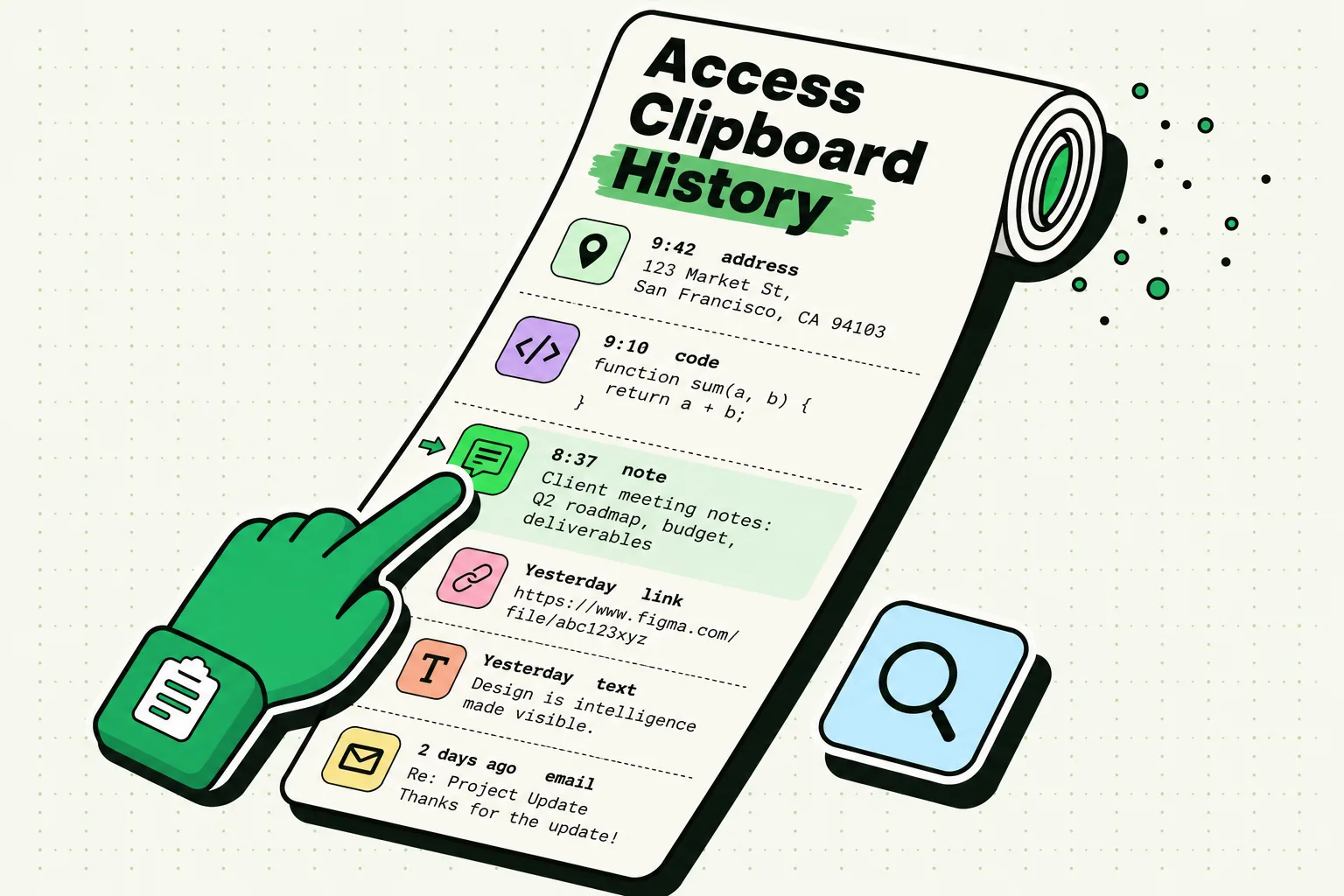
- History instead of a single slot. Every copy you save is kept, not just the last thing, so an interruption doesn't cost you the item you were trying to move.
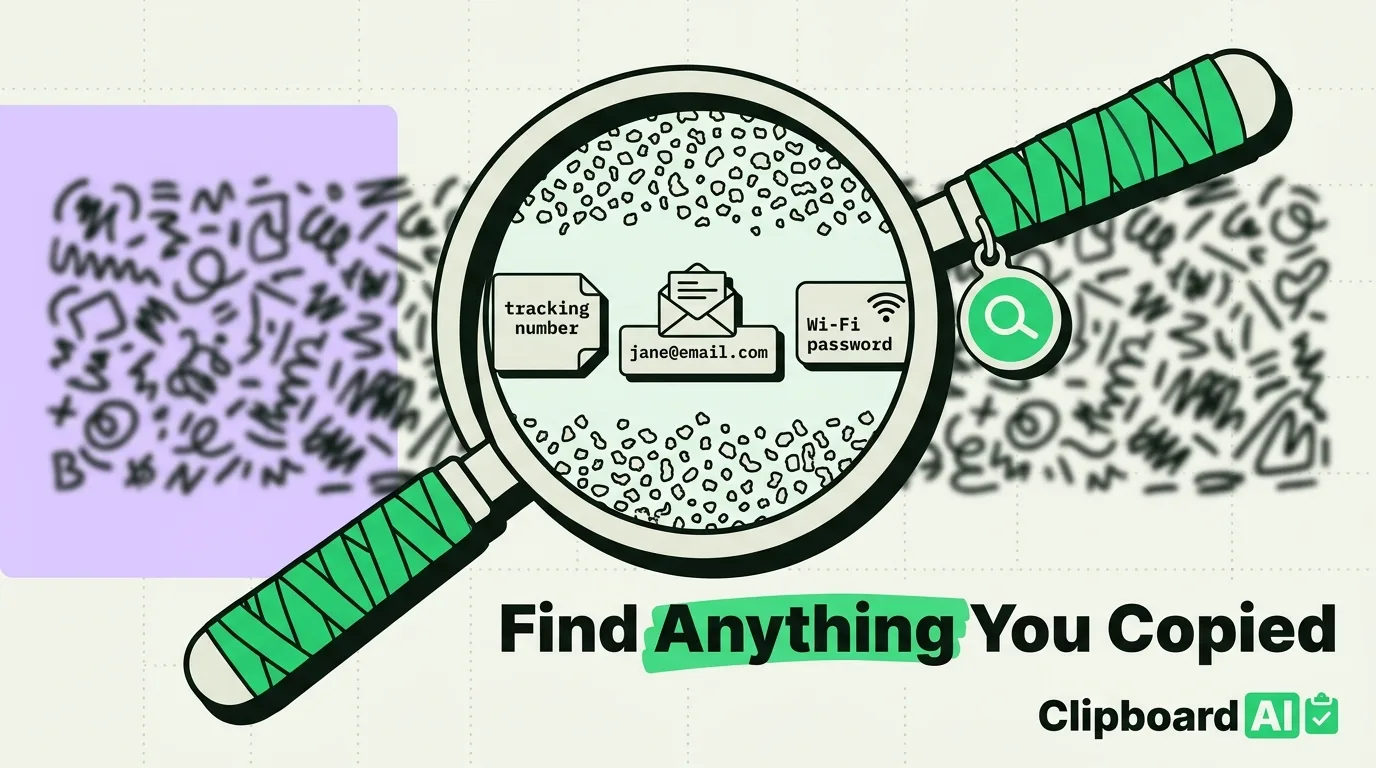
- Search. If you copied a tracking number three hours ago and forgot to paste it, you can search for it instead of trying to relocate the original text message or email.
- Pinning. Things you paste constantly (an address, a support reply, your Wi-Fi password for guests) stay one tap away instead of being retyped or re-found every time.
- Auto-categorization. Links, phone numbers, and addresses get sorted automatically, which matters once your history has more than a handful of items in it.
ClipboardAI does this through a companion app plus a custom keyboard extension (you enable Full Access for the keyboard once, in Settings), so your saved clips are reachable from inside any app's text field, not just from the ClipboardAI app itself.
What You're Trading Away
A clipboard history is, definitionally, a record of things you've copied, which can include things you didn't mean to keep around long-term. Two safeguards matter here: an auto-delete setting so old clips don't accumulate forever (ClipboardAI's "Auto-Delete Old Clips" option ranges from 30 days up to a year, or never), and a habit of not relying on clipboard history for passwords, which should go through your password manager's autofill instead, not a general-purpose clipboard tool. On Mac specifically, ClipboardAI also recognizes the "exclude from clipboard managers" marker that password managers like 1Password already set, so that content is skipped automatically. On iPhone and iPad, codes and passwords show as a padlock in the keyboard until you tap them.
Frequently Asked Questions
Does iPhone really only remember one copied item?
Yes. iOS's built-in clipboard holds a single item at a time; copying something new overwrites it immediately with no way to recover the previous item without a third-party clipboard manager.
Is a clipboard manager a security risk?
Any tool that stores what you copy is worth being deliberate with. Use an auto-delete setting to limit how long clips are retained, and avoid copying passwords through it since a password manager's autofill is built specifically for that and doesn't leave the credential sitting in a general history.
Who doesn't need a clipboard manager?
If you rarely copy more than one thing before pasting, don't reuse the same text repeatedly, and never find yourself wishing you could search back through old copies, the built-in single-item clipboard is already meeting your needs.