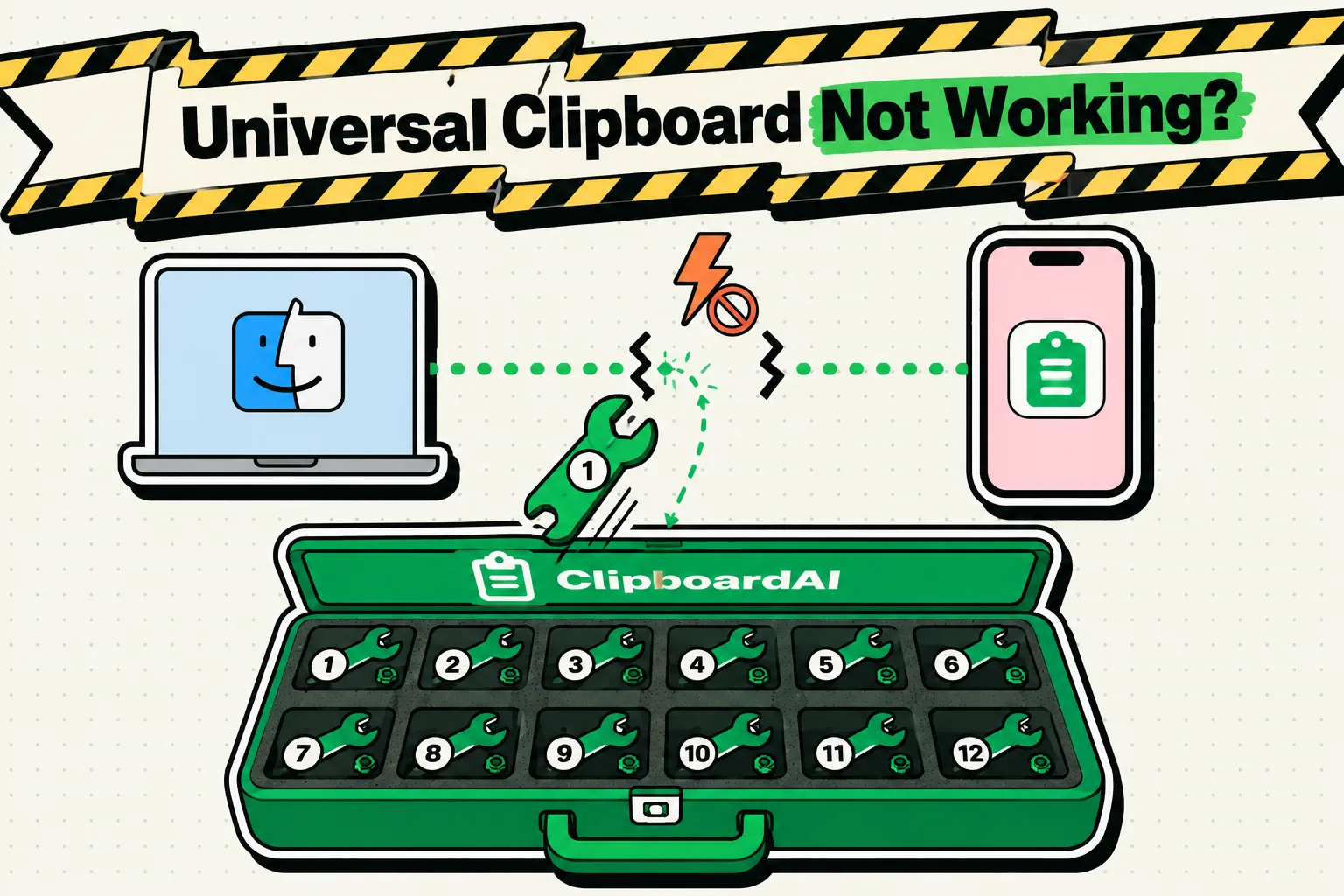
To fix Universal Clipboard, check that both devices are signed in to the same Apple Account, have Wi-Fi, Bluetooth and Handoff turned on (Settings > General > AirPlay & Continuity on iPhone and iPad, System Settings > General > AirDrop & Continuity on a Mac), and sit within 30 feet (10 meters) of each other, then copy again and paste right away. Those are Apple's requirements, and its iOS 27 guide lists the same ones as iOS 26. If all of them check out, work down the rest of the list below.
To find out where you stand first, run our free Universal Clipboard test. It checks each direction between your two devices in about 20 seconds.
It helps to know how Universal Clipboard behaves when it is working. There is nothing on screen to tell you it is on: you copy on one device, and Apple adds that copy to the clipboard of your other devices nearby. It stays there "briefly, or until you replace it by copying something else on either device," in Apple's words, and Macworld put that at about two minutes. So a paste that brings up something old may mean the copy expired or was replaced, not that the connection broke.
Start at fix 1 and stop as soon as a paste works.
Fixes, in order
1. Use the same Apple Account on both devices
Universal Clipboard only connects devices signed in to one Apple Account. On an iPhone or iPad, open Settings and tap your name at the top; on a Mac, open System Settings and click your name at the top of the sidebar. The email address or phone number shown has to match on both. A family member's iPad on their own account will never receive your copies, whatever else you change.
2. Turn Wi-Fi and Bluetooth on in Settings
Apple requires both radios on, on every device, and mobile data does not stand in for Wi-Fi. Check the switches in Settings > Wi-Fi and Settings > Bluetooth (System Settings on a Mac). Control Center is a poor guide here: its Wi-Fi and Bluetooth buttons only disconnect you from networks and accessories while Continuity features keep working, so a gray button there is not the problem and tapping it is not a reset. Airplane Mode can turn both radios off. If both are on, switch each one off and on again in Settings.
3. Turn on Handoff, then toggle it
Universal Clipboard has no switch of its own; it runs on Handoff. Find Handoff in the place that matches your software, turn it off, wait a few seconds, and turn it back on, on both devices.
| Device and software | Where Handoff is |
|---|---|
| iPhone or iPad, iOS or iPadOS 18 or later (including 26 and 27) | Settings > General > AirPlay & Continuity > Handoff |
| iPhone or iPad, iOS or iPadOS 17 or earlier | Settings > General > AirPlay & Handoff > Handoff |
| Mac, macOS 26 Tahoe or later | System Settings > General > AirDrop & Continuity > Allow Handoff between this Mac and your iCloud devices |
| Mac, macOS 13 Ventura to macOS 15 Sequoia | System Settings > General > AirDrop & Handoff > Allow Handoff between this Mac and your iCloud devices |
| Mac, macOS 12 Monterey or earlier | System Preferences > General > Allow Handoff between this Mac and your iCloud devices |
4. Keep the devices close, awake and unlocked
Apple's limit is 30 feet (10 meters), so bring the devices into the same room. Keep the device you copied on awake and unlocked until you have pasted. 9to5Mac found that copying on an iPhone and then locking it stopped the paste on an iPad, while leaving the iPhone unlocked worked. Apple's documentation does not mention this, but it costs nothing to rule out.
5. Paste soon, and make sure your copy is the latest
The other device holds the copy only briefly, and any newer copy on either device replaces it. If you copied something on the Mac after copying on the iPhone, the Mac's own copy is the one that pastes. Copy again on the first device, then paste within a few seconds.
6. Let your VPN allow local networking
Apple's iOS 27 guide warns that a VPN configured to block local networking may interfere with Continuity features. Look in your VPN app for a setting that allows local network or LAN access, or turn the VPN off for a minute and try a paste. A VPN or profile installed by an employer may not be yours to change, so ask whoever manages the device.
7. Update both devices
Apple's first suggestion when Universal Clipboard stops working is to install any available software update: Settings > General > Software Update on iPhone and iPad, and System Settings > General > Software Update on a Mac.
8. Restart both devices
Apple's next suggestion is a restart. Restart the iPhone or iPad and the Mac, unlock both, then copy something new and paste it.
9. Sign out of your Apple Account and back in
Keep this for last, because signing out also signs you out of iCloud, the App Store, iMessage and FaceTime on that device, and Apple recommends an up-to-date iCloud backup first. On an iPhone or iPad, go to Settings > [your name], scroll down, tap Sign Out, and pick the option that keeps your data on the device, called Sign Out But Don't Erase on current versions. On a Mac, it is System Settings > [your name] > Sign Out. Then sign back in.
10. Reset network settings on the iPhone or iPad
If one iPhone or iPad still refuses, reset its network settings in Settings > General > Transfer or Reset iPhone (or iPad) > Reset > Reset Network Settings. Apple says this removes saved Wi-Fi networks and any VPN settings not installed by a profile, renames the device back to "iPhone," and marks certificates you trusted by hand as untrusted, so have your Wi-Fi passwords ready.
What changed in iOS 27 and macOS 26
- The requirements did not change. Apple's iOS 27 guide lists the same conditions as its iOS 26 guide, VPN warning included.
- The Mac setting has a new name. macOS 26 Tahoe renamed System Settings > General > AirDrop & Handoff to AirDrop & Continuity. On iPhone and iPad, the pane has been called AirPlay & Continuity since iOS 18.
- iPhone Handoff is a different feature. iOS 27 added iPhone Handoff, which lets two iPhones share one phone number. You set it up under Settings > Cellular, and it has nothing to do with the Handoff switch Universal Clipboard needs.
- The new paste suggestion. iOS 27 previews your latest copy in the bar above Apple's keyboard. Reports on the feature describe copies made on the same iPhone and do not say whether a copy arriving from your Mac shows up there, so test Universal Clipboard with an ordinary paste: touch and hold in a text field, then tap Paste.
When you need more than the latest copy
Even when it works, Universal Clipboard moves one item, briefly, between devices in the same room. Clipboard AI Pro syncs a full clipboard history across iPhone, iPad and Mac through your own iCloud, at any distance. Clipboard AI for Mac records each copy as you make it and opens your history with Command-Shift-V. On an iPhone, each copy is saved with one action, such as switching to the Clipboard AI keyboard, and devices on the same Wi-Fi hand clips to each other directly.
Every way to share a clipboard between devices compares this with AirDrop and the Windows and Android options, and moving your clipboard from iPhone to Mac covers that pair on its own. More guides are collected under clipboard sync and Universal Clipboard.
Frequently Asked Questions
Can Universal Clipboard work between two different Apple Accounts?
No. Every device must be signed in to the same Apple Account, so you cannot paste onto a family member's or a coworker's device. Use AirDrop for that: it works with anyone nearby who accepts, and with iOS 26.2 or later, a person who does not have you in their contacts gets an AirDrop code to share with you before the first transfer.
Can I turn off Universal Clipboard but keep Handoff?
No. Universal Clipboard works whenever Handoff is on, and Handoff is on by default. Turning Handoff off on one device stops copies from crossing to it, and it also stops handing off tasks in apps such as Safari, Mail and Maps.
Does Universal Clipboard copy files?
Only between Macs. Apple supports copying whole files from one Mac to another when both run macOS High Sierra 10.13 or later. From an iPhone or iPad it carries text, images, photos and videos, so send files with AirDrop, which saves them to the Files app on iPhone or to Downloads on a Mac.
Does Universal Clipboard work with Windows or Android?
No. It only links Apple devices. Apple has agreed to build a way for iPhones in the EU to share clipboard items with a paired Windows PC, after a request from Microsoft, and expects the work to be finished by fall 2027. Until then, moving a copy from an iPhone to a PC takes a workaround, such as a synced note or the free LocalSend app.
Sources
- Apple Support, “Use Universal Clipboard to copy and paste between your Apple devices”, February 18, 2026
- Apple, iPhone User Guide for iOS 27, “Copy and paste between your iPhone and other Apple devices”, read October 5, 2026
- Apple, iPhone User Guide for iOS 26, “Copy and paste between your iPhone and other Apple devices”, read October 5, 2026
- Apple Support, “Use Handoff to continue tasks on your other Apple devices”, June 10, 2026
- Apple, iPhone User Guide for iOS 27, “Hand off tasks between your iPhone and your other devices”, read October 5, 2026
- Apple, iPhone User Guide for iOS 18, “Hand off tasks between your iPhone and your other devices”, read October 5, 2026
- Apple, Mac User Guide for macOS Tahoe 26, “Change AirDrop & Continuity settings on Mac”, read October 5, 2026
- Apple, Mac User Guide for macOS Sequoia 15, “Change AirDrop & Handoff settings on Mac”, read October 5, 2026
- Apple Support, “Use Bluetooth and Wi-Fi in Control Center”, September 28, 2026
- Apple Support, “Sign out of your Apple Account and iCloud on your devices”, September 14, 2026
- Apple, iPhone User Guide, “Reset iPhone settings to their defaults”, read October 5, 2026
- Apple, iPhone User Guide for iOS 27, “Set up iPhone Handoff on iPhone”, read October 5, 2026
- Apple Support, “Continuity features and requirements for Apple devices”, March 17, 2026
- Apple, iPhone User Guide for iOS 27, “Use AirDrop to send items to nearby Apple devices”, read October 5, 2026
- Macworld, “How to control Universal Clipboard”, September 1, 2022
- 9to5Mac, “One of Apple’s ‘magic moment’ features kept failing, then I found the fix”, April 16, 2025
- MacRumors, “iOS 27 Adds a Useful New Copy-and-Paste Feature to Your iPhone”, July 1, 2026
- 9to5Mac, “iOS 27 adds convenient new iPhone feature you’ll use all the time”, September 22, 2026
- MacRumors, “Apple Plans iPhone-to-Windows Copy and Paste in EU After Microsoft Request”, August 3, 2026