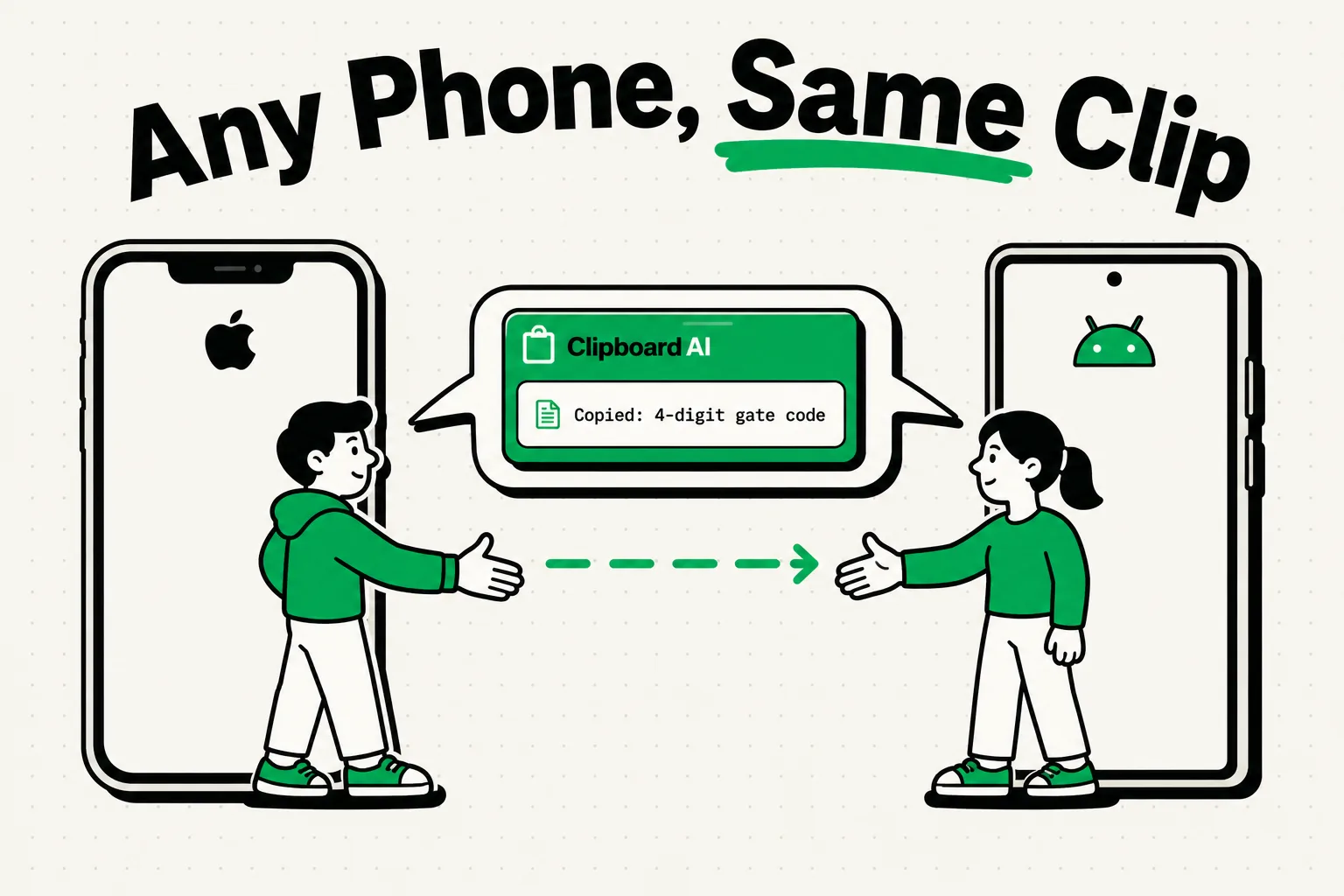
There is no shared clipboard between an iPhone and an Android phone: Apple's Universal Clipboard links only Apple devices, so copied text needs a shared surface both phones can reach. The one that needs no account on either phone is a QR code, and a single code holds at most 2,953 bytes, a ceiling found by bisection with segno 1.6.6 on macOS 26.2 on September 8, 2026 (version 40 symbol, error correction level L, byte mode).
That ceiling sounds generous until you notice what the code is asked to do. The iPhone draws it, the Android camera reads it off the glass, and the symbol grows with the payload: at 2,000 bytes it is 169 modules across, each one a fraction of a millimeter on a phone screen, photographed by a camera that is also trying to focus. The format's limit is not the limit you hit.
Why Universal Clipboard stops at Apple devices
Apple lists Mac, iPhone, iPad and Apple Vision Pro as the devices that take part in Universal Clipboard. They must be nearby and signed in to the same Apple Account, with Bluetooth, Wi-Fi and Handoff turned on, and the feature relays only your latest copy, which stays there briefly. Nothing in that design reaches an Android phone. If your other device is an iPad or a Mac, you need none of the workarounds on this page: see sharing a clipboard between your Apple devices, or fixes for when Universal Clipboard stops working. The wider set of guides lives in the clipboard sync hub.
Three routes, in the order to try them
Timings were not measured, so this order ranks the routes by how many things have to be true before a transfer can happen at all. That is the property that decides whether a method works while you are standing in a parking lot.
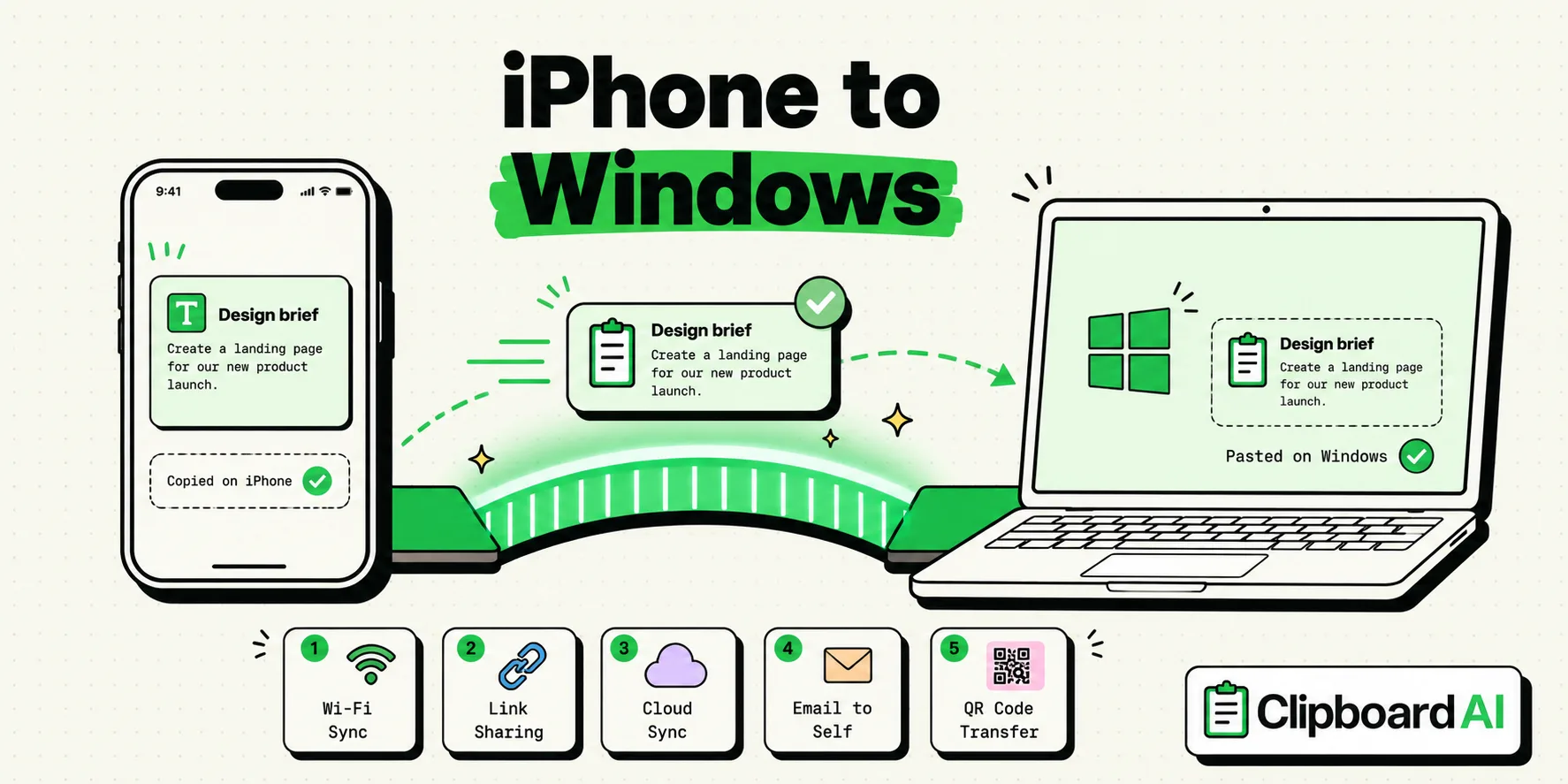
- QR code on the iPhone screen, camera on the Android phone. No account on either phone, no network on either, and it works on a plane. Nothing is stored anywhere afterward, which makes it the right choice for anything you would not want sitting in a message thread. The cost is that it moves one item at a time, in one direction, within the limits below. On the iPhone you can build a Shortcut that turns your clipboard into a QR code with one tap, and the Android camera app or Google Lens reads it.
- A note in an app that exists on both platforms. This needs an account on each phone and a connection, and in return the length limit stops mattering, it works in both directions, and yesterday's item is still there. Google Keep, Notion, Obsidian with a sync backend or a shared Google Doc all qualify. One note named "Clipboard Bridge" that both phones open is the plain version, and it is usually the right answer. For a link on its own, a browser signed in on both phones does the same job through Chrome's Send to your devices or Firefox's Send Tab.
- A message thread to yourself. Same requirements, worse retrieval, and one hazard: chat apps transform what you send. Links get wrapped, straight quotes become curly and indentation is rearranged. Telegram's Saved Messages, a note-to-self chat in Signal or WhatsApp, or an email to yourself all work, and they suit an address better than anything a machine will read back.
How much fits in one QR code
The headline figure moves with the encoding mode of whoever quotes it. I ran a bisection against the encoder, growing the payload until it refused, at each of the four error correction levels and each of the three modes. Digits only fit 7,089. Uppercase letters and digits fit 4,296. Arbitrary bytes, which is what any real text becomes once it contains a lowercase letter, fit 2,953. All three are at version 40, level L, the largest symbol with the weakest error correction.
Raise the error correction and the ceiling falls fast: level M holds 2,331 bytes, level Q 1,663 and level H 1,273. A code read off a bright screen at an angle is exactly the case where higher error correction earns its keep, so the practical ceiling for a screen-to-camera transfer is closer to the level M figure than the headline one. Every row below came out of the same encoder in the same session at level M, with the symbol size measured without the quiet zone border.
| What you are moving | Bytes | QR version | Symbol size |
|---|---|---|---|
| Wi-Fi password | 12 | M4 (micro) | 17 x 17 modules |
| Meeting link with a passcode | 44 | 4 | 33 x 33 modules |
| Postal address block | 180 | 9 | 53 x 53 modules |
| Half a page of notes | 500 | 17 | 85 x 85 modules |
| A full page | 1,000 | 26 | 121 x 121 modules |
| Two pages | 2,000 | 38 | 169 x 169 modules |
| Absolute ceiling, level L | 2,953 | 40 | 177 x 177 modules |
Read the last two rows as a warning, not a capability. A 169-module symbol shown 60 millimeters wide puts each module at about a third of a millimeter, before the receiving camera has to cope with glare from the emitting screen. Under 200 bytes the code is comfortable. Over about 500 the failure is not dramatic: it is a phone held at four different distances while nothing happens.
Pictures and files take a different route
People try to encode an image into a QR code roughly once. Even a small JPEG runs to tens of kilobytes, the ceiling is 2,953 bytes, and base64 inflates binary by a further third before you start. A picture goes in the shared note or a message thread instead.
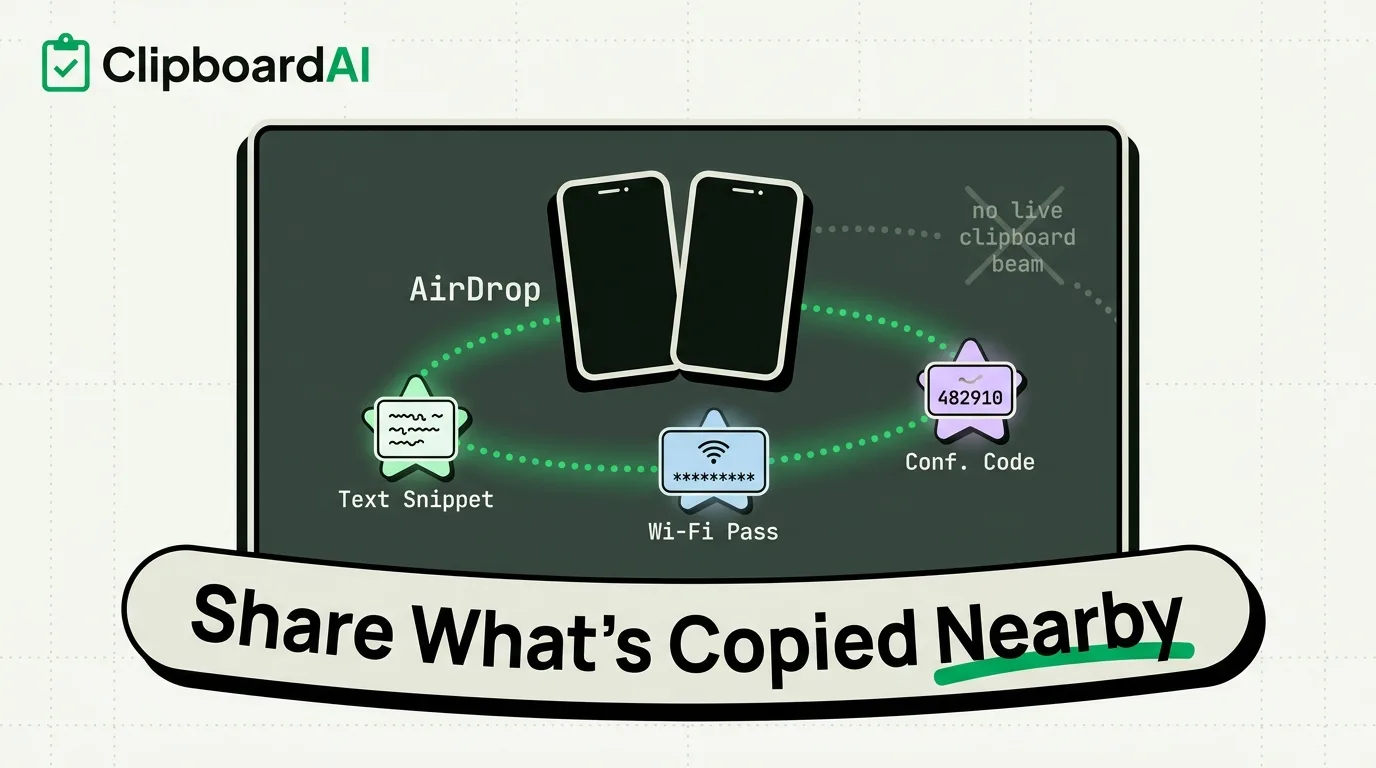
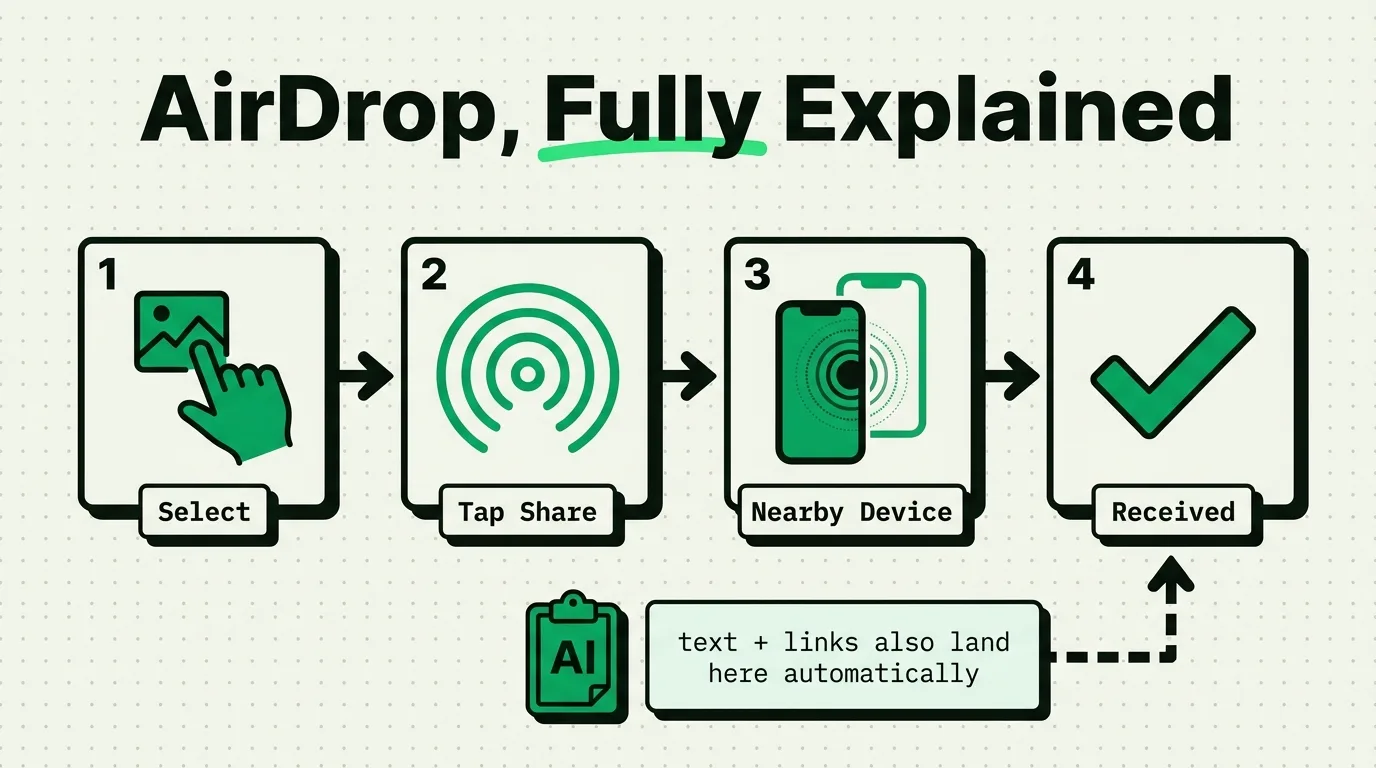
For files and photos there is a newer option on some Android phones. Since November 20, 2025, Android's Quick Share can exchange photos, videos and files with an iPhone's AirDrop, starting with the Pixel 10 series, as long as the iPhone is set to receive from Everyone for 10 Minutes. Google has said more Android phones will follow, so check yours, and note that it is described as file sharing, not as a way to move a copied sentence. On any other pair of phones, PairDrop (a fork of Snapdrop) runs in the browser on both and sends files across the same Wi-Fi network with nothing to install.
Keep the iPhone side of the bridge organized
Clipboard AI runs on iPhone, iPad and Mac, so the Android end of a transfer is always one of the shared surfaces above. What it does for the iPhone end is keep your history, so the address you copied an hour ago is still there when you decide to send it. Set up Back Tap once (Settings > Accessibility > Touch > Back Tap) with the Save Clip To ClipboardAI shortcut from saving with Siri and Shortcuts, and a double-tap on the back of the phone saves what you just copied while you stay in the app you are in. Switching to the Clipboard AI keyboard with the globe key saves your latest copy as it opens, too.
When it is time to send, open the keyboard in Google Keep, your message thread or the QR Shortcut and tap the clip to paste it. Searching your clipboard history finds an older item by a word in it, and organized clipboard links keep the URLs you send often within reach. The paste keyboard is free, and the free plan keeps your last 10 copies plus 5 saved clips.
Security tips for cross-platform sharing
- Use your password manager's sharing feature for passwords. It is the one route here that does not leave the secret readable in a message thread, in a note that syncs to two clouds, or in a screenshot of a QR code sitting in someone's camera roll.
- Clear the bridge note after use. Do not let a code or an address sit in a synced note indefinitely.
- Trust the Wi-Fi before using PairDrop. Both phones should be on a network you trust, not public Wi-Fi.
- Be wary of apps that ask you to weaken iOS paste protection. On iOS 16 and later an app must ask before reading what you copied in another app, and on iOS 18 and later you can change the answer under Settings > Apps > [app] > Paste from Other Apps.
More on keeping copied data safe is in clipboard security and privacy on iPhone.
Windows may get a bridge by fall 2027, and Android is not part of it
There is one live piece of news here, and it points the other way. Microsoft asked Apple, through the interoperability request system Apple built to comply with the EU's Digital Markets Act, for copy and paste between an iPhone and a Windows PC. Apple began evaluating the request in March 2026 and proposed a project plan on June 26. MacRumors reports the work should be finished by fall 2027, shipping first in a developer beta, so a public release could wait until early 2028, and that it will likely be limited to iPhone and Windows users in the EU.
The request concerns Windows only, and nothing in that mechanism produces an iPhone to Android clipboard as a side effect. Plan on the routes above continuing to be the answer. If your other machine is a PC, copying and pasting between iPhone and Windows PC covers what works today, and the iPhone vs Android clipboard comparison gives the wider picture.
Sources
- MacRumors, "Apple Plans iPhone-to-Windows Copy and Paste in EU After Microsoft Request", August 3, 2026
- TechCrunch, "Android's Quick Share now works with iPhone's AirDrop, starting with the Pixel 10 lineup", November 20, 2025
- Apple Support, "Use Universal Clipboard to copy and paste between your Apple devices"
QR capacities found by bisection against segno 1.6.6 on macOS 26.2, build 25C56, on September 8, 2026. Symbol sizes exclude the four-module quiet zone. Timings were not measured and are not claimed.
Frequently Asked Questions
Can I share my clipboard between iPhone and Android?
Not natively. Apple's Universal Clipboard links only Apple devices, and Android has no counterpart that reaches an iPhone. Three routes work instead: a QR code (up to 2,953 bytes, no accounts), a note both phones can open, or a message to yourself. For copied text, start with the QR code if it is short and the shared note if it is not.
What is the easiest way to copy text from iPhone to Android?
A note in an app that exists on both phones, such as Google Keep. Paste on the iPhone, open the note on the Android phone and copy from it. It needs an account on each phone, works in both directions and has no length limit. For something short and private, a QR code needs no account at all.
Does Apple Universal Clipboard work with Android?
No. Apple lists Mac, iPhone, iPad and Apple Vision Pro as the devices that take part, all nearby and signed in to the same Apple Account, and it relays only your latest copy for a short time. Nothing in that setup includes an Android phone.
Does AirDrop work with Android?
On some phones, for files. Since November 20, 2025, Android's Quick Share can exchange photos, videos and files with an iPhone's AirDrop, starting with the Pixel 10 series, when the iPhone is set to Everyone for 10 Minutes. It is described as file sharing, so copied text still needs a QR code, a shared note or a message to yourself.
How much text fits in a QR code?
At most 2,953 bytes of ordinary text, found with segno 1.6.6 at error correction level L. At level M the limit is 2,331 bytes. For a phone-to-phone scan, stay under about 500 bytes: at 2,000 bytes the symbol is 169 modules across, and each module is a fraction of a millimeter on the screen.
Can I send images and links between iPhone and Android?
Yes, just not through a clipboard. A link fits in a QR code, a shared note or a message to yourself, and a browser signed in on both phones can send it directly. Images are far too large for a QR code, so use the shared note, a message thread, PairDrop on the same Wi-Fi, or Quick Share with AirDrop on a supported Android phone.