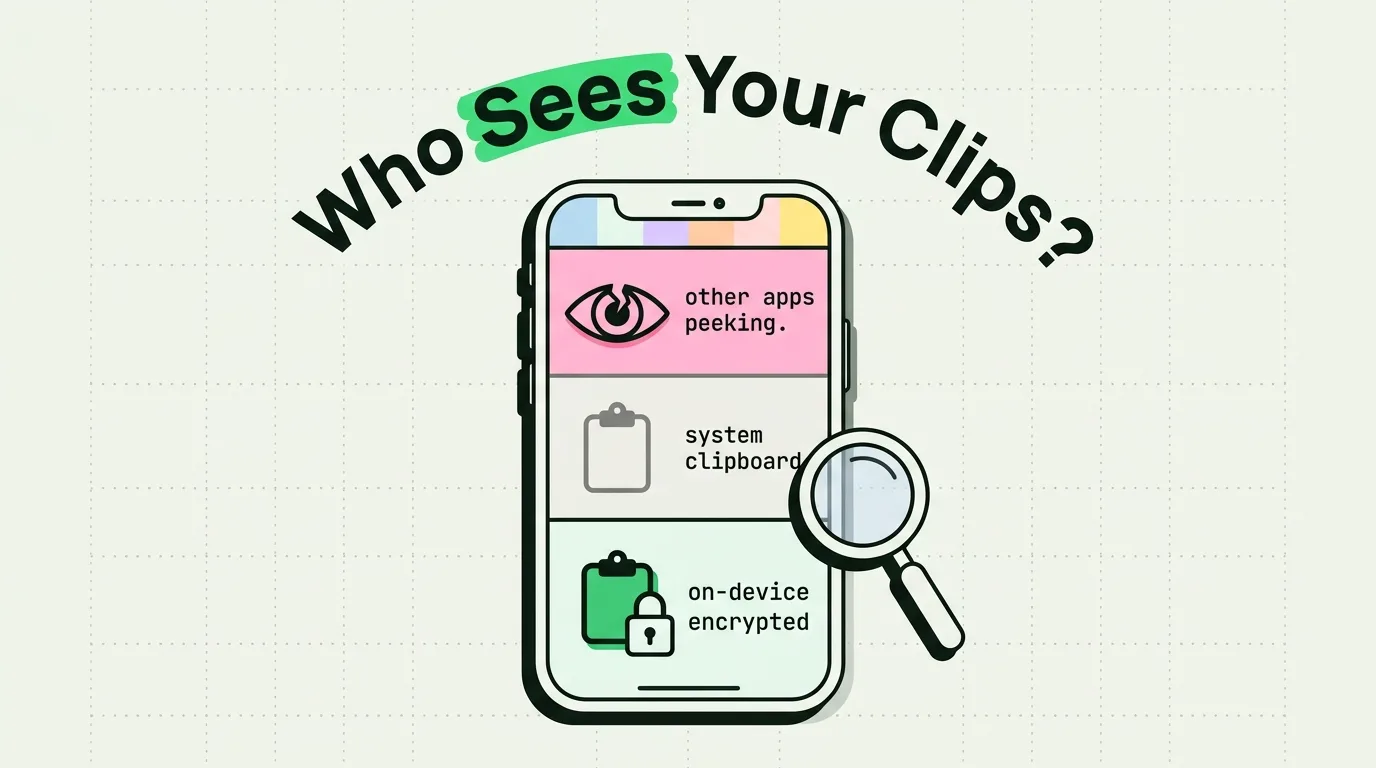
The iPhone clipboard is reasonably safe on iOS 26 and iOS 27: since iOS 16, an app has to ask before it reads something you copied in another app, and iOS keeps only your latest copy, with no history behind it (how clipboard history works on iPhone). The risks that remain come from four places: apps you have allowed to paste, Universal Clipboard passing copies to your nearby devices, clipboard managers that keep a history, and screens other people can see. Each has a simple fix, set out below with what iOS already does about it.
What changed after 2020
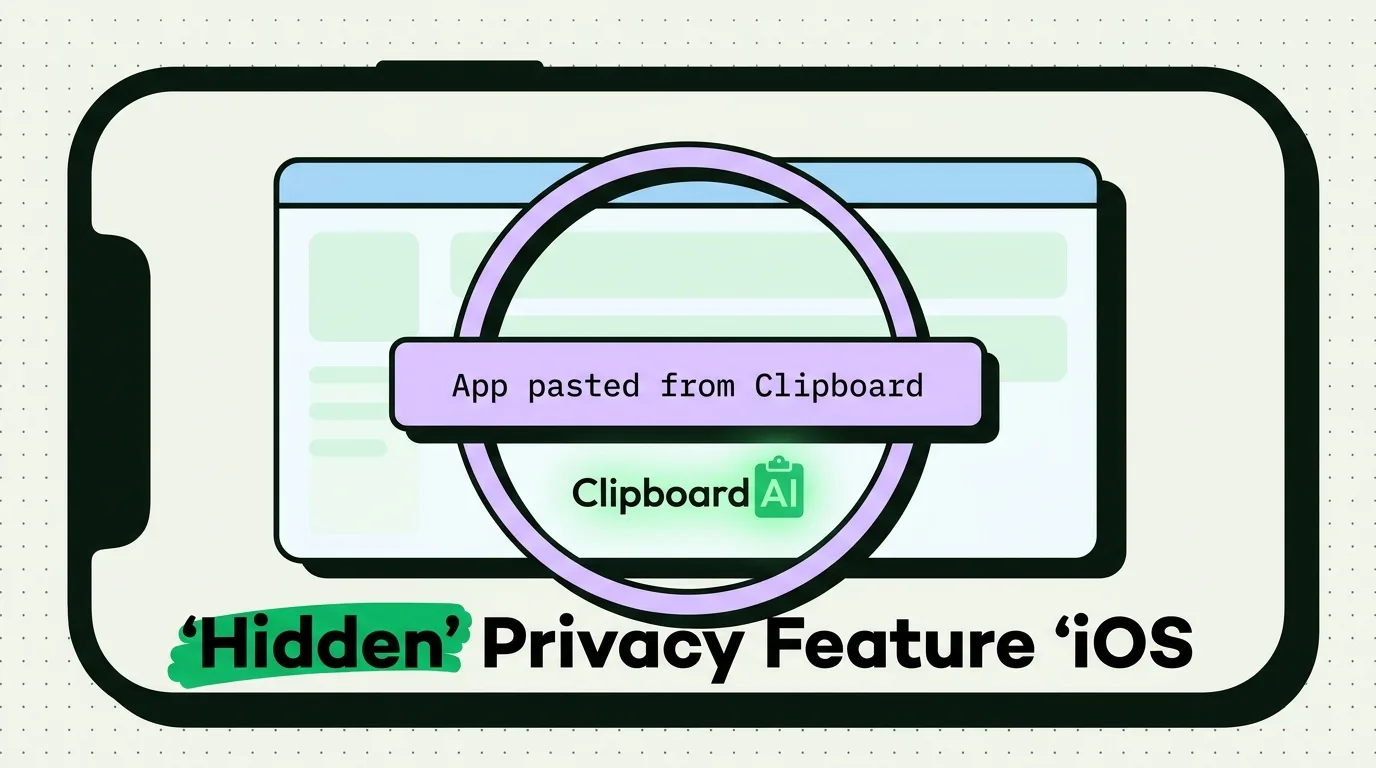
Until iOS 14, any app you opened could read your clipboard without leaving a trace. In March 2020, the researchers Talal Haj Bakry and Tommy Mysk published a list of popular apps, from news apps and games to TikTok, that read the clipboard every time they opened, and pointed out that those apps could also read what you had copied on a Mac through Universal Clipboard. Two weeks earlier they had shown that a photo taken with the Camera app and then copied carries its location data, readable by any app you opened next; Apple told them it did not see an issue. Apple's answer came in steps. iOS 14 added a banner whenever an app reads something copied in another app without you pasting it, iOS 16 made the app ask first, and iOS 16.1 let you set the answer for each app.
Risk 1: apps that read what you copied
What iOS does. An app that tries to read something copied in another app shows the Allow Paste prompt, and you can set each app to Ask, Deny or Allow under Settings > Apps > [app] > Paste from Other Apps. iOS only lets an app read the clipboard while you are using it.
What is left. An app set to Allow reads your copies without asking whenever you open it, and so does any app you wave through by tapping Allow Paste out of habit. Third-party keyboards are a second route: a keyboard with Full Access can use the clipboard and the network, which is how clipboard keyboards work, so it matters which ones have it. iOS never shows a third-party keyboard in a password field; it swaps in Apple's keyboard there.
What to do. Set apps with no reason to read your clipboard to Deny, especially any that shows a paste banner when you did not paste, and review your keyboards under Settings > General > Keyboard > Keyboards. The Allow Paste guide explains each choice.
Risk 2: Universal Clipboard reaching your other devices
What iOS does. Universal Clipboard offers only your latest copy, only briefly, and only to devices signed in to the same Apple Account within about 30 feet (10 meters) that have Wi-Fi, Bluetooth and Handoff on. An app can also mark what it copies as local only, which keeps it off your other devices; 1Password has a setting, Use Universal Clipboard to copy to other devices, that decides whether its copies go there.
What is left. Handoff is on by default, so everything else you copy is offered to every nearby device on that account, including a family Mac that shares your Apple Account, and an app on one device can read what you copied on another, as the 2020 research showed.
What to do. If you never paste between devices, turn off Handoff in Settings > General > AirPlay & Continuity, and keep your Apple Account to yourself.
Risk 3: clipboard managers that keep a history
What iOS does. It keeps no history, so this risk only exists once you install a clipboard manager, which stores many copies in its own database. Its privacy then rests on where that database lives, who can read it and how you delete from it.
What to check. Whether your history passes through the maker's servers or stays on your devices and your own iCloud, whether codes and passwords are masked, and whether old clips can be deleted on a schedule. What a clipboard manager stores, and where goes through each question.
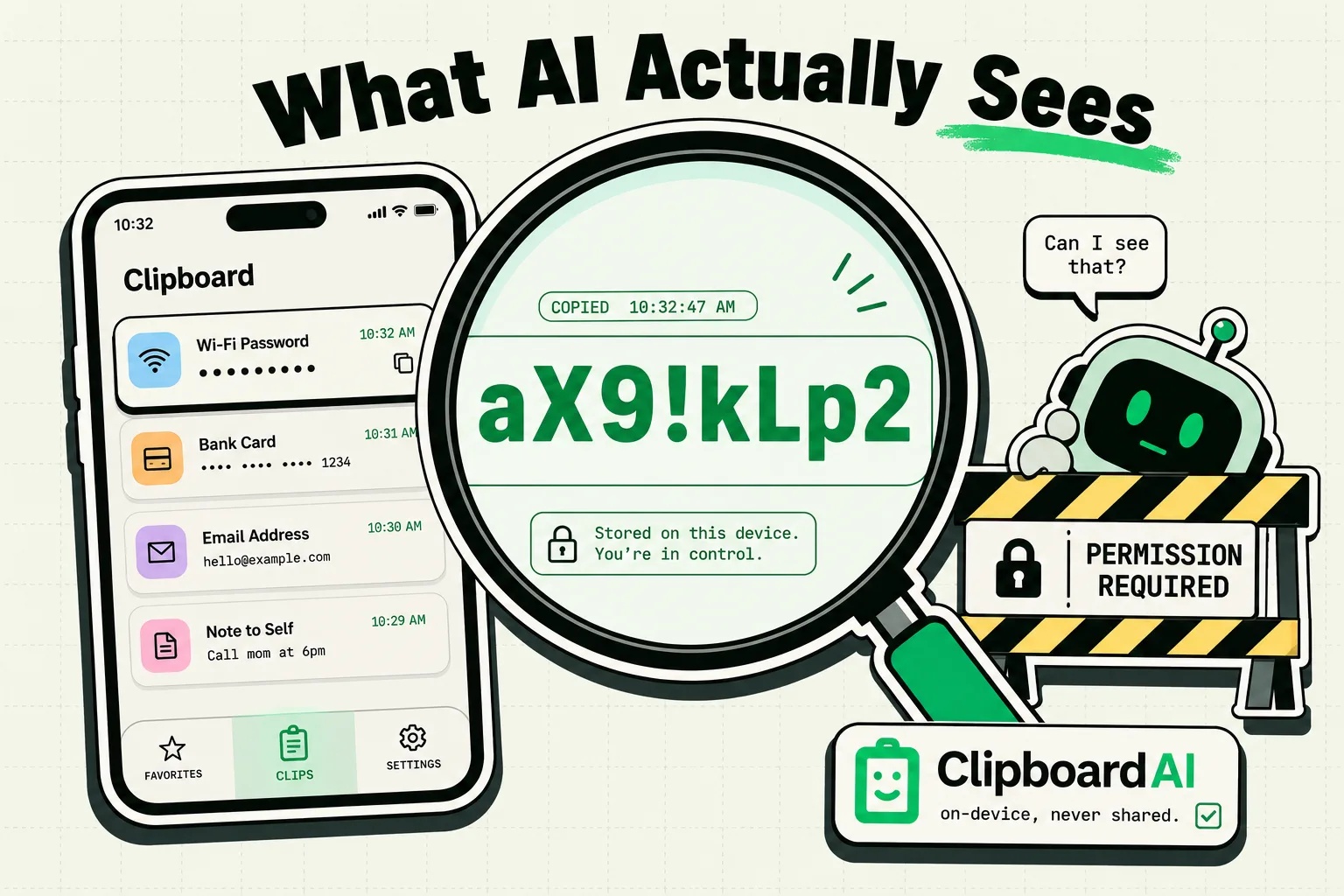
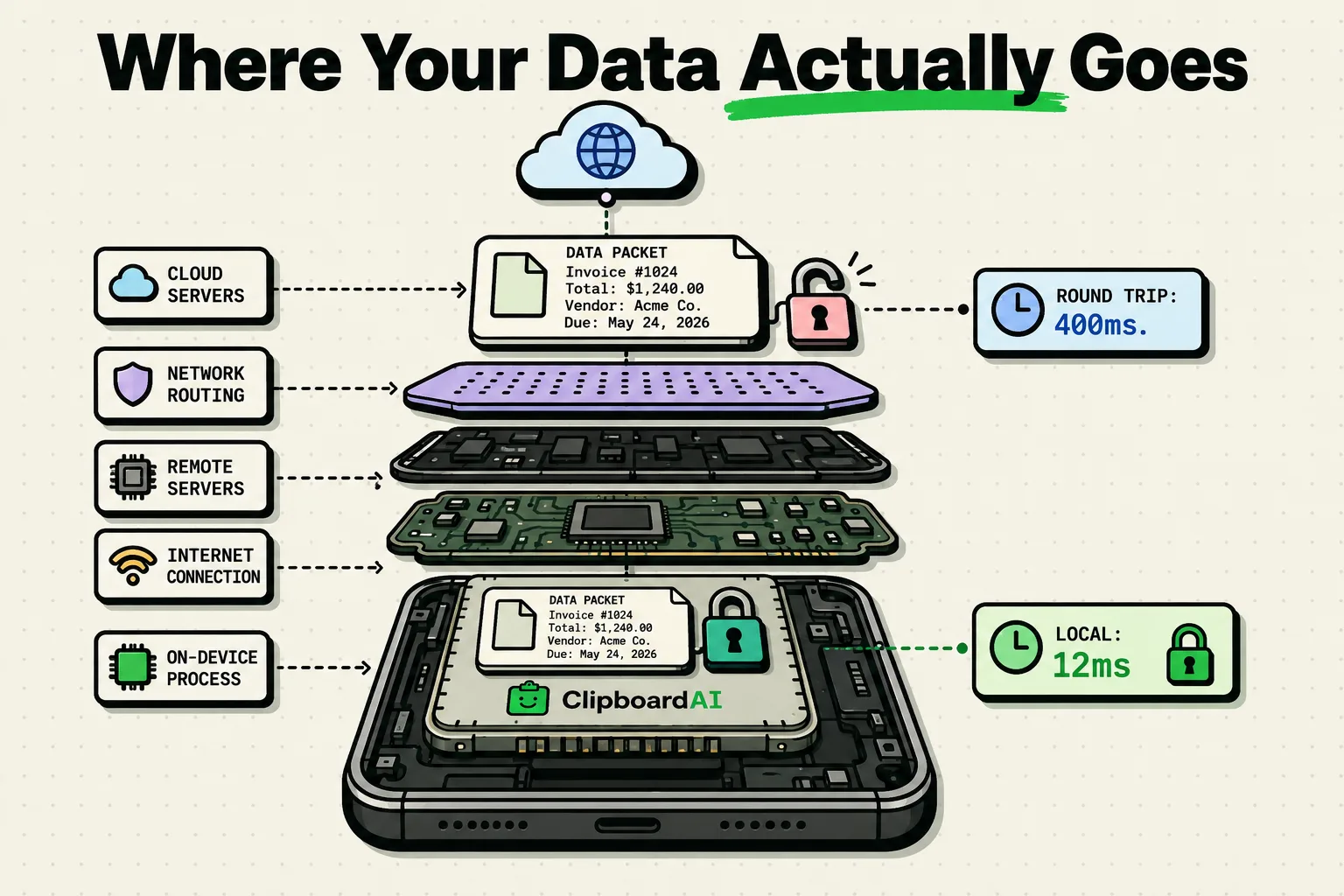
How Clipboard AI handles it. It sorts, searches and reads text in images on the device and sends nothing to its own servers. Sync is optional: leave it off and your clips stay on your iPhone, or turn it on and they live in your own private iCloud database. Codes and passwords show as a padlock in its keyboard until you tap them, a deleted clip is erased at once with no undo, and Auto-Delete Old Clips can clear history after a window from 30 days to a year. On iPhone it saves a copy only when you open the app, switch to its keyboard, share to it or run its Save Clip To ClipboardAI shortcut. On the Mac it records copies automatically, and skips anything a password manager marks as concealed or transient, as 1Password and KeePassXC do.
Risk 4: screens other people can see
What iOS does. Password fields show dots, and while you share your screen with SharePlay or Screen Mirroring you can hide notifications under Settings > Notifications > Screen Sharing. They are allowed by default.
What is left. On iOS 27, Apple's keyboard previews your latest copy in a paste suggestion above the keys, with a text preview or image thumbnail and the app it came from. Anyone watching your shared screen, or holding your phone, sees that preview as soon as a text field opens, and can paste what you copied last.
What to do. Before you share your screen or hand your phone over, copy something harmless over anything sensitive. In the Clipboard AI keyboard, codes and passwords stay behind a padlock until you tap them.
Clipboard attacks you may have read about
Two clipboard attacks are well documented. The first is a clipper, malware that watches the clipboard and swaps a copied cryptocurrency address for the attacker's: in February 2019, ESET found one on Google Play, an Android app posing as MetaMask that replaced copied Bitcoin and Ethereum addresses. The second is a web page that changes what you copy from it, which browsers allow, since a page's script can replace the text placed on the clipboard when you copy. On an iPhone, an app can only read the clipboard while you are using it and has to ask before reading another app's copy, but a web page or an app you have allowed can still hand you different text from the text you saw. Before you send money or run a command, compare the whole pasted address or command with the source, not just its first and last characters.
Clipboard rules on work iPhones
On a phone your employer manages, copy and paste can be limited on purpose. Since iOS 15, device management can extend its rules about opening work documents in personal apps, and the reverse, to copy and paste, so text copied in a work app may refuse to paste into a personal one. If pasting fails only between work and personal apps, that policy is the likely reason, and your IT team controls it.
A short checklist
- Let AutoFill fill passwords, from Settings > General > AutoFill & Passwords, and turn on your password manager's clipboard timer for the times you do copy one (keeping passwords off the clipboard).
- Set apps with no reason to read your clipboard to Deny under Paste from Other Apps.
- Copy something harmless over anything sensitive once you have pasted it; here are three ways to clear the clipboard.
- Turn off Handoff if you never paste between devices.
- Remove keyboards you no longer use, and check which ones have Full Access.
- In a clipboard manager, turn on auto-delete and delete sensitive clips as you go.
- Hide notifications during screen sharing if you share your screen for work.
Each item has a longer guide among the clipboard privacy and security articles.
Frequently Asked Questions
Can an app read my clipboard without asking on iPhone?
Yes, but only in ways you allow. An app set to Allow under Paste from Other Apps reads your copies without a prompt, and a keyboard you gave Full Access can use the clipboard while it is on screen. Apple also lets apps check whether the clipboard holds a link, a number or a search term without reading it and without notifying you.
Is it safe to copy a password on iPhone?
Yes, for a moment, if you copy over it once you have pasted it. The safer route is AutoFill, which fills passwords straight into the login field and can draw on up to three password apps, so a password never has to touch the clipboard.
Does the iPhone clipboard clear itself?
No. A copy stays until something replaces it, unless the app that made it set an expiration time, in which case iOS removes the item when that time comes. That is how an app such as a password manager can clear what it copied without you doing anything.
Does turning off Handoff stop copy and paste?
No. It turns off Universal Clipboard and the other Handoff features, such as starting an email on your iPhone and finishing it on your Mac, but copying and pasting on the iPhone itself works as before.
Does Clipboard AI send my clips to its servers?
No. Sorting, search and text recognition run on the device, and with sync on your clips go to your own private iCloud database. Find Clips in Spotlight, which puts clips in iPhone search, stays off until you turn it on, keeps its index on the device and leaves codes out.
Sources
- Mysk, "Popular iPhone and iPad Apps Snooping on the Pasteboard", March 10, 2020
- Mysk, "Precise Location Information Leaking Through System Pasteboard", February 24, 2020
- Apple Developer Documentation, "UIPasteboard", read October 5, 2026
- Apple Developer Documentation, "UIPasteControl", read October 5, 2026
- Apple Developer Documentation, "localOnly", read October 5, 2026
- Apple Developer Documentation, "expirationDate", read October 5, 2026
- MacRumors, "iOS 16.1 Introduces New Copy-and-Paste Permission Settings on Per-App Basis", October 17, 2022
- Apple Developer, "App Extension Programming Guide: Custom Keyboard", read October 5, 2026
- Apple Support, "Use Universal Clipboard to copy and paste between your Apple devices", read October 5, 2026
- Apple Support, "Copy and paste between your iPhone and other Apple devices", read October 5, 2026
- Apple Support, "Hand off tasks between your iPhone and your other devices", read October 5, 2026
- 1Password Support, "Copy and fill passwords into apps that don't work with 1Password", read October 5, 2026
- Apple Support, "Change notification settings on iPhone", read October 5, 2026
- MacRumors, "iOS 27 Adds a Useful New Copy-and-Paste Feature to Your iPhone", July 1, 2026
- 9to5Mac, "iOS 27 adds convenient new iPhone feature you'll use all the time", September 22, 2026
- ESET WeLiveSecurity, "First clipper malware discovered on Google Play", February 8, 2019
- MDN Web Docs, "Element: copy event", read October 5, 2026
- Apple Developer Documentation, "Restrictions" (device management), read October 5, 2026
- Apple Support, "Automatically fill in strong passwords on iPhone", read October 5, 2026