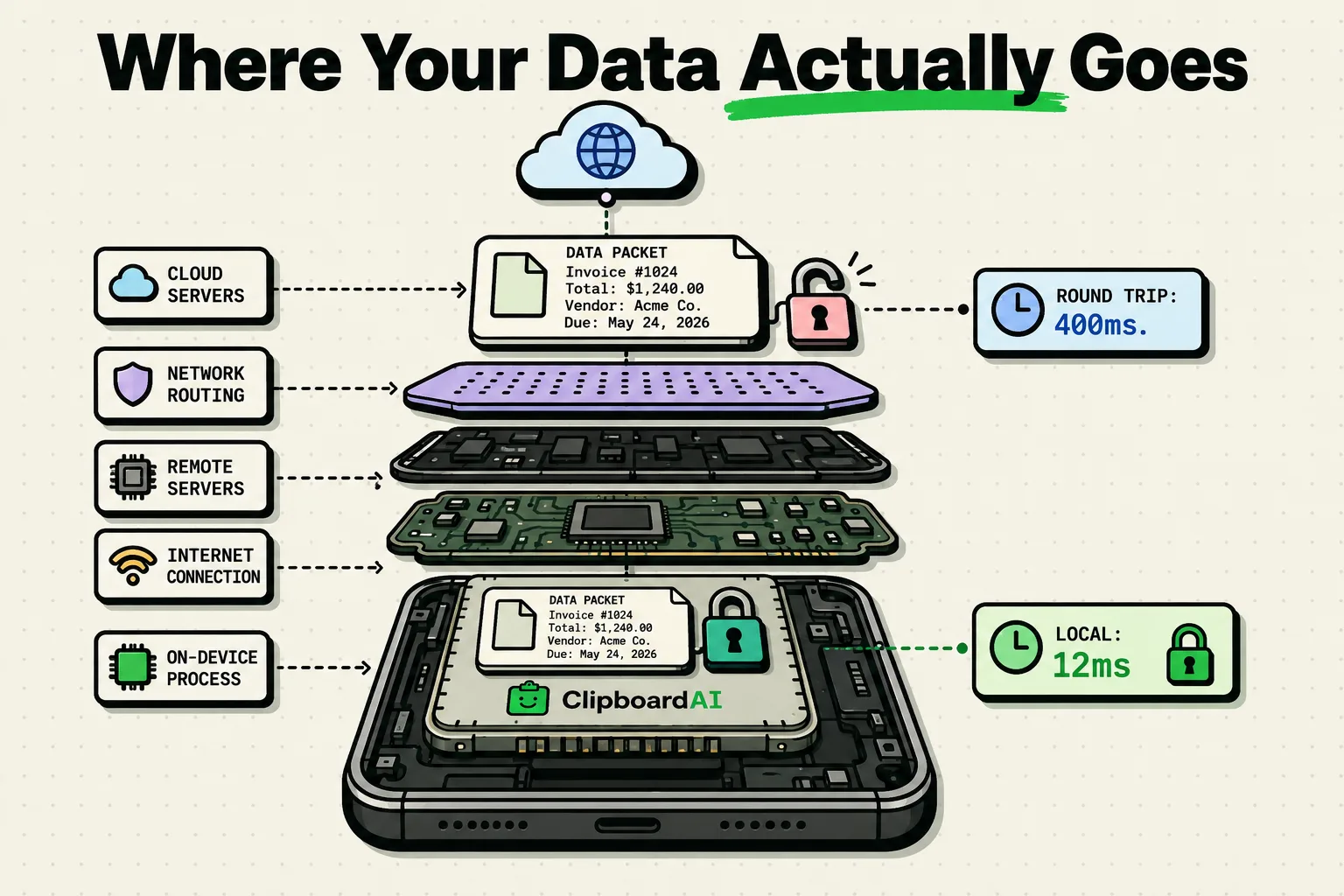
On-device AI runs on your own phone or Mac, so your text never leaves it, while cloud AI sends the text to a server you do not own and gets more capability in exchange. Apple's Vision text recognizer, which runs on the device, is the clean example: on macOS 26.2 (build 25C56) on September 8, 2026, it read a 1206 by 2622 pixel screenshot, 14 lines and 215 characters, in 0.397 seconds, after a first run of 0.665 while the model loaded.
Neither answer is automatically the right one. A cloud model will rewrite a paragraph better than anything that fits on a phone, and there are days when that matters more than where the paragraph went. The point is that you should know which trade you made. Four questions tell you, and the first is the only one a product page cannot answer on your behalf.
On-device and cloud AI side by side
Language and image models need billions of calculations. Phones used to lack the processors for that, so apps sent the raw data to servers with powerful GPUs. Modern phone and Mac chips include hardware built for these workloads, such as Apple's Neural Engine, which is why more of the work can now stay local.
| Question | On-device AI | Cloud AI |
|---|---|---|
| Where the text is processed | On your phone or Mac, using its own chip | On the provider's servers |
| What leaves the device | Nothing for that step | The text itself, over an encrypted connection |
| Offline | Keeps working in Airplane Mode | Needs a network connection |
| Capability | Bounded by the device's memory, chip and battery | Larger models than a phone can hold |
| Retention | Whatever the app itself stores on your device | Set by the provider, so ask for the period and a delete control |
Four questions, in the order that settles it fastest
- Does the feature still work in Airplane Mode? Turn the radios off, put a paragraph in, and press the button. An answer that arrives is a local answer. A spinner, an error or a queued state means the request needed a network, and no amount of language on the website changes what you just watched happen.
- Does the app name a model or a provider anywhere? Look in the feature's own settings, in the App Store listing and in the privacy policy. A named third-party model is a named third-party server, and it is the fastest way to learn that a feature you assumed was local is a thin wrapper around an API. If it names one, read that provider's developer policy for whether your inputs can be used for training. Silence here is not proof of anything, but a name is proof of something.
- What does the App Store privacy label say for this app? The label is the developer's own declaration and it is published next to the download button. If an app processes your text on a server and the label claims no data is collected, one of the two is wrong, and you now have a specific question to send to support instead of a vague unease.
- If it is cloud, what is the stated retention, and is there a delete path you can use yourself? Not a promise to delete on request. A control you can operate. The answer is the difference between a service that holds your drafts for thirty days and one that holds them until the company is sold.
Airplane Mode is a strong test, not a complete one. An app can accept your text offline, hold it, and send it the moment the radio comes back. So watch the timing, not the outcome: an answer that appears instantly while the radios are off is local, and an answer that appears within a second of you reconnecting was not. Run it twice, once with a long reconnect gap, and the difference is unmistakable.
One more check needs no questions. Settings > Cellular lists the data each app has used, so a text feature whose app shows large cellular totals deserves an answer. It misses Wi-Fi traffic, so treat it as a hint, not a verdict.
The model is already on your disk, and you cannot look at it
On-device models are not a metaphor. There is a directory for them on this Mac, and its name is not subtle:
$ ls -la /System/Library/AssetsV2/com_apple_MobileAsset_UAF_FM_GenerativeModels/
ls: /System/Library/AssetsV2/com_apple_MobileAsset_UAF_FM_GenerativeModels/: Operation not permitted
total 0
That is the entire output, on a machine where the account holds administrator rights.
System Integrity Protection protects that location, so nothing running on the Mac can list what is inside, and the refusal is the same for every user. The refusal is the interesting part. The model was downloaded once, it occupies space you paid for, and the reason your device can answer a question with the radios off is that it is simply there. Local processing is not a privacy feature bolted on afterward. It is a consequence of the model being small enough to sit on the disk in the first place.
On-device is a fact about the model, not a promise about the app
This is where most explanations stop too early. An app can run a model entirely on your device and still be careless with the text: it can write the input to a log, keep it in a shared container that a later sync uploads, or send an analytics event containing the first hundred characters. Local inference tells you where the computation happened. It says nothing about where the input was stored on the way there or afterward, and it assumes the device itself is sound, since a jailbroken phone or one carrying malware can read local databases.
The reverse also holds. A cloud feature that sends one request, keeps nothing, and returns an answer is a smaller exposure than a local feature that quietly accumulates a year of your drafts in a file you have never opened. So the storage question and the processing question are separate, they deserve separate answers, and any product page that answers one and lets you assume the other is doing it deliberately. The wider threat model is in the clipboard privacy hub.
Two questions that sound decisive and settle nothing
"Is it encrypted?" Almost certainly yes, and the answer carries no information. Transport encryption is universal now, it is what the padlock in a browser means, and it protects your text from anyone watching the network between you and the server. It says nothing about what the server does with the text once it has decrypted it, and that was the thing you wanted to know.
"Is the company compliant?" A compliance statement describes paperwork, not a data flow. Read it for the retention period it usually contains, because that number is the answer you came for and the rest of the page is not.
The questions that do settle something all have one shape: they ask what happens to a specific piece of text at a specific moment. Where did this paragraph go. Who holds it now. For how long. What deletes it. An answer that names no place, no party and no duration has not answered any of the four, so treat a long reply that names none of them as a decline.
What running on the device costs you
Local models are smaller than the largest cloud models, and they share the phone's memory, battery and heat with everything else it is doing. Heavy local work warms the chip, and the system slows it down to protect it, so on-device features can be less fluent on long or unusual text. The first run is slower too: 0.665 seconds against 0.397 for identical work on the same image, because the model is paged in on first use. That is why a benchmark that runs once says little about how a feature feels in daily use.
How Clipboard AI keeps the work on your device
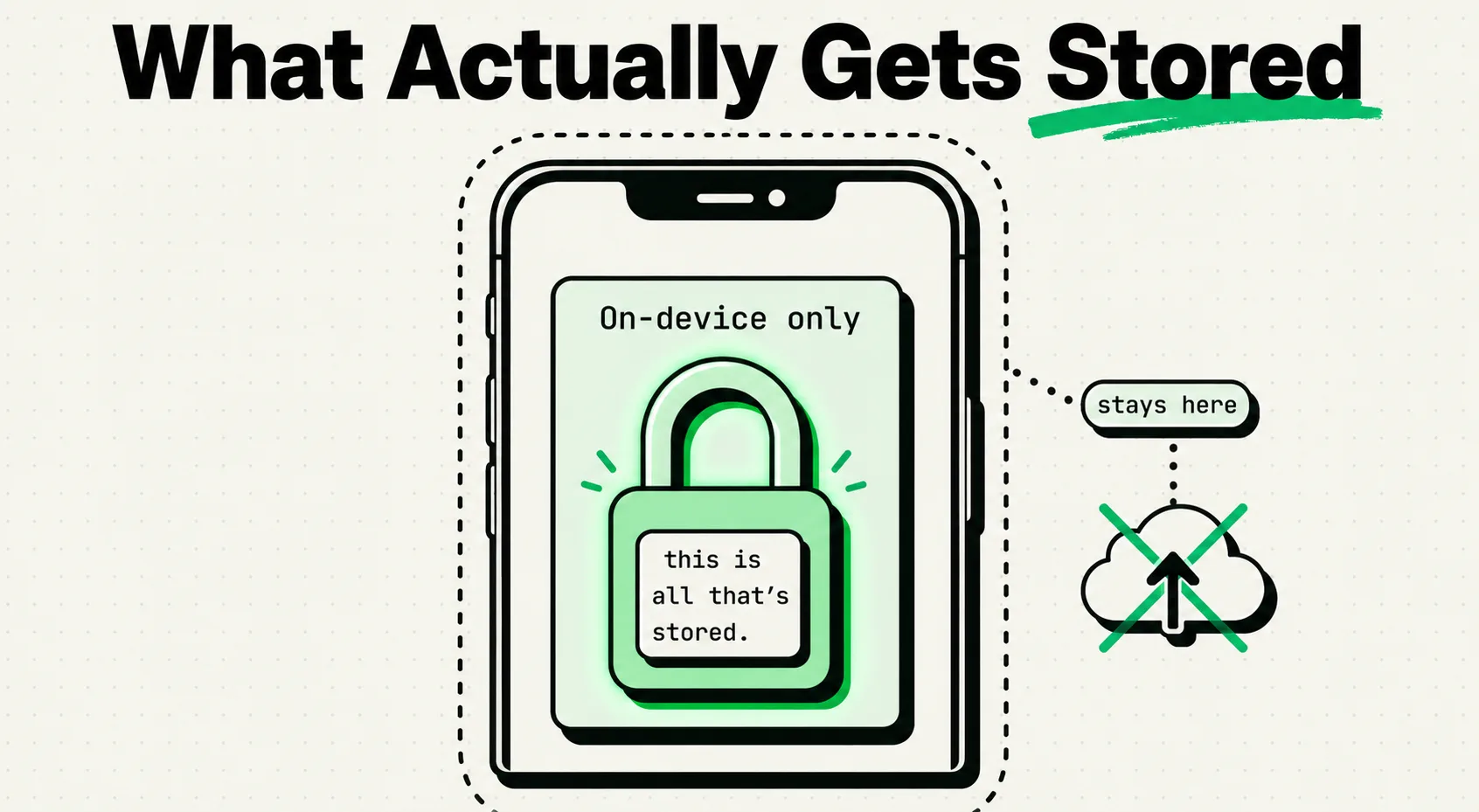
Clipboard AI sorts clips into categories, reads text out of screenshots, runs its nine text tools and ranks search results on the device, and sends nothing to its own servers. Text recognition in images is free, not a paid tier, and it works with no connection, so you can verify that in 30 seconds with the first question above. The privacy and data article in the Help Center lists what stays on the device and what each setting changes.
The Pro rewrites (Summarize, Key Points, Proofread, Make Professional, Make Friendly and Shorten) use Apple Intelligence on iPhones that support it, and so does Ask. On iOS 26 and macOS 26 they run on the device. On iOS 27 and macOS 27, longer text can be handed to Apple's Private Cloud Compute, and the line under each result says which happened: "100% on this device, using Apple Intelligence" or "Processed privately by Apple. Never stored." Nothing from these features is sent to Clipboard AI, as the Apple Intelligence rewrites guide explains.
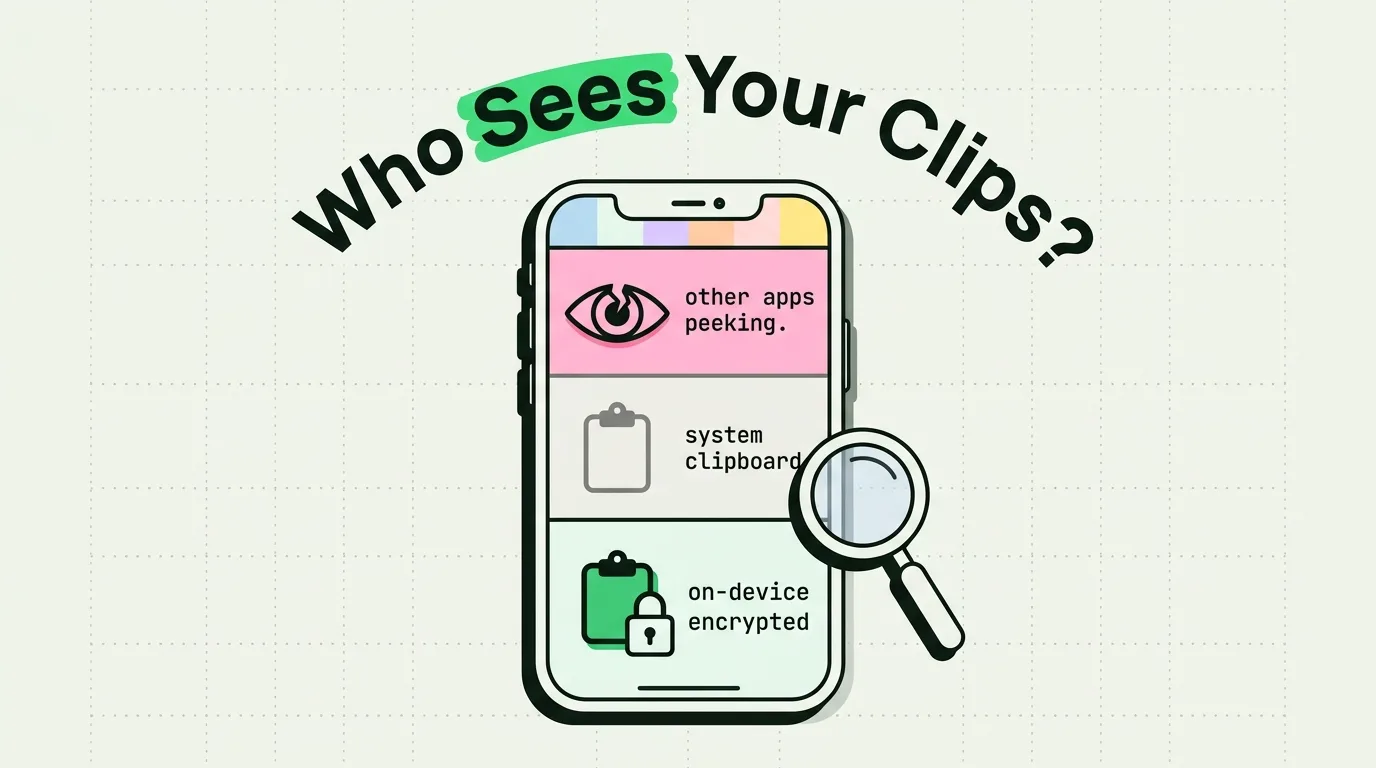
With Pro sync on, your clips are stored in your own private iCloud database, which Apple encrypts in transit and at rest, and never on a server Clipboard AI operates. Turn sync off and they stay on the device. The clipboard is a particularly bad place to be relaxed about any of this, because it is the one buffer that has held your bank details, a password you moved by hand, a client's address and a two-factor code, all within the same working day. On the Mac, Clipboard AI skips anything a password manager marks as concealed or transient, and in the iPhone keyboard, codes and passwords show as a padlock until tapped. Whatever you decide about cloud features generally, decide it separately for anything that reads your clipboard. The keyboard has its own limits, covered in what Full Access allows, and can AI read your clipboard and how to tell whether a clipboard manager uploads your clipboard show how to check an app for yourself.
Sources
- Apple, "Recognizing text in images"
- Apple Support, "iCloud data security overview"
- Apple, "RequestsOpenAccess"
Timings measured on this Mac, macOS 26.2 build 25C56, arm64, on September 8, 2026, using Vision's accurate recognition level with language correction on. The directory listing above is the unedited terminal output from the same session.
Frequently Asked Questions
How is my synced clipboard kept private?
Clipboard AI never sends clip content to a server of its own. With Pro sync on, your clips live in your own private iCloud database, encrypted in transit and at rest by Apple, so they can reach your other devices. Sorting, search and reading text in images happen on the device, and with sync off your clips stay there.
Is Apple Intelligence on-device or in the cloud?
Both. Apple describes smaller requests as handled on the device and larger ones as routed to Private Cloud Compute, so the answer varies per request, not per feature. Airplane Mode shows which half a button lands in. In Clipboard AI, a line under each rewrite says whether it ran on the device or through Apple's private cloud.
Does a keyboard extension change the answer?
Yes. Apple's RequestsOpenAccess setting controls whether a custom keyboard can share a container and reach the network, so a keyboard without Full Access cannot make a request and one with it can. Clipboard AI's keyboard asks for Full Access to read and save your latest copy. Its sorting, search and text recognition run on the device and send nothing to its own servers.
Can I stop Clipboard AI saving copies from certain apps?
On the Mac, yes: add the app to Ignored Apps in Settings, Privacy, and nothing copied while it is frontmost is saved. On iPhone there is no per-app list, but Clipboard AI only saves a copy when you switch to its keyboard, open the app, use the Share sheet or run the shortcut, and you can turn off Auto-save from Keyboard.
Does a VPN change any of this?
No, and it is a common substitution. A VPN moves the point at which a request leaves your network. It does not stop the request being made, and it cannot read inside a connection the app opened itself. Only the app's own design, or a switch that turns the feature off, decides whether your text is sent.
How do I run the Airplane Mode test on a Mac?
Turn Wi-Fi off in the menu bar and unplug Ethernet, which is the same condition under a different name. On a laptop, check it has not silently joined your phone's hotspot, because a Mac that reconnects quietly makes a cloud feature look local.