Stock Android has never shipped a system-level clipboard history viewer either — what people mean by "Android has clipboard history" is usually Gboard's built-in clipboard tab, which several OEM keyboards have offered for years. Stock iOS still only holds one item at a time with no built-in history at all, on either platform's default keyboard. Both operating systems need a third-party app or keyboard to get real clipboard history; the actual difference is how each platform's sandboxing rules constrain what those apps can do.
What Each Platform Actually Ships With
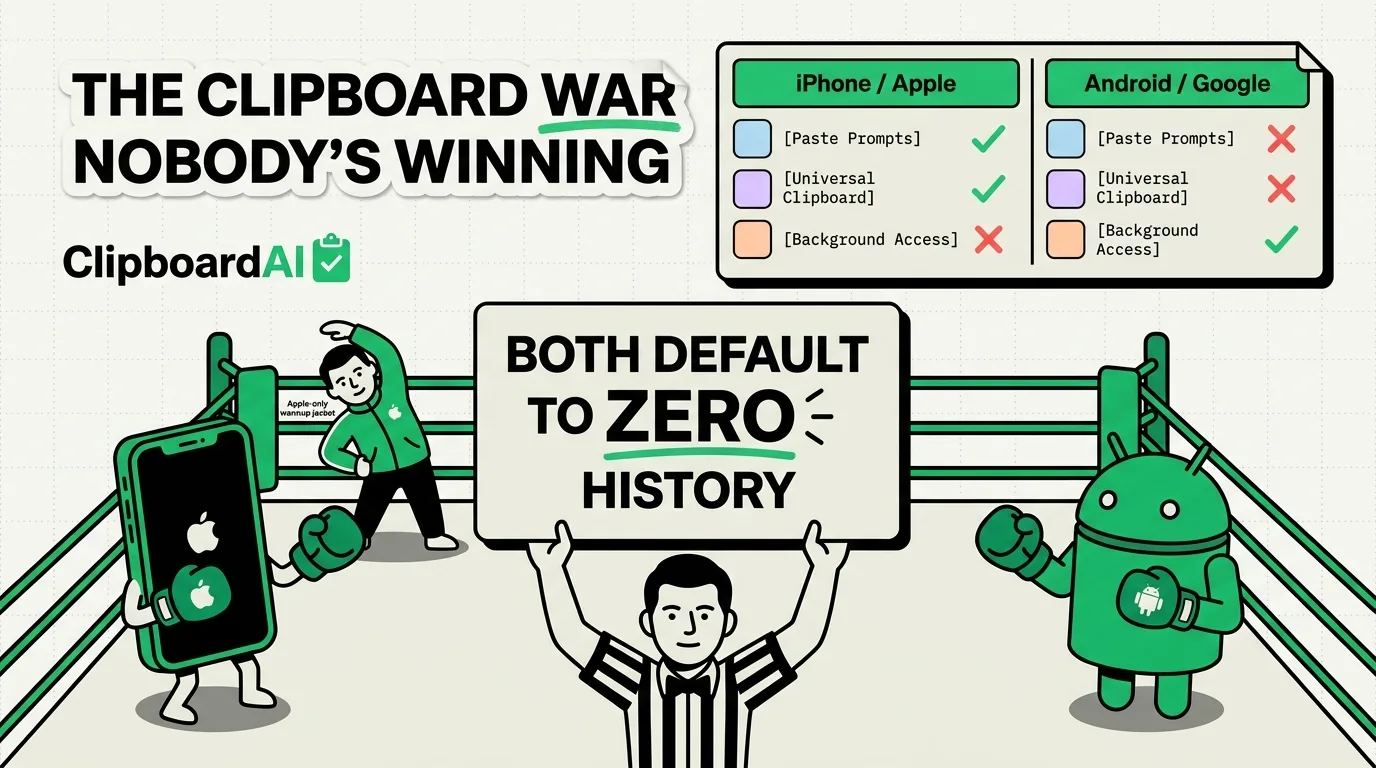
| iOS (default) | Android (default, varies by OEM) | |
|---|---|---|
| Built-in clipboard history | No — single item only | No, on stock AOSP. Gboard (Google's own keyboard, widely preinstalled) has a clipboard tab that holds recent items |
| Paste permission prompts | Yes, since iOS 16 (asks before an app reads clipboard content it didn't just paste itself) | Varies by OEM and Android version; no universal system prompt equivalent to iOS's |
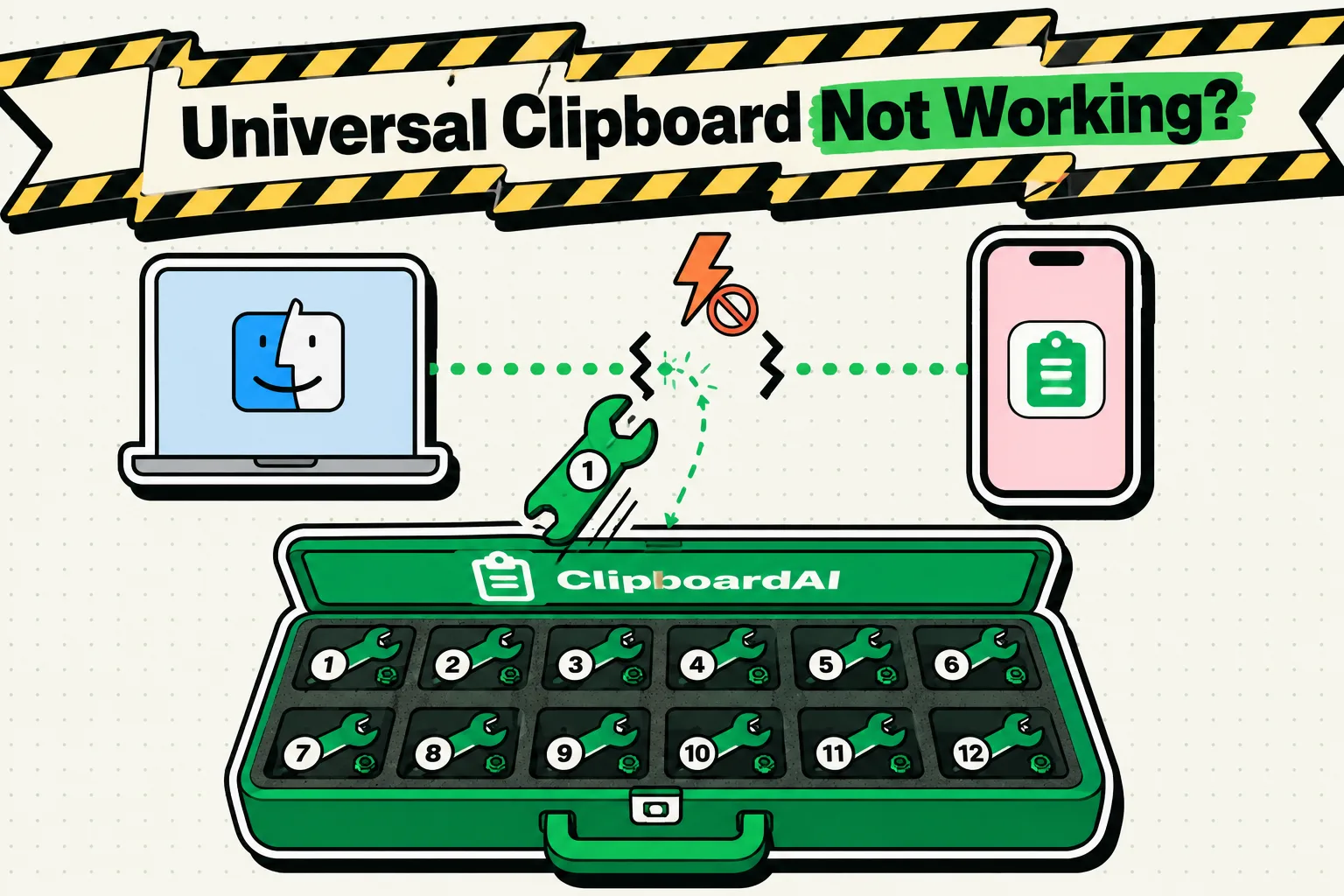
| Cross-device clipboard sync (same ecosystem) | Universal Clipboard (Apple's own Handoff feature, works between Apple devices signed into the same Apple ID) | No single universal equivalent; depends on manufacturer ecosystem (e.g. Samsung's own cross-device features) |
Why Third-Party Clipboard Managers Differ by Platform
The meaningful difference is what a third-party app is allowed to do. On iOS, apps cannot run a persistent background service reading the clipboard continuously; a clipboard manager on iPhone works either through a custom keyboard extension (like ClipboardAI's) or by capturing clips when it's the active foreground app, plus limited background triggers like Back Tap or the Action Button. On Android, apps have historically had more background access, which is part of why several Android clipboard managers have offered continuous background history for longer, though Android's own permission model has tightened over recent versions too.
Where ClipboardAI Fits (iOS/Mac Only)
ClipboardAI is built for Apple's platforms specifically: iPhone, iPad, and Mac, with a custom keyboard extension for iOS and a menu-bar app plus a Cmd-Shift-V floating panel on Mac. It does not have an Android or Windows version, so if you're comparing across platforms because you're switching from Android, note that whatever you pick, you're picking a new app, not carrying history over automatically.
Frequently Asked Questions
Does Android really have better clipboard history than iPhone by default?
Neither platform ships a full history viewer as a true OS-level default. Many Android phones come with Gboard preinstalled, which has a basic clipboard tab; iOS's default keyboard has no equivalent, which is why third-party keyboards and apps exist on both platforms.
Can I move my clipboard history if I switch from Android to iPhone?
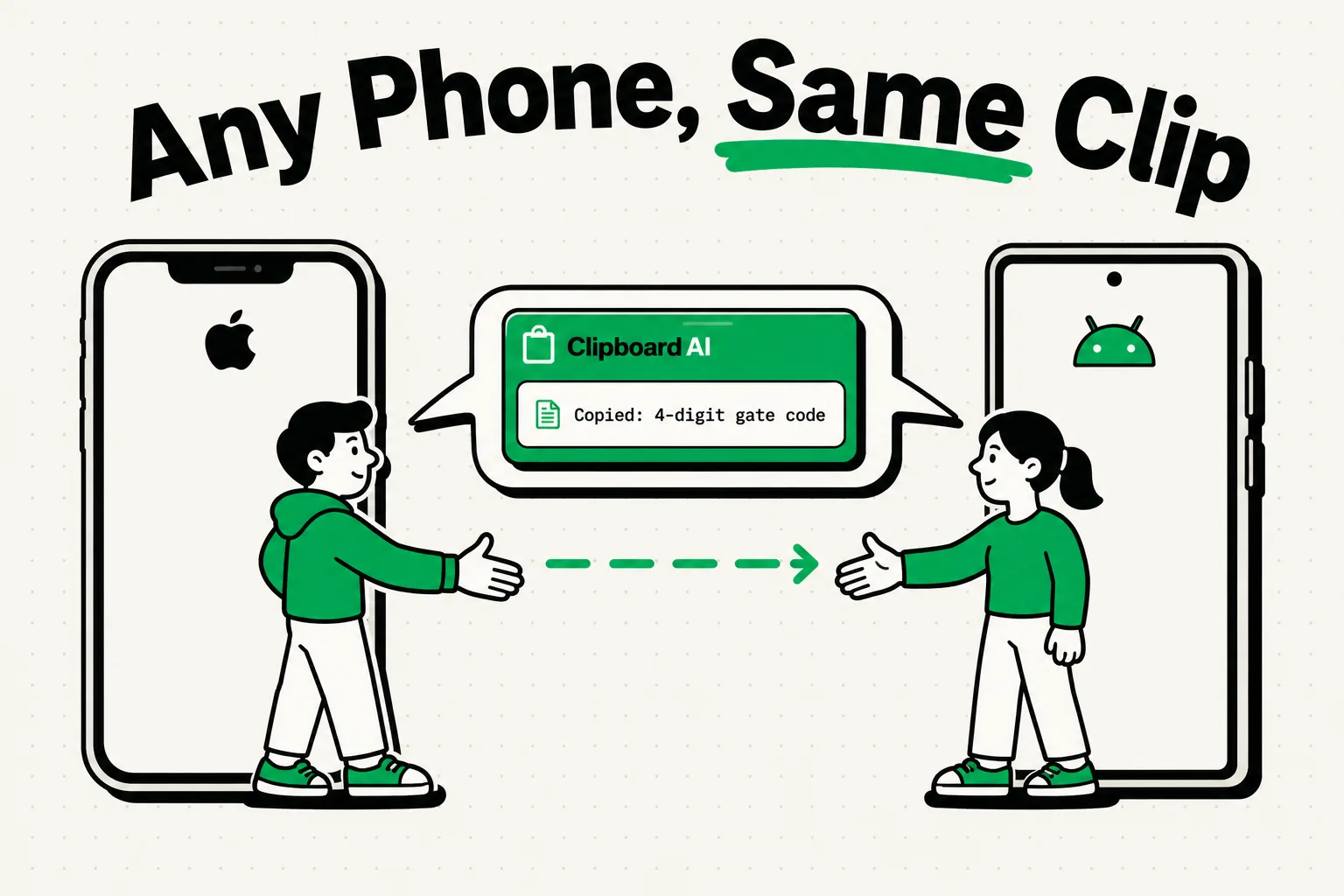
No. Clipboard managers don't sync across platforms or accounts between Android and iOS; you'd start a fresh history on whichever app you install on your new device.
Is Universal Clipboard the same as a clipboard manager?
No. Universal Clipboard is Apple's own Handoff feature for copying on one Apple device and pasting on another, and it only holds one item at a time just like the regular clipboard. It's not a history tool.