On this page
The Bottom Line
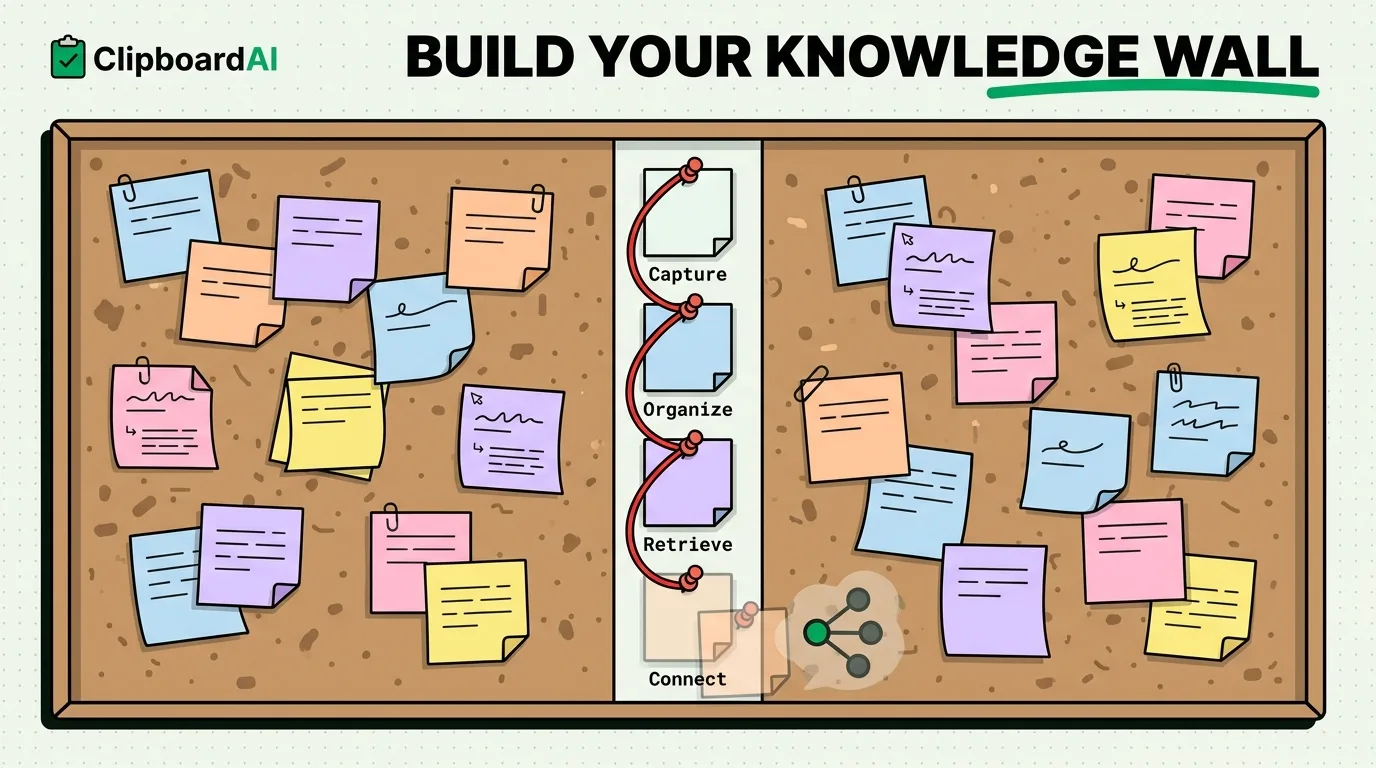
A personal knowledge management (PKM) system needs four working parts: capture, organize, retrieve, and connect. On iPhone, Apple Notes handles capture and organization well enough for most people; where it falls short is retrieval of things you copied but never formally saved as a note, and that gap is what a clipboard history tool is actually for.
Capture: Get It Off Your Mind Fast
The fastest capture on iPhone is whatever requires the least friction in the moment. For text you are reading elsewhere (an article, a message, a webpage), that is usually copy, not "open Notes and type a new entry." Every quote, definition, or reference you copy while reading is a capture event, even if you never paste it anywhere. The problem: iOS throws it away the instant you copy something else.
Organize: Categories Beat Folders for Fast-Moving Capture
Apple Notes uses folders, which require you to decide where something belongs at save time. That works for deliberate notes, but not for the dozens of small things you copy throughout a day without stopping to file them. ClipboardAI auto-categorizes what you copy (links, phone numbers, emails, codes) without you doing anything, which matters specifically because PKM systems fail when the organizing step adds friction to capture.
Retrieve: Full-Text Search Across Everything You Copied
This is the step Apple Notes cannot do for anything you copied but did not explicitly paste into a note. If you read a good quote in Safari three days ago and copied it "for later" but never actually pasted it anywhere, it's gone. ClipboardAI's search covers your whole clipboard history, so material you captured passively (by copying) is still retrievable later, not just material you deliberately filed.
Connect: Where iPhone Tools Genuinely Fall Short
True PKM systems (Zettelkasten-style, or tools like Obsidian) link ideas to each other, note A references note B, tags cluster related concepts. Neither Apple Notes nor ClipboardAI does this. If your PKM ambitions include a linked knowledge graph, you need a dedicated tool like Obsidian or Notion for that layer, iPhone's native tools and clipboard managers are a capture and retrieval layer underneath it, not a replacement for it.
A Practical iPhone PKM Stack
| Function | Tool | Why |
|---|---|---|
| Deliberate notes and structured writing | Apple Notes (or Obsidian/Notion if you need linking) | Built for intentional capture and folders |
| Passive capture while reading/browsing | ClipboardAI clipboard history | Catches copied material even if never pasted anywhere |
| Cross-device sync | iCloud (Notes) + optional iCloud sync (ClipboardAI) | Both work across iPhone, iPad, Mac |
Honest Limits
Clipboard history is not a substitute for deliberate note-taking. It is a safety net for material that would otherwise be lost the moment you copy something else. It does not do summarization, linking, or spaced repetition, if your PKM practice depends on those, you still need a dedicated notes tool on top of it.
Frequently Asked Questions
Can ClipboardAI replace Obsidian or Notion for PKM?
No. It solves capture and retrieval of copied material, not linking, tagging systems, or structured writing. Use it alongside a notes tool, not instead of one.
Does clipboard history sync across my Apple devices?
Yes, optionally, through your own private iCloud account using Apple's CloudKit and a direct device-to-device transport when your devices share Wi-Fi, encrypted in transit and at rest, the same protection tier as your Photos and Notes. Your clips never pass through a ClipboardAI server, there is no account to create, and you can leave sync off entirely to keep everything on-device.