
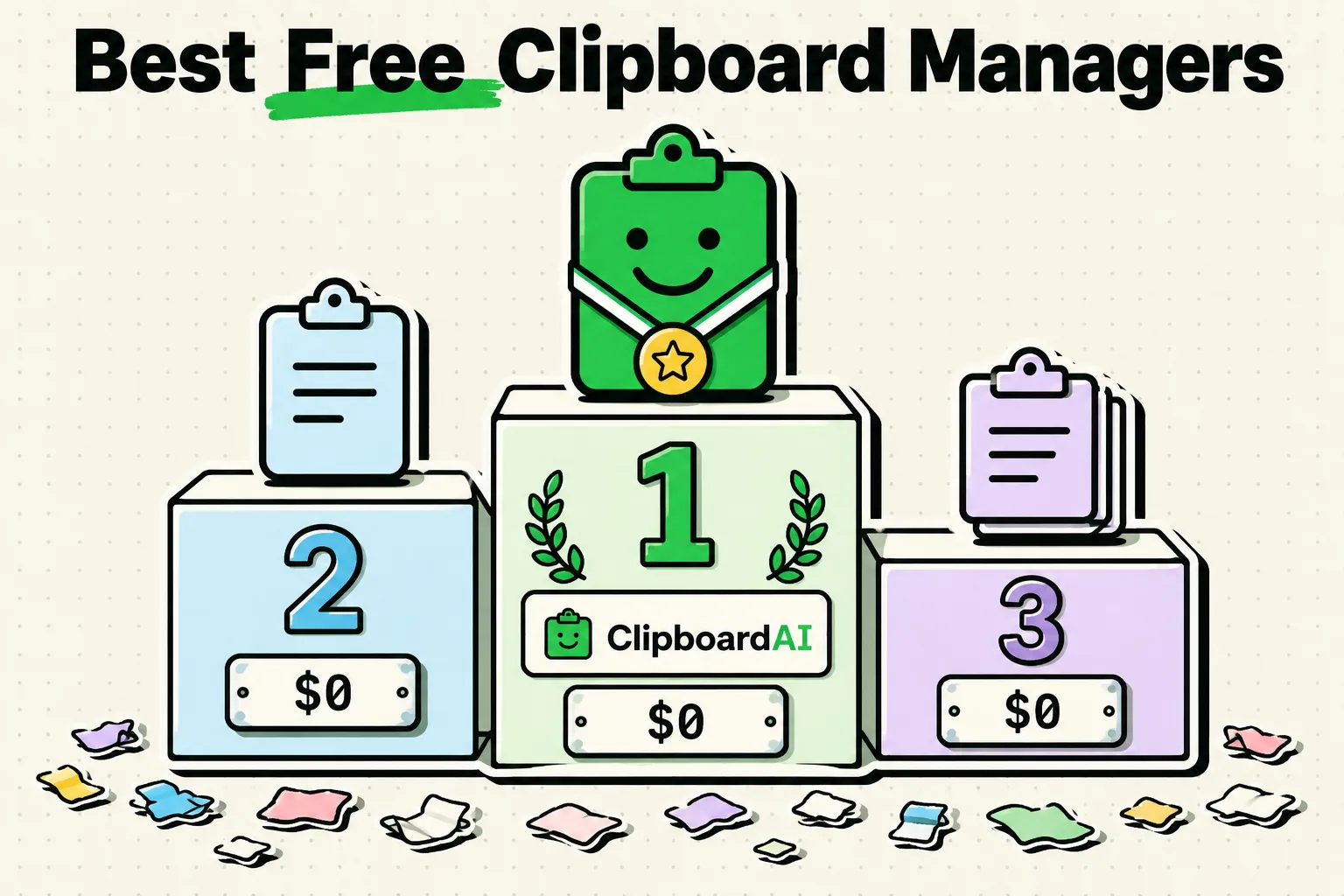
The best free clipboard managers for 2026 are platform-specific: choose Maccy or Raycast for macOS, Ditto for Windows, and ClipboardAI for iOS and Mac. These tools maintain a running database of everything you copy, eliminating the frustration of losing snippets when you overwrite your pasteboard buffer. If you require advanced scripting and cross-platform sync, CopyQ is the best open-source power tool. For iPhone specifically, see our ranking of the five best free clipboard apps, with the exact limit on each free tier.
Why You Need a Clipboard Manager in 2026
Every desktop and mobile operating system comes with a default clipboard buffer that only saves one item at a time. If you copy a line of code, then copy a URL before pasting the code, the code is gone. A clipboard manager solves this by recording your copy history in the background, letting you retrieve snippets hours or days later.
However, choosing a clipboard manager in 2026 requires careful evaluation of security. Because a clipboard manager reads everything you copy, using a poorly developed or cloud-heavy tool can leak API keys, sensitive database credentials, or private conversations.
The best tools in 2026 prioritize local-first storage, minimizing cloud exposure while offering fast keyboard search. Here are the top free tools that have earned their place on our recommendation list.
2026 Clipboard Manager Comparison Matrix
This table compares compatibility, data storage, interface styles, and target audiences for the top free clipboard utilities.
| App Name | Supported Platforms | Data Location | Interface Style | Best Use Case |
|---|---|---|---|---|
| Maccy | macOS | Local RAM / SQLite | Compact Menu Dropdown | Mac keyboard-first purists |
| Ditto | Windows | Local Access Database | Pop-up Search Window | Windows power users |
| Raycast | macOS | Local SQLite | Command Bar Launcher | Developers who want an all-in-one hub |
| CopyQ | macOS, Windows, Linux | Local Directory | Tabbed GUI / Sidebar | Scripting and custom automation |
| ClipboardAI | macOS, iOS | Local SQLite | Compact Sidebar / Keyboard | Cross-device iOS and Mac users |
1. Maccy: Best Lightweight Clipboard Manager for Mac
Maccy is a free, open-source clipboard manager for macOS that operates entirely in your menu bar. It is designed to be fast, keyboard-driven, and unobtrusive.
- How it works: When you press
Shift + Cmd + C, a search bar pops up right under your cursor. You type a keyword, pressEnter, and the snippet is inserted. There are no heavy visual previews or complex settings menus. - Why it wins: It is extremely lightweight and does not hog RAM. It stores everything locally and allows you to customize keyboard shortcuts for your top 10 most frequent items.
- Limitations: It is strictly limited to macOS and does not support native synchronization across devices.
2. Ditto: The Gold Standard for Windows Users
Ditto is an open-source extension of the standard Windows clipboard. It has been a favorite for Windows power users for over a decade and remains the best free option on the PC platform.
- How it works: Ditto runs in the system tray. Pressing
Ctrl + \` (tilde) opens a visual search list where you can select, edit, or drag-and-drop past copies into any application. - Why it wins: Ditto is built around a robust local database. It can handle massive lists of text, images, and HTML formatting without slowing down. It also allows you to share clipboard histories across a local office network.
- Limitations: The interface looks outdated and lacks the polished styling of modern Windows 11 apps.
3. Raycast: Best Integrated Tool for Mac Developers
Raycast is a popular developer-focused application launcher for Mac that includes a built-in clipboard history manager that rivals dedicated apps.
- How it works: Press
Option + Spaceto open Raycast, type "Clipboard History," and view a searchable list of your text, images, links, and colors. - Why it wins: If you are already using Raycast to launch applications, you do not need to install another tool. Raycast formats color hex codes with active color swatches and lists file locations clearly.
- Limitations: It requires you to adopt the Raycast launcher environment. The free tier contains the clipboard, but syncing settings across devices requires their premium subscription.
4. CopyQ: Best for Multi-Platform Automation and Linux
CopyQ is an advanced clipboard manager available on Linux, Windows, and macOS. It features a tabbed interface and a powerful scripting engine.
- How it works: CopyQ displays your history in custom tabs (e.g., "Notes," "Figma Components," "Code Snippets"). You can write custom command scripts to automatically format copied text, such as strip-formatting or converting JSON strings.
- Why it wins: It is highly customizable and completely open-source. For developers who switch between Windows and Linux machines, CopyQ provides a consistent workspace utility.
- Limitations: It has a steep learning curve and its interface can feel overwhelming for non-technical users.
5. ClipboardAI: Best for Mac and iPhone Integration
ClipboardAI is a local-first clipboard manager designed to bridge the gap between desktop computers and mobile devices.
- How it works: ClipboardAI logs your clips into an on-device database on both Mac and iOS. On Mac, it sits quietly in the menu bar, while on iPhone, it offers a custom keyboard layout for rapid template pasting.
- Why it wins: It provides a seamless transition from desktop research to mobile typing. You can save reference numbers, support scripts, or URLs on your Mac and paste them via the ClipboardAI keyboard on your iPhone.
- Limitations: Advanced category sorting and multi-device syncing are locked behind a premium upgrade, although the core local database history remains free.
Important Security Rules: Managing Clipboard Risk
A clipboard manager is a high-security risk utility because it records credentials, private tokens, and notes. Follow these guidelines to secure your environment:
- Avoid copying passwords: Use your password manager's direct auto-fill integrations rather than copying credentials to your pasteboard buffer.
- Exclude password managers: On Mac, ClipboardAI automatically recognizes the nspasteboard.org privacy markers that 1Password, Bitwarden, and similar apps already set, and you can add any app to a manual Excluded Apps list. This is a Mac-only feature -- there's no equivalent setting on iPhone or iPad.
- Set retention limits: Do not keep your history database indefinitely. Set your app's shortest available auto-delete window -- for ClipboardAI, that's Auto-Delete Old Clips: 30 days.
Recommendations: Which Tool is Best for Your Desktop?
- For Windows Users: Download Ditto. It is completely free, open-source, and has been tested by millions of users.
- For Mac Purists: Install Maccy. It feels like a native macOS feature and does not waste system resources.
- For Mac Developers: Use Raycast. The integrated clipboard tool eliminates the need for standalone apps.
- For Linux or Power Automation: Use CopyQ for its advanced scripting and tabbed organization.
- For Mobile & Mac Users: Use ClipboardAI to manage your history on your Mac and insert snippets via the custom keyboard on your iPhone.
Frequently Asked Questions
Does Windows 11 have a built-in clipboard history?
Yes. Pressing Windows Key + V opens the native Windows Clipboard History. While functional, it is basic, limits how many items you can pin, and does not support advanced search capabilities like Ditto.
Does macOS have a built-in clipboard history?
No. Apple does not include a visual clipboard history log in macOS. It only provides Universal Clipboard, which allows you to copy an item on your iPhone and paste it on your Mac, but still only holds a single active clip.
Do these apps use significant RAM?
Ditto, Maccy, and Raycast are highly optimized and typically use less than 50MB of RAM. However, if you configure them to save high-resolution screenshots, your database size and memory usage will increase. Set limits on rich media storage in the settings to keep the database fast.