
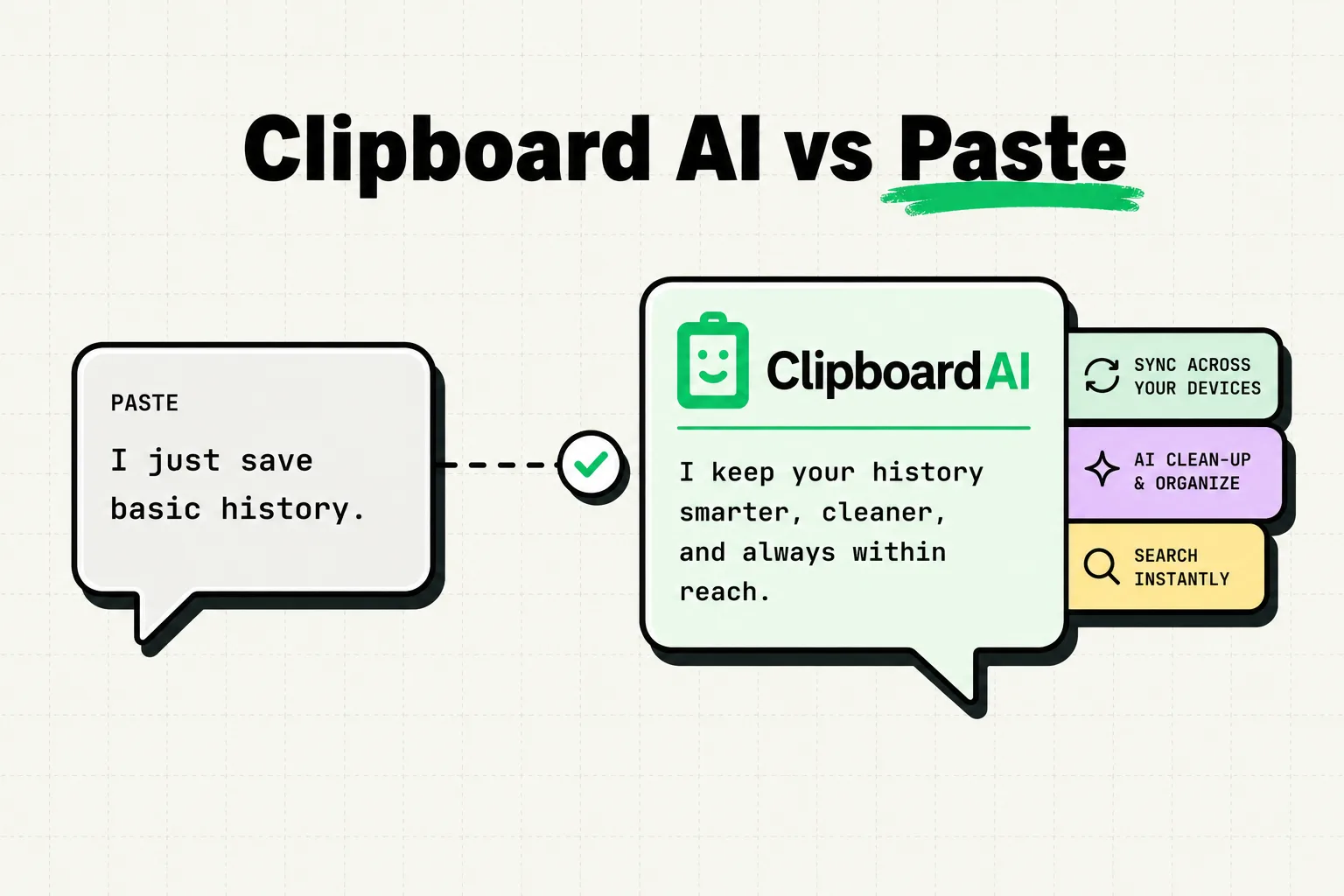
For Apple ecosystem users deciding between ClipboardAI and Paste, the choice depends on your preference for visual history or keyboard-driven productivity: Paste offers a design-forward, visual card carousel synced via iCloud, but requires a $29.99/year subscription. ClipboardAI provides a local-first utility focused on speed, custom category organization, and a dedicated iOS keyboard extension, free for your last 10 saved clips and $19.99 a year or $34.99 once for Lifetime beyond that. Choose Paste for horizontal visual scrolling on macOS, or ClipboardAI for a lightweight, snippet-focused mobile layout. Paste has no free tier at all, so if budget is the constraint see our comparison of the free clipboard apps.
Visual Aesthetics vs. Minimalist Utility
When you copy text, links, or images on your Apple devices, how do you expect to interact with them? The answer to this question defines the split between these two productivity tools.
Paste treats your clipboard history as a visual portfolio. When you invoke the app on macOS, it slides up a polished visual carousel from the bottom of your screen. Every snippet, image, or link is formatted as a card showing the source app, a preview of the content, and visual tags. On iOS, it uses a similar card system. It is gorgeous, visually intuitive, and fits perfectly into the modern Apple design philosophy.
ClipboardAI takes a different approach. Instead of a visual gallery, it treats your clipboard history as an organized, lightweight utility database. On macOS and iOS, the focus is on speed and low cognitive load. The interface lists items cleanly in a vertical sidebar or menu, prioritizing fast search, keyboard navigation, and custom categories. It does not try to beautify a plain string of text; it aims to get that text where it needs to go as quickly as possible.
Side-by-Side Comparison Matrix
To compare the technical specifications and features of both clipboard managers, review the summary table below.
| Category | ClipboardAI | Paste App |
|---|---|---|
| iOS Interface | App + Dedicated Keyboard | Bottom visual carousel panel |
| macOS Interface | Compact sidebar / Menu bar | Large bottom overlay carousel |
| Database Sync | Optional iCloud / Local SQLite | iCloud Sync (Required) |
| Security Architecture | On-device processing + Filters | Cloud-first syncing |
| Custom Snippet Lists | Yes (Custom workflow folders) | Yes (Color-coded Pinboards) |
| Pricing Model | Free basic / One-time upgrade | Subscription only ($29.99/year) |
| Memory Footprint | Low (SQLite on-device local database) | Medium to High (Cache of visual cards) |
| Cross-Device Sync | Yes - via iCloud, distinct from Apple's own Universal Clipboard feature | Yes - via iCloud |
Key Differences in Everyday Use
1. Keyboard vs. App Carousel
How you access your clipboard on your iPhone determines how fast you can work.
- Paste relies on a visual panel inside its app or a custom keyboard that displays cards. While this is great for finding an image you copied two hours ago, it requires significant screen real estate. On smaller iPhone screens, the visual cards can feel cramped, requiring horizontal scrolling to find your text.
- ClipboardAI uses a custom iOS keyboard extension designed specifically for text injection. It lists your history and pinned snippets in a compact list format. You can tap through your custom categories (e.g., "Developer Snippets," "Support Replies," "Work Links") and insert templates with a single tap, without leaving the text field you are typing in.
2. Search and Retrieval Performance
When your clipboard history grows to thousands of items, retrieval speed matters.
- Paste index search is visual and supports search by app type or content type (e.g., searching specifically for "images copied from Figma"). However, generating visual card previews for thousands of items requires system resources.
- ClipboardAI uses an indexed local SQLite database. This design makes keyword searching instantaneous, even if your history spans weeks. It focuses on text-based querying, matching string patterns immediately without rendering heavy layouts.
Security and Privacy Design Trade-offs
A clipboard manager is a high-risk app because it has access to everything you copy: personal messages, credit card numbers, and API keys.
- Paste requires iCloud sync to function across your devices. This design means your clipboard contents are continuously uploaded to Apple's cloud servers. While iCloud is secure, users who work in corporate environments with strict compliance rules may not want their company's internal code or client data uploaded to external cloud drives.
- ClipboardAI is designed with a local-first philosophy. Your clipboard history database is stored locally on your device's hardware. Syncing across your Mac and iPhone is completely optional. If you disable iCloud sync, your database remains offline. Furthermore, ClipboardAI includes passive security filters that read application bundle metadata; when you copy a string from a password manager, the app ignores the data entirely to prevent sensitive credentials from entering your local logs.
Honest Caveats and Limitations
No utility is perfect for every scenario. Here are the limitations we observed when comparing these tools:
- Paste's Subscription Lock: Paste is completely unusable without an active subscription. There is no free tier beyond a short trial. If your subscription lapses, you lose access to your local history databases.
- ClipboardAI Visual Previews: Unlike Paste, ClipboardAI does not display detailed visual previews of formatted text or rich media. Images are logged, but they are shown as files or thumbnails rather than high-resolution cards.
- iOS Sandboxing Limitations: On iOS, neither app can monitor the system clipboard in the background without user intervention. You must open the app, use the widget, or activate the keyboard extension to allow the utility to register your newly copied clips. This is an OS-level restriction imposed by Apple to protect user privacy.
Pricing and Value Analysis
- Paste: Follows a software-as-a-service (SaaS) subscription model costing $29.99 per year or $4.99 per month. While this includes Mac, iPhone, and iPad access, it is a recurring cost for a utility app.
- ClipboardAI: Has a free tier that keeps your last 10 saved clips, including auto-capture, smart categories, search, and the full paste keyboard. Unlimited history, Collections, and multi-device sync are Pro, at $19.99 a year or $34.99 once for Lifetime. The Lifetime option is the one Paste does not offer, and it covers iPhone, iPad, and Mac.
Recommendations: Who Should Choose Which?
- Choose Paste if: You live entirely in the Apple ecosystem, want a highly visual interface, frequently copy and paste images or rich media design assets, and do not mind paying a yearly subscription fee for polished design.
- Choose ClipboardAI if: You want a lightweight tool, prioritize text and snippet productivity, need custom category folders, value local-first data privacy, and want the option of paying once for Lifetime instead of subscribing forever.
Frequently Asked Questions
Can ClipboardAI sync with my Mac?
Yes. ClipboardAI supports optional iCloud sync. If enabled, your pinned templates and clipboard history will sync securely between your iPhone, iPad, and macOS app using your personal iCloud database.
What happens if I copy a password?
ClipboardAI is built to block copies from recognized password managers. If you manually copy a password from a text file, we recommend opening the ClipboardAI sidebar and manually deleting that specific entry from your history list immediately.
Does Paste work offline?
Yes, Paste saves your history to a local cache, allowing you to access items without an internet connection. However, syncing new items between your Mac and iPhone requires a network connection to upload and download data through iCloud.