
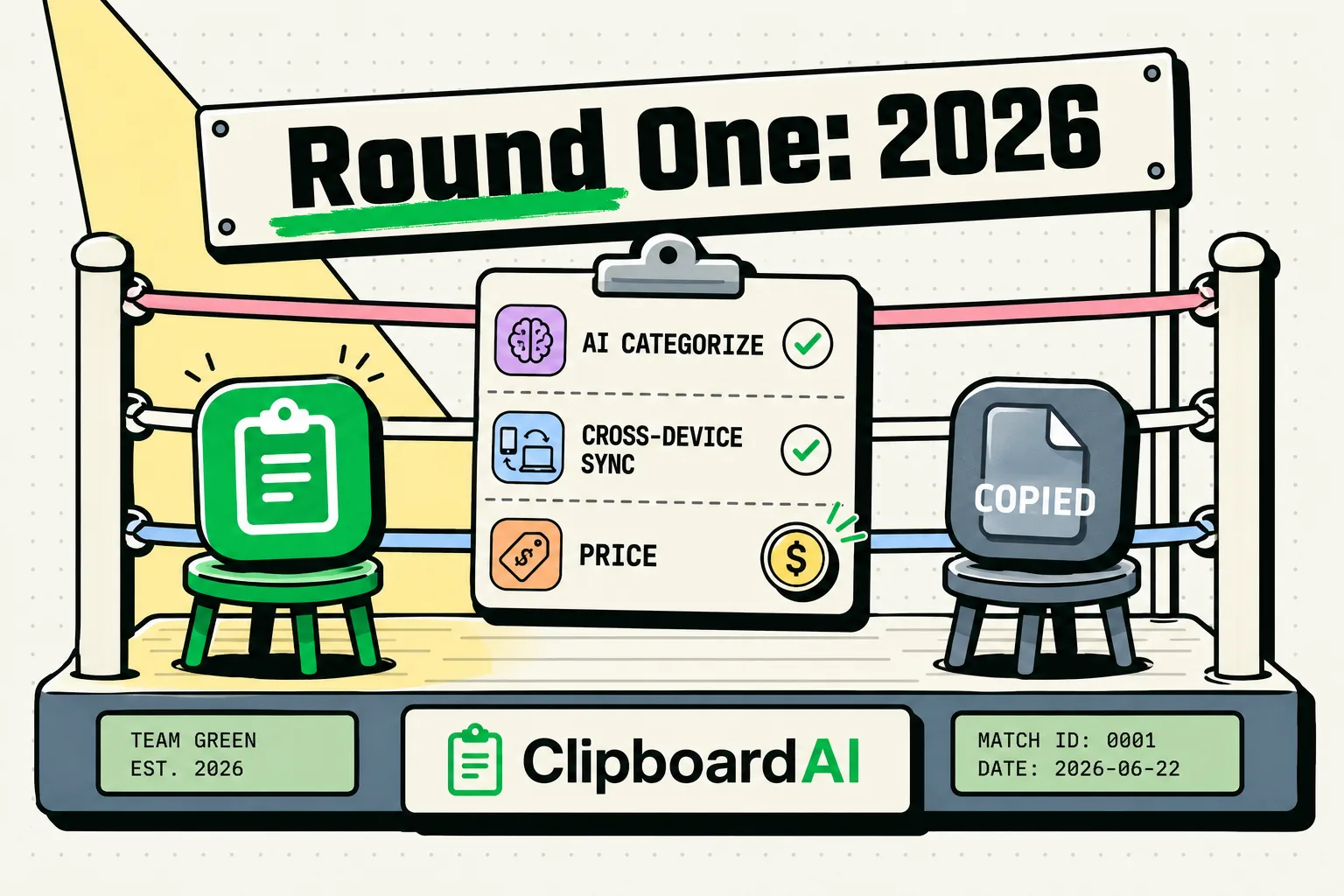
For iPhone and Mac users comparing ClipboardAI and Copied, here is how the two stack up: Copied was a well-regarded early clipboard manager for iOS and Mac that has not seen recent updates, which is worth knowing if you rely on active support. ClipboardAI is an actively maintained, local-first alternative that features custom snippet categories, Mac-only password manager filtering, and a dedicated iOS keyboard extension. If you are looking for a clipboard history manager with ongoing development, ClipboardAI is a modern option worth considering.
The Landscape of iOS Clipboard Managers in 2026
There was a time when Copied was the darling of the iOS power-user community. It offered a clean sidebar on iPad, a robust menu bar interface on macOS, and a custom keyboard that allowed you to paste templates on the fly. However, Apple's rapid pace of system updates has made it harder for apps without active maintenance to keep up, and some longtime users have reported syncing issues and compatibility hiccups with modern iOS pasteboard permission gates.
If you are a former Copied user trying to find a replacement, or a new user looking for a clipboard history tool, you need to understand how modern iOS sandboxing impacts these apps. Under current versions of iOS, third-party apps cannot run in the background and monitor the system clipboard constantly.
To bridge this gap, modern clipboard managers rely on custom keyboards, Share Sheets, or widgets to register copied items. ClipboardAI uses a combination of an active on-device database and a highly responsive custom keyboard to replicate and improve upon the workflows that made Copied popular.
Side-by-Side Comparison Matrix
To see how these two utilities stack up in practice, here is a breakdown of their technical specifications, pricing models, and security architectures.
| Feature | ClipboardAI | Copied (Legacy) |
|---|---|---|
| App Store Availability | Active and updated (2026) | Not currently listed on the App Store |
| Data Storage | Local SQLite Database | Local Database + iCloud |
| iCloud Sync | Optional, encrypted | iCloud |
| Custom Keyboard | Yes (Dedicated snippet layout) | Yes (Classic visual list) |
| Password Security | Auto-ignores password manager copies (Mac only) | Manual blacklisting only |
| Clipboard History Sync | Mac, iPad, and iPhone | Mac, iPad, and iPhone |
| Pricing Model | Free tier / One-time Premium | $2.99 One-time (legacy) |
| Developer Support | Active, weekly updates | Unclear / infrequent |
Feature-by-Feature Breakdown
1. Clipboard Capture Workflows
Because iOS sandboxing is highly restrictive, clipboard managers must design clever interfaces to help you capture text.
- Copied: Used a widget and a manual action inside the app to pull clips from the system clipboard. Since iOS introduced stricter pasteboard permission alerts in recent years, apps without active updates can run into more frequent system prompts than newer, actively maintained tools.
- ClipboardAI: Resolves the pasteboard prompt bottleneck by running an optimized local listener. When you copy text in Safari or an email, you can tap the ClipboardAI widget or open the custom keyboard to import the snippet with a single tap. It is designed to work within the constraints of Apple's modern security protocols without triggering endless system alerts.
2. Organizing Snippets and Templates
Both apps understand that saving everything you copy is only half the battle; you also need to organize it.
- Copied: Featured "Lists" that let you drag and drop clips into categories. It supported basic text formatting and allowed you to save templates for frequent messages.
- ClipboardAI: Enhances this concept with smart categories. You can create specific folders for hex colors, code snippets, email responses, or shipping links. Pinned items are saved indefinitely, while your raw history auto-clears based on the retention window you choose in the settings.
3. The Custom Keyboard Experience
For heavy iPhone users, the custom keyboard is the primary way they interact with their clipboard history.
- Copied: Provided a visual keyboard panel where you could select a snippet to paste. It was functional in its time, though a keyboard extension without recent updates can feel less responsive on newer devices than one built and tested against current iOS releases.
- ClipboardAI: Features an ultra-responsive custom keyboard. It separates your active clipboard history from your pinned templates, allowing you to quickly paste single-use codes or repeat standard replies without switching back and forth between apps.
Honest Caveats and System Limitations
No clipboard manager is perfect, and you should be aware of the technical limitations before committing to a new workflow.
- The Custom Keyboard Permission: To use the custom keyboard in ClipboardAI, iOS requires you to enable "Allow Full Access" in your system settings. While this sounds alarming, it is a default iOS warning for any keyboard that communicates with its parent app. ClipboardAI stores all history locally on your hardware. If you do not opt-in to cloud syncing, your data never leaves your device.
- Universal Clipboard Issues: If you copy text on a Mac and expect it to appear on your iPhone via Apple's Universal Clipboard, both apps rely on iCloud. If your iCloud sync is congested, there may be a lag of several seconds before the clip is registered on your phone.
- Password Security: On Mac, ClipboardAI automatically recognizes copies marked as sensitive by apps that follow the nspasteboard.org convention, and lets you manually add specific apps (like a password manager) to an Excluded Apps list in Settings so their copies are never recorded. This is currently a Mac-only capability; there is no equivalent automatic filter on iOS. Regardless of platform, we recommend that you do not copy passwords to your clipboard and use native AutoFill integrations instead.
Pricing and Value Assessment
Investing your time in a tool that might disappear tomorrow is a risk. Here is how the financial value of these apps compares:
- Copied: Formerly cost a small one-time fee on iOS and macOS. Since it has not received recent updates, anyone who paid for the app may find it harder to re-download or fully rely on going forward, though it should still remain accessible in their historical purchase library if it was previously purchased.
- ClipboardAI: Follows a sustainable freemium model. The core app, including local clipboard history logging, is free to download and use on iPhone, iPad, and Mac. Users who need advanced features like unlimited syncing, custom sorting rules, and advanced formatting scripts can purchase a premium upgrade with a single, one-time payment. There are no recurring monthly subscriptions, protecting you from software-as-a-service billing fatigue.
How to Migrate Your Workflow to ClipboardAI
If you still have access to the legacy Copied app on an older device and want to salvage your saved templates, use this migration protocol:
- Export Your Lists: Open Copied on your Mac or older iPad. Go to your saved lists and use the export feature to dump your snippets into a raw text or JSON file.
- Clean Your Data: Open the exported text file on your computer and remove any outdated links, passwords, or temporary text blocks.
- Import to ClipboardAI: Install ClipboardAI on your Mac. Open the app, go to Settings, and import your cleaned snippet list. Your custom folders and templates will sync to your iPhone automatically if you have iCloud sync enabled.
- Configure Security Filters: On your Mac, go to the ClipboardAI Settings and add your password manager to the Excluded Apps list under Privacy. This ensures your sensitive credentials stay out of your history database. (This filtering is currently available on Mac only.)
Frequently Asked Questions
Can I still download the Copied app in 2026?
If you previously purchased it, check your Purchased history: open the App Store, tap your profile icon, go to Purchased, and search for "Copied." As of this writing it does not appear to be available for new purchases or downloads on the App Store; availability can change, so check current listings directly if this matters to you.
How does ClipboardAI prevent password logging?
On Mac, ClipboardAI automatically recognizes content flagged as sensitive by apps that support the nspasteboard.org convention, and you can also manually add any app's bundle identifier (such as a password manager) to an Excluded Apps list in Settings so ClipboardAI never records copies from it. This bundle-ID exclusion list is a Mac-only feature; iOS does not currently support automatic per-app filtering in this way.
Does ClipboardAI support formatting?
Yes. You can choose whether to paste text with its original styling, clean it to plain text, or apply custom formatting scripts (like converting text to lower case or URL-encoding strings) directly from the custom keyboard.