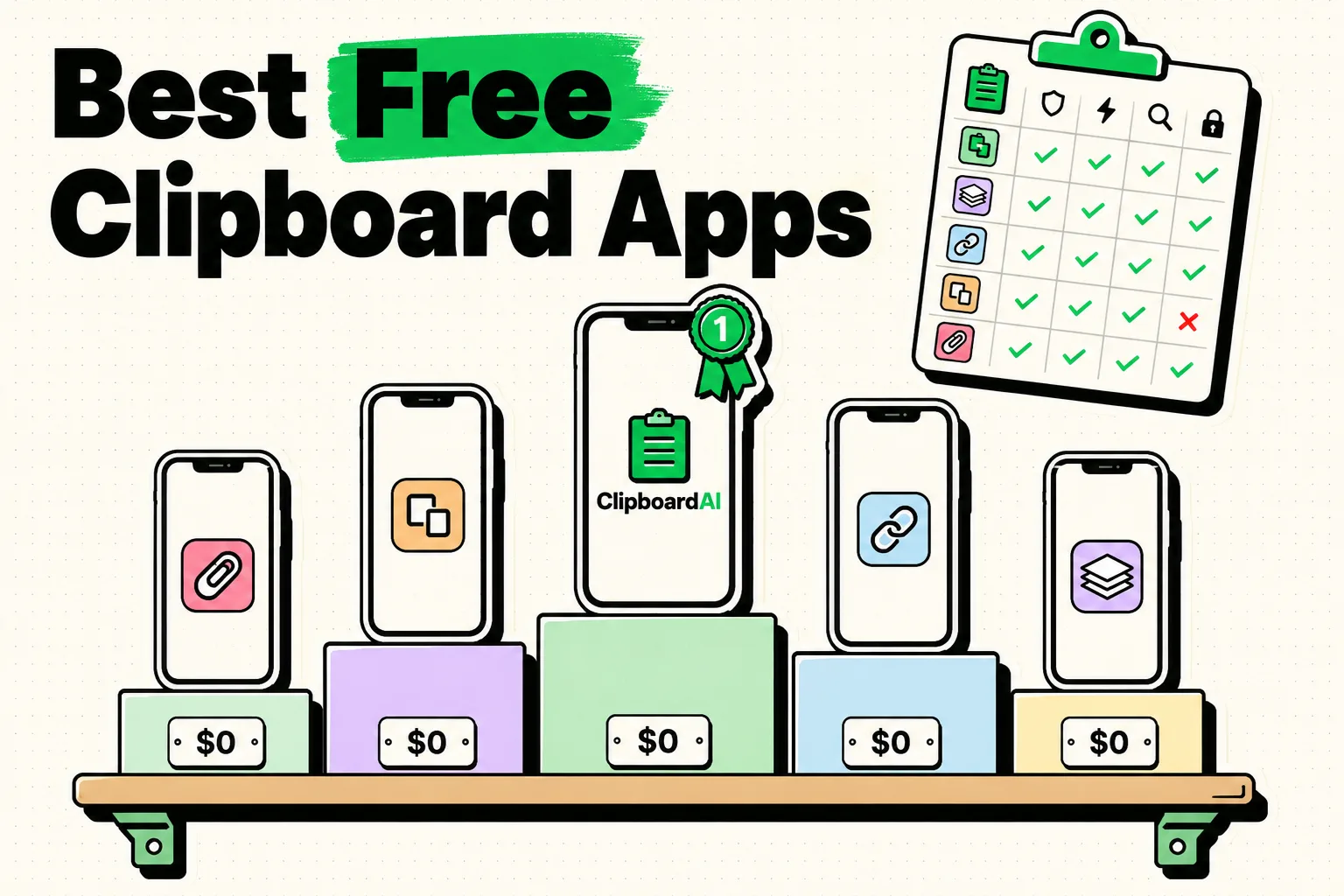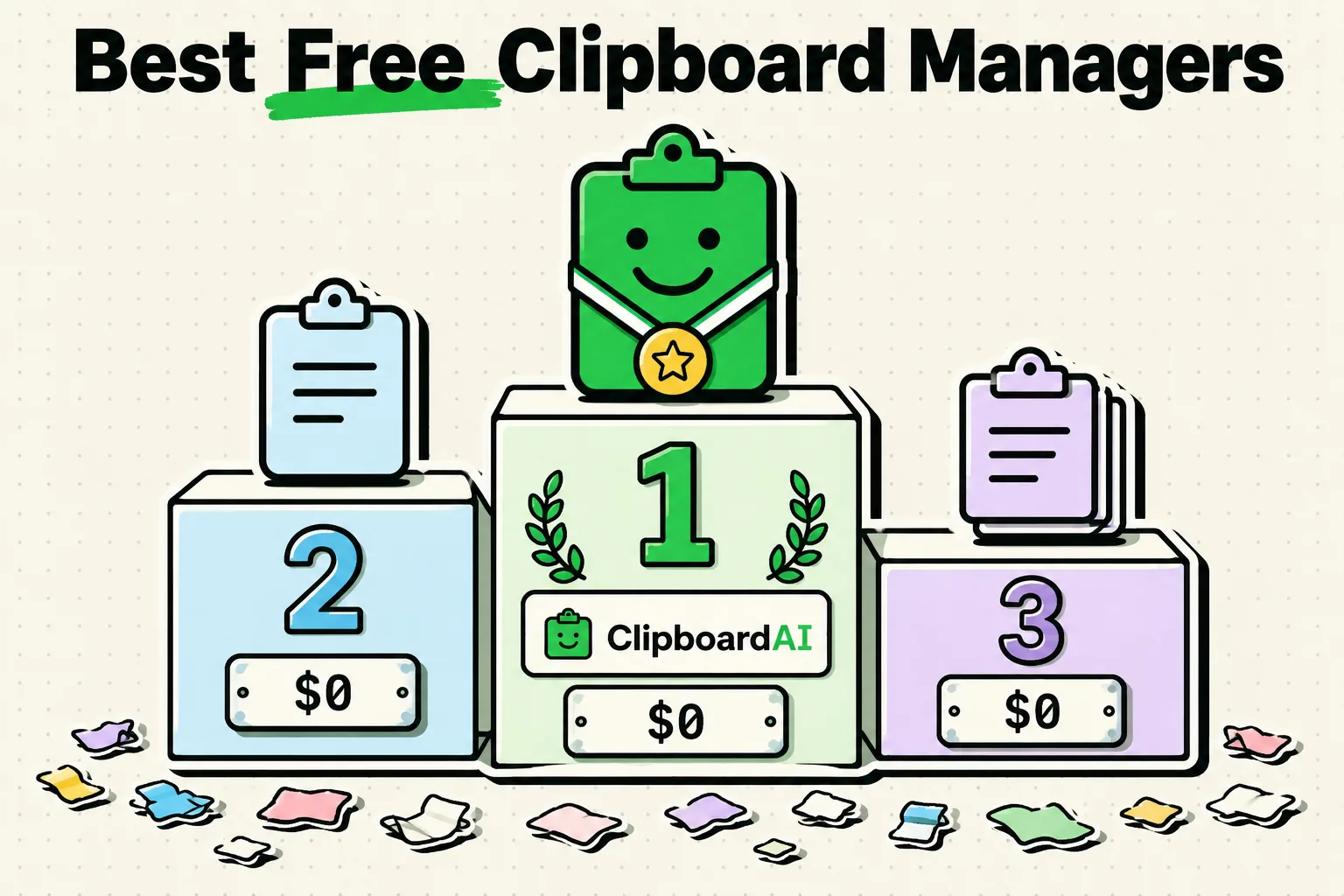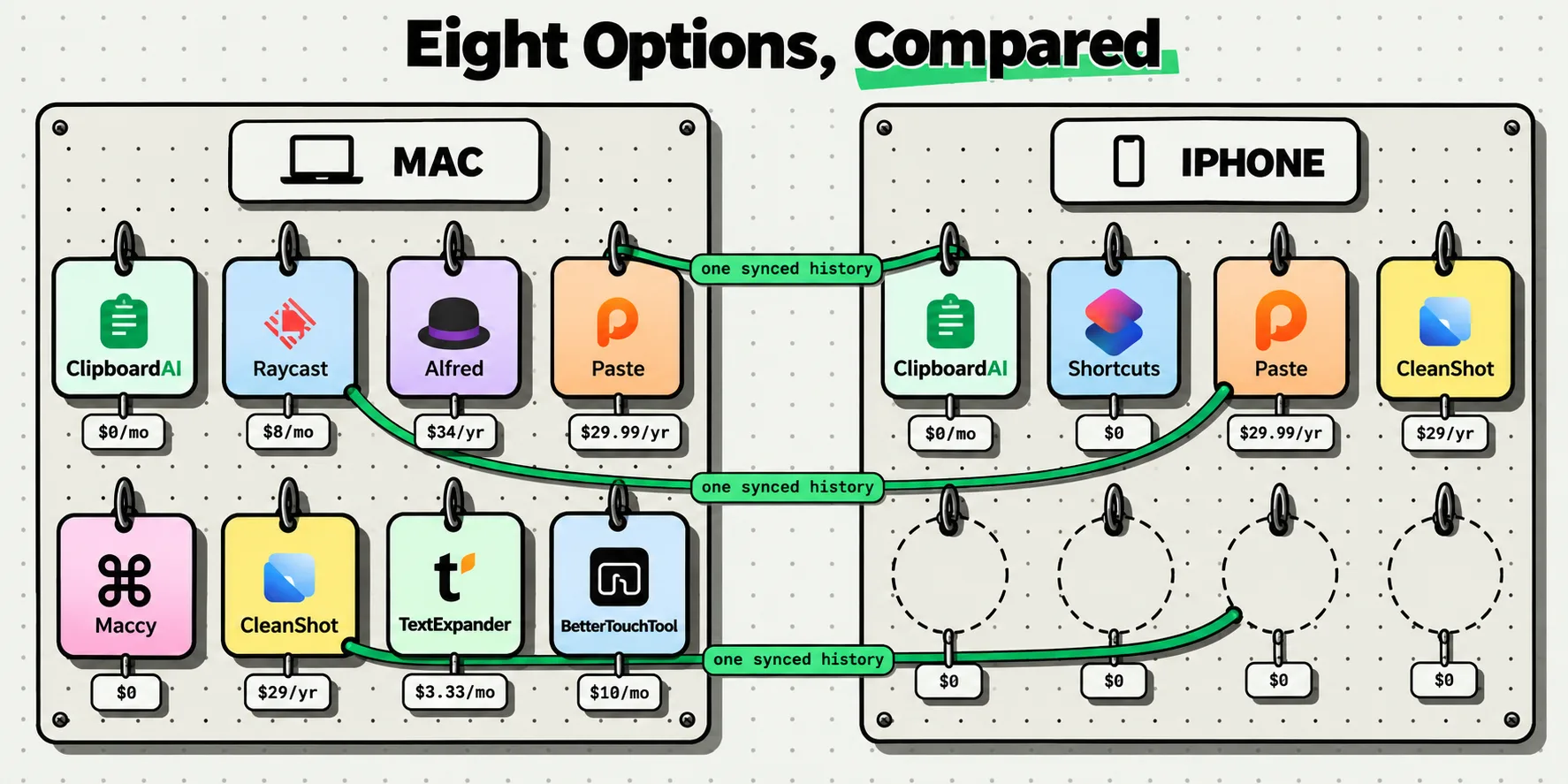
The best clipboard manager for iPhone for most people is Clipboard AI, the app we make: it is free to start, its paste keyboard is free, and Pro costs $19.99 a year or $34.99 once (App Store, checked October 5, 2026). Paste is the pick if you copy mostly on a Mac, PastePal is the cheapest one-time purchase at $14.99, and Microsoft SwiftKey is the free choice if you want one keyboard for typing and pasting. If you only ever paste the last thing you copied, iOS 27 may be all you need.
Every price, platform and limit on this page comes from the developer's own App Store listing, pricing page or help pages, read on October 5, 2026 and linked under Sources. None of it comes from hands-on testing, and prices change, so check the listing before you buy. The original Copied app no longer turns up in a search of the US App Store, so it is left out; the app now listed as Copied: Workspace Keyboard is a separate snippet and clipboard keyboard from Sharply Labs. For head-to-head comparisons and Mac-only tools, see the clipboard app comparisons hub.
Who should buy nothing
An iPhone keeps one copy at a time and has no clipboard history of its own; how to see clipboard history on iPhone explains where that copy lives. Two free tools still cover a lot of people:
- The iOS 27 paste suggestion. Copy something, tap into a text field, and the bar above Apple's keyboard offers it with a preview, labeled with the app it came from, such as "Paste from Safari". It works with text, links and photos on iPhone 11 and later. It only ever holds your latest copy: there is no list, no search and no pinning, and because it is part of Apple's keyboard, it does not appear while a third-party keyboard is on screen.
- Text Replacement. In Settings > General > Keyboard > Text Replacement, save the phrases you retype behind short shortcuts, the way typing "omw" gives you "On my way!".
If you rarely lose a copy before you paste it, and the text you reuse fits in a handful of shortcuts, skip the apps below. You need a clipboard manager when you copy several things in a row, keep retyping the same address or reply, or want something you copied on your phone to be waiting on your Mac.
The picks, by what you need
Best overall: Clipboard AI
Clipboard AI is the pick for most iPhone owners because the parts you use every day cost nothing. The free plan keeps your last 10 copies and 5 saved clips, and the keyboard, search, smart categories, custom names, text recognition in screenshots and widgets are all free. Pro removes both limits and adds Collections and iCloud sync across iPhone, iPad and Mac for $19.99 a year, with a 7-day free trial, or $34.99 once. It needs iOS 17 or later.
The catch is the one every iPhone clipboard app shares: iOS lets an app read the clipboard only while you are using it, so saving a copy takes one action. With Clipboard AI that action is switching to its keyboard with the globe key, opening the app, using the Share sheet, or running the Save Clip To ClipboardAI shortcut from the Action Button, Back Tap or Siri. On the Mac it records your copies automatically and opens with Command-Shift-V. There is no Windows or Android version. The Clipboard AI for iPhone page shows the keyboard and each way to save.
Best free: Clipboard AI's free plan
The free plan is the strongest free setup here because the keyboard comes with it: Paste needs a plan once its 7-day trial ends, and PastePal's free version limits pasting until you buy Pro. If 10 copies are too few and what you want is a stash of reusable text, Microsoft SwiftKey keeps up to 30 clips free, inside a full typing keyboard, as long as you save each one by hand. The guide to free clipboard apps for iPhone covers every free option and its limits.
Best one-time purchase: PastePal
PastePal is the cheapest way to own a clipboard manager outright. Pro is $14.99 once and covers Mac, iPhone and iPad, with Family Sharing (App Store, checked October 5, 2026, the same price as on September 8). You get a keyboard extension, Share sheet and Siri Shortcuts support, widgets, collections, more than 75 text transforms and iCloud sync. Its documentation also describes a way around the iPhone capture limit: a small Picture in Picture player keeps the app running so it can go on saving what you copy. The free version is a trial run, with pasting and history size capped until you buy.
For comparison, Clipboard AI's Lifetime unlock is $34.99 and Paste's Lifetime plan is $99.99.
Best for Mac plus iPhone: Paste
If most of your copying happens on a Mac and you want the same history on your phone, Paste is the established choice, a clipboard manager for ten years by its own count. The Mac app records everything you copy. On iPhone you get the Paste Keyboard, Share sheet extensions and search that reaches the text inside screenshots, with your history and Pinboards synced through your private iCloud. Pinboard items never expire and can be shared with family or a team, and Paste Stack pastes a queue of items in order. Unpinned history ages out after 30 days unless you change Keep History on the Mac.
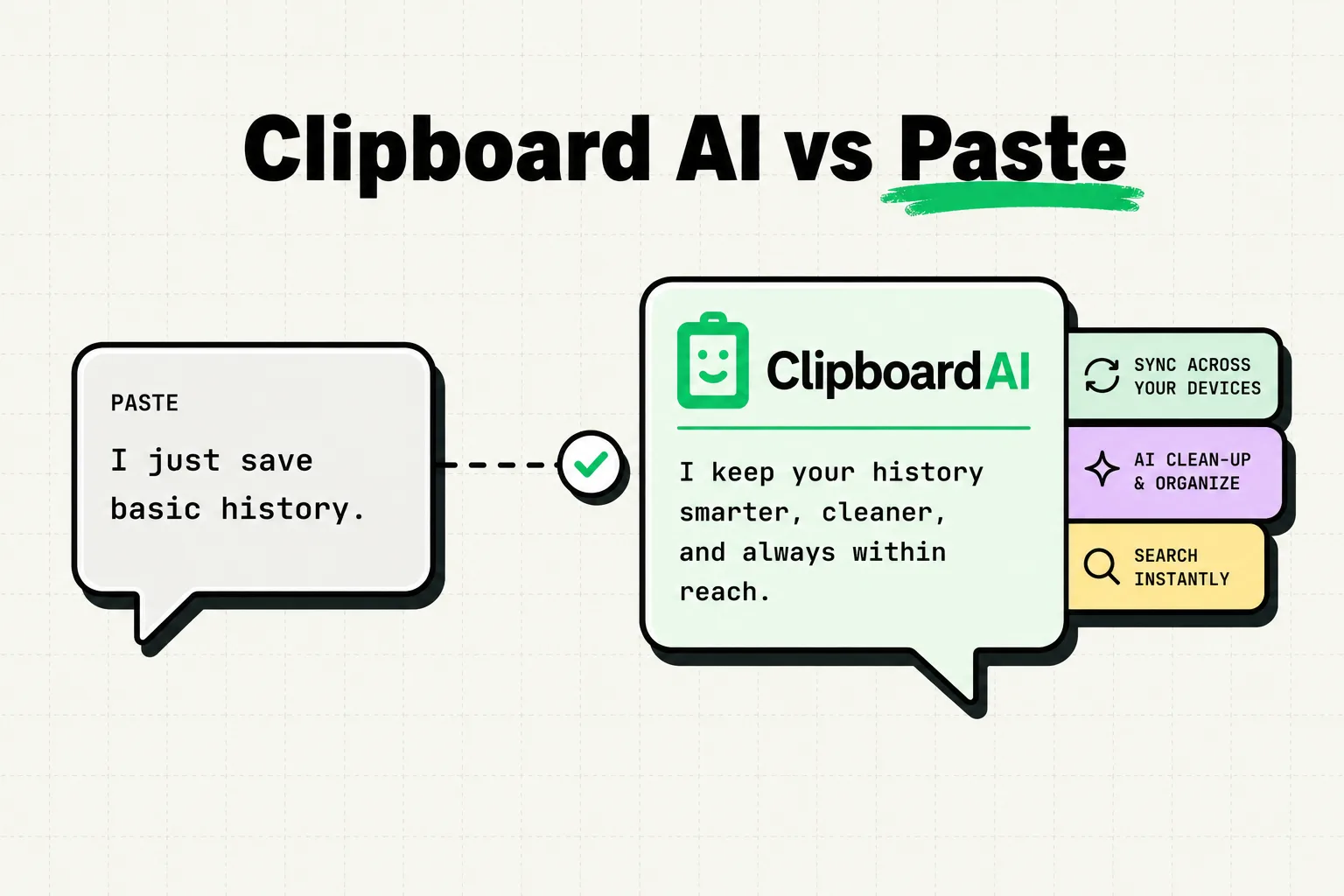
It is also the most expensive: a 7-day free trial, then $3.99 a month, $29.99 a year (shown on Paste's site as $2.49 a month, billed annually) or $99.99 once, with no free plan after the trial. The iPhone app needs iOS 26 or later. Clipboard AI covers the same ground for $19.99 a year, with a Mac app that records copies automatically and can paste a selection of clips in order. The Clipboard AI vs Paste comparison goes through the two feature by feature.
Free Mac-only tools leave the iPhone out. Maccy is free and open source but runs only on macOS, and the clipboard history that Spotlight gained in macOS 26 Tahoe stays on that Mac; since macOS 26.1 it keeps items for 30 minutes, 8 hours or 7 days.
Best keyboard-first: Microsoft SwiftKey
Most clipboard keyboards are a second keyboard: you switch to one with the globe key to paste, then switch back to type. SwiftKey is a full typing keyboard with a Clipboard in its toolbar, so typing and pasting happen in one place. Copy some text, tap the + icon, open Clipboard and tap Save. It keeps up to 30 clips of up to 1,000 characters each, a copy you do not save expires after an hour, and it is free. Clips do not sync on iPhone: Microsoft's Cloud Clipboard works only between SwiftKey on Android and Windows.
If what you want inside a keyboard is your whole history, sorted and searchable, with photos, that is Clipboard AI's keyboard; the roundup of the best keyboard apps for iPhone compares typing keyboards on their own terms. Gboard does not belong on this list: its iPhone App Store listing, last updated May 2, 2022, describes GIFs, emoji search, Glide Typing and Google Search, and no clipboard.
Prices, limits, keyboards and sync compared
| App | Price (checked October 5, 2026) | Runs on | History it keeps | Keyboard | Sync |
|---|---|---|---|---|---|
| Clipboard AI | Free; Pro $19.99 a year (7-day trial) or $34.99 once | iPhone and iPad with iOS 17 or later; Mac with macOS 14 or later | Free: last 10 copies and 5 saved clips. Pro: unlimited | Free, with history, categories and photos | Pro: your private iCloud database, plus direct transfer on the same Wi-Fi |
| Paste | 7-day trial, then $3.99 a month, $29.99 a year or $99.99 once | iPhone and iPad with iOS 26 or later; Mac with macOS 14 or later | No item limit; unpinned items age out after 30 days by default | Paste Keyboard, included with any plan | Your private iCloud |
| PastePal | Free to try; Pro $14.99 once | iPhone and iPad with iOS 17 or later; Mac with macOS 14 or later | Capped in the free version; unlimited with Pro | Keyboard extension; unlimited pasting needs Pro | Pro: iCloud |
| Microsoft SwiftKey | Free | iPhone and iPad with iOS 14 or later | 30 saved clips of up to 1,000 characters; unsaved copies expire after 1 hour | A full typing keyboard | None on iPhone |
| iOS 27 paste suggestion | Free, built in | iPhone 11 and later with iOS 27 | Your latest copy only | Apple's keyboard only | Universal Clipboard hands the latest copy to a nearby device, briefly |
Prices in US dollars from each App Store listing and the developer's pricing page. PastePal's $14.99 and Paste's $29.99 a year match an earlier check on September 8, 2026.
How each app saves your copies on iPhone
No iPhone app can save everything you copy by itself, because iOS only lets an app read the clipboard while you are using it. What differs is the effort each saved copy costs:
- Clipboard AI: switch to its keyboard, which saves your latest copy as it opens; open the app; use the Share sheet; or run the Save Clip To ClipboardAI shortcut from the Action Button, Back Tap or Siri.
- Paste: open the app after copying, send items through its Share sheet extensions, or copy through the Paste Keyboard.
- PastePal: its keyboard checks the clipboard once you allow Full Access, its Share and Action extensions save items, and its Picture in Picture monitor keeps the app running so it can save as you copy.
- SwiftKey: tap Save in the toolbar's Clipboard within an hour of copying.
- iOS 27: nothing to do, but only your latest copy is offered.
Whichever app you pick, iOS gives it a Paste from Other Apps permission under Settings > Apps > [app name]: set it to Allow to stop the prompt each time the app reads a copy, or leave it on Ask to approve each one.
What to check before you pay
- Effort per saved copy. Count the taps between copying something and having it saved, using the list above.
- Search. A history is only useful if you can find things in it. Clipboard AI and Paste both search the text inside screenshots as well as what you copied.
- Pasting where you type. On iPhone that means a keyboard, so check whether it is free or comes only with a plan.
- What lasts. History and saved items follow different rules. Clipboard AI's auto-delete never touches saved clips or Collections, Paste's Pinboard items never expire, and SwiftKey keeps saved clips until you delete them.
- Where clips live. Clipboard AI, Paste and PastePal each say your clips stay on your devices, plus your own iCloud if you turn sync on, and not on their servers. Every clipboard keyboard needs Full Access to read its saved clips, and Full Access also allows network access, so what matters is what each developer does with it.
- Sensitive items. Clipboard AI's keyboard shows codes and passwords as a padlock until you tap them, and Paste has rules that skip passwords. On a Mac, both skip what password managers mark as concealed.
- Cost over time. Three years of Paste's annual plan is $89.97 and three years of Clipboard AI Pro is $59.97, while the Lifetime options and PastePal's $14.99 cost the same however long you keep them.
Frequently Asked Questions
Does iOS have a built-in clipboard manager?
No. iOS 27's paste suggestion only offers your latest copy, and the one-time verification codes Apple's keyboard has suggested since iOS 12 are a separate feature. To get older copies back you need a clipboard app, or a Shortcut that appends each copy to a note before the next one replaces it.
What are the best copy and paste tools with history tracking and search?
Three apps here keep a searchable history across iPhone, iPad and Mac: Clipboard AI, Paste and PastePal. Paste can filter results by app, date, device or content type, and on iPhones with Apple Intelligence, Clipboard AI's Ask finds clips from a plain request such as links from Safari last week.
Can an iPhone clipboard app save everything I copy automatically?
No. On an iPhone each app needs a keyboard switch, an app launch, the Share sheet, a shortcut or, with PastePal, a Picture in Picture player left running. On an iPad, Paste says it captures copies while it stays visible in Split View, Slide Over or Stage Manager, and Mac clipboard apps record every copy you make.
Is it safe to give a clipboard keyboard Full Access?
Yes, if you trust the developer. Full Access lets a clipboard keyboard read its saved clips and also allows network access, but iOS always switches to Apple's keyboard in password fields, so no third-party keyboard sees passwords typed there. You can turn Full Access off again under Settings > General > Keyboard > Keyboards.
Sources
- App Store, “Clipboard AI - Paste Keyboard”, read October 5, 2026
- App Store, “Paste - Limitless Clipboard”, read October 5, 2026
- Paste, “Pricing”, read October 5, 2026
- Paste Help, “See your clipboard history on iPhone and iPad”, read October 5, 2026
- Paste Help, “Control how long Paste keeps your history”, read October 5, 2026
- App Store, “Clipboard Manager - PastePal”, read October 5, 2026
- Indie Goodies, “PastePal FAQ”, read October 5, 2026
- Indie Goodies, “PastePal Background Monitoring”, read October 5, 2026
- Microsoft Support, “How does the Clipboard work with Microsoft SwiftKey Keyboard?”, read October 5, 2026
- Microsoft Support, “How to use Microsoft SwiftKey Keyboard to copy and paste text between SwiftKey and Windows”, read October 5, 2026
- App Store, “Gboard - the Google Keyboard”, read October 5, 2026
- App Store, “Copied: Workspace Keyboard”, read October 5, 2026
- Maccy, “Maccy - macOS clipboard manager”, read October 5, 2026
- MacRumors, “iOS 27 Adds a Useful New Copy-and-Paste Feature to Your iPhone”, July 1, 2026
- 9to5Mac, “iOS 27 adds convenient new iPhone feature you’ll use all the time”, September 22, 2026
- Apple Support, “Set up shorthand for frequently used text on iPhone”, read October 5, 2026
- Apple Support, “Use Universal Clipboard to copy and paste between your Apple devices”, February 18, 2026
- MacRumors, “Apple Expands Spotlight Clipboard Settings in macOS Tahoe 26.1”, November 4, 2025