On this page
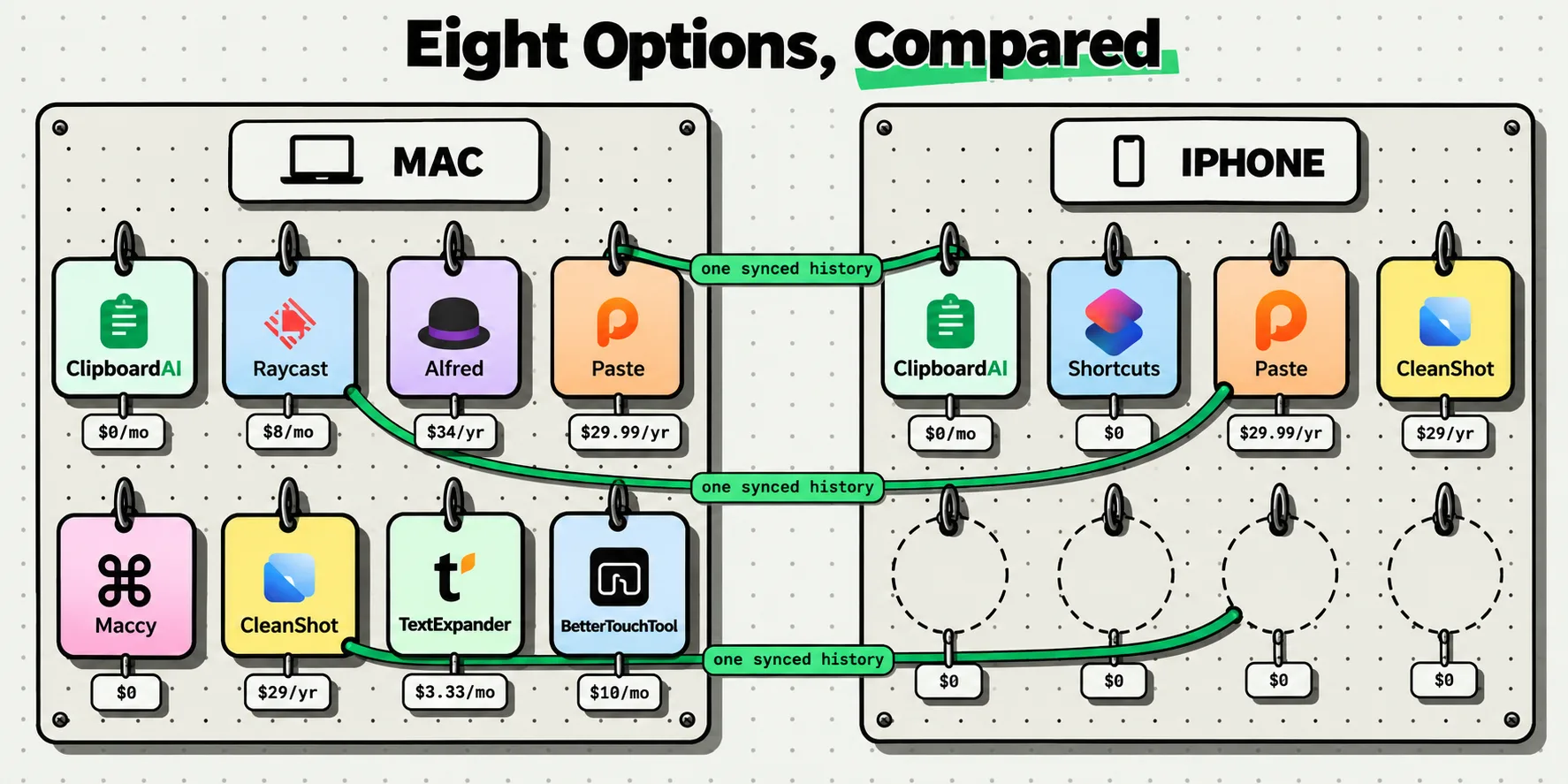
The clipboard managers people move to from Paste are ClipboardAI, PastePal, Clippo, Copy 'Em, Pastebot, Maccy, Raycast and Alfred. Only four of those cover a Mac and an iPhone with one synced history. The rest are Mac-only tools that are excellent at being Mac-only tools. Paste itself is a good app. This page is about the cases where another one fits your devices, your budget or your phone better.
What follows is every figure read off a vendor page or an App Store listing on October 5, 2026, with the cells we could not verify marked as unverified rather than guessed.
Say the obvious thing first
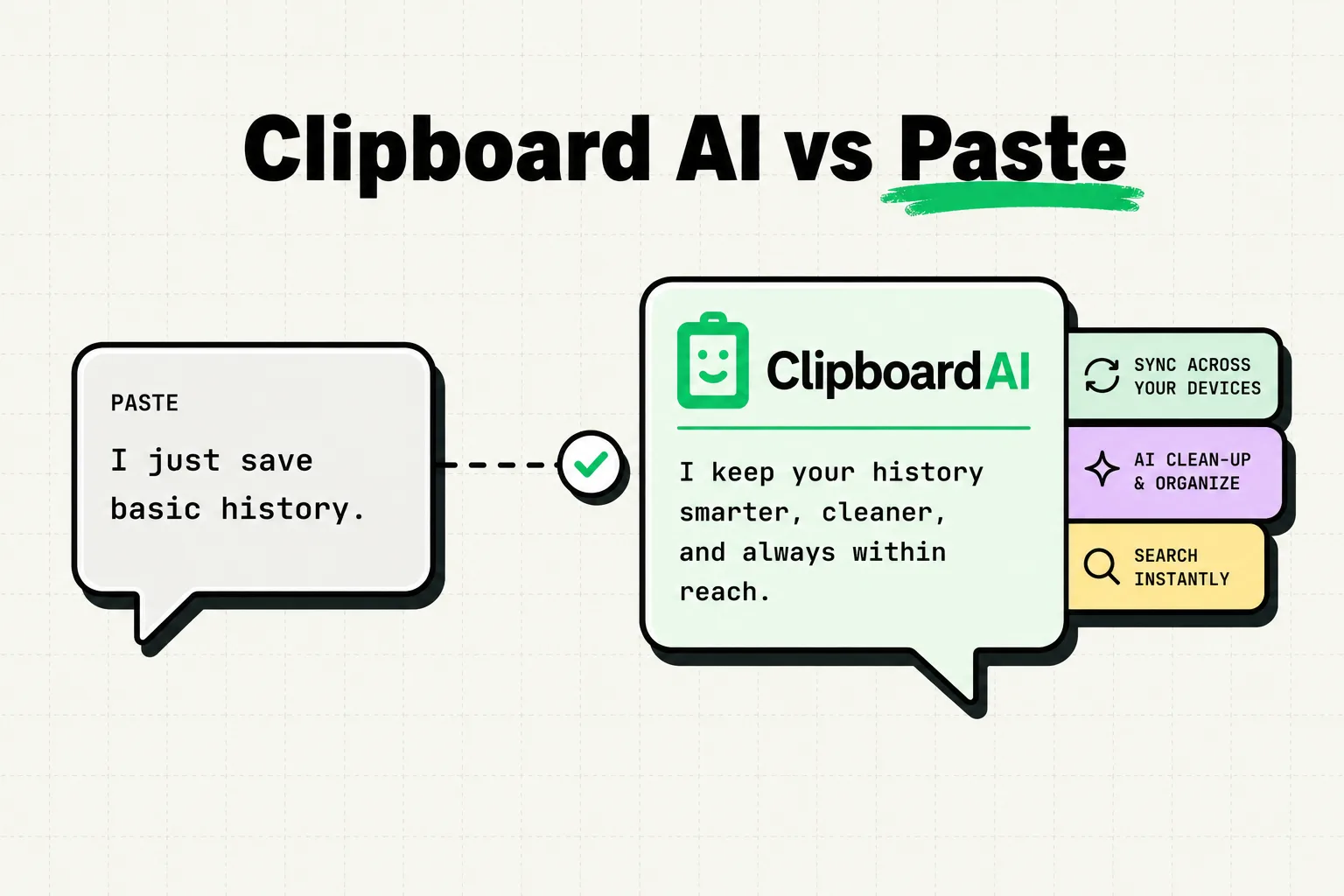
Paste is not a problem to be solved. Its current listing is version 7.0.1, dated October 1, 2026, running on Mac, iPhone, iPad and Apple Vision, with unlimited history across devices. It is the app this whole category is measured against, it has been around long enough to be boring in the good way, and nothing below is a claim that it is slow, unreliable or badly made. We have not run any head-to-head tests and will not pretend we have.
Swapping clipboard managers does have a cost nobody puts in a table: a history you leave behind and muscle memory you rebuild. So the question is not whether Paste is good. It is whether another app covers more of your devices, at a lower yearly number, with a free tier you can try before you commit to anything. For a fair share of readers it does, which is what the next section is about.
Three reasons people go looking anyway
The five-year number. At $29.99 a year, five years is $149.95. That is not outrageous for something you use forty times a day, but it is the arithmetic that sends people to a search box. The Lifetime tier at $99.99 breaks even against the annual plan at about three years and four months.
The iOS floor. Paste's current App Store listing asks for iOS 26 or later on iPhone. If you are holding on to an older phone, that requirement rules it out regardless of price, and it is the strictest iOS requirement of any app on this page.
Wanting to buy software once. Not everyone objects to subscriptions in principle. Plenty of people just want one payment for a small utility, and this category still has several apps that offer exactly that.
About the four different Paste prices you have seen
Search for Paste's price and you will find $2.49, $3.99, $29.99 and $99.99 quoted with equal confidence. They are not four competing prices. $2.49 is only the $29.99 annual plan divided by twelve, and the other three are separate plans.
On pasteapp.io/pricing, checked October 5, 2026, the personal plan shows $3.99 a month, $29.99 a year (displayed as $2.49 a month billed annually) and $99.99 for Lifetime, with every plan starting on a 7-day trial and a stated 30% student discount on the first year of the annual plan. The App Store listing for the same app shows in-app purchases of $3.99 monthly, $29.99 annual, $59.99 family, $99.99 lifetime and a $9.99 legacy plan. The monthly, annual and lifetime prices match across the two pages. If a comparison article quotes you a single Paste price with no source, that is how you know it did not check.
The eight, on platforms and money
Disclosure: we make ClipboardAI, which is one of the eight. That is also why every other cell here is sourced to somebody else's page rather than to our opinion of their app. We make no claims about anyone else's speed, accuracy or reliability.
Start with where each one runs and what it costs, because that pair eliminates most of the list for most people:
Facts checked October 5, 2026, US App Store and vendor pricing pages. Prices vary by storefront.
| App | Platforms | Price | Model | Sync | Free tier |
|---|---|---|---|---|---|
| Paste (the one you are leaving) | Mac, iPhone, iPad, Vision | $3.99/mo, $29.99/yr ($2.49/mo billed annually), $99.99 once, plus a $59.99 family plan on the App Store | Subscription or lifetime | Across devices, per its listing | 7-day trial |
| ClipboardAI (ours) | iPhone, iPad, Mac, Vision | $19.99/yr or $34.99 once | Subscription or lifetime | Your own private iCloud, with Pro | 10 clips, 5 saved clips |
| PastePal | iPhone, iPad, Mac, Vision | Pro at $14.99 | One-time | iCloud, opt in | Free download, limits not stated on the listing |
| Clippo | iPhone, iPad, Mac, Vision | PRO at $3.99 or $6.99 | One-time | iCloud, with PRO | Local history, pinning and search |
| Copy 'Em | Mac, and iPhone/iPad as a separate app | $8.99 on Mac (a limited-time 50% off offer), $19.99/yr on iOS | One-time on Mac, subscription on iOS | iCloud | Free download on iOS |
| Pastebot | Mac only, macOS 26 Tahoe | $39 direct including a year of updates, then $19/yr, or $24.99/yr on the App Store | License plus update years, or subscription | iCloud, between Macs | 14-day trial |
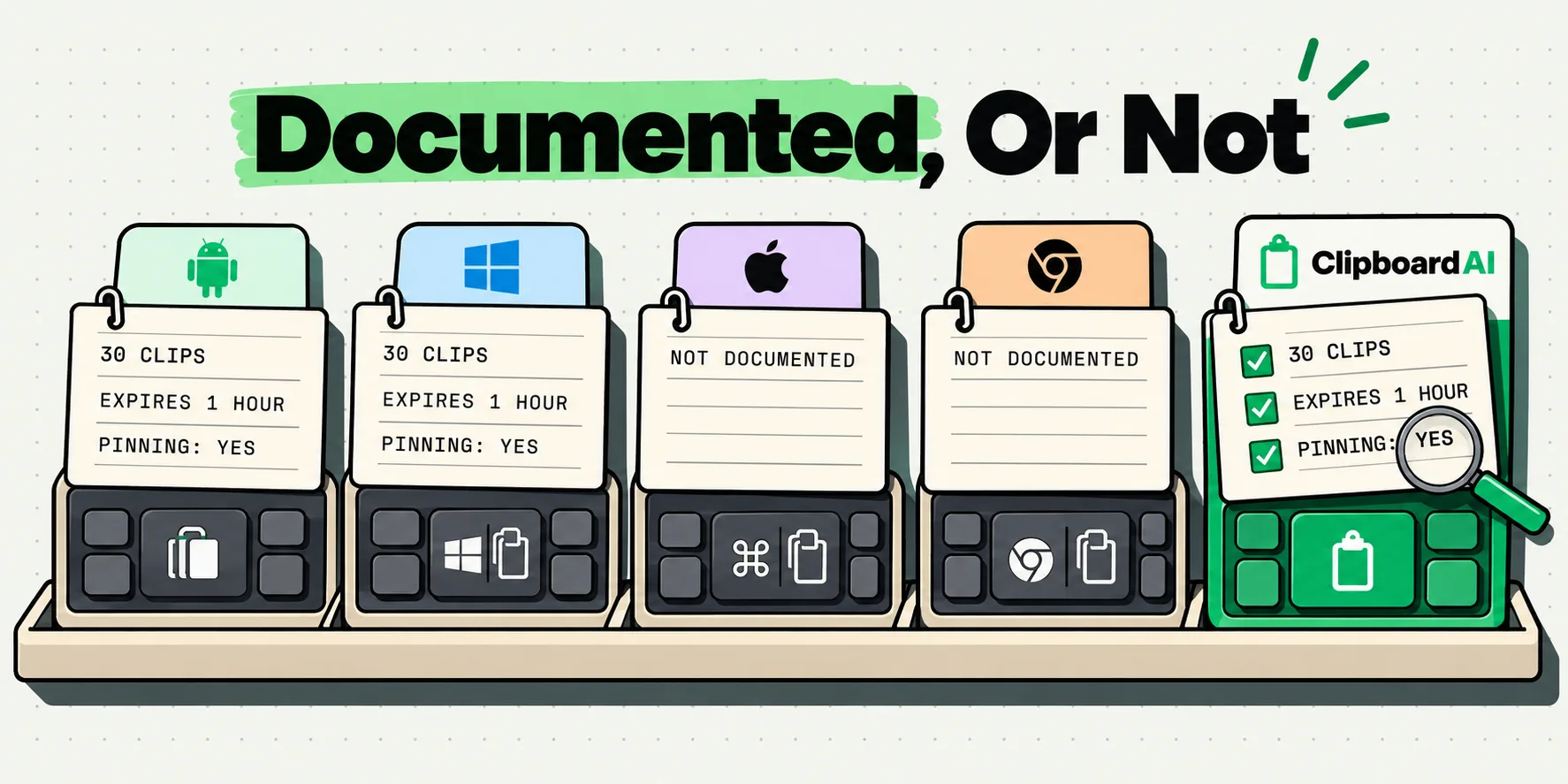
| Maccy | Mac only, macOS 14 | Free, or $9.99 in the Mac App Store | Open source, MIT | None documented | The entire app |
| Raycast | Mac and iOS, clipboard history on Mac only | Free plan, Pro $10/mo or $8/mo billed annually | Subscription | Cloud Sync, which excludes clipboard history | 3 months of history |
| Alfred with Powerpack | Mac only | GBP 34 single, GBP 59 with lifetime upgrades | One-time license | Settings sync via a file service, per its docs | Alfred is free, history needs Powerpack |
The eight, on what they actually do
The second table is where most comparison articles quietly start making things up. We have marked every cell we could not confirm on a vendor page, and there are more of those than we would like:
| App | Images and files | iOS keyboard extension | Finds text inside images | Pastes several clips in sequence |
|---|---|---|---|---|
| Paste | Yes | Yes | Yes, per its listing | Yes, Paste Stack, per its listing |
| ClipboardAI (ours) | Images yes, files no | Yes | Yes, on device, free | Yes, Mac only |
| PastePal | Yes | Yes | Not stated on its listing | Not stated on its listing |
| Clippo | Yes | Yes | Yes, per its listing | Not stated on its listing |
| Copy 'Em | Yes | Yes | Via document scanning, per its listing | Not stated on its listing |
| Pastebot | Clippings, per its site | No iOS app | Not stated on its site | Yes, a paste stack fired with a hotkey |
| Maccy | Not documented | No iOS app | No | Not documented |
| Raycast | Text, images, files, links, emails and colors | Keyboard exists, no clipboard history in it | Yes, on the Mac, per its manual | Yes, on the Mac, per its manual |
| Alfred with Powerpack | Text clips, images and file paths | No iOS clipboard app | Not documented | Not documented |
The keyboard extension column is the one that decides day-to-day feel on a phone. iOS has no system-wide paste panel, so a custom keyboard is the only route from item four in your history into a text field without leaving the app you are typing in. We put that filter across the whole category in which clipboard apps ship an iPhone keyboard.
Sorted by what you are optimizing for
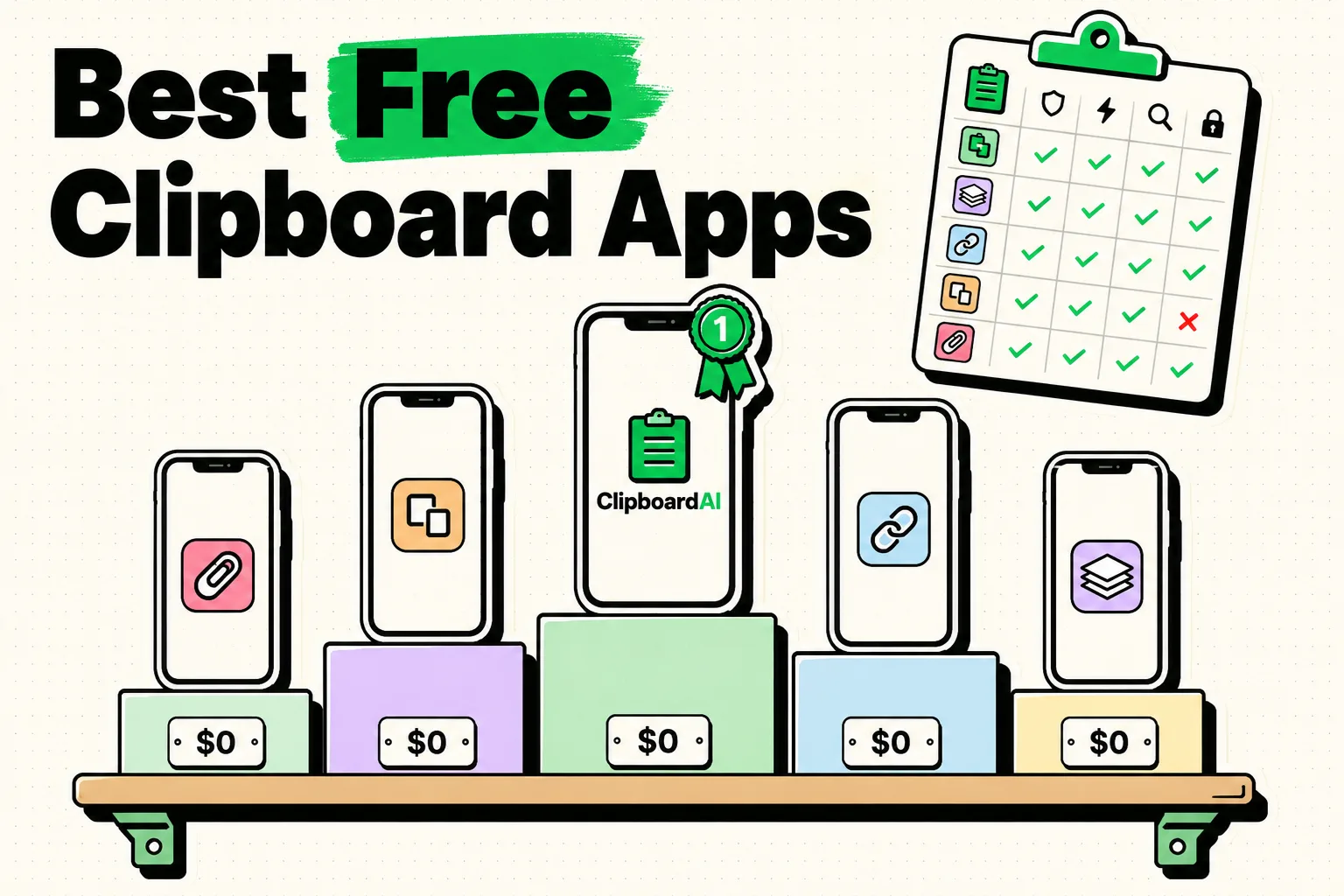
- Cheapest way to keep one synced history. Clippo PRO at $3.99 or $6.99, or PastePal Pro at $14.99. Both are one-time and both cover iPhone, iPad and Mac.
- Spending nothing at all. Maccy, free and MIT licensed, if you accept Mac only and no sync. The trade-offs are laid out in what moving Maccy's habit to an iPhone actually costs.
- Older hardware. Copy 'Em + Paste Keyboard asks for iOS 16, one release below PastePal, Clippo and ours.
- Deep Mac power, no phone required. Pastebot, whose paste filters and pastebins have no real equivalent elsewhere, covered in Pastebot's Mac-only scope and what runs where it cannot.
- Already living in a launcher. Raycast or Alfred, as long as you accept that neither carries clipboard history to a phone.
- Finding the screenshot by the words inside it. A short list: Paste, Clippo, Copy 'Em, Raycast on the Mac and ours. If that is the job, our on-device text recognition is free rather than a Pro feature.
One purchase, every Apple device, and OCR that costs nothing
ClipboardAI is $19.99 a year or $34.99 once, and that single payment is a Universal Purchase covering iPhone, iPad, Mac and Vision together. The lifetime tier breaks even against our own annual price in under two years and undercuts most of the field.
What it buys you, in the language of the two tables above. Every image clip gets on-device text recognition, free rather than Pro-gated, so the screenshot of a receipt is findable by typing a word printed inside it. The iPhone keyboard carries filter chips for Saved, Images and your collections, so clip number four goes into the field without leaving the app you are typing in. On the Mac, capture is automatic and continuous, so nothing you copy is ever missed. On the phone, one Back Tap setup means a clip is banked by tapping the back of the case twice, without the app you are in ever going away. Sync runs through your own private iCloud database rather than a vendor's backend, over TLS and encrypted at rest by Apple, on the same Apple Account across your devices. The free tier of 10 clips and 5 saved clips is there so you can find out whether the habit sticks before paying for anything.
On the Mac side there is a further layer, and it is the ground two of the tools above compete on: pasting a run of clips into consecutive fields, an always-paste-as-plain-text preference with Option to keep formatting for one paste, and an Ignored Apps list that keeps anything copied in a chosen app out of your history entirely. If you want the direct head-to-head rather than this roundup, we wrote ClipboardAI compared with Paste as a one-to-one piece.
If you want one recommendation
Try the free tier of two apps for a week before paying for anything, and pick the one whose paste flow you stop noticing. That is the only test that matters, and it costs nothing.
If you want a shortcut: when the annual figure is what pushed you here, Clippo and PastePal are the cheapest routes to the same shape of product. When you want every device on one payment, with the keyboard and the image text recognition included rather than sold back to you, that is our row. Either way you end up with the thing you came for: the paragraph you copied this morning still one keystroke away this afternoon, on whichever device you happen to be holding. The lifetime tiers are collected with the break-even math in clipboard managers with no subscription, and whatever you pick, re-check its price yourself. This page has a date on it for a reason.
Frequently Asked Questions
Is there a free alternative to Paste?
One genuinely free option and several free tiers. Maccy is MIT licensed and free from maccy.app, but it is Mac only with no sync. Everything else here is a free download whose useful version is a paid unlock, so read the specific limit rather than the word free. Ours stops at 10 clips and 5 saved clips, though the iPhone keyboard and the on-device image text recognition stay free at every tier. Clippo's free level covers local history, pinning and search.
Which Paste alternatives are a one-time purchase?
As of October 5, 2026: PastePal Pro at $14.99, Clippo PRO at $3.99 or $6.99, Copy 'Em for Mac at $8.99 (a limited-time 50% off offer on its listing), and our own Lifetime tier at $34.99. Alfred's Powerpack is GBP 34, or GBP 59 with free lifetime upgrades. Pastebot sits in between at $39, which includes one year of updates and then $19 for each further year. Paste itself also offers a Lifetime tier at $99.99.
Which alternatives actually sync between iPhone and Mac?
PastePal, Clippo, Copy 'Em and ours all document iCloud sync across a Mac and an iPhone, as does Paste. The ones that do not are the Mac-only tools: Maccy documents no sync at all, Pastebot syncs between multiple Macs but has no iPhone app, and Raycast's Cloud Sync explicitly excludes clipboard history. Alfred documents syncing settings between Macs, not clipboard history.
How much does Paste cost in 2026?
Several figures circulate because $2.49 is a division, not a plan. On October 5, 2026, pasteapp.io/pricing showed $3.99 a month, $29.99 a year (displayed as $2.49 a month billed annually) and $99.99 for Lifetime, with a 7-day trial. The App Store listing for the same app showed in-app purchases of $3.99 monthly, $29.99 annual, $59.99 family, $99.99 lifetime and a $9.99 legacy plan. The two pages agree on every price they share.
Is Paste worth it?
For a lot of people, yes. It is a mature, well-regarded app that covers Mac, iPhone, iPad and Vision with one history, and it is the app the rest of this category gets compared against for a reason. The two things that send people looking are the five-year cost of the subscription and the iOS 26 floor on its current listing. If either of those applies to you, several apps on this page cover the same job for less, and most let you try the free tier before you pay anything.
Do any of these run on older iPhones?
Yes, and this is worth checking before price. Paste's current listing asks for iOS 26 or later, which is the strictest requirement in the group. Copy 'Em + Paste Keyboard asks for iOS 16, and PastePal, Clippo and ours ask for iOS 17. On the Mac side, PastePal, Clippo, Maccy, Paste and ours ask for macOS 14, Copy 'Em asks for macOS 14.5, and Pastebot 3 requires macOS 26 Tahoe. All checked October 5, 2026.