On this page
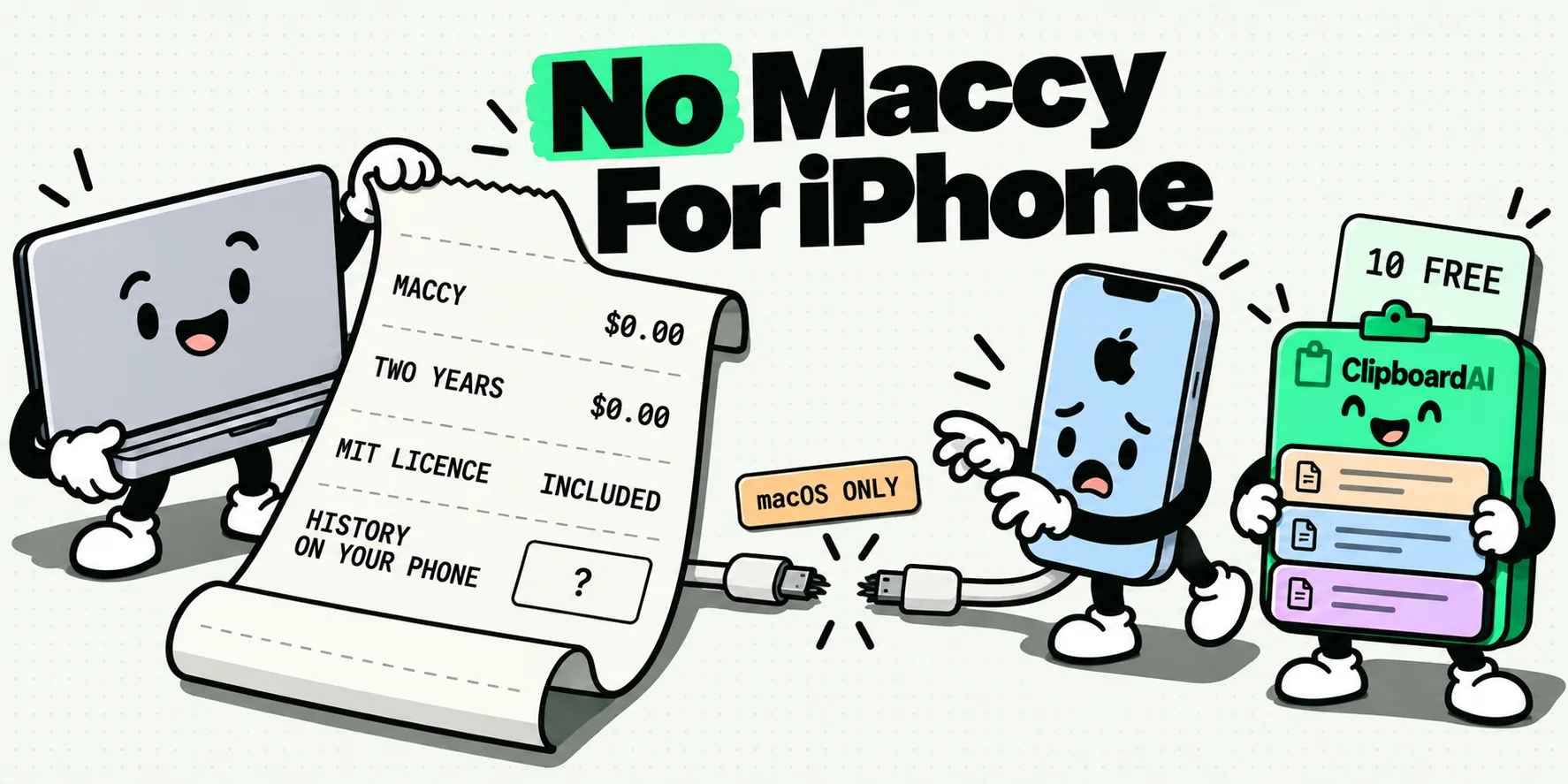
No. Maccy is macOS only, and it stores everything on one Mac, so there is no iPhone version and nothing for a phone to sync with. The best Maccy alternative for iPhone is ClipboardAI: the same instant, automatic history on your Mac, plus that history on your iPhone and iPad, a paste keyboard, and searchable text inside screenshots. Paste, PastePal, Clippo and Copy 'Em are the other iOS options worth knowing, compared below.
Think of it as Maccy with the one thing Maccy was never built to do: leave the desk with you.
The moment every Maccy user hits
You installed Maccy because someone on a forum said it was the one that just works. It has cost you nothing for two years. Hotkey, three letters, Return, and the thing you copied on Tuesday is in the field. You have never opened its preferences.
Then you are on a train, you need the invoice number you copied at your desk an hour ago, and it is sitting on a Mac you cannot reach. That is not a bug in Maccy. It is the edge of what Maccy is. The fix is a clipboard manager that keeps the habit you love on the Mac and carries the history to your phone.
Is Maccy available on iPhone?
No, and nothing suggests it ever will be. Checked October 5, 2026, from maccy.app, the GitHub repository and the US App Store:
- Platform. macOS only. The site states "Requires macOS Sonoma 14 or higher".
- License and price. MIT, free from the project site, source on GitHub. The Mac App Store listing, which the project site links to, is $9.99, version 2.7.1, dated August 11, 2026.
- Storage. "Everything is stored on your computer." No sync of any kind is documented, not even between two Macs.
- Maintenance. The repository is active. Maccy is alive and well, it just lives on one machine.
There is no announcement, no beta and no issue thread promising an iOS build. Plan around the Mac scope as permanent.
The 5 best Maccy alternatives for iPhone
These are the clipboard managers that actually run on an iPhone and paste from a keyboard, which is the closest iOS gets to Maccy's hotkey. Disclosure: we make ClipboardAI. Every fact about the other four comes from their own App Store listing or site, not from our impressions, and we make no claims about anyone else's speed or reliability.
1. ClipboardAI: best overall Maccy alternative
The only option here built around the Maccy habit itself. On the Mac it captures everything automatically and opens your history with Command Shift V. On iPhone and iPad you get the same history, a paste keyboard inside any app, and on-device text recognition that makes screenshots searchable. Sync runs through your own iCloud. Best for: Maccy users who want one history on every device. Price: free tier with 10 clips and 5 saved clips, keyboard and text recognition included; Pro is $19.99/yr or $34.99 once, covering Mac and iPhone together.
2. Paste: polished, subscription first
A well-known cross-platform manager for Mac, iPhone, iPad and Vision, with sync and an iOS keyboard. Best for: people happy to pay a subscription. Price: $3.99/mo, $29.99/yr, $59.99 family or $99.99 once, with a 7 day trial rather than a lasting free tier.
3. PastePal: one-time purchase
Runs on iPhone, iPad, Mac and Vision, with opt-in iCloud sync and a keyboard. Best for: buyers who want a single payment. Price: Pro is $14.99 once. The listing does not state the free tier limits.
4. Clippo: budget pick
Covers iPhone, iPad, Mac and Vision, with iCloud sync on PRO and text recognition per its listing. The free tier keeps a local history with pinning and search. Best for: the lowest unlock price. Price: PRO is $3.99 or $6.99 once.
5. Copy 'Em + Paste Keyboard: iPhone and iPad keyboard app
An iPhone and iPad keyboard app with iCloud sync and document scanning. Best for: people already on Copy 'Em for Mac. Price: free download, then $19.99/yr.
One footnote that trips people up: Copy 'Em is two separate purchases. The Mac app is $8.99 up front (a limited-time 50% off offer on its listing), while Copy 'Em + Paste Keyboard on iPhone and iPad is a free download with a $19.99 yearly subscription. Same developer, two listings.
Facts checked October 5, 2026, US App Store and vendor sites. Prices vary by storefront.
| App | Platforms | Price model | Cross-device sync | Free tier | iOS keyboard | OCR on images |
|---|---|---|---|---|---|---|
| ClipboardAI | iPhone, iPad, Mac, Vision | Free download, then $19.99/yr or $34.99 once | Yes, your own iCloud (Pro) | 10 clips, 5 saved clips, keyboard included | Yes | Yes, on device |
| Paste | Mac, iPhone, iPad, Vision | Free download, then $3.99/mo, $29.99/yr, $59.99 family or $99.99 once | Yes, per its listing | 7 day trial, per pasteapp.io | Yes | Yes, per its listing |
| PastePal | iPhone, iPad, Mac, Vision | Free download, Pro $14.99 once | Yes, iCloud, opt in | Not stated on the listing | Yes | Not stated on the listing |
| Clippo | iPhone, iPad, Mac, Vision | Free download, PRO $3.99 or $6.99 once | Yes, iCloud (PRO) | Local history, pin, search | Yes | Yes, per its listing |
| Copy 'Em + Paste Keyboard | iPhone, iPad, Vision | Free download, $19.99/yr | Yes, iCloud | Not stated on the listing | Yes | Via document scanning |
For a Maccy user the deciding question is simple: which one feels like Maccy on the Mac and still covers the phone? That is the job ClipboardAI is built for, and the head to head below shows why it comes out on top.
ClipboardAI vs Maccy: head to head
Every Maccy entry below comes from Maccy's own site and repository, checked October 5, 2026. Where Maccy documents nothing, the table says so rather than guessing.
| What you need | Maccy | ClipboardAI |
|---|---|---|
| Automatic clipboard history on Mac | Yes | Yes, captured continuously as you copy |
| Open history from any app with a hotkey | Yes | Yes, Command Shift V opens it at your cursor |
| iPhone app | No | Yes |
| iPad app | No | Yes |
| Same history on every device | None documented | Yes, through your own iCloud (Pro) |
| Paste keyboard inside any iPhone app | No | Yes, free at every tier |
| Search the text inside screenshots | No | Yes, on-device text recognition, free |
| Paste several clips in order into a form | Not documented | Yes, pick them in order and paste the stack |
| Price | Free (MIT), or $9.99 in the Mac App Store | Free tier, then $19.99/yr or $34.99 once |
| Open source | Yes, MIT | No |
Read the table one way and the verdict is simple. On the Mac, ClipboardAI matches the Maccy habit you already have. Everywhere else, it is the only one of the two that shows up at all.
Maccy earns its reputation: it is free, open source and fast. If you live on one Mac and never need a clip on your phone, it is a fine tool. The day you want your history in your pocket, ClipboardAI is the upgrade.
Why ClipboardAI is the best Maccy alternative for iPhone
1. Your Mac habit does not change. Everything you copy on the Mac is captured automatically, exactly as you are used to. Press Command Shift V from any app and your history opens at the cursor. Type a few letters, press Return, done. The muscle memory transfers on day one.
2. The history follows you. With sync on, the clip you copied at your desk is searchable on your iPhone and iPad moments later. The invoice number is on the train with you, and you never had to plan for it.
3. Pasting on iPhone happens where you type. The ClipboardAI keyboard puts your clips inside any app, so you paste without switching apps or hunting through a list. Saving is just as quick: set up Back Tap once and a double tap on the back of your iPhone saves what you just copied. On iPhone 15 Pro and later, the Action Button does it in one press.
4. Screenshots become searchable. Copy a screenshot of a boarding pass, a whiteboard or an error message, and on-device text recognition makes the words inside it searchable on every device. Search "gate" and the boarding pass comes up.
5. Mac power features Maccy users reach for. Paste several clips in sequence into one form, set every paste to plain text by default, pin the clips you reuse, and sort them into collections. See the full Mac app tour.
6. Private by design. You chose Maccy partly because nothing left your machine, so here is the straight answer. Your history lives on your devices. Sync runs through your own private iCloud database, encrypted in transit and at rest by Apple. No clip ever reaches a server we operate, because we do not operate one, and there is no ClipboardAI account to create. Password managers are skipped automatically on the Mac. Every detail is in our privacy and data notes, and what an open-source clipboard manager on iPhone actually looks like explains why no Maccy-style open-source app exists on iOS.
How to switch from Maccy to ClipboardAI in five minutes
- Install ClipboardAI on your Mac. It starts capturing everything you copy straight away. Press Command Shift V to open your history.
- Install it on your iPhone. Sign in with the same Apple Account you use on the Mac.
- Add the keyboard. Settings > General > Keyboard > Keyboards > Add New Keyboard > ClipboardAI, then tap it and turn on Allow Full Access so it can show your clips.
- Set up one-tap saving. Settings > Accessibility > Touch > Back Tap, choose Double Tap, and pick the ClipboardAI save shortcut. Or assign it to the Action Button.
- Turn on sync. Switch it on in the app on each device, and your Mac history appears on the phone.
Run both apps side by side for a day if you like. Once reaching for your phone and finding the clip there feels normal, quit Maccy so you have one history instead of two. Our walkthrough of pasting from a clipboard keyboard on iPhone shows the phone side end to end.
Why no iPhone app can work exactly like Maccy
Maccy's design rests on one thing iOS does not allow: watching the clipboard in the background. iOS hands clipboard content only to the app that is currently on screen, and has since iOS 9. Since iOS 16, Apple's UIPasteControl documentation adds that "In iOS 16 and later, programmatic pasting raises a user alert."
That is why every iPhone clipboard manager is built from a keyboard, a share extension and Shortcuts actions rather than a background watcher. It is the only shape iOS permits. The best apps make that shape feel instant, which is exactly what Back Tap and the keyboard are for.
Does Universal Clipboard replace Maccy on iPhone?
Only for one item at a time, and only nearby. Universal Clipboard copies on one Apple device and pastes on another, provided they are within 30 feet (10 meters), on the same Apple Account, with Bluetooth, Wi-Fi and Handoff on. It carries a single item with no history and no search, and Apple says a copy "remains there briefly, or until you replace it by copying something else on either device".
Great for "one thing across the desk". No help at all once you have left the house. If it is misbehaving even at the desk, see why Universal Clipboard stops working.
The verdict
Maccy is excellent at the job it was built for: one Mac, one history, zero cost. The moment your day includes an iPhone, that job is too small. ClipboardAI gives you the same automatic, hotkey-driven history on the Mac, then puts it on your iPhone and iPad with a paste keyboard and searchable screenshots, all synced through your own iCloud.
Start free with 10 clips and 5 saved clips, and upgrade when the habit sticks. One purchase covers Mac and iPhone together. Want to compare more before you decide? Our roundups of free clipboard managers and no-subscription options are the next two stops.
Frequently Asked Questions
Is there a Maccy app for iPhone?
No. Maccy runs on macOS only, and its site requires macOS Sonoma 14 or higher (checked October 5, 2026). There is no iPhone or iPad build and no announcement of one. If you want Maccy's style of history on your phone, you need a different app that runs on both.
What is the best Maccy alternative for iPhone?
ClipboardAI, for most Maccy users, because it is the option that feels like Maccy on the Mac: automatic capture and a Command Shift V hotkey. It then adds the same history on iPhone and iPad, a paste keyboard and on-device text recognition. Paste, PastePal, Clippo and Copy 'Em are the other iOS options, each with a different price model.
Is ClipboardAI better than Maccy?
If you only ever use one Mac, Maccy is a great free choice and the two feel similar there. If you also use an iPhone or iPad, ClipboardAI does more: it syncs one history across your devices through your own iCloud and adds a keyboard, screenshot search and sequential paste. Maccy has no iOS app and documents no sync at all.
Can Maccy sync my clipboard between a Mac and an iPhone?
No, and not between two Macs either. Maccy's site says everything is stored on your computer, and no sync feature is documented. Local-only storage is a deliberate choice that many users like, but it means there is nothing for a phone to connect to.
Is Maccy really free, or does it cost $9.99?
Both, depending on where you get it. The build on maccy.app is free and MIT licensed. The Mac App Store listing, which maccy.app also links to, was $9.99 on October 5, 2026, and its description says that version is sold on the App Store to support the development. Paying in the store is a way to support the project, not a different app.
Is ClipboardAI free?
Yes, there is a free tier: 10 clips and 5 saved clips, with the iPhone keyboard, on-device text recognition and text transforms free at every tier. Sync and collections come with Pro at $19.99 a year, with a 7-day free trial, or $34.99 once, and one purchase covers Mac and iPhone together.