On this page
Spotlight's clipboard history in macOS 26 is enough if you work on one Mac, copy mostly text, and mainly need to recover the thing you overwrote a minute ago. A clipboard manager earns its price when you need that history on your iPhone, snippets that never age out, searchable text inside screenshots, several items pasted one after another, or a retention rule you chose rather than one Apple never published.
We make one of the managers, so here is the disclosure up front. The rest of this page sticks to what Apple documents, what our app does, and a test that tells you which side of the line you are on.
The two-question test
Before any table, two questions settle this for most people.
One: in the last month, how often did you want something you copied more than a few hours ago? If the answer is almost never, Spotlight covers you. Its job is short-term recovery and it does that job for free.
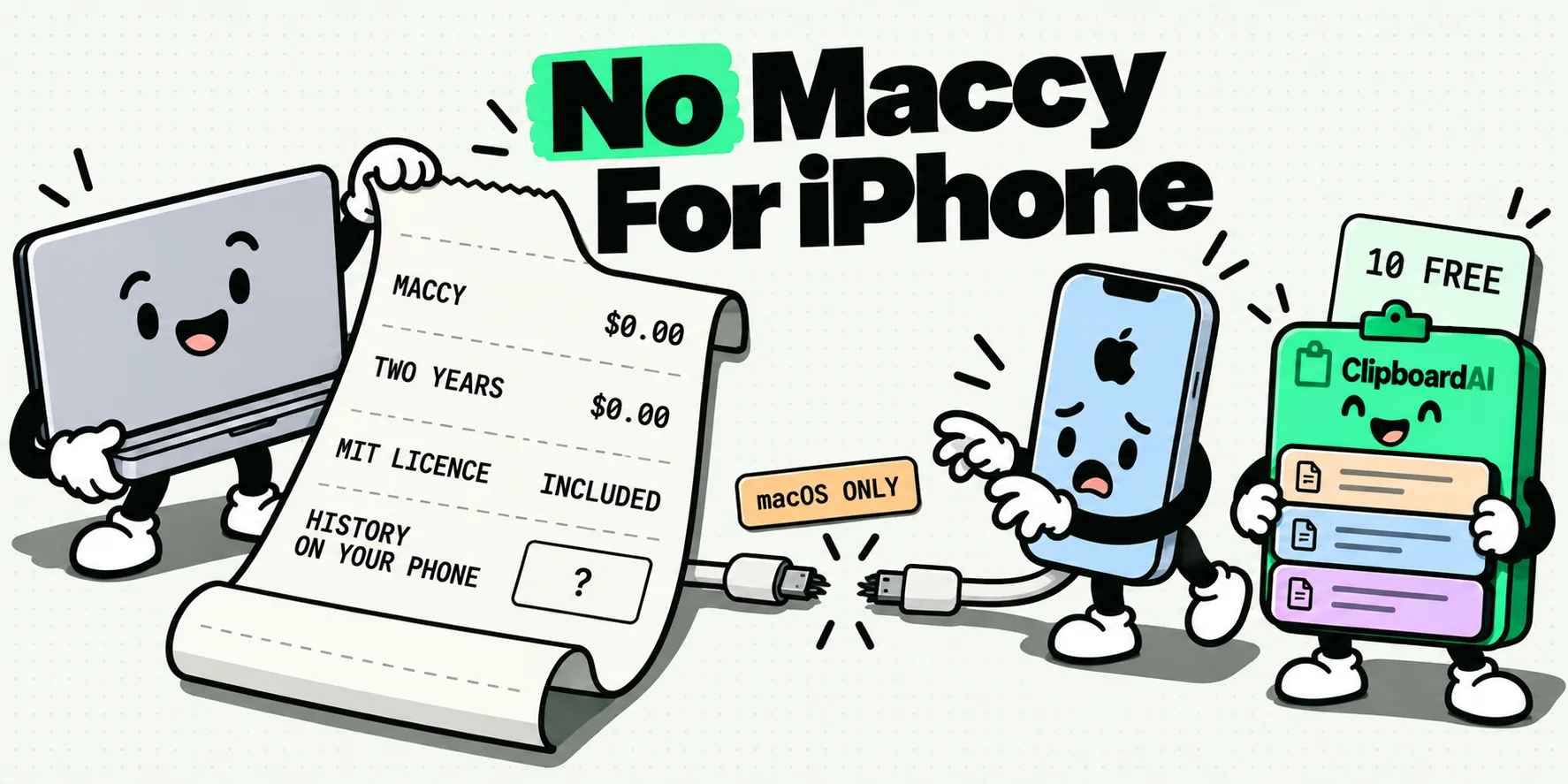
Two: does the thing you copy on your Mac ever need to arrive on your phone? If yes, Spotlight cannot help, because Apple documents this feature in the Mac user guide and documents no iPhone or iPad equivalent. That is not a criticism of it. It was built as a Mac convenience and it is one.
Two nos and the built-in history has you covered. One yes and the rest of this page is about how big that gap is and what closes it.
They are not the same category of thing
Spotlight's clipboard history is a system convenience layered onto a search field you already use. It is off until you enable it, it lives behind Command-Space then Command-4, and Apple's documentation for it is short: turn it on, search it, clear it. If you want the full mechanics, the explainer on how macOS clipboard history works covers the enable step, the clear step, and the retention question in detail.
A clipboard manager is an application with its own database, its own settings, its own extensions, and usually its own sync. That is why it can do things a search scope cannot, and also why it is a thing you have to install, trust and sometimes pay for. Neither shape is better. They answer different questions.
Feature by feature, with the gaps marked as gaps
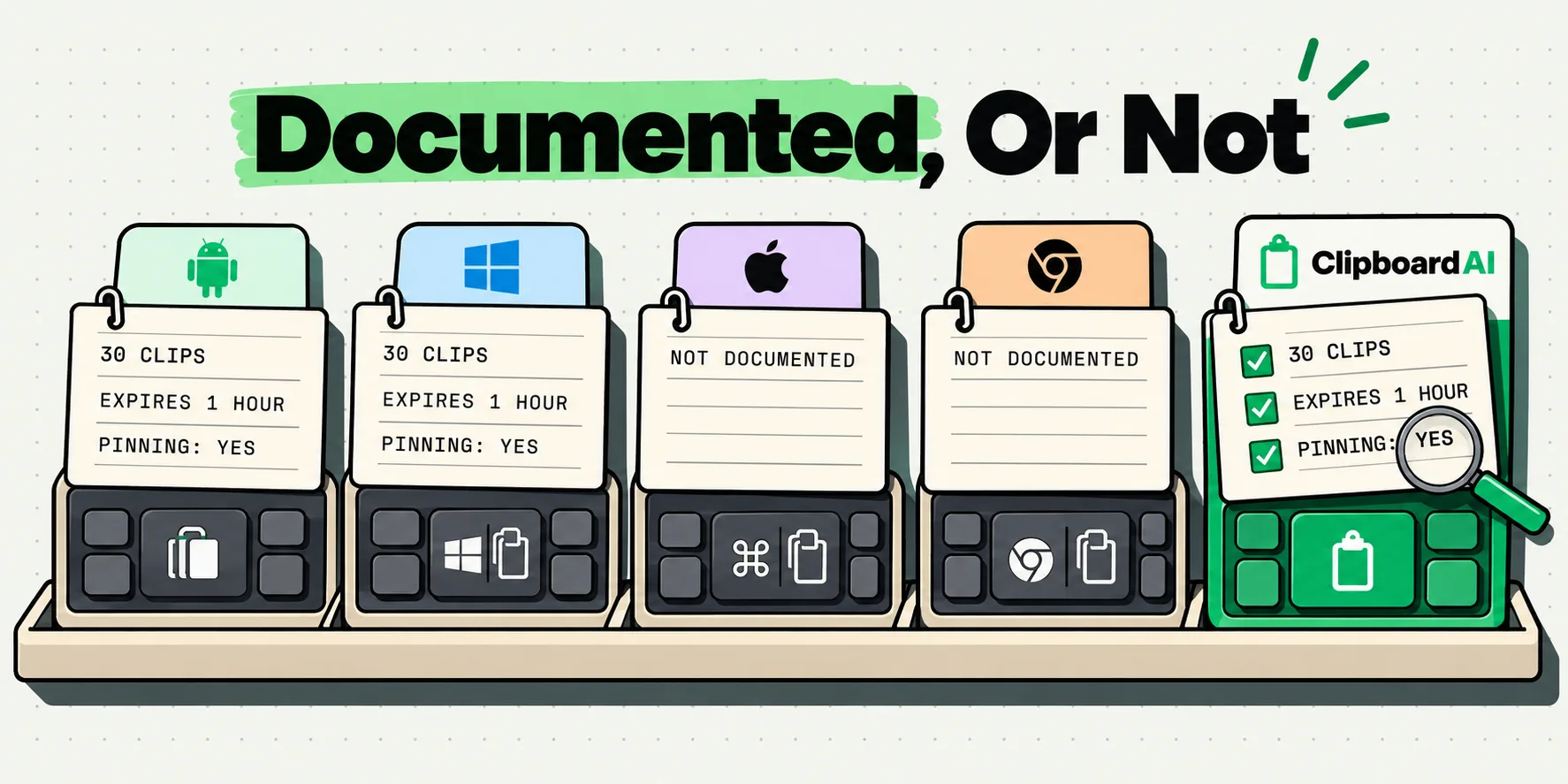
Apple's support page for this feature is deliberately brief, so several rows below say that Apple does not document the behavior. That is the accurate answer, not an evasion, and it is why so many comparison tables elsewhere contain numbers nobody can source. Where a row says Apple does not document it, assume nothing either way.
Last checked: 28 July 2026, against Apple's Mac user guide and our own shipping app.
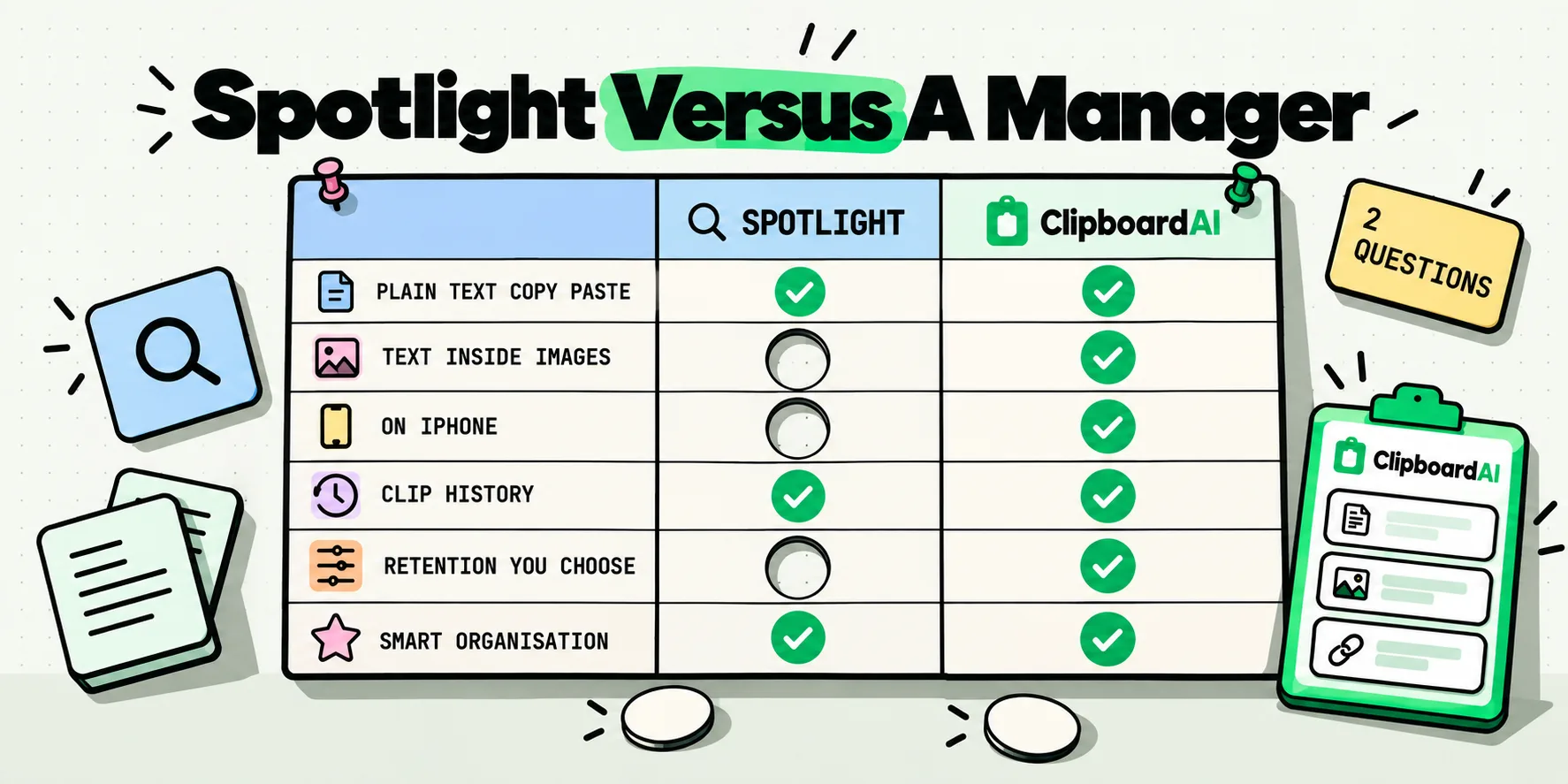
| Capability | Spotlight clipboard history (macOS 26) | ClipboardAI on Mac |
|---|---|---|
| On out of the box | No. Apple's page notes you may be asked to click Enable the first time you search your Clipboard | No. It is an app you install |
| How you open it | Command-Space, then Command-4 | Global hotkey, ⌘⇧V by default, opens a floating panel over your current app |
| Retention | Apple publishes no retention period. No hours, no days, no item cap | You set Max clipboard history size yourself. Free accounts store 10 clips |
| Keeps images | Apple's page does not say | Yes, with previews in the panel |
| Search the text inside a screenshot | Apple's page does not say | Yes. On-device recognition through Apple's Vision framework, free, and the recognized text is what search matches on |
| Pin items so they do not age out | Apple's page does not say | Yes. Free accounts can pin 5 |
| Group related clips together | Apple's page does not say | Collections, Pro only |
| Paste stripped of formatting | Apple's page does not say | Yes. Hold ⌥ for one paste, or turn on Always paste as plain text |
| Paste several clips one after another | Apple's page does not say | Yes, on Mac. Paste All, or Paste One by One with a counter |
| Shows which app a clip came from | Apple's page does not say | Yes, on Mac |
| Rename a clip to something you will recognize | Apple's page does not say | Yes |
| Skips copies from password tools automatically | Apple documents no exclusion, and warns that sensitive information may appear on the Clipboard | Yes on Mac only. Copies flagged with the nspasteboard.org transient, concealed or auto-generated markers are never saved, with no setup |
| Same history on iPhone | No documented equivalent | Yes with Pro, through your own private iCloud database. On iPhone, a Back Tap or Action Button press saves a clip silently |
| Clearing | More button to the right of the search field, then Clear History | Settings, General, Data, Clear History |
| Cost | Included with macOS | Free tier, then a subscription or a one-time Lifetime purchase. One purchase covers Mac and iPhone |
Spotlight is genuinely enough if this is you
You use one Mac. You copy text far more often than images. The copies you want back are minutes old, not days old. You have never wished a copy from your Mac would show up on your phone. In that case the built-in history is the right place to start and it costs nothing.
That covers a lot of people, and there is no reason to pretend otherwise. The category has a long habit of describing every built-in feature as a toy, and it is not a toy. It is the first time in years that recovering an overwritten copy on a Mac has not required installing something.
Where a manager still earns its keep
The gaps that actually change how you work, in rough order of how often they come up:
- The phone. Copy an address on the Mac, need it on the iPhone twenty minutes later, at the shops, off your home network. Universal Clipboard is proximity-based and Apple documents no Spotlight history on iOS at all, so this needs a manager with its own sync.
- Things that should never expire. Your invoice footer, a support macro, a prompt you keep reusing. Anything with an unknown retention window is the wrong home for those, which is what pinning and grouping clips into collections exist for.
- Screenshots you need to search. A copied error dialog is a picture. Text recognition turns it into something you can find by typing a word from it two weeks later, and the way image text search works is the single most underrated part of the category.
- Filling several fields in a row. Name, then email, then phone, then reference. Sequential and batch paste loads them in order so you are not going back to a list between each one. This is Mac only in our app.
- Formatting. Pasting from a web page into a document and getting a stranger's font and a gray background. A plain-text paste modifier solves it permanently, which counts for most in an app like Word for Mac, where no setting makes plain text the default.
Spend a week before you spend anything
The cheapest way to settle this is not to read another comparison. Enable Spotlight's clipboard history today, then for one week, every time you go looking for something you copied and cannot find it, note what it was and how old it was.
At the end of the week you will have a list. If it is empty, you have your answer and it cost you nothing. If it is full of items from three days ago, or items you needed on your phone, or screenshots, you now know exactly which capability you are buying rather than buying on a feature count. Most people find they need two things off that list, not fourteen.
What the Mac app adds, and how the phone half works
Our Mac app is the shape described in the right-hand column above: floating panel on ⌘⇧V, a history size you choose, OCR search on images, plain-text paste, sequential paste, and a history that reaches your iPhone through your own private iCloud database rather than any server we run. The Mac app overview and the keyboard shortcut reference cover the desktop mechanics.
Three things worth knowing about how it behaves alongside the built-in feature:
- They coexist quietly. Installing ClipboardAI leaves Spotlight's history exactly as it was. Nothing to disable, nothing to migrate, and you clear the two separately.
- Mac capture is hands-off, iPhone capture is one gesture. On the desktop every copy is recorded the instant you make it. On the phone, set up Back Tap or the Action Button once and a single press files your clipboard away silently, with no app opening and no switching, while the ClipboardAI keyboard saves as you type.
- Sync goes wherever you go. It rides your own iCloud account, TLS in transit and encrypted at rest by Apple, so a copy reaches your phone at the shops or in another city rather than needing two devices in Bluetooth range. It lands as a background sync, so give it a moment rather than expecting Handoff's one-second hop.
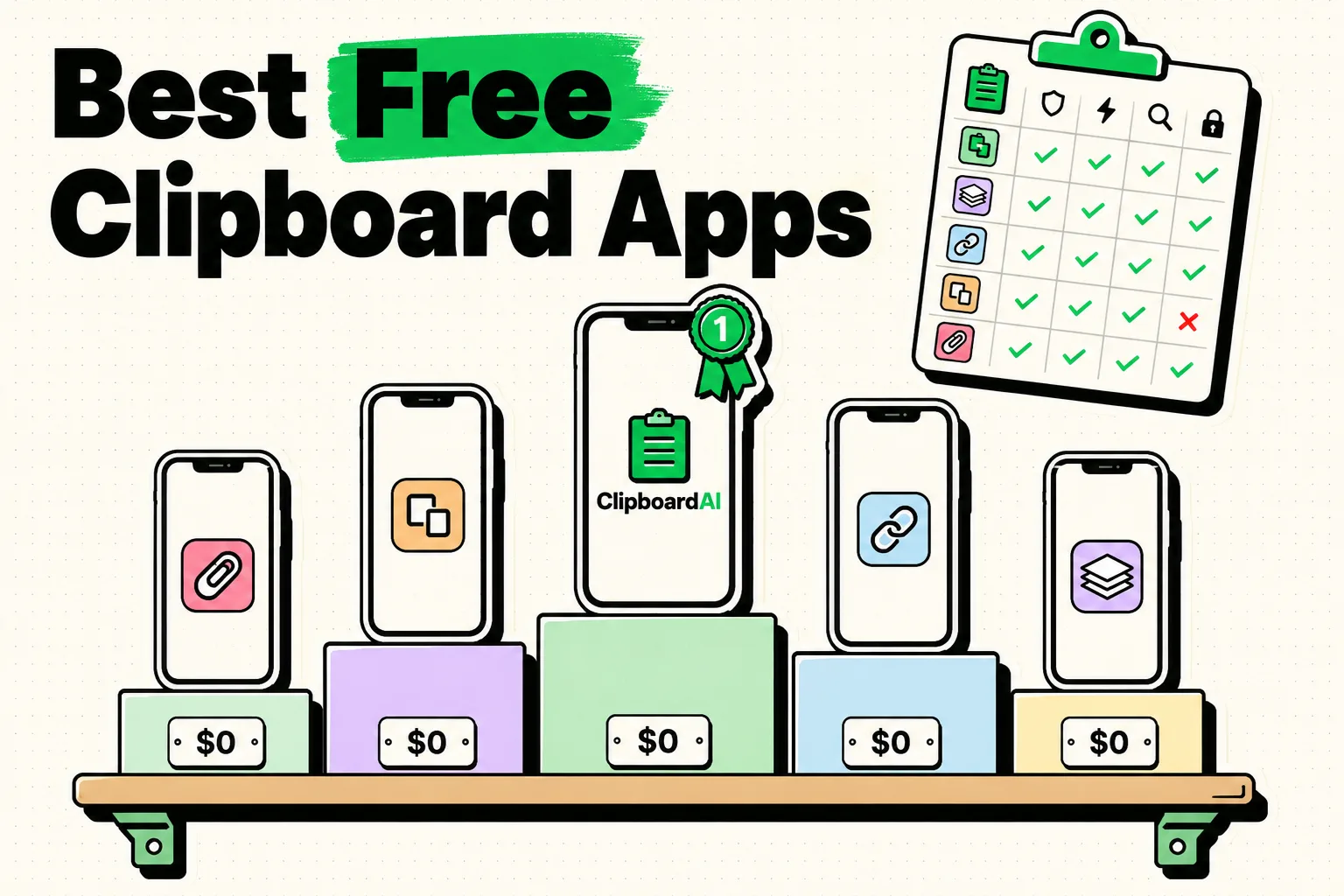
If the two-question test at the top gave you two nos, stay with the built-in history and enjoy it. If either answer was yes, you already know the one capability you are shopping for, and you can try it without paying: our free tier holds ten clips, and the free options are a reasonable place to start. The day it pays for itself is the one where you copy an address at your desk and paste it at a counter three miles away without a thought.
Frequently Asked Questions
Is macOS 26's clipboard history good enough to replace a clipboard manager?
For a lot of people, yes. If you work on one Mac, copy mostly text, and want the item you overwrote a few minutes ago, the built-in history does that job and costs nothing. It stops being enough when you need the same history on an iPhone, snippets that never expire, text search inside screenshots, or several clips pasted in sequence. Those are the four gaps worth paying to close, and none of them is a small tweak.
Does Spotlight clipboard history keep images?
Apple's support page does not say either way, so we are not going to state it as fact. What is documented is thin by design: how to enable the feature, how to open it with Command-Space then Command-4, and how to clear it. If keeping and searching image clips matters to your work, that unanswered question is itself a reason to look at a tool whose behavior with images is written down and testable.
Can I make Spotlight keep clipboard items for longer?
Apple has not published a retention period for the feature at all, so there is no documented setting to extend and no documented figure to extend from. Numbers you will see quoted elsewhere, including an eight hour default, come from community posts rather than Apple. If you need a retention rule you actually chose, that is a clipboard manager's job, because you set the history size and it does not change under you.
Do I need a clipboard manager if I only use one Mac?
If that Mac is the only place you ever copy anything, the built-in history covers the basics, because a single-Mac worker who copies text is exactly who it was designed for. The case changes the moment your copies need to reach a phone, or you reuse the same snippets constantly, or you fill multi-field forms all day. Run the built-in one for a week and keep a note of what you went looking for and could not find.
Can I run Spotlight clipboard history and a clipboard manager at the same time?
Yes. They are independent: Spotlight keeps its own store and a manager keeps its own database in its own container. The one practical consequence is cleanup. Clearing one does not clear the other, so if you are handing over your Mac or sharing your screen, you have two places to clear rather than one. Neither disables the other, and neither extends the other.