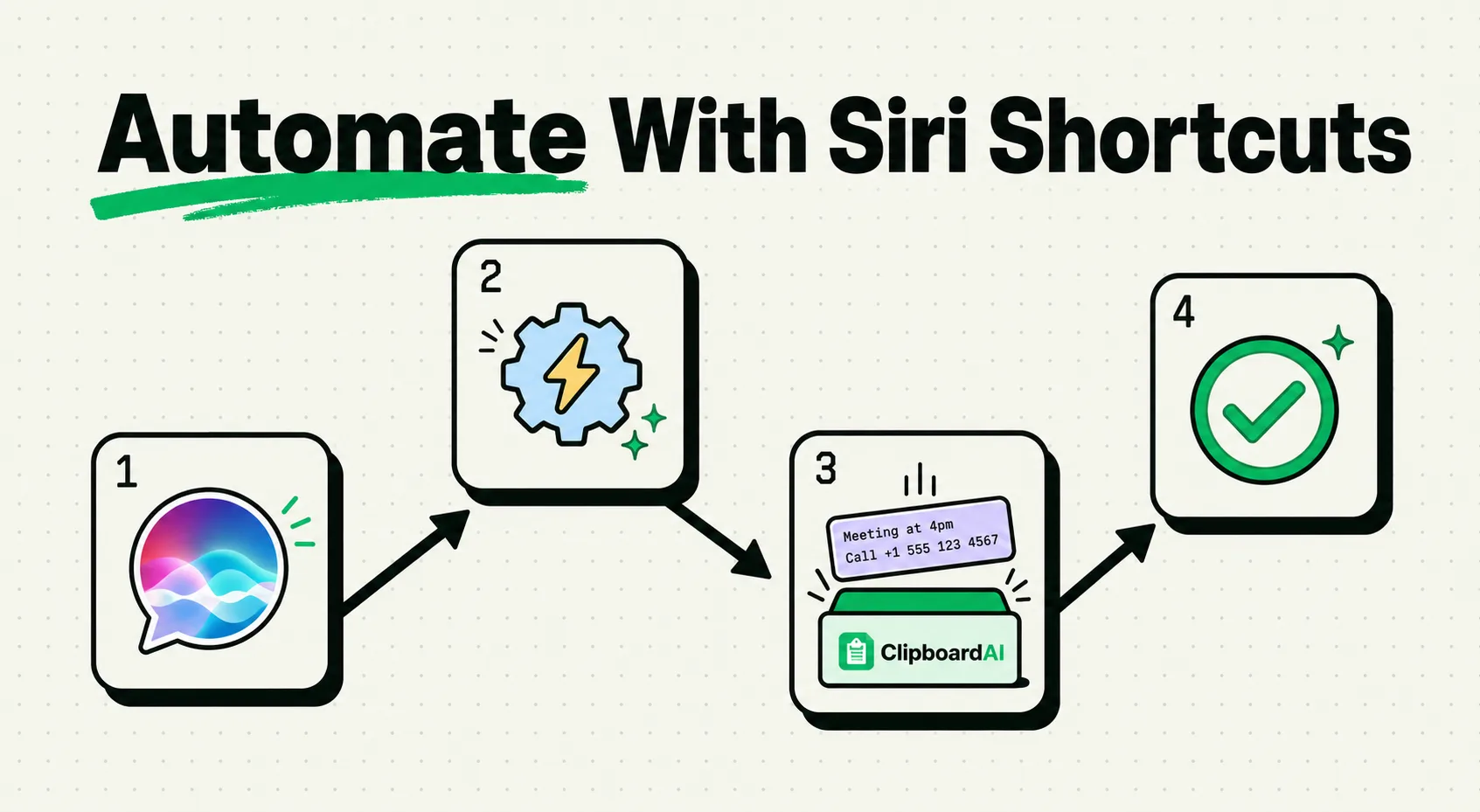
The Shortcuts app, built into every iPhone since iOS 12, lets you chain actions across apps without writing code: think "grab whatever's on my clipboard, format it, and text it to my roommate" as one tap or one voice command. Most people never open it because the blank canvas is intimidating. Below is a complete, working shortcut you can build in about two minutes, plus where clipboard-based automation fits in.
Build This: A Clipboard-to-Message Shortcut
This shortcut takes whatever text is currently on your clipboard, lets you pick a contact, and sends it as a message, useful for repeatedly sharing the same info (an address, a link, a confirmation code) without opening Messages and pasting manually each time.
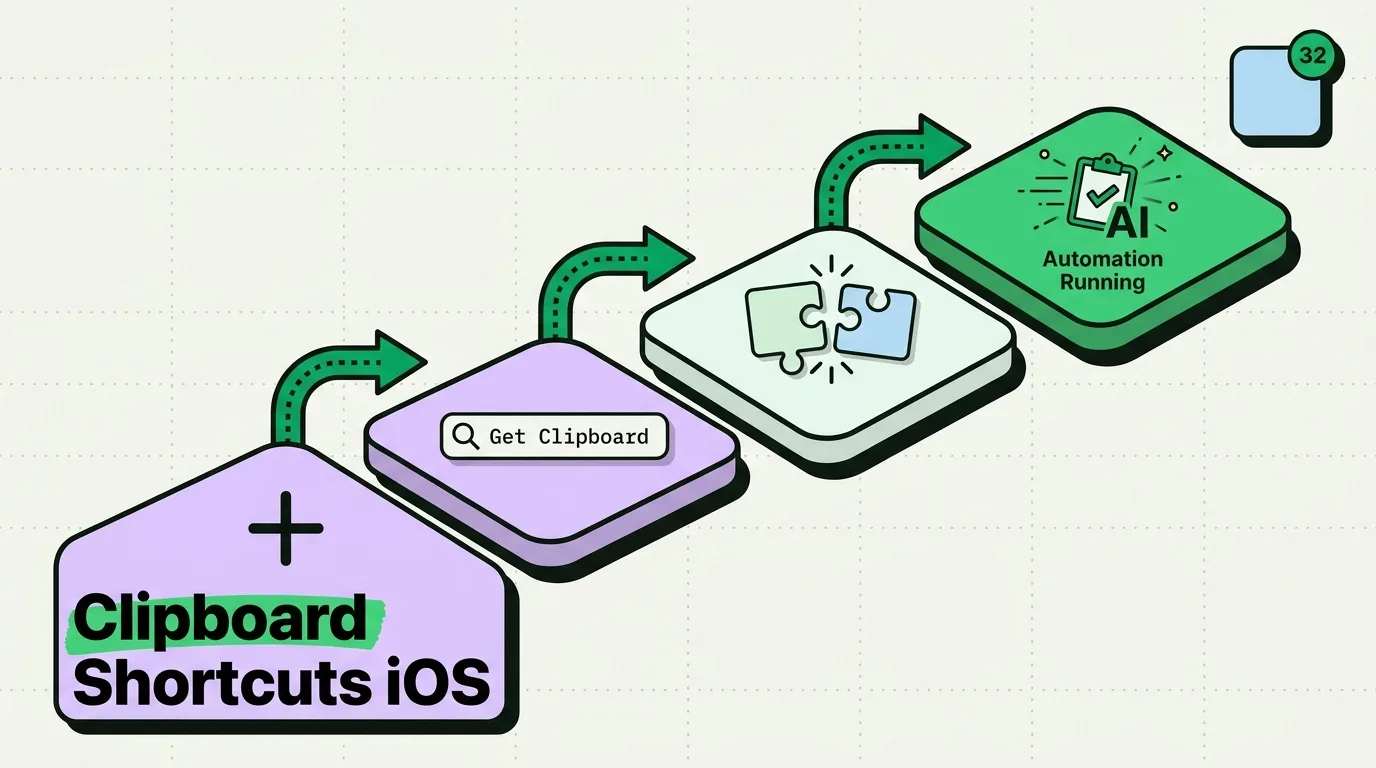
- Open Shortcuts (preinstalled app) > tap the + in the top right.
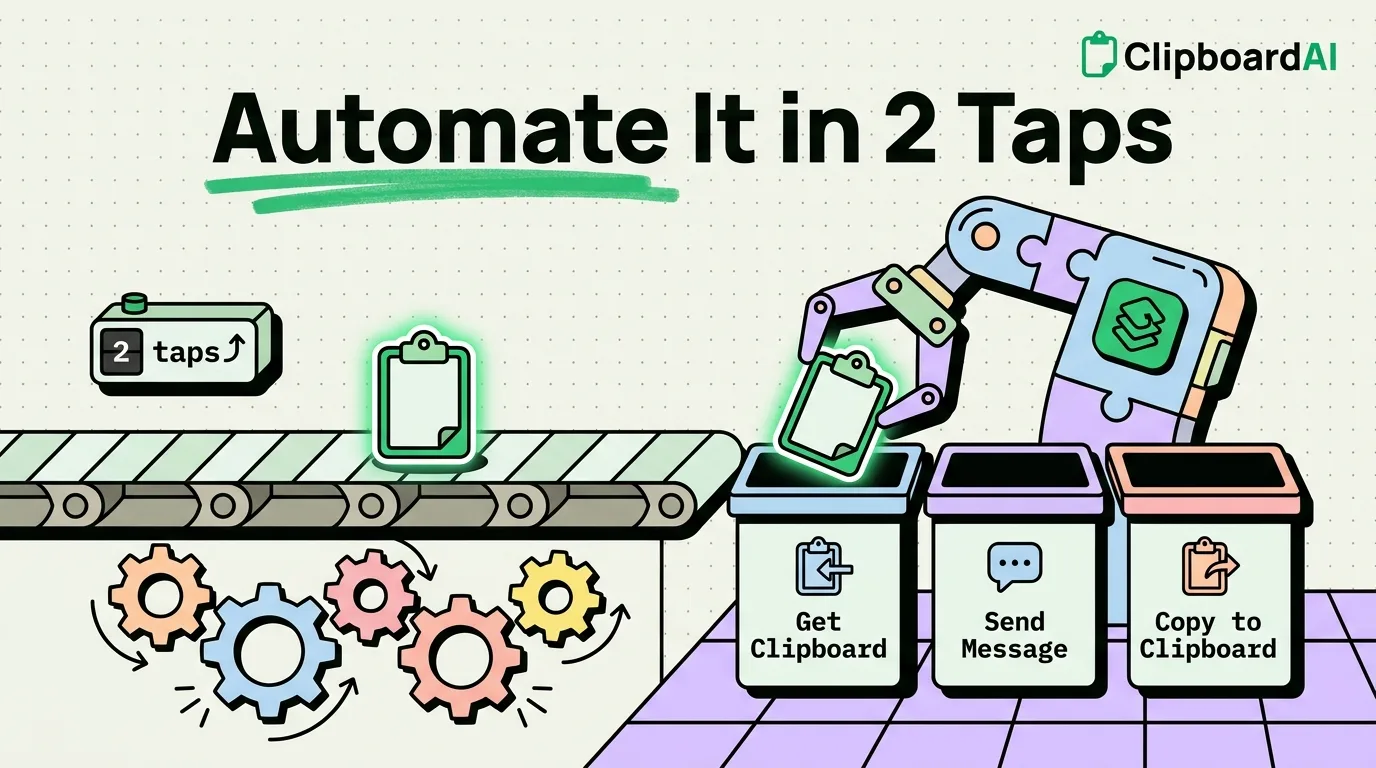
- Tap Add Action, search for "Get Clipboard," and add it.
- Search for "Send Message," add it below the first action. It will automatically use the clipboard content as the message text.
- Tap the shortcut's name at the top, rename it something like "Send Clip," and tap Done.
- Optional: tap the shortcut's settings (the (i) icon) and enable "Add to Home Screen" or "Add to Siri" for a voice trigger.
Now copying anything and running this shortcut (via Home Screen icon, Siri, or the Shortcuts widget) opens a contact picker and sends whatever you copied, in two taps instead of switching apps and pasting manually.
Two More Recipes Worth Building
| Shortcut | Actions to chain |
|---|---|
| Clean up copied text (strip line breaks/extra spaces) | Get Clipboard → Replace Text (find "\n\n", replace with " ") → Copy to Clipboard |
| Save a copied link straight to Notes | Get Clipboard → Append to Note (choose or create a note) |
Where a Clipboard Manager Fits In
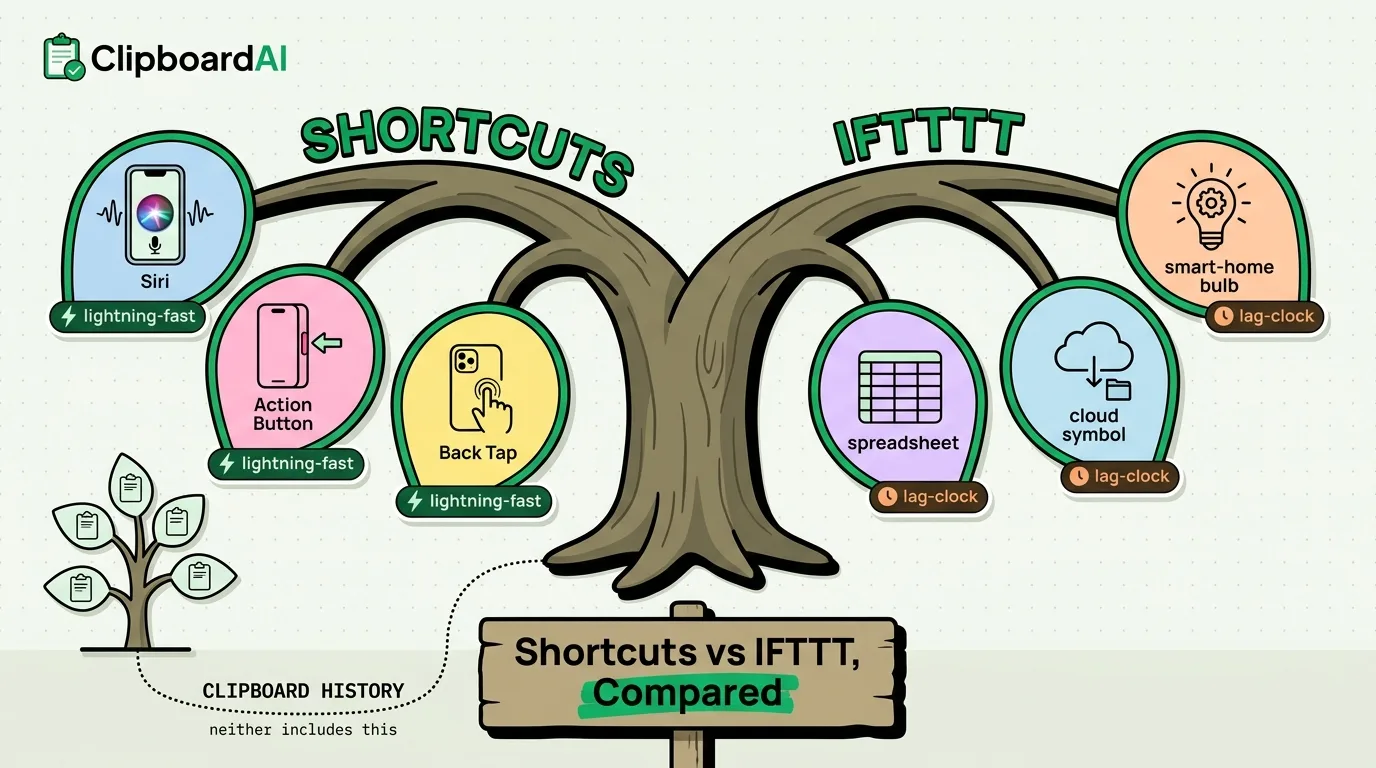
Shortcuts' "Get Clipboard" action only sees whatever is currently on the system clipboard, which iOS holds as a single item, same limitation as anywhere else on iOS. It can't reach back to something you copied ten minutes ago. If your automation needs to work with clipboard history rather than just the latest copy, that's a job for a dedicated clipboard manager like ClipboardAI rather than Shortcuts, since Shortcuts has no access to any app's stored clipboard history, only the live system clipboard.
Where Shortcuts Runs Into Real Limits
Shortcuts can't do everything: it has no access to another app's internal data unless that app specifically exposes actions to Shortcuts, and complex conditional logic (nested if/then branches) gets unwieldy fast in the visual builder past a certain complexity. For genuinely complex automation, this is where the "no-code" ceiling is real, not marketing.
Frequently Asked Questions
Do I need to know how to code to use Shortcuts?
No, it's entirely drag-and-drop with plain-language action names. The two shortcuts above require no code.
Can Shortcuts see my clipboard history, or just the most recent copy?
Only the current, single item on the clipboard. It has no memory of previous copies; that requires a separate clipboard manager app.
Does this work on all iPhone models?
Most tips in this article work on iPhone 8 and later running iOS 16 or newer. Some features may require iOS 17 or later. Check Settings > General > About for your iOS version.
How much time can these tips actually save?
Individual tips may save seconds, but they compound. Users who optimize their clipboard and phone workflow report saving 30-60 minutes per week - that is 26-52 hours per year.