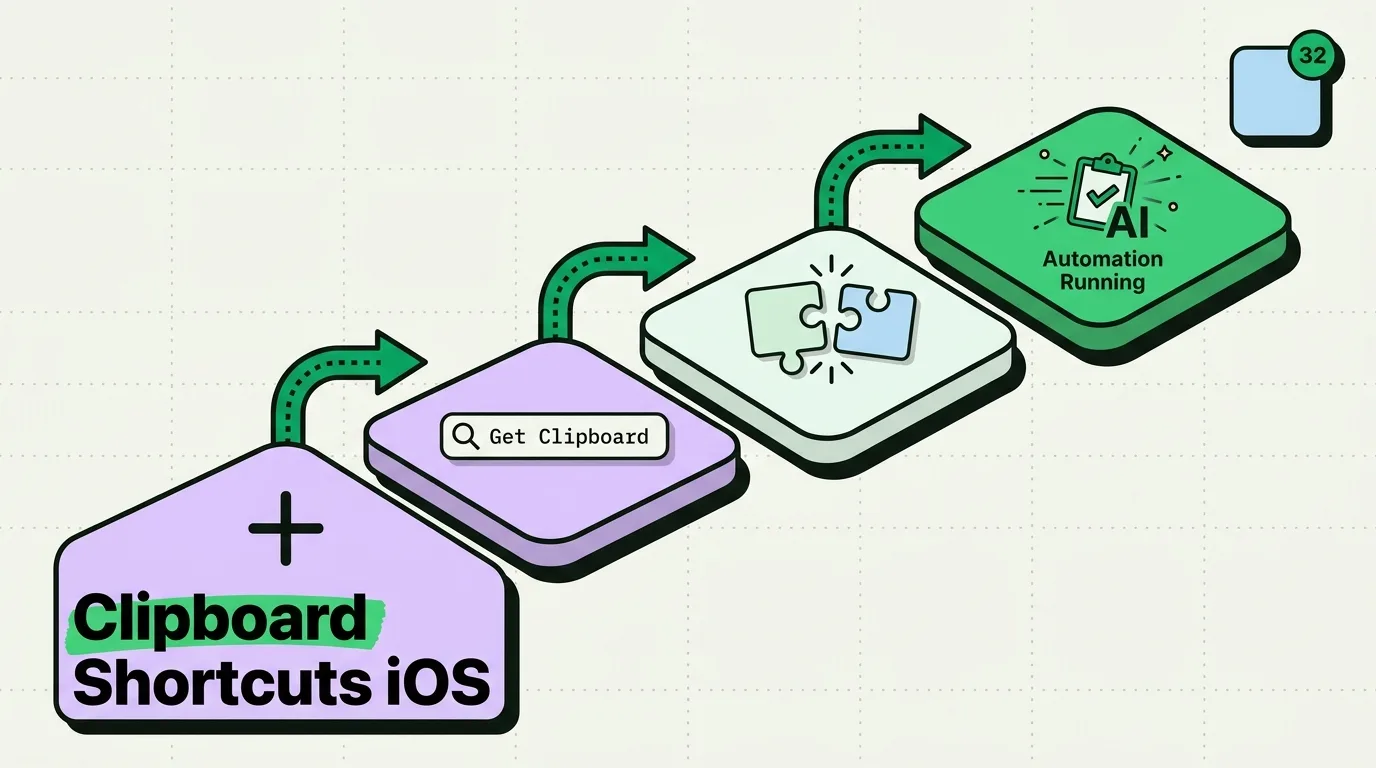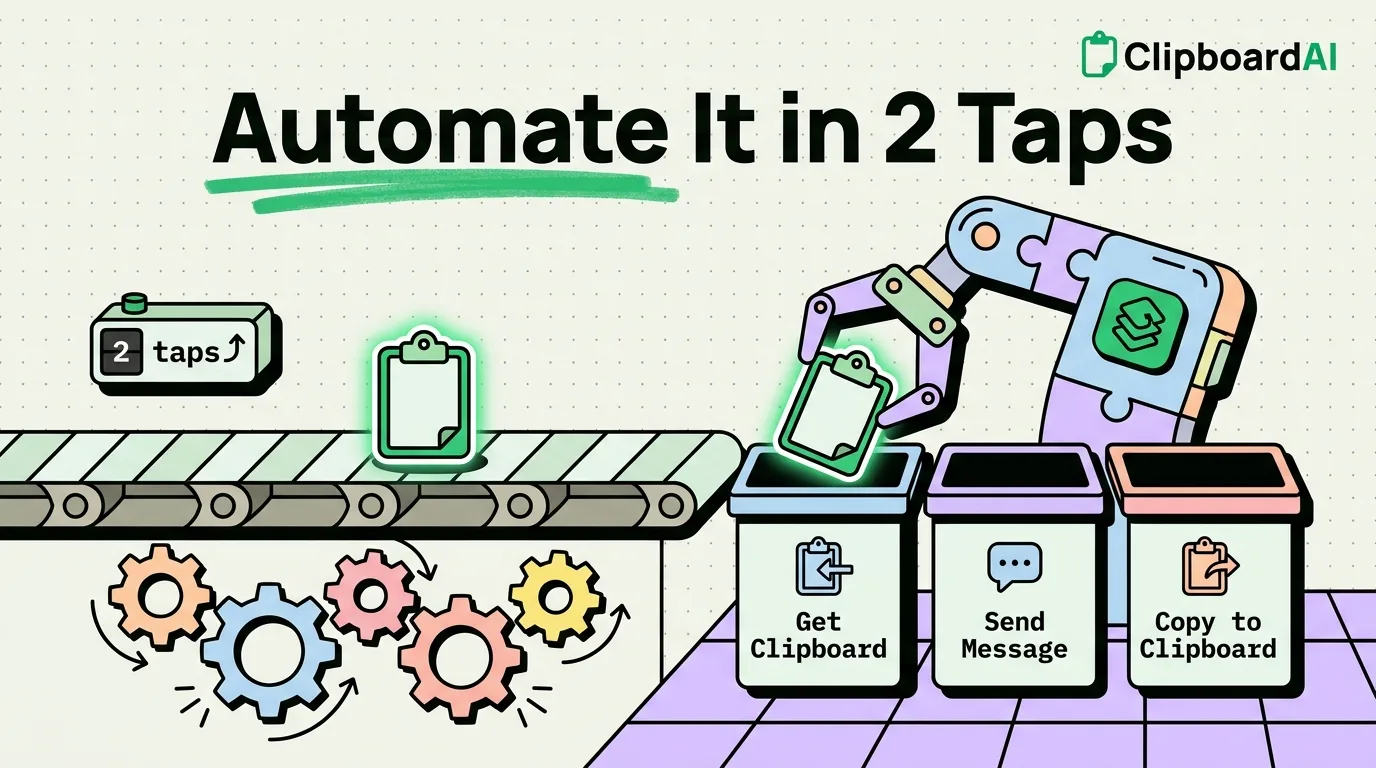
iPhone Shortcuts works with the clipboard through two actions: Get Clipboard reads whatever you last copied, and Copy to Clipboard replaces it, with an optional Expire At time that erases the copy for you. Most recipes below put a text action or two between those, using the action names Shortcuts shows on iOS 26 and iOS 27. On iOS 27 a shortcut can also start by itself when you take a screenshot, one of several new automation triggers.
The clipboard actions and their partners
Find any of these by typing its name in the action search. The two clipboard actions:
- Get Clipboard passes the current clipboard item to the next action. It might be text, a link or an image, depending on what you copied.
- Copy to Clipboard puts its input on the clipboard. Set its Expire At option and the content is erased at the time you choose.
The text actions that do the real work:
- Replace Text, with a Regular Expression switch for patterns
- Match Text, which pulls out everything that fits a regular expression
- Change Case, Split Text, Combine Text and Count
- Get URLs from Input and Get Text from Input, which pick the links or the plain text out of rich content
- Extract Text from Image, which reads the words in a picture or screenshot
- Show Content, which puts a result on screen and was called Show Result in iOS 18 and earlier
Each action hands its result to the next, so most clipboard shortcuts read Get Clipboard, then a change, then Copy to Clipboard, and the changed version replaces the original. On iPhones with Apple Intelligence (iPhone 15 Pro and later), iOS 26 added Writing Tools actions such as Summarize Text and Proofread Text, plus Use Model, which sends text to Apple's on-device model, to Private Cloud Compute or to ChatGPT and passes the answer on. On those iPhones, iOS 27 opens Describe a Shortcut when you start a new shortcut, so you can type any recipe below in plain words and let Shortcuts assemble it. You can still add each action by hand, which is how the recipes are written here.
12 clipboard shortcuts to build
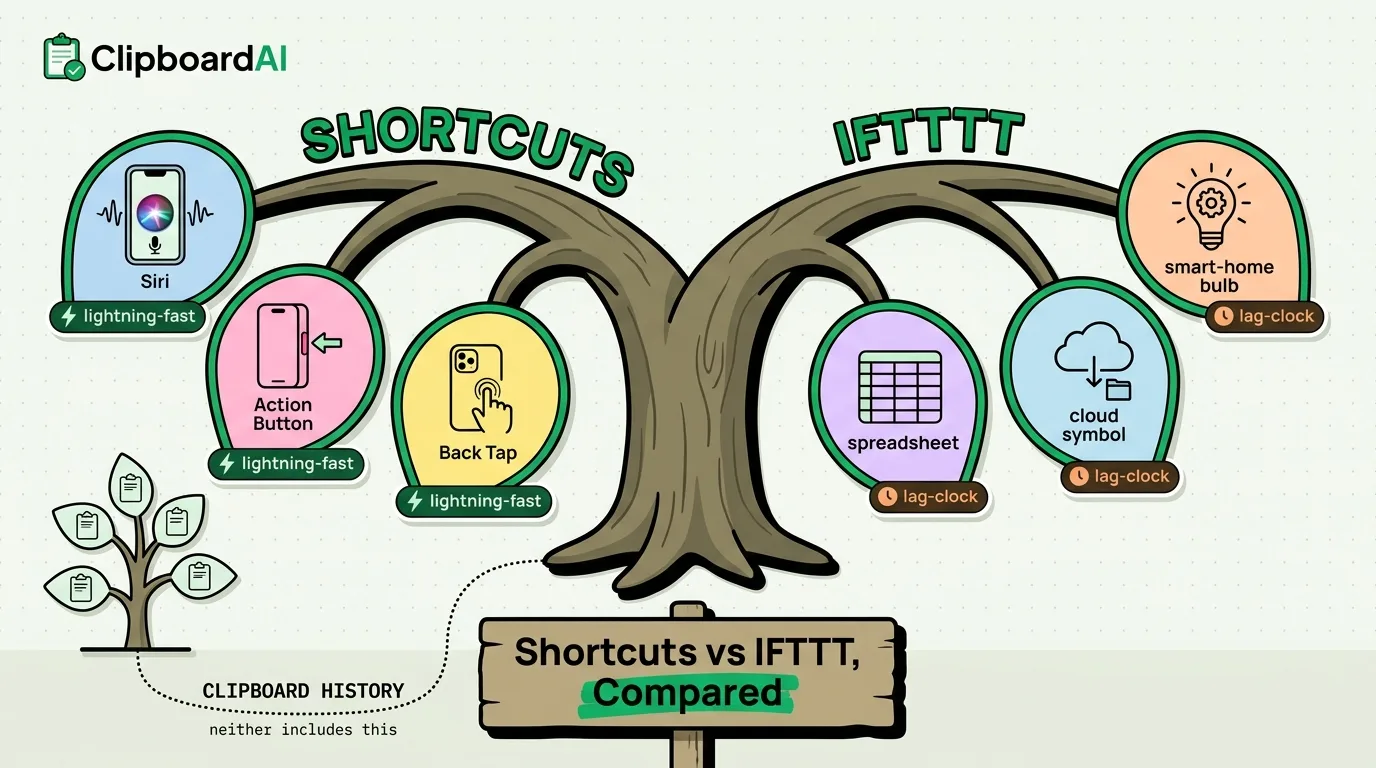
For each one, open Shortcuts, tap +, add the actions in order, and give the shortcut a name you can say to Siri. Run it from the Shortcuts widget, from Siri, or with a gesture: Back Tap is at Settings > Accessibility > Touch > Back Tap, and the Action Button at Settings > Action Button on iPhones that have one.
1. Clear the clipboard
Overwrites whatever you copied, which is handy after copying a password or an account number.
- Add Text and type a single space.
- Add Copy to Clipboard.
Name it Clear Clipboard and you can say "Clear Clipboard" to Siri. For copies that should clean themselves up, set Expire At on the Copy to Clipboard action in any shortcut that copies something sensitive. More options are in how to clear the clipboard on iPhone.
2. Clean tracking tags out of a link
Strips utm_ tags, fbclid and gclid from a copied link and keeps the parameters the page needs.
- Add Get Clipboard, then Get URLs from Input.
- Add Replace Text, turn on Regular Expression, find
[?&](utm_\w+|and leave the replacement empty.fbclid|gclid)= [^&#]* - Add a second Replace Text with Regular Expression on, find
^([^?#]*)&and replace with$1?. This repairs a link whose first parameter was removed. - Add Copy to Clipboard, and Show Notification if you want to know it ran.
3. Change the case of copied text
- Add Get Clipboard.
- Add Choose from Menu with three options: UPPERCASE, lowercase and Title Case.
- Under each option, add Change Case set to the matching style, with the clipboard as its input.
- After End Menu, add Copy to Clipboard.
4. Count words and characters
- Add Get Clipboard, then Count set to Words, then Set Variable named Words.
- Add Get Clipboard again, then Count set to Characters, then Set Variable named Characters.
- Add Show Alert and type "Words: " and "Characters: " with the two variables inserted after them.
5. Turn a copied link into a Markdown link
- Add Get Clipboard, then Set Variable named URL.
- Add Ask for Input with the prompt "Link text", then Set Variable named Label.
- Add Text containing
[Label](URL), with the two variables inserted in place of the words. - Add Copy to Clipboard.
It saves real time when you write notes or README files on the phone; Clipboard AI for developers has more clipboard habits for code.
6. Pull the email addresses out of a block of text
- Add Get Clipboard.
- Add Match Text with the pattern
[a-zA-Z0-9._%+-]+@.[a-zA-Z0-9.-]+\. [a-zA-Z]{2,} - Add Combine Text set to New Lines.
- Add Copy to Clipboard, then Show Content to see the list.
7. Format a phone number
Turns 5551234567 or +1 555.123.4567 into (555) 123-4567. As written it handles 10-digit North American numbers.
- Add Get Clipboard.
- Add Replace Text with Regular Expression on, find
\Dand leave the replacement empty, which strips everything except digits. - Add another Replace Text with Regular Expression on, find
^1?(\d{3})and replace with(\d{3}) (\d{4})$ ($1) $2-$3. - Add Copy to Clipboard.
8. Find and replace in what you copied
- Add Ask for Input with the prompt "Find", then Set Variable named Find.
- Add Ask for Input with the prompt "Replace with", then Set Variable named Replace.
- Add Get Clipboard, then Replace Text, set to replace the Find variable with the Replace variable in the clipboard text.
- Add Copy to Clipboard.
9. Share what you copied
Add Get Clipboard, then Share. Running it opens the share sheet with your copy, ready for Messages, Mail, Notes or AirDrop.
10. Add each copy to a running note
- Add Text and insert the Current Date variable, a line break, then the Clipboard variable.
- Add Append to Note and pick the note, for example one called Clipboard log.
- Add Show Notification with the words "Saved to Notes".
Put it on Back Tap and you have a free, searchable log of what you copy. It keeps text only and sorts nothing, which is where a clipboard manager takes over.
11. Copy the text in your latest screenshot
- Add Get Latest Screenshots and set it to 1.
- Add Extract Text from Image.
- Add Copy to Clipboard.
Take a screenshot, run the shortcut and paste. On iOS 27 you can attach it to the new trigger for when a screenshot is captured, so it runs every time; Apple has not yet documented whether that trigger can run without asking first. The manual route is in copying text from a screenshot on iPhone.
12. Save Clip To ClipboardAI
iOS does not let apps read the clipboard in the background, so a clipboard manager on iPhone saves a copy when you take an action. This shortcut turns that action into a single press. The ready-made Save Clip To ClipboardAI shortcut takes whatever you copied and saves it to Clipboard AI quietly, without opening the app. To build your own:
- Add Get Clipboard.
- Add Save Text to Clipboard AI. For screenshots and photos there is a Save Image to Clipboard AI action as well.
Assign it at Settings > Action Button (swipe to Shortcut, then choose it) or to a Back Tap double tap, and every copy you want to keep is one press away. Saying "Save to Clipboard AI" to Siri works without adding anything, once you tap Turn On the first time, though Siri brings the app forward for a second to read your clipboard. If you added the shortcut before July 2026, add it again: it was rebuilt to save messages copied from WhatsApp, Notes or Mail as clean text, and posts from X or Bluesky as links.
Run clipboard shortcuts automatically
Automations start a shortcut when something happens, such as a time of day, an app opening or your iPhone joining a Wi-Fi network. Where you set them up changed this year:
- iOS 26: open the Automation tab, tap +, pick a trigger, choose Run Immediately so it does not wait for a tap, then pick the shortcut to run.
- iOS 27: automations live inside the shortcut. Open it, tap Edit, then Automation, and choose a trigger; the Automation view now lists the shortcuts that have one. iOS 27 also adds triggers for receiving a notification, capturing a screenshot, connecting a keyboard and starting an Apple Watch workout.
Apple lists Time of Day, App, Wi-Fi, Leave and CarPlay among the triggers that can run without asking. Three that suit the clipboard:
- Nightly clear. Time of Day at 11:00 PM runs Clear Clipboard, so nothing sensitive sits on the clipboard overnight.
- Before banking. An App trigger for your banking app clears the clipboard as the app opens.
- Work mode. A Focus trigger for your Work Focus copies your standup template, ready to paste.
Shortcuts and a clipboard manager together
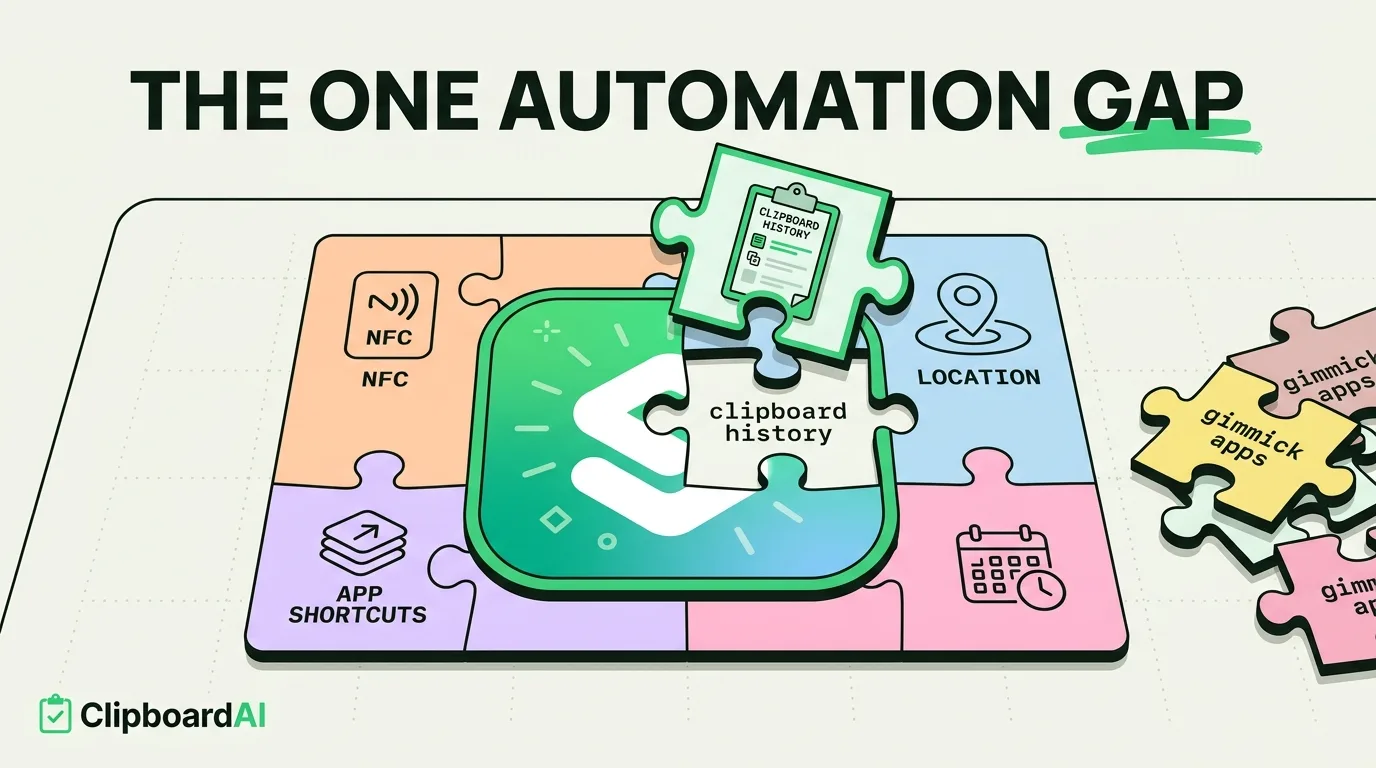
Shortcuts is good at changing the one item on the clipboard right now. It cannot remember what you copied before, because the iPhone clipboard holds a single item and a shortcut's variables vanish when it finishes. A clipboard manager is the memory: Clipboard AI for iPhone keeps the copies you save, sorts them into categories such as links, codes and addresses, searches them, and puts them in a keyboard you can open in any app.
In practice it looks like this. You copy a messy link and run the link cleaner, so the tidy version is on the clipboard. You switch to the Clipboard AI keyboard to paste it, and the keyboard saves that copy to your history as it opens. A week later you search Clipboard AI and the link is there. Some transforms are built in, too: Clipboard AI's Transform button offers UPPERCASE, lowercase, Title Case and Sentence Case, Trim Whitespace, Remove Line Breaks, Strip HTML, and URL Encode and Decode, free and on the device. The shortcuts and automation guides go further.
Going further
Regular expressions worth saving
Match Text and Replace Text both accept regular expressions. A few that fit clipboard work:
- IP addresses:
\b\d{1,3}\.\d{1,3}\.\d{1,3}\.\d{1,3}\b - Hashtags:
#\w+ - Dates such as 10/5/2026:
\d{1,2}/\d{1,2}/\d{2,4} - North American phone numbers:
\(?\d{3}\)?[-.\s]?\d{3} [-.\s]?\d{4} - JSON keys:
"(\w+)":
One shortcut for any kind of copy
An If action can route the clipboard by what it holds. If Get URLs from Input finds a link, run the link cleaner; if Match Text finds an email address, start a new email; otherwise, offer the menu of case changes. One Process Clipboard shortcut on Back Tap then covers most of the recipes above.
Why clipboard slots in Shortcuts fall short
Because a shortcut's variables are wiped when it finishes, a Save to Slot and Paste from Slot pair has to store each slot somewhere that lasts, such as its own note or a text file in iCloud Drive. It works, but every slot is another shortcut to run, and none of it is searchable.
Run a recipe from the Share sheet
Turn on Show in Share Sheet in a shortcut's details and it appears when you tap Share in Safari or any other app, so you can clean a link or pull out text without copying first. In those versions, use the Shortcut Input variable where the recipe says Get Clipboard.
Frequently Asked Questions
Can a shortcut run every time I copy something?
No. Shortcuts has no trigger for a change to the clipboard, and iOS lets apps read the clipboard only while you are using them. The nearest thing is a one-press trigger after each copy, such as Back Tap or the Action Button, and the Save Clip To ClipboardAI shortcut is designed to run from exactly those.
Can a shortcut paste into the app I am using?
No. Shortcuts can put text on the clipboard, but it has no action that pastes into another app's text field, so the last step is yours. On iOS 27 that step is short: the paste suggestion above Apple's keyboard previews what the shortcut just copied, and one tap pastes it.
Does Copy to Clipboard send the text to my Mac?
Yes, when Universal Clipboard is set up, because a shortcut's copy is an ordinary copy. Turn on the Local Only option in Copy to Clipboard to keep it on the iPhone; Apple describes the option as preventing the clipboard contents from being shared through Handoff. That is a sensible default for shortcuts that copy codes or account numbers.
Do automations sync to my other devices?
No, not in a working state. Apple says automations are specific to each device: they are backed up to iCloud and reach your other devices switched off. Turn each one on where you want it to run.
Sources
- Apple Support, “About actions in complicated shortcuts”, Shortcuts User Guide, read October 5, 2026
- Apple Support, “Use Apple Intelligence in Shortcuts on iPhone or iPad”, Shortcuts User Guide, read October 5, 2026
- Apple Support, “Add automations to Shortcuts on iPhone or iPad”, Shortcuts User Guide for iOS 27, read October 5, 2026
- Apple Support, “Intro to shortcuts with automations on iPhone or iPad”, Shortcuts User Guide, read October 5, 2026
- Apple Support, “What’s new in Shortcuts for iOS, iPadOS, macOS, watchOS, and visionOS 26”, March 26, 2026
- MacRumors, “iOS 27 Makes the Shortcuts App Much Less Intimidating”, June 26, 2026
- MacRumors, “50 New Things Your iPhone Can Do in iOS 27”, September 23, 2026
- MacRumors, “iOS 27 Adds a Useful New Copy-and-Paste Feature to Your iPhone”, July 1, 2026
- Automators Talk, “[iOS 18 → 26.1] New and updated actions”, November 27, 2025
- Matthew Cassinelli, “All Automations Now Run Immediately In Shortcuts (Notifications Required)”, August 1, 2023
- Matthew Cassinelli, “Extract Text from Image”, Shortcuts action reference, read October 5, 2026