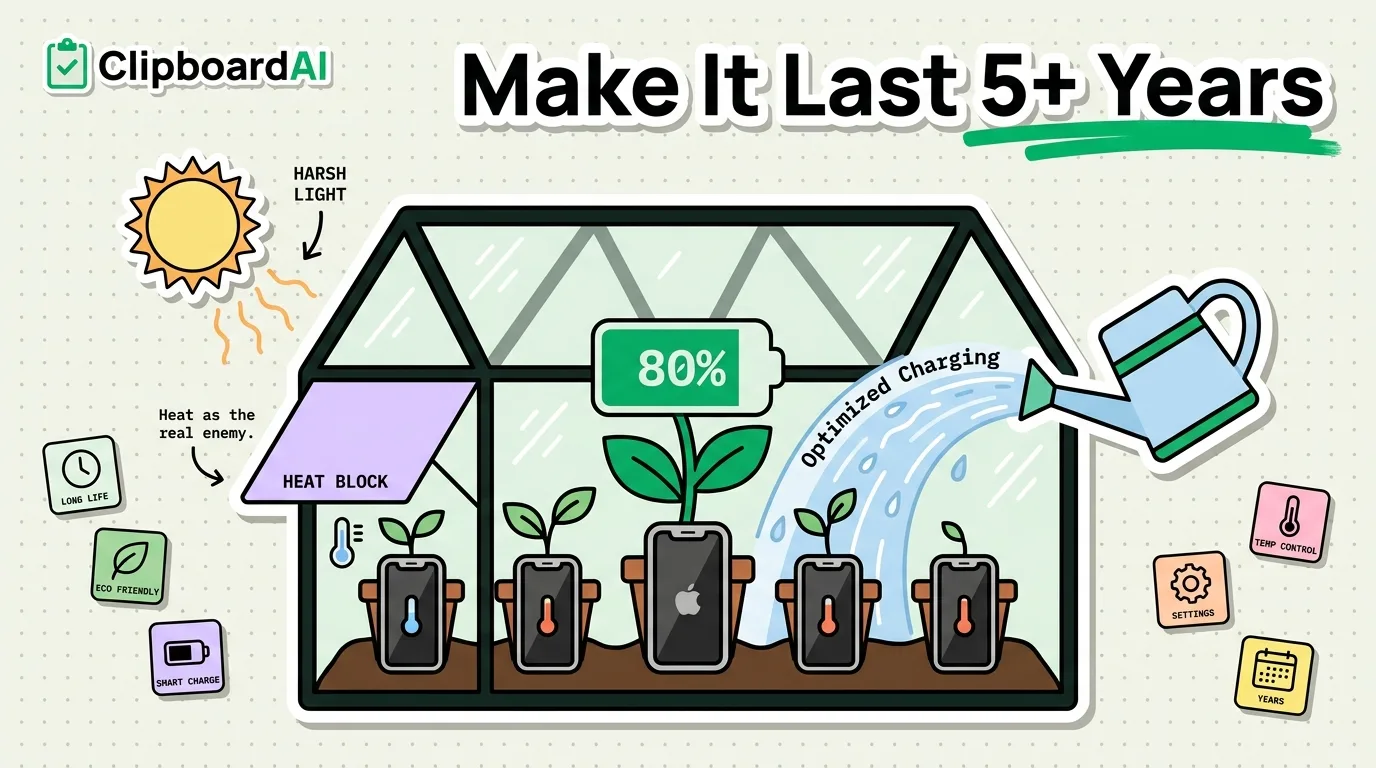
iPhone hardware regularly outlasts 5 years; what actually retires most phones early is battery degradation and iOS updates piling on features the hardware struggles with. Apple's own battery warranty standard is a useful benchmark: it considers a battery still "in normal condition" if it retains at least 80% of its original capacity after 500 complete charge cycles. Below is what to actually check and adjust, not general "take care of your phone" advice.
Check Battery Health First
Go to Settings > Battery > Battery Health & Charging. This shows your Maximum Capacity as a percentage of original. If it's still above 80% and your phone is a few years old, your battery is aging normally. Below that, you'll likely notice unexpected shutdowns under load or aggressive performance throttling, and a battery replacement (through Apple or an authorized provider) often extends a phone's useful life more cheaply than replacing the whole device.
Charging Habits That Actually Matter
| Habit | Why it matters |
|---|---|
| Enable Optimized Battery Charging | Settings > Battery > Battery Health & Charging. iOS learns your routine and delays charging past 80% until shortly before you usually unplug, reducing time spent at full charge, which is the state that stresses a lithium battery most |
| Avoid extreme heat while charging | Charging in direct sun or in a hot car accelerates battery wear more than fast charging speed does on its own |
| Don't obsess over 100%/0% | Occasional full charges and discharges are fine; the meaningful long-term stress is sustained time parked at 100% in heat, not the occasional full cycle |
Keep Meaningful Free Storage
A nearly-full iPhone runs slower because iOS needs working space for temp files, app updates, and Spotlight indexing. Check Settings > General > iPhone Storage periodically; if you're consistently under a few GB free, performance and update reliability both suffer.
Software Updates: A Balanced Approach
Security updates are worth installing promptly; they patch real vulnerabilities. Major yearly iOS version jumps are where judgment matters more: older devices sometimes show slower performance on the newest major iOS version before Apple optimizes it in subsequent point releases. If your phone feels sluggish after a major update, waiting for the first couple of point releases (e.g., x.1, x.2) before further updating is a reasonable, commonly recommended approach, not universally guaranteed to help every device.
Physical Protection
A case and screen protector are the cheapest insurance against the failure mode that actually ends most phones early regardless of internal health: a cracked screen or drowned logic board from a drop. This is unglamorous advice, but it's the single biggest real-world cause of iPhones getting replaced before their battery or performance would have forced the issue.
A Smaller Tip: Reduce Repetitive Typing Wear
This is a minor factor compared to the above, but heavy retyping of the same information (addresses, codes, templates) adds unnecessary wear to the on-screen keyboard usage pattern and battery drain from screen-on time. A clipboard manager like ClipboardAI that lets you paste repeated text instead of retyping it reduces this modestly; it's a nice-to-have here, not the main lever.
Frequently Asked Questions
At what battery health percentage should I consider a replacement?
Apple's own standard treats 80% of original capacity as the threshold for "normal" battery condition. Below that, expect more noticeable throttling and reduced time between charges; a replacement is a reasonable option at that point if the rest of the phone is otherwise working well.
Does this work on all iPhone models?
Battery Health & Charging (Settings > Battery) is available on iPhone 6s and later. Optimized Battery Charging requires iOS 13 or later.