Most "must-have apps" lists are thinly disguised affiliate roundups of whatever's trending. This one is scoped narrower on purpose: genuinely single-purpose utilities that solve one specific annoyance, are either free or a one-time purchase, and that you'd notice the absence of if they disappeared. If a category is already covered by a built-in iOS feature, it says so instead of recommending an app you don't need.
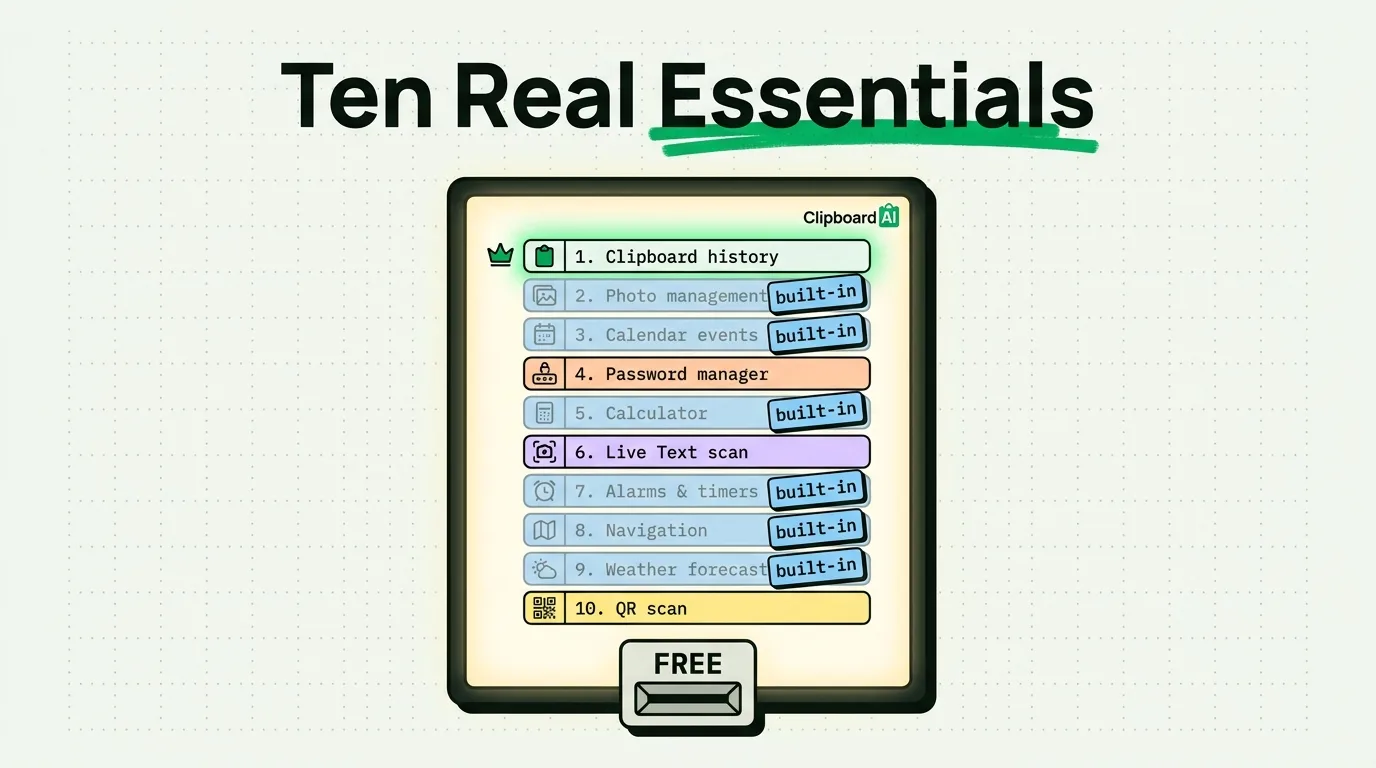
10 Utility Categories Worth Having Covered
1. Clipboard history
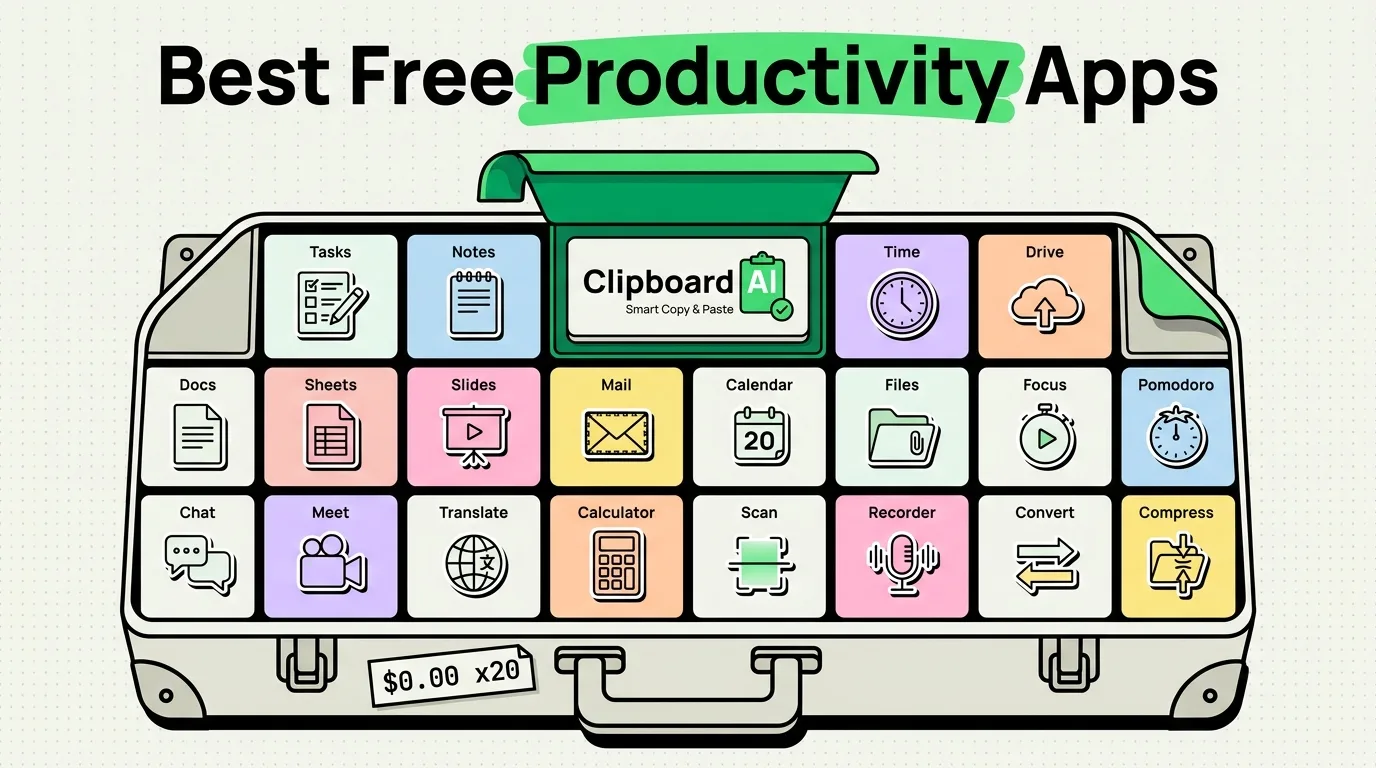
iOS's default clipboard holds exactly one item; copy something new and the last thing is gone. ClipboardAI keeps a searchable history, pinning, and auto-categorization by type (links, phone numbers, emails), plus OCR for extracting text from images. Free for 10 saved clips; paid tiers unlock more.
2. File compression / archive handling
iOS's Files app can create a basic zip (select files > long-press > Compress) but can't easily open password-protected archives or split large files. A dedicated archive utility fills that specific gap if you regularly receive zipped attachments from non-Apple sources.
3. PDF markup beyond Markup
The built-in Markup tool (available directly in Files, Mail, and Photos) covers basic annotation, signatures, and simple edits. You likely don't need a separate PDF app unless you're regularly filling out complex forms with calculated fields or merging/splitting many PDFs at once.
4. A real password manager
iOS's built-in Passwords app (Settings > Passwords, or the standalone Passwords app in iOS 18) now covers autofill, generation, and syncing for most people. Consider a dedicated third-party manager (1Password, Bitwarden) only if you need cross-platform sync to non-Apple devices or shared family vaults with granular permissions.
5. Unit/currency conversion
Spotlight search (swipe down on the home screen and type a conversion like "50 usd to eur") handles quick currency and unit conversions without a dedicated app for most casual use.
6. Text scanning (Live Text / document scanner)
Built directly into the Camera and Notes apps: Notes > new note > camera icon > Scan Documents gives you a full document scanner with auto-crop and perspective correction, no separate app needed.
7. A genuine to-do system, not just Reminders' defaults
Reminders (built-in) now supports tags, smart lists, and location-based reminders, which covers simple task tracking well. If you need dependencies, project structuring, or team shared boards, that's when a dedicated task app earns its place.
8. Screen recording with audio
Control Center's built-in Screen Recording (add via Settings > Control Center) captures your screen with internal or mic audio with no extra app, useful for bug reports or quick tutorials.
9. Battery/storage diagnostics
Settings > Battery > Battery Health and Settings > General > iPhone Storage cover the two most common "why is my phone acting weird" diagnostics without installing a third-party "cleaner" app, many of which oversell what they can actually access on iOS due to sandboxing.
10. QR code scanning
The Camera app scans QR codes automatically when pointed at one; no separate scanner app is needed on any iPhone running a current iOS version.
A Note on These Picks
Half of this list is "here's the built-in feature that already does this," not a new app to download. That's intentional: the actual most-valuable utility move for most people is discovering what iOS already covers before adding another app and another account to manage.
Frequently Asked Questions
Do any of these require iCloud+ or a paid Apple subscription?
No, all the built-in features listed (Live Text, document scanning, Screen Recording, Battery Health, Passwords) are included with iOS at no extra cost.
Does this work on all iPhone models?
Most listed built-in features require iOS 15 or later; Live Text specifically requires an A12 chip or newer (iPhone XS and later).