
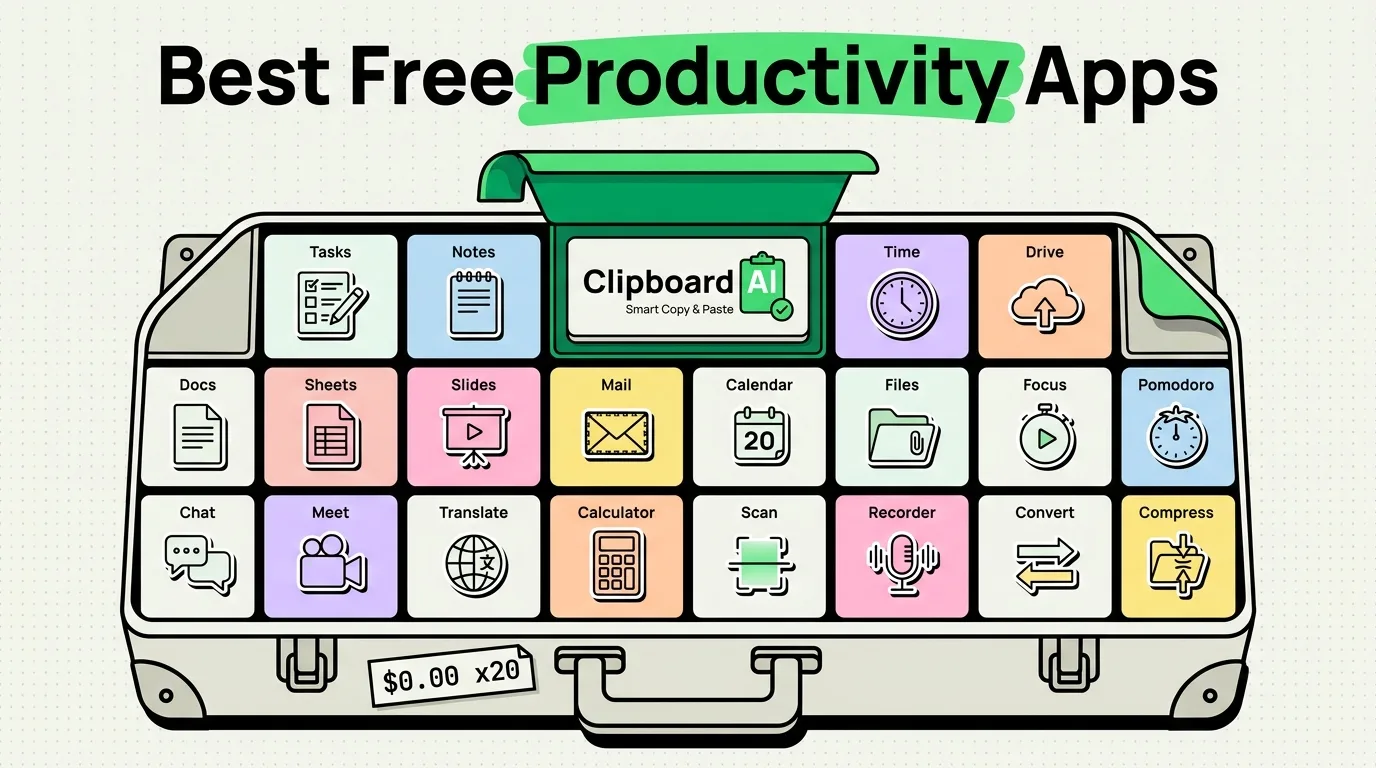
The best free productivity apps for iPhone in 2026 with no hidden subscriptions are Apple Reminders (for tasks), Notion (for structured databases), Bitwarden (for passwords), and ClipboardAI (for local clipboard expansion). Every app on this curated list offers a highly functional, ad-free free tier, ensuring you can build a powerful mobile productivity setup without monthly subscription costs. For clipboard tools specifically, we broke down what each free tier actually includes in a separate test.
Many recommendations in the App Store label themselves "Free" but reveal a paywall within minutes, demanding $9.99 a month just to add a task or sync your data. This is incredibly frustrating. We audited and verified a list of productivity apps that are genuinely free - meaning their core features are ad-free and require zero subscriptions to run daily.
Genuinely Free Productivity App Stack 2026
Here is the master list of free productivity tools to organize your mobile workstation:
| App Name | Primary Category | True Free Tier Limit | Core Best Feature | Why It Is Free |
|---|---|---|---|---|
| Apple Reminders | Tasks & Todo Lists | Unlimited tasks & lists. | Location-based alarms & subtasks. | Native system feature to lock you into the Apple hardware ecosystem. |
| Notion | Databases & Notes | Unlimited blocks for individuals. | Customizable database tables. | Premium upgrades are for collaborative teams, not solo users. |
| Bitwarden | Password Manager | Unlimited vault logins across all devices. | Automatic 2FA code generation. | Open-source project funded by premium enterprise business accounts. |
| Obsidian | Markdown Notes | Unlimited local-only notes. | Interlinked graphic connection map. | Syncing is paid, but local storage on your device is 100% free. |
| ClipboardAI | Clipboard Manager | Local clipboard history logs. | Pinned templates & custom keyboard. | Basic local-only storage is free; optional cloud backups are premium. |
| Google Drive | Cloud Storage | 15 GB of cloud storage. | Real-time document editing. | Funded by Google One subscriptions for users who exceed 15GB. |
| Apple Notes | Quick Writing | Limited only by iCloud storage. | Document scanner & OCR search. | Native Apple ecosystem app. |
In-Depth App Reviews: Core Categories
1. Task Management: Apple Reminders
For most users, there is zero need to pay for premium task managers like Things or Todoist. Apple Reminders is highly capable.
- Key Features: You can set subtasks, group lists into custom folders, build templates, and configure location-based triggers (e.g., reminding you to grab a document when you arrive at your office).
- Pro Tip: Ask Siri to add items to your lists hands-free while driving, or pin your daily checklist as a home screen widget.
2. Databases & Documentation: Notion
Notion is a powerful database editor.
- Key Features: It allows you to build custom project logs, calendar views, reading trackers, and student dashboards.
- Pro Tip: The personal free tier has no limit on the number of notes or content blocks you can add. It only prompts for payment if you add team members.
3. Password & Credential Security: Bitwarden
Using different passwords for every site is critical, and Bitwarden makes this free across all your devices.
- Key Features: Unlike competitors who limit their free version to a single device (like Dashlane or 1Password), Bitwarden lets you sync passwords across your iPhone, iPad, Windows PC, and Mac for free.
- Pro Tip: It features a built-in password generator and integrates with iOS AutoFill for fast logins.
4. Personal Knowledge Management: Obsidian
Obsidian is a text editor designed to link your thoughts together.
- Key Features: It saves your files as plain text (.md) locally on your device. You can create links between notes, creating a custom visual graph of your ideas.
- Pro Tip: Because the files are stored on your device, Obsidian works completely offline, making it fast and secure.
5. Structured Data Transfer: ClipboardAI
ClipboardAI expands your clipboard memory buffer.
- Key Features: While iOS clears your clipboard constantly and only saves one item, ClipboardAI stores a history of your text, images, and links locally on your device. It provides a custom keyboard to insert these snippets into any app in one tap.
- Pro Tip: Turn on Auto-Delete Old Clips and set it to 30 days, the shortest window available, for basic hygiene.
Honest Caveats & Storage Limits
Before building your workflow around free applications, keep these storage limits in mind:
- Google Drive Cap: Google Drive offers a generous 15GB free tier, but this space is shared across your Gmail, Google Photos, and files. Once you hit the cap, you will eventually face upgrade prompts to Google One.
- Obsidian Sync Cost: While local note-taking in Obsidian is free, syncing your notes across devices using their native service is a paid feature. You can bypass this by using free iCloud Drive folders for file storage.
- Apple Ecosystem Lock-in: Apple Reminders and Apple Notes are completely free, but they do not have official client applications for Windows or Android. If you decide to migrate away from iOS later, exporting your notes can be difficult.
How ClipboardAI Syncs with a Free App Stack
ClipboardAI is the connective utility that bridges a free app stack. When you use separate applications (like Obsidian for notes, Notion for databases, and Bitwarden for passwords), you must constantly transfer links, reference blocks, and text strings between them.
ClipboardAI makes this flow frictionless. By maintaining a local history database and offering a custom keyboard, it lets you paste your data across these different applications without constant app-switching.
Frequently Asked Questions
Why do some "free" apps in the App Store have in-app purchases?
Most productivity apps use a "freemium" model. They let you download the app for free to test the interface, but restrict essential features - such as cloud sync, offline support, or custom folders - until you pay a subscription fee.
How do I sync my local Obsidian notes to my Mac for free?
Create your Obsidian vault folder inside your iPhone's iCloud Drive folder. iCloud will sync your markdown files to your Mac automatically, bypassing Obsidian's paid sync service.
Is Apple Reminders secure for confidential tasks?
Yes. Apple Reminders data is encrypted in transit and stored securely on Apple's iCloud servers. If you enable advanced data protection on your Apple ID, your reminders are secured with end-to-end encryption.