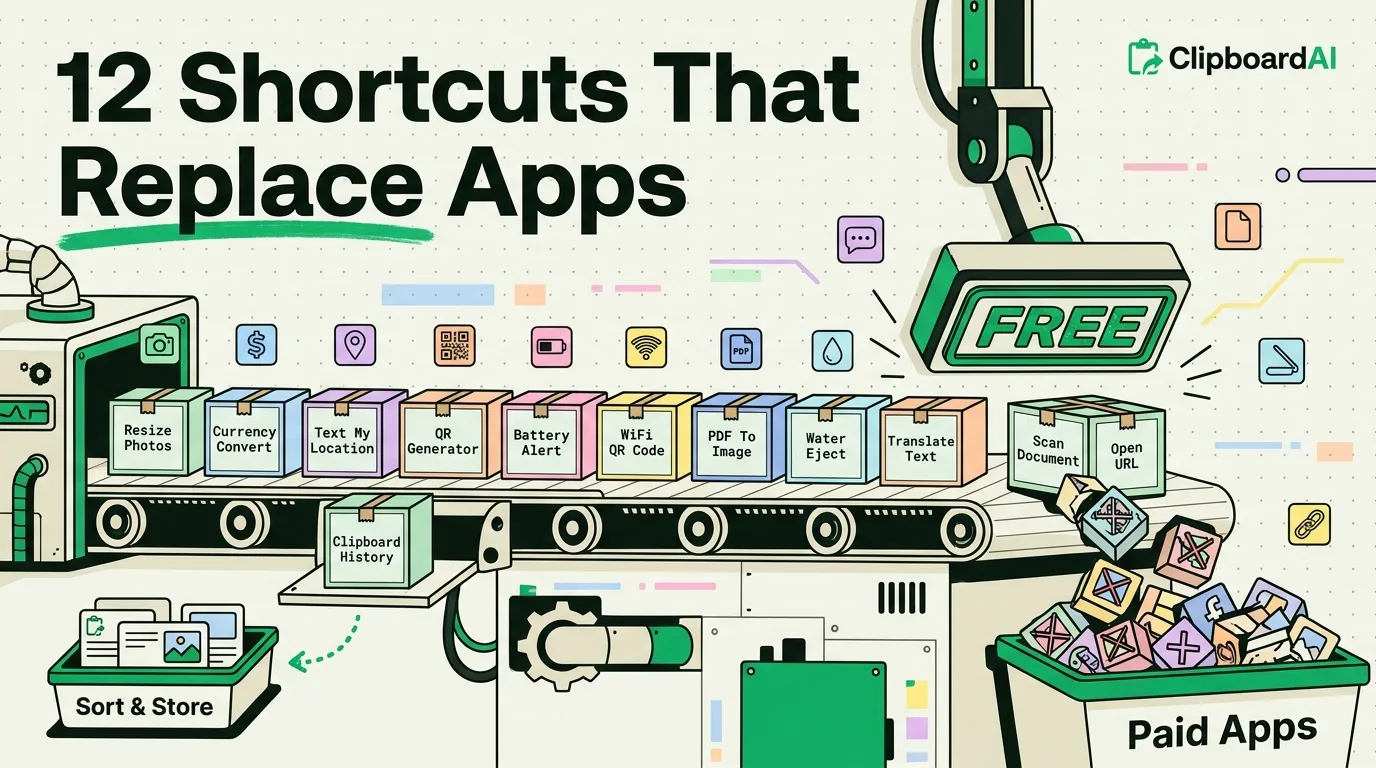
The Shortcuts app (preinstalled, free) can replace a surprising number of single-purpose apps that exist mainly to wrap one small feature in ads and a subscription. Below are specific shortcuts worth building, what they replace, and roughly how long each takes to set up.
12 Shortcuts and What They Replace
| # | Shortcut | Replaces | Setup time |
|---|---|---|---|
| 1 | Batch photo resize/compress before sending | Photo compression apps | 5 min (Shortcuts > + > Select Photos > Resize Image > Save) |
| 2 | Unit/currency quick convert via Siri | Standalone converter apps | 3 min, using the built-in "Calculate" and "Unit Convert" actions |
| 3 | "Text my location" one-tap shortcut | Location-sharing apps | 4 min (Get Current Location > Send Message action) |
| 4 | Auto-silence phone on calendar events tagged "Focus" | Meeting-mode apps | 5 min via Automations tab, trigger "Calendar Event" |
| 5 | Save any webpage as PDF to a folder | Web-to-PDF apps | 3 min using Share Sheet action |
| 6 | Strip tracking parameters from a pasted URL | Link-cleaning apps | 10 min, uses Text actions to find/replace common tracking parameters |
| 7 | Auto-reply "driving, will call back" via CarPlay trigger | Driving-mode auto-responder apps | 5 min via Automations, trigger "CarPlay" |
| 8 | Quick voice memo to text transcription | Paid transcription apps for short notes | 4 min using "Dictate Text" action, works offline on-device on newer models |
| 9 | Combine multiple images into one PDF | PDF-merging apps | 5 min using Make PDF action from Photos selection |
| 10 | Battery percentage announcement below 20% | Battery alert apps | 3 min via Automations, trigger "Battery Level" |
| 11 | QR code generator for any text or link | QR generator apps | 3 min using "Generate QR Code" action |
| 12 | One-tap "add to grocery list" from any recipe page | Recipe-clipping apps | 8 min combining Share Sheet with Reminders action |
The One Thing Shortcuts Cannot Replace
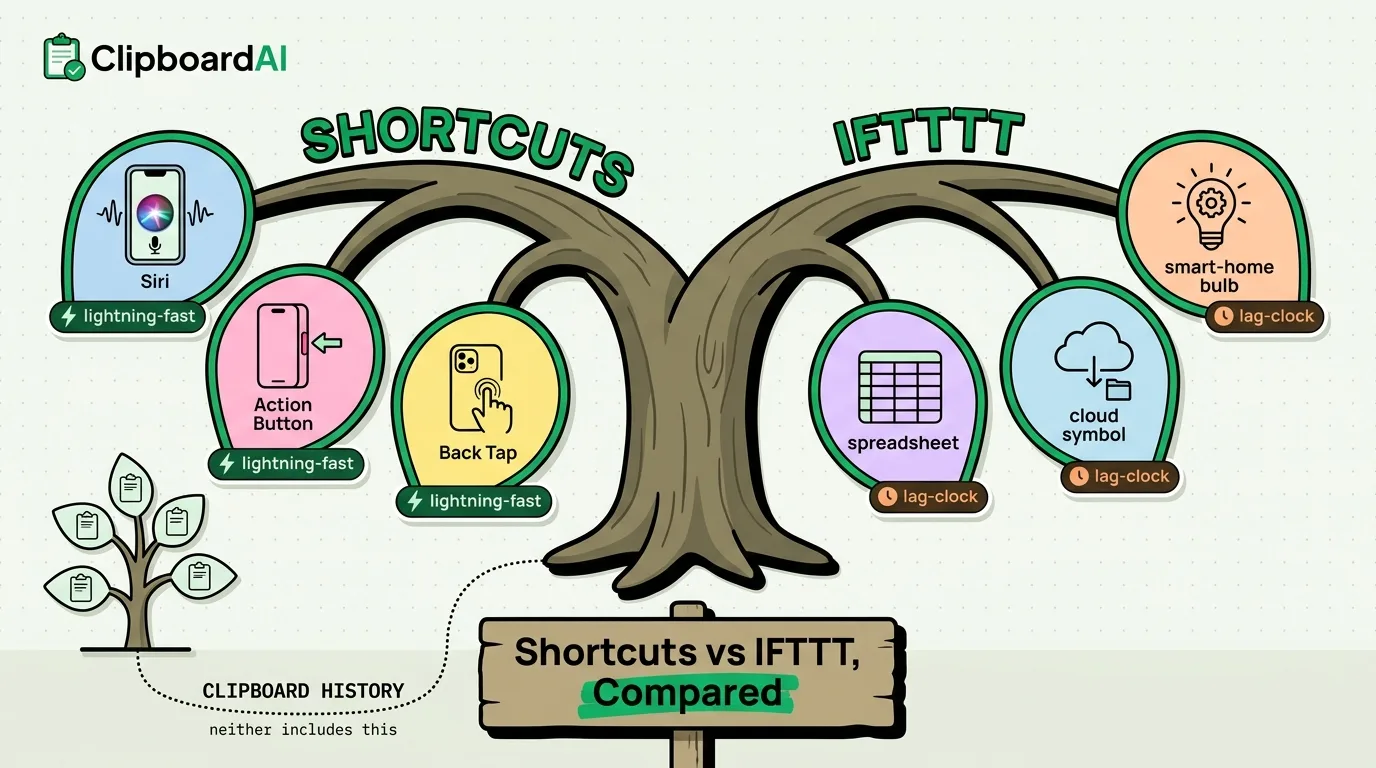
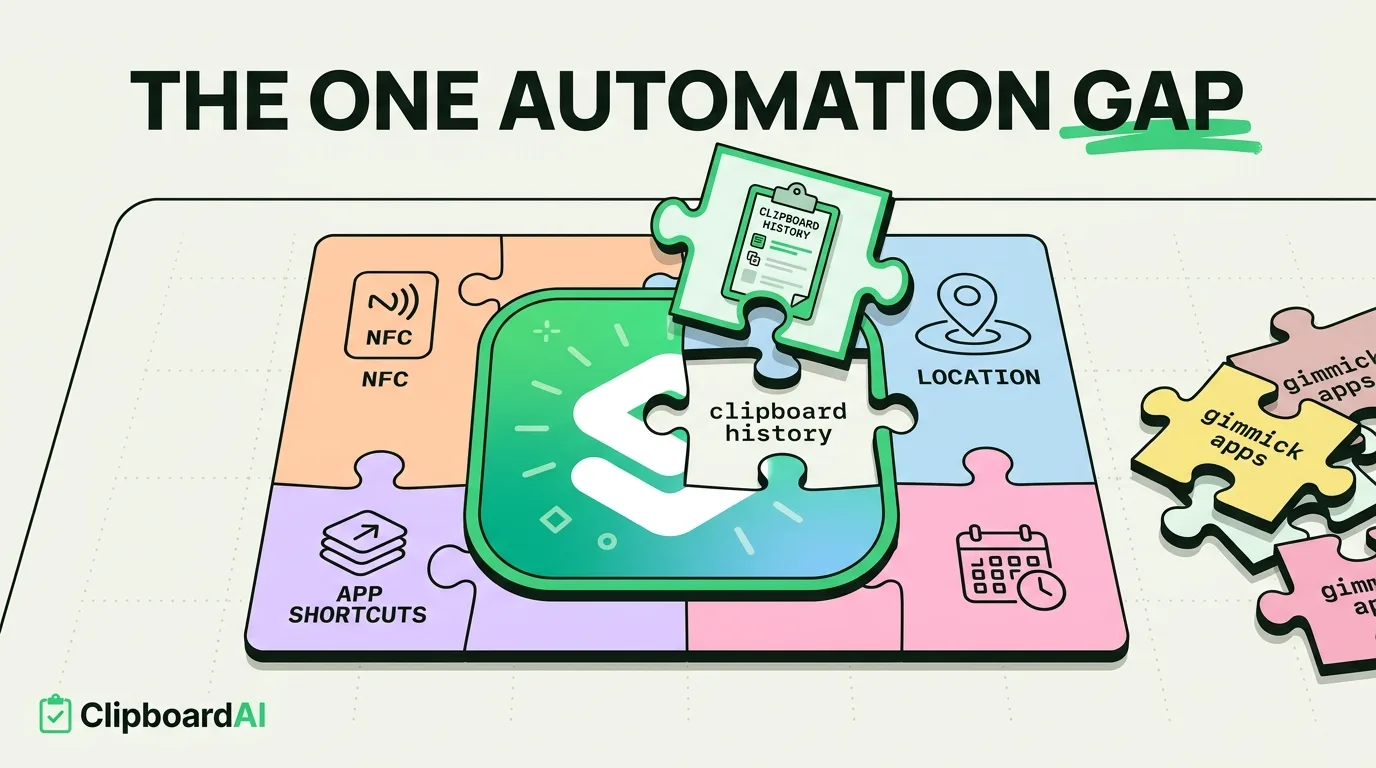
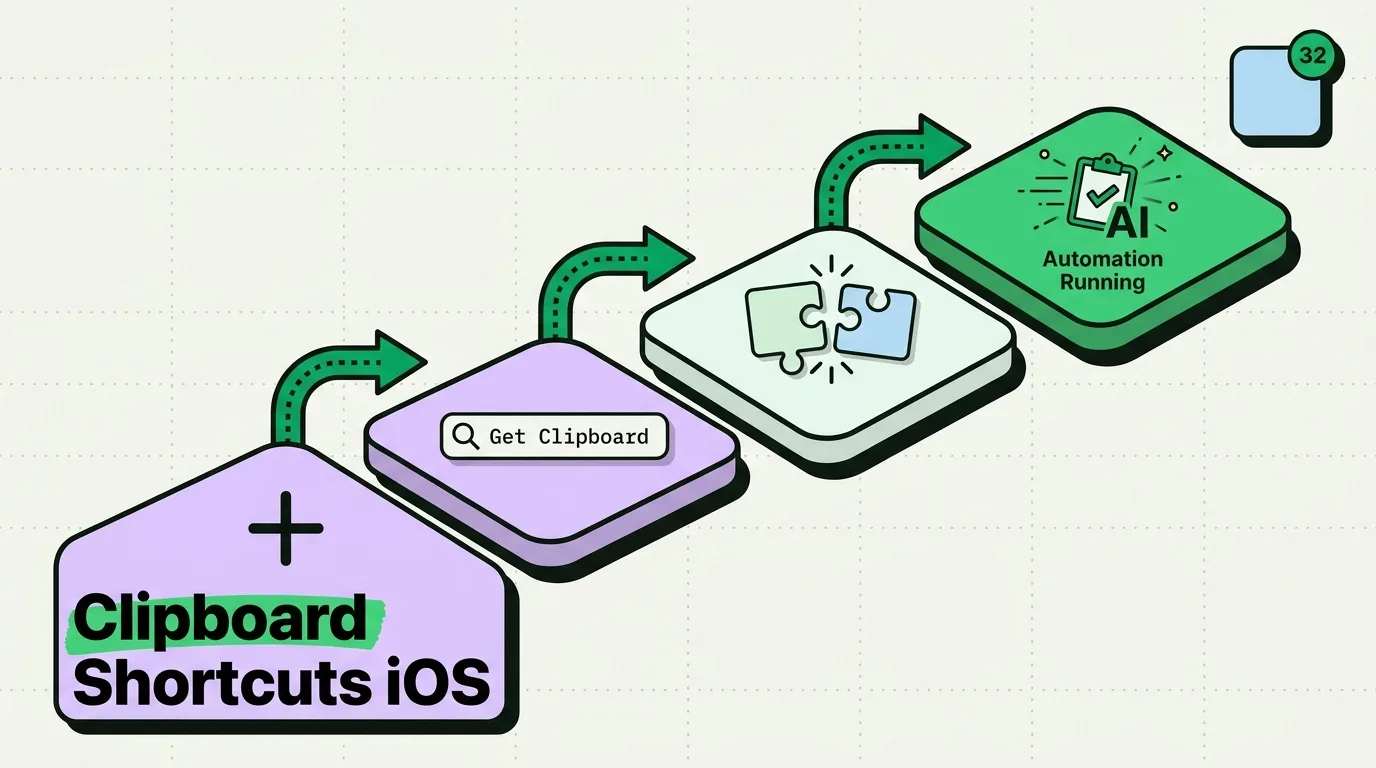
Shortcuts is genuinely good at automating a fixed sequence of steps, but it is not built for storing an open-ended history of things you copy throughout the day. A Shortcut can grab whatever is currently on your clipboard and do something with it once; it cannot remember the ten things you copied over the last hour, since iOS itself only holds one item. That gap is what a dedicated clipboard manager fills. ClipboardAI keeps a running, searchable history and works alongside Shortcuts rather than instead of it, useful for the shortcuts above that end with "paste it somewhere" (like #6, cleaning a URL, or #3, sending your location).
How to Build Your First One
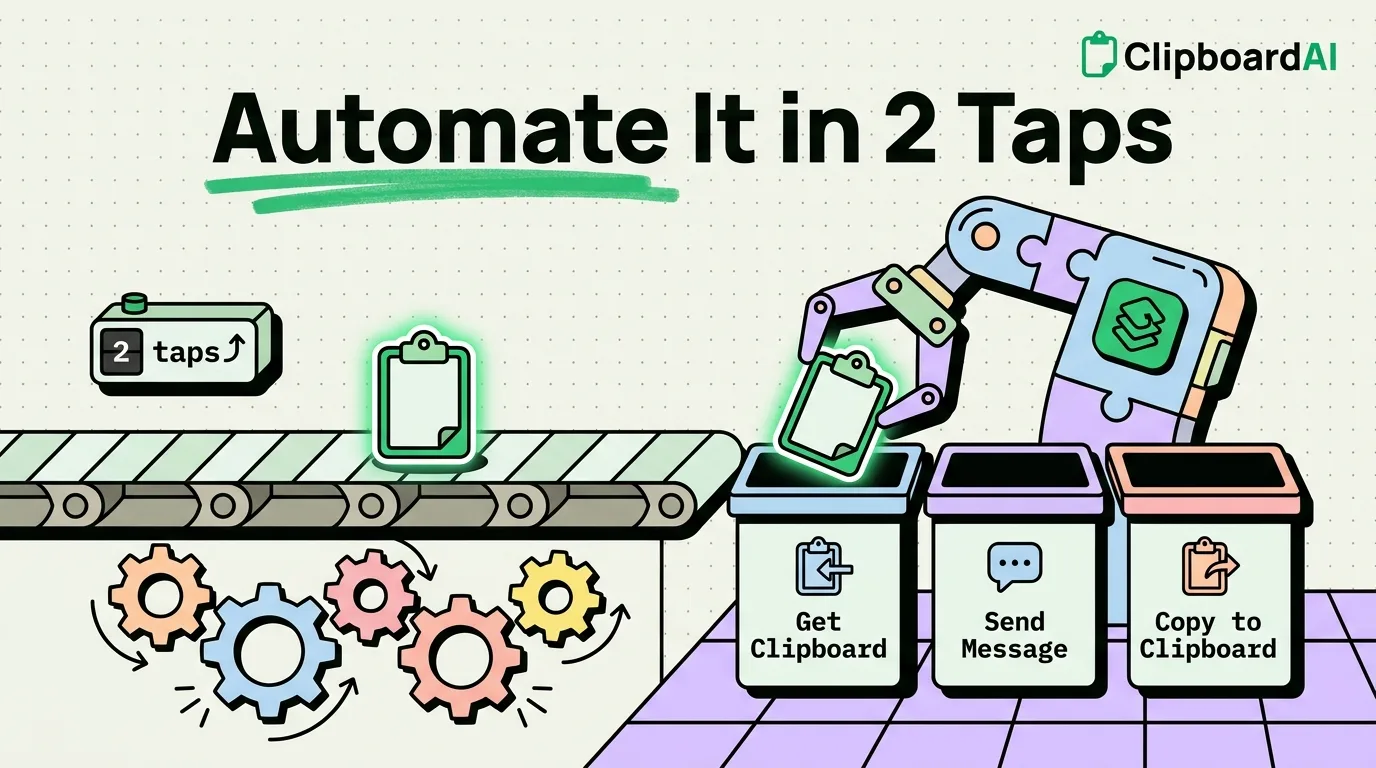
Open Shortcuts > tap + > search the action names in the table above (e.g., "Resize Image," "Get Current Location") and drag them into order. Test with the play button before adding it to your home screen or setting up an automation trigger. Start with #1 or #3 above; they take under five minutes and have an immediately obvious payoff.
Frequently Asked Questions
Do Siri Shortcuts work without an internet connection?
Many do, especially ones using on-device actions like Dictate Text, Resize Image, or Generate QR Code. Shortcuts that need to send a message, fetch web content, or transcribe using cloud services require a connection.
Can a Shortcut access my clipboard history?
A Shortcut can read whatever is currently on the iOS clipboard at the moment it runs, since that is all iOS itself stores. It cannot access earlier copies, because iOS overwrites the clipboard with each new copy. A separate clipboard manager app is needed to keep a history.
How do I make a Shortcut run automatically instead of tapping it?
Use the Automations tab inside the Shortcuts app instead of the My Shortcuts tab. Automations can trigger on events like time of day, arriving/leaving a location, connecting to CarPlay, or a calendar event, without you tapping anything.