On this page
The Bottom Line
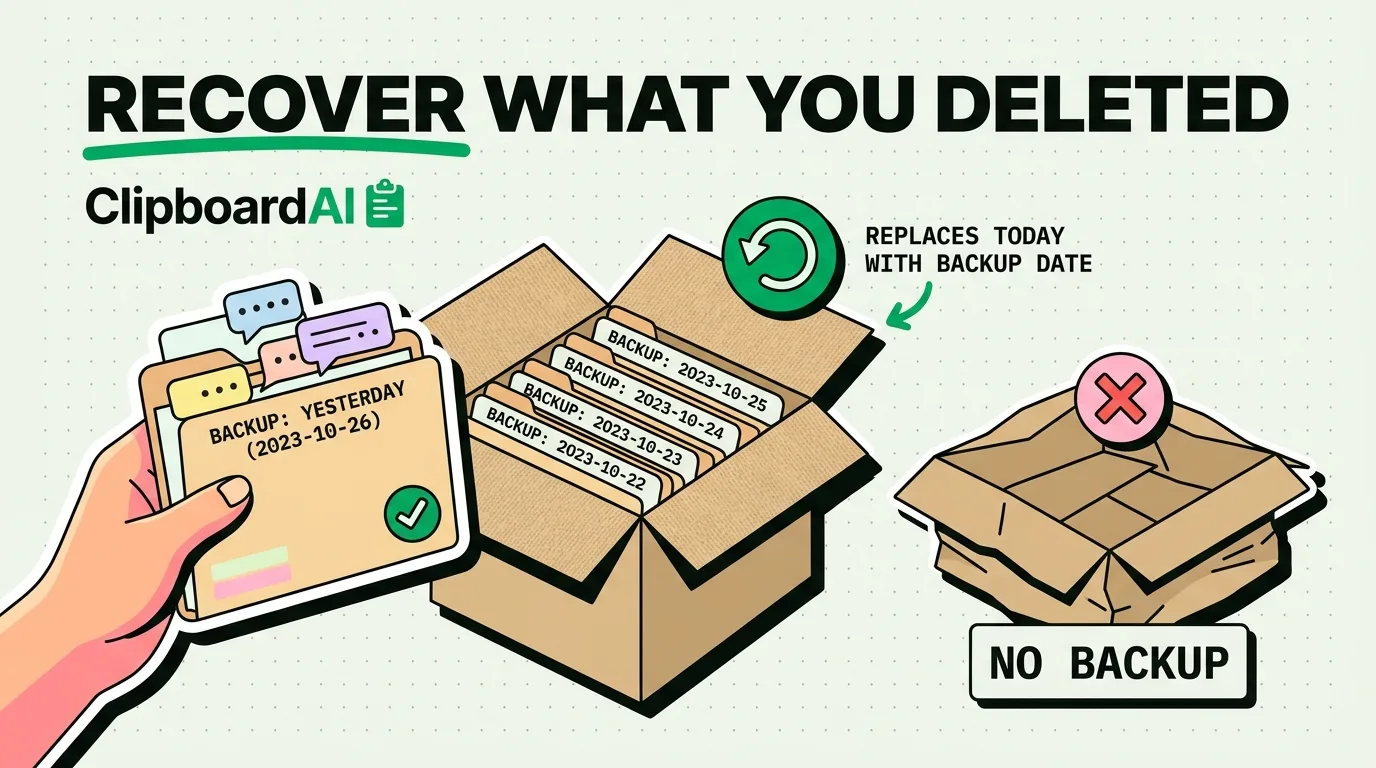
Once a text message is deleted from the Messages app on iPhone, there is no built-in "undo" or recycle bin, recovery depends entirely on whether you have a backup that predates the deletion (iCloud or a computer backup) or a full copy of a previous backup you have not yet overwritten. Without one of those, the message is genuinely gone; there is no reliable trick that recovers text messages with no backup at all.
Method 1: Restore From an iCloud Backup
If iCloud Backup was turned on before the deletion (Settings > [your name] > iCloud > iCloud Backup), you can restore your entire phone to that backup's state, which brings back messages as they existed at backup time.
- Back up anything you currently need first, since a full restore replaces your phone's current data with the backup's data.
- Settings > General > Transfer or Reset iPhone > Erase All Content and Settings.
- During setup, choose "Restore from iCloud Backup" and pick a backup dated before the message was deleted.
The tradeoff: anything created after that backup date (new messages, photos, app data) is lost in the restore. This is a real cost, not a free undo.
Method 2: Restore From a Mac or Windows Backup
If you have ever backed up your iPhone to a Mac (via Finder) or a PC (via the Apple Devices or older iTunes app), that backup file may contain the messages. Connect your iPhone, open Finder or Apple Devices, and choose "Restore Backup" pointing at the relevant dated backup. Same tradeoff as above: everything after that backup date gets overwritten.
Method 3: Ask Your Carrier (Usually Won't Work)
Carriers generally do not store the content of text messages, only metadata (that a message was sent, to/from which numbers, and when) for billing and legal purposes, and only for a limited retention window. Do not expect a carrier to hand over actual message text; this route rarely produces anything usable.
Method 4: Third-Party Data Recovery Tools
Some desktop tools claim to recover deleted messages by scanning an iPhone or an unencrypted backup file for recoverable database fragments. Results are inconsistent and depend heavily on how much has been written to storage since deletion (more usage since the deletion means a lower chance of anything being recoverable). Treat these as a last resort, not a guaranteed fix, and be cautious about which third-party tool you trust with access to your backup.
Preventing This Next Time
| Setting | Where | Why it helps |
|---|---|---|
| iCloud Backup, turned on | Settings > [name] > iCloud > iCloud Backup | Automatic nightly backups while charging and on Wi-Fi |
| Messages in iCloud | Settings > [name] > iCloud > Messages in iCloud (toggle "Sync this iPhone") | Keeps messages synced live across devices, separate from backups |
With "Messages in iCloud" on, deleting a message on one device deletes it everywhere it's synced, it is not itself a recovery mechanism, but combined with regular iCloud Backups, you have more recovery points to fall back on.
Frequently Asked Questions
Can I recover a deleted message with no backup at all?
Realistically, no, not through any built-in or reliable method. Third-party scanning tools sometimes recover fragments from unencrypted local storage, but success is inconsistent and not something to count on.
Does restoring from backup delete anything from after that backup date?
Yes. A full restore replaces your phone's current state with the backup's state, so anything created after the backup was made (new texts, photos, app data) is lost in the process.