On this page
When copy and paste is not working on an iPhone, one of four things has failed. The copy never landed on the clipboard, the destination app will not accept it, a paste permission is blocking the read, or a Mac-to-iPhone handoff is not connecting. Paste into a new note to find out which. The fix takes seconds once you know.
Most guides hand you twelve things to try in random order. That wastes an afternoon. Diagnose first, then fix.
Why is copy and paste not working? Four different faults
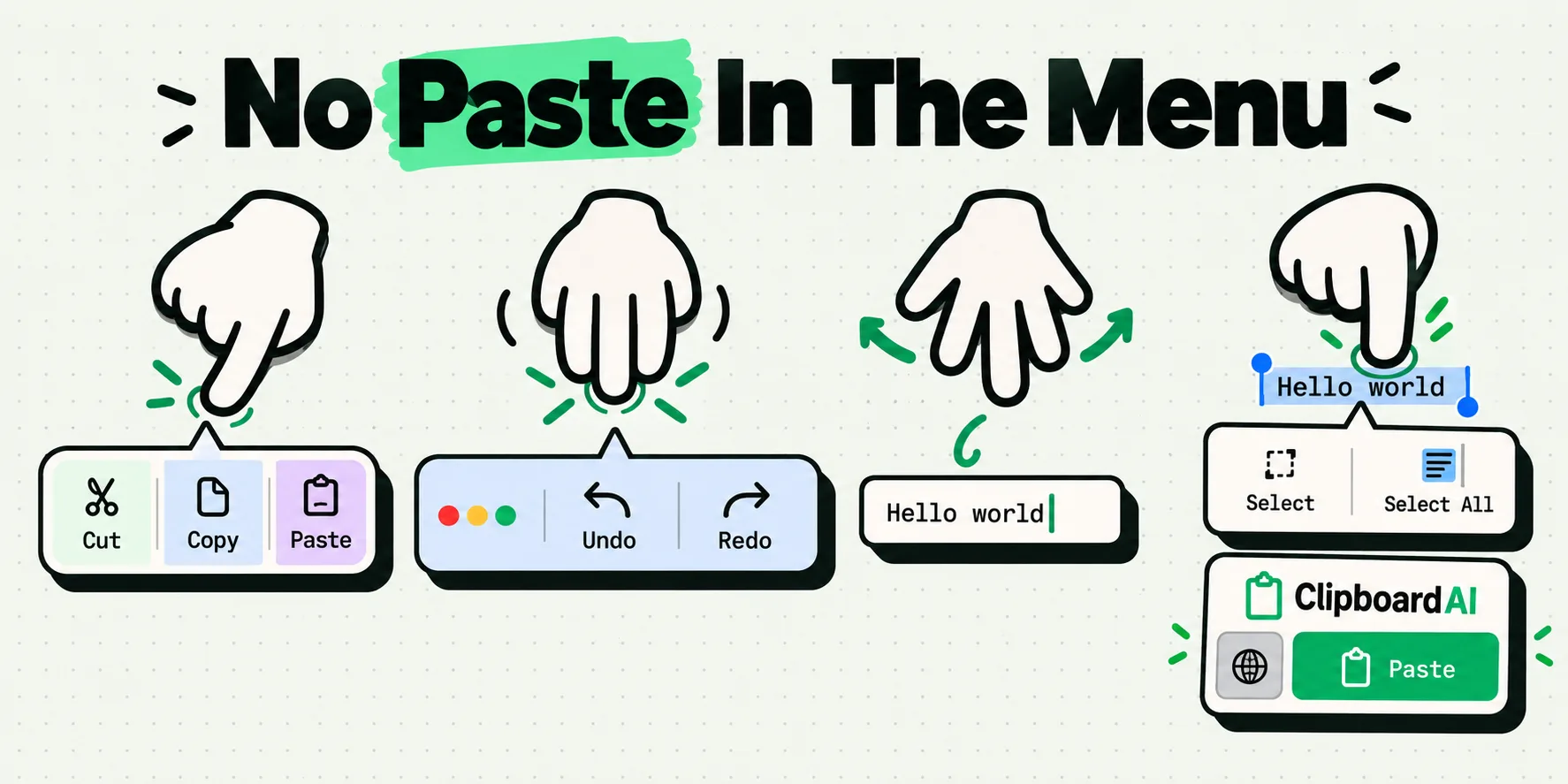
You copy an address out of an email, switch to Maps, tap the search box, hold your finger down, and the little dark bar offers Select and Select All but no Paste. Different day: Paste is right there, you tap it, and out comes the parcel tracking number you copied yesterday morning.
Those two feel like the same fault and have almost nothing in common. The first is usually a field that is not accepting text input the way you assume it is. The second means your copy never happened, and the clipboard is faithfully handing back the last thing that did work. Apply one fault's remedy to the other and you end up restarting your phone six times.
How do I check if my iPhone copied anything? The 60 second test
Before you touch Settings, find out whether anything is on the clipboard at all. Open Notes, start a new note, tap once in the empty body, and paste. Notes is the cleanest paste target on an iPhone: a plain editable text view, in a first-party app, with no custom menu of its own.
- Your text appears. The clipboard is fine. The fault is at the destination app, not with copying.
- Older text appears. The copy failed. Go back to the source and copy again, watching for the selection handles to actually wrap the text you wanted.
- Paste is grayed out or absent. Nothing is on the clipboard, or that view is not editable. Re-copy first, then read why the Paste option does not show up on iPhone.
That single test splits the problem in half and costs nothing. Do it first, then find your row below.
Copy and paste problems on iPhone: symptom, cause, fix
Match what you are actually seeing to a row, then work left to right. The 60 second column is what to try immediately. The permanent column is what stops it recurring.
| What you see | Most likely cause | 60 second fix | Permanent fix |
|---|---|---|---|
| Paste appears everywhere, but inserts older text | The copy did not register. The clipboard holds exactly one item and still has the previous one. | Re-copy. Confirm the selection handles cover the whole passage before tapping Copy. | Keep a history, so a missed copy is a lookup instead of a retype. |
| No Paste in the menu, in any app | The clipboard is genuinely empty, or you are holding on non-editable text. | Tap once in an empty field rather than long-pressing filled text. | Learn which gesture produces which menu in which context. |
| Works everywhere except one specific app | That app has a stored paste permission, draws its own text menu, or the field is a secure one. | Check Settings, then the app's own row, then Paste from Other Apps. | Set that app's paste permission deliberately instead of dismissing prompts. |
| Paste does nothing in a password box | Secure text entry. iOS swaps a third-party keyboard out and many apps suppress paste here. | Use AutoFill rather than pasting at all. | Stop routing credentials through the clipboard. See the password article below. |
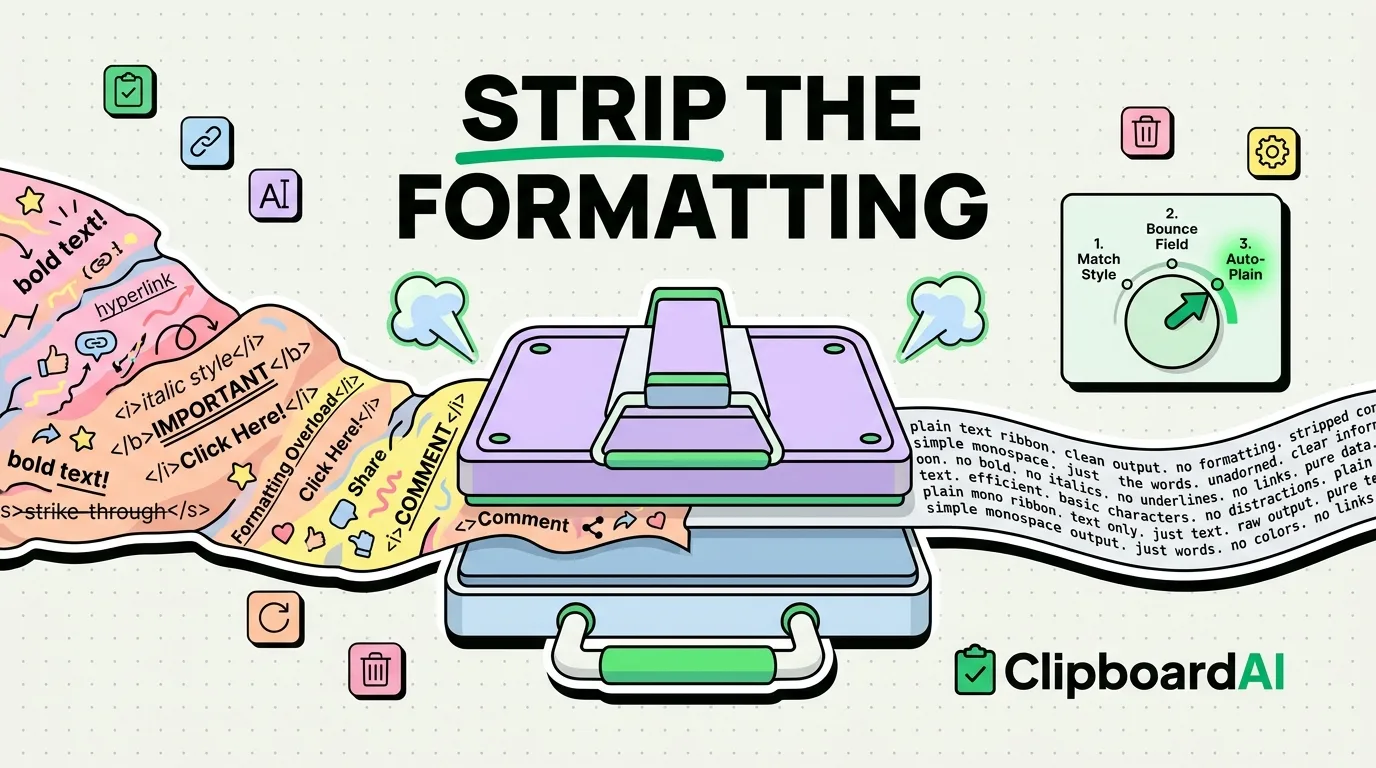
| Text pastes, but the line breaks or bold are gone | Nothing is broken. The destination took the plain text representation. | Paste, then fix the two or three spots that matter. | Choose the representation on purpose instead of hoping. |
| Copy on the Mac, nothing on the iPhone | Universal Clipboard, not the iPhone clipboard. Different system, different failure modes. | Confirm both devices are on the same Apple Account with Bluetooth, Wi-Fi and Handoff on. | Use a sync path that does not depend on the two devices being in the same room. |
| Copy works, paste is silently empty in a work app | Managed device policy. Your employer can block content moving between managed and unmanaged apps. | Nothing you can change on the device. | Ask IT. This is a deliberate restriction, not a fault. |
Why iPhone paste breaks in ways Mac paste does not
Two minutes on the mechanism explains most of the table above.
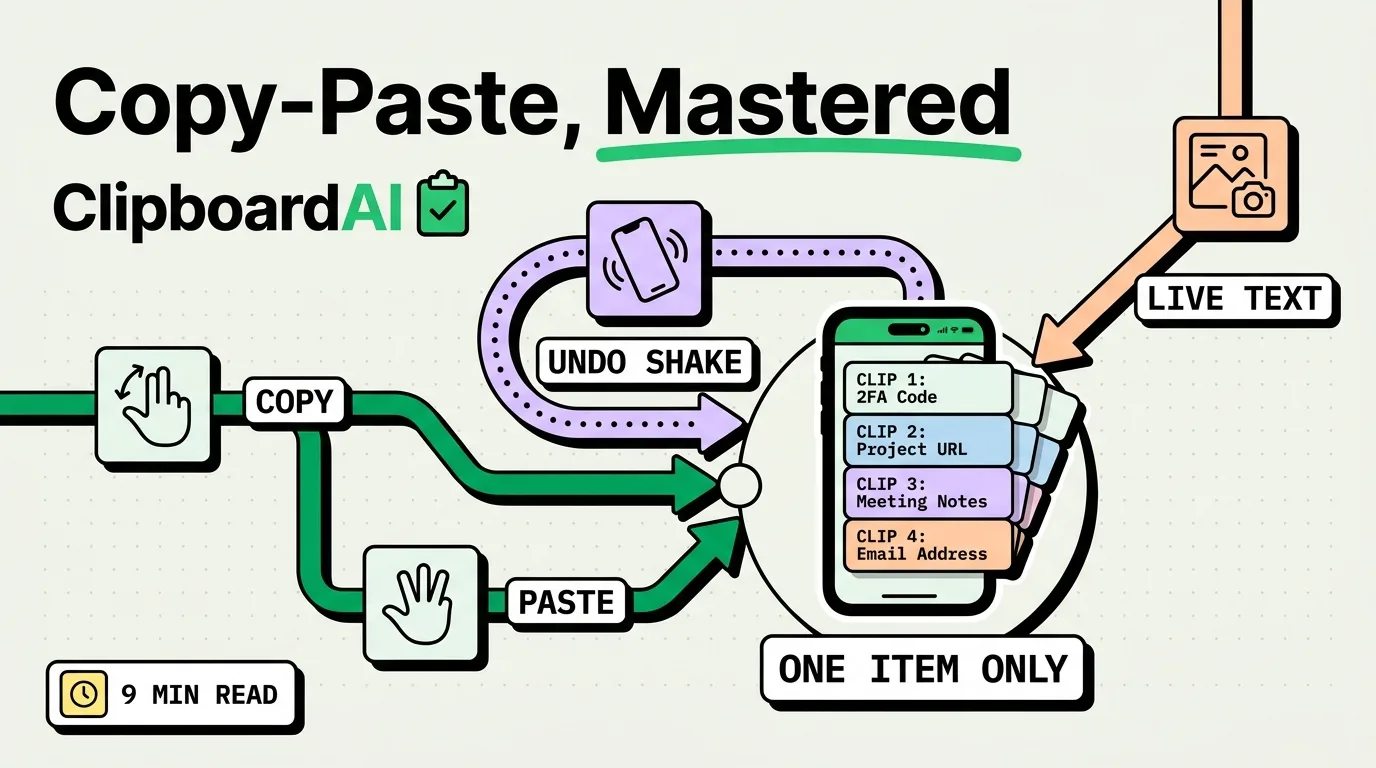
iOS has one general pasteboard shared by every app, and it holds one item at a time. Every new copy replaces the last one. There is no queue, no undo, and no second slot. That is the biggest reason "paste gives me the wrong thing" is such a common complaint: nothing is malfunctioning, the previous item is simply gone. We cover the consequences of that design in why your iPhone only ever remembers one copy.
Apple's own documentation is clear that this general pasteboard is persistent across device restarts and app uninstalls. That matters because a lot of troubleshooting pages tell you to reboot to "clear a stuck clipboard". Rebooting is a reasonable thing to try for a wedged app, but it is not a clipboard eraser, and if you reboot expecting the clipboard to empty you will misread the result.
Second mechanism: since iOS 16, when an app tries to read something you copied in a different app without you asking it to, iOS raises a permission alert. Apple documents exactly one way for a developer to skip that alert, a system-supplied paste button that you tap yourself. So an app that reads your clipboard on launch will interrupt you, and an app that puts a real paste button on screen will not. If you have ever hit Allow or Don't Allow without reading it, that choice may still be sitting in Settings.
Third: keyboard extensions. Apple's extension documentation states plainly that when you tap into a secure text input, the system temporarily replaces your custom keyboard with the stock one, and restores it when you tap into a normal field. A third-party keyboard is not broken in your banking app. It is being switched off by design.
"Copy and paste stopped working after the update" is rarely one bug. After an iOS update, the two things that most often need re-checking are an app's stored paste permission and a third-party keyboard's Full Access, which you may need to grant again.
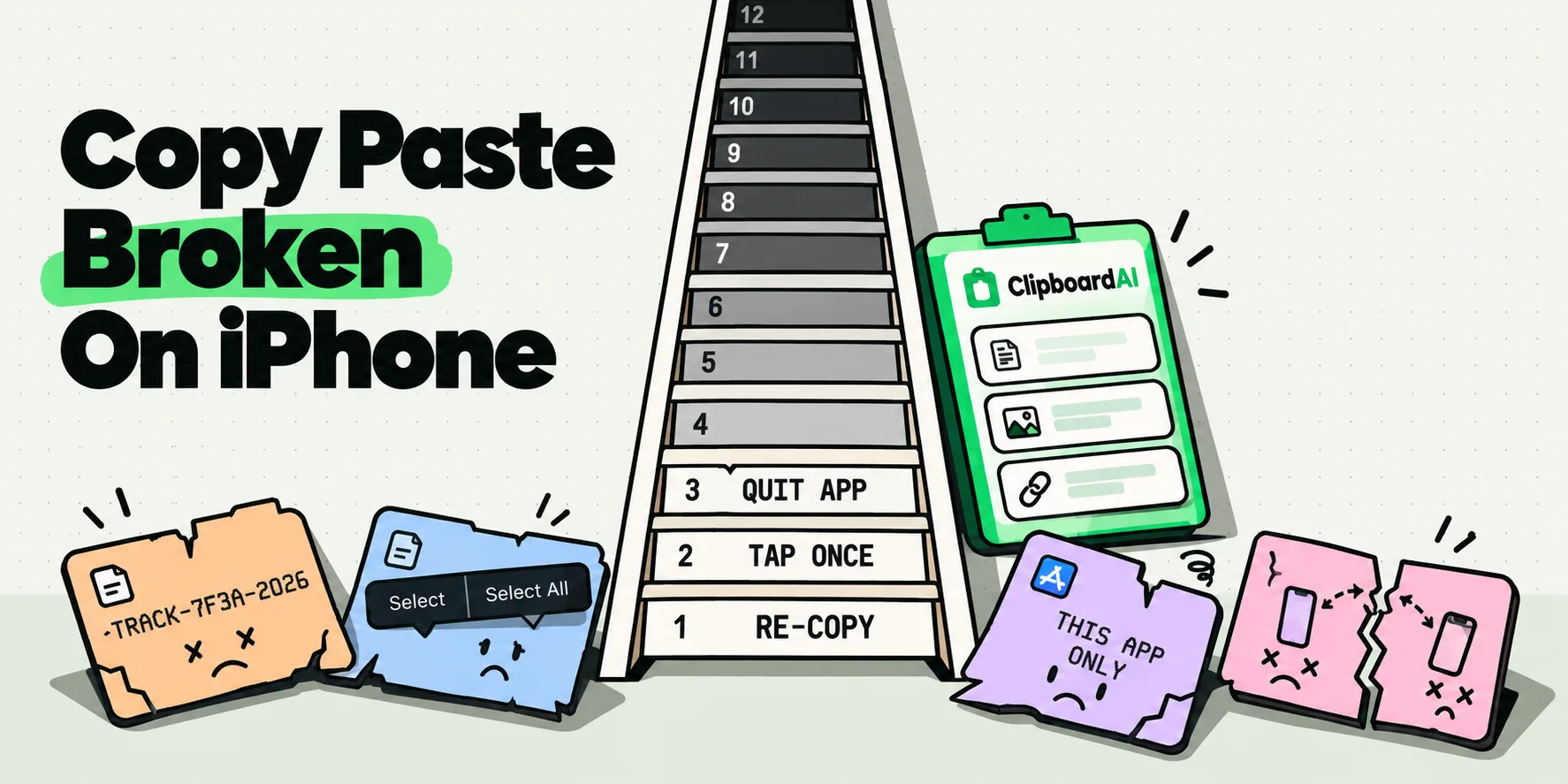
How do I fix copy and paste on iPhone? Twelve fixes, in order
- Copy again and verify it landed. Paste into a new note. Start here, because a copy that never landed is the most common cause.
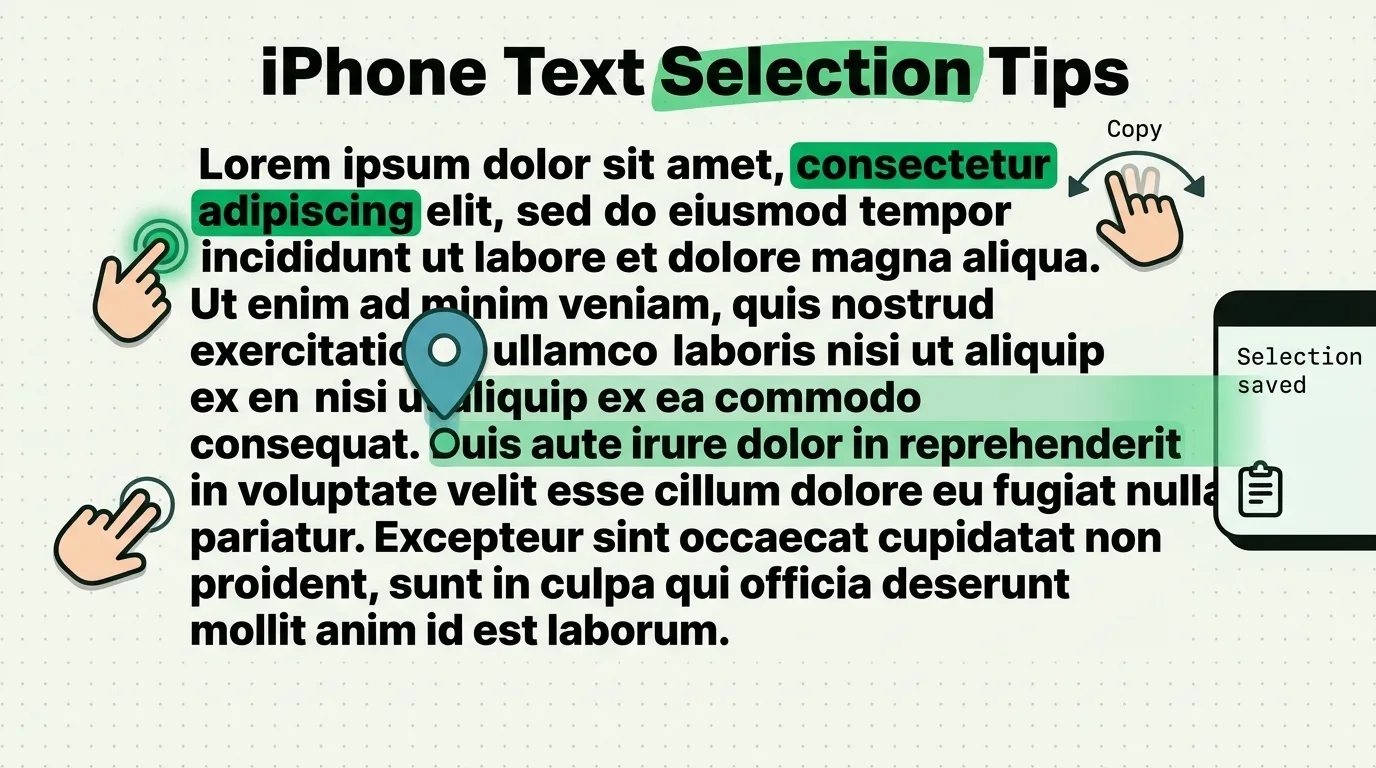
- Change the gesture. Tap once into an empty field rather than long-pressing. The menu you get depends on whether the field is empty, filled, or read-only.
- Force quit the destination app. Swipe up from the bottom, hold, flick the card away, reopen. Text views that have lost their first responder recover here.
- Force quit the source app too. If a copy in one specific app never registers, that app is the suspect, not iOS.
- Restart the iPhone. Worth doing once. Remember it will not empty the clipboard, so do not read a surviving old item as failure.
- Check the app's paste permission. Settings, scroll to the app by name, look for a Paste from Other Apps row and see which of Ask, Allow or Deny is selected. If you once tapped Don't Allow in a hurry, it may be sitting on Deny.
- Switch back to the Apple keyboard for one paste. Hold the globe key and pick English. If paste works with the stock keyboard and not yours, you have found the variable.
- Check whether the field is a password field. If the keyboard visually changes the moment you tap in, that is secure text entry and normal paste rules do not apply.
- Try the three-finger gestures. A three-finger tap brings up the editing bar with Cut, Copy, Paste, Undo and Redo. A three-finger spread pastes. Some apps expose these when the long-press menu is unreliable.
- If it is device to device, treat it as a Handoff problem. Universal Clipboard needs the same Apple Account, Bluetooth and Wi-Fi on, Handoff enabled, and the devices near each other. Apple states 30 feet, about 10 meters. Our full walkthrough is in Universal Clipboard not working between Apple devices.
- Update iOS and the app. Low odds, near-zero effort, and it clears the question.
- Check whether the phone is managed. Settings, General, VPN and Device Management. If a work profile is installed, copy restrictions between work and personal apps are a supported policy, not a bug.
When copy and paste will not work, whatever you try
Four cases where no workaround exists, so you can stop trying.
- A managed work device with pasteboard restrictions. Apple's device management framework lets an administrator stop content moving from managed apps into personal ones. No setting on your side overrides that.
- A password field and a third-party keyboard. No amount of permission granting makes a keyboard extension type into a secure field. That limit is absolute on iOS.
- An app that draws its own text engine. Some remote desktop clients, terminals and game engines paint their own text views and never show the iOS menu at all. You are not fighting iOS, you are fighting that app.
- A page that blocks selection entirely. If you cannot even select the text, there is nothing to copy, and no paste fix applies. That is a selection problem, not a clipboard one.
How to stop a missed copy costing you a retype
Row two of the table, the copy that quietly did not take, is the costliest line in this article, and a clipboard history removes it for good. When everything you copy is kept, a failed paste is a two second lookup instead of a retype, and yesterday's tracking number is still sitting next to today's when the courier finally calls back. Search the lot and "I definitely copied that" stops being an argument with yourself. Our iPhone troubleshooting help page covers the app side of the setup, and how to access clipboard history on iPhone shows where that history lives.
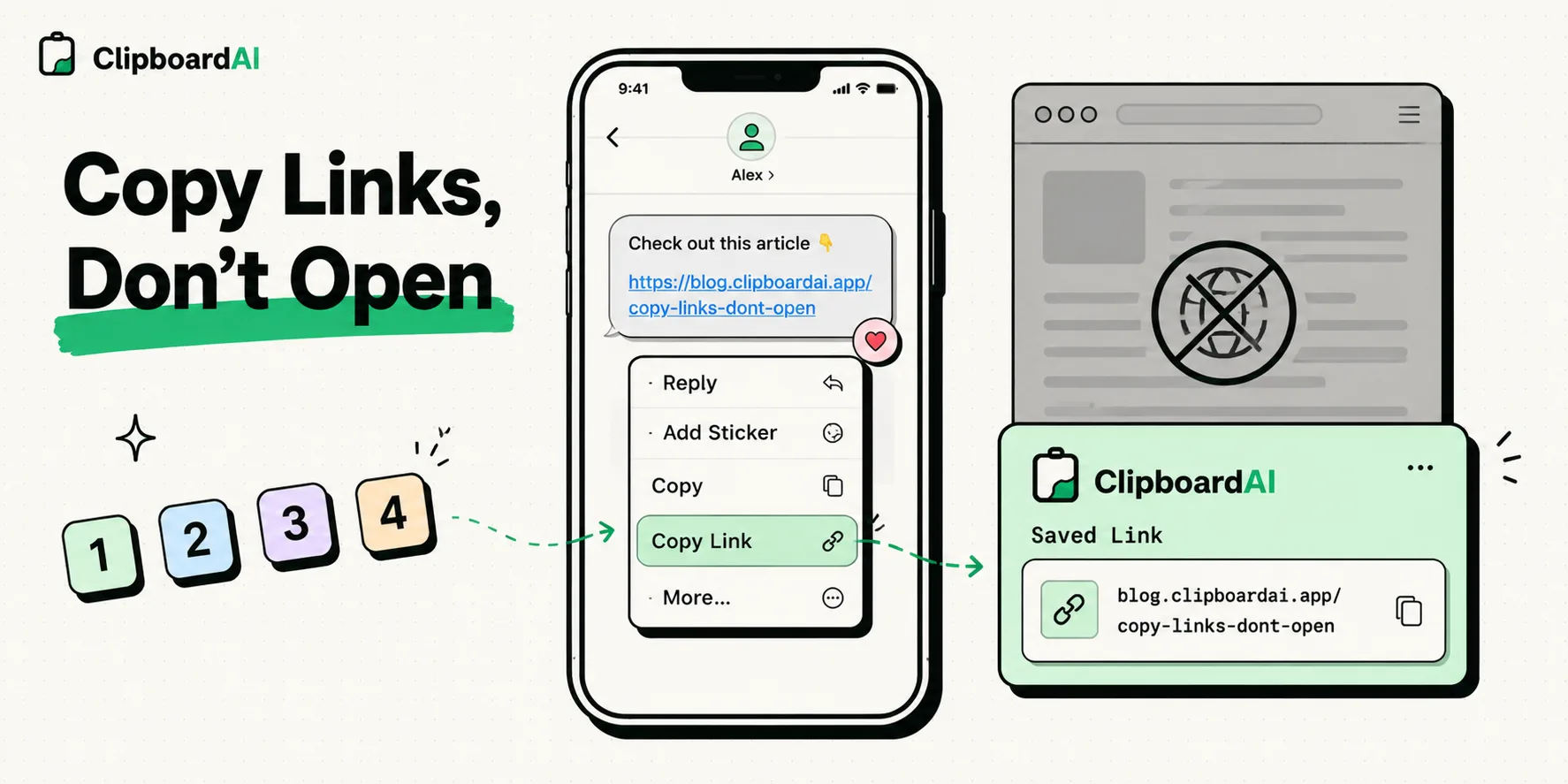
Saving each copy on an iPhone costs one gesture, set up once. Assign ClipboardAI to Back Tap and a double-tap on the back of the phone saves whatever you just copied, silently, with no app opening and nothing to switch to. The Action Button on an iPhone 15 Pro or later is the one-press version of the same trick. If the ClipboardAI keyboard is already up because you are typing, it saves your copies as you go with no extra step at all. iOS hands the clipboard only to an app in the foreground, which is exactly why those one-motion routes exist. On a Mac there is no motion at all: every copy is captured automatically, in the background, all day.
A locked-down field, a managed-device boundary and a Handoff link out of range are decided before the clipboard is involved, so the ladder above is your route through those. The two adjacent cases in this cluster are pasting into a password field and the Allow Paste prompt itself, both of which have their own rules. And if the text arrives but looks wrong, that is a formatting question, not a failure.
Work the ladder for genuine faults. Let the history handle the rest, and your worst copy and paste day from here is one extra tap.
Frequently Asked Questions
Why does my iPhone paste older text?
Because the copy you just made never registered, and the clipboard still holds the previous item. iOS keeps exactly one thing on the general pasteboard, so there is no queue to fall back on. Usually the selection handles did not cover the text you meant, or you tapped Look Up instead of Copy. Re-copy and watch the handles. If it keeps happening in one particular app, that app is the variable, not iOS.
Does restarting my iPhone clear the clipboard?
No. Apple's documentation states that the general pasteboard is persistent across device restarts and app uninstalls, so a reboot is not a clipboard eraser. Restarting is still a reasonable thing to try once when an app has wedged, but do not read a surviving old copy afterwards as proof that something is broken. To genuinely replace what is stored, copy something else, which overwrites the single slot.
Can a third-party keyboard break copy and paste on iPhone?
It can change the behavior you see, yes. Apple documents that when you tap into a secure text input the system temporarily replaces a custom keyboard with the stock one, then restores yours afterwards, which looks like your keyboard failing. Some keyboards also need Full Access before they can touch the clipboard at all, and that permission can need re-granting after an update. Test one paste with the Apple keyboard to isolate it.
Why does copy and paste work in some apps but not others?
Three common reasons. The app stores its own paste permission, which you may have set to Deny at some point without noticing. The field is a secure one, where paste is often suppressed deliberately. Or the app draws its own text view rather than using the standard iOS one, so the familiar menu never appears. Check the app's row in Settings first, since that is the only one of the three you can change.
Copy and paste stopped working after an iOS update. What changed?
Usually nothing specific to the clipboard. Treat it as the same four-symptom triage rather than an update bug. In practice the two things most worth re-checking after an update are an app's stored Paste from Other Apps setting and a third-party keyboard's Full Access, which sometimes needs granting again. If the failure is between two devices, re-check Handoff and Bluetooth rather than the clipboard.
How do I turn off the Paste from Other Apps prompt?
Open Settings, scroll to the app by name, tap Paste from Other Apps and choose Allow instead of Ask. You can do this per app, so one chatty app does not force a global change. Choose Deny only if you want that app blocked from reading your clipboard entirely, which also makes paste look broken inside it.