
On this page
The Google Docs app for iPhone has no paste-without-formatting command, so the fix has to happen before you switch to Docs. Make the copy plain first, then paste normally and it lands in the document's own style. Google documents Command-Shift-V for Docs in a desktop browser and publishes no mobile equivalent, which is why every answer you find online is somebody's workaround rather than a setting.
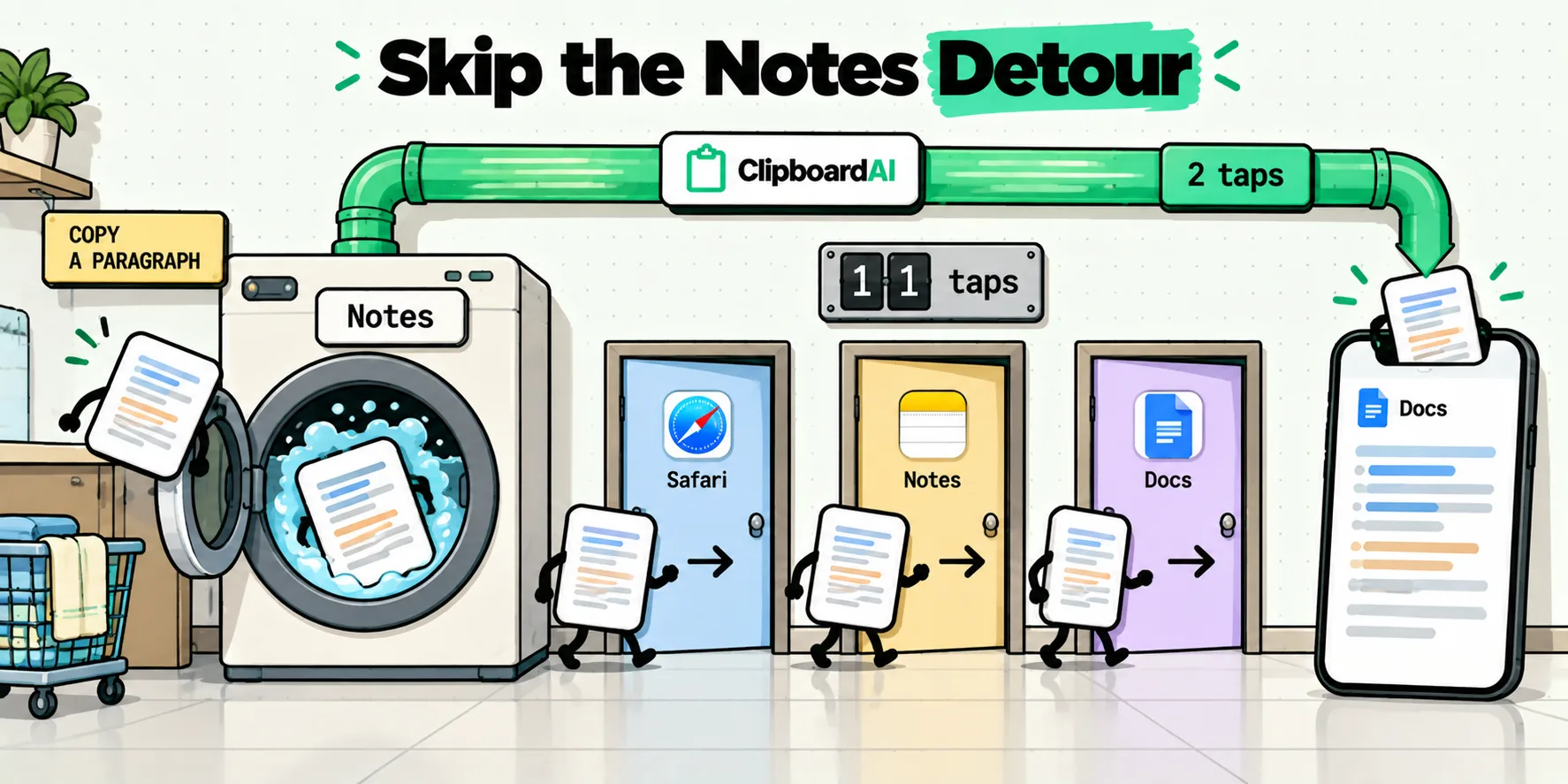
There are two workarounds in circulation. One takes about twenty seconds and four app switches. The other takes one tap. It is worth seeing them next to each other.
The ritual, step by step
Here is what the popular advice actually asks you to do. You have a paragraph in Safari, or an answer in ChatGPT, or a block of text in Mail, and you want it in a Doc without the source's typeface following it in.
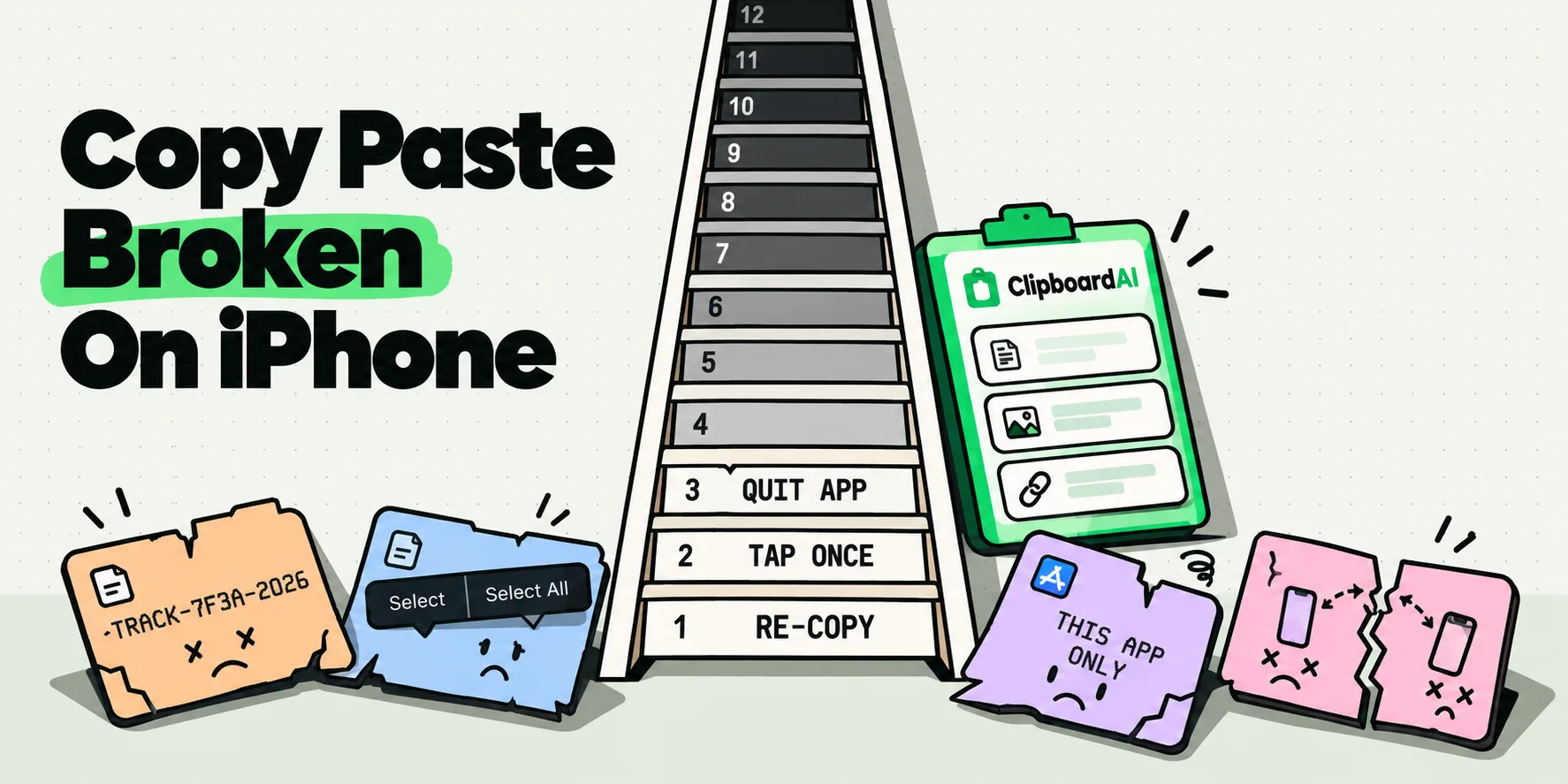
Copy it. Leave the app. Open Apple Notes. Create a note, or find the scratch note you keep for this. Paste. Watch it arrive fully styled, because Notes is a rich-text editor too. Select all. Tap Format, tap the plain-text option, or give up and retype. Copy again. Leave Notes. Open Docs. Find your place. Paste. If you used Safari's address bar instead of Notes, you have swapped one problem for another, because a single-line field also strips your line breaks, so a four-paragraph passage arrives as one long run of text.
Timed against the direct route
The same passage, moved the same distance, counted honestly. This is the comparison that made us stop recommending the laundering trick.
| Laundering through Notes | Address bar round trip | Copy once, insert clean | |
|---|---|---|---|
| App switches | 3 | 3 | 0 |
| Taps and gestures | 10 to 12 | 7 to 8 | 2 |
| Line breaks survive? | Yes | No, everything collapses to one line | Yes |
| Loses your place in Docs? | Yes | Yes | No |
| Works for the second and third paste? | No, repeat the whole thing | No, repeat the whole thing | Yes, the clip is still there |
The row that matters most is the last one. Almost nobody moves exactly one piece of text. You move a quote, then the source URL, then a name, and the ritual has to be run three separate times because the system clipboard holds one item.
Why the styling comes across at all
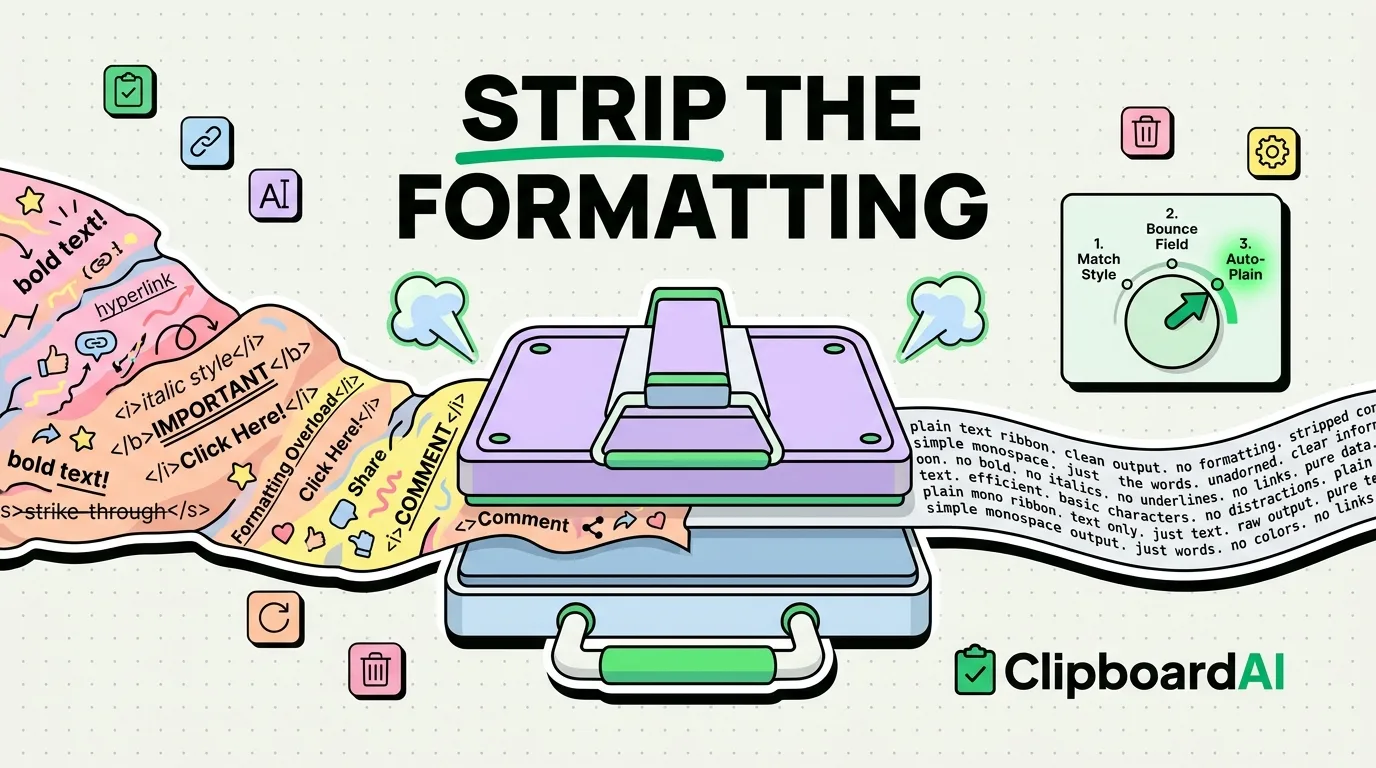
When you copy inside an iOS app, the system does not put one thing on the pasteboard. UIPasteboard holds several representations of the same content at once: a rich version carrying fonts, weights, colors and links, and a plain string carrying only the characters. Both are the same copy.
The receiving app chooses. Google Docs for iOS is a rich-text editor, so it takes the rich version, which is why your paragraph arrives in Safari's serif, or at the point size of the web page you took it from, or occasionally in a color that made sense on a dark web page and does not on white paper. Nothing is malfunctioning. Docs is doing exactly what a document editor should do with styled content it has been handed.
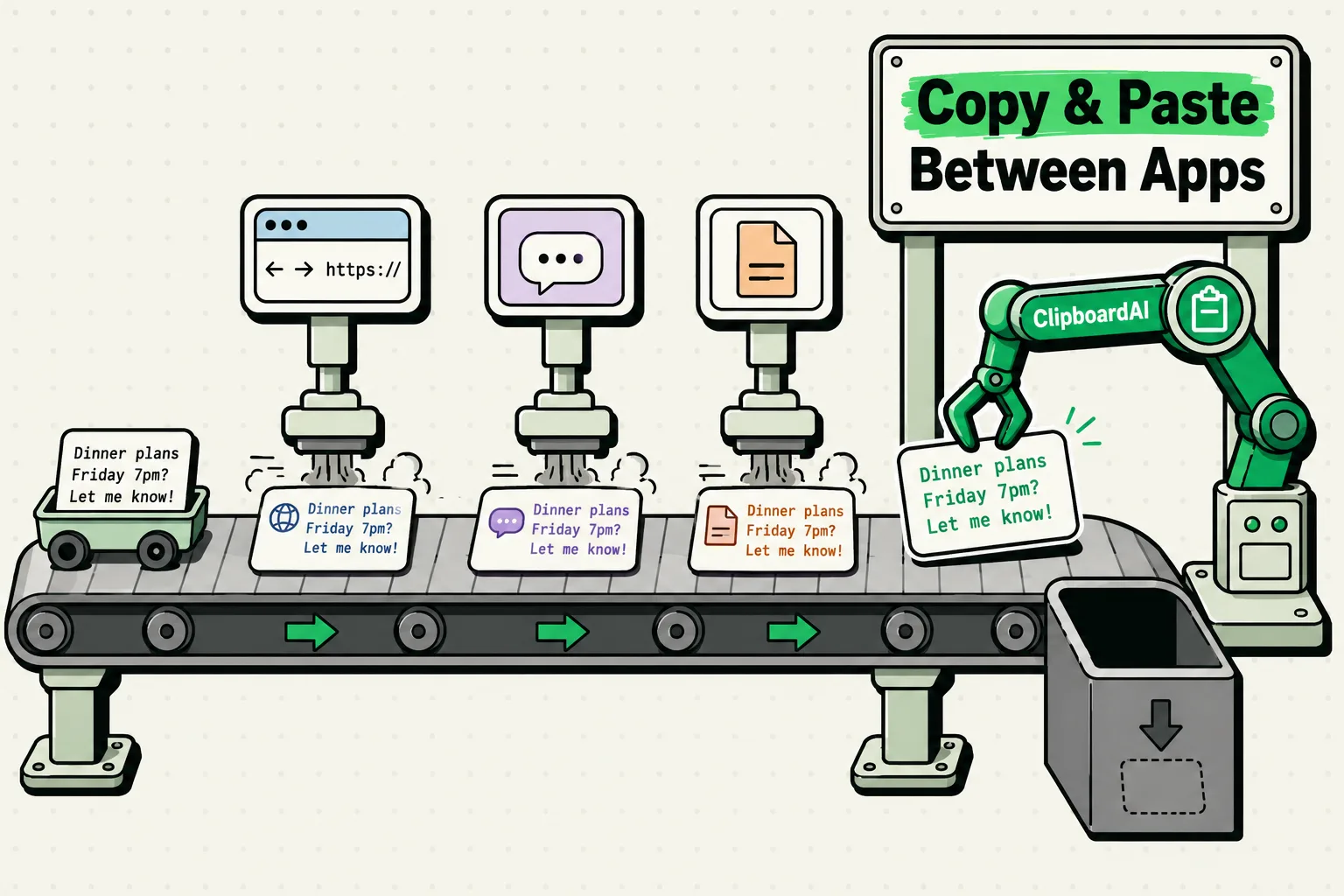
This is also why the same paste behaves differently in Messages. A plain compose field can only hold characters, so styling is discarded before you ever see it. The clipboard did not change. The destination did.
What Google actually publishes, and what it does not
It is worth being precise about the vendor gap, because it explains why the search results for this question are so poor. Last checked July 2026.
| Surface | Plain-paste command Google documents | What you do instead |
|---|---|---|
| Docs in a desktop browser | Command-Shift-V, listed in the Docs keyboard shortcut reference | Nothing. Use it |
| Docs app on iPhone | None | Send plain text from the source side |
| Docs app on iPad with an external keyboard | None. Google documents no shortcut support for the iOS app | Try Command-Shift-V once, then fall back to the same route |
| Clearing styling after the fact | Not on Google's own iPhone formatting help page | Select the text, tap the A icon, look for Clear formatting |
That last row deserves a caveat rather than confidence. Third-party guides describe a Clear formatting item at the bottom of the text panel behind the A icon, and it is widely reported to work. Google's own help page for changing how paragraphs and fonts look on iPhone and iPad does not document it. Where a vendor documents nothing, we would rather say so than write a tap path we cannot stand behind.
A free fix in the next minute
If you want a fix right now and you are moving a single line, the Spotlight round trip is the fastest free option. Swipe down on the Home Screen, paste into the search field, select all, copy, then paste into Docs. The search field is a single-line control that stores characters and nothing else, so the styling cannot survive it.
Use it for a title, a name, an address, a tracking number. Do not use it for prose, because it will flatten your paragraphs into one line and you will spend longer putting the breaks back than you saved.
For prose, the free option is Shortcuts. Build a two-action shortcut: Get Clipboard, then Copy to Clipboard with the clipboard variable as the input. Run it from the Share Sheet after copying and the text on the pasteboard is replaced by its own plain string, line breaks intact. It is fiddly to set up once and instant afterwards.
Copy once, then drop it in clean
The version of this that stops being a chore uses the ClipboardAI keyboard, and the reason it works is worth knowing because it is not a trick. When you tap a saved text clip on the keyboard, the app does not put anything on the pasteboard for Docs to interpret. It inserts the characters straight into the field you are already typing in, the same way a keystroke does. There is no rich version for Docs to prefer, because there is no rich version at all.
In practice: tap into the Doc, press the globe key, pick ClipboardAI, tap the clip. The text lands in the paragraph style your cursor was already sitting in, you never left the document, and the clip is still in your history for the second and third time you need it. Pasting a saved clip from the keyboard walks through it, and enabling the keyboard covers the one-time setup, including the Full Access step.
The rest of the research trip fits the same shape. Copy the quote, the source URL and the author's name as you read, save each one, then open the Doc once and place all three from the keyboard. The paste keyboard filters to Saved, Links or any category, so the right clip is usually already on screen. And when what you copied came across carrying page markup, open the clip, tap Transform, tap Strip HTML, and tap Copy Transformed Text. It sits in a list of nine free transforms on both iPhone and Mac, next to Trim Whitespace for ragged spacing and Remove Line Breaks for a passage that came out of a PDF snapped at every visual line. The transform reference lists all nine.
The good day looks like this: you read on the phone, you keep the three things you liked, and the Doc gets them in its own type without you opening Notes once.
The two things nobody can do for you
No app on iOS can add a Paste without formatting command inside Google Docs. Third-party apps cannot install menu items into another company's app, so any page promising that is describing something else. What is genuinely available is control over what reaches Docs in the first place, which turns out to be the same outcome by a different road.
The other one: text already sitting in your document keeps whatever styling it arrived with. A clipboard tool acts at the moment of transfer, not afterwards. For a paragraph that is already in the Doc and already wrong, use Docs' own Clear formatting, or select it and set the style you want from the A panel.
If you are on a Mac as well as a phone, the desktop side of this has a real setting rather than a workaround, and our guide to pasting plain text on iPhone covers the general case across apps. For the related question of what survives a paste between any two apps, see how formatting travels between iPhone apps.
Frequently Asked Questions
Is there a paste-without-formatting shortcut in Google Docs for iPhone?
No. Google documents Command-Shift-V for Docs in a desktop browser and publishes no equivalent for the iPhone or iPad app. That is a documented absence rather than a hidden setting, which is why the search results for this question are mostly community threads and video workarounds. The reliable approach is to make the copy plain before you switch to Docs, so there is no styled version for the app to prefer when you paste.
Why does text pasted into Google Docs on iPhone look bigger?
Because Docs took the styled version of your copy and that version carried a point size from wherever you copied it. A web page set at 18 pixels becomes a noticeably larger paragraph inside a document whose body style is 11 point. The size is not being invented by Docs, it came across with the text. Paste plain and there is no size attribute to apply, so the paragraph adopts the document's own style.
Does an external keyboard's Cmd+Shift+V work in Google Docs on iPad?
Google documents no keyboard shortcut support for the iOS Docs app, so treat it as untested rather than broken. It costs nothing to try once on your own iPad. If it does nothing, the fallback is the same as on iPhone: send plain text from the source side, or insert the clip from a keyboard extension so the characters go into the field directly without passing through the pasteboard at all.
How do I clear formatting after pasting into Google Docs on mobile?
Select the affected text, tap the A icon in the toolbar, and look for Clear formatting at the bottom of the text panel. This is widely reported to work, though Google's own iPhone and iPad help page for paragraph and font formatting does not document it. It is a repair rather than a prevention: it fixes text already in the document but does nothing for the next paste, which will arrive styled again.
Does pasting into the Google Docs mobile app strip formatting automatically?
Not dependably. Some guides claim mobile pasting always drops styling, and plenty of readers see the opposite: a source font, a heavier weight, or a color carried in from a web page. The behavior varies with what the source app wrote to the pasteboard, so a rule that holds for a plain-text source will not hold for a rendered web page. Controlling the copy is the only consistent answer.
Can a clipboard app add Paste without formatting to Google Docs?
No, and be skeptical of anything that claims otherwise. iOS does not let one app install menu items or commands inside another company's app. What a clipboard app can do is control what lands on the pasteboard, or bypass the pasteboard entirely by inserting characters through a keyboard extension. The end result matches what the missing command would have done, but it happens on the way in rather than inside Docs.