
A custom name turns a long, hard-to-scan clip into something you recognise at a glance. The name shows in your lists and on the keyboard, while the real content is what gets pasted.
Name a saved clip
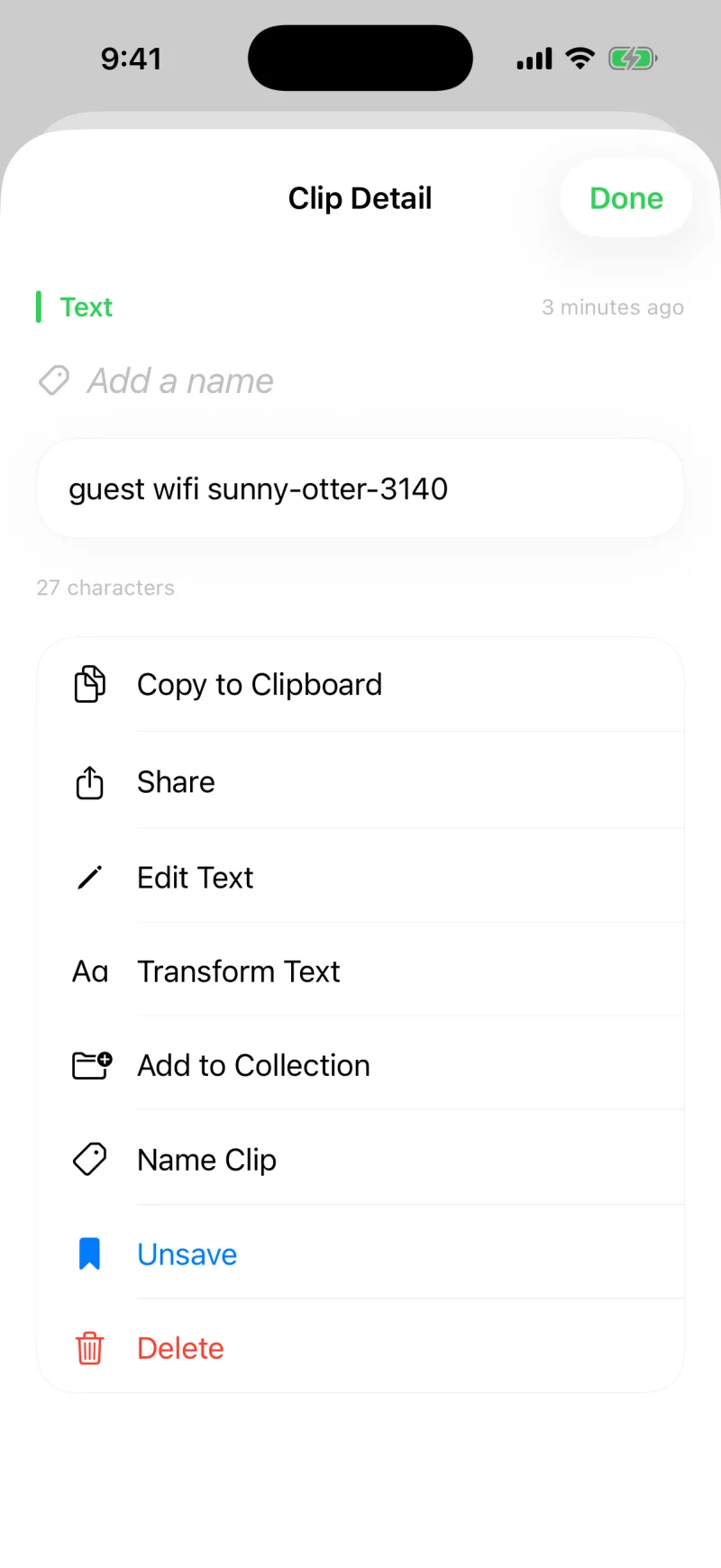
- Open a clip to see its detail, where Add a name sits right at the top.
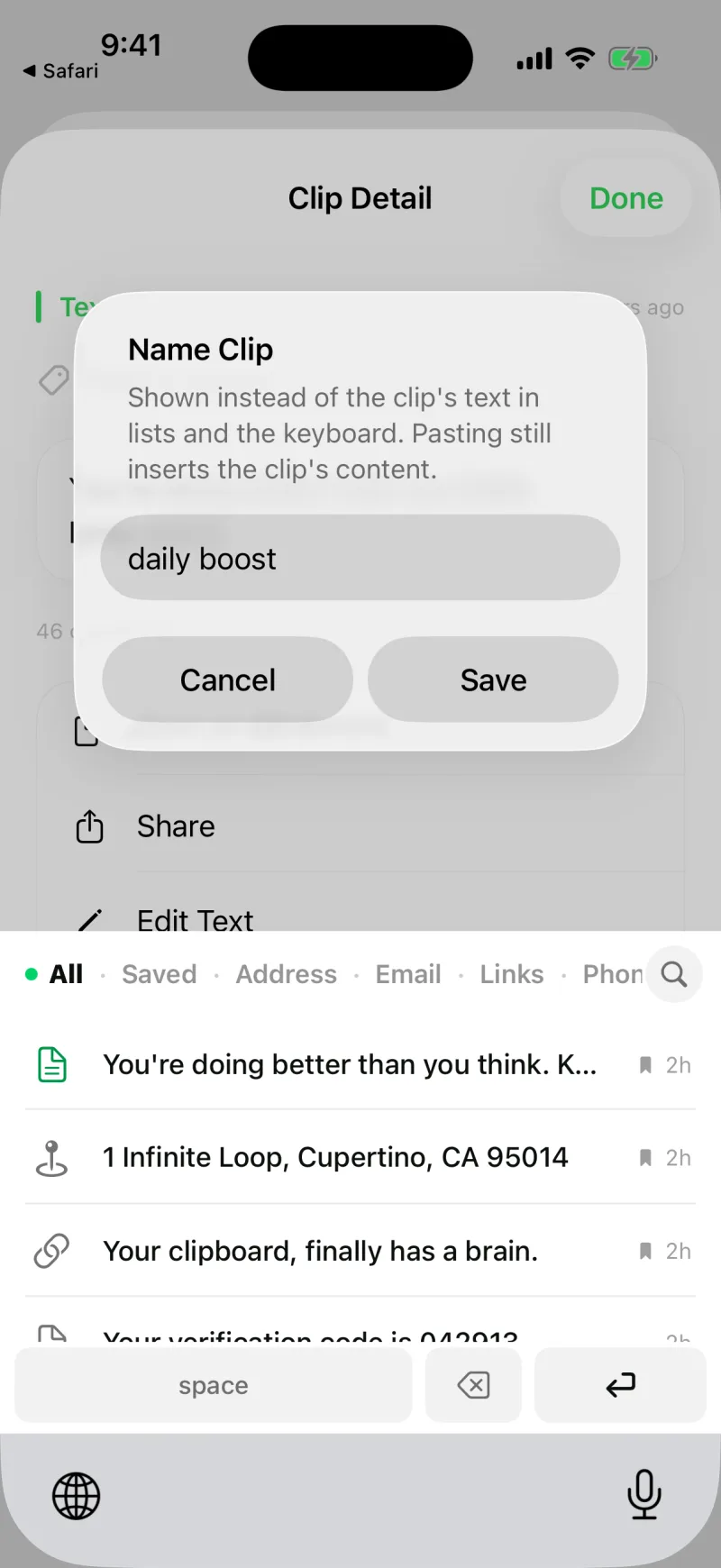
- Tap it (or Name Clip) and type a short name like Guest WiFi or Standup link.
- Tap Save. From now on that name appears wherever the clip is listed.
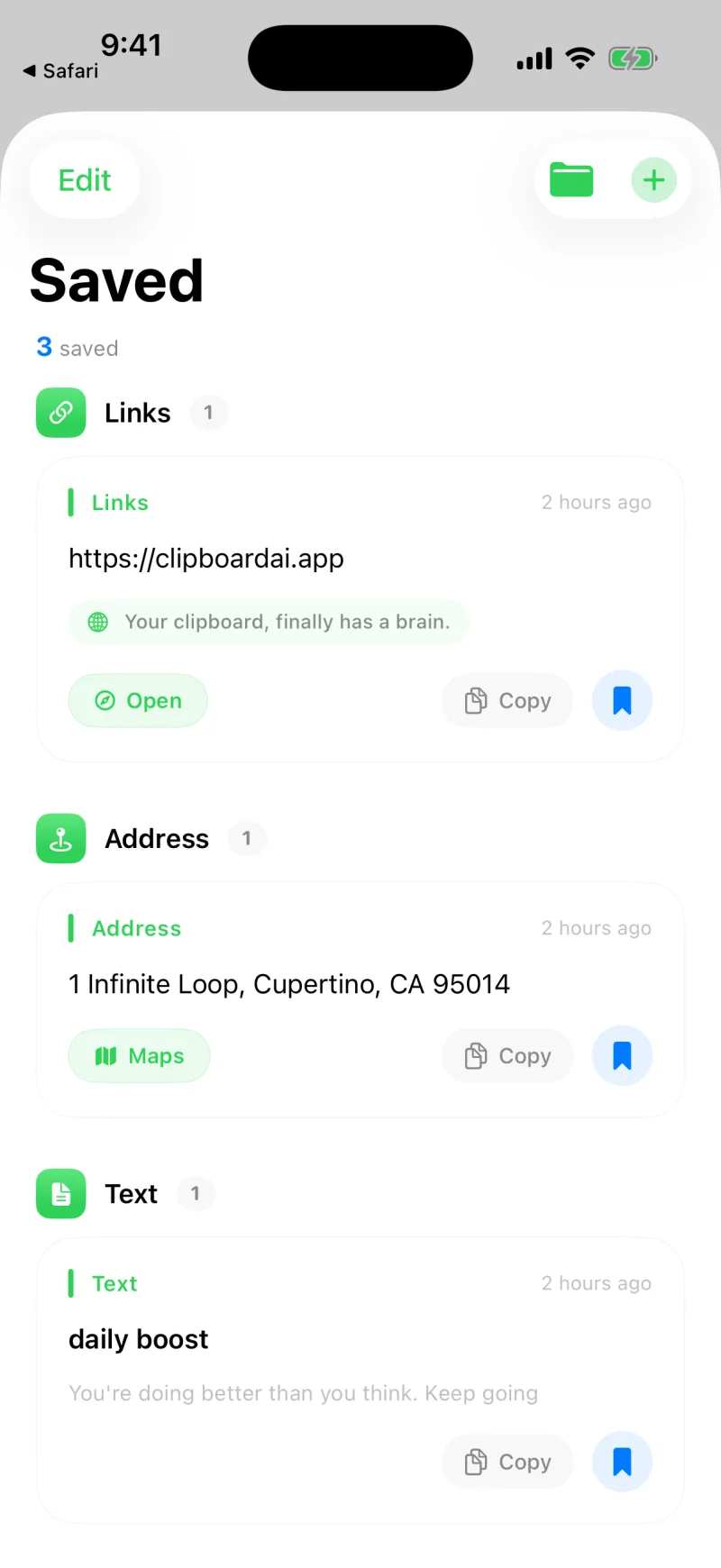
When you paste, Clipboard AI always inserts the real content, not the name. So "Guest WiFi" can sit on top of the actual password, and pasting drops in the password.
Good things to name
- Your home or guest WiFi password
- A meeting link you paste every day
- Your address or order number
- A support reply or canned message you reuse
A custom name is part of the clip, so it travels with it across your devices when sync is on, and it never replaces what gets pasted.
It is what search matches first, what Ask reaches for when you describe a clip, and the title Spotlight shows if you turn on Find Clips in Spotlight. Name the three things you retype most and all three get faster.
Remove or change a name
Open the clip again, tap Name Clip, and clear or rewrite the name. With no custom name, the clip falls back to showing a preview of its content.