
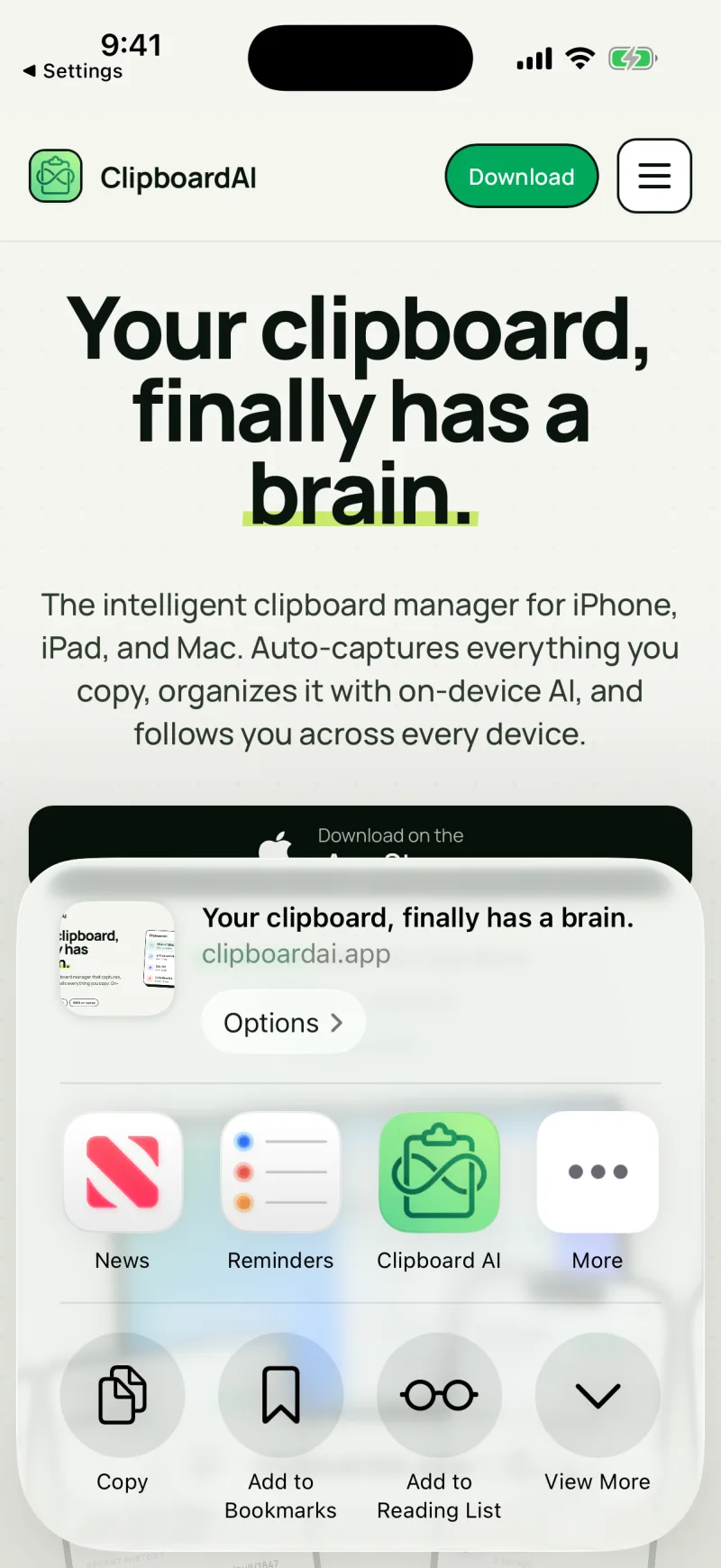
Found something in another app that you want to keep? Send it straight to Clipboard AI with the Share sheet. It works for text, links, and images.
Save with the Share sheet
Three taps, in any app. Here it is in Safari.
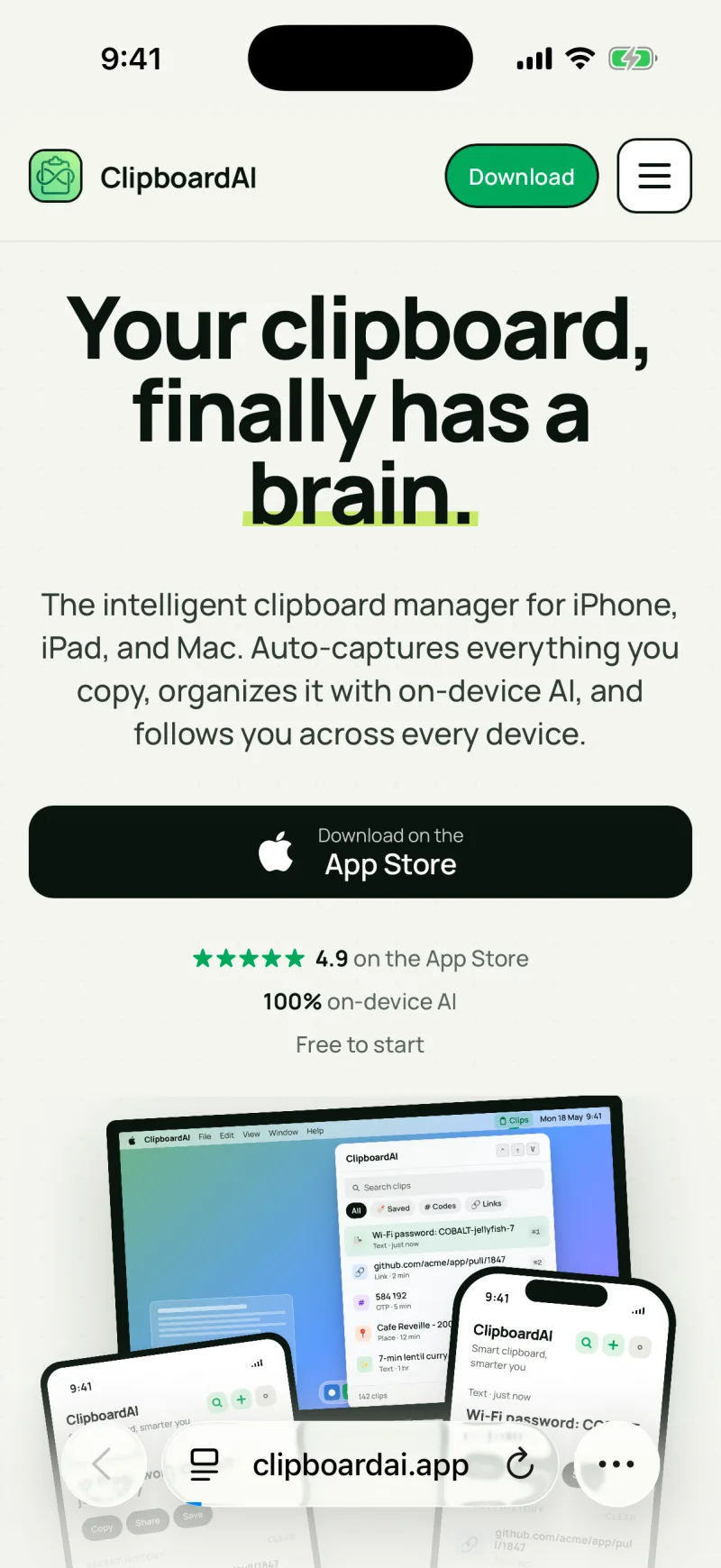
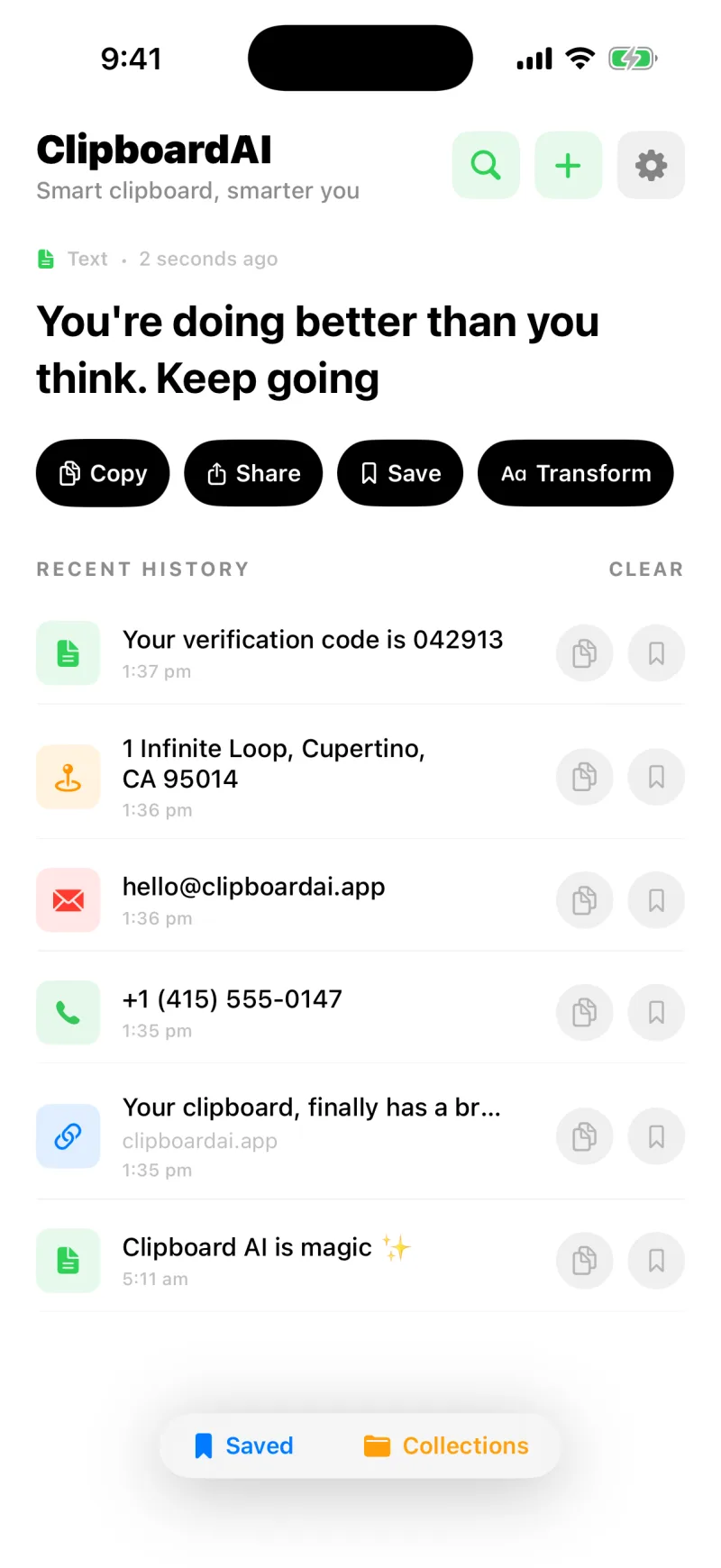
Sharing a picture to Clipboard AI keeps the full image so you can paste it later from the keyboard, without digging through Photos.
Pin it, rename it, or drop it into a Collection. See Give your clips custom names and Collections.
Share a photo and it lands as a picture, in the format your iPhone shoots, ready to paste from the keyboard as an image. The same is true when you copy a photo out of Messages and save it any other way.
Do not see "Clipboard AI"?
If the action is missing from the Share sheet, scroll to the end of the app row and tap More to turn it on, or restart your iPhone once after installing. The first time you share, iOS sometimes needs a moment to list the new action.