On this page
The Short Answer
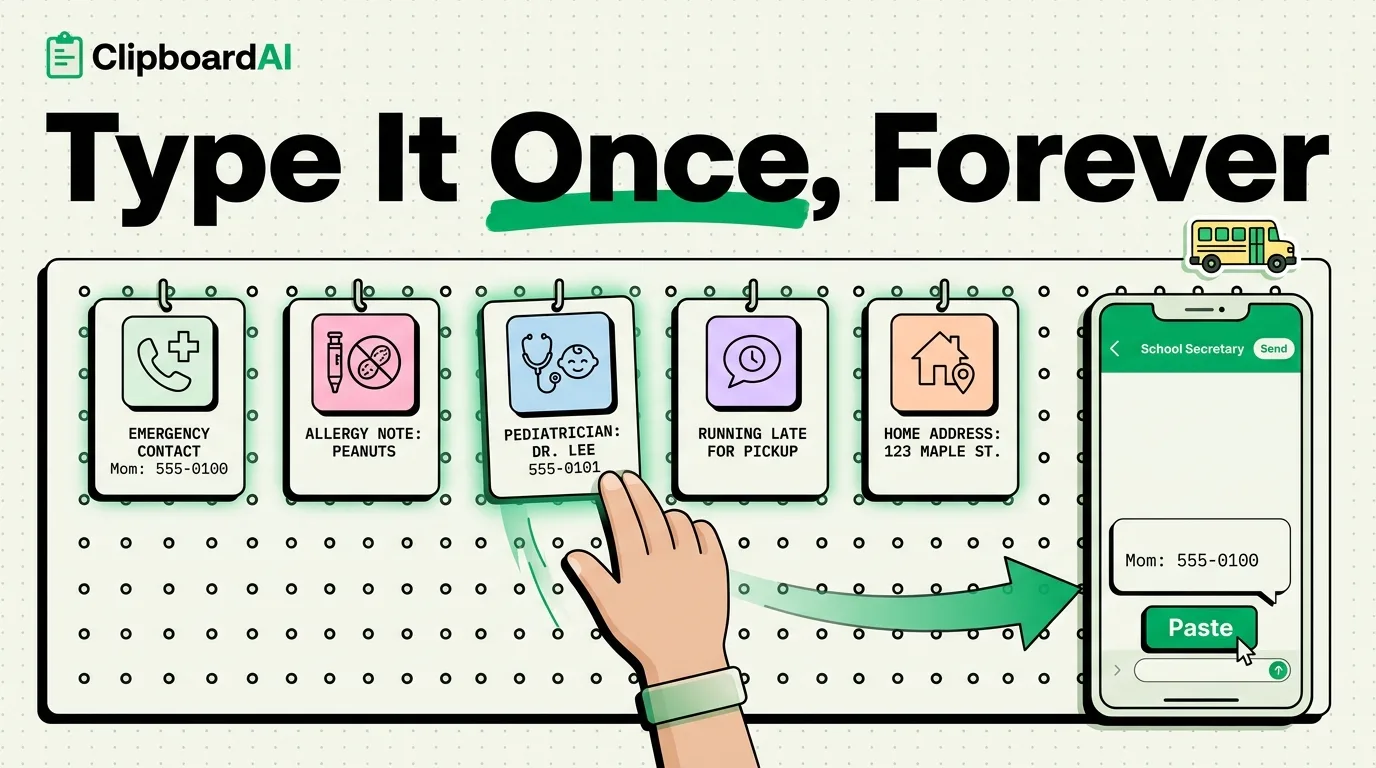
Parents retype the same information constantly: the school's absence-reporting phone number, a child's allergy details for a new teacher or babysitter, the pediatrician's after-hours line, a permission-slip signature line. None of this changes often, so retyping it every time is pure waste. Save each piece once as a pinned snippet and every future form, text, or email becomes a paste instead of a search-and-retype.
What Actually Gets Reused Most
| Info | Where it gets pasted repeatedly |
|---|---|
| Emergency contact block (name, relationship, phone) | School forms, camp registration, sports team apps, new babysitters |
| Allergy or medical notes | Substitute teacher notes, playdate texts, school nurse forms |
| Pediatrician's name and after-hours number | New school enrollment, camp forms, travel emergency prep |
| Standard "running 10 minutes late for pickup" text | Sent to carpool groups or after-school programs regularly |
| Home address | Delivery instructions, school pickup authorization forms, new doctor intake forms |
Setting This Up
- Type each piece of information out once, correctly, and copy it.
- Pin it in ClipboardAI so it stays at the top of your clipboard history instead of getting buried under everyday copies.
- The next time a form or text needs that information, paste instead of retype. If you have a keyboard extension with Full Access enabled, this works directly inside Messages, Mail, or any app's text field without switching apps first.
Why This Beats a Notes App for This Specific Case
You could keep a note with all this info and copy from it each time, which works, but it is an extra app-switch every time. A pinned clipboard snippet is one tap away from the keyboard you are already using, which matters most in the moment you actually need it, like filling out a school form on your phone while standing in a pickup line.
Honest Caveats
- Do not pin your child's Social Security number or anything similarly sensitive. Clipboard history, even pinned, is not designed as secure storage for that category of data.
- Everything you pin lives on your device, and if you turn on optional sync between your iPhone and Mac it travels through your own private iCloud account using Apple's CloudKit, the same infrastructure that protects your Photos and Notes, encrypted in transit and at rest. Nothing passes through a ClipboardAI server, there is no account to create, and you can leave sync off entirely to keep medical details on one device.
- This is a convenience fix for repetitive typing, not a replacement for keeping your child's official emergency contact forms updated with the school directly.
Frequently Asked Questions
Is it safe to pin my child's allergy information?
General allergy notes (like "no peanuts, carries an EpiPen") are commonly shared with schools and caregivers already, so pinning them for faster pasting is reasonable. Avoid pinning anything more sensitive, like full medical record numbers.
Does this work across both my iPhone and my co-parent's phone?
Not automatically. ClipboardAI syncs your own clipboard across your own devices signed into the same account; it does not share pinned items between two separate people's accounts. Each parent would need to set up their own pinned snippets.