On this page
The Actual Culprit
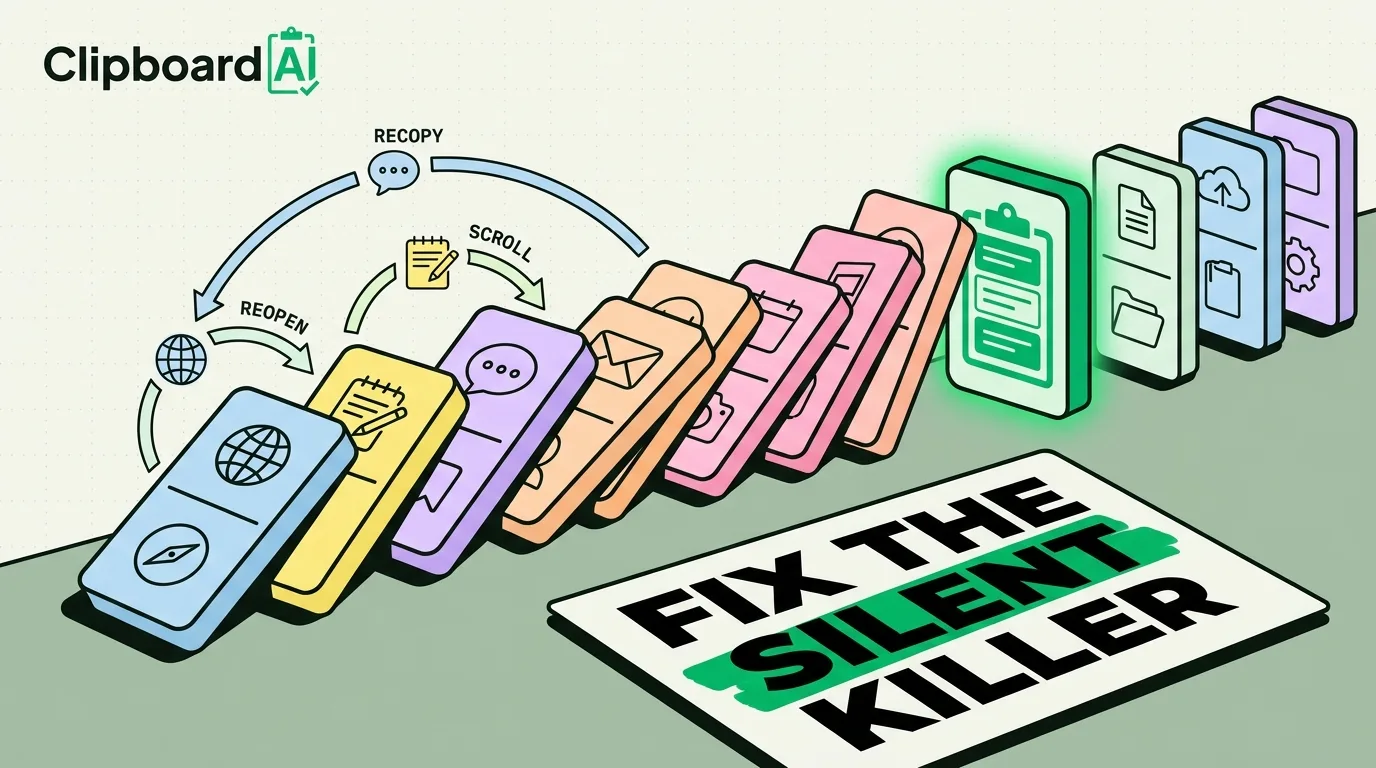
Screen Time reports blame social apps, but the more common drain is smaller and less visible: re-finding information you already had. You copy an address, then copy a phone number before you paste the address, and now you have to reopen the original app, scroll back to the same spot, and copy it again. That reopen-scroll-recopy loop is a context switch, and iOS's clipboard makes it happen constantly because it only holds one item at a time.
Why This One Is Invisible
Social media shows up in Screen Time with a number and an app icon, so it is easy to blame and easy to limit with a Focus mode. Clipboard-driven context switching does not show up anywhere. There is no "you switched apps 40 times today to re-copy things" stat. It just quietly costs you the few seconds of re-finding, plus the larger cost of losing your train of thought each time you leave the app you were working in.
A Way to Actually See It
For one afternoon, notice every time you switch back to an app only to re-copy something you already copied once. Most people find this happens more than they expect, especially during tasks like filling out forms, replying to multiple messages with the same info, or moving data between a browser and a notes app.
The Direct Fix
The fix is not a Focus mode or a Screen Time limit, since the trigger is not distraction, it is data loss. It is keeping more than one copied item accessible at once. On iPhone and Mac, ClipboardAI saves every item you copy in order, so copying a second thing does not erase the first. Practically:
- Copy everything you need for a task up front (address, then phone number, then reference code) instead of copying one, pasting it, and going back for the next.
- Pin anything you paste more than a few times a week, like an email signature or a shipping address, so it stays at the top instead of scrolling past in history.
- Search your clipboard history instead of reopening the source app when you need something you copied earlier.
A Realistic Scope of the Fix
This does not eliminate context switching, and it will not fix distraction from notifications or app-hopping out of habit. It removes one specific, mechanical cause: switching apps purely to re-copy something you already had. For workflows with a lot of copy-paste, like customer support, data entry, or filling out repetitive forms, that one cause can be a meaningful share of total switches.
Frequently Asked Questions
Is this the same as digital minimalism or reducing screen time?
No. Screen time limits address distraction from apps you choose to open. This addresses forced re-work caused by the clipboard losing information you already copied, which is a workflow problem, not an attention problem.
Does a clipboard manager fix context switching from notifications?
No, that is a separate issue best handled with Focus modes and notification settings. A clipboard manager only addresses the specific pattern of switching apps to re-copy lost content.