On this page
The Short Answer
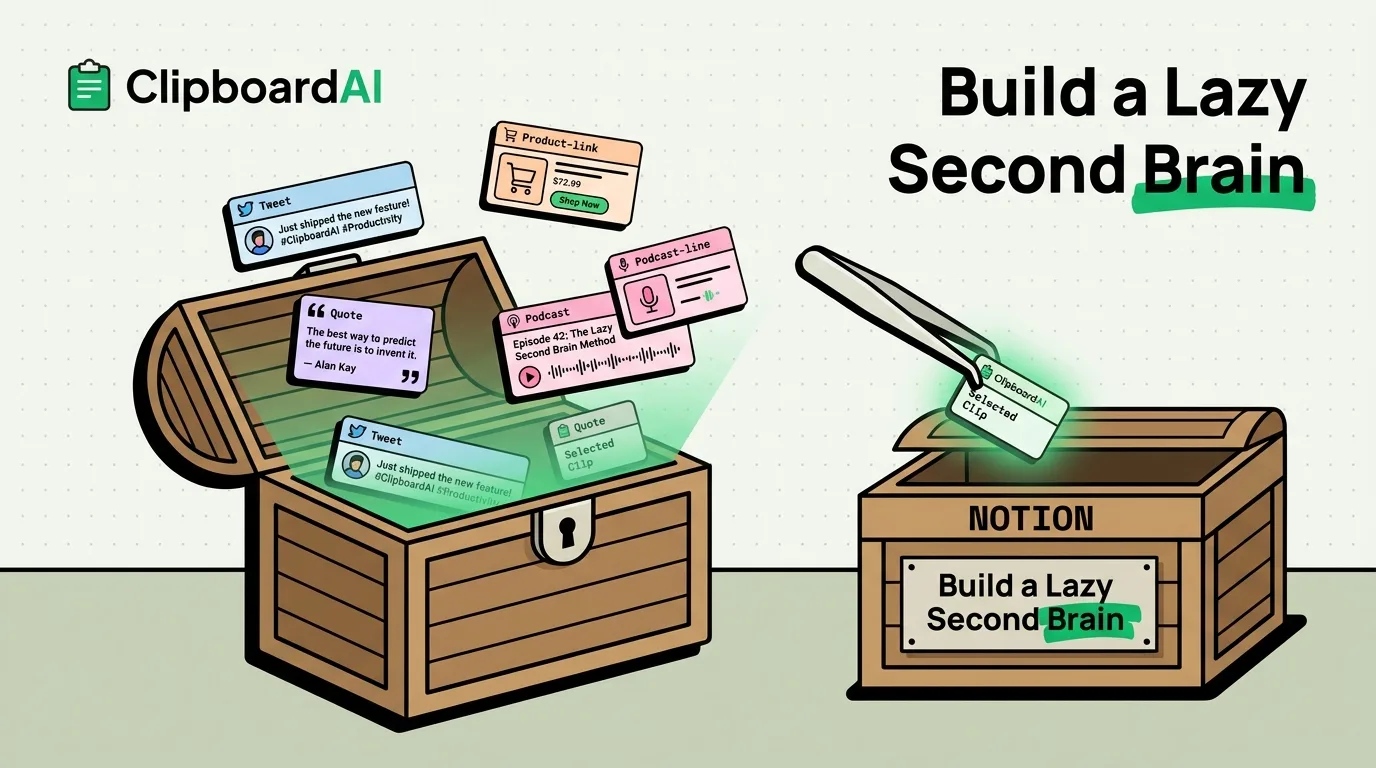
A "second brain" app like Notion or Roam only works if you actually put things into it, and most people stop within a week because capture requires too many steps. Your clipboard already captures everything you copy with zero extra steps. Point a clipboard history tool at it and you get a rough, low-friction second brain for free: every link, quote, address, and snippet you copy today is still searchable next month instead of vanishing the moment you copy something else.
What This Is (and Isn't) a Replacement For
Be honest about the limits here before you get excited: a clipboard history is not a knowledge base. It has no folders you designed, no backlinks between ideas, no long-form notes, and nothing you did not literally copy. If your second-brain system depends on writing your own summaries, linking related ideas together, or building a permanent reference library, you still need Notion, Obsidian, or Apple Notes for that layer.
What a clipboard history is good at is the unglamorous middle step everyone skips: capturing the raw material before it gets lost, so you have something to work with later. Think of it as the inbox, not the filing cabinet.
A Concrete Workflow
Here is what this looks like in practice on iPhone and Mac with ClipboardAI running in the background:
- During the day, copy normally. A tweet you want to remember, a quote from an article, a product link a friend sent you, a line from a podcast transcript. Every one of those copies is saved automatically, in order, with no extra tap.
- Once a day (or once a week), sweep your history. Open the clipboard history and scan what accumulated. Pin the handful of items worth keeping long-term. Ignore or delete the rest.
- Move the keepers into your actual system. Paste the pinned items into Notes, Notion, or wherever your permanent knowledge base lives. The clipboard did its job the moment it kept the raw material alive long enough for you to notice it.
Which ClipboardAI Features Actually Help Here
| Feature | Why it matters for capture |
|---|---|
| Full clipboard history (not just the last item) | iOS and macOS natively hold one clipboard item at a time. Without a history tool, your last five copies are already gone by the time you want them. |
| Automatic categorization (links, text, images) | Lets you scan for "all the links I copied this week" instead of scrolling everything in order. |
| Pinning | Marks the few items worth moving into a permanent note, separate from the noise of everyday copies. |
| Full-text search | Finds a quote you copied two weeks ago by keyword, without remembering which app or day it came from. |
| Auto-Delete Old Clips (Never / 30 days / 60 days / 3, 6, or 12 months) | Keeps the history from growing forever if you never want it to double as permanent storage. |
Honest Caveats
- Everything you copy is stored on-device and never passes through a ClipboardAI server. Sync between iPhone and Mac is optional, and when you turn it on it moves through your own private iCloud account (CloudKit and iCloud Key-Value Store, plus a direct device-to-device transport when your devices share Wi-Fi), encrypted in transit and at rest, the same protection tier as your Photos and Notes. You can also leave sync off entirely to keep everything on your device.
- The password/sensitive-app exclusion (nspasteboard.org markers plus a manually curated Excluded Apps list) exists on Mac only. It is not available on iPhone or iPad.
- This system only works if you actually do the weekly sweep. Skip that step for a month and you end up with an unsorted pile, not a second brain.
Frequently Asked Questions
Do I need Notion or Roam if I use a clipboard manager this way?
Only if you want permanent, structured notes with backlinks and your own writing. A clipboard manager is the capture layer, not the storage layer. Most people end up using both: ClipboardAI to catch things without friction, and Notes or Notion for anything they decide is worth keeping forever.
Will my clipboard history get overwhelming if I never clean it up?
Yes, eventually. Set Auto-Delete Old Clips to a window that matches how often you actually review your history, so old noise clears out on its own instead of piling up.