
The Bottom Line
The feature is clipboard history, and it is not glamorous. iOS only remembers the single most recent thing you copied. The moment you copy something new, the old one is gone with no way to get it back. Every time that forces you to switch apps, re-find something, and re-copy it, you are paying a small tax. Add it up over a week of moving addresses, codes, and links between apps and it is a real amount of time, not a marketing number.
Doing the Math Honestly
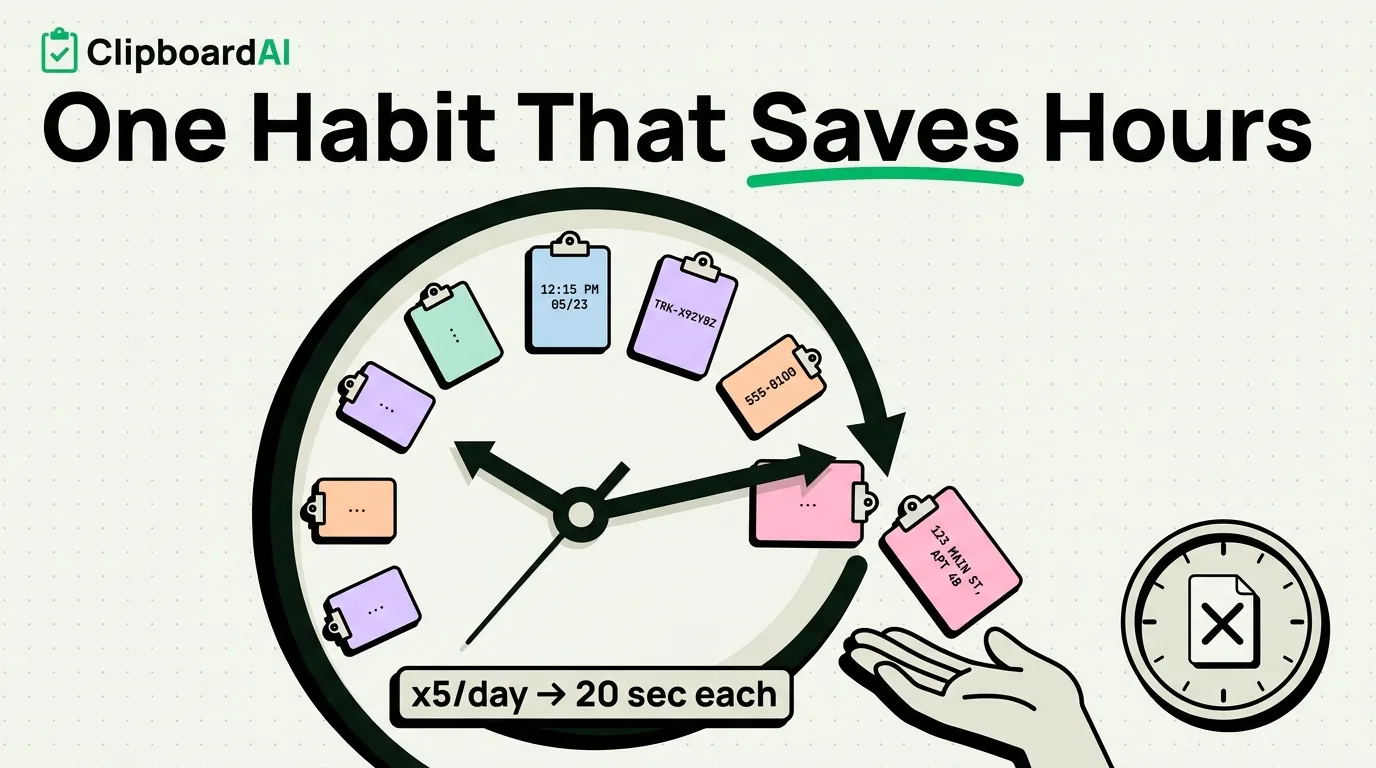
Here is a back-of-envelope estimate, not a lab-measured claim. Say you copy something and then need it again later, after copying something else in between, five times a day. Without history, each of those is a 15 to 30 second detour: switch back to the source, find it, re-copy, switch back to where you needed it. At the low end, that is 75 seconds a day, about 9 minutes a week. At the high end with more frequent re-finding, it climbs past an hour a week. "3 hours a week" is plausible only for someone who copies constantly across many apps, like a support agent, recruiter, or someone managing several projects at once. For a typical user, expect something more modest, in the range of 15 to 45 minutes a week. The honest takeaway is that the exact number depends entirely on how much copying your day involves, and the only way to know your number is to actually watch a week of your own usage.
What Clipboard History Actually Does
ClipboardAI replaces iOS's one-item clipboard with a running history: everything you copy is saved, sorted automatically into categories like links, phone numbers, and codes, and searchable later. On iPhone this works through the app itself and through a custom keyboard (Full Access required) so you can paste from history inside any other app without leaving what you're typing.
The free tier is enough to try the workflow, and a 7-day free trial lets you test unlimited history before deciding if it is worth keeping.
A One-Week Self-Test
Instead of trusting anyone's number, including this article's estimate, run your own week:
- Install a clipboard history app and use it normally for a week without changing your habits otherwise.
- Each time you paste something from history that iOS's single-item clipboard would have already lost, make a mental note or a quick tally.
- At the end of the week, multiply that count by roughly 20 seconds (a conservative estimate for the app-switch-and-re-copy detour it replaced).
That gives you a real number for your own usage instead of a borrowed one.
Honest Caveats
If you rarely copy more than one thing per session, this feature will save you close to nothing, and that is fine. It is not a universal productivity hack, it is a fix for a specific, common annoyance that only shows up if your day involves frequent copying across apps.
Frequently Asked Questions
Does this work the same way on Mac?
Yes, ClipboardAI's Mac app keeps a menu-bar history and a Cmd-Shift-V floating panel, plus batch-paste features (Paste All, Paste One by One, Copy as One) that iPhone does not have.
Is my clipboard history private?
Everything you copy is stored on-device by default, and the AI features run entirely on-device, so your clips are never sent to any server. Optional iCloud sync across your own devices runs through your own private iCloud account, encrypted in transit and at rest, the same protection tier as your Photos and Notes. No clip content ever passes through or lands on a ClipboardAI server, and you can leave sync off entirely for a fully on-device setup.
How long does clipboard history stick around?
You control it with Auto-Delete Old Clips: Never, 30 days, 60 days, 3 months, 6 months, or 1 year. There is no same-day auto-delete option, so clear anything sensitive manually if you need it gone immediately.