On this page
The Short Answer
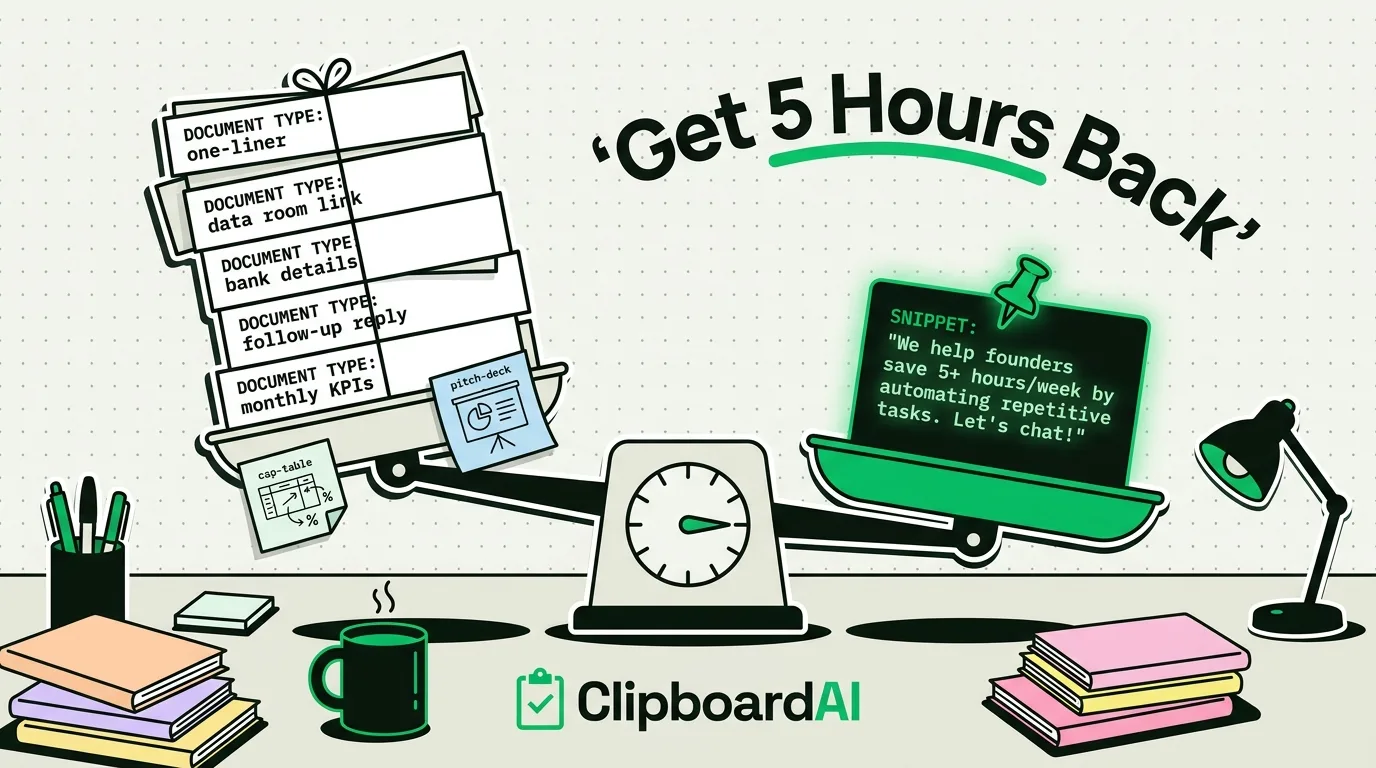
Early-stage founders repeat the same handful of pastes dozens of times a day: the same investor update snippet, the same product one-liner, the same bank or cap-table reference numbers, the same links to a pitch deck or data room. None of that is exotic automation, it is just typing the same thing over and over because the system clipboard only remembers your last copy. A pinned snippet library fixes the specific, mechanical waste of retyping things you already wrote once.
What Actually Gets Repeated Most
| Task | Why it repeats |
|---|---|
| The one-line company description | Goes into cold emails, LinkedIn messages, directory listings, and intro requests, worded slightly differently each time unless you have a saved version |
| Data room / deck links | Sent to investors, advisors, and candidates repeatedly during a raise |
| Bank details or invoice text | Needed for every new vendor or contractor onboarding form |
| Standard "thanks, following up" replies | Sent to dozens of investor or partner threads with only the name changed |
| Metrics or KPIs for the current month | Copy-pasted into board decks, investor updates, and Slack messages |
Setting This Up
- Install ClipboardAI and let ordinary copying run for a few days. You will see your own repeat patterns show up in the history without having to guess them in advance.
- Pin the handful of items you notice repeating: company description, data room link, bank details, standard follow-up line.
- Use categories to separate links (data room, deck) from plain text (descriptions, replies) when your history grows past a quick scroll.
- Search instead of scrolling back through Slack or email threads when you need something you copied earlier in the week.
Honest Caveats
- This does not replace a CRM for tracking investor conversations, or a proper templated-email tool for large-scale outreach. It solves the narrower problem of not having to retype the same short strings by hand.
- Do not pin bank account numbers or anything you would not want sitting in a synced clipboard history long-term; treat pinned financial snippets the way you would treat any other synced note, and set Auto-Delete Old Clips if that is a concern.
- Cross-device sync (iPhone to Mac) is optional and moves through your own private iCloud account, encrypted in transit and at rest, the same protection tier as your Photos and Notes. Your clips never pass through a ClipboardAI server, and you can leave sync off entirely to keep everything on-device.
Frequently Asked Questions
Is this different from a text-expansion app?
Related but not identical. Text expanders trigger on typed shortcuts; a clipboard manager surfaces what you already copied, including things you did not plan to reuse when you first copied them. Many founders end up using both for different purposes.
Should I store cap table numbers in a clipboard manager?
Be selective. Non-sensitive reference links and boilerplate text are fine to pin. For anything sensitive, a dedicated document with proper access controls is a better home than clipboard history.