On this page
The Bottom Line
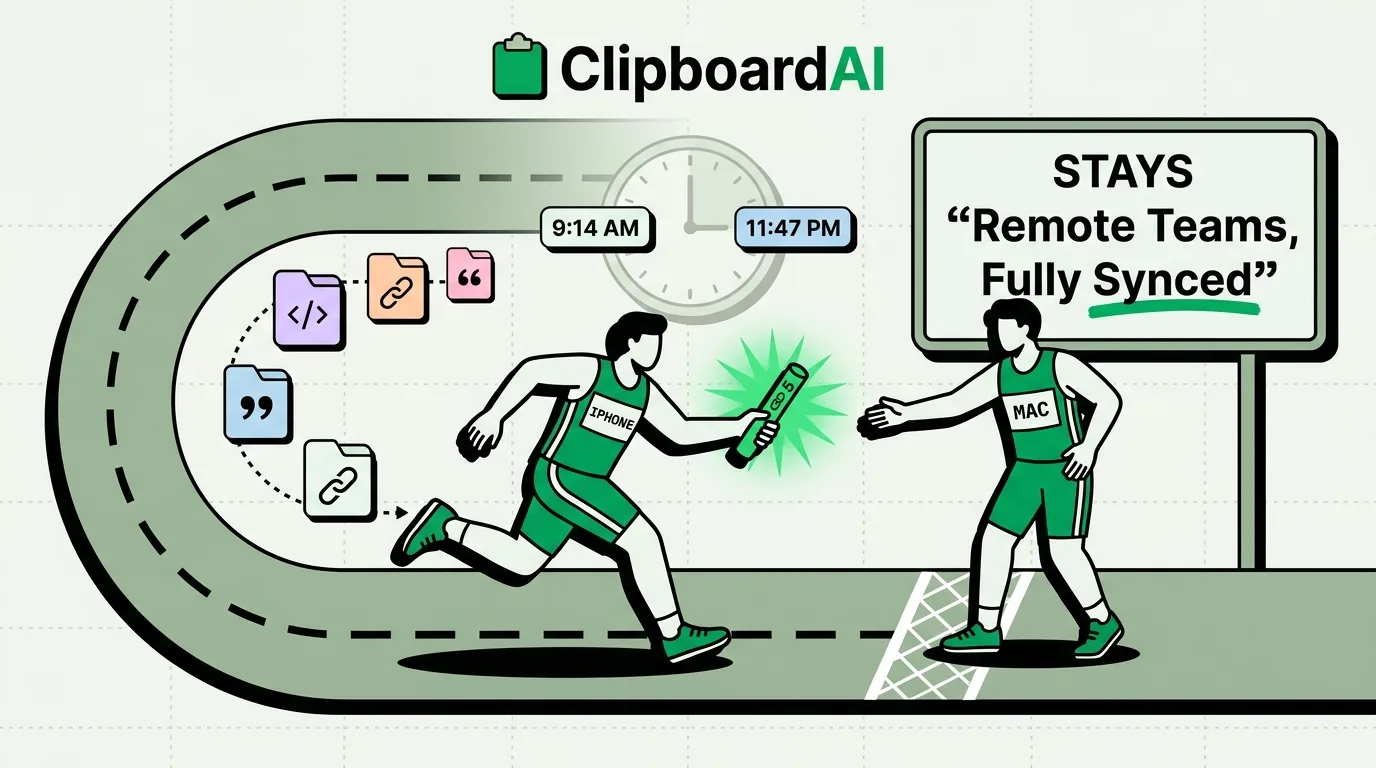
"Clipboard sync" for a remote team is not really about syncing a clipboard between coworkers, ClipboardAI does not offer shared team clipboards, no clipboard tool does this safely for multiple people. What it does solve is syncing your own clipboard history across your own devices (say, iPhone during a commute and Mac at your desk), so a link or snippet you copied on one device is still there, searchable, on the other. That's a real, common async-work problem worth solving.
The Actual Problem: Context Switching Between Your Own Devices
A common remote-work pattern: you read a Slack thread or a doc on your phone during a break, copy a link or a reference you'll need later, then sit down at your Mac an hour later to actually act on it. Native iOS and macOS clipboards do not share state across devices by default the way you'd want for this, Apple's own Universal Clipboard (Handoff) supports copying on one Apple device and pasting on another, but only briefly (roughly within a couple of minutes) and only the single most recent item, exactly the same one-item limitation as the local clipboard.
How ClipboardAI's Cross-Device History Differs
ClipboardAI's optional iCloud sync keeps your full clipboard history (not just the last item) available across your iPhone, iPad, and Mac. Copy five things on your phone during a train ride, all five are still there and searchable when you open ClipboardAI on your Mac later, not just the last one, and not on a two-minute timer. Sync moves through your own private iCloud account using CloudKit plus iCloud Key-Value Store, along with a direct device-to-device transport when your devices share Wi-Fi, encrypted in transit and at rest, the same protection tier as your Photos and Notes. Your clips never pass through a ClipboardAI server, there is no account to create, and you can leave sync off entirely to keep everything on-device.
Mac-Specific: Batch and Sequential Paste
For remote workers doing repetitive data entry (pasting a list of names into a spreadsheet, filling several ticket fields from a batch of notes), ClipboardAI's Mac app has features iPhone does not: "Paste All" (auto-pastes a sequence of copied items in order, e.g. into successive spreadsheet cells), "Paste One by One" (a HUD-guided ⌘V-at-a-time walkthrough through a queue of clips), and "Copy as One" (merges multiple clips into a single paste). These are Mac-only and free, not paywalled.
Practical Setup for Cross-Device Workflow
| Step | Where |
|---|---|
| Enable iCloud sync | ClipboardAI Settings > Sync (same Apple ID on both devices) |
| Set an Auto-Delete window | Settings > Auto-Delete Old Clips (30 days to 1 year) |
| Use categories to jump straight to links vs. text | Automatic, no setup needed |
| Mac: batch-paste a list into a spreadsheet or form | Cmd-Shift-V panel > Paste All / Paste One by One |
What This Does Not Solve
This is personal cross-device sync, not team collaboration. If you need to actually share a snippet with a teammate (a support macro, a standard reply, a code block), that still has to go through a message, doc, or shared team tool, ClipboardAI does not have a shared-team-clipboard feature, and treat any tool that claims one with skepticism given the privacy implications of multiple people reading a shared clipboard stream.
Frequently Asked Questions
Does Universal Clipboard already do this?
Partially. Apple's Handoff-based Universal Clipboard copies the single most recent item between your Apple devices, and only for a short window after copying. It does not keep a searchable history the way a dedicated clipboard manager does.
Is there a Windows version for teams with mixed OS?
No. ClipboardAI supports iPhone, iPad, and Mac only, there is no Windows client.