On this page
The Honest Answer
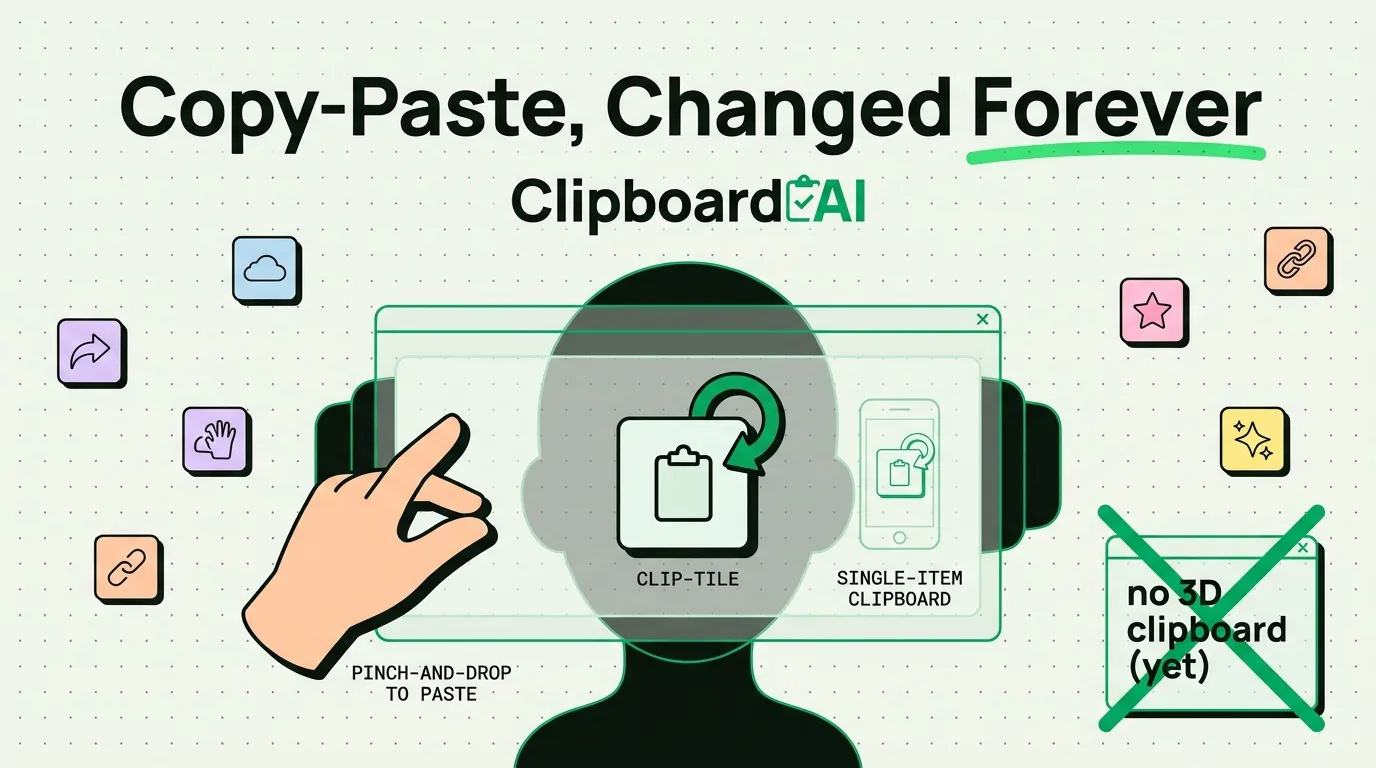
visionOS uses the same fundamental copy-paste model as iOS and macOS: select content, copy it, and it sits in a single system-wide clipboard until you paste it or copy something else. Apple has not shipped a distinct "spatial clipboard" with 3D gestures unique to Vision Pro. What changes is the input method, using eye tracking and pinch gestures instead of touch, not the underlying clipboard concept. ClipboardAI does not currently have a visionOS app, so nothing here is a product pitch; this is a plain look at what actually exists today versus what gets speculated about.
What Vision Pro's Clipboard Actually Does
- You select text or objects in a window using the same pinch-to-select interaction Apple uses for every other action on the device.
- Copy and paste work inside apps built for visionOS the same way they work in an iPad app: one item held at a time, overwritten by the next copy.
- There is no native multi-item clipboard history built into visionOS any more than there is on iPhone or iPad. The single-item limitation is the same limitation, just experienced through a headset instead of a screen.
Where the "3D Copy-Paste" Idea Comes From
Spatial computing discourse often extrapolates from the idea that if content exists in 3D space, copying it should feel spatial too, dragging a virtual object from one app's window into another, for example. That kind of drag-and-drop between windows does exist in visionOS in a basic form (similar to drag-and-drop on iPad), but it is drag-and-drop, not a novel clipboard paradigm. Treat any claim about "clipboard gestures unique to visionOS" skeptically until you can point to it in Apple's own developer documentation.
What This Means for Cross-Device Clipboard Tools Today
If you use ClipboardAI on iPhone and Mac, that setup is unaffected by visionOS one way or the other, since Vision Pro is a separate device with its own app ecosystem. Universal Clipboard (Apple's own Handoff-based feature, not part of any third-party app) is the built-in mechanism for copying on one Apple device and pasting on another when signed into the same Apple ID with Wi-Fi and Bluetooth enabled; whether and how far that extends to visionOS depends on Apple's own OS updates, not on any clipboard manager.
Caveats
- This article describes the general shared clipboard model across Apple platforms, not confirmed forthcoming visionOS features. Apple has not published a roadmap for clipboard-specific changes on visionOS.
- Any claim describing named "spatial clipboard gestures" as an existing, shipped feature should be treated as unverified unless linked to Apple's official visionOS documentation.
Frequently Asked Questions
Does Vision Pro have a clipboard history like ClipboardAI's?
No. visionOS's built-in clipboard, like iOS and macOS, holds a single item at a time with no native history. There is currently no ClipboardAI app for visionOS.
Can I copy something on my iPhone and paste it into Vision Pro?
That depends on Apple's Universal Clipboard support for visionOS at any given OS version, which is Apple's own Handoff feature and outside the scope of any third-party clipboard app.